Going remote-first: the three contracts to renegotiate
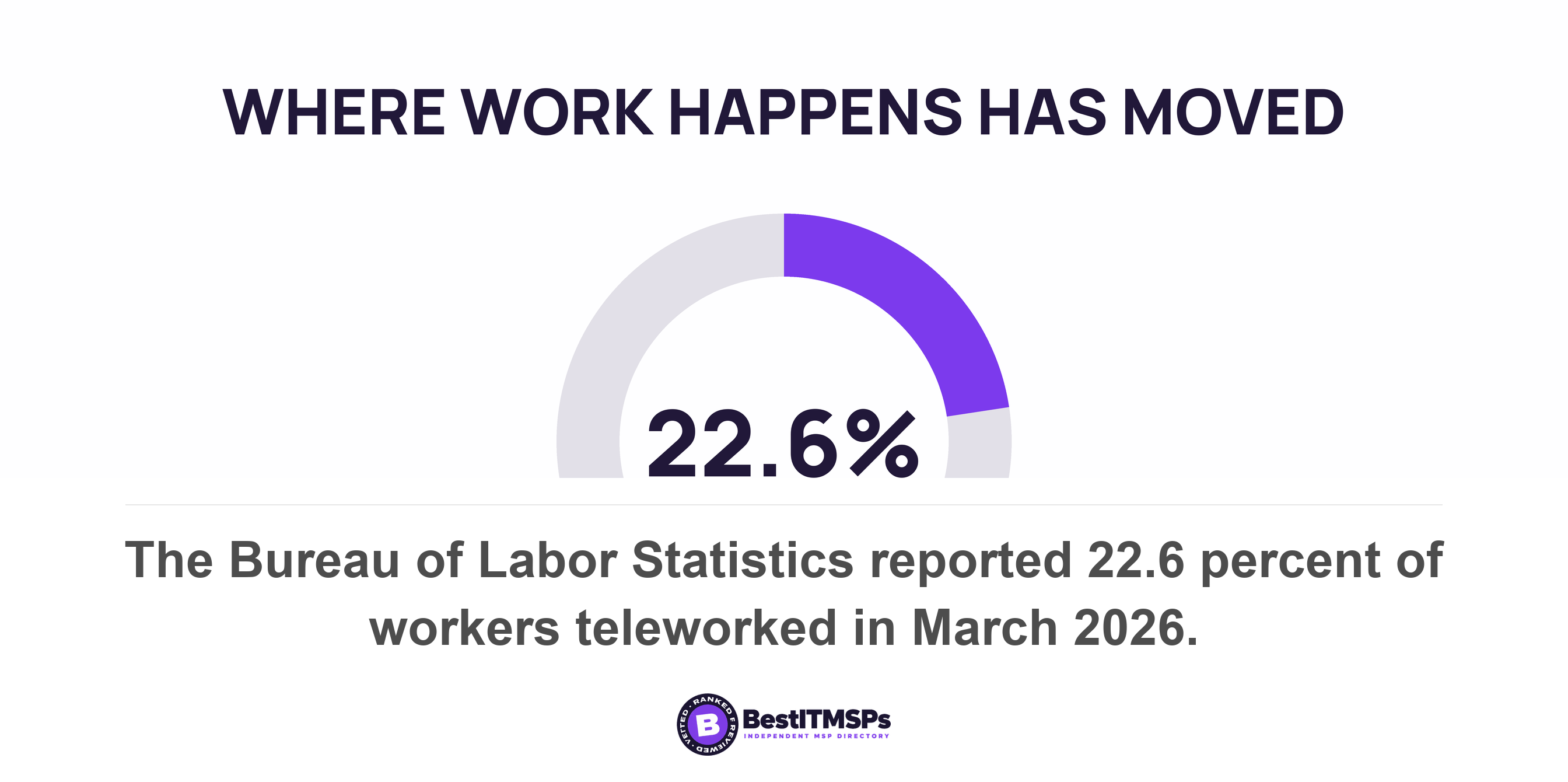
Three agreements stop matching a remote-first business the day the office closes. The managed IT services agreement, priced per site and per desktop. The connectivity agreement, tied to an address and the phone numbers on it. The equipment agreement, covering hardware you no longer house. BLS put telework at 22.6 percent of workers in March 2026.
- The support agreement is the one priced to a building. On-site visit allowances, a travel radius, attendance-based response times and a desktop device count all stop describing your business.
- Your phone numbers are portable between carriers, not between places. Federal rules define number portability as retaining a number at the same location when you switch carrier.
- A dedicated circuit set up by individual negotiation sits outside the broadband label rules, so your termination exposure is written only in your own contract.
- The copier is the asset nobody decommissions. Its hard drive stores data about every document it copied, scanned, faxed or emailed, and the leasing company takes it back.
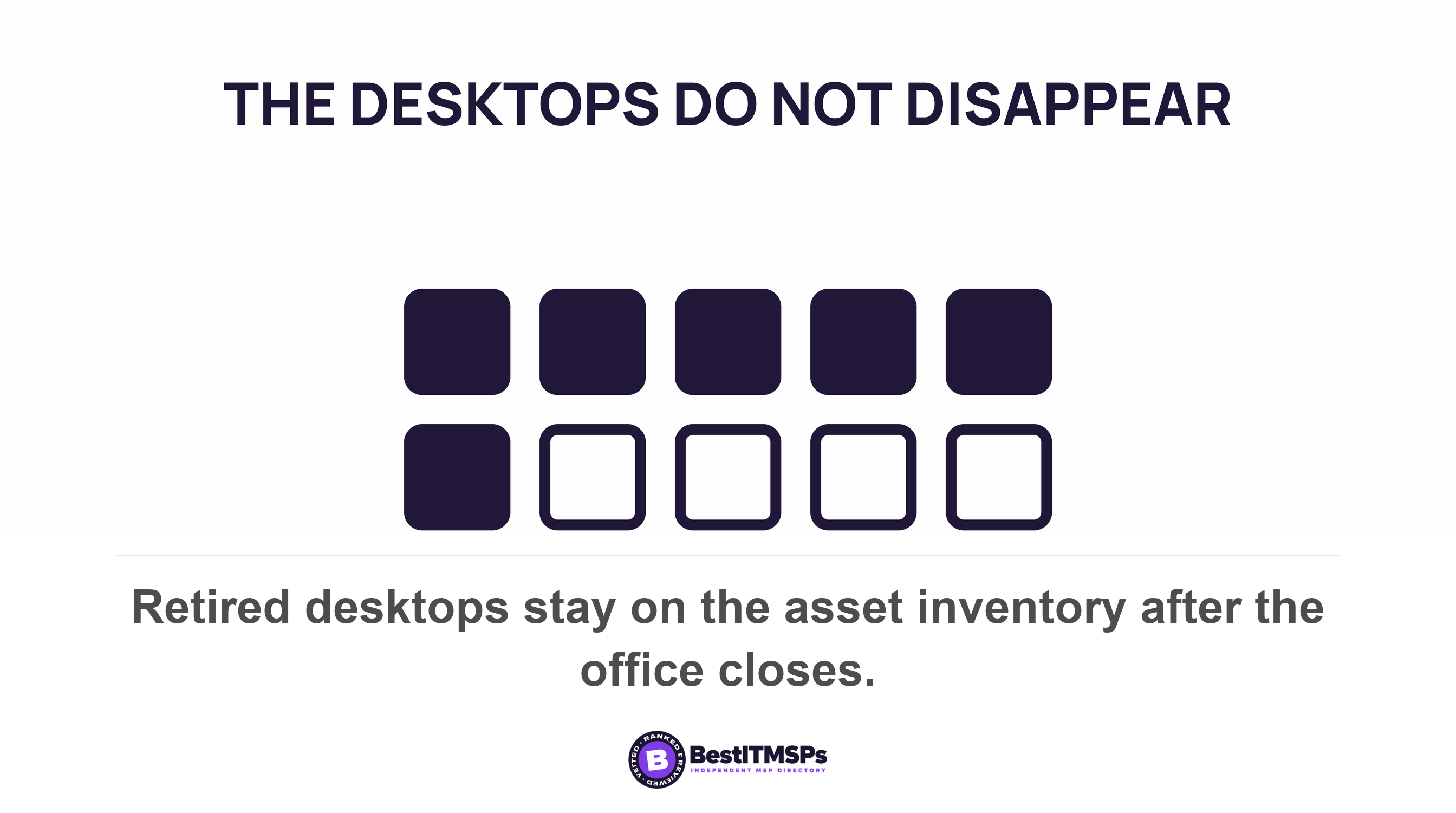
- Your device count rises rather than falls. The desktop does not vanish when the keys go back, and it still carries a licence, an agent and a line on the bill.
Which contracts stop matching when you go remote-first?
Three contracts stop matching the day the office closes. Your managed IT services agreement, your connectivity agreement, and your equipment agreement. Each one prices something to a building, and the building is the part you just removed.
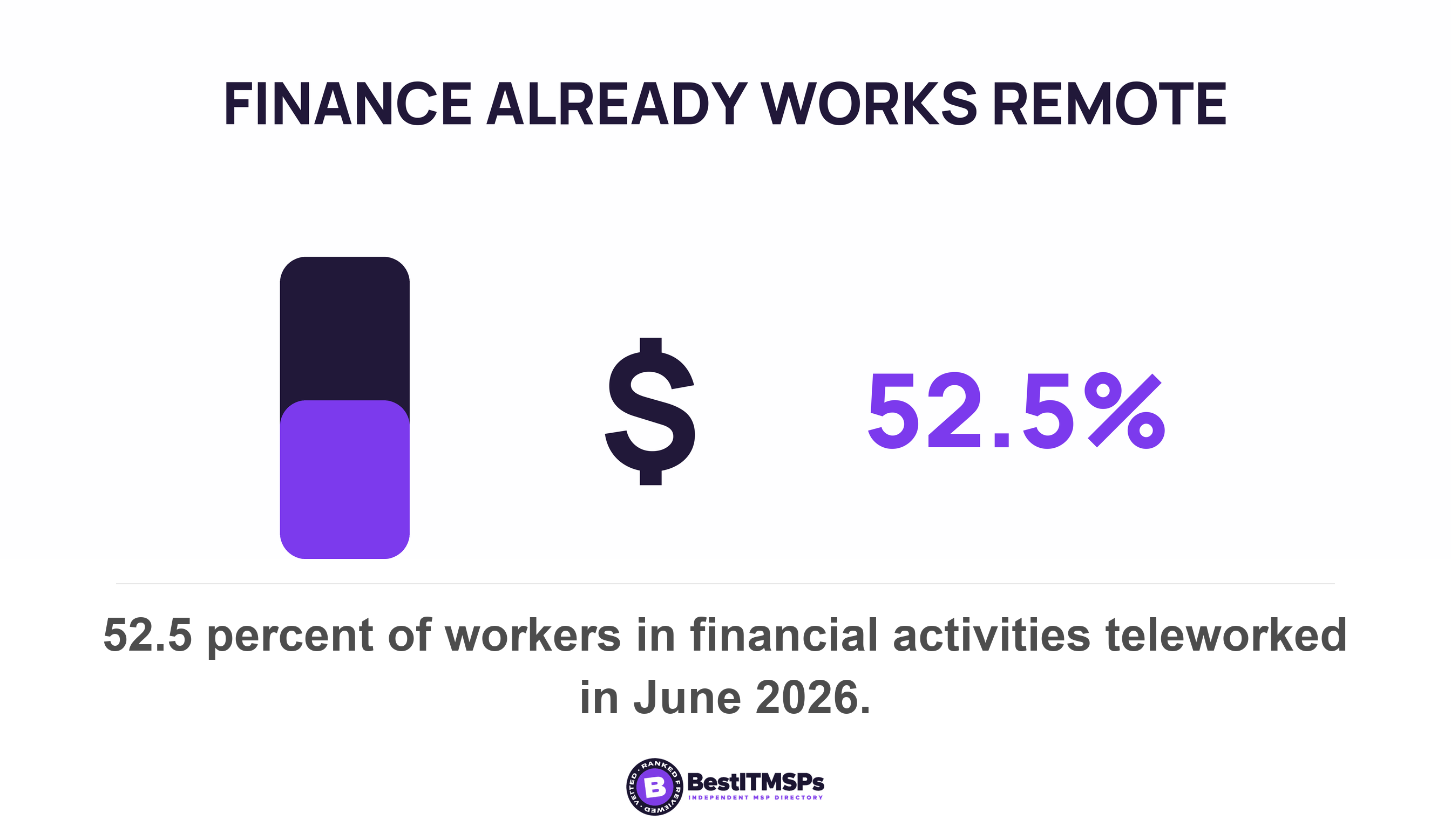
The move is no longer unusual. The US Bureau of Labor Statistics reported that 22.6 percent of workers teleworked in March 2026, counting anyone who teleworked or worked at home for pay. In some industries the office has already stopped being the default. In June 2026, 52.5 percent of workers in financial activities teleworked, and 27.1 percent of workers in that industry teleworked all of their hours. Those are two measurements of the same workforce, not a share of a share.
Here is the part that catches owners out. The office was never only a cost line. It was an enforcement point. Your web filtering, your patch management, your device list and your network monitoring all sat on one shared network behind one locked door. NIST describes the shift in plain terms. Zero trust architecture moves defenses from static, network-based perimeters to focus on users, assets, and resources, because there is no implicit trust granted to assets or user accounts based solely on their physical or network location. That guidance is dated August 2020 and it reads like a description of your situation. You did not only give up rent. You gave up the place your controls were standing on.
So the goal is not a smaller IT bill. The goal is a bill that buys control per device instead of per building. This guide covers the direction nobody plans for. If you are opening a site rather than closing one, read Opening a second site: the IT decisions to make before the lease instead. If your headcount is falling rather than your floor space, What your IT bill does when your headcount drops covers minimum seat counts and the licence question.
Contract one: the managed IT services agreement
Read your support agreement for every unit priced to a building. Five of them are common. An on-site visit allowance, a travel radius, response times that assume somebody can attend, a device count that assumed desktops, and a monthly fee charged per location.
Each one has a replacement, and none of them is complicated. The on-site visit allowance becomes a courier and depot arrangement, because nobody will drive out to support a laptop in a spare bedroom. The travel radius stops mattering and should stop being priced. The response target in your service level agreement has to be written for a remote fix, which means time to first human contact and time to remote session rather than time to arrive. The per-location fee has nothing left to count.
The device count rises, it does not fall
The device count is the line that surprises people, because it goes up. The desktop does not vanish when you hand back the keys. It sits in a cupboard, still carrying a licence and a management agent, and it is still an asset. CISA's performance goals ask you to maintain a regularly updated inventory of all organizational assets, and the scope they name is data, hardware, software, systems, facilities, personnel. Facilities is on that list. When the facility goes, the asset inventory has to be rebuilt rather than trimmed.
CISA is equally direct about the paperwork. Its goal on managed service providers tells buyers to understand contractual agreements and proactively address any security gaps that fall outside the scope of the contract. A remote-first move creates exactly that kind of gap, because the scope was drafted around a place. The same goal gives the example that contracts should detail how and when MSPs notify the customer of an incident affecting the customer's environment, and that notification path has to reach you wherever you now work.
Four asks cover the support agreement, listed below.
- Replace the on-site visit allowance with a named courier and depot arrangement, with a turnaround stated in days.
- Rewrite the response target as time to first human contact and time to remote session.
- Re-count the devices after the move, and get retired desktops removed from the billable list in writing.
- Delete any per-location charge, and ask what the itemized monthly fee now covers instead.
Two neighbouring questions are answered elsewhere on this site. Whether you should be billed per user or per device is a pricing-model question, covered in Per-user or per-device pricing. What your help desk support can and cannot fix without a technician in the building is covered in What is remote IT support.
Contract two: the connectivity agreement and the numbers on it
Ask three questions about the business internet circuit, in this order. What the termination position is, whether the service can relocate, and what happens to the phone numbers riding on it. The numbers are the only part you cannot buy back later.
Your termination position may not be published anywhere
Federal rules require broadband providers to publicly disclose the network management practices, performance characteristics, and commercial terms of a mass-market service, and to show a consumer label for each one. The definition carries the catch. For those label rules, mass-market excludes offerings customized through individually negotiated agreements. A dedicated circuit priced for your office is often one of those. So the only place your early termination exposure is written down is your own contract, and nobody is going to email it to you unprompted.
Relocation is the next question, and it has two halves. Ask whether the service can move to a smaller space or a coworking address at all, then ask whether a move restarts the term or carries the remaining months across. That answer sits in your contract rather than in any published rule, which is why you have to ask for it in writing. If you keep a circuit anywhere, our posts on what an ISP SLA actually guarantees and internet failover cover what the remedy is worth.
Numbers are portable between carriers, not between places
Federal rules define number portability as the ability of users to retain, at the same location their existing numbers when switching from one telecommunications carrier to another. Moving a number to a different physical place has its own separate definition, location portability, meaning the ability to retain existing telecommunications numbers when moving from one physical location to another. Those are two different things in the rulebook, and the rule that obliges carriers treats them differently too. The long-term portability every local exchange carrier must provide has to meet eight criteria, one of which is that it is able to migrate to location and service portability. Read that as written: location portability is the thing the system must be capable of growing into, not the thing it already has to do. That reading is ours rather than a sentence the rule states, but it is why a hosted voice provider is how most small businesses solve this. Once the number answers on an app, it stops belonging to an address.
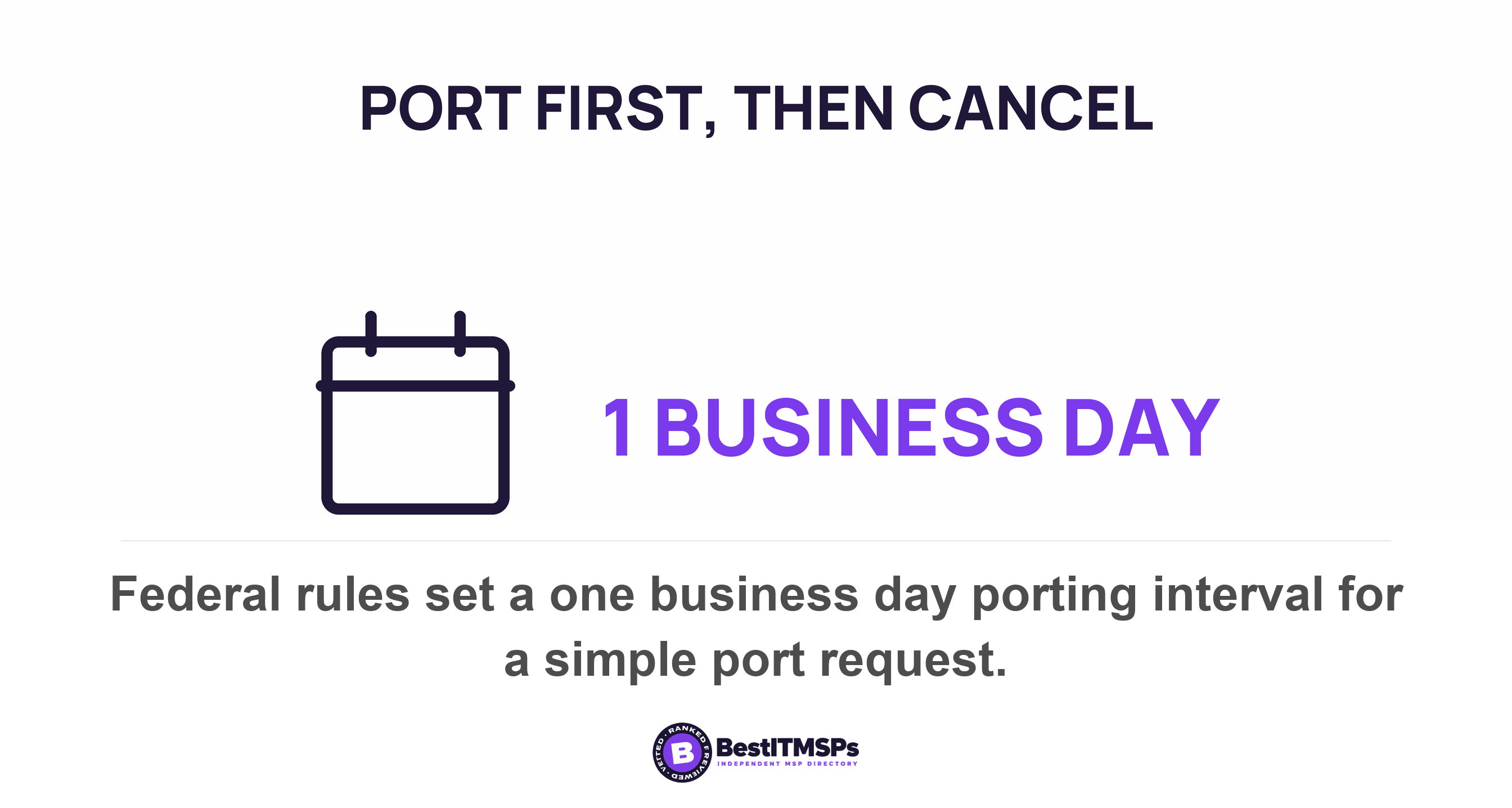
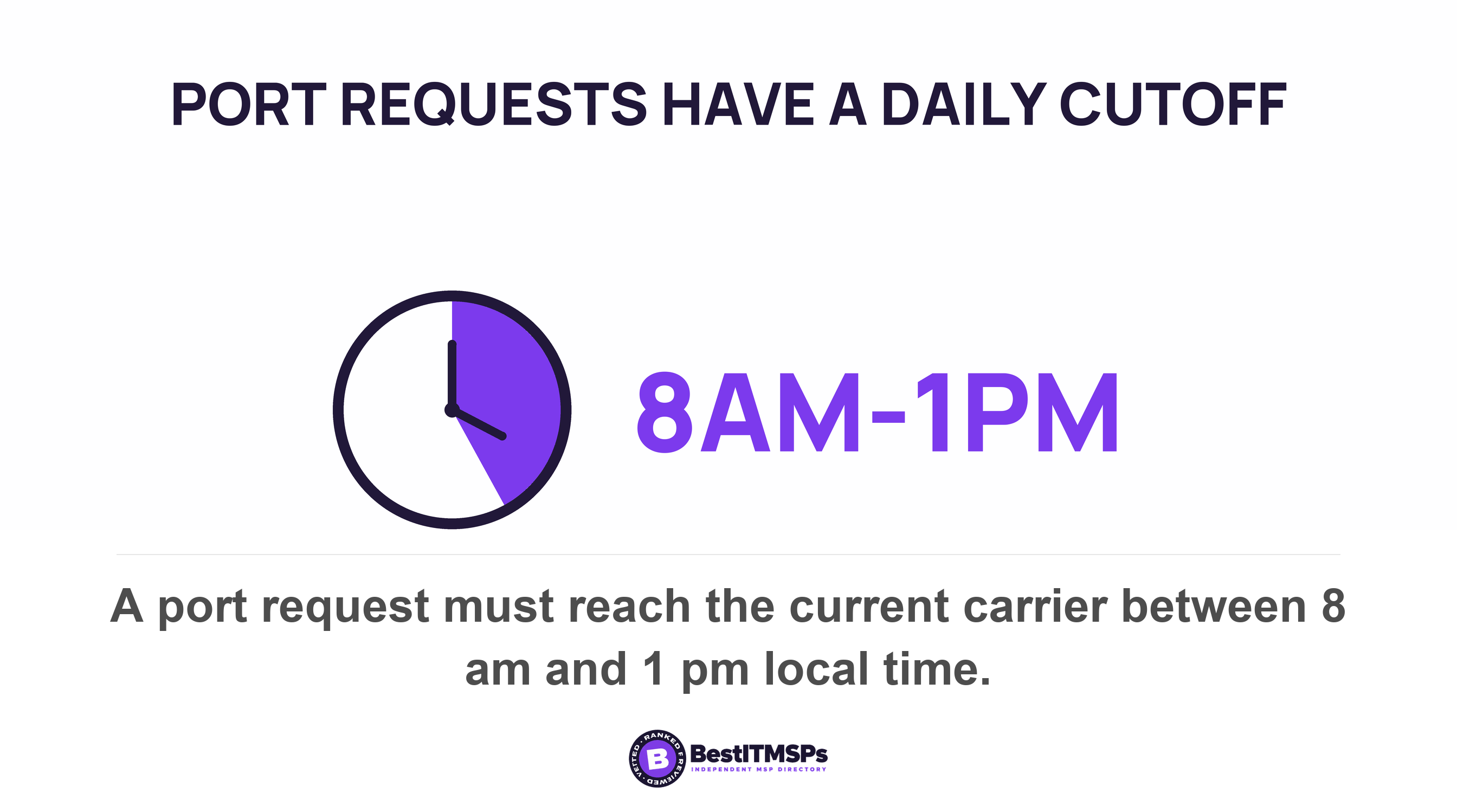
Order matters more than speed here. Port the numbers first, then terminate the circuit, and get written confirmation that every port has completed before you give notice on the line. The rules are quick once a request is in. A simple wireline-to-wireline or simple intermodal port request carries a one business day interval, and the request has to be received by the current service provider between 8 a.m. and 1 p.m. local time to activate that night. The four ways a port still fails are set out in Phone number porting problems.
Emergency calling is the obligation that follows the numbers to wherever your staff now sit. Since January 6, 2022, an off-premises device on a multi-line telephone system has had to provide automatic dispatchable location, if technically feasible, and otherwise a location based on end user manual update or on enhanced location information. A softphone that still reports the closed office is a real hazard, and E911 and remote workers covers the settings to check.
Contract three: the equipment agreement, and what is still on the hardware
The equipment agreement is the third contract, and the copier is the asset nobody decommissions. A leased multifunction device goes back to the leasing company with its hard drive still inside, and that drive has been recording your business for years.
The FTC wrote this down in guidance dated July 2017 and it has not stopped being true. The hard drive in a digital copier stores data about the documents it copies, prints, scans, faxes or emails. The same guidance names the clause to look for. Check that your lease contract or purchase agreement states that your company will retain ownership of the drive, or that the provider will overwrite it before the machine leaves your floor.
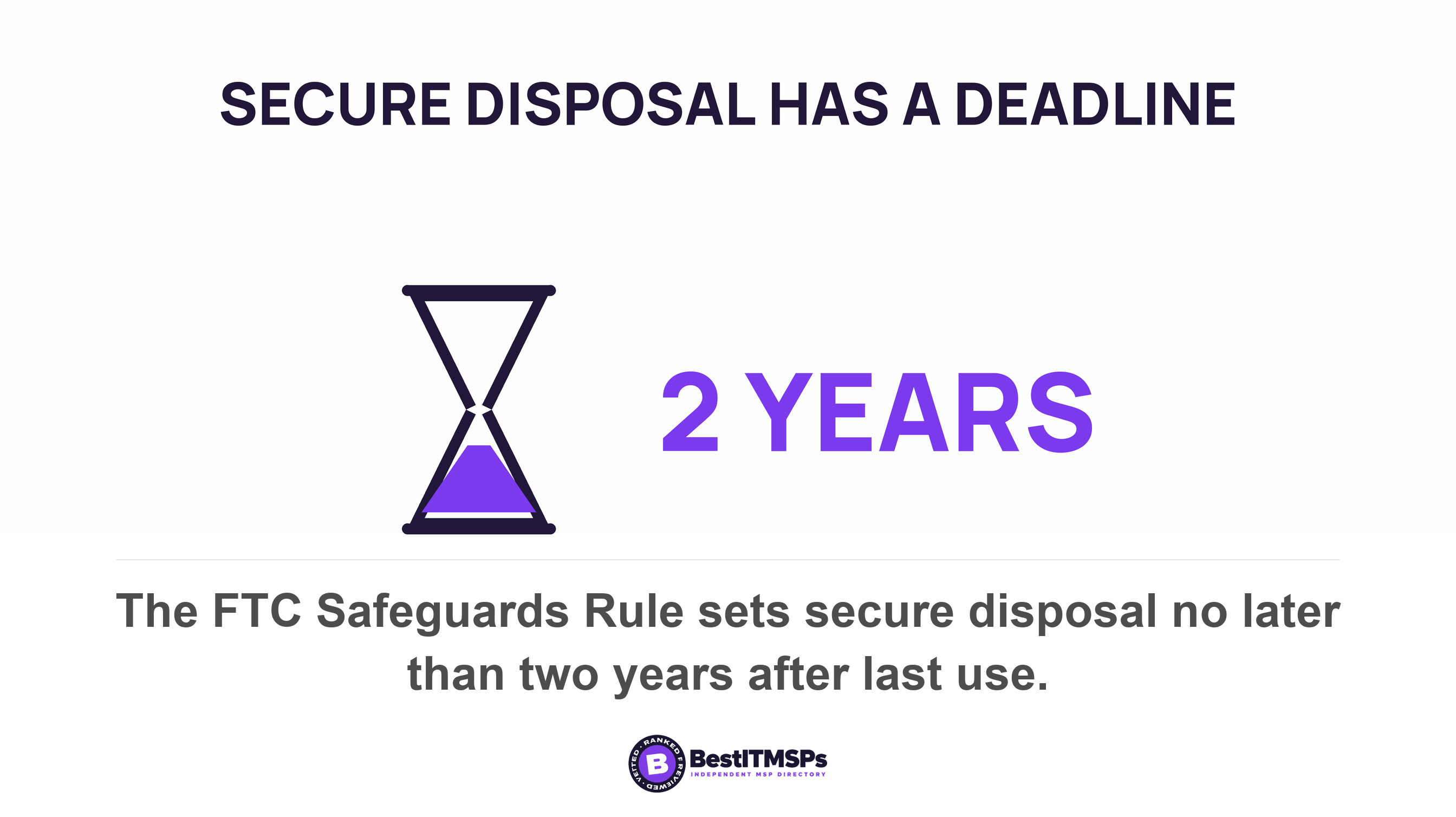
The obligation does not travel with the box. Anyone who maintains or otherwise possesses consumer information for a business purpose has to dispose of it properly under the FTC's Disposal Rule, by taking reasonable measures against unauthorized access in connection with that disposal. Financial institutions carry a dated version of the same duty. The Safeguards Rule requires procedures for the secure disposal of customer information in any format no later than two years after the last date the information is used. Most small firms are not financial institutions, so read that deadline as a published model rather than as your own obligation.
NIST publishes the method, and it reissued it recently. Guidelines for Media Sanitization was republished in September 2025, and the standard it sets is that sanitization renders access to target data on the media infeasible, with the technique chosen by the sensitivity of the information. Ask for a certificate naming the asset, the method and the date. Then verify that the serial number on the certificate matches the machine that left.
Five assets need an owner and a decision before the keys go back.
- Copier and scanner. Confirm in the equipment lease who owns the hard drive, and get a sanitization certificate before collection.
- Firewall, switches and access points. Establish who owns them. A hardware-as-a-service line keeps billing whether the box is in a rack or a cupboard.
- The server. Decide whether you decommission it or move it, and get the data copy verified before anything is powered down.
- Camera recorder and door controller. Both hold footage and access logs, and both usually belong to the building rather than to you.
- Cabling and mounted hardware. Check the lease for a restoration clause, because removing what you installed can land on your side of the bill.
The equipment you own is the easy half. The hard half is anything that only ever got touched during an on-site visit, because nobody is visiting again.
What actually gets harder when nobody shares a network
Four jobs got easier because of the office network, and all four get harder without it. Patching, web filtering, device enrollment and asset monitoring. Each one needs a different purchase now, and that is where the money from the circuit should go.
Patching is the clearest case. If your updates came from a WSUS server in the office, Microsoft has already closed that road. Its documentation states that WSUS is deprecated and is no longer adding new features, while noting it continues to be supported for production deployments and still receives security and quality updates. A deprecated update server sitting in a building you no longer rent is not a plan. Cloud-based update management replaces it, and the laptops then patch over whatever internet connection they happen to be on.
Device enrollment is where the saving actually lands. Zero-touch provisioning lets a new machine ship straight to the person who will use it. Microsoft describes the approach as achieving deployment with little to no infrastructure to manage, where custom images and drivers for every device model don't have to be maintained, and where the only interaction required from the end user is to connect to a network and to verify their credentials. That removes the build bench, which was a room you no longer have.
Web filtering moves from the network to the device, and that change is covered in what happens to your filtering when the laptop leaves the office. Remote access is the other item worth naming out loud. A VPN that terminates in an empty office deserves a question, because the traffic takes a longer path to reach services that now live in the cloud. Ask your provider what it monitors for a distributed workforce, and where it monitors from.
Three purchases replace what the building used to do.
- Buy cloud-based device management, so a laptop gets enrolled, patched and wiped without ever reaching an office.
- Buy filtering and endpoint protection that travel with the device rather than with the network.
- Buy a measurable asset inventory you can read yourself, listing every device, its owner and its last check-in.
Which conversation has to happen first?
Start with the contract that has the shortest clock, not the loudest problem. That is usually the connectivity agreement, because the port and the cancellation have to happen in the right order and a disconnected line cannot be undone with an email.
| Contract | What is tied to the building | The date that decides it | What to ask for |
|---|---|---|---|
| Managed IT services | On-site visits, travel radius, per-location fee, desktop device count | The renewal notice window | Remote response targets and a re-counted device list |
| Connectivity | The circuit address and the phone numbers on it | Remaining term, and the port date | Termination exposure in writing, then port before you cancel |
| Equipment | Copier, firewall, server, cabling | Lease end of term and the collection date | Hard drive ownership and a sanitization certificate |
Notice periods decide the order more often than need does. A renewal clause that wants 90 days of notice has already taken the decision away from you if the office handover is six weeks out. Our post on auto-renewal and the notice window you already missed sets out the three dates to put in a calendar, and termination for convenience covers what a clean exit should cost when you do hold that right.
Work backwards from the handover date. Count back the longest notice period among the three contracts, and that week is when you start the conversations. Everything else can run in parallel.
Three asks to put in writing this week
Send three emails. Each one asks for a document that already exists, so a straight answer takes days rather than weeks.
- Ask your IT provider for the itemized agreement showing every charge tied to a location, plus the notice period for changing it.
- Ask your carrier for the remaining term, the early termination charge, the move charge, and a written list of every number on the account.
- Ask your equipment lessor who owns the hard drive in each leased device, and what it costs to sanitize or surrender it.
Judge the replies on whether they arrive, not on whether the news is good. A provider who produces an itemized contract inside a week is behaving well even when the numbers are bad. A provider who cannot say what is priced per site has told you that nobody has looked since the day you signed.
None of this makes a remote-first business cheaper on its own, and no honest provider promises that it will. It makes the bill match the business, which is the part you can hold somebody to. We are an independent directory and we do not sell IT services, so take the three asks above to three vetted providers and renegotiate from the answers rather than from the proposal.
FAQ
What IT contracts change when a business goes remote-first?
Three change. The managed IT services agreement, the connectivity agreement, and the equipment agreement. Each prices something to a building. CISA's guidance for buyers is to understand contractual agreements and proactively address any security gaps that fall outside the scope of the contract, and losing the office creates exactly that kind of gap.
Can you keep your phone number if you close the office?
Usually yes, but the rulebook is narrower than people assume. Federal rules define number portability as the ability to retain, at the same location a number when switching from one telecommunications carrier to another. Moving a number between physical places is a separate definition. A hosted voice provider is how most small businesses detach a number from an address.
Should you port your numbers before cancelling the business internet circuit?
Yes. Port first, confirm completion in writing, then terminate the line. Porting is quick once the request is in. A simple wireline-to-wireline or simple intermodal port request carries a one business day interval, and the request must be received by the current service provider between 8 a.m. and 1 p.m. local time to activate that night.
What happens to the office copier's hard drive when the lease ends?
It leaves with the machine unless your contract says otherwise. The FTC warns that the hard drive in a digital copier stores data about the documents it copies, prints, scans, faxes or emails, and advises you to check that your lease contract or purchase agreement states that your company will retain ownership of that drive.
When should you renegotiate an IT support contract after going remote?
Work backwards from the notice period, not from the move date. Re-count the devices first, because retired desktops stay on the bill. CISA asks organizations to maintain a regularly updated inventory of all organizational assets covering data, hardware, software, systems, facilities, personnel, and the facilities line is the one that just changed.
Best IT MSP is the independent directory of vetted managed IT providers across the US and Canada. Organic ranking is earned on rating and verified data, paid placement is always labelled, and we do not sell IT services. Take the three asks above to three merit-ranked firms in your city and compare the answers side by side.