Does your web filtering follow the laptop that left the office?
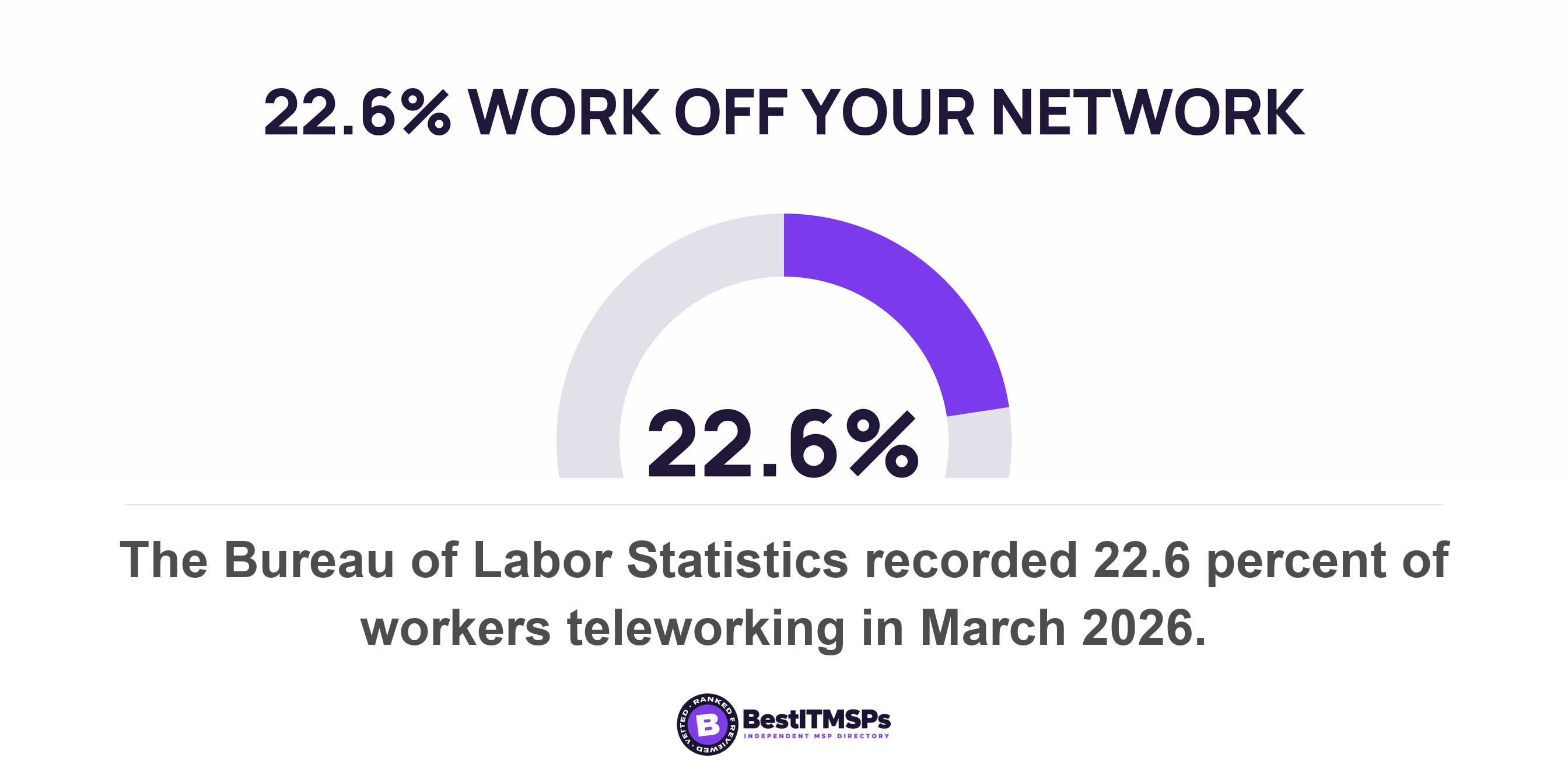
Web filtering is a property of a network or of a device. Office filtering changes the resolver your network hands out, so it stops at the office door. A laptop on home Wi-Fi takes the resolver that network offers instead. The Bureau of Labor Statistics recorded 22.6 percent of workers teleworking in March 2026.
- Filtering bought at the office changes what your network hands out, so it covers whatever sits on that network and nothing else.
- A laptop off your network takes the resolver the new network offers over DHCP, using a mechanism published in 1997 and still unchanged.
- Split tunnel names two opposite configurations in Microsoft's own documentation, and only one of them keeps office filtering in the path for browsing.
- Routing and name resolution are configured separately, so a VPN that carries all your traffic does not automatically carry your lookups.
- A filtering agent is documented to hand resolution back to the local resolver on restrictive networks, which is where you need it most.
Is your web filtering a network product or a device product?
Web filtering comes in two shapes, and only one of them travels. Network filtering changes the resolver a network hands out, so it covers whatever is sitting on that network. Device filtering installs software on the laptop, so it covers that laptop wherever it goes. Most small businesses bought the first kind, back when there was one network to buy it for.
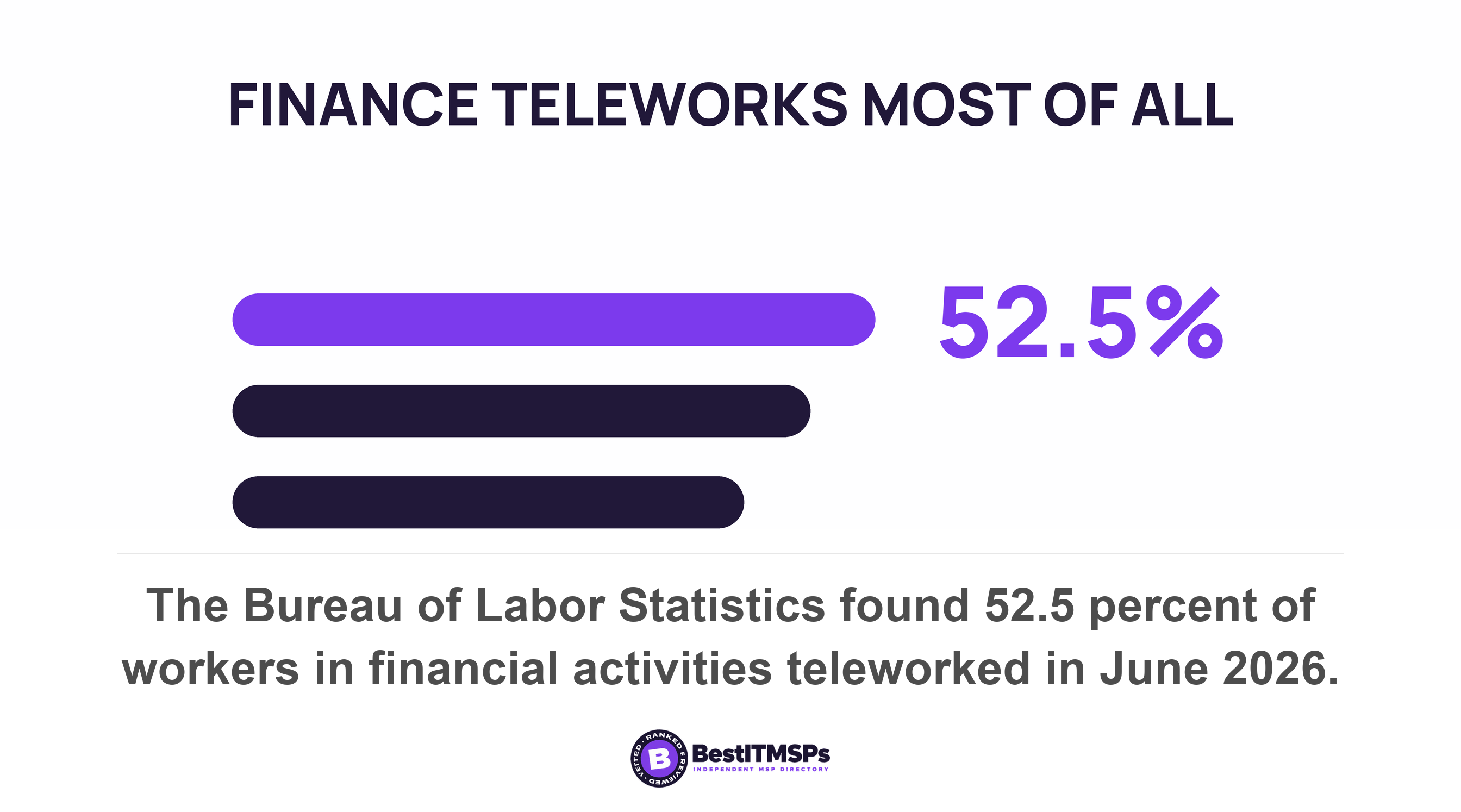
Remote work settled rather than reversed. The US Bureau of Labor Statistics recorded 22.6 percent of workers teleworking or working at home for pay in March 2026, a rate it says has ranged from 21.5 percent to 23.0 percent over the last year. In the industries that buy the most managed IT, the share is far higher. BLS put the telework rate at 52.5 percent in financial activities, 47.2 percent in information and 41.8 percent in professional and business services in June 2026.
So the real question is not whether you pay for filtering. It is whether the filtering you pay for is a property of an office network that half your staff are rarely on. This article shows where that decision gets made, what a VPN does and does not fix, and a test you can run in a few minutes from wherever you are sitting. If you are not sure you buy filtering at all, start with What is DNS filtering, and do you already have it? and come back.
Where does the filtering decision actually get made?
The filtering decision gets made in one of three places. At your office firewall, at the recursive resolver your network hands out, or by an agent running on the device itself. Which one applies to a given laptop depends on the network it joined and whether an agent is installed, and nothing on your invoice tells the three apart.
- Resolver filtering is the common purchase. The UK National Cyber Security Centre describes the deployment plainly: it involves switching over the DNS resolver used by your networks to the ones the service runs. Note the word networks.
- Gateway filtering is what stops staff going round it. NCSC tells organisations to configure firewalls to block outbound DNS requests over port 53 or 853 when those requests do not use the approved resolver. That rule enforces the policy for every device behind that firewall, and for no device that is not.
- Device filtering is the only one that leaves the building. NCSC notes that services may also offer a lightweight DNS client to be installed on end user devices so that these devices always resolve DNS queries through the PDNS resolvers. CISA runs its federal service the same way, where traffic from mobile, roaming and cloud assets flows into the Protective DNS directly.
Read those three again as a buyer. The first two describe a place. The third describes a device. A provider who configured the first two did real work and is charging you fairly for it. They have also, quietly, sold you a control whose coverage is defined by a building.
What does a laptop do for name resolution off the office network?
A laptop off the office network uses the resolver the new network offers it. That offer arrives over DHCP, the laptop accepts it by default, and your office filtering plays no part because your office plays no part.
The mechanism is old and unglamorous. RFC 2132, published in March 1997, defines the DHCP domain name server option, which specifies a list of Domain Name System name servers available to the client and says servers SHOULD be listed in order of preference. Join home Wi-Fi and the home router is the DHCP server. It hands out its own resolver, or whichever one the internet provider supplied. That resolver filters nothing on your behalf and logs nothing you can read.
Two things on the device can override the offer. A static entry typed into the network adapter wins over DHCP. So does encrypted DNS in the browser or the operating system, and the NSA states that ordering outright: if clients use their own default DoH resolver, the clients will attempt to send DoH requests to that resolver first before the DNS resolver from the DHCP configuration is used. That is a large subject of its own, covered in DNS over HTTPS is quietly bypassing your filter.
Handing a device a resolver has always been an offer. It has never been an instruction.
Does the VPN put your office filtering back?
Sometimes, and the answer turns on one setting most buyers have never been shown. Where the default route points decides it. A VPN that carries all internet traffic back to the office puts office filtering back in the path. A VPN that carries only office traffic does not.
Microsoft publishes the vocabulary, and learning it is worth ten minutes, because split tunnel names two configurations with opposite effects. In Windows, a split tunnel configuration lets routes be specified to go over VPN, and all other traffic will go over the physical interface, while in a force tunnel configuration all traffic will go over VPN. Microsoft adds that force tunnel is the default configuration, and takes effect when no routes are specified.
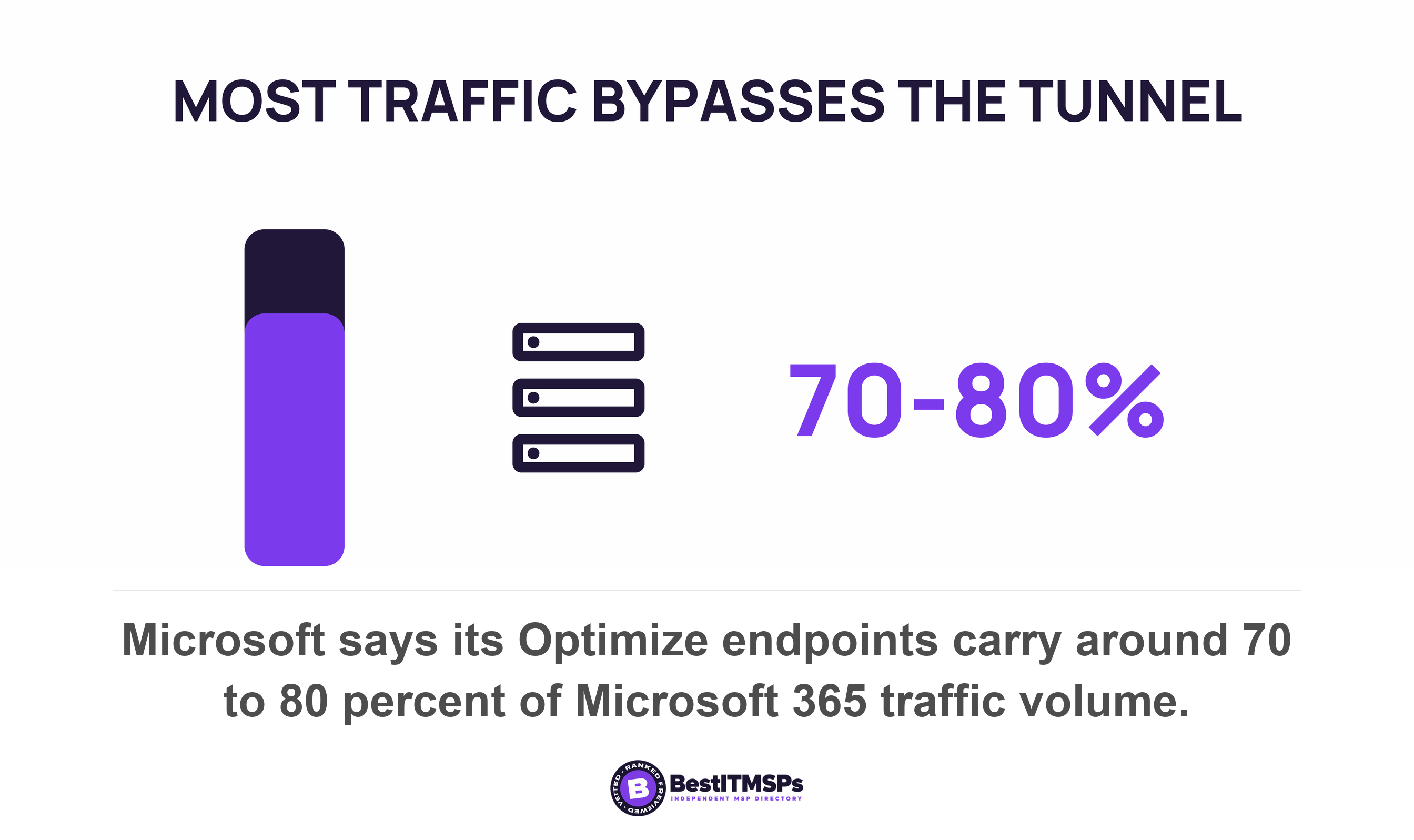
Microsoft's Microsoft 365 guidance then sets out five models, and two of them decide this question. Model 2, the one Microsoft recommends, is a VPN forced tunnel with few exceptions, where the VPN tunnel is used by default because the default route points to VPN. Those exceptions are deliberately narrow, covering endpoints that are currently 20 IP subnets carrying around 70 to 80 percent of the volume of traffic to the Microsoft 365 service. Model 4 is a VPN selective tunnel, where the tunnel is used only for corpnet-based services and the default route, meaning the internet and all internet-based services, goes direct.
Under model 2 your staff's general browsing still leaves through the office, so office filtering still sees it. Under model 4 it does not. Both get called split tunnel in ordinary conversation, which is why asking your provider whether you run a split tunnel produces an answer that means nothing. Ask where the default route points.
Routing and name resolution are two separate settings
A force tunnel still does not guarantee that lookups reach your office resolver, because routing and name resolution are configured separately. Microsoft documents the order. When a Windows VPN connects it receives an IP address and, optionally, the IP address of one or more DNS servers. Note the word optionally. The stack then looks at the Name Resolution Policy table for any matches, and if no match is found, a DNS query is sent to the preferred interface, selected based on the interface metric.
The common configuration holds only your internal domain in that table, because split DNS needs nothing more. Every public name then falls through to the preferred interface, which on a laptop at home can be the home Wi-Fi. That produces the worst of both arrangements. You pay for the tunnel and the home router answers the question.
Asking whether you run a split tunnel gets you an answer that means nothing, because the term covers both configurations. Ask where the default route points.
What does a filtering agent on the laptop need, and what defeats it?
A filtering agent needs to own name resolution on the device and to reach its own resolvers across the internet. Cisco documents both requirements for the Umbrella roaming client, a widely deployed example, and the same documentation names what defeats it.
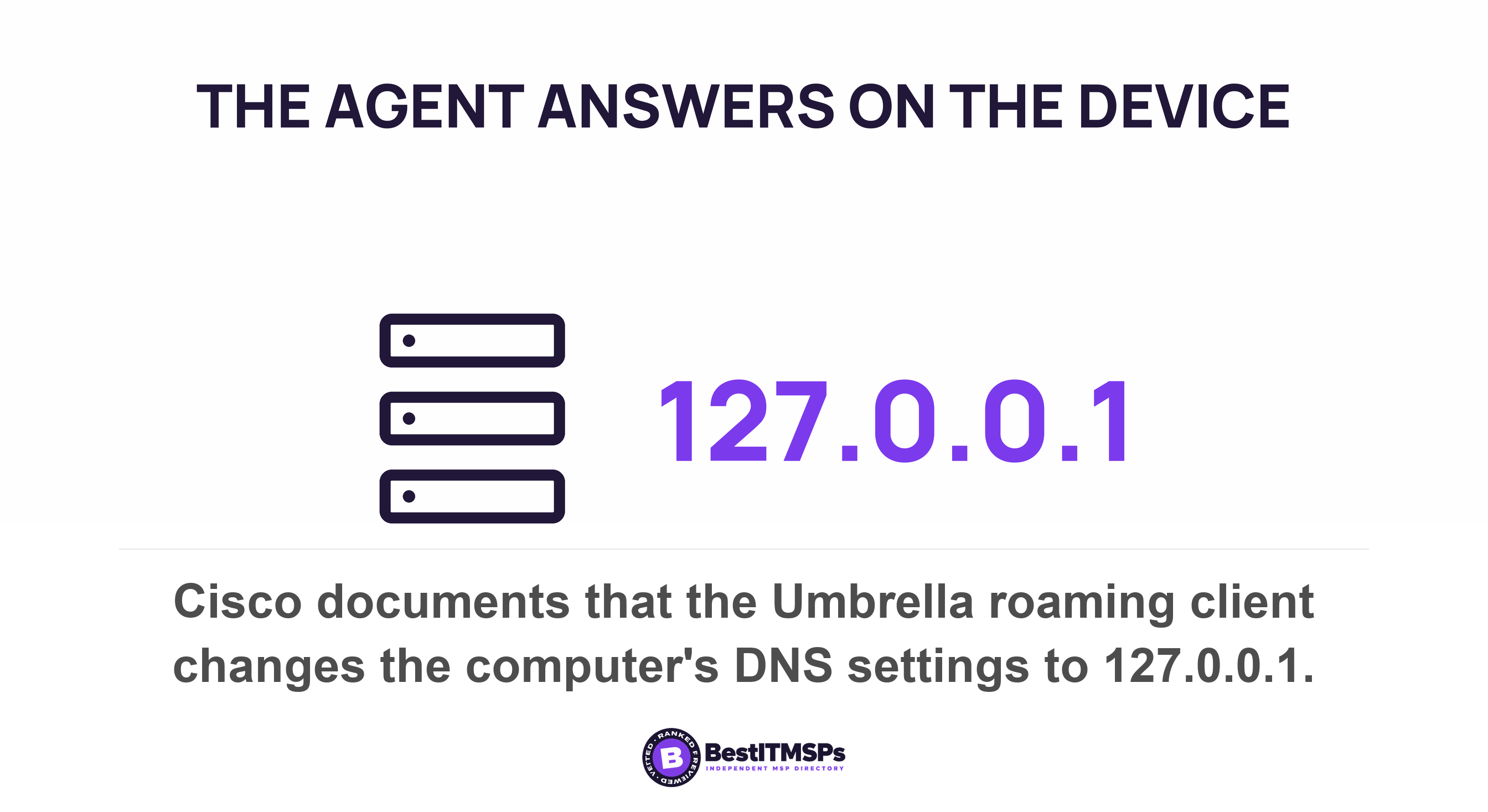
Ownership comes first. The client binds to all network adapters and changes DNS settings on the computer to 127.0.0.1, the loopback address, so every lookup reaches the agent before it reaches anything else. When a VPN comes up, the client detects a new network connection in the system and changes the connection DNS settings so the new adapter points back at the agent too. Cisco also states that the firewall associated with the VPN must allow access to Umbrella. Reach comes second, and it is specific: the client needs both UDP and TCP on ports 53 and 443 to 208.67.222.222 and 208.67.220.220.
The documented fail-open case nobody raises at renewal
The agent does not fail closed when it cannot reach those resolvers. Cisco describes the case for a computer behind a connection that does not allow third-party DNS requests and behind a connection that has a default deny outbound firewall policy. In that state the client restores the DHCP-delegated DNS servers to the network connection properties and keeps retrying, while policy enforcement and reporting stop.
Read those two conditions again and picture where they occur. Hotel Wi-Fi. Conference Wi-Fi. A hardened guest network at a client site. Those are the networks where an unfiltered lookup matters most, and they are the networks most likely to hand your device back to the local resolver. The user sees nothing, because nothing broke.
The agent also stands down on purpose in one case. Cisco's trusted network domain feature disables DNS protection provided by the roaming client and defers policy to the network policy once the device recognises a managed network. That is sensible design rather than a flaw. It is also the reason the identity attached to a log line tells you which of the three enforcement points actually made the decision.
How can you test this yourself from a laptop away from the office?
To test it yourself, take the laptop off the office network, open your filtering service's own published test page, then ask your provider which identity that single query logged against. The whole exercise takes a few minutes and needs no technical background.
- Take the laptop fully off the office network. Home Wi-Fi, a phone hotspot or a cafe all work. Leave the VPN in whatever state your staff normally leave it.
- Open your service's published test page. Cisco publishes several for Umbrella DNS, including a system configuration test at welcome.umbrella.com and a phishing test at www.internetbadguys.com. Ask your provider for the page that belongs to the service you actually pay for, and never substitute a real malicious domain.
- Repeat it with the VPN connected and then disconnected. Two different answers tell you the filtering is a property of the tunnel rather than of the laptop.
- Ask your provider to find that one query in the log and name the identity it was attributed to. That is the measurable part.
- Verify the answer against your contract, and check the same test on a phone and a personally owned device if staff use them for work.
One trap makes the browser screen inconclusive on its own. CISA states that a protective resolver blocks, redirects, or sinkholes the query response when a name matches an indicator. A redirect gives you a block page you can read and photograph. A block or a sinkhole gives you a page that will not load, which looks identical to an ordinary resolver failing to find a parked domain. So a block page proves filtering is present, and a dead page proves nothing either way.
The query log settles it, and it is also where the two kinds of filtering separate. If the query is attributed to your laptop, a device-level control did the work and it travels with the machine. If it is attributed to your office network, or if it is simply absent, you own network filtering and that laptop was outside it.
The one question to put to your provider, and what to get in writing
Ask one question before any other. Am I paying for filtering on the network or filtering on the device, and how many devices carry the agent? Every other answer follows from that one, and a provider who cannot answer it in a sentence has never counted.
- Name which of the three enforcement points covers each device, and count the devices under each one.
- State the coverage figure. CIS writes the measure into Safeguard 9.2 as the percentage of assets configured to use authorized DNS filtering services, alongside a count of assets not properly configured. Ask for the second number by name.
- Confirm where the default route points on the VPN profile, in Microsoft's own terms: force tunnel, forced tunnel with exceptions, or selective tunnel.
- Confirm whether the Name Resolution Policy table sends public names to your resolver, or only your internal domain.
- Require a monthly report that counts the devices appearing in the query log, not the blocks.
Count devices, not blocks. A falling block count can mean a quieter month or a device that stopped reporting, and the report cannot tell the two apart. A device absent from the log is either switched off or resolving somewhere you cannot see.
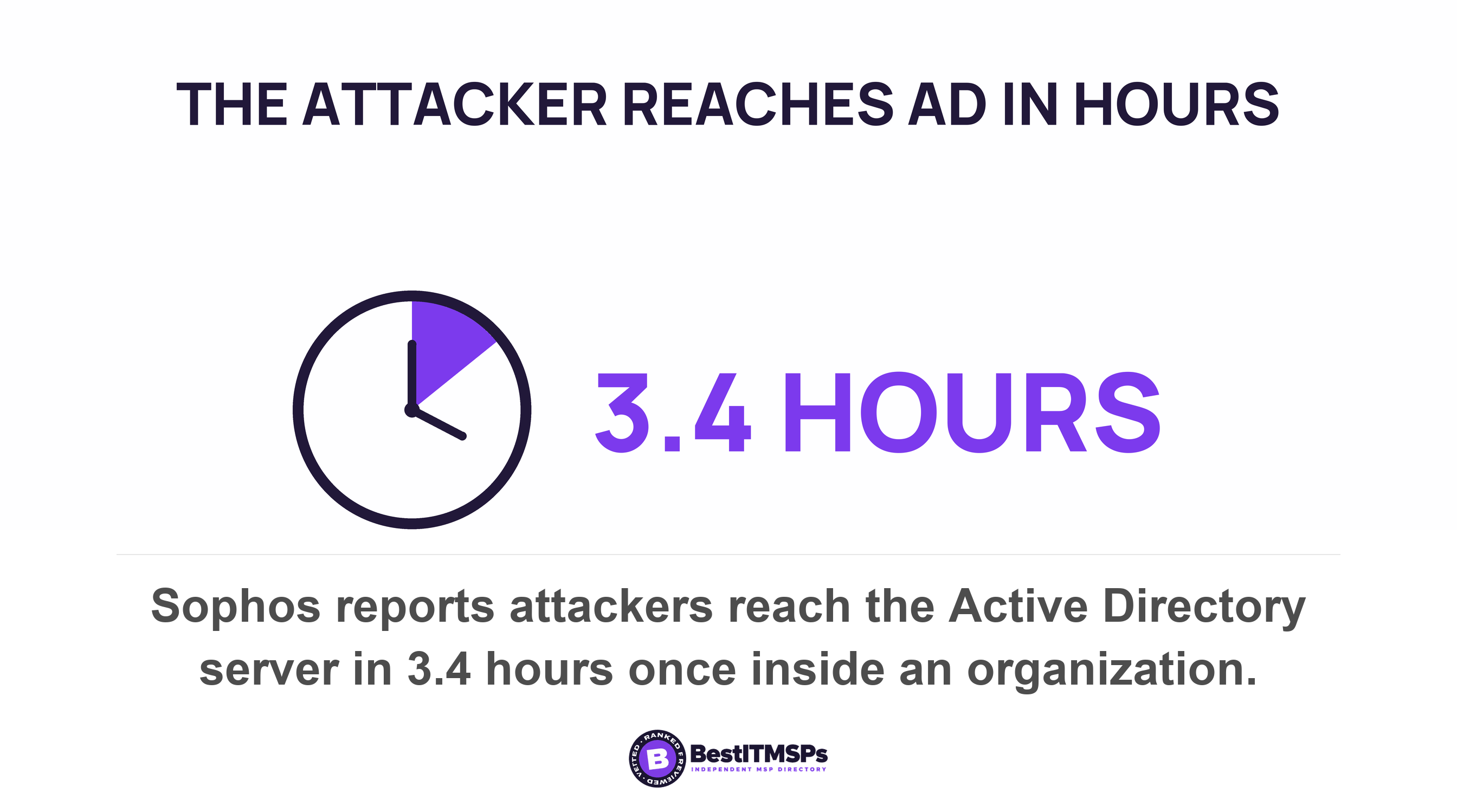
The time pressure behind all of this is measured. Sophos incident responders report that once an attacker is inside an organization it takes them just 3.4 hours to get to the AD server, and IBM measured an average of 247 days to identify and contain an active breach. Verizon's own release puts breaches involving a third party at 48 percent of all breaches, and your IT provider is a third party holding administrator rights.
No single control makes a business safe, and no honest provider claims otherwise. What this one buys is a clear answer to a question you can ask on Tuesday and a number you can hold a provider to. Read it beside Guest Wi-Fi: the network your filtering probably ignores, which is the same gap inside the building rather than outside it.
FAQ
Does DNS filtering work when a laptop is off the office network?
Only when a filtering agent is installed on the laptop itself. Office filtering changes the resolver your network hands out, so it ends at the office door. The UK NCSC notes that protective DNS services may also offer a lightweight DNS client to be installed on end user devices for exactly this case.
Does a VPN apply my office web filtering to a remote worker?
Only when the default route points to the VPN. Microsoft's recommended model keeps the VPN tunnel used by default because the default route points to VPN, so browsing still passes your office. Its selective tunnel model sends the internet and all internet-based services direct, which bypasses office filtering entirely.
How do I test whether web filtering followed a remote laptop?
Take the laptop off the office network and open your filtering service's own test page. Cisco publishes a system configuration test at welcome.umbrella.com for Umbrella DNS. Then ask your provider to show that single query in the log and name the identity it was attributed to.
Can a filtering agent on a laptop stop working without anyone noticing?
Yes. Cisco documents that when the roaming client cannot reach Umbrella from a network blocking third-party DNS, it restores the DHCP-delegated DNS servers to the network connection properties and keeps retrying. Policy enforcement and reporting stop while it waits, and the person using the laptop sees nothing.
What should I ask my IT provider about web filtering for remote workers?
Ask whether you pay for network filtering or device filtering, and how many devices carry the agent. Then ask for the CIS coverage figure, the percentage of assets configured to use authorized DNS filtering services, plus the count of assets not properly configured.
Best IT MSP is the independent directory of vetted managed IT and cybersecurity providers across the US and Canada. Organic ranking is earned on verified rating and data, and paid placement is always labelled. Take these five questions to three merit-ranked firms in your city and compare the answers.