Per-user or per-device: which MSP pricing model punishes your business?
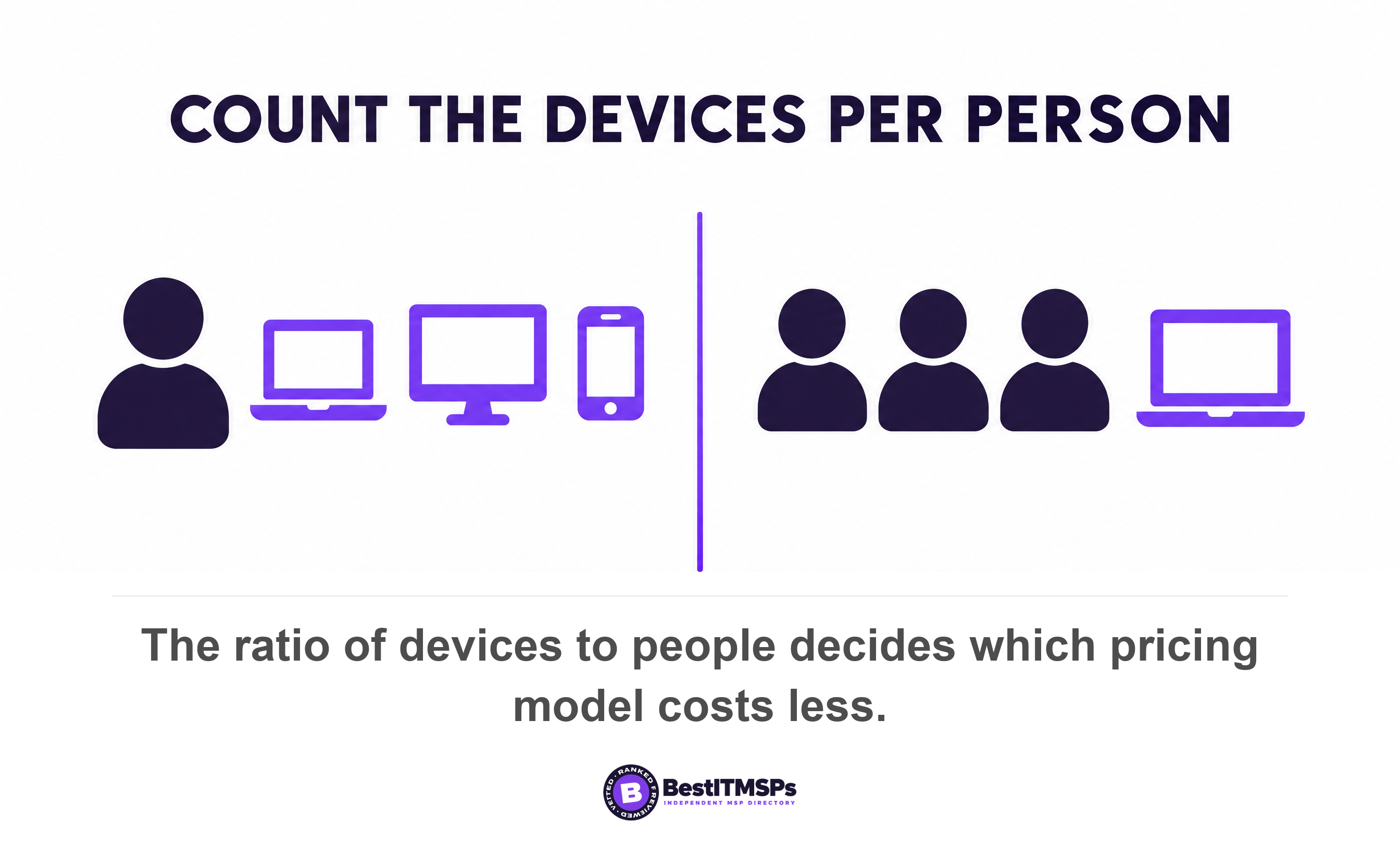
Per-device pricing wins when you run fewer than about three devices per person, and per-user pricing wins above that. Divide your device count by your headcount to find out. The bigger lever is the definition inside the model: what counts as a user, and what counts as a device.
- Divide your total devices by your headcount. Under about 3 devices per person, per-device pricing is cheaper. Over it, per-user pricing is cheaper.
- Break-even equals your quoted per-user rate divided by your quoted per-device rate. At $125 and $45 that is 2.8 devices per person.
- A warehouse with 60 staff and 20 devices pays roughly 6.8 times more under per-user pricing, on one illustrative rate card.
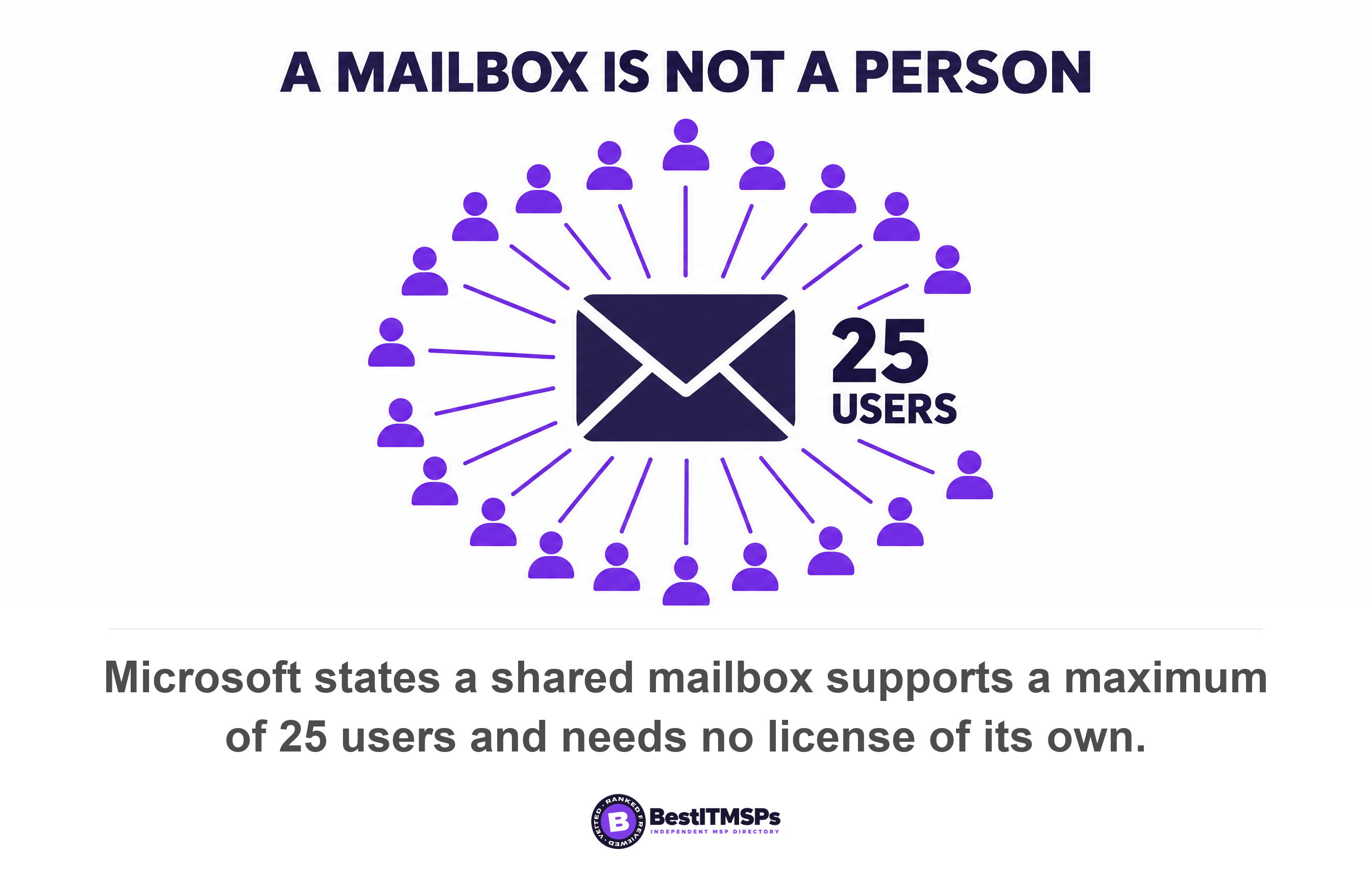
- A Microsoft 365 shared mailbox needs no license and supports up to 25 people, yet it still creates a user account a provider can bill.
- In our worked example, changing one definition saved 7 times more than a 10 percent rate discount. Negotiate the definition first.
Which is cheaper, per-user or per-device pricing, and how did we compare them?
Per-device pricing is cheaper when you run fewer than about three devices per person, and per-user pricing is cheaper above that line. Your device-to-headcount ratio decides the answer, not the headline rate you argue over.
The break-even point equals your quoted per-user rate divided by your quoted per-device rate. At an illustrative $125 per user and $45 per device, break-even sits at 2.8 devices per person. A warehouse with 60 staff sharing 20 devices sits at 0.33, so per-user pricing punishes it. A design studio with 62 devices across 20 staff sits at 3.1, so per-device pricing punishes it instead.
We compared the two models 3 ways. We applied one illustrative rate card to two realistic company shapes and showed every step of the arithmetic, so you can substitute your own quoted numbers. We checked what published standards say a device and a user are, using CIS Control 1 and a CISA directive rather than a provider brochure. Every dollar rate here is illustrative, not market pricing.
This guide covers the mechanics of the pricing models and the definitions buried inside them. For market ranges, read how much managed IT services cost. For the clauses that move money, read MSP contract red flags. The stakes are real, because IBM puts the global average cost of a data breach at $4.99 million.
What is the break-even device-to-headcount ratio?
To find your break-even ratio, divide the quoted per-user rate by the quoted per-device rate. The answer is the number of devices per person at which both models produce the same bill. Below that number, per-user pricing costs you more. Above it, per-device pricing costs you more.
The ratio check takes 4 steps and about twenty minutes with a spreadsheet.
- Count your people, splitting full-time staff, part-time staff, seasonal staff and every contractor who holds a login.
- Count your devices, including every server, printer, firewall, switch, virtual machine, company phone and BYOD laptop.
- Divide the device total by the headcount total to get your real ratio.
- Compare that ratio against the break-even figure from the two rates you were quoted.
Two things make this harder than it looks. Your device total moves every week, which is why a provider writes a true-up clause. And a real rate card prices each asset class separately, so ask for the rate card before you run the numbers.
What does each model cost two realistic SMB shapes?
Each model produces a very different annual bill from the same company. Both shapes below use one illustrative rate card of $125 per user, $45 per managed endpoint and $150 per server, each per month. Those are examples, not quotes.
Shape 1: a warehouse with 60 staff and 20 devices
A distribution business runs 60 warehouse and office staff across 12 shared shop-floor terminals, 6 office PCs and 2 servers. Per-user pricing bills 60 seats at $125, which is $7,500 a month and $90,000 a year. Per-device pricing bills 18 endpoints at $45 plus 2 servers at $150, which is $1,110 a month and $13,320 a year. The gap is $76,680 a year, and per-user pricing costs roughly 6.8 times more for identical work.
Shape 2: a design studio with 20 staff and 62 devices
A design studio runs 20 staff, each with a laptop, a desktop and a company phone, plus 1 server and 1 network storage box. Per-user pricing bills 20 seats at $125, which is $2,500 a month and $30,000 a year. Per-device pricing bills 60 endpoints at $45, plus $150 for the server and $75 for the storage box, which is $2,925 a month and $35,100 a year. Per-device costs $5,100 a year more here, because a flat endpoint rate charges the phones too unless the contract excludes them.
The two models answer different questions, and the table below lines them up.
| What you are comparing | Per-user pricing | Per-device pricing |
|---|---|---|
| Billing unit | One rate per named user, usually taken from your directory or mailbox list | One rate per managed asset, usually taken from the provider's monitoring tool |
| Suits | Device-heavy teams above roughly 3 devices a head, such as design, engineering and finance | People-heavy teams below 1 device a head, such as warehouses, retail, clinics and restaurants |
| Usually excluded | Servers, network gear, printers and anything with no human attached | Company phones, BYOD laptops and virtual machines, plus new hires until the next true-up |
| How the count moves | Up on every new mailbox or account, down only when an account is deleted | Up on every asset the monitoring agent discovers, down only when an agent is removed |
| Where the margin hides | In the definition of a user | In the definition of a device |
| What to negotiate | Who counts as a seat, and who is excluded in writing | Which asset classes are in scope, and the rate card line for each |
Neither model is dishonest. A provider who quotes per-user pricing to a warehouse is usually quoting a standard model, not running a trick. The buyer who never asks is the one who pays.
What counts as a user, and who decides?
A user is whatever your contract says it is, and most contracts never say. The 3 definitions in common use are a named person on payroll, a licensed mailbox, and an enabled account in your directory. They produce three different numbers for the same company, and the provider chooses which one to count.
The cheapest money you will find sits in the shared mailbox. Microsoft states that a shared mailbox stores up to 50 GB of data without a license assigned to it, and that a shared mailbox supports a maximum of 25 users. Microsoft charges nothing for it. Microsoft also states that every shared mailbox has a corresponding user account with a system-generated password. Count users from the directory and info@, accounts@ and reception@ all arrive as billable seats, though one of them can represent 25 people.
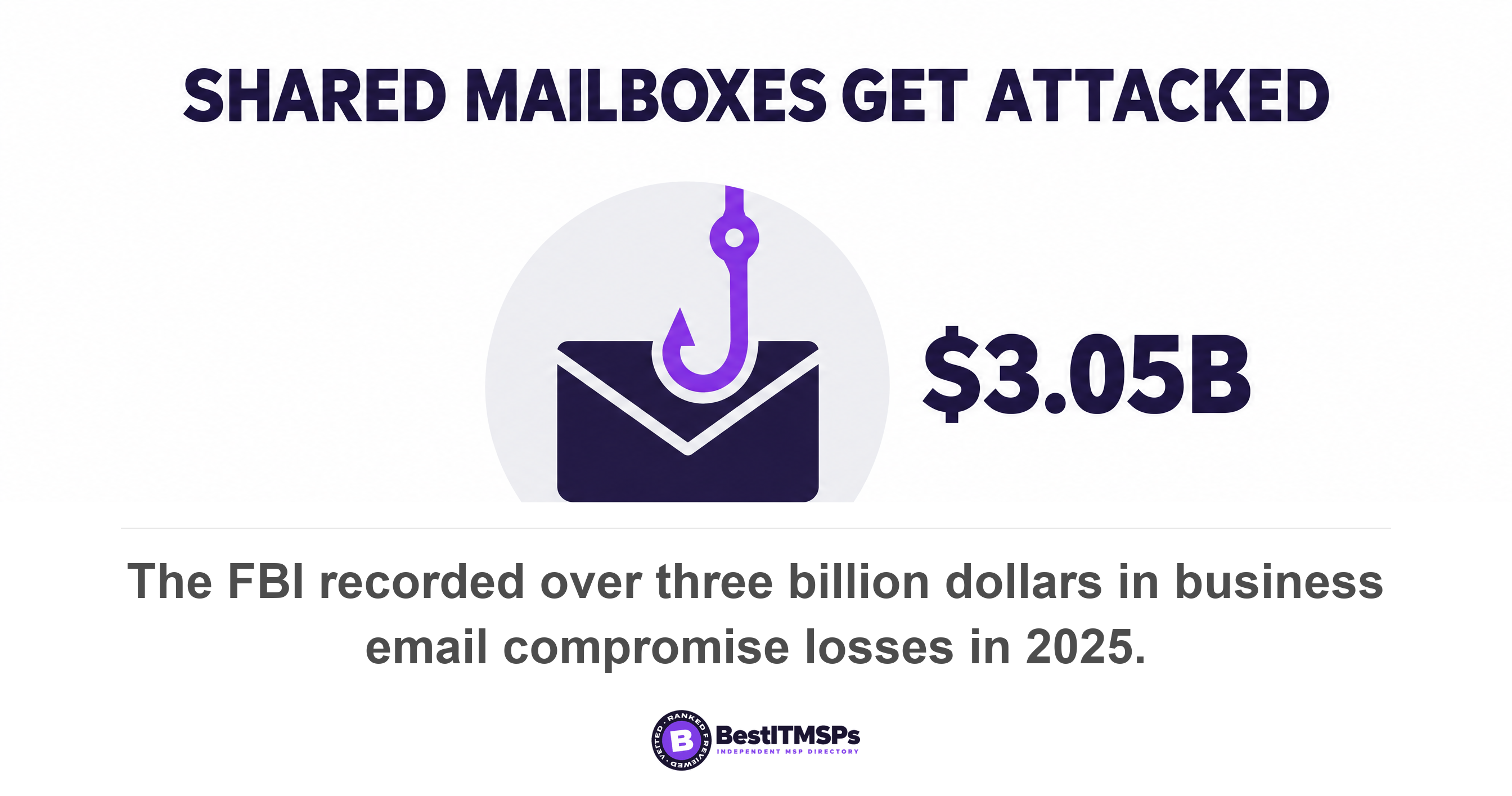
That inbox still needs protecting, so this is an argument about billing rather than coverage. The FBI logged $3.05 billion in business email compromise losses across 24,768 complaints in 2025. Pay for the protection. Do not pay a full seat rate for a mailbox that employs nobody.
Four more cases move the number, and none of them is unusual.
- Shared logins. A shop-floor terminal worked by 3 shifts is 1 seat or 3 seats, depending on the definition.
- Service accounts. A backup account has no human behind it, yet it is an enabled account in the directory.
- Contractors and seasonal staff. A contractor who needs 6 weeks of access should never cost a full annual seat.
- Leavers. A disabled account nobody deleted is still an account. Our SaaS spend audit guide covers reclaiming those seats.
Microsoft itself splits the workforce rather than charging one rate for everybody. Its licensing guidance separates frontline workers, who often work on tablets or phones, from information workers who have desktops or laptops. A provider charging a single per-user rate for both is pricing its own convenience, not your business.
What counts as a device, and what falls outside it?
A device is every asset that carries your work, which reaches far past the laptops. The Center for Internet Security counts end-user devices including portable and mobile, network devices, non-computing and Internet of Things devices, and servers as enterprise assets, whether they connect physically, virtually or remotely.
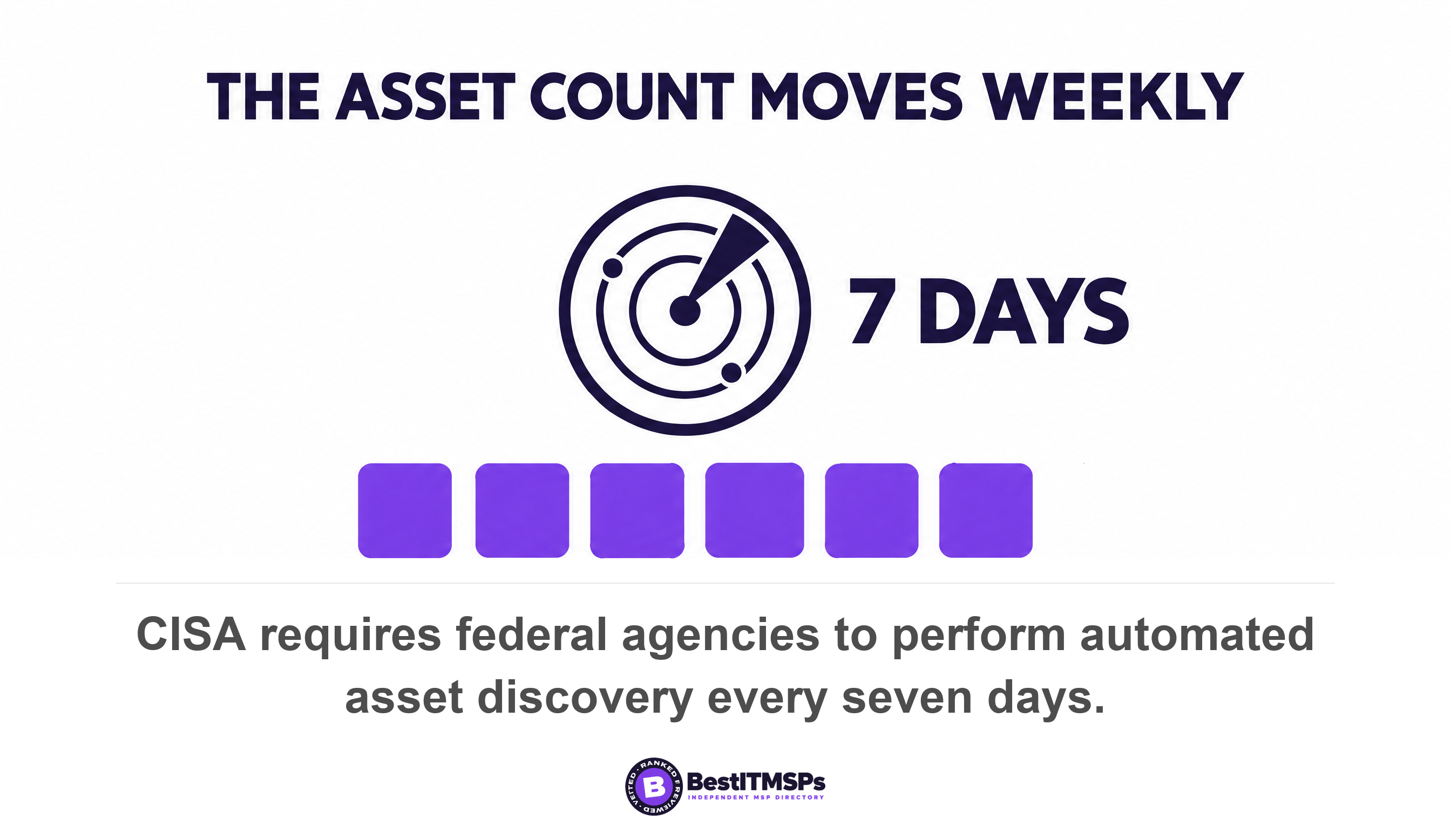
The federal baseline is wider still. CISA requires agencies to perform automated asset discovery every 7 days and to initiate vulnerability enumeration across all discovered assets, including nomadic and roaming devices, every 14 days, across all IP-addressable networked assets. Ask which asset classes your provider's monitoring tool discovers, then reconcile that list against your own.
Six asset types decide whether a per-device quote is honest.
- Servers. Priced on their own rate card line, and usually worth 3 or 4 endpoints each.
- Network gear. Firewalls, switches and access points are assets, not furniture.
- Printers and scanners. Usually unmanaged, usually on the network, usually ignored.
- Virtual machines. One physical server can hold 8 of them, so ask how they scope a virtual machine.
- Company phones. A flat endpoint rate charges them unless the contract excludes them by name.
- BYOD laptops. Nobody owns the support question until an incident makes it urgent.
Write that list into the statement of work as in or out, class by class. A device nobody agreed to is a device nobody monitors.
What does an uncounted asset actually cost?
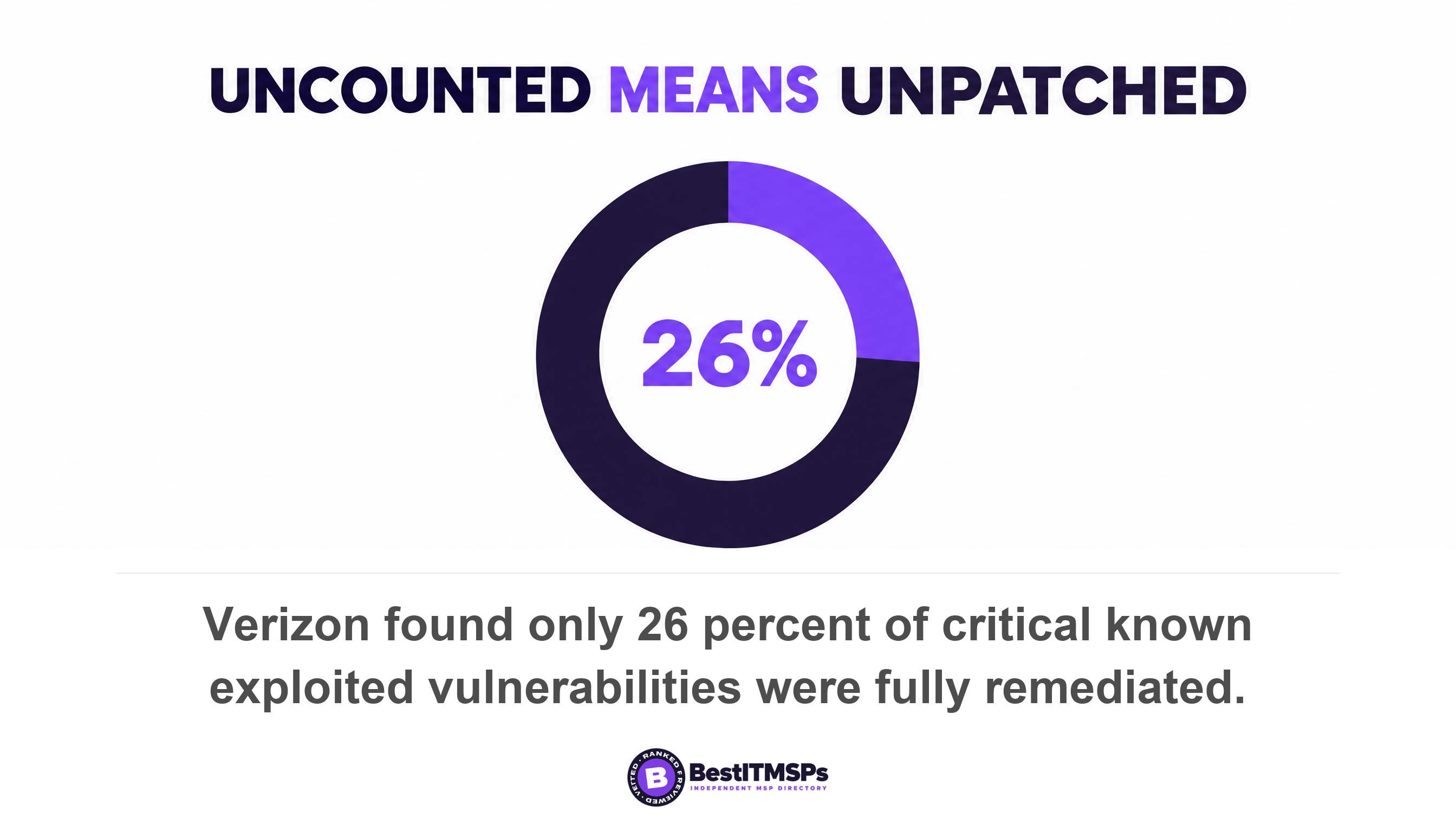
An uncounted asset costs you the patching, and the patching is most of what the fee buys. Verizon found that exploitation of vulnerabilities is now the most common initial access vector for breaches, at 31 percent, and that only 26 percent of critical known exploited vulnerabilities were fully remediated, down from 38 percent. The median time for full resolution reached 43 days.
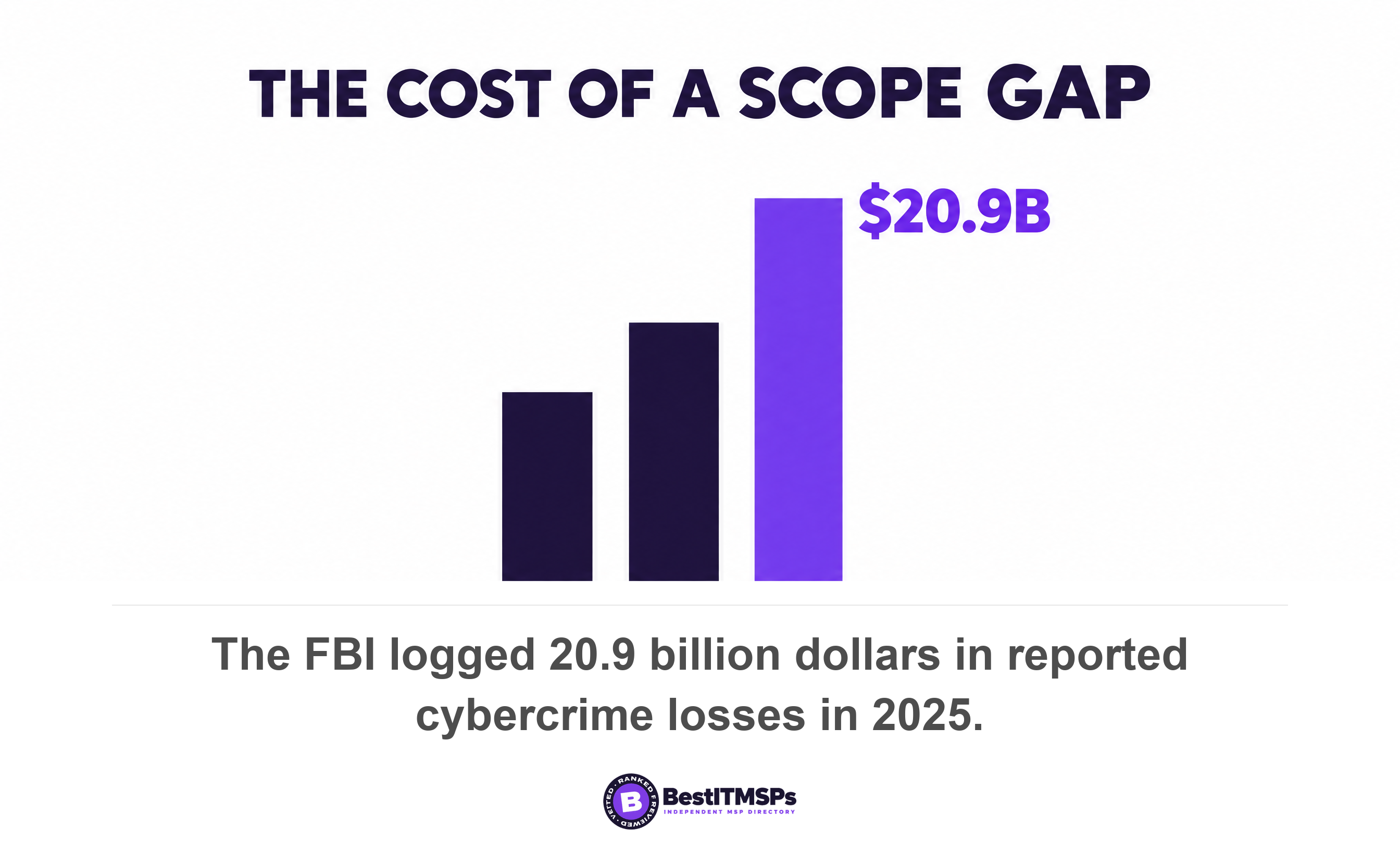
The bill for the gap arrives later and larger. IBM reports an average 247 days to identify and contain an active breach, and the FBI logged $20.877 billion in reported losses across 1,008,597 complaints in 2025, a 26 percent rise in a year. The printer left off the asset inventory is the cheapest line on the quote.
Negotiate the definition, then the rate. A discount applies to a number. A definition decides how many times that number is charged.
Why does the definition move the bill more than the rate?
The definition moves the bill further than the rate, because a rate is a price and a definition is a multiplier. Run both negotiations against the warehouse in Shape 1.
Negotiate the rate and win a 10 percent discount. The 60 seats fall from $125 to $112.50, which saves $9,000 a year. Now negotiate the definition instead, so the 12 shared terminals bill as 12 shared seats rather than 60 named users. Billable seats fall from 60 to 18, the bill falls from $90,000 to $27,000, and you save $63,000 a year. The definition change is worth 7 times the discount, on the same illustrative rates.
That is where the margin hides, and it hides in plain sight. A rate sits on page one of the proposal, so every buyer argues about it. A definition sits in the master services agreement or the statement of work, where almost nobody reads it, and it multiplies whatever rate you won. A provider who will not define a seat in one written sentence is reserving the right to decide later.
Where do tiered, all-you-can-eat and block-hours pricing fit?
All three sit on top of the per-user and per-device choice rather than replacing it, because each still needs a billing unit underneath.
- Tiered pricing. Good, better and best bundles, priced per user or per device inside each tier.
- All-you-can-eat. One flat fee for unlimited support, unlimited only up to the out-of-scope list.
- Block hours. A bank of hours drawn down at rate card prices, so ask whether unused hours roll over.
All three meet the same 2 edges. Work outside the agreed scope arrives as a change order at rate card prices, and a miscount gets corrected at the true-up. Ask whether the true-up can move the bill down as well as up, and whether the onboarding fee repeats when you add a site.
What should you get in writing before you sign?
Get 8 things into the master services agreement or the statement of work rather than the proposal deck, because a proposal is marketing and a contract is enforceable. Work down this checklist in the room.
- Define a user in one sentence, naming whether shared logins, service accounts, shared mailboxes and contractors count.
- Define a device by asset class, marking servers, network gear, printers, virtual machines, company phones and BYOD laptops in or out.
- Attach the rate card as an appendix, with a price for every asset class you own.
- Fix the true-up cadence, and state that the count can fall as well as rise.
- List what is out-of-scope, plus the change order process and price.
- State the onboarding fee, what it buys, and whether it repeats when you add a site.
- Agree the SLA credits, so a missed response has a price rather than an apology.
- Require a monthly billable count you can audit against your own asset inventory.
No contractual wording makes an IT bill perfectly predictable, and no honest provider promises that. It makes the bill explainable, which is the part you can hold somebody to. Take the ratio check and this checklist to 3 vetted providers, ask the same 2 definition questions, and compare the answers side by side.
FAQ
Is per-user or per-device pricing better for a small business?
Per-device pricing is better below roughly 3 devices per person, and per-user pricing is better above it. Divide your device count by your headcount, then compare that ratio against your quoted per-user rate divided by your quoted per-device rate. Warehouses sit low. Design teams sit high.
What counts as a user in an MSP contract?
Whatever the contract says, which is usually nothing at all. The 3 definitions in common use are a person on payroll, a licensed mailbox and an enabled directory account. Microsoft notes that every shared mailbox has a corresponding user account, so a directory count turns info@ and reception@ into billable seats.
Does a shared workstation count as one user or several?
It depends on the definition in your agreement, and that is the question to force before signing. A terminal worked by 3 shifts is 1 seat under a device count and 3 seats under a payroll count. Microsoft's own licensing separates frontline workers who share tablets and phones from information workers.
Are servers and printers included in per-device pricing?
Servers are almost always billed on a separate rate card line, and printers are often left out of scope. The Center for Internet Security counts network devices, non-computing and Internet of Things devices, and servers as enterprise assets, so ask for a price per asset class.
How do I stop my MSP bill rising every month?
Fix the definition and the true-up cadence in writing rather than haggling the rate. State that the billable count can fall as well as rise, require a monthly count you can audit against your own directory, and price every change order against an attached rate card.
Best IT MSP is the independent directory of vetted managed IT providers across the US and Canada. Organic ranking is earned on rating and verified data, paid placement is always labelled, and we do not sell IT services. Take the ratio check to 3 ranked providers in your city and compare what each one counts.