Signs your tenant was set up fast and cheap three years ago
A Microsoft 365 tenant keeps the defaults of the day it was made. Microsoft rolls security defaults out to new tenants at creation, so a tenant created before 22 October 2019 never got them. Six signs show a fast, cheap setup, and four of the checks need no admin rights.
- A tenant keeps the defaults of the day it was created. Microsoft rolls security defaults out to new tenants at creation, so a tenant made before 22 October 2019 never received them.
- Microsoft's own documentation says Exchange Online tenants created before 2017 have modern authentication disabled by default. Same licence, different year, different behaviour.
- Whether SMTP AUTH is still enabled across your whole tenant was decided by whether one device was using it in 2021, not by any security review.
- Four of the six checks need no admin rights. Forced password rotation, a missing MFA prompt, the default sharing link and your own sign-in history are visible to any user.
- Microsoft repairs the sign-in and never the decisions. Retention, admin count, emergency access and sharing level sit exactly as the installer left them.
What are the signs your Microsoft 365 tenant was set up fast and cheap?
Six signs mark a tenant that was stood up in an afternoon and never revisited. Security defaults switched off with nothing in their place, modern authentication never enabled, SMTP AUTH left on across the whole tenant, passwords still expiring on a 90-day clock, sharing sitting at the permissive out-of-the-box level, and a set of decisions nobody ever made. Not one of them is a bug. Each is what the product shipped as on the day your tenant was created.
That creation date matters more than anything your provider has done since. A tenant is a snapshot of the vendor's defaults at the moment it was made, and vendors change those defaults for new tenants without migrating the existing ones. Microsoft says it plainly. Security defaults might be enabled in a tenant created on or after October 22, 2019, and they are rolled out to all new tenants at creation. A tenant created in 2018 never got them at creation. Microsoft does sweep some older tenants into security defaults later, but only where the tenant has no Conditional Access policies, no premium licences and no active legacy authentication clients. A tenant holding a premium licence or even one Conditional Access policy sits outside that sweep, so its security defaults stay off until somebody switches them on.
This is not a niche complaint. The NSA and CISA put default configurations of software and applications first in their list of the ten most common network misconfigurations, drawn from their own red team and blue team assessments in October 2023. So the question about your tenant is not whether it is configured correctly. It is which year's idea of correct it is frozen at.
Why your tenant is frozen at the defaults of the year it was created
Your tenant is frozen because a default is applied once, at creation, and never re-applied afterwards. Microsoft publishes safer defaults regularly, and the wording in its own documentation tells you exactly who receives them. From July 1, 2026, all new Microsoft Entra tenants block device code flow as part of security defaults. New tenants. Not yours, although a licence-eligible tenant can pick the same control up by another route, because blocking device code flow also appears among the Conditional Access policies Microsoft creates in eligible tenants.
The clearest example is nine years old and still live. Microsoft notes that Exchange Online tenants created before 2017 have modern authentication disabled by default, and states separately that since August 2017, modern authentication is enabled by default in Exchange Online, Microsoft Teams, and SharePoint. Two businesses, identical licences, identical provider, different behaviour, because one tenant was created a few months before the other.
The same mechanic operates inside a single tenant. Add a domain name after setup and the new or converted domain keeps the default policy until an administrator re-applies the organization rule. Nobody is told. Nothing breaks. The setting simply inherits the shipped value and sits there as a stale default for years.
The six signs, in the order worth checking
Check these six in the order below, because the first two decide whether anything is enforcing a second factor at all. Each sign names the exact screen, says who needs admin rights to open it, and states what a good answer sounds like.
1. Security defaults are off and nothing replaced them
Security defaults are the floor, and an old tenant often sits below it. They make every user register for multifactor authentication, require administrators to use it, and block legacy authentication protocols and device code flow. Microsoft states that more than 99.9 percent of common identity-related attacks are stopped by multifactor authentication and blocking legacy authentication, and Sophos found a lack of multifactor authentication in 59 percent of the 661 incident response cases it handled. Look in the Microsoft Entra admin center under Entra ID, Overview, Properties, Manage security defaults. That screen needs at least the Conditional Access Administrator role. A good answer is Enabled, or a named list of Conditional Access policies that replace it. A reply of we turned it off, with no list, is the sign.
2. Modern authentication was never switched on
Modern authentication is a single setting your provider may never have touched, and in a pre-2017 tenant it starts off. Look in the Microsoft 365 admin center under Settings, Org Settings, Modern Authentication, at the box that reads turn on modern authentication for Outlook 2013 for Windows and later. Be honest about this one, because the risk is now small. Basic authentication is disabled in all tenants, and nobody, including Microsoft support, can re-enable it. So a stale modern authentication setting is untidy rather than dangerous, and it matters mainly to a stubborn old Outlook client.
3. SMTP AUTH is still enabled for the whole tenant
SMTP AUTH is probably still on across every mailbox you own, and whether it is was decided by what a copier was doing in 2021. Microsoft disabled SMTP AUTH in all tenants where it was not being used, starting with existing tenants that had no reported usage. A tenant where one scanner or alarm panel sent mail kept the protocol switched on for everybody. Microsoft's own advice is to disable SMTP AUTH in your organization and enable it only for the accounts that still require it. Look in the Exchange admin center under Settings, Mail Flow, at the toggle labelled turn off SMTP AUTH protocol for your organization. A good answer names the two or three devices that need it.
4. Passwords still expire on a 90-day clock
Passwords that expire on a timer date your setup precisely, because the current default is the opposite. Microsoft states that by default, passwords never expire for your organization, and the admin screen labels the never-expire option as recommended. NIST goes further and requires that verifiers and credential service providers shall not require subscribers to change passwords periodically. The same requirement does force a change if there is evidence that the authenticator has been compromised, so the published rule is to rotate on evidence rather than on a calendar. If your staff rotate a password every 90 days, somebody typed that number years ago and nobody has reviewed it since. Changing it needs a user administrator, in the Microsoft 365 admin center under Settings, Org Settings, Security and Privacy, Password expiration policy, where the permitted range runs from 14 to 730 days.
5. Sharing sits at the collaborative default and nothing expires
Sharing sits wide open on most tenants because that is how the product ships. Microsoft states that external sharing is turned on by default for your entire SharePoint and OneDrive environment. The permissive part is not the switch, it is that nothing expires on its own. Guest invitations, Anyone links and site access all persist until a person removes them. Read the organization level in the SharePoint admin center under Policies, Sharing, where the four link types run from Anyone with the link through to Specific people. Our guide to guest access sprawl in your Microsoft 365 tenant covers the five guest defaults and how to expire them. A good answer states a level and a reason, not just a level.
6. The decisions nobody ever made
The sixth sign is not a setting, it is five decisions left blank. A fast setup does not misconfigure these, it skips them, so each one reads as empty rather than wrong. Nobody decided how many people hold the Global Administrator role on your Microsoft 365 tenant. Nobody created a break-glass account for the day normal sign-in fails. Nobody chose a retention period, so retention policy and backup were never told apart and the 30-day deletion window is still whatever Microsoft set. Nobody picked an audit log retention tier. And nobody set a review cadence, which is why a one-hour access review still turns up ex-employees three years later.
What you can check without admin rights, and what you cannot
Four of these checks need no admin rights at all, and they are the ones to run first.
- Password rotation. Being forced to change your password on a schedule tells you somebody set an expiry by hand, because the shipped default never expires.
- Multifactor authentication. If you have never been prompted to register a second factor, nothing is enforcing one on your account.
- The default sharing link. Open any file, select Share, and read the link type the dialog offers first. Anyone with the link means unauthenticated sharing is permitted at organization level.
- Your own sign-in history. Sign in at myaccount.microsoft.com and open Recent Activity to review your own sign-ins by operating system, location and app.
The remaining four need a role that somebody has to grant you before you can verify them. Security defaults needs at least Conditional Access Administrator. The SMTP AUTH toggle and the password expiration policy need Exchange and user administration rights. Reading the Entra sign-in logs and audit logs needs a role, and Reports Reader is the least privileged one that does it. Confirming that mandatory multifactor authentication is enforced on your tenant needs a Global Administrator inside the Azure portal. If your provider will not grant a read-only role, that refusal is itself an answer.
What Microsoft repaired anyway, even in an old tenant
Microsoft has already closed some of these gaps without anybody asking, and knowing which ones saves you paying to chase them. Four changes reached existing tenants rather than only new ones, though the last of the four carries a licence condition.
- Basic authentication is gone. It is disabled in all tenants, and no one, not you and not Microsoft support, can re-enable it.
- Admin portal sign-ins require a second factor. Enforcement began for the Azure portal, the Entra admin center and the Intune admin center in October 2024, reached the Microsoft 365 admin center in February 2025, and extended to Azure CLI, Azure PowerShell and REST API write operations on 1 October 2025. Microsoft states there is no way to opt out and that every Azure tenant will require it, with one limit on that scope: enforcement runs only in the public Azure cloud, and not in Azure for US Government or other Azure sovereign clouds.
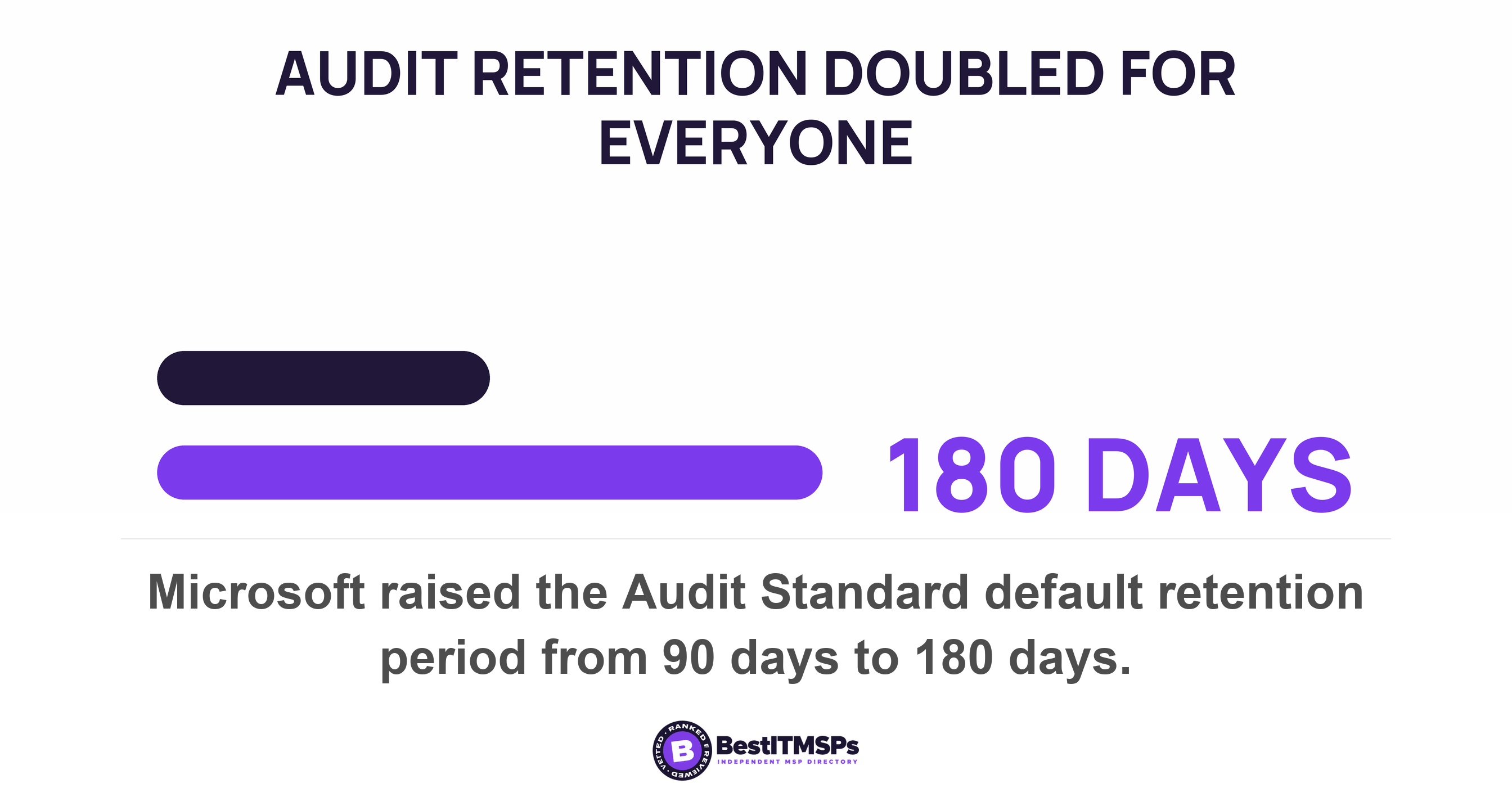
- Audit retention doubled. The Audit Standard default moved from 90 days to 180, applied by the date a log was generated rather than by tenant, with the cut at 17 October 2023. Auditing itself is enabled by default for all organizations with the appropriate subscription.
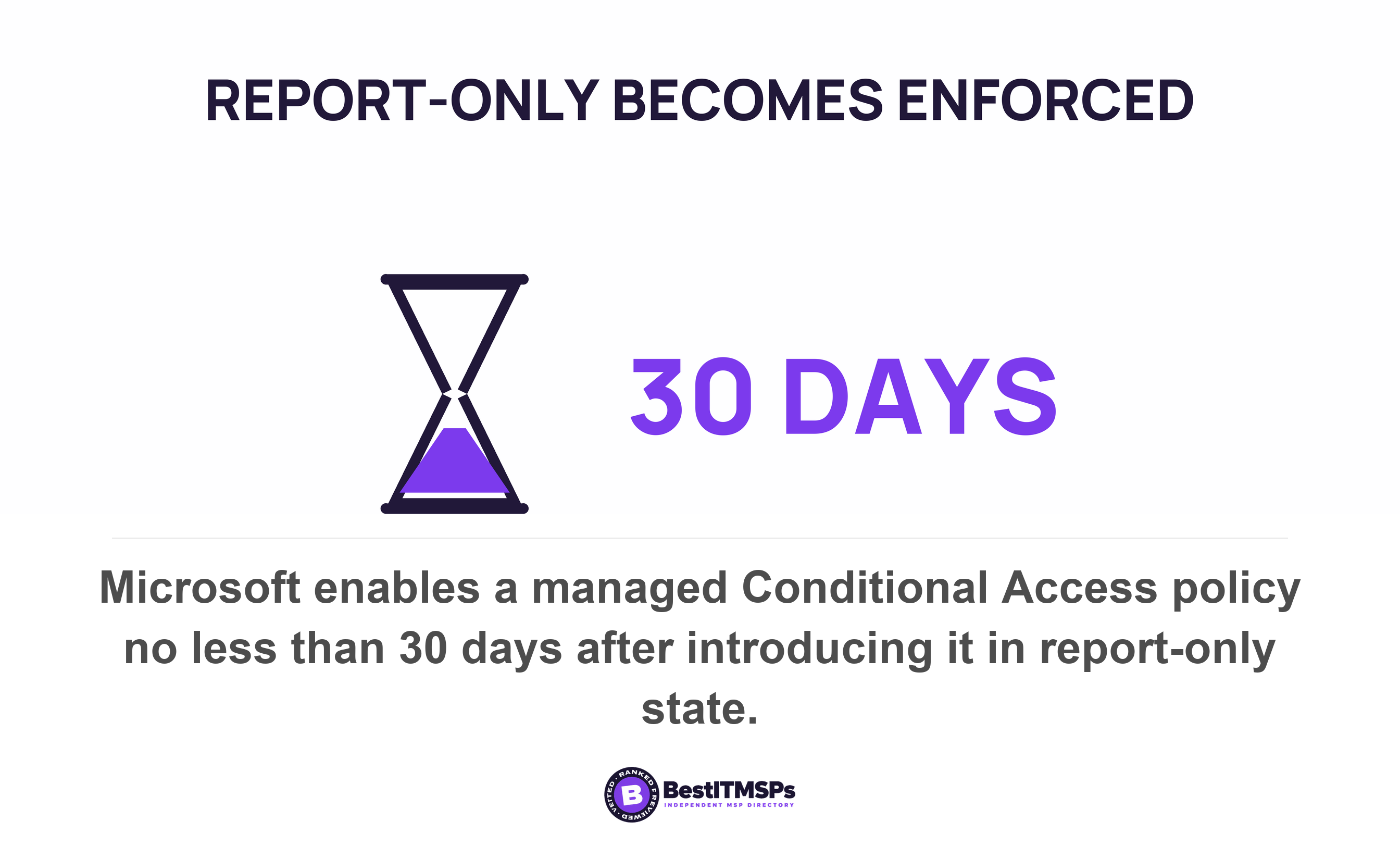
- Conditional Access policies arrive ready-made. Microsoft creates managed policies in eligible tenants in a Report-only state and enables them no less than 30 days later, after two weeks of notice. Eligibility needs Microsoft Entra ID P2 or Microsoft 365 Business Premium licences, so an unlicensed tenant gets nothing.
Read that list again, because the pattern is the real finding. Microsoft repairs what Microsoft controls, and what it controls is the sign-in. It will never choose your retention period, your administrator count, your emergency access account or your sharing level, because those are business decisions rather than product defaults. The authentication half of an old tenant has therefore been improving for years without anyone at your business lifting a finger. The decision half is exactly as the installer left it on day one. Test the decisions.
Why fixing the default does not clean up the past
Changing a default today does not undo what accumulated under the old one. Microsoft documents four places where that bites, and each one costs somebody a surprise.
- App permissions survive. Updates to user consent settings only affect future consent operations, and existing consent grants remain unchanged. Tightening consent leaves every app your staff already approved exactly where it was. Our post on every OAuth app your staff connected to your Microsoft tenant covers that clean-up.
- Guests come back. If you turn off external sharing for your organization and later turn it back on, guests regain access. The switch suppresses the symptom and preserves the list.
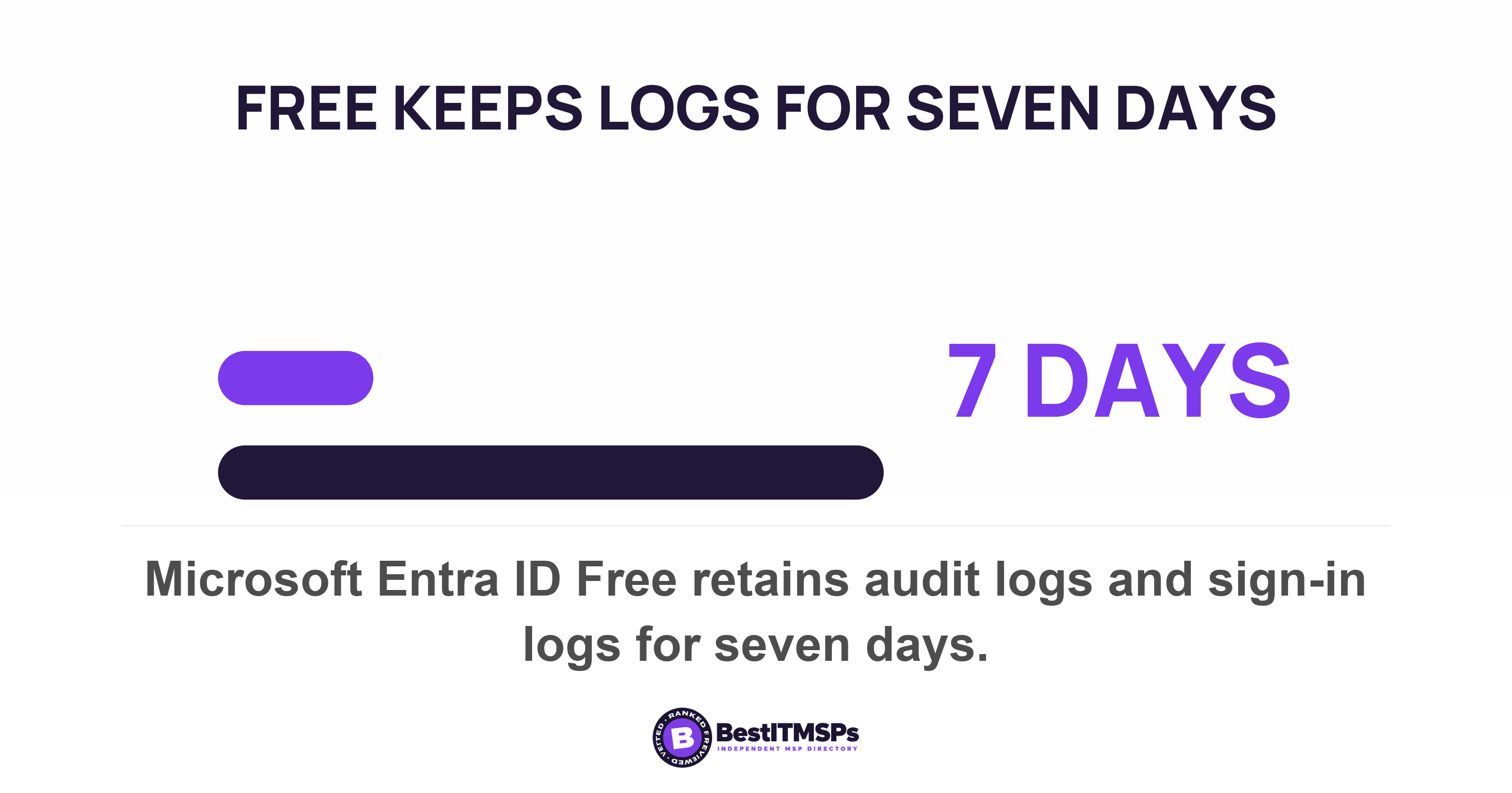
- Logs do not come back. On Microsoft Entra ID Free, audit logs and sign-ins are retained for seven days, against 30 days on P1 and P2, and Microsoft adds that log retention changes are not retroactive. Buying a licence today recovers nothing older than a week.
- Deleted accounts have one window. A deleted user stays in a suspended state for 30 days and can be restored with all its properties, after which permanent deletion starts automatically and cannot be stopped.
The lesson is the one most providers skip. The setting and the clean-up are two separate jobs, and a provider who reports only the first has done half the work. Ask for both, with dates and a documented list of what was removed.
A provider who tells you the date your tenant was created, and what has changed in it since, is managing it. A provider who tells you the product names is maintaining somebody else's afternoon.
Which of these signs is genuinely risky
Two of the six carry real risk, three are untidy, and the sixth is the expensive one. Microsoft's permissive defaults are deliberate, shipped so that sharing and sign-in work on day one, and a post that treats every one of them as an emergency is doing the vendor's job rather than yours.
- Risky. Security defaults off with nothing in their place, because identity is the way in. Sophos found 79 percent of ransomware attacks started with compromised identities.
- Risky. SMTP AUTH left on tenant-wide, because it opens a password-only path on every mailbox instead of the two or three that need it.
- Untidy. Modern authentication off, now that basic authentication is blocked in every tenant anyway.
- Untidy, and counterproductive. A 90-day password expiry, which NIST tells verifiers not to impose at all.
- Untidy until it is not. Permissive external sharing, which carries risk in proportion to what sits in the shared sites.
- Expensive. The decisions nobody made, because you discover your retention period on the day you need a file back.
Five questions to send your IT provider this week
Send these five in one email and date the reply, so the answers become a record rather than a conversation.
- Ask when the tenant was created, and whether security defaults or Conditional Access is enforcing multifactor authentication today. The date is not a matter of anyone's memory. Your tenant carries a creation timestamp that is automatically populated when the organization is created and cannot be modified afterwards, so a provider can read it to you rather than estimate it.
- Ask whether SMTP AUTH is off tenant-wide, and which named devices have it enabled per mailbox.
- Ask what the password expiration policy is set to, and why that number.
- Ask what the external sharing level is, how many guest accounts exist, and when guest access expires.
- Ask for the retention decision, the audit log retention tier, and the date of the last access review.
None of this buys perfect security, and no honest provider claims otherwise. It buys a tenant whose settings were chosen on purpose rather than inherited from a stranger's afternoon. If you are weighing a change of provider, compare firms on these five answers rather than on the deck. Read what a small business needs first for the version of this done properly on day one, and do not judge any of it by your Secure Score percentage.
FAQ
Does Microsoft turn on new security settings in an existing tenant?
Sometimes, and the split is predictable. Mandatory multifactor authentication for admin portals reached every tenant with no way to opt out, while security defaults are rolled out to new tenants at creation. Managed Conditional Access policies reach only licence-eligible tenants, arriving in a Report-only state.
Is external sharing turned on by default in Microsoft 365?
Yes. Microsoft states that external sharing is turned on by default for your entire SharePoint and OneDrive environment, and suggests turning it off globally before people start using sites. Which of the four levels your own tenant sits at is the thing to read on screen, because a provider may have changed it.
Should Microsoft 365 passwords expire every 90 days?
No. Microsoft's own default is that passwords never expire for your organization, and the admin screen marks that option recommended. NIST requires that verifiers shall not require subscribers to change passwords periodically. A 90-day expiry is a setting somebody typed years ago and nobody reviewed.
Can I check any of this without being a Microsoft 365 administrator?
Yes, four checks need no rights. Whether you are forced to rotate your password, whether you were ever prompted to register multifactor authentication, which sharing link the Share dialog offers first, and your own recent sign-in activity at the My Account portal. The rest need a role.
Does turning a setting off remove the access it already granted?
No, and Microsoft documents it. Existing consent grants remain unchanged when you tighten app consent, guests regain access if external sharing is turned back on, and log retention changes are not retroactive. The setting and the clean-up are two separate jobs.
Best IT MSP is the independent directory of vetted managed IT and cybersecurity providers across the US and Canada. Organic ranking is earned on rating and verified data, and paid placement is always labelled. Take these five questions to three merit-ranked firms in your city and compare the answers side by side.