The 30-day deletion window most owners find out about too late
Microsoft 365 does not run one deletion clock. It runs several. A deleted user is restorable for 30 days, a deleted site for 93, and mailbox items a user purged for 14 by default. Three of those clocks start at an event nobody in your business ever sees.
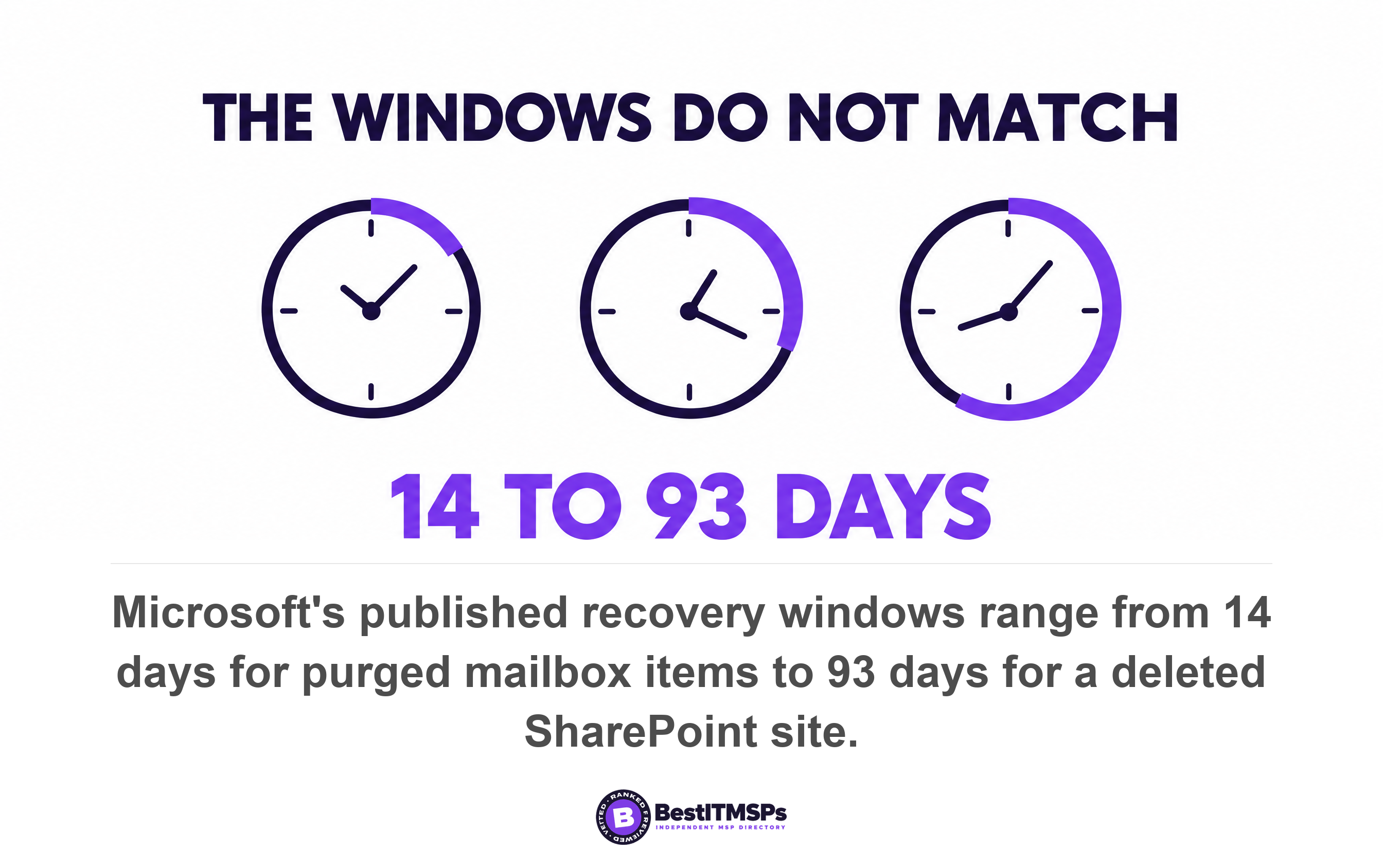
- Microsoft publishes a different recovery window per workload. The ones that matter are 14 days for purged mailbox items, 30 days for a user, a mailbox or a group, and 93 days for a SharePoint site.
- Removing a license starts a 30-day clock on the mailbox and starts no clock at all on OneDrive. Most offboarding runbooks have that backwards.
- A stripped license also makes the mailbox invisible to eDiscovery search, so the email is expiring and unfindable at the same time.
- A mailbox becomes an inactive mailbox only if the hold went on before the account was deleted. Order of operations decides whether a leaver's email survives.
- Distribution groups have no recycle bin and a deleted team cannot be restored directly. Ask which objects in your tenant have no window at all.
How long do you have to recover deleted data in Microsoft 365?
Between 14 and 93 days, depending on what was deleted. Microsoft publishes a separate recovery window for each workload, and the numbers do not line up. A deleted user gets 30 days. A deleted SharePoint site gets 93. Mailbox items a user purged get 14.
Every one of those windows is documented, dated and public. Microsoft states that a deleted user account remains in a suspended state for 30 days, and that deleted SharePoint sites are retained for 93 days. Microsoft Graph records the same rule for the directory itself, where deleted items remain available to restore for up to 30 days. None of it is hidden. It is simply never read until somebody needs a file back.
We have already covered why the license you pay for does not back up your data, and how long your sign-in and audit logs survive in Business Premium or E3. Those are log windows. This is about data windows, which run shorter and start at events your business does not witness.
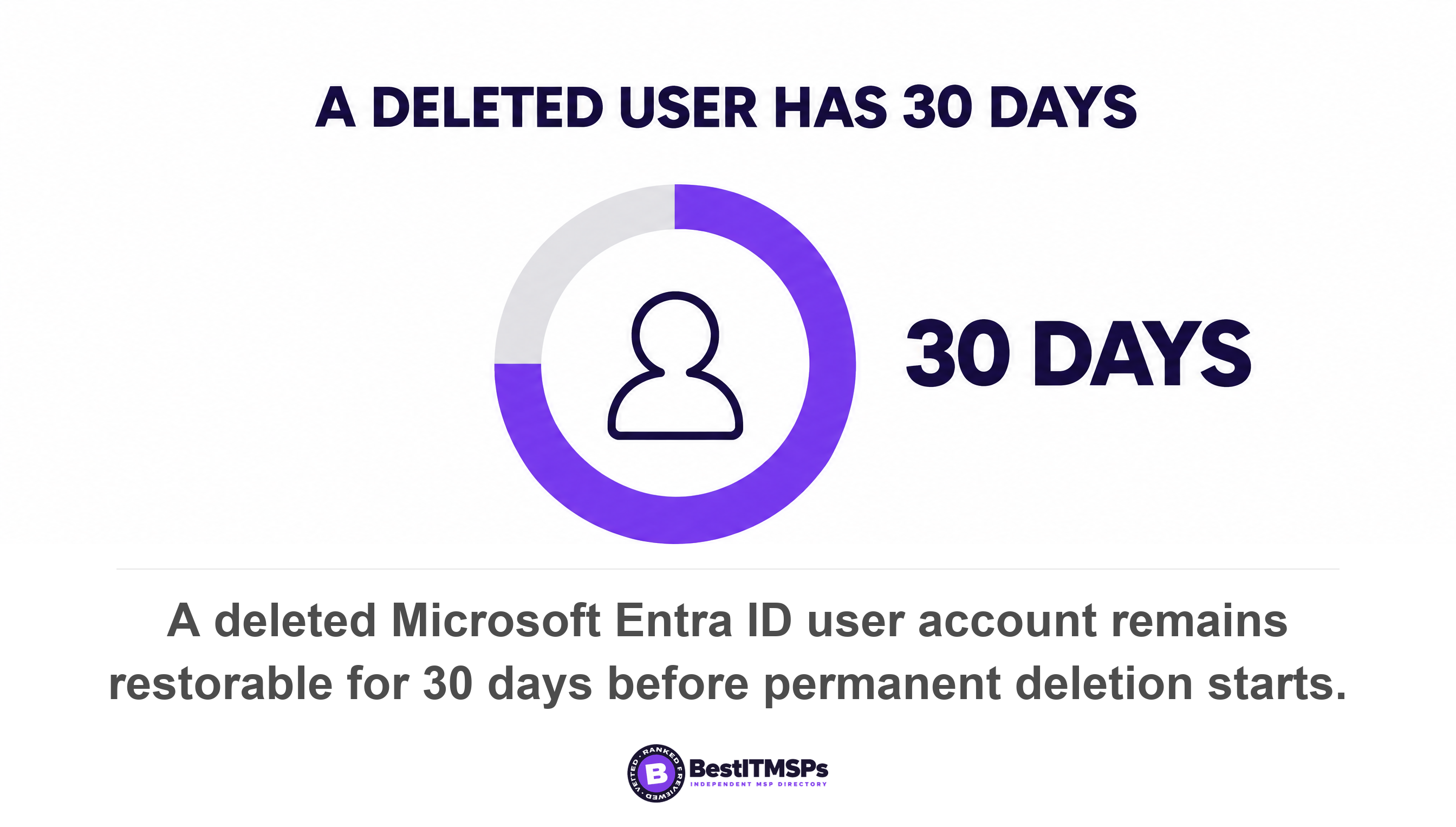
- A deleted user account. 30 days. Restorable with all its properties. After that, the permanent deletion process starts automatically and cannot be stopped.
- A deleted mailbox. 30 days. Exchange Online keeps the mailbox and all its contents until the deleted mailbox retention period expires, which is 30 days.
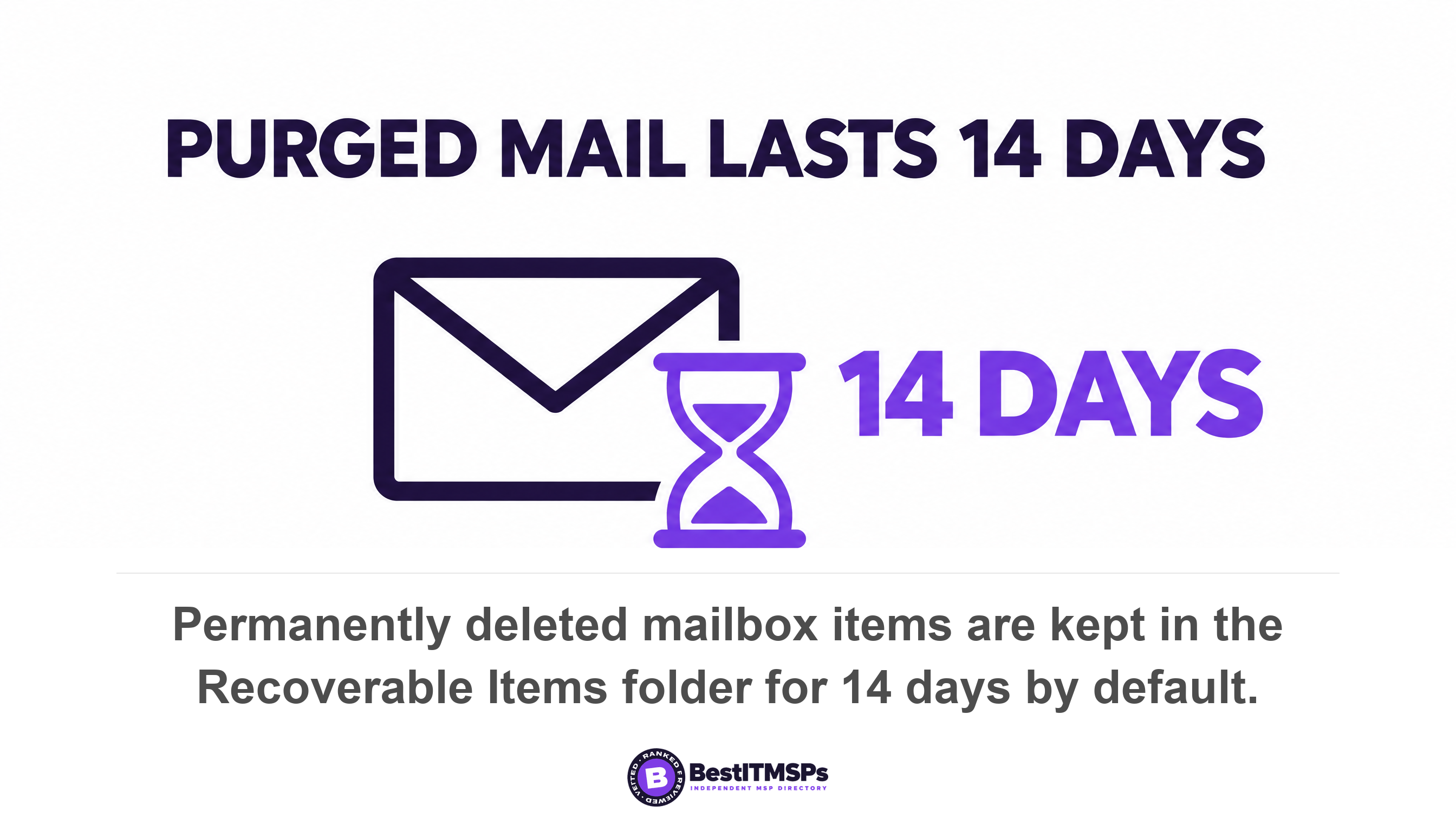
- Items a user purged from their own mailbox. 14 days. They land in the Recoverable Items folder and are kept there for 14 days by default, raisable to a maximum of 30.
- A deleted SharePoint site. 93 days. Sites are retained for 93 days, and a deleted item inside a live site gets 93 days in total, shared across the site recycle bin and the site collection recycle bin.
- A deleted user's OneDrive. 30 days, then 93. The default is 30 days, you can configure it from 30 through 3650 days, and at the end of it the OneDrive stays in a deleted state for 93 days and can only be restored by a SharePoint administrator.
- A deleted Microsoft 365 group or Team. 30 days. The group is retained but not visible for 30 days from the deletion date, and that period is not customizable. A team comes back only by restoring its group, because you cannot directly restore a team that has been deleted.
Read the OneDrive line twice, because it is the configurable one. The floor is 30 days and the ceiling is 3650, in a box labelled Days to retain files a deleted user's OneDrive. Ten years of protection is one setting in the SharePoint admin center, it costs nothing to change, and almost no small business has ever been shown it.
What starts each clock, and why you never see it
Each window starts at a technical event, not at the moment a person leaves. That is the whole problem. Microsoft documents each trigger plainly, and most of them happen inside an admin console with nobody watching.
- The OneDrive clock starts only when the account is deleted from Entra ID. Microsoft is explicit that no other action causes the cleanup process to occur, including blocking the user from signing in or removing the user's license. The count begins as soon as the user account was deleted in the Microsoft 365 admin center, even though the deletion process takes time.
- The mailbox clock starts when the license comes off. Exchange Online data associated with that account is held for 30 days from the moment the license is removed, whether or not the account still exists.
- The purge clock starts when a user empties a folder, not when they press delete. An item reaches the Recoverable Items folder when a user deletes an item from the Deleted Items folder, empties the Deleted Items folder, or permanently deletes an item with Shift and Delete.
- The group clock starts on the deletion date, and the 30-day group restoration period isn't customizable.
The Deleted Items folder itself is a useful surprise. Microsoft notes that the Default MRM Policy in Exchange Online doesn't include a default tag to automatically delete content from the Deleted items folder, and that you have to add one yourself to apply a 30-day retention. So mail sitting in Deleted Items is not on a clock unless somebody set one. Mail the user purged out of that folder is.
Then there is the warning, which turns this into a management problem rather than an IT one. When a user is deleted, Microsoft emails that person's manager, and sends a second reminder seven days before the retention period expires. That only works if a manager is recorded. Microsoft states that if access delegation is disabled or no manager or secondary owner is set, no one has automatic access when the user is deleted, and no one is warned that the OneDrive will be deleted. An empty manager field is the difference between a warning and a silent loss.
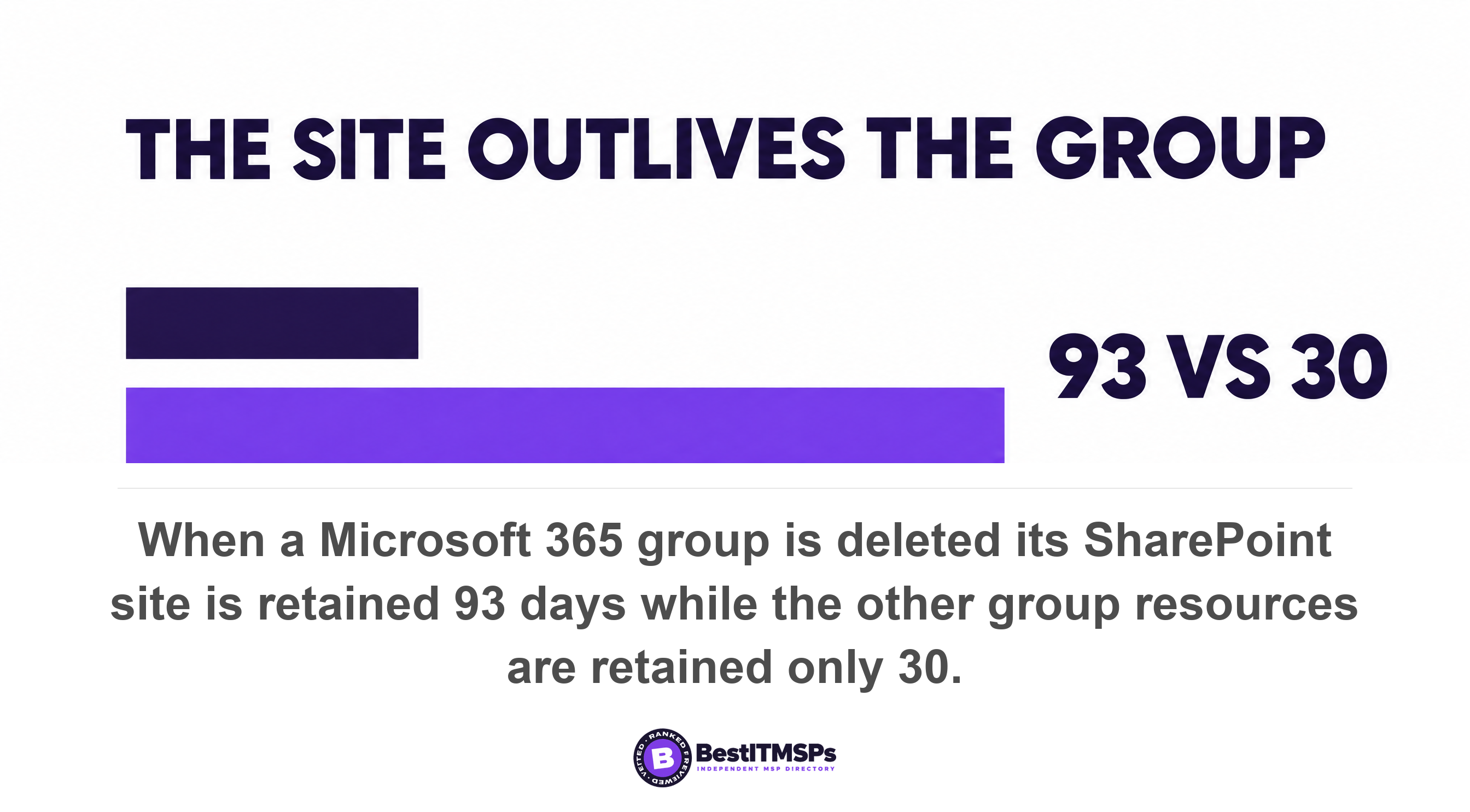
One divergence inside a single deletion makes the point better than any individual number. Delete a Microsoft 365 group and its SharePoint site outlives everything else attached to it. Microsoft says so in one sentence. The other group resources are retained for only 30 days, whereas the site is retained for 93. On day 60 you can still get the files and not the group, the group mailbox or the plan. One deletion, two expiry dates, and one of them has already passed.
Removing a license is not the same as keeping the data
Removing a license starts a 30-day clock on the mailbox and starts no clock at all on the files. That asymmetry is the most expensive thing in this article, because the usual shortcut is to offboard a user by stripping the license, leaving the account in place, and assuming nothing moved.
Microsoft documents all three consequences on one page. When a license is removed from a user, Exchange Online data that is associated with that account is held for 30 days, and after the 30-day grace period, the data is deleted and can't be recovered. One caveat sits in Microsoft's very next sentence, and it is the only thing standing between you and a clean loss: it's linked to the retention policy, and the content that matches retention labels is retained for discovery. Files saved in OneDrive for Business aren't deleted unless the user is deleted from the Microsoft 365 admin center or is removed through Active Directory synchronization. And when the license is removed, the user's mailbox is no longer searchable by using an eDiscovery tool such as Content Search or eDiscovery (Premium).
Hold those three facts together, because together they are the trap. The email is on a 30-day fuse. The files are not. And during those 30 days the mailbox is invisible to the one tool you would use to look inside it. Re-adding the license inside the window restores access and makes the mailbox fully active, which is the fix, if anyone notices in time.
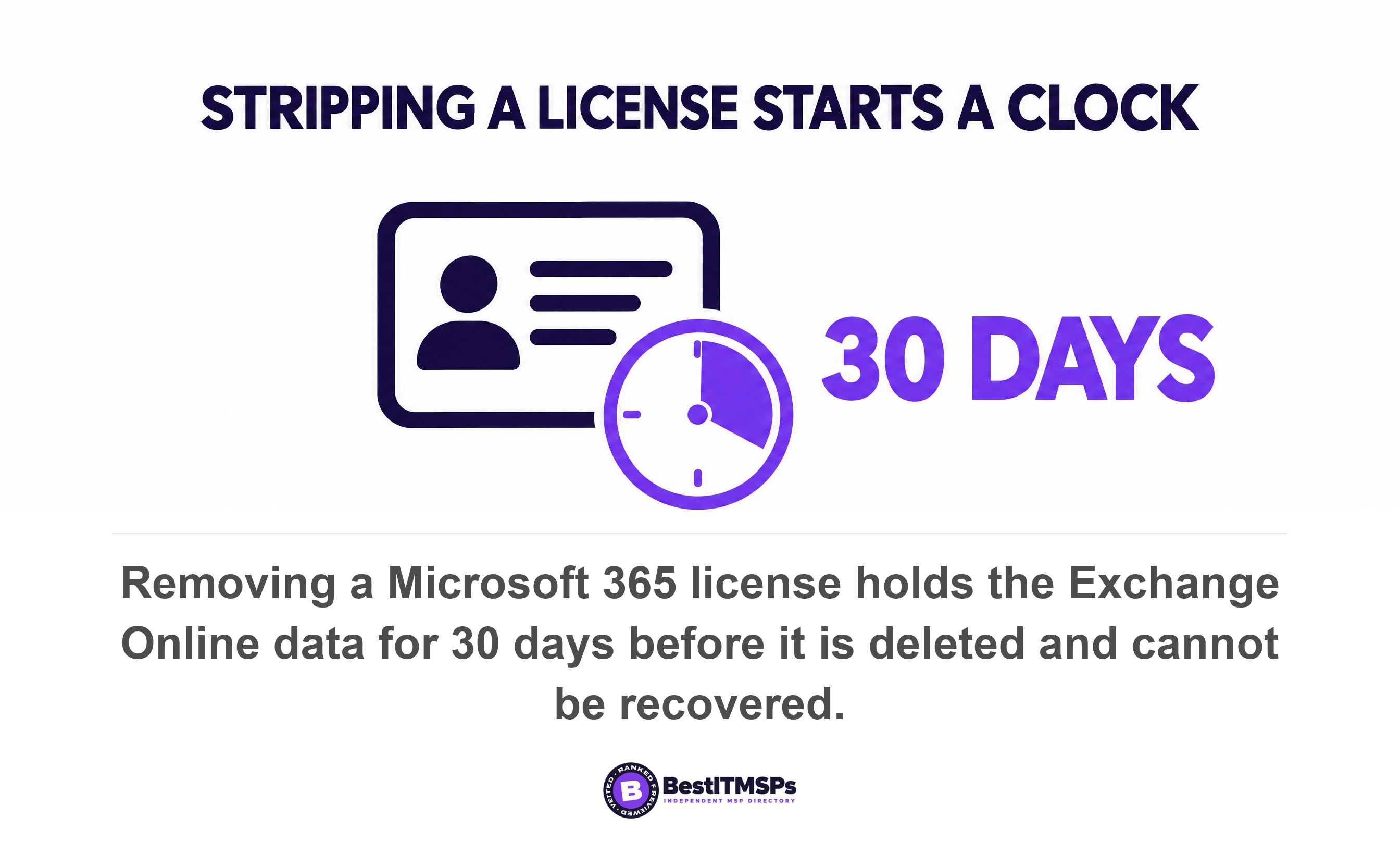
The preservation answer Microsoft offers is an inactive mailbox, and it carries a precondition most people miss. A mailbox becomes inactive only if a hold is applied to the mailbox prior to deleting the Microsoft 365 account. Microsoft repeats the warning in its own words. If the hold isn't applied, the mailbox won't be converted into an inactive mailbox. Hold, confirm, then delete. Any other sequence and 30 days is all you have.
Two edges are worth knowing before you lean on a hold. Applying an Exchange messaging records management retention policy does not create an inactive mailbox when the user account is deleted, so an old mailbox rule is not a preservation plan. And Microsoft is explicit about what a tidy-up costs: if a hold that's placed on an inactive mailbox is associated with an eDiscovery case, and then the hold is released or the eDiscovery case is closed (or deleted), the inactive mailbox is permanently deleted. A lawyer tidying up a finished matter can therefore destroy the archive that matter created, and nobody raises a ticket for it.
The clock your business thinks it has is rarely the clock that is running.
What has no recovery window at all
Five things in a Microsoft 365 tenant have no window, and Microsoft names each one. Knowing the list is cheaper than discovering it.
- A distribution group. Soft delete is available for Microsoft 365 groups and cloud security groups in Microsoft Entra ID. It isn't available for distribution groups. Delete one and the membership is gone.
- A team, restored directly. Microsoft is blunt. Archived teams can be reactivated, but you can't directly restore a team that has been deleted. You restore the underlying group instead, inside 30 days.
- A user you deleted permanently on purpose. A permanently deleted user can't be restored by anyone, including Microsoft customer support.
- An inactive mailbox with an auto-expanding archive. It can't be recovered or restored. Exporting through content search is the only route left, and Microsoft says that route can't be used as a backup solution.
- Anything already in a recycle bin when a hold goes on. The Recycle Bin isn't indexed and therefore searches don't find content there, which means an eDiscovery hold can't locate any content in the Recycle Bin in order to hold it.
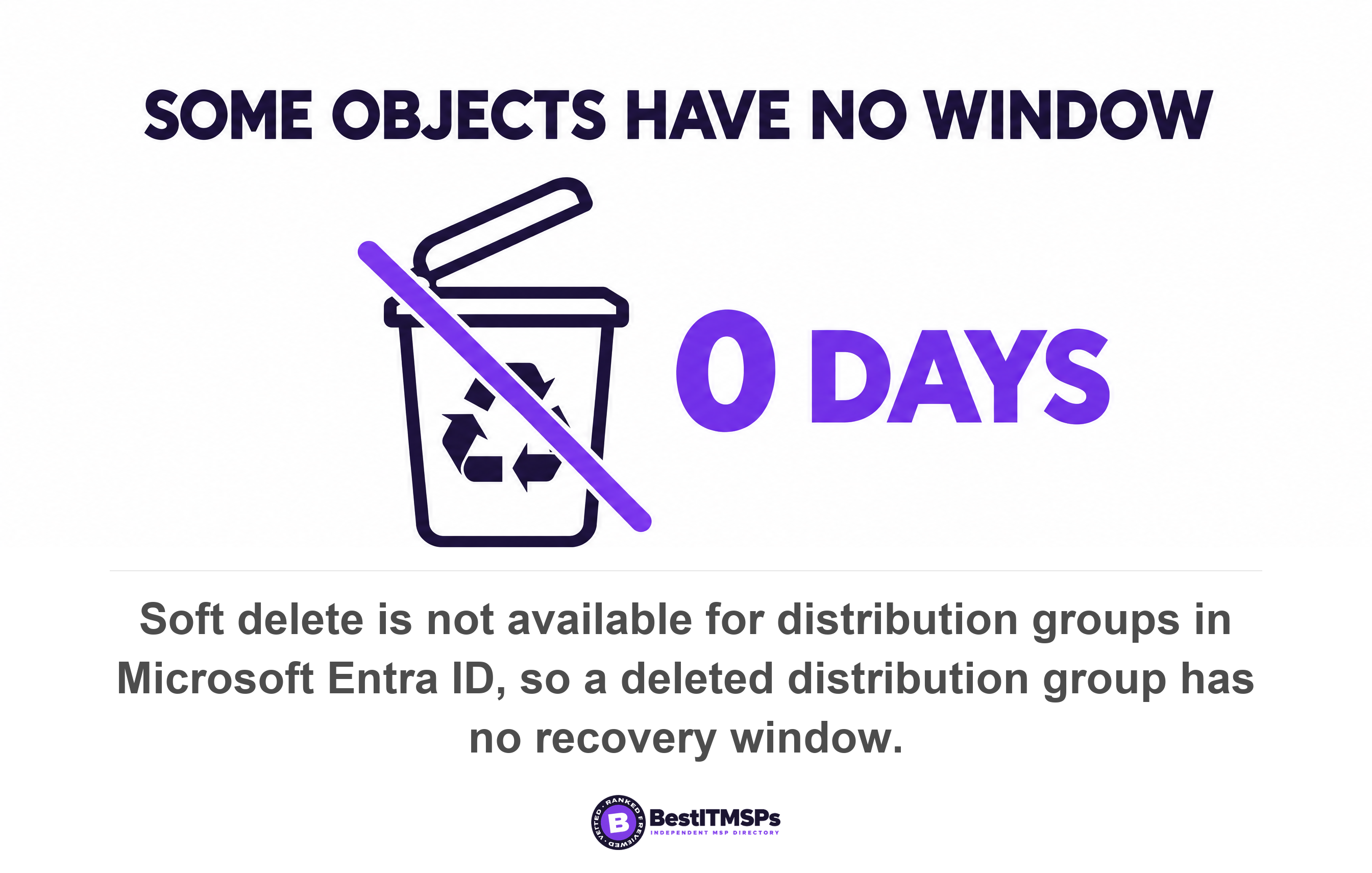
The directory recycle bin is narrower than its name suggests too. Microsoft Graph lists the object types it covers, and the list is short. It reaches applications, agent identity objects, groups, service principals and users. Conditional Access policies, device records and tenant configuration are not on it. If your provider rebuilt your sign-in rules last spring, there is no bin to pull the old ones out of.
One number is worth keeping for contrast. Microsoft's own paid backup product sets its recovery window at 3 months, 6 months, 1 year or 2 years, defaulting to 1 year, across SharePoint sites, OneDrive accounts and Exchange mailboxes. A year against 14 days is the gap a backup line on an invoice actually buys. Note what it leaves out, because Teams chat, Entra ID configuration and device policy are not in those three workloads.
Does anyone measure how often businesses find out too late?
No credible primary source publishes that figure, and we are not going to invent one. We looked for a government body, a standards body or primary research on how often a business discovers a closed recovery window, and found none. The percentages circulating on vendor blogs trace back to unnamed samples, so they stay out of this article.
What is measurable is how often the trigger event happens. The US Bureau of Labor Statistics recorded 5.1 million total separations in August 2026, a rate of 3.2 percent, of which 3.1 million were quits. Offboarding is not an edge case. It is a monthly routine at national scale, and each departure starts at least one of the clocks above.
Public guidance treats it as routine as well, and the gap in that guidance is instructive. CISA's performance goals include a dedicated offboarding goal, 3.D, Revoking Credentials for Departing Staff, which asks organizations to review user access and disable accounts when inactive for a specified period, giving 30 days as its example. Look at what that goal protects. It stops the leaver keeping access. It says nothing about keeping the leaver's data. Most offboarding checklists copy the security half and skip the recovery half entirely.
What to ask your provider to confirm in writing
Ask for six confirmations in writing, with the evidence beside each one. A provider who runs your tenant can answer all six from the admin center inside an hour.
- State the current value in the Days to retain files a deleted user's OneDrive box, and whether it is still 30.
- Name the step in the offboarding runbook that applies and confirms a hold before the account is deleted, and the last leaver it ran on.
- Confirm that every user record has a manager set, because the deletion warning email goes to the manager and nowhere else.
- Show the Recoverable Items retention value on one real mailbox, and whether it reads 14 days or 30.
- List the objects in our tenant with no recovery window, including distribution groups and Conditional Access policies.
- Produce one restore performed in the last 90 days, with the date, what came back, and how long it took.
Then judge the answers on evidence rather than reassurance. A screenshot of the retention setting is evidence. A runbook with a leaver's name and date on it is evidence. A completed restore with a timestamp is evidence. The phrase it is all in the cloud is not, and neither is a product name. Verify each answer against Microsoft's own documentation, which is linked in the sources below. For the restore side, our guides on how long a full restore takes and when was your backup last restored give you the drill.
None of this makes data loss impossible, and no honest provider claims it does. It changes what you are relying on. Today most small firms rely on a set of windows they have never seen, started by events they never witness, with a warning email addressed to a field nobody filled in. Reading the windows once, writing the triggers down, and testing a single restore moves you off that footing for good.
FAQ
How long does Microsoft 365 keep a deleted user's data?
Thirty days for the account and the mailbox. Microsoft keeps a deleted user account in a suspended state for 30 days and keeps the mailbox for 30 days before permanent deletion. The OneDrive runs separately, at 30 days by default and then 93 more days in a deleted state.
Does removing a Microsoft 365 license delete the data?
Not at once, and not evenly. Exchange Online data is held for 30 days after the license is removed, then deleted and unrecoverable, while OneDrive files aren't deleted unless the user is deleted. The mailbox also stops being searchable by an eDiscovery tool the moment the license goes.
Can you recover a deleted SharePoint site after 93 days?
No. Microsoft states that after 93 days, sites and all their content and settings are permanently deleted, including lists, libraries, pages, and any subsites. Only a separate backup reaches past that point, and Microsoft's own product defaults to a 1 year recovery window.
How do I keep a former employee's email permanently?
Apply a hold before you delete the account. Microsoft converts a mailbox into an inactive mailbox only if a hold is applied to the mailbox prior to deleting the Microsoft 365 account, and warns that if the hold isn't applied, the mailbox won't be converted. Confirm the hold is live, then delete.
Which Microsoft 365 objects cannot be restored at all?
Distribution groups, a deleted team restored directly, and a user you purged on purpose. Soft delete isn't available for distribution groups, you can't directly restore a team that has been deleted, and a permanently deleted user can't be restored by anyone, including Microsoft customer support.
Best IT MSP is the independent directory of vetted managed IT and cybersecurity providers across the US and Canada. Organic ranking is earned on verified rating and firmographic data, and paid placement is always labelled. We do not sell IT services, so this ends in questions rather than a product. Take the six confirmations above to three merit-ranked firms in your city and compare what comes back.