Guest access sprawl: the external accounts still in your Microsoft 365 tenant
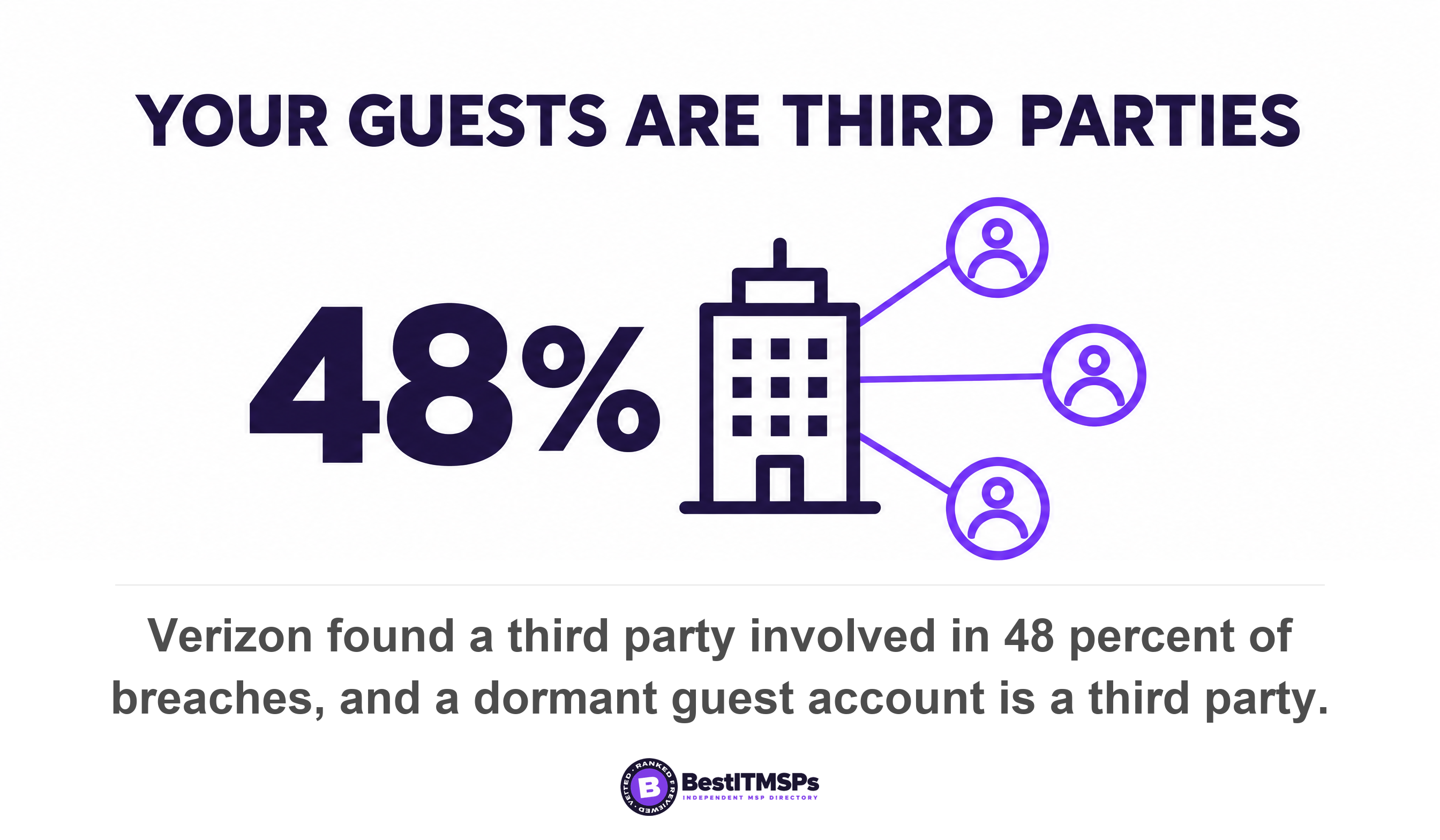
Your Microsoft 365 tenant keeps every guest account you ever created, because nothing expires them by default. Microsoft's external collaboration settings let anyone in the organization invite guests, including other guests. Verizon found a third party involved in 48 percent of breaches. Start on the Guests page in the Microsoft 365 admin center.
- Microsoft's default lets anyone in your organization invite a guest, and that includes guests inviting other guests.
- An Anyone link is anonymous and creates no guest account, so the Guests page will never show it. Three separate lists exist, not one.
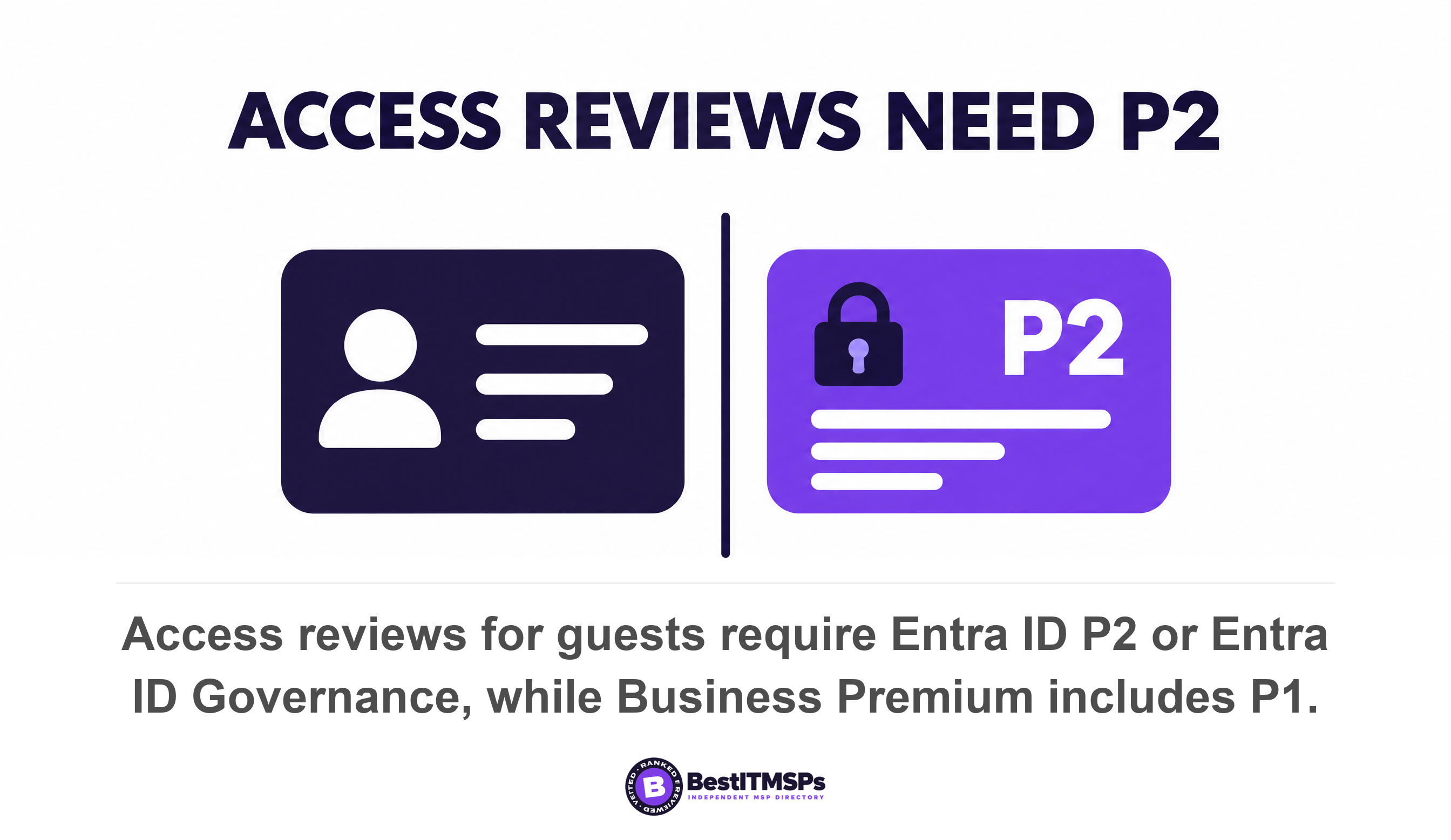
- Access reviews are the setting that deletes a stale guest, and they need Entra ID P2 or Entra ID Governance. Business Premium ships with P1.
- The included expiry lever lives in the SharePoint admin center. It expires access to a site and leaves the guest account alive in your directory.
- Turning external sharing off and later back on hands every guest their access back, so it is not a clean-up.
What is guest access sprawl in Microsoft 365?
Guest access sprawl is the slow build-up of external accounts inside your Microsoft 365 tenant. Every file you share with a contractor and every supplier you add to a Teams channel creates a guest user. Nothing removes that account later. Years on, the bookkeeper who left in 2023 and two former agency staff still hold live identities in your directory.
The defaults are permissive on purpose. Microsoft states that all users in your organization, including B2B collaboration guest users, can invite external users to B2B collaboration. So a guest can invite another guest, and nobody has to ask you first.
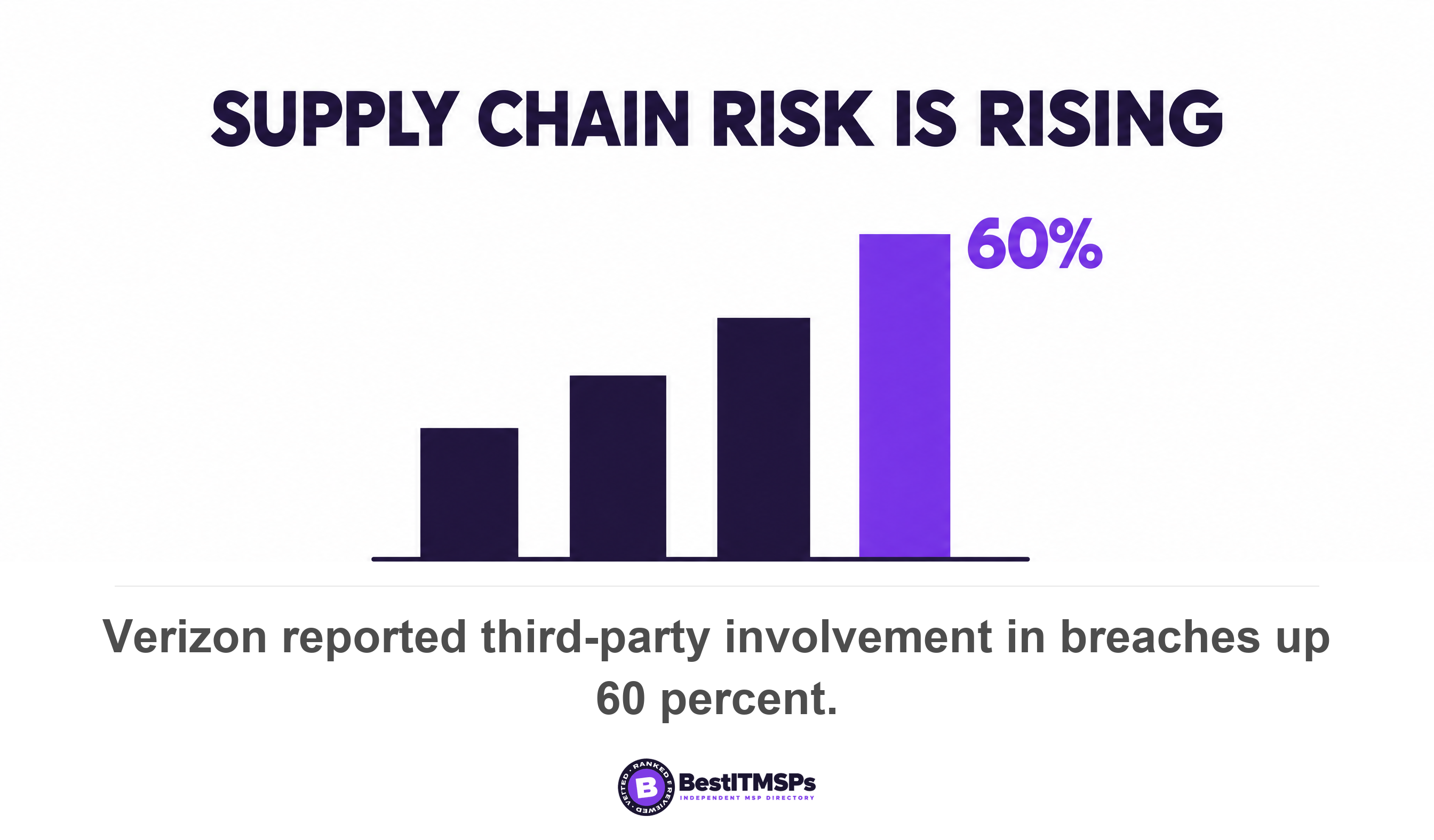
That matters because an external identity is somebody else's password problem. Verizon found a third party involved in 48 percent of all breaches and third-party involvement in breaches up 60 percent. A dormant guest account is a third party you stopped counting. IBM measured an average 247 days to identify and contain an active breach, so an unused account has a long time to be useful to someone else.
This post gives you four screens to check, the exact default values with their setting names, the difference between an Anyone link and a guest account, and the one setting that expires guest access on its own. Guests were never employees, so this is a different job from your employee offboarding IT checklist.
Where to find every guest account in your tenant
To find every guest account, open four screens across three admin centers. Each screen shows a different slice of the same problem, and no single screen shows all of it.
- Guests page. Microsoft 365 admin center, Users, Guests. Microsoft sends admins here to see the guests in your organization.
- Users list. Microsoft Entra admin center, Entra ID, Users, then Add filter, User type, Guest. Microsoft documents this filter to display only the guest users in your directory.
- Sharing page. SharePoint admin center, Policies, Sharing. This is where SharePoint external sharing and Anyone links are set.
- Guest access. Teams admin center, Users, Guest access. This governs who can be added to a team.
A guest account is easy to spot by its sign-in name. Microsoft documents that the user principal name contains the email of the guest user, followed by #EXT#, followed by the tenantname.onmicrosoft.com. The account also carries a user type of Guest, which is the property the filter reads.
Each guest records who brought them in, and most owners never look. When an invitation goes out, the user sending the invitation is added as a default value for the Sponsor attribute on the guest user account. That single field turns an anonymous list into a named one. You can take it to the person who invited each guest and ask whether the work finished.
One more quirk explains why guests feel invisible. By default guest objects aren't visible in your organization's global address list, so a guest who holds live access to your files never appears when staff search for a contact.
What the Microsoft 365 guest defaults actually are
The defaults favor collaboration over least privilege in five places. Two of them live on one screen, the external collaboration settings page in the Microsoft Entra admin center, under Entra ID, External Identities. Each setting has an exact name, and a number without its setting name is useless to the person who has to go and change it.
- Guest invite settings. The default option is Anyone in the organization can invite guest users including guests and non-admins, the most inclusive of four choices.
- Guest user access. The default is Guest users have limited access to properties and memberships of directory objects, and Microsoft adds that guests can see membership of all non-hidden groups.
- SharePoint external sharing. Microsoft states external sharing is turned on by default for your entire SharePoint and OneDrive environment. Which of the four levels your tenant sits at is the thing to read on screen, because Microsoft's current pages no longer publish a single default for it.
- Teams external access. Microsoft states that by default, external access is enabled.
- Email one-time passcode. This fallback sign-in method is turned on by default for all new tenants, so a guest with a personal email address can redeem an invitation without any Microsoft account.
None of those defaults is a bug. Microsoft ships them so that sharing works on day one. The gap is that not one of them expires. Read your own tenant rather than trusting this list, because a provider may have changed any of them, and the SharePoint level in particular is the one to confirm on screen.
Two more settings widen the surface and both are worth reading on screen rather than taking from any article, this one included. Guest re-sharing decides whether a guest can pass your file to a fourth party, and cross-tenant access decides which outside tenants can reach you at all. Microsoft documents both controls but no longer publishes one table of their default values, and the older reference that did is retired, so the only trustworthy answer is the one in your own admin center.
What can a guest user see in your tenant directory?
A guest user reads more of your tenant directory than most owners expect, and the default setting allows it. The limits are real, but they sit further out than the word limited suggests.
On people, a default guest can read display name, email, sign-in name, photo, user principal name, and user type properties of other users and contacts. A guest can also read manager and direct report information of other users, which is an org chart in all but name. On groups, a guest can read properties of nonhidden groups, including active and eligible membership and ownership, even nonjoined groups.
The hard limit is bulk. A guest cannot enumerate the list of all users, groups, and other directory objects. So a guest cannot export your staff list in one go, but can look people up and read who is in which group.
To restrict that, change Guest user access to the third option, Guest user access is restricted to properties and memberships of their own directory objects. A restricted guest then reads their own properties and little else. Microsoft notes separately that guests in a group can see other members of the same group when viewing My profile and Groups I'm in, and that tightening this setting is the fix.
Limited access does not mean no access. A default guest can read your group memberships and your reporting lines, including for groups they never joined.
An Anyone link is not a guest account
An Anyone link and a guest account are two different things stored in two different places. Confuse them and you audit the wrong list, which is the single most common mistake in this job.
An Anyone link is anonymous. Microsoft describes the Anyone setting as allowing links that anyone who has the link can access the files or folders without authenticating. No sign-in happens, so there is no identity to find. Sharing a site is different. With Microsoft Entra B2B integration enabled, a guest account is always created for files, folders and sites. Without that integration, SharePoint's own external authentication creates no guest account when files and folders are shared.
Three link types exist and they behave differently. A Specific people link requires the user to specify a list of people who will have access to the file or folder. An Only people in your organization link works for anyone internal who holds it. An Anyone link provides anonymous access to anyone who has the link, including people outside your organization, and it can be forwarded.
Teams splits the same way. Teams guest access gives the invited person a Microsoft Entra B2B collaboration guest account in your directory. Teams external access does not create an account at all, and Microsoft's own comparison shows an external access user cannot access Teams resources and cannot be sent files.
So you hold three lists, not one. Guest accounts sit in the tenant directory. Unauthenticated Anyone links sit on individual files and folders in SharePoint and OneDrive. Federated chat partners sit in Teams external access. Only the first appears on the Guests page, which is why a tidy Guests page proves very little on its own.
Which setting expires guest access automatically?
Two settings expire guest access automatically, and they do different jobs. One deletes the account and needs a premium license. One is included with your plan and only revokes access to a site. Most buyers are told about the first and given neither.
Access reviews delete the account, and need Entra ID P2
An access review is the feature that removes a stale guest from the tenant. Microsoft lists the prerequisite as Microsoft Entra ID P2 or Microsoft Entra ID Governance, and the broader overview states the feature requires Microsoft Entra ID Governance or Microsoft Entra Suite subscriptions, with some capabilities operating with a Microsoft Entra ID P2 subscription.
Here is the catch for a small business. Microsoft's licensing page states Entra ID P1 is included in Microsoft 365 Business Premium, and that P2 is included in the Microsoft Defender Suite for Microsoft 365 Business Premium, which is a paid add-on. The same page's feature table shows access reviews unavailable on Free and on P1. So the advice to turn on access reviews is advice to buy a second license first.
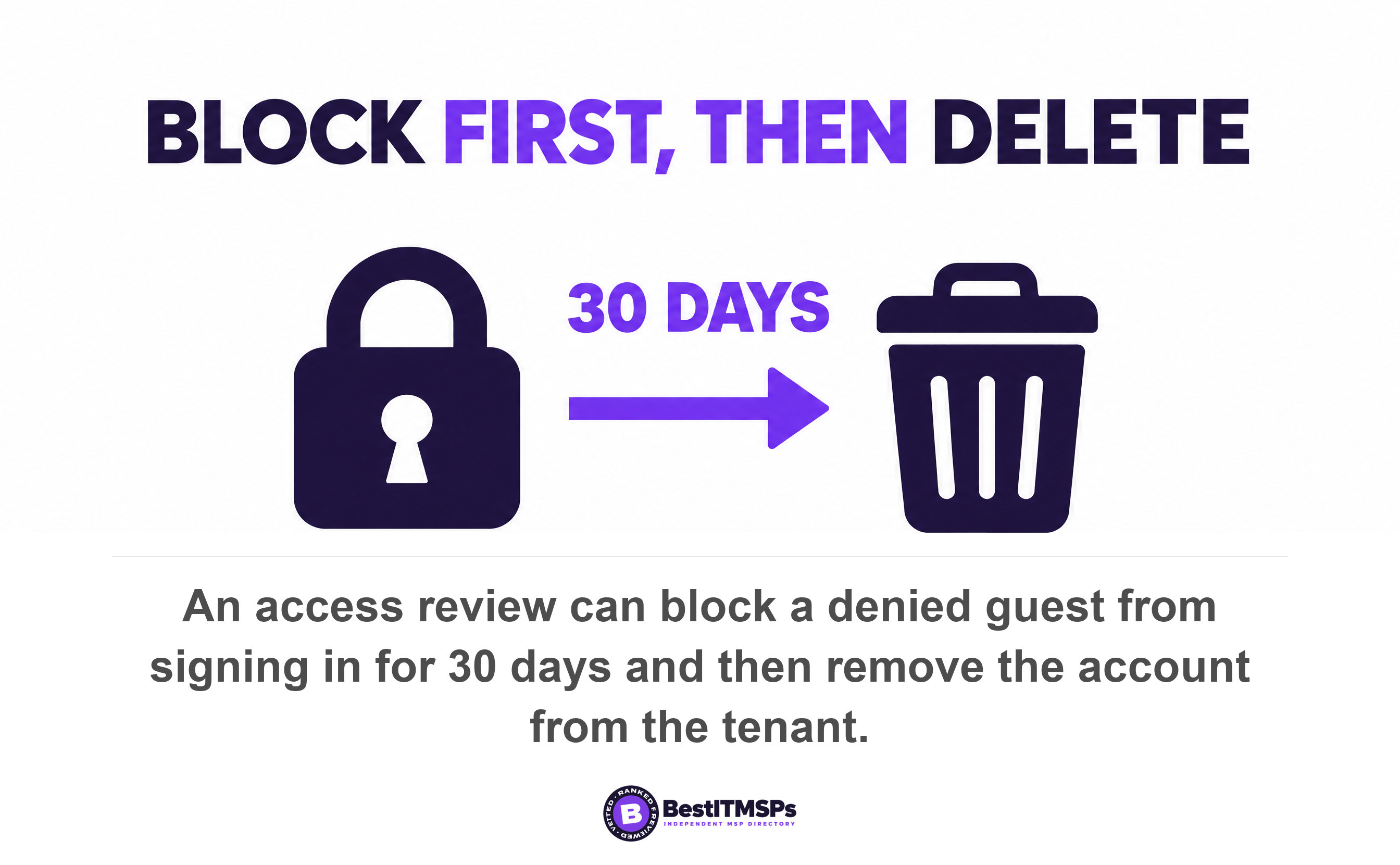
If you do hold the license, three fields turn a review into automatic clean-up. Check Auto apply results to resource, set If reviewers don't respond to Remove access, and set Action to apply on denied guest users to Block user from signing in for 30 days, then remove user from the tenant. Microsoft states this immediately blocks sign in to the guest user account and then automatically deletes their Microsoft Entra B2B account after 30 days.
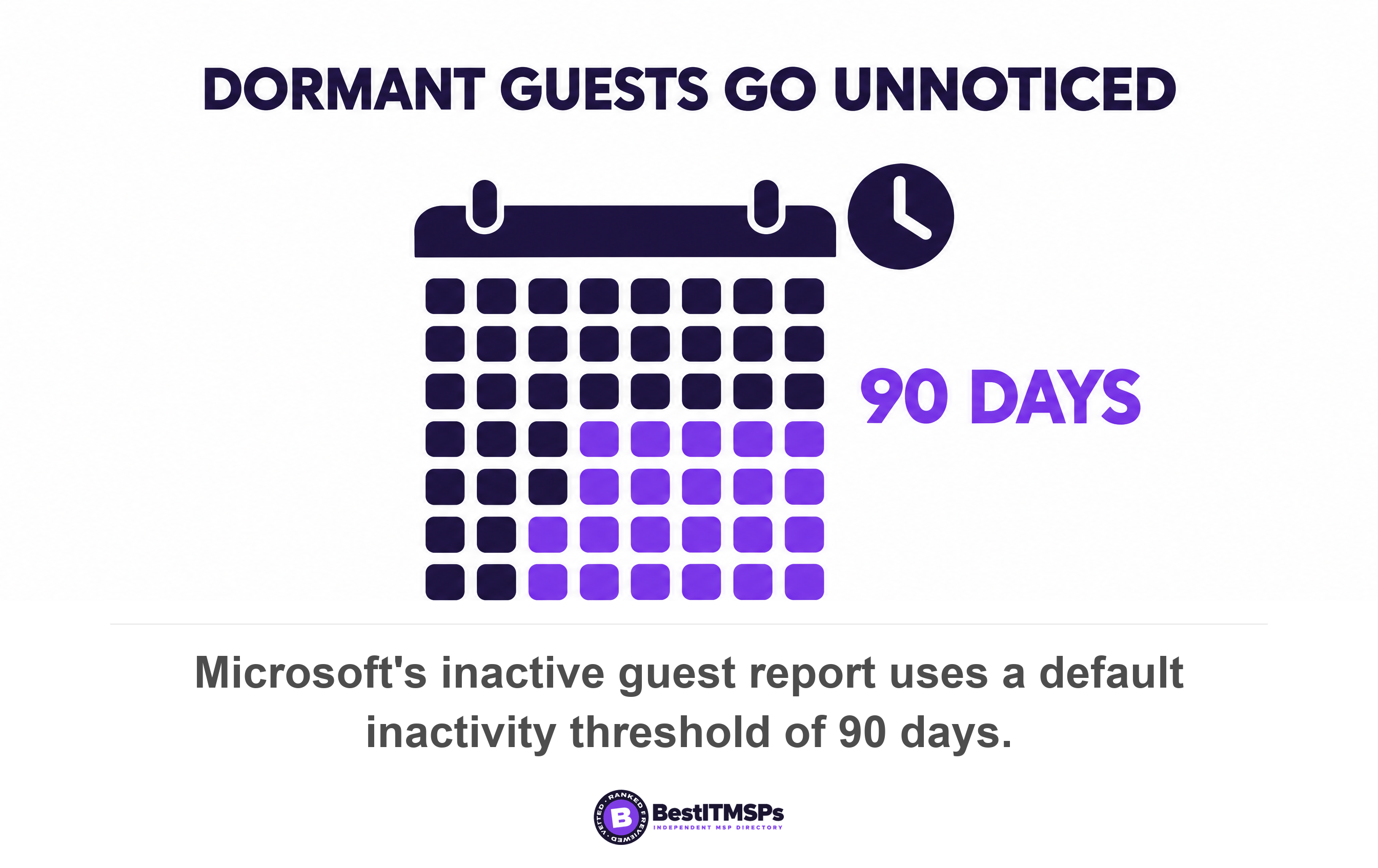
The inactive guest report finds the dormant ones for you. It provides insights about inactive guest users based on 90 days of inactivity, and the threshold is set to 90 days by default and changed under Edit inactivity threshold. The path is ID Governance, Dashboard, Guest access governance, View inactive guests. Microsoft states inactive days are calculated based on last sign in date if the user has signed in at least once, and on creation date for users who have never signed in. This report also requires Microsoft Entra ID Governance or Microsoft Entra Suite licenses.
One guard is built in, and it is worth knowing before you worry about collateral damage. Microsoft states the access review ignores users who haven't existed for at least the inactivity period you configure, so a guest invited last week is not swept out before signing in once.
SharePoint guest expiration is included, and expires site access only
The lever you already own sits in the SharePoint admin center, not in Entra ID. Under Policies, Sharing, More external sharing settings, the setting Guest access to a site or OneDrive will expire automatically after this many days revokes guest access after the number of days you choose, and Microsoft notes that site owners can manage access renewals before access lapses.
Read what that actually does. It expires access to the site or the OneDrive. It does not delete the guest user object from your tenant directory. So a Business Premium tenant can shut the door this week for nothing, and the account stays on the list until somebody removes it by hand. That split is the practical answer for most small firms. Set the SharePoint guest expiration now, then work the Guests page manually once a quarter.
Why turning off external sharing is not a clean-up
Turning external sharing off does not remove your guests, and turning it back on hands their access straight back. Microsoft is explicit about this, and it catches people who think the switch is a reset.
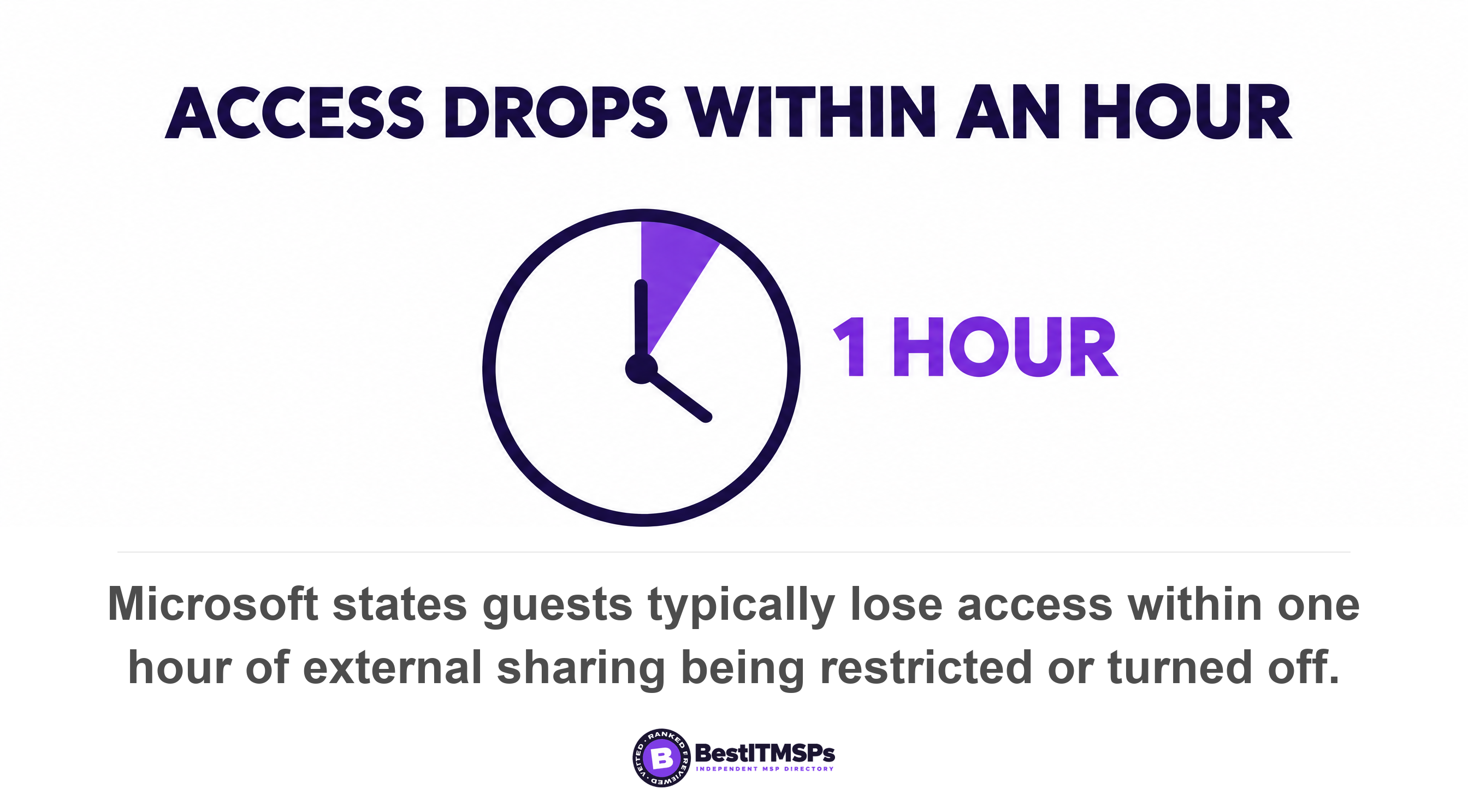
The documentation states that if you turn off external sharing for your organization and later turn it back on, guests regain access. The change is fast in both directions, because if you restrict or turn off external sharing, guests typically lose access within one hour of the change. Fast is not the same as permanent.
Deleting the account is also reversible for a month. Microsoft states that after you delete a user, the account remains in a suspended state for 30 days, and that after that 30-day window passes, the permanent deletion process automatically starts and can't be stopped. That window is a safety net, not a delay to fear.
So the order matters. Revoke access at the site, remove the account from the directory, then verify the list a quarter later. A departed internal employee follows a different timeline, which we cover in what happens to a departed employee's OneDrive, and who holds the backup is a separate question again in Microsoft 365 backup responsibility.
Five questions to ask your IT provider on Tuesday
Ask five questions, and ask for numbers and dates rather than policies. A provider who manages this answers in figures. A provider who does not answers with the word secure.
- Count every guest user in the tenant directory today, and name the Sponsor attribute on each one.
- Show the Guest user access setting on screen, and say whether it is the default or the restricted option.
- State who can invite a guest right now, and whether guests can invite other guests.
- Name the number of days set in Guest access to a site or OneDrive will expire automatically after this many days, or confirm it is off.
- Prove that a guest account was removed in the last 90 days, with the date and who approved it.
CISA's own offboarding goal covers this group by name. Goal 3.D asks organizations to off board staff including personnel, contractors, vendors, and to review user access and disable accounts when inactive for a specified period, for example 30 days. Its least privilege goal asks for quarterly reviews of access permissions and role assignments. Neither one lets you treat external identities as somebody else's housekeeping.
Third-party gaps also stay open far longer than people assume. Verizon's survival analysis of 7,513 third-party cloud-based multi-factor authentication exposures found 42 percent still unresolved after 90 days and 32 percent still open after 240 days. An account nobody owns is an account nobody closes.
None of this makes a tenant perfectly tidy, and no honest provider promises that. It makes your external list short, named and dated, which is the only version you can audit. Guest hygiene sits beside your wider identity and access management practice, and your provider's own privileged accounts are a separate review covered in the MSP privileged access audit.
FAQ
How do I see all the guest users in my Microsoft 365 tenant?
Open the Microsoft 365 admin center, Users, Guests, which Microsoft points admins to in order to see the guests in your organization. Then cross-check in the Microsoft Entra admin center under Users, using Add filter and User type set to Guest, the filter Microsoft documents to display only the guest users in your directory.
Does an Anyone link create a guest account?
No. An Anyone link is anonymous, because Microsoft defines the setting as allowing links that anyone who has the link can access the files or folders without authenticating. Sharing a site is different. With Microsoft Entra B2B integration enabled, a guest account is always created. So anonymous links never appear on your Guests page.
Do I need a premium license to expire guest access automatically?
To delete the account, yes. Access reviews require Microsoft Entra ID P2 or Microsoft Entra ID Governance, and Entra ID P1 is included in Microsoft 365 Business Premium rather than P2. To revoke site access, no. The SharePoint setting Guest access to a site or OneDrive will expire automatically after this many days is included.
What can a guest user see in my directory by default?
More than most owners expect. A default guest can read display name, email, sign-in name, photo, user principal name, and user type properties of other users and contacts and read properties of nonhidden groups, including membership and ownership, even nonjoined groups. A guest cannot enumerate the list of all users and groups.
How long can I restore a guest account after deleting it?
Thirty days. Microsoft states that after you delete a user, the account remains in a suspended state for 30 days, and that after that 30-day window passes, the permanent deletion process automatically starts and can't be stopped. Removing a stale guest is therefore reversible for a month, which makes it a low-risk change to approve.
Best IT MSP is the independent directory of vetted managed IT and cybersecurity providers across North America. Organic ranking is earned on rating and verified data, and paid placement is always labelled. Take the five questions above to three merit-ranked firms in your city, or read our Microsoft 365 consulting overview first.