Retention policy vs backup: one of them deletes on a schedule
No. A retention policy and a backup are different products. Microsoft defines retention as two actions, retain content and delete content, and says it works on content in place without creating a copy. NIST defines a backup as a copy made to facilitate recovery. Google states plainly that Vault is not a backup tool.
- Deletion is half the product. Microsoft builds retention from two actions, retain and delete, and ships three outcomes including delete-only.
- NIST defines a backup as a copy made to facilitate recovery. Microsoft sells retention on the basis that it needs no copy and no extra storage.
- Deleting a whole retention policy gives you a 30-day grace period. Excluding one site from that same policy gives you none at all.
- The copy a retention policy preserves sits in a hidden library you reach through eDiscovery, which requires an Enterprise E3 or E5 license.
- Preservation Lock is the only setting that stops an administrator switching retention off, and it can only be applied with PowerShell.
Is a retention policy the same as a backup?
No. A retention policy and a data backup are different products with opposite jobs. Microsoft builds every retention setting from two actions, retain content and delete content. NIST defines a backup as a copy of files and programs made to facilitate recovery if necessary. One governs a lifecycle. The other is a recoverable copy.
Start with the vendor's own table, because it settles the argument in two rows. Microsoft describes the retain action as prevent permanent deletion and remain available for eDiscovery, and the delete action as permanently delete content from your organization. From those two actions it ships three outcomes, which Microsoft names as retain-only, delete-only, and retain and then delete. Delete-only is a supported configuration. Deletion is not a side effect of a retention policy. It is half the product.
The sentence that disqualifies it, written by the vendor selling it
Microsoft states the mechanism plainly on the same page. Retention settings work with content in place that saves you the additional overheads of creating and configuring additional storage, and with them you don't need to implement customized processes to copy and synchronize this data. That is a sales point on a compliance page, and the exact reason a retention policy cannot be a backup. No copy, no separate storage, by design.
CISA sets a harder bar for what a backup has to be. Its performance goal on system backups tells organizations to securely store backups offsite and offline and to test backups and recovery on a recurring basis, no less than once per year. A retention policy meets none of those three conditions. It lives inside the same tenant, stays online, and nobody tests it.
Google says it outright rather than leaving it to be inferred. Asked in its own documentation whether Vault is a data backup or archive tool, Google answers no, Vault isn't designed to be a backup or archive tool, and adds that Vault doesn't have any automated recovery tools. Your provider may be using the same word Google refuses to use.
This post is about the product distinction. For who owes you the copy in the first place, read Does Microsoft 365 back up your data? Read your agreement, which covers the shared responsibility model. For the clock on each workload, read The 30-day deletion window most owners find out about too late.
A retention policy is a deletion schedule as much as a preservation rule
A retention policy deletes on a timetable, because delete-only is one of the three outcomes it ships with. The same setting a provider cites as protection is the mechanism that destroys data on a date nobody reviewed.
Google puts the risk in a warning on its own help page. A retention rule controls how your organization saves and deletes Google Workspace data, and when a period ends the data is removed from user accounts and purged from all Google systems. Google then warns that an improperly set up retention rule might allow Google services to immediately and irreversibly purge data and tells administrators to use caution when you create or change retention rules. Irreversible is Google's word, not ours.
Collisions make the date harder to predict than one policy would suggest. Microsoft states that retention always takes precedence over permanent deletion, and the longest retention period wins, which sounds reassuring. Read the next two tie-breakers. A delete action from a retention label always takes precedence over a delete action from any retention policy, and where that does not settle it, the shortest deletion period wins. Two administrators, two settings, and a deletion date neither of them chose.
The deletion is also silent. Microsoft notes that retention policies for Viva Engage do not inform users when messages are deleted as a result of a retention policy. It also documents the collateral case, where a retention policy on SharePoint or OneDrive could delete a file that's referenced in a Teams chat or channel message before those messages get deleted, leaving the file visible in the chat and a file-not-found error when anyone clicks it.
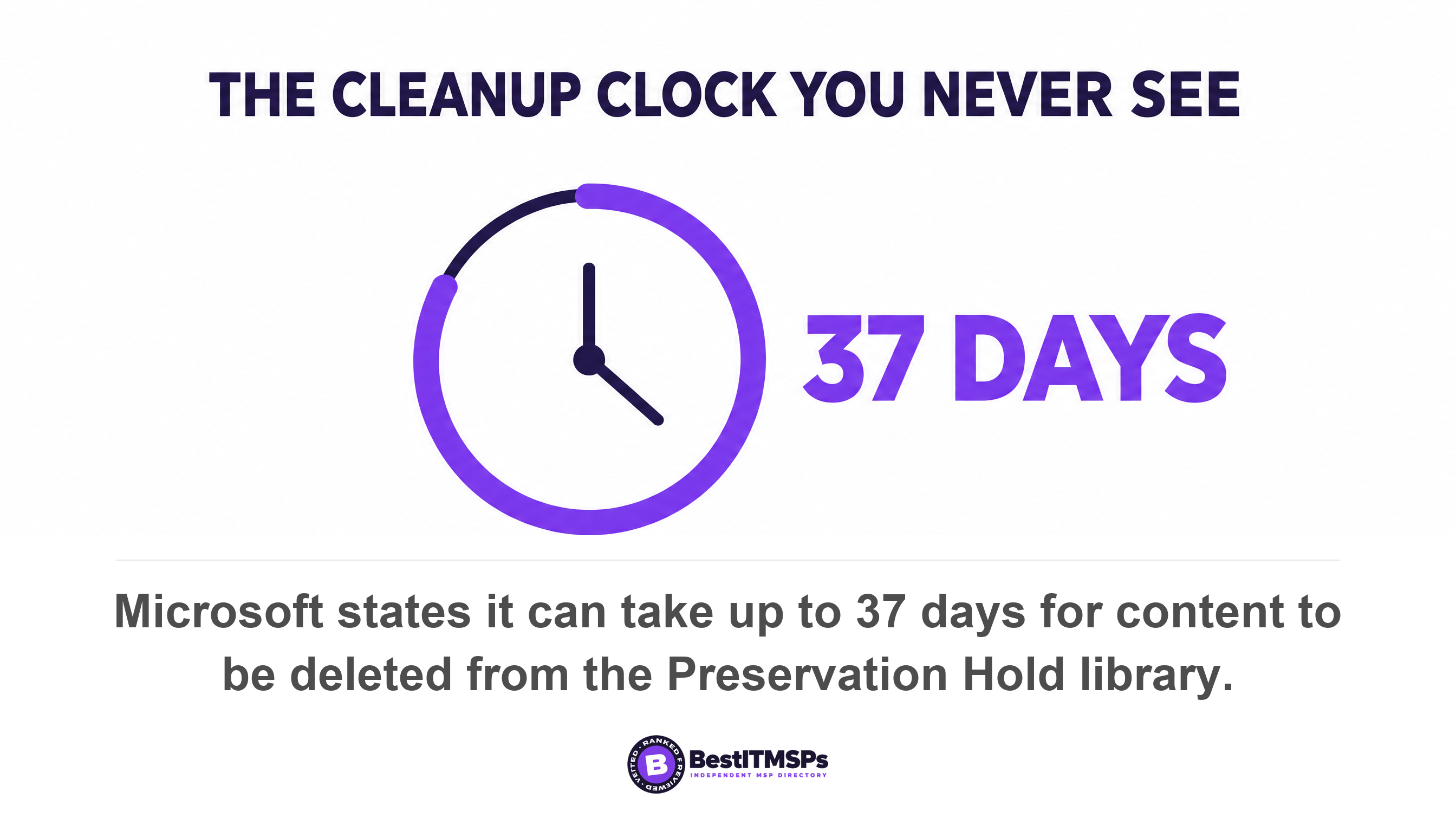
Even the cleanup has a published schedule you will never be shown. A timer job checks content that has sat in the Preservation Hold library for more than 30 days, and because this timer job runs every seven days, it can take up to 37 days for content to be deleted from the Preservation Hold library. Content then moves to the recycle bin, where it is permanently deleted at the end of 93 days.
Three different things in your proposal are called retention
Three separate controls share the word retention, and a provider saying "we have retention policies on everything" has named only the first. The three are listed below.
- Governance retention. A Microsoft Purview retention policy or a Google Vault retention rule. It decides how long content lives in the live system and when the service will purge it. This is a compliance control, and it is the one your provider almost certainly means.
- A storage retention lock. Object lock, vault lock, WORM or compliance mode. It decides whether an existing copy can be altered or deleted before a date, which is what the word immutable means. We cover the test for it in Immutable backup, and the one test that actually counts.
- Log retention. How long sign-in records, firewall logs and audit trails are kept so an investigation can reconstruct what happened. Different data, different failure. See Your log retention is 7 days. Breaches stay hidden longer.
One word, three controls, three unrelated failures. A long retention period tells you nothing about whether a copy is immutable, and an immutable backup tells you nothing about how long your logs survive. Ask which of the three a provider means before you accept the answer.
What a retention policy cannot undo
Four failures stay open after a retention policy is configured correctly. A window that expires before anyone looks, a site you cannot roll back, an administrator with the rights to switch it off, and a file overwritten in place. Each one is documented by the vendor.
The window expires before you look
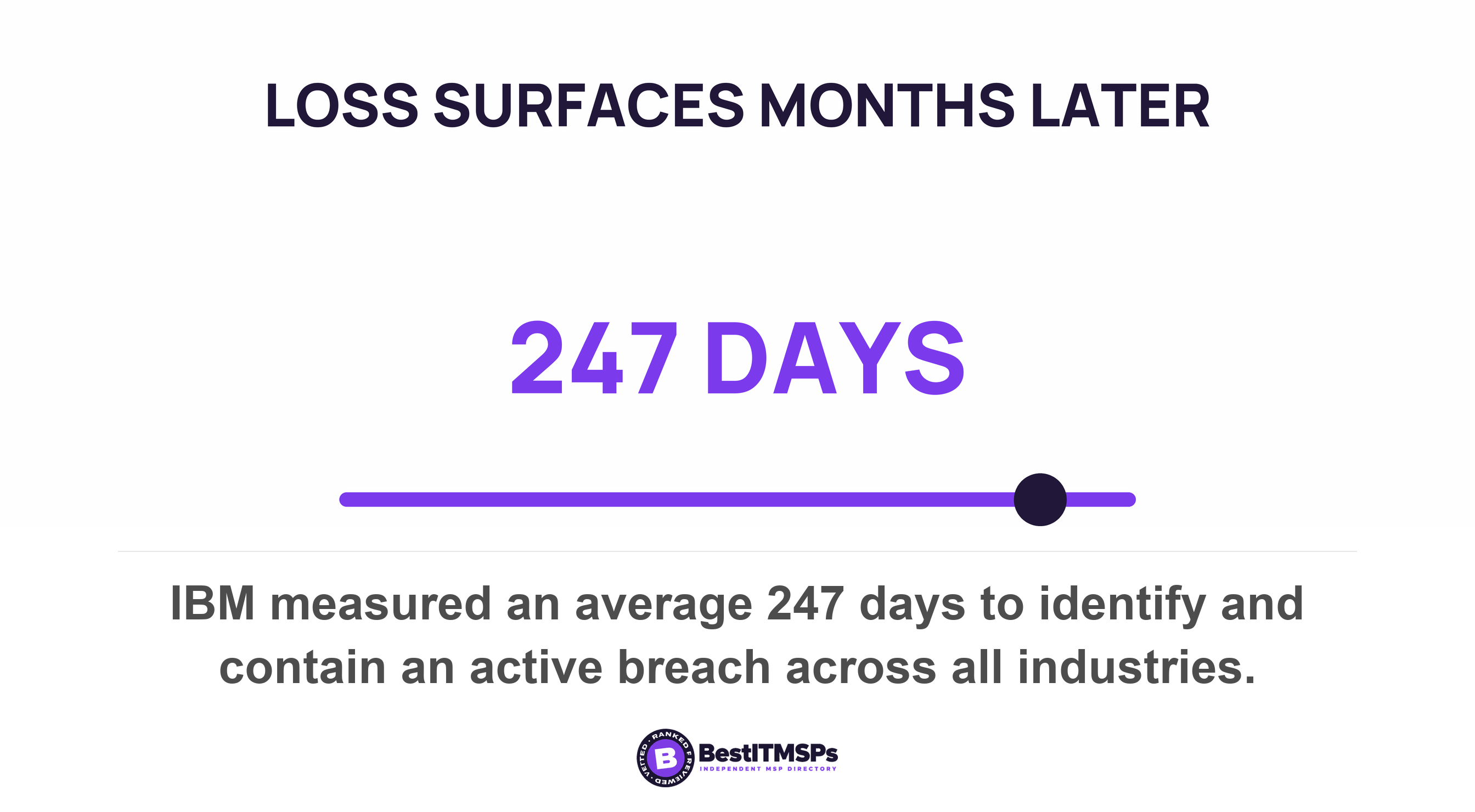
A retention period is a bet on how fast you notice, and the published odds are poor. IBM measured an average of 247 days to identify and contain an active breach across all industries. Verizon found ransomware involved in 48 percent of all breaches. A retain period of one year and a loss found in month fourteen produce the same result as no policy at all, except that you were told you were covered.
You cannot roll a site back to Tuesday morning
A point-in-time restore is the capability a retention policy structurally does not have. Microsoft's paid backup product does: a full site restore rolls back to the state of the site at the prior point in time, overwriting all content and metadata since that prior point in time, with recovery points every 10 minutes for two weeks prior and weekly snapshots 2 to 52 weeks prior. That is a recovery point objective you can state in one sentence.
What a retention policy gives you instead is the Preservation Hold library, which Microsoft describes as a hidden system location that isn't designed to be used interactively. Microsoft adds that it's not supported to edit, delete, or move these automatically retained files yourself and directs you to use compliance tools, such as those supported by eDiscovery, to access the content in these files. You get evidence, item by item, not recovery.
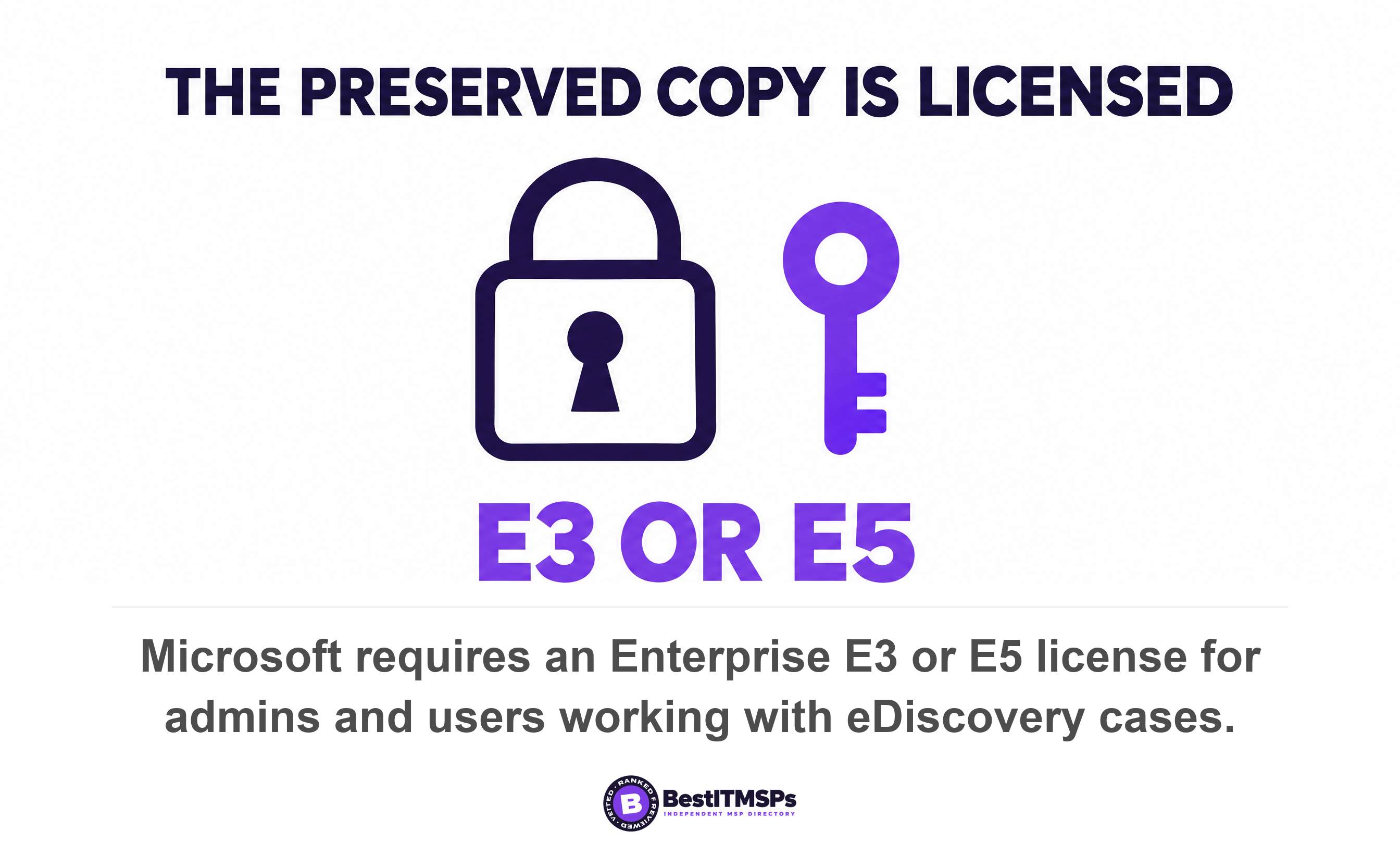
Then read the licence line, because this is where the promise quietly fails for smaller firms. Microsoft states that both admins and users working with eDiscovery cases require a Microsoft 365 Enterprise E3 or E5 license. Business Premium is the plan most firms under 300 seats actually hold, and it is not in that sentence. So the preserved copy exists, in a library you cannot browse, behind a tool sold separately. A tenant can be preserving data it has no right to search.
An administrator with the rights to do it
A retention policy is a setting in the same tenant as the data, administered with the same credentials, so it fails to the administrator. Google is explicit. Delete a managed account and any retention rules or holds placed on the user's data no longer apply, and data can be expunged right away. You can recover data for 20 days after you delete the user, but any data that is already expunged can't be recovered. Delete a group and messages in Groups are deleted even when the deleted group was subject to a hold or retention rule.
Microsoft's version carries a trap worth the price of this whole article. Release a retention policy and any content that's subject to retention from the policy continues to be retained for 30 days to prevent inadvertent data loss, so a deleted policy gives you a month to change your mind. Now read the exception, and note how narrowly Microsoft scopes it. An exception to this 30-day grace period is when you update the policy to exclude one or more sites for SharePoint or accounts for OneDrive; in that case the timer job deletes files for these locations in the Preservation Hold library without the 30-day delay. The smaller, more routine, more innocuous-looking edit is the destructive one, and nothing in the admin centre says so.
One control does outrank the policy. Microsoft states that items subject to an eDiscovery hold cannot be permanently deleted by any retention policy or retention label. That is genuine protection with a short life, because Microsoft adds that when the hold is released the principles of retention continue to apply to them, so the item drops straight back onto the deletion schedule it was rescued from.
A file overwritten in place
Corruption written into a file and then synced is the failure mode retention handles worst. An attacker who overwrites a file in place never has to delete anything, and whether a usable earlier version survives comes down to a site setting nobody checks. Microsoft's own footnote states that new content isn't copied to the Preservation Hold library the first time it's edited, and that to retain all versions of a file, versioning must be turned on for the site. Microsoft names the two events its backup product exists for as a ransomware attack that encrypts large swaths of your data, or instances of an internal accidental or malicious data deletion or overwrite event. Those are the two a retention policy was never built to reverse.
One more gap belongs on the list. A new retention policy is not live the day it is switched on, because Microsoft states it can take up to seven days for the retention policy to be applied.
Where the two overlap, workload by workload
The two controls overlap on exactly one failure, which is a user deleting something recently. They diverge on everything else, and on two rows neither one reaches at all. The table below sets them side by side using Microsoft's documented behaviour.
| What goes wrong | Retention policy | Backup product |
|---|---|---|
| A user deletes a file this week | Reaches it. A copy sits in the Preservation Hold library or the recycle bin. | Reaches it, and can restore it to a chosen moment. |
| A user deletes a file and nobody notices for two years | Only if the retain period was set longer, and only through eDiscovery. | Only if the recovery window covers it. Microsoft's longest option is 2 years. |
| Ransomware encrypts a whole SharePoint site | No rollback. Items only, one at a time, through a compliance tool. | Full site restore to a prior point in time. |
| An administrator excludes the site from the policy | Held copies are deleted with no grace period. | Unaffected. Purview policies do not reach the backup window. |
| The retention period expires | Permanent deletion is the designed outcome. | The copy survives until its own window ends. |
| Teams chat messages | Covered, as a selectable policy location. | Not covered. Microsoft 365 Backup protects three workloads and Teams is not one. |
| SharePoint libraries, lists and folder structures | Not covered by either retention policies or labels. | Restored as part of a full site rollback. |
| You stop paying the vendor | A billing state can defeat a hold entirely. | A fixed 90-day grace period after offboarding. |
Three readings matter here. Microsoft keeps the two systems architecturally apart and says so, stating that retention and deletion policies, for example from Purview, don't affect the backup recovery window, which remains fully isolated from those policies. The paid product covers SharePoint sites, OneDrive accounts and Exchange mailboxes and nothing else, so Teams chat is the one row where only the retention policy reaches. And the bottom rows are the honest answer nobody puts in a proposal. Neither control touches your identity configuration or your automation, and Microsoft states that retention settings don't apply to organizing structures that include libraries, lists, folders, and Loop workspaces. A billing state can also defeat a hold outright, which we cover in Does Microsoft 365 back up your data? Read your agreement.
One limit applies to both. Microsoft's backup restores inside your own tenant, and Microsoft confirms that data never leaves the Microsoft 365 data trust boundary. A backup line on an invoice does not by itself give you a copy you can carry elsewhere.
The one setting that makes a retention policy hold
Preservation Lock is the only setting that stops an administrator switching a retention policy off, and it cannot be enabled from any admin centre. Microsoft says it locks a policy so that no one, including a global administrator, can turn off the policy, delete the policy, or make it less restrictive, and that it can help safeguard against rogue administrators.
What a lock permits matters as much as what it blocks. Microsoft lists the rules below.
- Nobody can disable the policy or delete it, including a global administrator.
- Locations can be added but not removed, which closes the no-grace-period exclusion above.
- The period can be extended but not decreased, so a locked policy can be increased or extended, but it can't be reduced or turned off.
Read that third rule twice, because it cuts both ways. Locking a retain-and-delete policy also locks the delete action. A scheduled deletion you cannot shorten is also a scheduled deletion you cannot stop, which is the whole point when a regulator requires it and a real problem when nobody checked the date.
The reason your provider has probably never applied it is procedural. Microsoft requires PowerShell, because enabling this feature is not available in the UI to safeguard against accidental configuration. So you cannot verify it by clicking around an admin centre, and neither can they. Ask for the output of a policy listing showing the RestrictiveRetention value, which is the governance-layer twin of asking which mode a storage retention lock is in.
Six things to ask your provider to show, not say
Send these six requests before the next renewal and keep the replies. Each one asks for an artefact rather than an assurance, because every claim in this article came from documentation your provider can be held to.
- Name the product that holds our second copy, and state whether it is Microsoft 365 Backup, a third-party backup, or a retention policy.
- List every retention policy in our tenant with its delete action in days, and name each person who can change one.
- Show the policy listing with the RestrictiveRetention value, so Preservation Lock is a fact rather than a claim.
- Restore one file deleted last week and one deleted 18 months ago while we watch, and record how many minutes each took.
- Confirm in writing which data neither control reaches, naming Teams chat, Entra ID configuration, and the SharePoint libraries, lists and folder structures retention does not touch.
- Fix the recovery point objective and recovery time objective for our accounting system in the service level agreement, as a contractual number rather than a target.
Request four is the one that separates a real answer from a confident one. A tested restore produces a timestamp and a duration; a retention policy produces a screenshot of a setting. We set out the evidence to demand in When was your backup last restored, not just run?, and the insurance version of the same question in What your insurer wants on backups.
A retention policy answers how long your data is allowed to live. A backup answers whether you can get it back. Only one of those questions is about recovery.
One honest gap is worth naming. No government agency or primary research publisher measures how often data is lost while a retention policy was in place. The only organisations publishing figures on it are backup vendors, which makes them the party selling the answer, so we left their numbers out.
Best IT MSP is an independent directory, not a provider. We rank 24,491 provider rows across 730 city datasets on verified rating and firmographic data, we label every paid placement, and we do not sell IT services, backup or storage. That is why this ends in six requests rather than a product recommendation. Put the same six to three merit-ranked firms in your city, price the work properly against our backup and disaster recovery guide, and compare what comes back.
FAQ
Can a retention policy replace a backup?
No. Microsoft builds retention from two actions, retain content and delete content, and states that retention settings work on content in place so you don't need to implement customized processes to copy and synchronize this data. NIST defines a backup as a copy of files and programs made to facilitate recovery. No copy means no backup.
What does a retention policy actually delete?
Everything in scope, on the date the policy sets. Microsoft describes its delete action as permanently delete content from your organization, and where two policies disagree the shortest deletion period wins. Google warns that an improperly set up retention rule might allow Google services to immediately and irreversibly purge data.
Can an administrator delete data that a retention policy is holding?
Yes, unless Preservation Lock is applied. Releasing a policy keeps content for 30 days to prevent inadvertent data loss, but excluding a site means the timer job deletes files for these locations in the Preservation Hold library without the 30-day delay. In Google Workspace, deleting an account means retention rules or holds no longer apply.
Is Google Vault a backup for Google Workspace?
No, and Google answers this itself. Asked whether Vault is a data backup or archive tool, Google states Vault isn't designed to be a backup or archive tool and that Vault doesn't have any automated recovery tools. Vault is built to preserve and search data for legal matters, not to restore a working file.
How do I tell which one my provider gave me?
Ask for a point-in-time restore. A backup product can roll a site back to a chosen moment, overwriting all content and metadata since that prior point in time. A retention policy cannot, because its copy sits in a hidden system location that isn't designed to be used interactively. If the answer is a setting, you have retention.
Best IT MSP is the independent directory of vetted managed IT and cybersecurity providers across North America. Organic ranking is earned on rating and verified data, and paid placement is always labelled. Take these six requests to three merit-ranked firms in your city and compare the answers side by side.