Who is the Global Administrator on your Microsoft 365 tenant?
Your Microsoft 365 Global Administrators are listed under Role assignments in the admin center, and most owners have never looked. Microsoft recommends fewer than five. A provider holding the role is normal. The failure is when it is the only one, undocumented, and tied to a person rather than a contract.
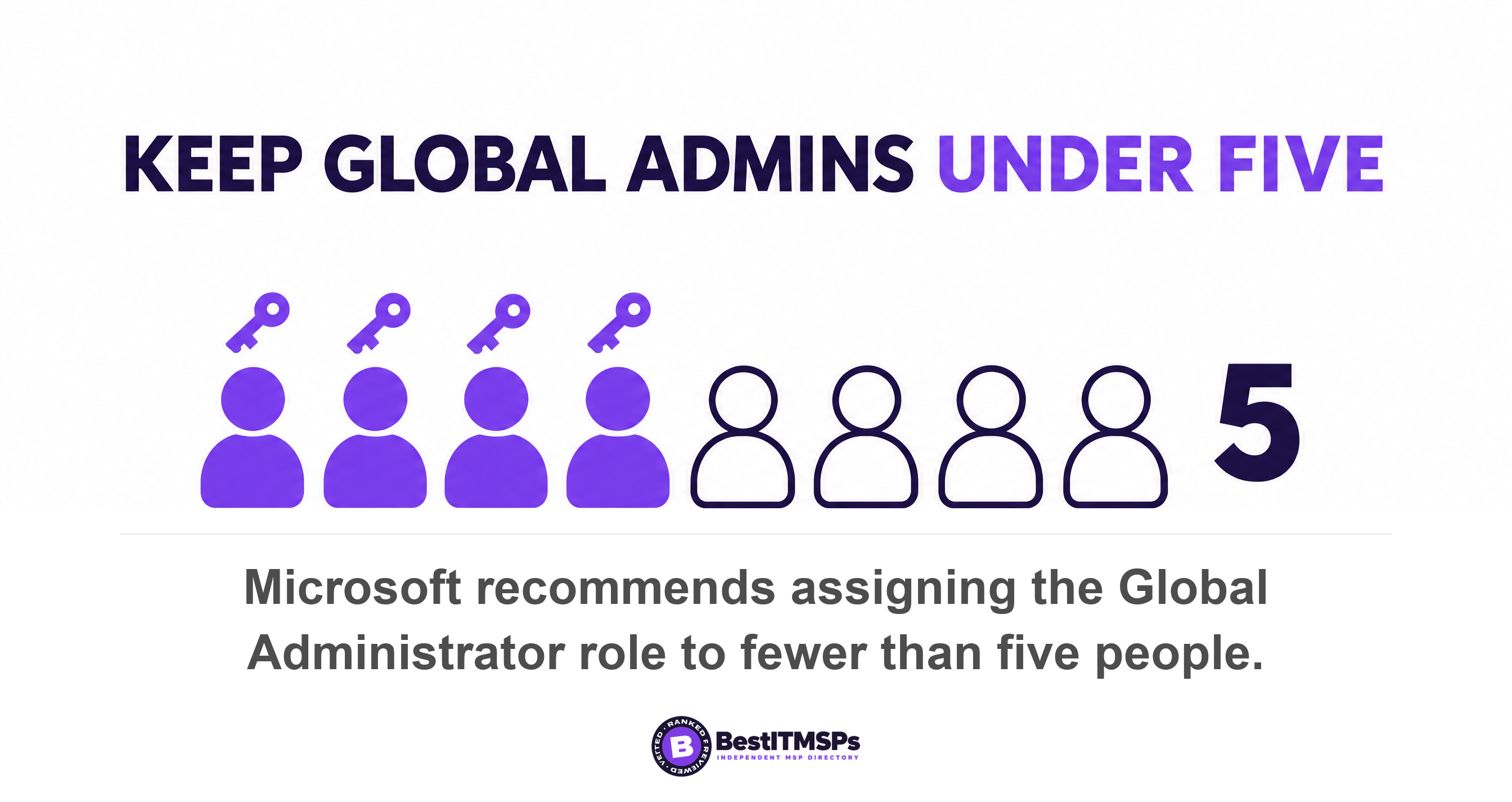
- Microsoft recommends assigning Global Administrator to fewer than five people, and at five or more your tenant starts showing an alert card about it.
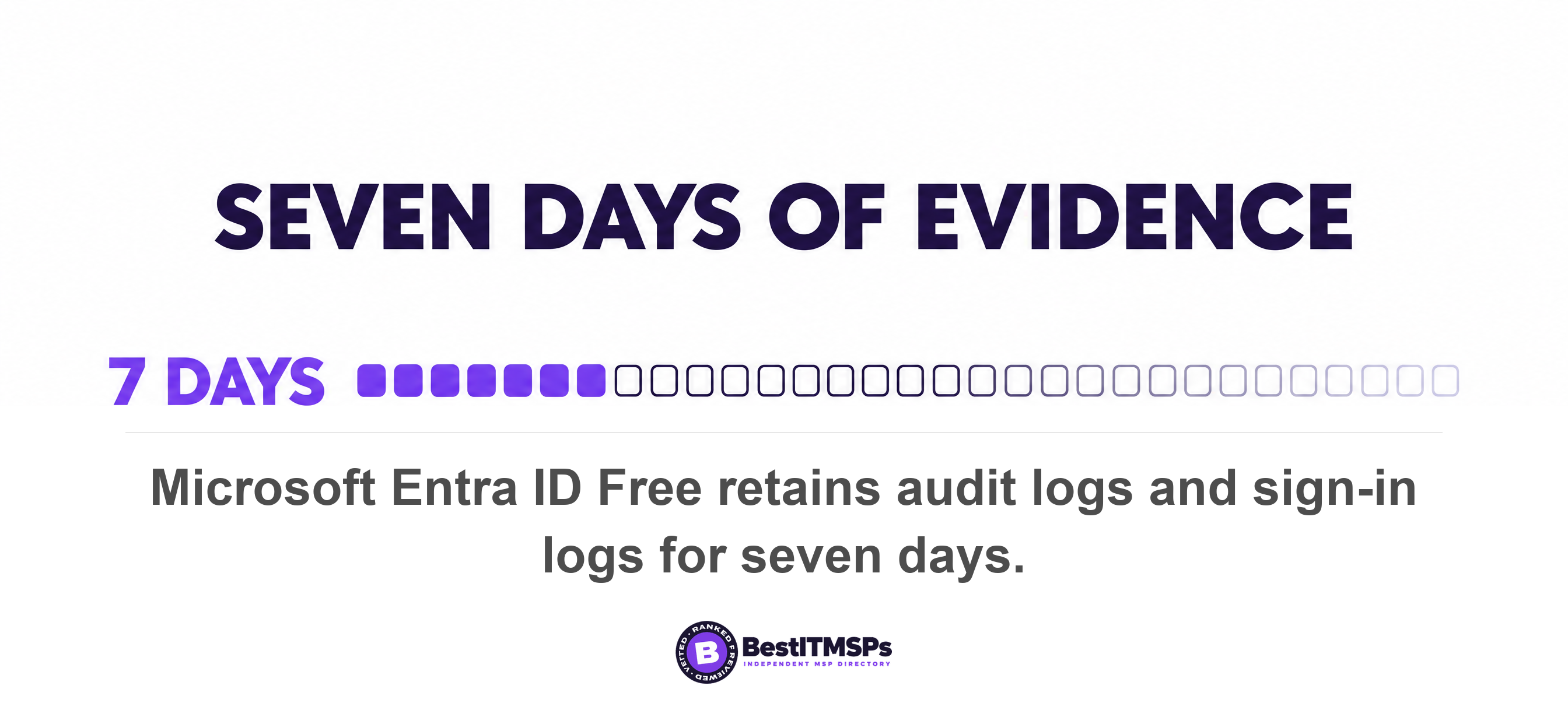
- The role does not hand over your email by default. It hands over the ability to grant it, and on Entra ID Free the log that records that is kept seven days.
- Microsoft will not auto-extend a partner delegation that carries Global Administrator. It is the one role a provider has to come back and ask for.
- Insist on three things. At least one Global Administrator your business controls, the provider's access named and separate, and two break-glass accounts you hold.
- You can remove a provider's admin roles yourself in the admin center. You cannot remove a reseller relationship yourself.
Who is the Global Administrator on your Microsoft 365 tenant?
The Global Administrators on your tenant are whoever appears under Role assignments in the Microsoft 365 admin center, and in a small business that list usually holds two to six accounts. Most owners cannot name one of them. Often the honest answer is that your provider holds the role and nobody at your company does. That happens for a simple reason. Microsoft states that the person who purchased a subscription for your organization and signed up for Microsoft online services is a Global Administrator automatically. If a technician set your tenant up in 2021, that technician is still the tenant owner in every practical sense, because Microsoft 365 records role assignments rather than an owner. There is no deed to look up.
A provider holding Global Administrator is normal and often sensible. Somebody has to add a domain, fix mail flow and unblock a locked account at 7am. The failure is narrower than the scare stories suggest. It is when the provider's account is the only Global Administrator, nobody documented it, and the login belongs to one named individual rather than to the company you signed a contract with.
Three things make the arrangement safe, and none of them costs money.
- At least one Global Administrator your business controls, held by an owner or a director rather than by the provider.
- The provider's access named and separate, so you can see which account is theirs and when it expires.
- Two emergency access accounts you hold, which still work if the relationship with the provider ends badly.
This post covers the tenant role itself, meaning who holds it and what it can do. For the separate question of who at your provider can sign in at 2am and whether those sessions are recorded, read Who at Your MSP Can Log Into Your Systems at 2am?
How to list every Global Administrator in two minutes
To list every Global Administrator, open the Microsoft 365 admin center, go to Role assignments, select the Global Administrator role, and open the Assigned admins tab. Microsoft documents that path, and it needs no license, no script and no help from your provider. The Microsoft Entra admin center shows the same thing under Entra ID, then Roles and admins, then All roles, a view that covers more than 65 built-in roles.
Write four things beside each name.
- Whose account is this, at your company, at your provider, or nobody you recognize?
- Does it carry multifactor authentication, with no exclusion group attached?
- Is it cloud-only, or synced from an old on-premises server?
- Has it signed in this quarter, and if not, why does it still hold the role?
Your tenant already grades this list for you. Microsoft recommends assigning the Global Administrator role to fewer than five people in your organization, and states that at five or more privileged Global Administrator role assignments a Global Administrators alert card is displayed on the Microsoft Entra Overview page. A second warning appears on the Roles and administrators page once you pass ten privileged role assignments. If either is showing, somebody has been looking past it for a while.
Four separate lists live in your tenant and people routinely merge them in conversation. Global Administrators are tenant roles. External people are guest accounts, covered in Guest access sprawl. Software holding permission is an app grant, covered in Every OAuth app your staff connected. Non-human logins are covered in Service accounts. A fifth thing, administrator rights on a laptop, is not a tenant role at all and sits in Local admin rights. Audit them as separate lists or you will keep finding the same account twice and missing three others.
What can a Global Administrator actually do?
A Global Administrator can change almost anything in your business, including who else is an administrator. Microsoft lists the specifics plainly. The role can reset passwords for any user and all other administrators, manage purchasing of your organization's subscriptions and products, add and manage domains, and unblock another Global Administrator.
Three powers matter more than the rest and almost never appear in an onboarding pack. Microsoft notes that only Global Administrators can view and manage subscriptions purchased through a Partner, which is why the billing conversation and the security conversation are the same conversation. It also records that apps or agents requiring Microsoft Graph application permissions continue to require Global Administrator approval, so tenant-wide admin consent for software runs through this role too. And it states flatly that Global Administrators also have the ability to elevate their access to read data.
That last power is concrete rather than theoretical. A Global Administrator sets one toggle, Access management for Azure resources, and Microsoft documents that doing so assigns the User Access Administrator role in Azure at root scope, which grants permission to view all resources and assign access in any subscription or management group in the tenant. Microsoft's own instruction is to remove that elevated access once the changes are made. Nothing in the product forces anyone to.
So the reassurance you were probably given is true and beside the point. Global Administrator does not hand over your mailboxes on Monday. It hands over the ability to grant that on Tuesday. The real question is whether you would ever see it happen, and there the arithmetic is unkind. Microsoft retains audit logs and sign-in logs for seven days on Microsoft Entra ID Free, against 30 days on both P1 and P2, and adds that log retention changes are not retroactive and data that has already expired cannot be recovered unless it was previously archived. On the free tier, an eight-day-old role change is not a mystery. It is simply gone.
Should your MSP be a Global Administrator?
Your MSP should hold Global Administrator through a delegated relationship with an expiry date, not through a standing user account in your directory. That is a third answer most owners never hear, and it is the answer Microsoft designed the product around.
Granular delegated admin privileges, which everyone shortens to GDAP, is the mechanism that lets you delegate administration without handing over a permanent seat. Microsoft describes GDAP as a security feature that lets partners configure granular and time-bound access to their customers' workloads, and states that customers must explicitly grant the least-privileged access to their partners. Under it, partners who manage Azure no longer receive the Global Admin role on their customer's tenant but rather receive lower permissions to read a customer directory by default.
Ask which role level your provider's staff actually sit in, because the labels are not obvious. Microsoft records that an Admin Agent carries privileges equivalent to a global administrator, except for managing multifactor authentication through the Partner Center, while a Helpdesk Agent carries privileges equivalent to a helpdesk admin. Most day-to-day support work fits the second one.
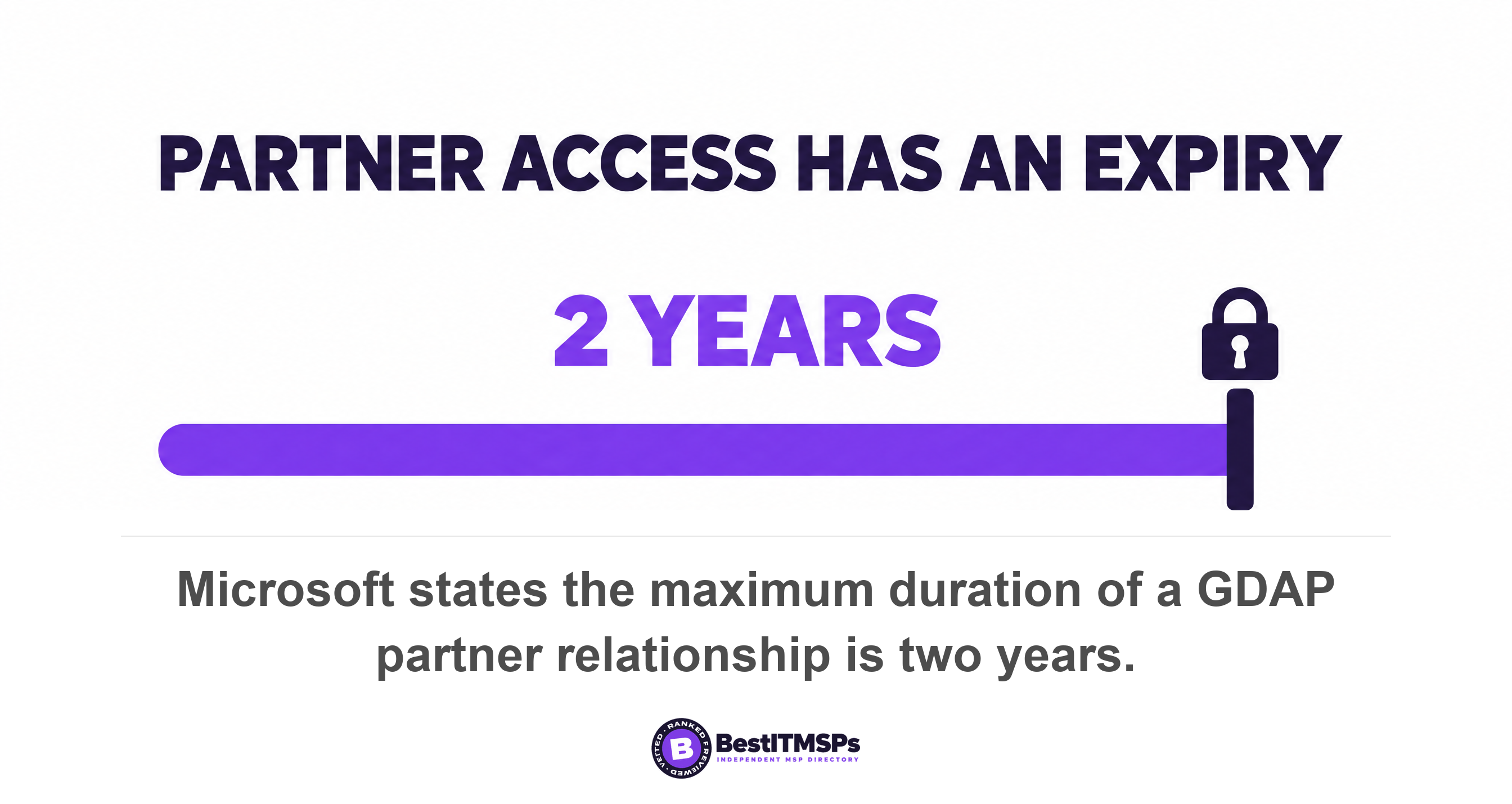
The expiry is not a courtesy. Microsoft states that permanent GDAP relationships with customers are not possible for security reasons, and that the maximum duration of a GDAP relationship is two years, with an auto-extend setting that rolls the relationship forward by six months rather than letting it lapse. Your provider's delegated access expires on a date, whether or not anyone has ever mentioned that date to you.
Then comes the detail that is worth the whole audit. Microsoft refuses to auto-extend exactly one role. In its own words, to align with Zero Trust and least privilege access, you can't automatically extend a GDAP that has the Microsoft Entra role of Global Administrator, and such a relationship displays NA under the auto-extend duration column. Every other delegated role rolls forward on its own. Global Administrator is the single role a provider has to come back and request again, in front of you. Read that backwards and you have your test. A provider holding Global Administrator as an ordinary named account inside your tenant has routed around the only expiry Microsoft built into the arrangement, whether by design or by habit.
Microsoft will let a partner's helpdesk access renew itself forever. It will not let Global Administrator renew itself once.
Global Reader is the read-only alternative worth raising for anyone who needs to look rather than change. Microsoft defines the role as one that can read everything that a Global Administrator can, but not update anything. One trap travels with it. Microsoft notes that for subscriptions purchased through a partner, the Global Reader role isn't available, so verify that before you promise the access to a bookkeeper, an insurer or an auditor.
You can end the admin half of a partner relationship yourself. Microsoft documents that customers manage this on the Partner relationships page, where they select the partner, select Remove roles and confirm with Yes, after which users who were members of the security group mapped to that relationship no longer have access to administer services. The commercial half behaves differently, and this is the sentence to read twice. Microsoft states that you can't remove a reseller relationship yourself, and that the delete option stays grayed out until your reseller partner actions it. Settle that one in the contract rather than in the admin center.
Emergency access that survives losing your provider
To keep emergency access, create two cloud-only break-glass accounts that your business controls and your provider does not. Microsoft recommends precisely that. It advises organizations to have two cloud-only emergency access accounts permanently assigned the Global Administrator role, and says those accounts are highly privileged and aren't assigned to specific individuals.
Six rules make a break-glass account work, and Microsoft prints all six.
- Use cloud-only accounts on the .onmicrosoft.com domain that aren't federated or synchronized from an on-premises environment.
- Exclude them from any Conditional Access policy that blocks or restricts sign-in, because the policy would bite during the exact emergency the account exists for.
- Register a phishing-resistant method, with passkey (FIDO2) recommended and different from the method your normal admin accounts use.
- Store the credentials in secure, fireproof safes in secure, separate locations, and never on an employee-supplied device such as a phone.
- Validate that the accounts can still sign in and perform administrative tasks at least every 90 days.
- Change the safe combinations after someone with access leaves the organization.
Microsoft's own list of reasons to hold these accounts includes the scenario this post is about. It names the case where the person with the most recent Global Administrator access leaves the organization, and attaches a warning worth memorizing. Microsoft Entra ID prevents the last Global Administrator account from being deleted, but it doesn't prevent the account from being deleted or disabled on-premises. A tidy decommissioning of an old server can therefore lock you out of your own tenant on a Friday afternoon.
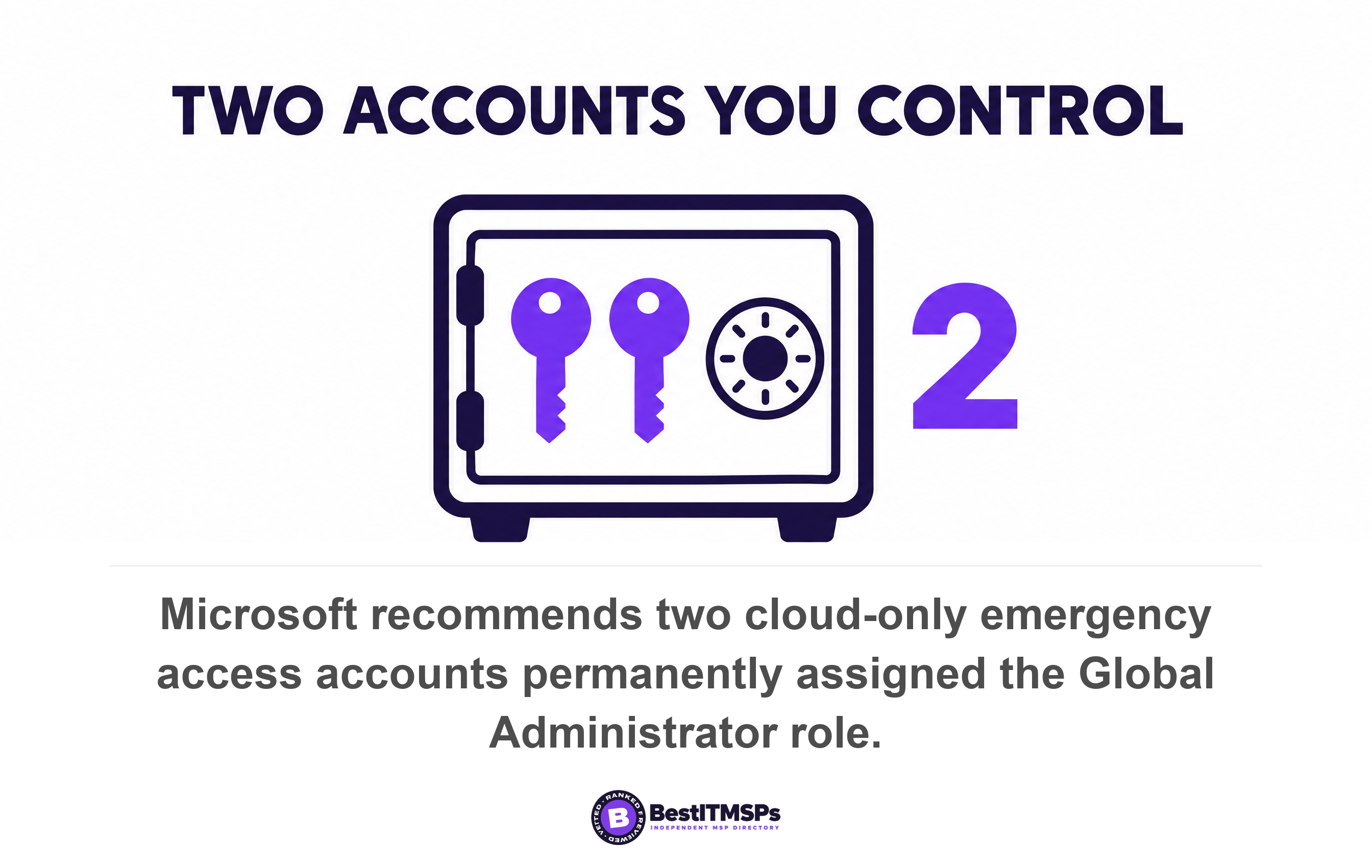
Two smaller mechanics decide whether a lockout costs an afternoon or a fortnight. Microsoft states that a Global Administrator can't remove their own Global Administrator assignment, which is a guardrail rather than a defect. It also advises keeping at least a Privileged Authentication Administrator, so somebody can reset a locked-out Global Administrator's password. Without one of those, your recovery path runs through Microsoft support in the week you can least afford the wait.
What to do about a Global Administrator you did not expect
To shut down a Global Administrator you did not expect, revoke the account's sessions rather than only resetting its password. The console you use changes the outcome, which is the least intuitive fact in this whole subject.
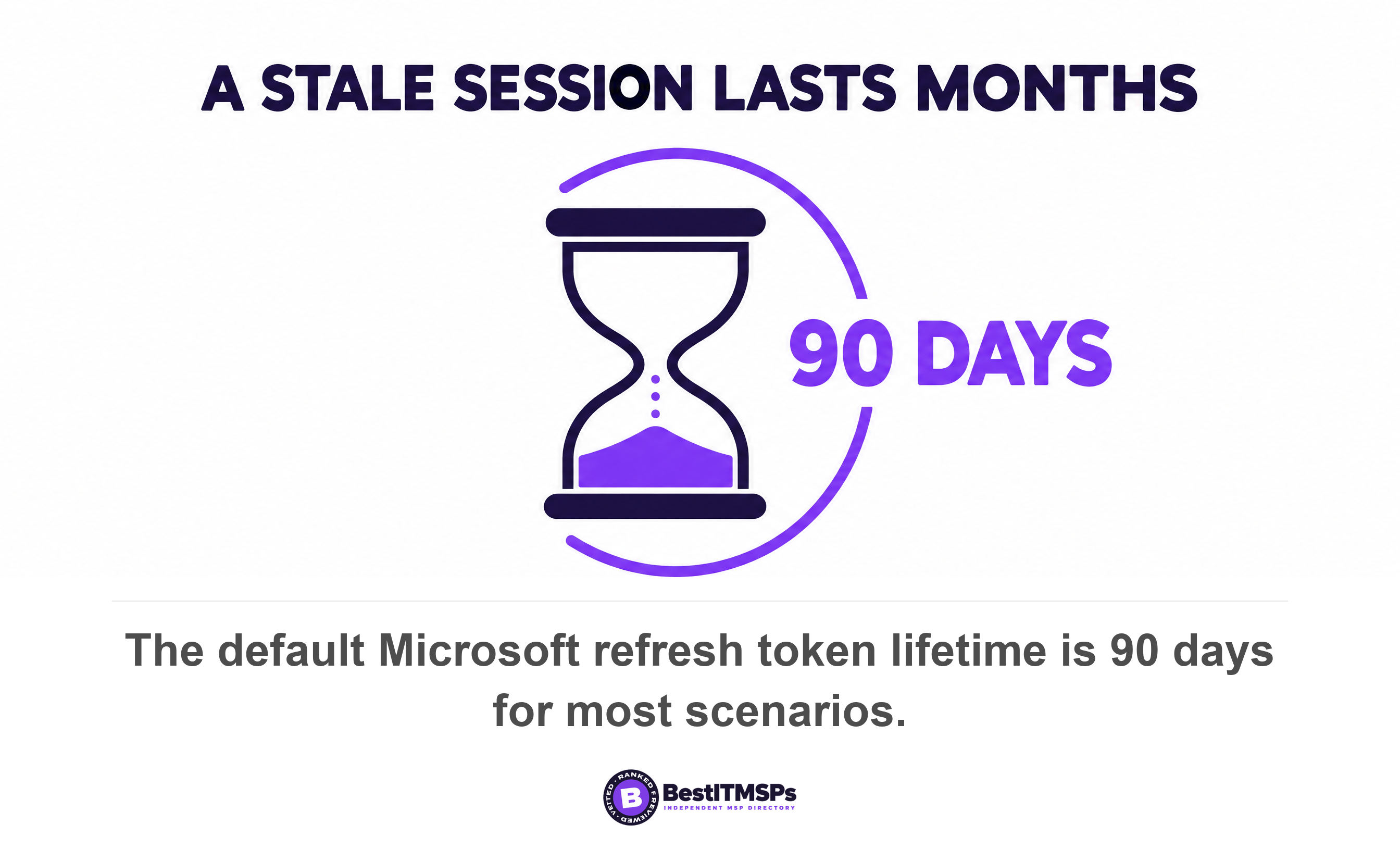
Microsoft publishes the table. For a confidential client token, an admin password reset from the Azure portal leaves the refresh token alive, while a reset from the Microsoft Entra admin center or the Microsoft 365 admin center revokes it, and an admin revoking all refresh tokens for a user revokes every class of token. The default refresh token lifetime is 24 hours for single-page applications and 90 days for all other scenarios. A password change made in the wrong console can therefore leave a signed-in session running for up to three months while you believe the account is closed.
Downgrade before you delete, where the account is doing a real job. Three moves cover almost every case.
- Move the holder to Global Reader where they only need to look at settings.
- Replace a standing assignment with a finer-grained Entra ID role that matches the actual task, such as Helpdesk Administrator or Exchange Administrator.
- Make the assignment eligible rather than active, so the holder has to activate it for a named task.
The third move is where a bill arrives, so price it before you promise it. Privileged Identity Management provides just-in-time privileged access, time-bound assignment using start and end dates, approval to activate a role, and downloadable audit history, and only a privileged role administrator or a Global Administrator can manage those assignments for other people. Microsoft states that Privileged Identity Management requires Microsoft Entra ID P2 or Microsoft Entra ID Governance, and that access reviews require Microsoft Entra ID Governance or Microsoft Entra Suite, with some capabilities operating on Entra ID P2. Most Business Premium tenants hold neither tier, so time-bound elevation is a purchasing decision rather than a switch somebody forgot to flip.
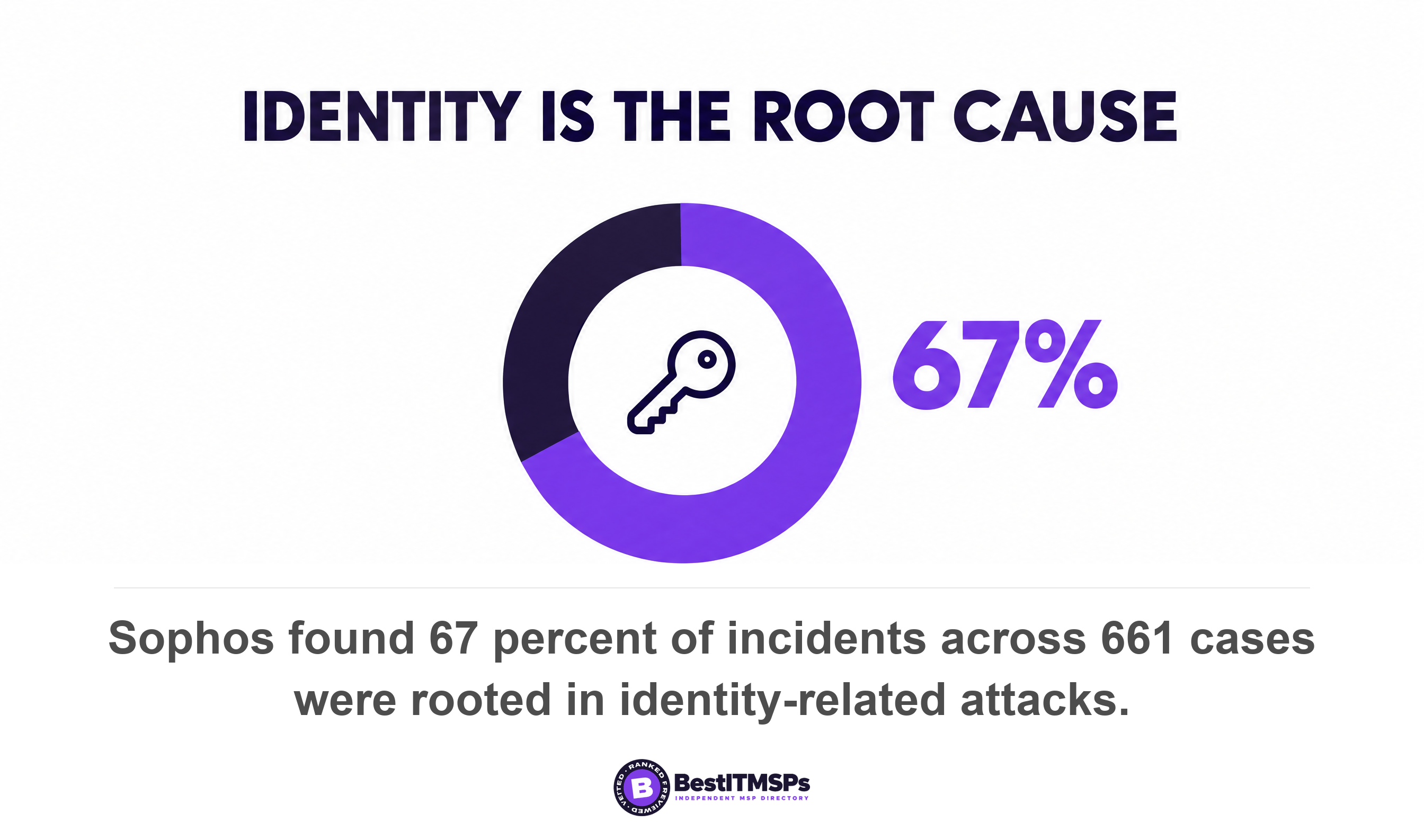
Set a cadence you will actually keep. CISA's performance goals ask organizations to review user access and disable accounts when inactive for a specified period, giving 30 days as the example. Quarterly is enough for a 30-person firm. The reason to bother sits in the incident data. Sophos analyzed 661 incident response and managed detection cases and found 67 percent of them were rooted in identity-related attacks, with a lack of multifactor authentication in 59 percent of cases.
Six lines to send your provider this week
Send six lines and a date. None of this reads as hostile to a competent provider, because every answer is something they already know.
- List every Global Administrator on our tenant by name, and say which of them belong to your staff.
- State whether your access is a delegated relationship with an expiry date or a standing account in our directory.
- Give us that expiry date, and tell us what happens to our support on the day it lapses.
- Confirm which of your staff sit in Admin Agent and which sit in Helpdesk Agent.
- Create two emergency access accounts we control, and hand us the credentials to store ourselves.
- Name the contract clause that makes the five answers above binding rather than friendly.
Judge the reply on whether it contains names and dates. A provider that answers with two named accounts, a relationship expiry in March and a sentence about break-glass credentials is running least privilege, whatever it calls the practice internally. A provider that answers with a reassurance has also told you something. Verify either answer against your own Role assignments page the same afternoon.
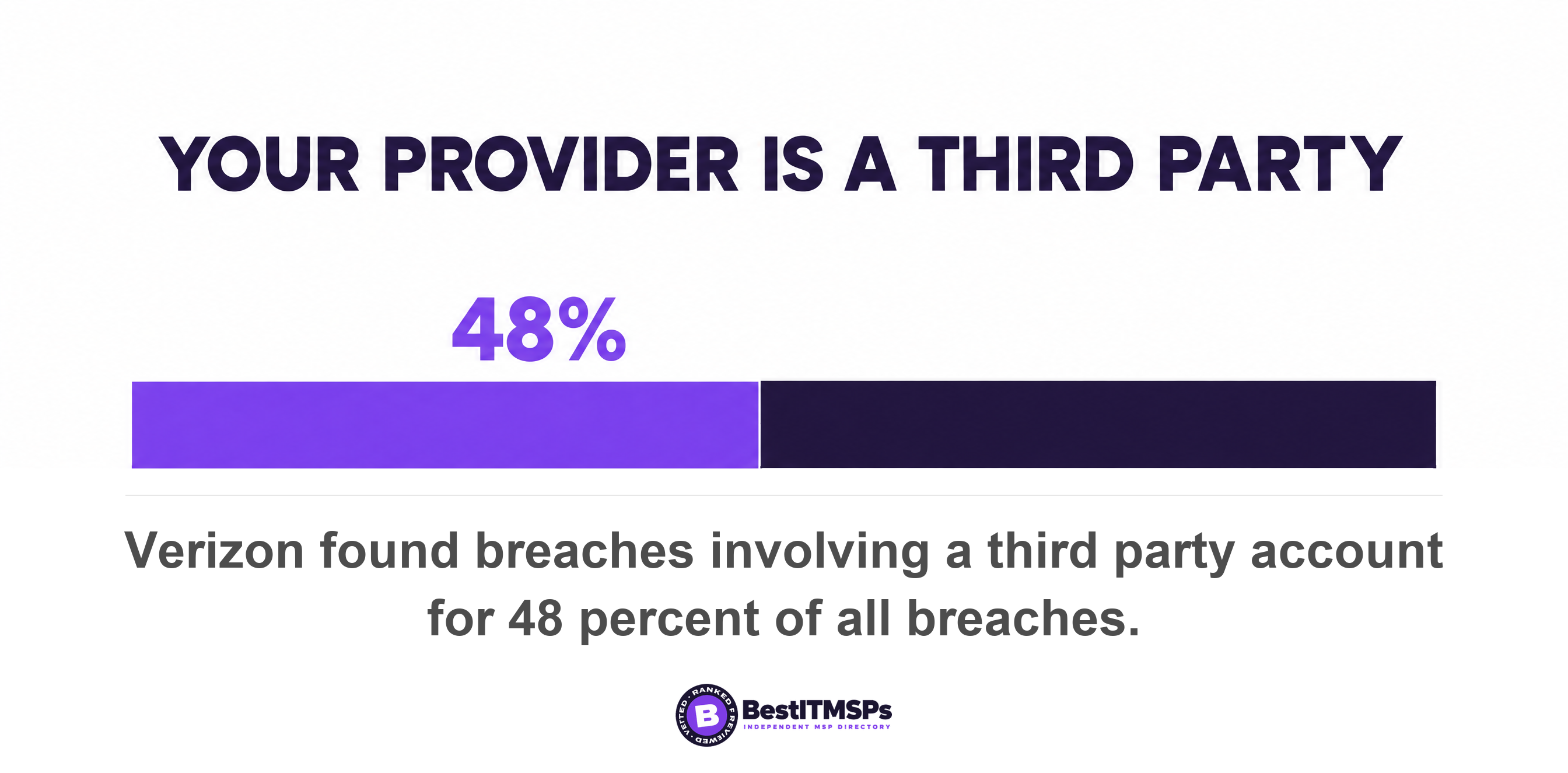
The reason to run this at all is that your provider is your largest third party. Verizon's 2026 data puts a third party in 48 percent of all breaches, up 60 percent in a year. While you are in the admin center, look at the non-human logins too, because CISA's goals ask that system administrators and service or machine accounts have unique passwords that differ from those of regular user accounts, and those accounts are a documented list of their own.
Best IT MSP is independent and does not sell IT services. We rank providers on verified rating and firmographic data across 730 city datasets holding 24,491 provider roster rows, and the pattern in that data is that answers to this one question vary far more between providers than between products. Compare cybersecurity services on what a firm operates rather than what it owns, then look at a ranked shortlist such as managed IT providers in Chicago. None of this buys perfect security, and no honest provider claims it does. It buys a name, a date and a way back in.
FAQ
Who is the Global Administrator on my Microsoft 365 tenant?
Open the Microsoft 365 admin center, go to Role assignments, select Global Administrator, and read the Assigned admins tab. Microsoft notes that the person who purchased a subscription for your organization and signed up for Microsoft online services is a Global Administrator automatically, so the oldest name on that list is usually whoever first set the tenant up.
Should my MSP have Global Administrator access to my tenant?
Usually yes, but through a delegated relationship rather than a standing account. Microsoft states that permanent GDAP relationships with customers aren't possible for security reasons and the maximum duration is two years, and that a GDAP carrying the Global Administrator role can't be automatically extended. Keep at least one Global Administrator of your own.
How many Global Administrators should a small business have?
Fewer than five, and never only one. Microsoft recommends assigning the Global Administrator role to fewer than five people and separately recommends two cloud-only emergency access accounts permanently assigned that role. For a 30-person firm, that usually means one owner account, one provider route, and two break-glass accounts in a safe.
Can a Global Administrator read my email?
Not by default, and that is less reassuring than it sounds. Microsoft states that Global Administrators have the ability to elevate their access to read data. On Microsoft Entra ID Free, audit logs and sign-in logs are kept for seven days, so a role change made last month leaves no record you can retrieve afterwards.
Can I remove my IT provider's access to Microsoft 365 myself?
You can remove their admin roles yourself. On the Partner relationships page, select the partner, then select Remove roles and confirm with Yes. The commercial side is different. Microsoft states that you can't remove a reseller relationship yourself, so your provider has to action that part for you.
Best IT MSP is the independent directory of vetted managed IT and cybersecurity providers across the US and Canada. Organic ranking is earned on rating and verified data, and paid placement is always labelled. We do not sell IT services. Send those six lines to three merit-ranked firms in your city and compare the replies side by side.