The break-glass account, and why yours is probably in a drawer
A break-glass account is a deliberately documented emergency login that still works when normal administrator access fails. Microsoft recommends keeping two or more, excluding them from Conditional Access policies that block sign-in, and alerting on every use. On a free Entra ID tenant the sign-in log that would show that use is kept seven days.
- Microsoft tells organizations to keep two or more emergency access accounts, cloud-only, with a physical security key and the credentials in a fireproof safe.
- The lockout is documented, not theoretical. A block policy covering all resources can lock out admins, and Microsoft Graph cannot be excluded at all.
- Mandatory MFA now names break-glass accounts, with no opt-out. A long password on a card no longer opens a Microsoft admin portal.
- Monitoring is the half that gets skipped. Alerting on every use needs an Azure subscription, and Entra ID Free keeps sign-in logs seven days.
- Conditional Access needs Entra ID P1, which ships with Business Premium. On Business Basic or Standard you cannot build the exclusion Microsoft recommends.
What is a break-glass account, and why does your business need one?
A break-glass account is a deliberate emergency login that still works when the normal route into your systems fails. Microsoft tells organizations to create two or more emergency access accounts and to use them only for emergency or break glass scenarios. The account is not a loophole. It is the documented way back in.
Microsoft names five situations where a business needs one, and none is exotic.
- An identity provider outage. Your sign-ins redirect to a federated server that is down, so users might be unable to sign in.
- An MFA failure. Administrators registered multifactor authentication on their phones, and a cell network outage prevents them from answering phone calls or receiving text messages.
- A departure. The person with the most recent Global Administrator access leaves the organization, and nobody else holds the role.
- A disaster. Microsoft lists unforeseen circumstances such as a natural disaster emergency, during which a mobile phone or other networks might be unavailable.
- A privileged access deadlock. Every Global Administrator assignment is eligible rather than active, activation requires approval, and no approvers are selected, so tenant administration is effectively locked.
The fifth is the failure a conscientious provider creates by accident. A business makes every administrator role approval-only, then loses the approver. Good security without a break-glass account underneath it locks the door from the inside.
A second trap sits in the hybrid setups many small firms still run. Microsoft Entra ID prevents the last Global Administrator account from being deleted, but does not prevent the account from being deleted or disabled on-premises. A tidy server decommission can end your access to your own tenant.
Why this is your problem rather than your provider's comes down to one number. Verizon puts a third party in 48 percent of all breaches, a 60 percent jump in a year. If your only working administrator credential belongs to a company you might one day leave, you have outsourced the lock and the key.
The lockout a break-glass account insures against
The lockout is a Conditional Access policy that blocks the very administrators who could switch it off. Conditional Access is the rules engine in Microsoft 365 deciding who gets in and from where. Microsoft's own deployment guide carries the warning, telling administrators to be careful when using block and all resources in a single policy, because this combination could lock out admins, and exclusions cannot be configured for important endpoints such as Microsoft Graph.
Read that last clause twice. Some endpoints cannot be excluded at all, so adding an exception for yourself does not fully work. Microsoft's instruction is to exclude emergency access or break-glass accounts to prevent lockout due to policy misconfiguration, and it repeats the point as a pre-flight check, telling administrators to verify emergency access accounts are excluded from all policies.
Two mechanics decide how expensive a misconfiguration gets.
- Scale. One tenant can hold 240 Conditional Access policies in any state, including report-only, on, and off. Nobody audits 240 rules by eye.
- Report-only mode. Microsoft confirms report-only policies do not block access and do not need to exclude emergency accounts, which makes it the safe way to test a rule.
Then there is the trap that catches a business trimming its software bill. Microsoft states that when licenses required for Conditional Access expire, policies are not automatically disabled or deleted, and that remaining policies can be viewed and deleted but no longer updated. Downgrade your plan and your old access rules keep enforcing while you lose the ability to edit them.
How many break-glass accounts should you have, and what goes on them?
Keep at least two break-glass accounts, and put a physical security key on each. Microsoft's guardrail list says to maintain at least two emergency access accounts for redundancy. CISA sets a harder number for federal agencies in its Microsoft 365 baseline, requiring a minimum of two users and a maximum of eight users provisioned with the Global Administrator role and noting that up to eight may be necessary to support emergency access and some operational scenarios.
Microsoft's guardrails reduce to six rules worth putting in a contract.
- Create them as cloud-only accounts on the .onmicrosoft.com domain that are not federated or synchronized from an on-premises environment, keeping cloud and on-premises emergency access separate with no dependency of one on the other.
- Register a phishing-resistant method, with passkey (FIDO2) recommended, or certificate-based authentication where a public key infrastructure exists, and make sure it does not use the same authentication methods as your other administrative accounts.
- Exclude them from any Conditional Access policy that blocks or restricts sign-in, through a dedicated security group such as EmergencyAccess.
- Store the credentials in secure, fireproof safes that are in secure, separate locations, and never on an employee-supplied device such as a phone.
- Detach them from people, because Microsoft says to not associate emergency access accounts with any individual user in the organization.
- Keep the credential alive, since the device or credential must not expire or be in scope of automated cleanup due to lack of use, and pin the role as permanent active rather than eligible in Privileged Identity Management.
Every major platform has a version of this account. Google tells Workspace customers that an organization should have more than one super administrator account, each managed by a separate individual, that super administrators should use a separate, non-admin account for day-to-day activities, and that admins should print backup codes and keep them in a secure location.
AWS now treats the root user the same way. Its documentation states that all AWS account types, standalone, management and member, require MFA to be configured for their root user, that users must register MFA within 14 days of their first sign-in attempt to the console, and that if the device is lost you can still sign in by verifying your identity using that email and phone number. AWS required MFA for Organizations management account root users in May 2024 and standalone account root users in June 2024. Go and check whose mobile number is on your account.
The licensing problem nobody mentions to a small business
Most of this guidance needs a paid Microsoft 365 tier, so a business on the cheaper plans cannot follow it. Microsoft states that Conditional Access requires Microsoft Entra ID P1 licenses and that Entra ID P1 is included in Microsoft 365 Business Premium for small to medium businesses. Business Basic and Business Standard carry Microsoft Entra ID Free, which is included with Microsoft cloud subscriptions. On Free there is no Conditional Access at all.
That cuts both ways, and the second half matters more. Without Conditional Access you cannot build the lockout. You also cannot build the exclusion. The only identity protection a free tenant has is security defaults, which Microsoft's own table describes as no customization, on or off, against fully customizable Conditional Access requiring at least Microsoft Entra ID P1.
Now put two Microsoft pages side by side. The break-glass guidance says never to connect these accounts with any employee-supplied devices, such as phones. The security defaults page says its users are required to register for and use multifactor authentication using the Microsoft Authenticator app using notifications, with third-party OATH TOTP apps as the alternative. Both live on a phone. A free tenant is asked to hold a break-glass account the free tier cannot hold the way the vendor describes.
The break-glass account is the one login you deliberately exempt from your defences. The control that makes that exemption safe is the alert on its use, and that alert is a purchase.
Three further controls here sit behind a licence, so price them before you promise them.
- Privileged Identity Management, where you pin the role as permanent active, requires Microsoft Entra ID P2 or Microsoft Entra ID Governance licenses.
- The Conditional Access Insights and Reporting workbook requires Microsoft Entra ID P1 and a Log Analytics workspace receiving sign-in logs.
- Longer log retention, because audit logs and sign-ins are kept seven days on Microsoft Entra ID Free and 30 days on both P1 and P2.
The honest conclusion for a 15-person firm on Business Standard is that half of this guidance is a purchase order. Decide whether you are buying Business Premium, and if not, document which recommendations you are knowingly skipping.
The monitoring half, which is where these accounts actually fail
An unmonitored emergency access account is a standing privileged credential with no owner, and monitoring is the half that gets skipped. Microsoft's guardrail list is explicit, telling you to monitor all sign-in and audit log activity for emergency access accounts with alerts to detect unnecessary or unauthorized use, and its compliance section goes further, instructing you to configure alerts for every use of an emergency access account.
Here is what that takes. You send Microsoft Entra sign-in logs to Azure Monitor, which needs an Azure subscription and a Log Analytics workspace in that subscription. You then build an alert rule on a custom log search filtered to the two accounts' object IDs, set the threshold value to 0 and the severity to 0, critical, and attach an action group that emails or texts your administrators. Microsoft names Azure Monitor, Microsoft Sentinel, or other tools for the job.
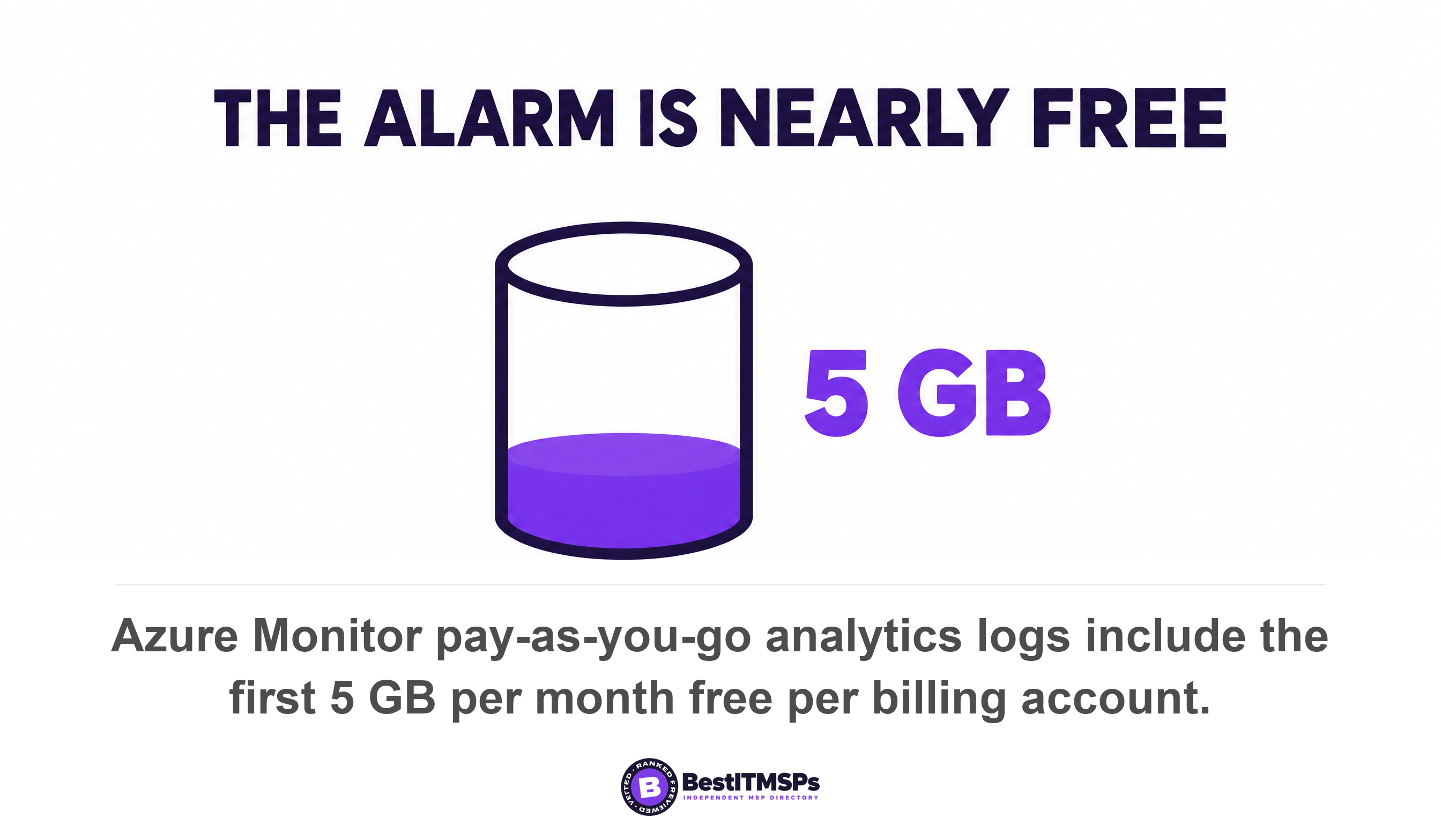
That is not a toggle. It is a small Azure build with a bill, though a smaller bill than most owners fear. Azure's pricing page states that for pay-as-you-go analytics logs the first 5 GB per month per billing account are free, and that data is retained 31 days at no charge, rising to 90 days when Microsoft Sentinel is enabled. Sign-in logs for a 30-person tenant do not come close to 5 GB a month.
Skip the export and the arithmetic turns unforgiving. Microsoft keeps Entra audit logs and sign-in logs for seven days on Microsoft Entra ID Free and 30 days on both P1 and P2, and warns that log retention changes are not retroactive and data that has already expired cannot be recovered unless it was previously archived. Asked whether you can see last month's data after buying a premium licence, Microsoft answers no, you cannot. An unexplained break-glass sign-in from three weeks ago is not a mystery on a free tenant. It is gone.
CISA's goals say the same without naming a product, which makes them good contract language. Goal 3.Q asks that logs be stored in a central system that can only be accessed or modified by authorized and authenticated users, for a duration informed by risk or pertinent regulatory guidelines, and goal 3.E asks that security personnel be notified by an alert after a deviation from normal user behavior. A break-glass sign-in is the clearest deviation your tenant will ever produce.
After any genuine use, one step closes the loop and almost nobody runs it. Microsoft says to regenerate credentials and physically secure the new credential details, then hold a review establishing whether the use was a planned drill, an actual emergency, or misuse and unauthorized usage. One of those three is an incident. Decide now who makes that call.
Mandatory MFA ended the password-in-an-envelope version of this
A long password on a card in a safe no longer gets into a Microsoft admin portal, because mandatory MFA covers these accounts by name. Microsoft's FAQ answers it flatly, stating that the system enforcement applies to all user accounts, regardless if they are a student account, break-glass account, an administrator account with activated or eligible roles, or any user exclusions that are enabled for them, and that there is no way to opt out.
The deadlines are behind us, which makes this a today problem.
- Phase 1 started October 2024 for the Azure portal, Microsoft Entra admin center and Microsoft Intune admin center, and February 2025 for the Microsoft 365 admin center.
- Phase 2 started 1 October 2025 for Azure CLI, Azure PowerShell, the Azure mobile app, infrastructure-as-code tools and REST API endpoints.
- Postponement existed and both windows have closed, since Phase 1 could be deferred only to 30 September 2025 and Phase 2 only to 1 July 2026.
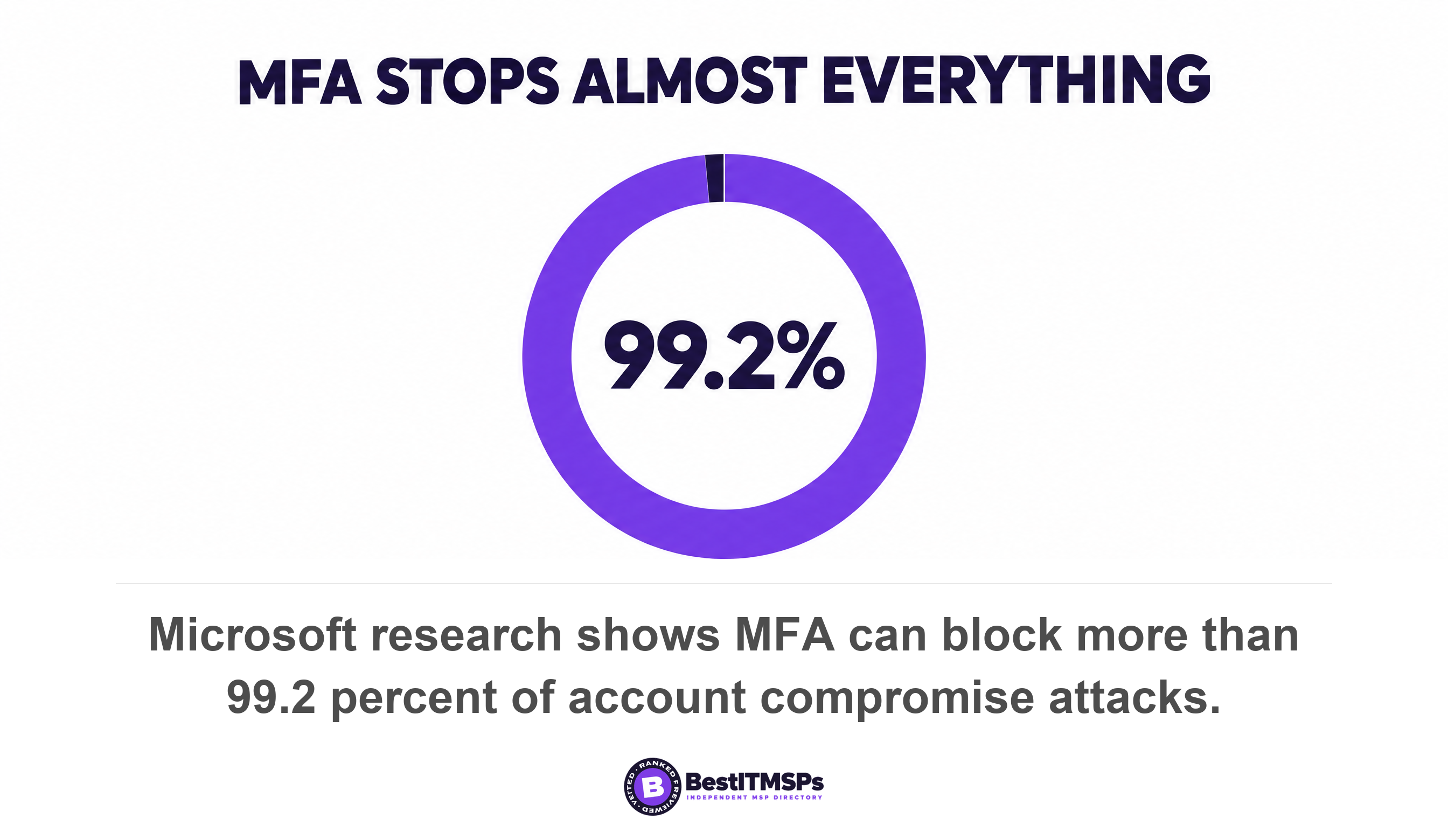
Microsoft's prescribed fix matches its break-glass page. Update these accounts to use passkey (FIDO2) or certificate-based authentication, both of which satisfy the MFA requirement. The correct artifact in your safe is now a physical security key, not a password on a card. Microsoft research puts multifactor authentication at blocking more than 99.2 percent of account compromise attacks.
One more sentence there kills a shortcut your provider may rely on. Microsoft notes that if you configured exceptions or exclusions in the policy, they no longer apply to this enforcement. An exclusion written in 2023 is not protecting your break-glass sign-in today, and the only way to know is to test the account. On phishing-resistant authentication generally, read Passkeys for small business.
A break-glass account is not a service account, and not your provider's login
A break-glass account is deliberate, documented and meant to exist, which separates it from the two credentials people confuse it with. Three lists live in your tenant and get merged in conversation.
- The break-glass account is a privileged human login created on purpose, held by your business, used almost never, and alerted on every time it is used.
- A service account is a non-human login software uses daily, and Microsoft handles it separately, noting that calls made by service principals are not blocked by Conditional Access policies scoped to users. Read Service accounts, the logins nobody owns.
- Your provider's administrator access is a third thing, and it needs a name and an expiry date. Start with Who is the Global Administrator on your tenant, then Who at your MSP can log in at 2am.
The distinction has teeth in a regulated business. Under the HIPAA Security Rule, an emergency access procedure is a Required implementation specification of the Access control standard, obliging a covered entity to establish, and implement as needed, procedures for obtaining necessary electronic protected health information during an emergency. Two of the other three specifications under the same standard, automatic logoff and encryption and decryption, are only Addressable. Emergency access outranks encryption there, which surprises most people on first reading.
CISA's baseline makes the same separation. Its policy that permanent active role assignments shall not be allowed for highly privileged roles carves out an explicit exception for emergency access accounts that need perpetual access to the tenant, and a companion policy requires phishing-resistant MFA for highly privileged roles. The account is a named exception to a hard rule, not a leftover. CISA's performance goals add the everyday half, asking that administrators maintain separate user accounts for activities unrelated to their admin role.
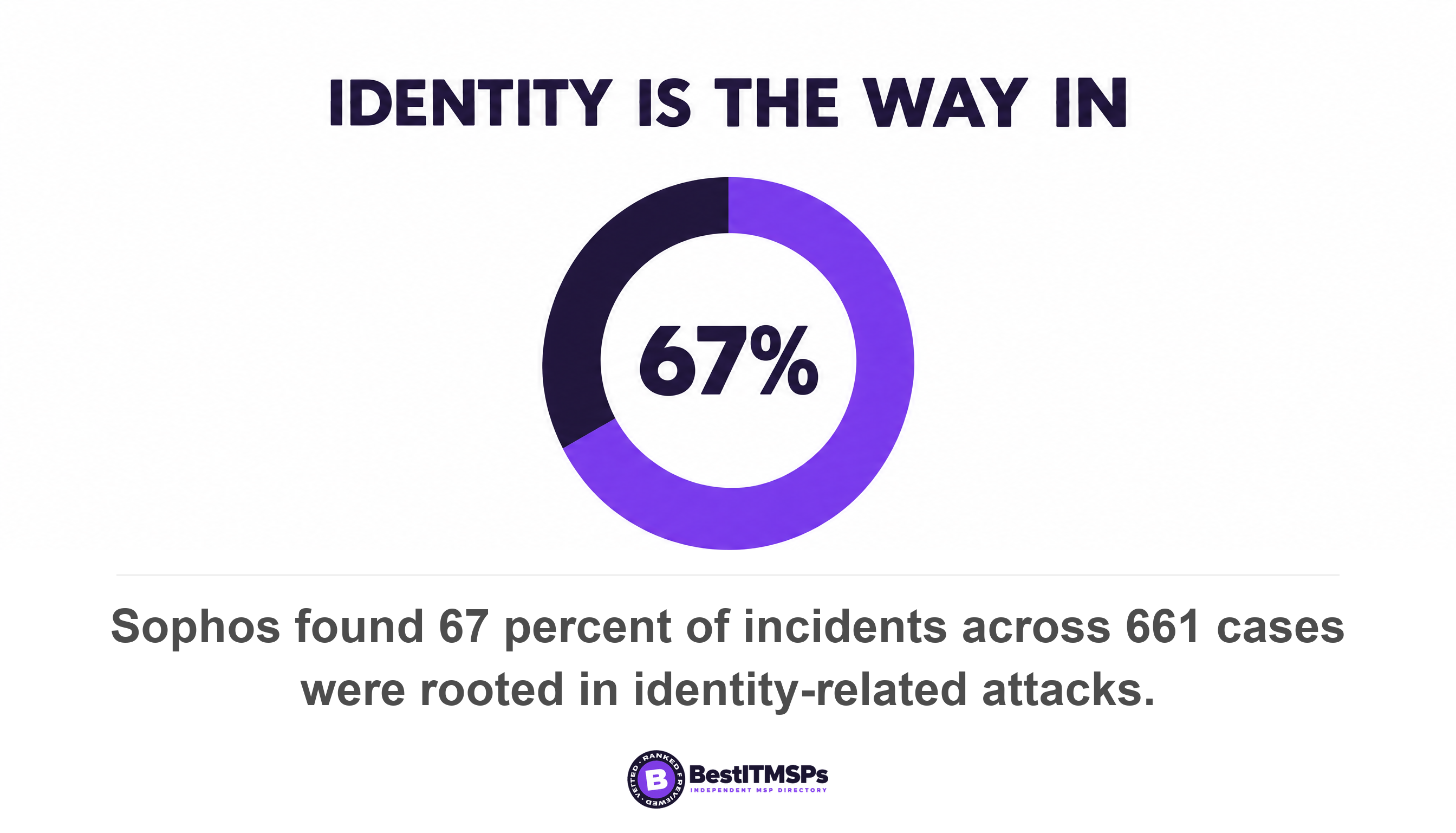
The reason to care is where attackers go. Sophos analyzed 661 incident response and managed detection cases and found 67 percent rooted in identity-related attacks, with a lack of multifactor authentication in 59 percent of cases. Once you have audited this account, work through Audit your MSP's access and Local admin rights and ransomware.
Seven questions to send your IT provider this week
Send seven questions and ask for a date on each. None reads as hostile to a careful provider, because every answer is something they already know.
- Ask how many break-glass accounts our tenant holds, and confirm each is cloud-only on the .onmicrosoft.com domain.
- Ask which authentication method is registered on each, and whether it differs from the one your own engineers use.
- Ask where the credentials are stored physically, and who can open that safe today.
- Ask which Conditional Access policies exclude these accounts, and name the security group carrying the exclusion.
- Ask what alert fires when one signs in, where it goes, and show me the last one that fired.
- Ask how long our sign-in logs are kept, then pull a sign-in event from 20 days ago while I watch.
- Ask for the date of the last validation drill, because Microsoft says to validate account functionality at least every 90 days.
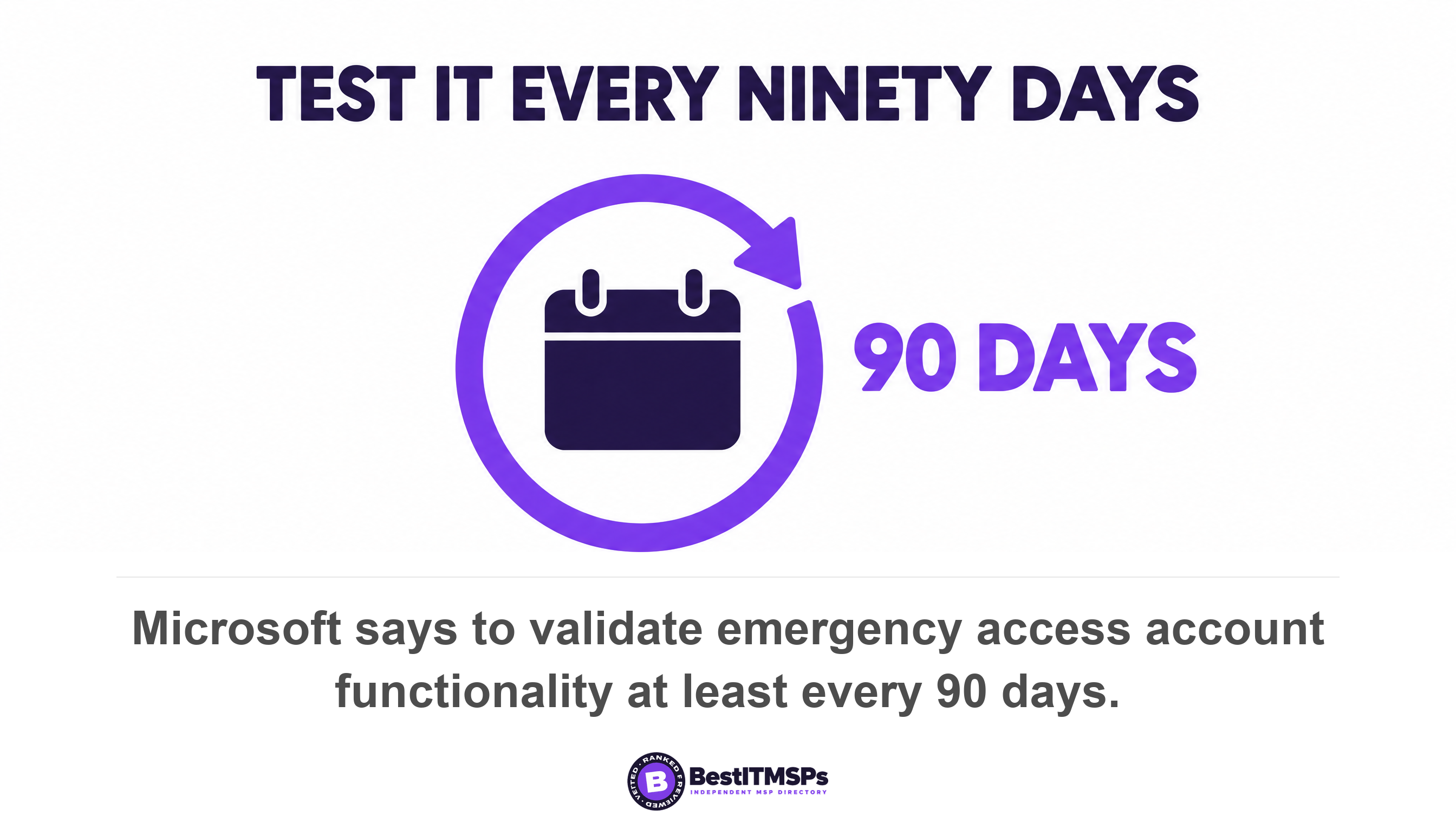
Microsoft's validation checklist is the standard you are buying against. It asks you to review and update the list of individuals authorized to use the credentials, to ensure the emergency break glass process is documented and current, and to validate that the accounts can sign in and perform administrative tasks. Three triggers apply, namely every 90 days, after a change in IT staff, and when the Microsoft Entra subscriptions change.
Two cheaper habits sit alongside the drill. Microsoft says to test every quarter that emergency access accounts can sign in successfully with your current Conditional Access configuration, and to keep contingency Conditional Access policies you can enable during an outage to restore access for critical users parked in report-only mode. It even supplies the naming convention, telling administrators to put ENABLE IN EMERGENCY at the beginning of the policy name.
Judge the reply on whether it contains names, dates and a screenshot. A provider who answers with two account names, a safe location, an exclusion group and a drill date is running this properly. A provider who answers that it is all covered has told you something too. Verify either answer yourself, because you can read your own Conditional Access policies and sign-in logs. None of this buys perfect security. It buys a documented way back in.
FAQ
What is a break-glass account?
A break-glass account is an emergency administrator login kept for the moments when normal accounts cannot be used. Microsoft advises creating two or more emergency access accounts as cloud-only accounts on the .onmicrosoft.com domain, excluded from blocking Conditional Access policies, with credentials in a fireproof safe rather than on a phone.
How many break-glass accounts should a small business have?
Two is the working minimum. Microsoft's guardrails say to maintain at least two emergency access accounts for redundancy, and CISA's Microsoft 365 baseline requires a minimum of two users and a maximum of eight users provisioned with the Global Administrator role. For a 30-person firm that usually means one owner account, one provider route, and two break-glass accounts.
Should a break-glass account be excluded from Conditional Access?
Yes, from any policy that blocks or restricts sign-in. Microsoft tells administrators to exclude emergency access or break-glass accounts to prevent lockout due to policy misconfiguration, and notes that report-only policies do not block access and do not need to exclude emergency accounts. Use a dedicated security group so the exclusion is auditable.
Does a break-glass account still need MFA?
Yes, and there is no exemption. Microsoft states that mandatory MFA enforcement applies to all user accounts, regardless if they are a student account, break-glass account, an administrator account with activated or eligible roles, or any user exclusions. Microsoft recommends passkey (FIDO2) or certificate-based authentication, so put a physical security key in the safe.
How do I know if my IT provider set up a break-glass account properly?
Ask for the alert and the drill date. Microsoft requires that you monitor all sign-in and audit log activity for emergency access accounts with alerts and validate account functionality at least every 90 days. A provider who cannot produce an alert history or a drill date has built half the control.
Best IT MSP is the independent directory of vetted managed IT and cybersecurity providers across the US and Canada. Organic ranking is earned on rating and verified data, and paid placement is always labelled. We do not sell IT services. Send these seven questions to three merit-ranked firms in your city.