Five People, No IT: What a Small Business Needs First
A five-person company does not need a managed IT contract yet. It needs four things in order. Business identity it owns, multi-factor authentication everywhere, a tested backup, and managed devices. Microsoft documents that whoever signs up for the tenant becomes Global Administrator by default, which is why identity comes first.
- A five-person company needs four things in order: business identity it owns, multi-factor authentication, a tested backup, and managed devices.
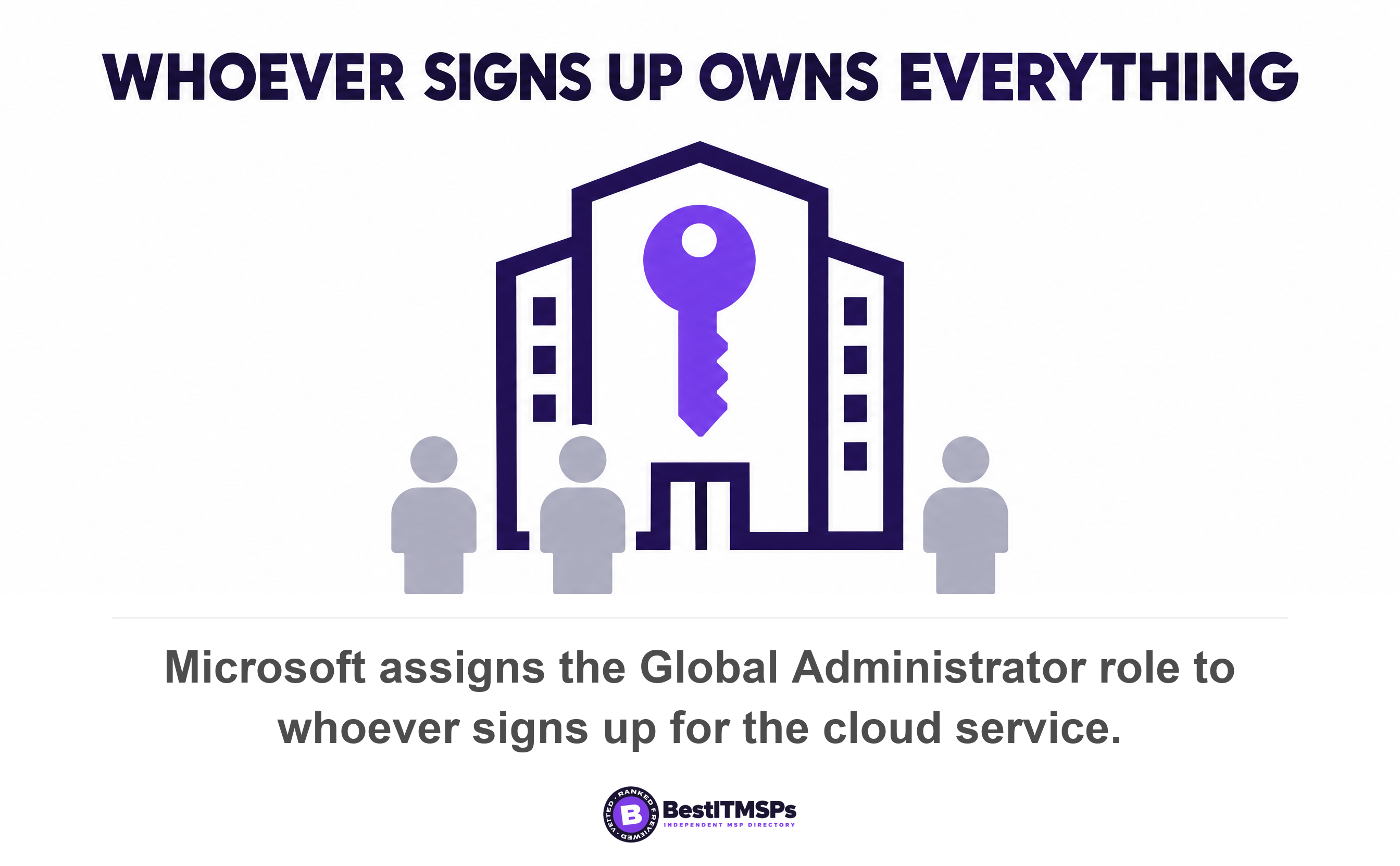
- The first purchase is a separation, not a product. Microsoft assigns the Global Administrator role to whoever signs up for the tenant.
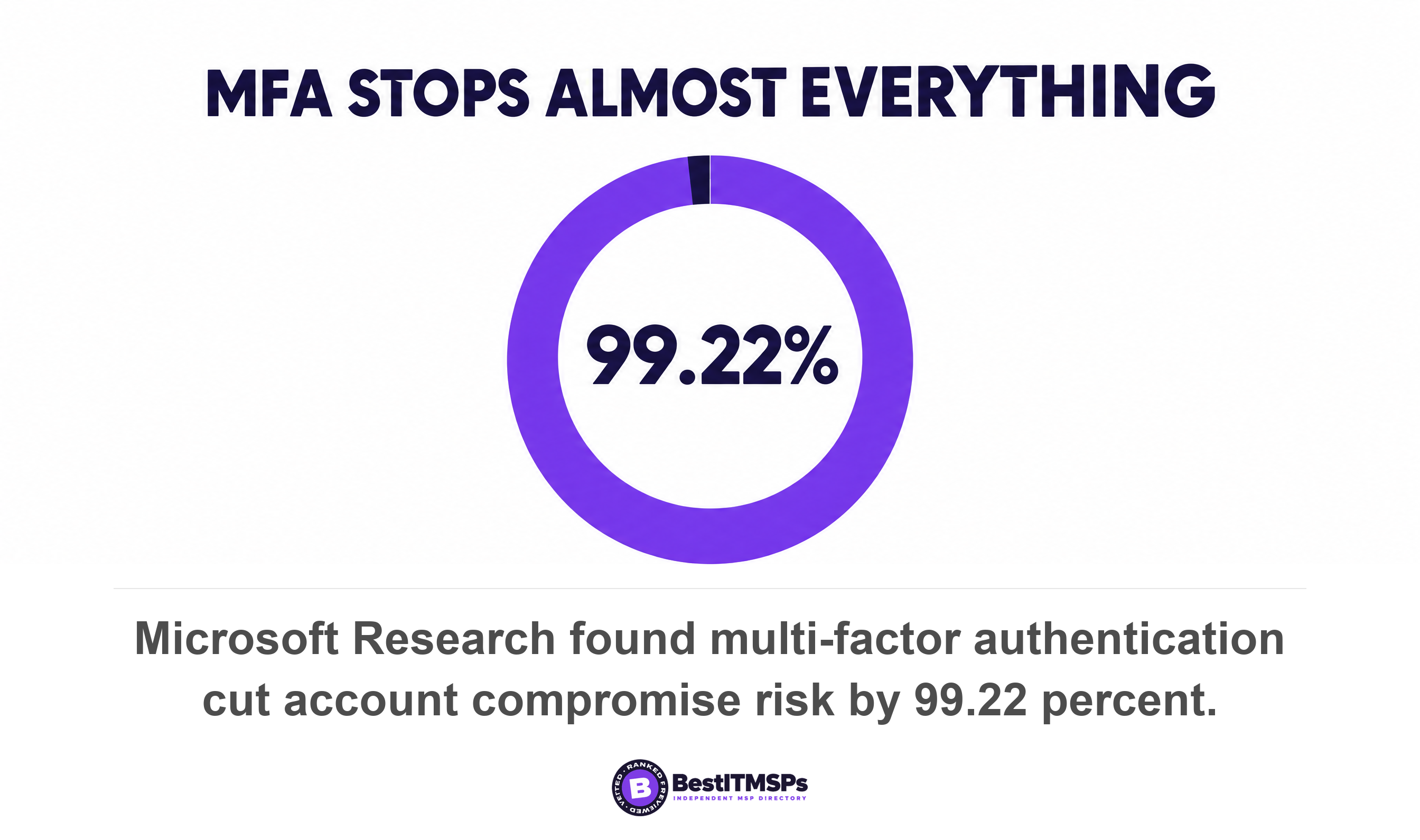
- Multi-factor authentication cut the risk of account compromise by 99.22 percent in Microsoft's own research, and it sits inside the license you already buy.
- Recovery windows are short and documented. A deleted Microsoft 365 user is restorable for 30 days, a OneDrive for 93 more, and a Google Workspace user for 20.
- Most companies this size can skip a managed contract, a staffed SOC and penetration testing, then revisit the whole list at fifteen people.
What does a small business IT setup need first?
A small business IT setup needs four things, in this order. Business identity the company owns, multi-factor authentication on every account, a data backup of whatever the business cannot lose, and managed devices. Everything else waits.
Notice what is missing from that list. A managed service contract. At five to ten people the honest answer for most companies is to do those four things yourself and revisit at fifteen. Best IT MSP is an independent directory and does not sell IT services, so that answer costs us nothing to give.
The risk is real, and that is still not an argument for buying more. Verizon found ransomware in 48 percent of all breaches. The FBI's Internet Crime Complaint Center logged 1,008,597 complaints and $20.877 billion in reported losses in 2025, an average loss of $20,699 per complaint. A five-person firm is not too small to be hit. It is too small to absorb a bad week.
The order matters more than the list, because each step rests on the one before it. The first step is not a product at all. It is a separation.
This guide covers the starting point for a company with no IT. For the wider view of the market, read IT Support for Small Business: A Buyer's Guide and SMB Cybersecurity: Where to Start.
Why your first purchase is a separation, not a product
Your first purchase is a separation. Move the company's email, files and logins into a business account the company owns, and out of the personal account belonging to whoever set things up.
Microsoft documents the default in plain words. When a user signs up for a Microsoft cloud service, a tenant is created and that user is assigned the Global Administrators role. Whoever typed in the card details holds the keys to the company. Google Workspace starts the same way, with a single super administrator. Nothing in either sign-up tells you that you just made a decision.
Almost every painful small-company IT problem later traces back to that one thing not being done. Five common examples are listed below.
- Sharing one login across the team destroys any record of who did what.
- Registering the domain on a staff member's own registrar account ties domain ownership to one person's private email.
- Keeping working files in a personal drive leaves the business with no copy when that person leaves.
- Skipping named accounts turns offboarding into a guess instead of a checklist.
- Mixing personal and company data makes an insurance claim or a legal hold far harder to answer.
Identity is not the most common way attackers get in, and pretending otherwise would be selling. Verizon puts credential abuse at 13 percent of breaches as an initial access vector, behind vulnerability exploitation at 31 percent. Identity still goes first, because it is the step that makes the other three possible. You cannot enforce multi-factor authentication on an account you do not control, you cannot back up a drive you cannot see, and you cannot manage a laptop that is enrolled nowhere. Each one hangs off a central directory of named accounts.
What owning your business identity actually means
Owning your business identity means four assets sit in company-controlled accounts. The domain name, the email tenant, the file storage, and the admin account that governs all three. Pick Microsoft 365 or Google Workspace, buy it in the company name, and pay with a company card.
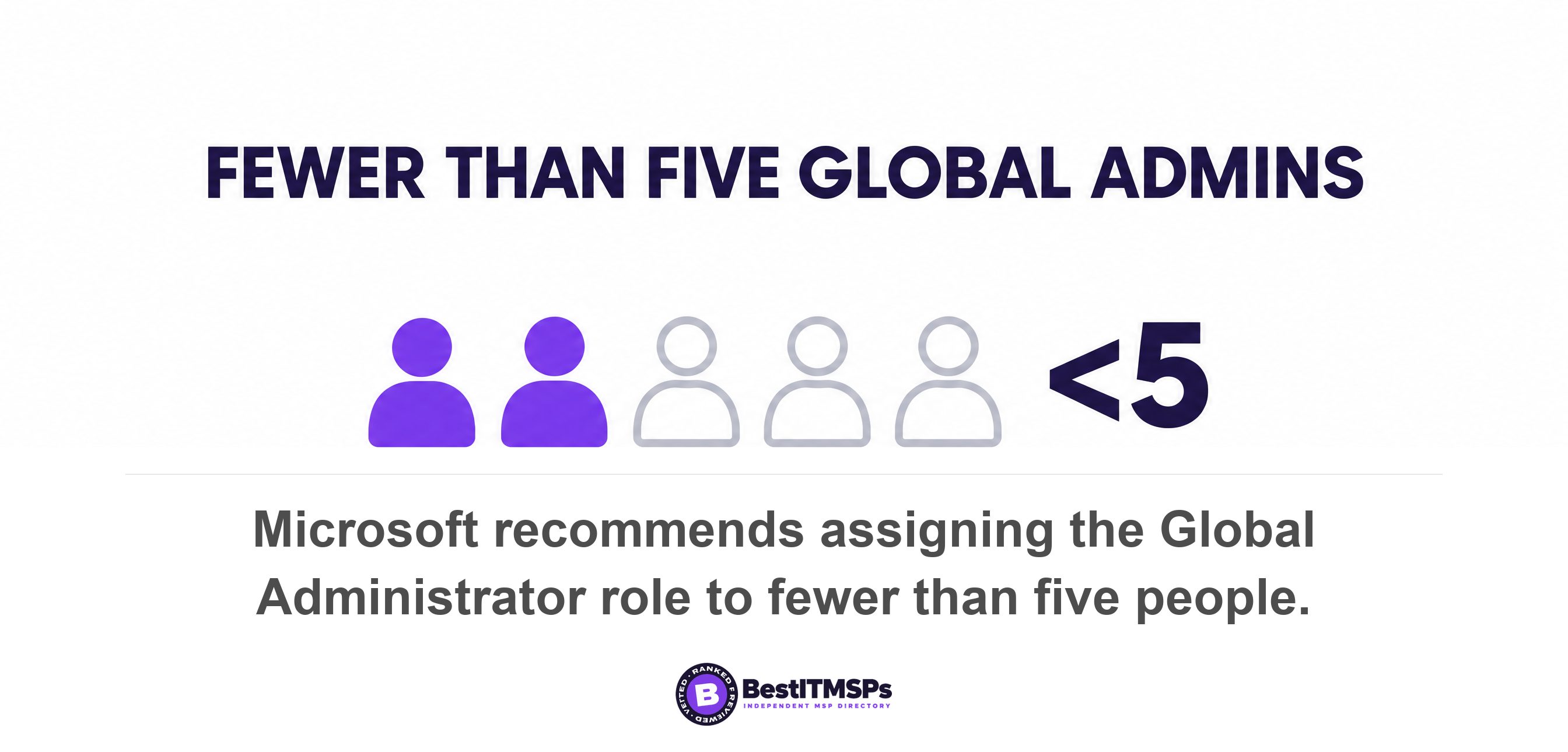
Then separate the administrator from the everyday user. Microsoft recommends you assign the Global Administrator role to fewer than five people and keep privileged role assignments under ten. At five staff that means one admin, maybe two. Microsoft also recommends two cloud-only emergency access accounts that are not assigned to specific individuals, for the day your only administrator loses their phone. Do daily work in a normal account and sign into the admin account only to change something.
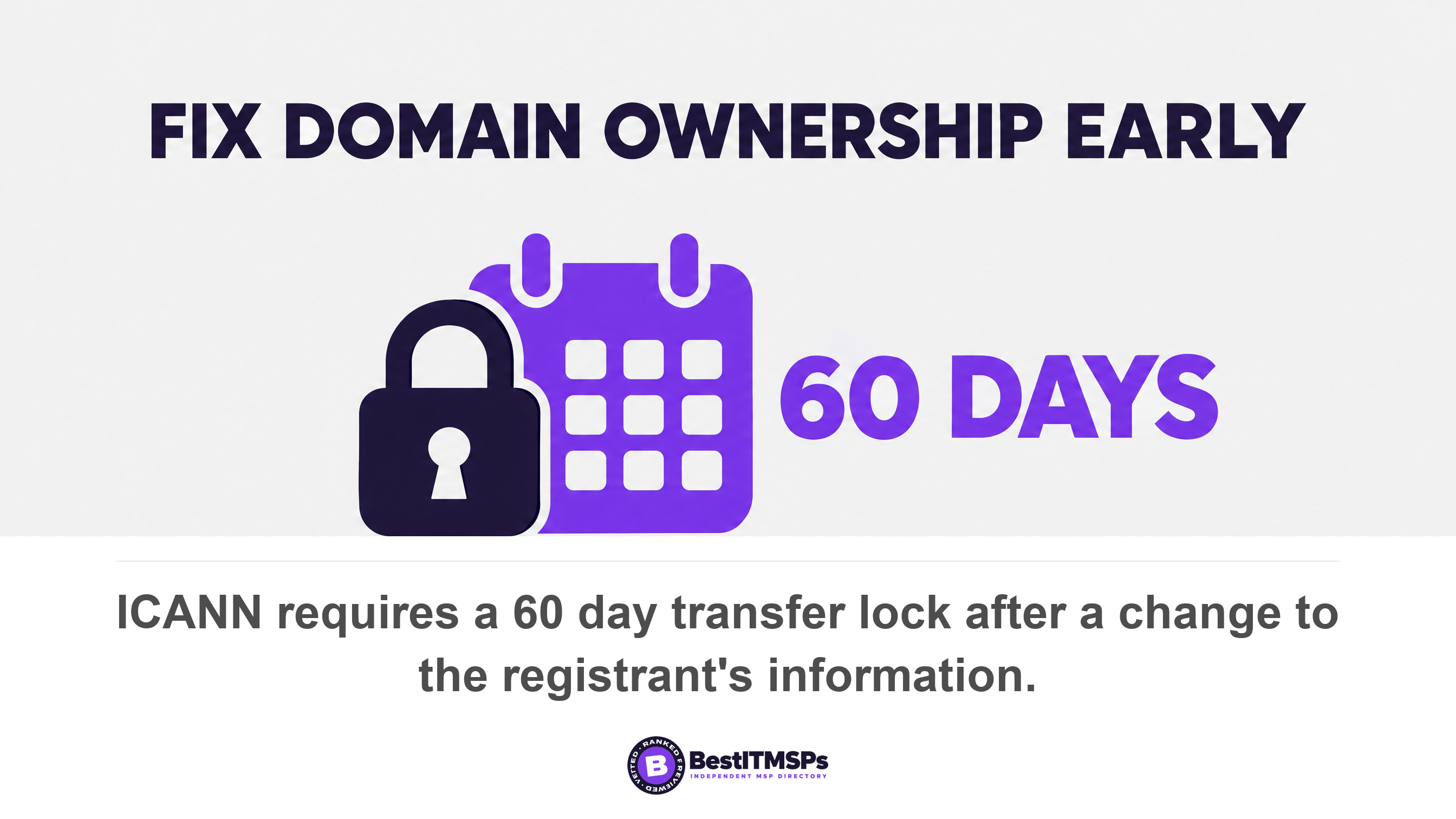
Fix domain ownership while nothing is urgent, because the fix carries a deadline. ICANN's transfer policy requires registrars to impose a lock that prevents any transfer to another registrar for sixty days following a change to a registrant's information. Finding that out during the week you are moving email providers is an expensive surprise.
A five-person company can skip almost every product on an MSP price list. It cannot skip owning the accounts those products would sit on.
Step two: enforce multi-factor authentication on every account
To enforce multi-factor authentication, switch it on for every account in the new tenant on the day you create it, starting with the admin account. No part of this waits for a budget cycle.
The evidence here is unusually strong for a security control. Microsoft Research measured that MFA reduces the risk of compromise by 99.22 percent across the entire population studied, and by 98.56 percent in cases of leaked credentials. CISA's Cyber Essentials tells small organizations to require multi-factor authentication for accessing your systems whenever possible, and adds that MFA should be required of all users, but start with privileged, administrative, and remote access users.
Most organizations still have not finished the job. Microsoft's 2024 Digital Defense Report put multi-factor authentication adoption rising to 41 percent against over 99 percent of identity attacks being password-based. That gap is the entire argument. The attack is a password guess at scale, and the control that defeats it is already inside the license you just bought.
Give everyone a password manager in the same week. It costs a few dollars per person and removes the reason people reuse passwords across sites. We cover the detail in Password Best Practices and the terminology in MFA vs 2FA, so the only decision at this stage is to turn it on and grant no exemptions. An exemption for the founder is the one that gets used against you.
Step three: back up what the business cannot lose
Back up the things that would stop the business for a week. For most five-person companies that means email, shared files, the accounting system, and anything a customer contract depends on.
Your cloud provider does not do this for you, and says so in its own terms. Microsoft's Services Agreement states we recommend that you regularly backup Your Content and Data that you store on the Services, and warns elsewhere that you should have a regular backup plan as Microsoft won't be able to retrieve Your Content or Data. Cloud storage is replication, not a data backup.
The recovery windows are shorter than people assume, and all three are published. A deleted Microsoft 365 user stays recoverable for a month, because when you restore a user account within 30 days of deleting it, the account and all associated data are restored. That person's OneDrive is retained for 30 days by default, then remains in a deleted state for 93 days where only a SharePoint Administrator can restore it. On Google Workspace a super administrator can restore a user account up to 20 days after deleting it, and after 20 days the data is gone and you can't restore it.
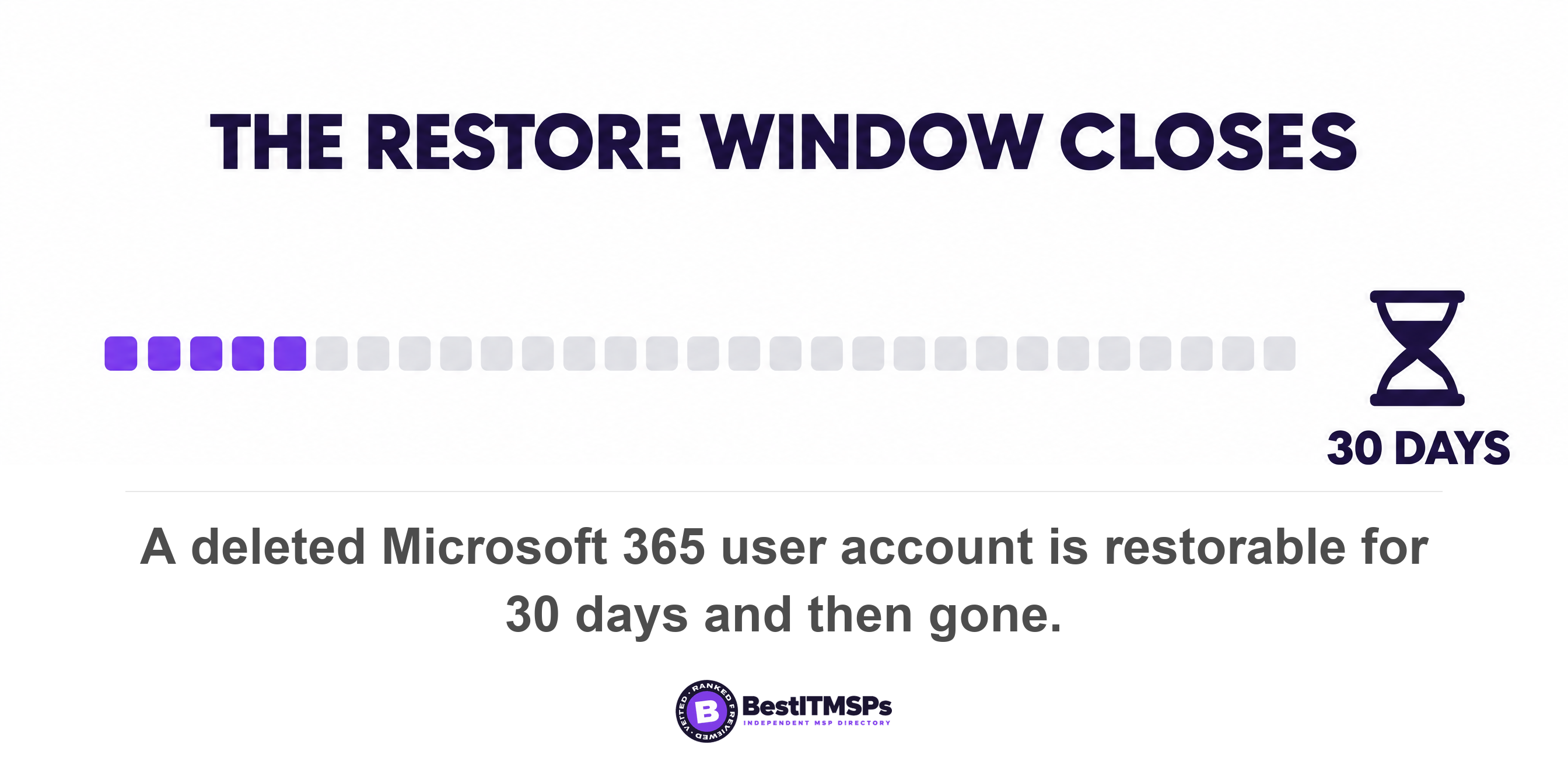
Read those three numbers as a deadline on your offboarding process. Someone leaves in March, a customer asks for their file history in June, and the window has already closed. CISA's first instruction to small organizations is to employ a backup solution that automatically and continuously backs up critical data and system configurations, which is the opposite of someone remembering to copy a folder on Fridays.
Then restore something. An untested backup is an assumption, not a protection. Pick one real file and one mailbox, restore both, and write down how long it took. Our guides to Microsoft 365 Backup Responsibility and When Was Your Backup Last Restored? cover that test in more detail.
Step four: manage the devices, or at least know every one of them
To manage the devices, enroll every company laptop and phone in the device management built into the tenant you just bought, so you can push updates and erase a lost machine remotely.
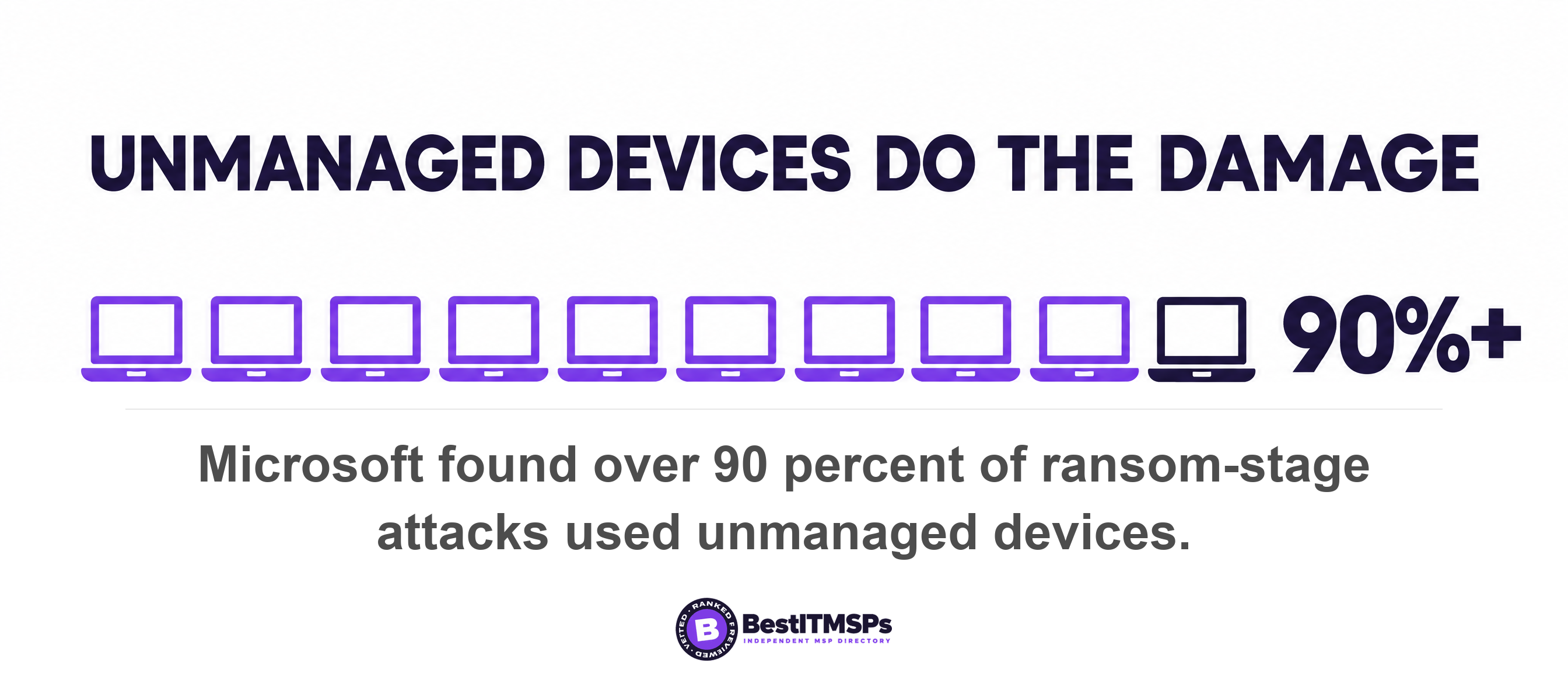
This step is what turns the first three into something durable. The same Microsoft report found that of the attacks that progressed to the ransom stage, over 90 percent used unmanaged devices as the initial access point or for remote encryption. An unmanaged laptop is the gap that makes your other controls decorative.
At five people you do not need an endpoint program. You need four facts about every device, and a spreadsheet is a legitimate place to keep them.
- Who holds the device, and whether the company or the employee bought it.
- Whether the disk is encrypted, which is a setting rather than a purchase on current hardware.
- Whether operating system and browser updates install automatically.
- Whether you can wipe it remotely today, without asking the person holding it.
Check your current plan before you buy a separate tool, because basic device management is bundled into several business tiers of both platforms. Apply least privilege while the company is small and the habit is cheap. Microsoft Entra supports over 65 built-in roles, and the point of them is to delegate one narrow job rather than hand out the admin account. Give every person a named login, keep no shared account anywhere, and revoke access the same day somebody leaves. Our Employee Offboarding IT Checklist is the version to keep beside the desk.
What a five-person company can honestly skip for now
Skip anything that needs a person watching it. At five to ten people with no internal IT, the five purchases below usually deliver less than they cost.
- Skip a staffed 24/7 security operations center. It is a people service, and a company this size has little for it to watch yet.
- Skip penetration testing. At this stage a test finds what a configuration review finds for nothing.
- Skip a formal service level agreement. An SLA prices response times against a baseline you have not measured.
- Skip co-managed IT. That model splits the work with an internal technician you do not employ.
- Skip compliance tooling, unless a customer contract or a regulator already asks for it in writing.
None of that is permanent, and none of it is a judgment about the products. CISA frames small-business readiness as six essential elements, covering yourself, your staff, your systems, your surroundings, your data, and your crisis response. The four steps above cover the first five elements thinly but genuinely. Crisis response is the one you will want outside help with, and that is a conversation for later rather than a product for today.
Set a reminder to review the whole list at fifteen people, or sooner if any signal below appears. Every step so far is reversible and portable, and a secure setup at this size is mostly ownership plus sensible defaults. Because you own the domain, the tenant and the data, changing a tool later is a migration rather than a rescue.
Five signals that mean it is time to get outside help
Five signals mean the work has outgrown doing it yourself. Any single one is enough, and each is about your situation rather than your headcount.
- Nobody can verify who holds the admin account, or a former employee still appears in it.
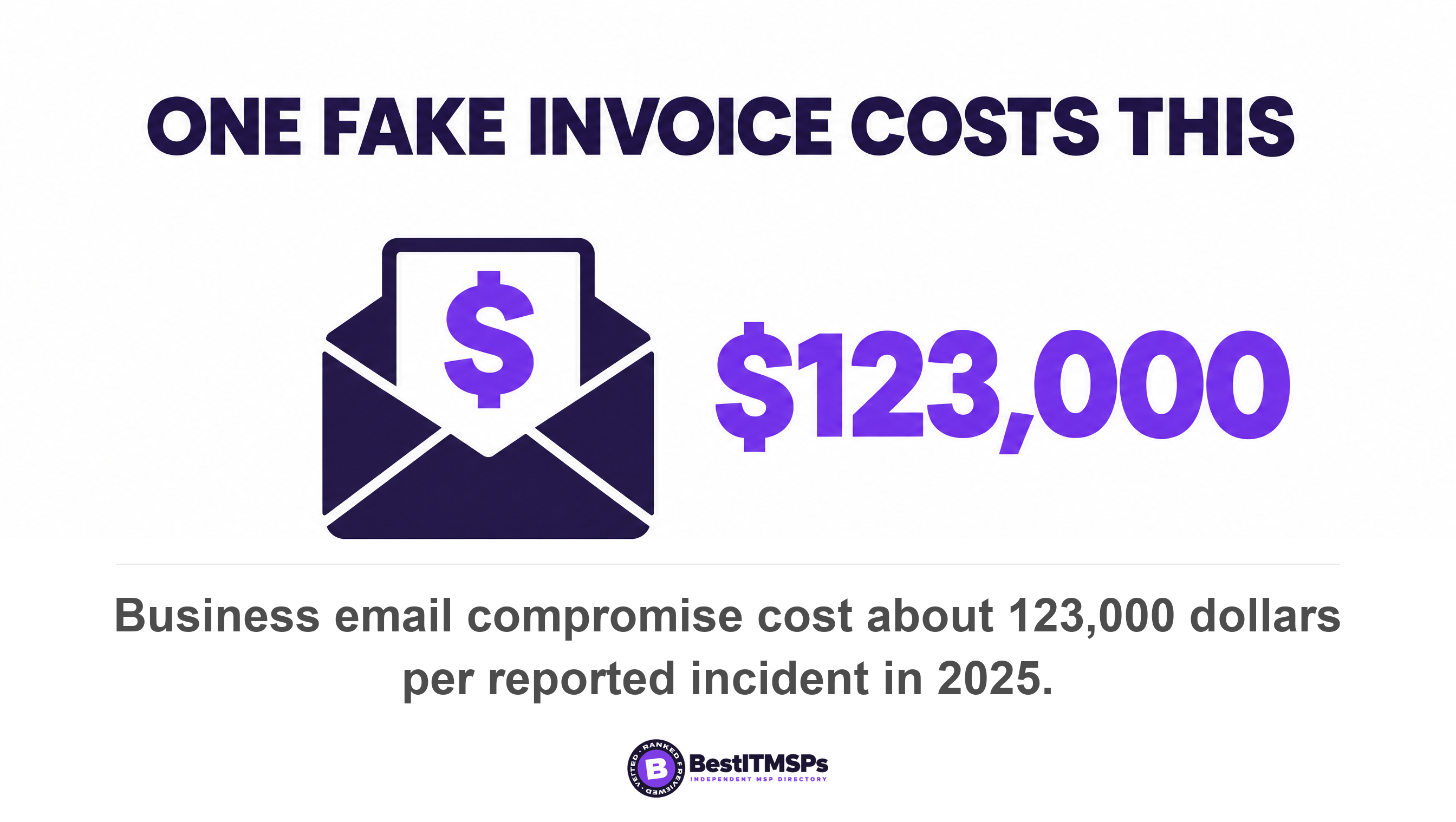
- Money moves on an email approval. The FBI recorded 24,768 business email compromise complaints and $3,046,598,558 in losses in 2025, about $123,000 per reported incident, against roughly $1,100 per phishing complaint.
- A restore has never been tested, or the last attempt failed and nobody fixed it.
- A supplier now holds access to your systems. Verizon found breaches involving a third party now accounting for 48% of all breaches, with third-party supply chain breaches up 60%.
- An hour of downtime now costs money you can name, in lost orders or idle staff.
At that point you are shopping for help rather than for a tool, and the market is not thin. Across our own directory we publish 730 city datasets, and the median market lists 16 vetted providers on page one. Organic ranking there is earned on rating and verified data, and paid placement is labelled.
Ask for the smallest thing that answers the signal. A one-off project to clean up identity, or a monthly block of support hours, beats a full managed contract you are not yet ready to use. The same logic applies to a first IT hire. When the arithmetic of hiring against outsourcing starts to matter, we worked it through in MSP vs Hiring IT Staff: At What Headcount Does a Provider Cost More?.
The honest summary is short. Own your identity, enforce multi-factor authentication, back up what matters, manage the devices, and then stop. None of this promises perfect security, and no provider can promise that either. It does mean that on the day you do hire help, you hand over a business that owns itself.
FAQ
Does a five-person company need a managed IT provider?
Usually not yet. Four steps cover most of the real risk at this size. Own your business identity, enforce multi-factor authentication, back up what you cannot lose, and manage the devices. Microsoft Research found MFA reduces the risk of compromise by 99.22 percent. Revisit outside help at around fifteen people.
What is the first thing a small business should set up for IT?
A business identity the company owns. Microsoft documents that when a user signs up for a Microsoft cloud service, a tenant is created and that user is assigned the Global Administrators role. Until email, files and logins sit in company-controlled accounts, every later fix depends on one person's goodwill.
Is Microsoft 365 or Google Workspace better for a five-person company?
Either works, and the choice matters far less than owning the tenant. Both hand control to one administrator at sign-up, and both have short recovery windows. Microsoft keeps a deleted user restorable within 30 days of deleting it, while Google Workspace allows a restore up to 20 days after deleting it.
Who should own a small company's domain name?
The company, in a registrar account the company pays for. ICANN's transfer policy requires registrars to impose a lock that prevents any transfer to another registrar for sixty days following a change to a registrant's information, so correcting personal domain ownership later delays any move. Fix it while nothing is urgent.
At what point does a small business need IT support?
When a signal appears, not at a particular headcount. Four signals matter most. Nobody can verify who holds the admin account, money moves on email approvals, a restore has never been tested, or a supplier holds access to your systems. Verizon found a third party in 48% of all breaches.
Best IT MSP is the independent directory of vetted managed IT and cybersecurity providers across the US and Canada. We do not sell IT services, so nothing changes for us if you do the first four steps yourself. When a signal says it is time, compare merit-ranked firms in your city side by side.