The One-Hour Access Review That Finds the Ex-Employees Nobody Removed
A user access review lists every account that can sign in, then matches each one against payroll. Run it in order of damage, not alphabetically: admin roles first, guests and service accounts next, the full user list last. A federal audit of one real review found a fifth of separated employees' accounts still enabled.
- Start with the admin role list, not the user list. It is the shortest list, it carries the most damage per row, and a finding there can undo what you fix later.
- Compare two numbers you already have. Licenses you pay for against accounts that exist. An enabled account with no license is the leaver who survived offboarding.
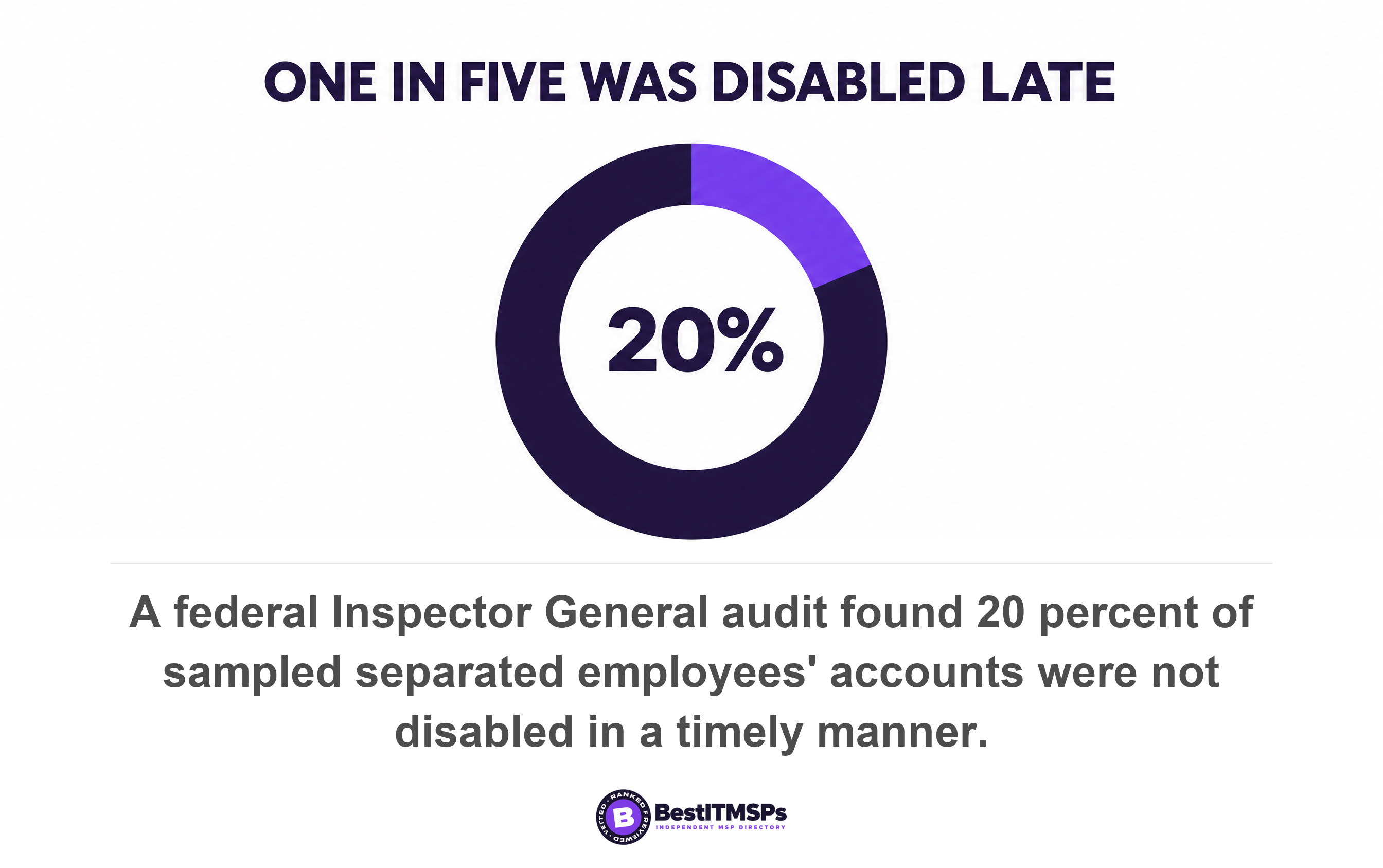
- A federal Inspector General audit found 20 percent of sampled separated employees' accounts were not disabled in time, and 17 percent of internal transfers kept access they no longer needed.
- Microsoft ships no built-in report for inactive accounts and conceals user names in usage reports by default. The manual hour exists because the automatic version is a separate purchase.
- Capture the evidence before you remove anything. A deleted user's usage data goes within 30 days, and so does the account you might need to inspect again.
What is a user access review, and what does one hour of it find?
A user access review lists every account that can sign in to your Microsoft 365 tenant, then checks each one against a current payroll list. One hour is enough to build that list, run five checks in the right order, and name the accounts that belong to nobody. One hour is not enough to clean them up. CISA sets the cadence in goal 3.H, Implement the Principles of Least Privilege, which asks organizations to perform quarterly reviews of access permissions and role assignments to verify compliance with established policies.
Leavers survive offboarding at a rate one authority has measured. A Department of Homeland Security Inspector General audit found 20 percent of sampled employee accounts were not disabled in a timely manner after separation, plus 15 percent of identified contractor accounts. That is an agency with 76,000 network users, so treat it as a yardstick rather than a forecast. No authority publishes a finding rate for a small business, and the surveys that do are sold by identity software vendors, so they are left out here. Sophos reports that 79 percent of ransomware attacks start with compromised identities. A dormant account with an unchanged password is the cheapest identity on offer.
This is not offboarding. The employee offboarding IT checklist covers the day a named person leaves. A user access review runs months later, with no name in front of you, and asks the inverse question. Who can still sign in, and which of them works here? Offboarding is triggered by a departure. This review finds the departures that triggered nothing.
Why the order matters more than the checklist
The order matters because findings are not spread evenly across your accounts, and because a few accounts can undo your work. Walk a user list alphabetically and the hour goes on the lowest-risk rows. Walk it by damage and you reach the dangerous rows while you still have time.
Three rules set the sequence.
- Shortest list first. A 30-person firm has a handful of admin role holders and hundreds of other rows. A short list can be finished and judged. A long list can only be sampled.
- Highest damage per row first. One ex-employee holding an admin role outranks twenty holding a mailbox. Microsoft recommends you assign the Global Administrator role to fewer than five people, which shows how heavy one row is.
- Lists that control other lists first. No vendor checklist states this one. An account with an admin role can re-enable an account you disabled forty minutes earlier. So every later finding stays provisional until the role list is clean.
One rule applies inside every step. Record what you see before you change anything. Microsoft deletes a removed user's usage data within 30 days, and a deleted account itself remains in a suspended state for 30 days. Tidy up first and you destroy the evidence.
Minutes 0 to 10: get the one list that is authoritative
To start, print a dated payroll list. Payroll is the only register that is authoritative about who works here, because it is the only one that stops when a person does. Your directory lists accounts. Your provider's documentation lists what was built. Neither updates when somebody resigns.
Three lists come off that one system.
- Current staff, with start dates.
- Everyone who left in the last 24 months. This is what you match findings against, and nobody ever prints it.
- Contractors and anyone paid outside payroll, which means asking whoever approves the invoices.
The leaver list is the step most reviews skip, and skipping it changes the exercise. Without it, an unfamiliar account is a mystery you escalate. With it, the same account has a name and a leaving date, which turns a question into a decision. Add internal moves too, because the same audit found 17 percent of identified transferred employees kept unneeded access after moving to new positions. Microsoft agrees that people move teams within a company, and if there is no auditing they can amass unnecessary access over time.
Minutes 10 to 25: the admin role list, and the read-only access you may not get
To list the administrators, open the Microsoft 365 admin center, go to Role assignments, select a role, then open the Assigned admins tab. Microsoft documents that path and adds that you can select the Permissions tab to view the detailed list of what administrators assigned that role have permissions to do. Export or screenshot the result. That is the first artifact of the hour.
Three kinds of name belong there. Your own staff. Named technicians at your provider, covered by auditing your MSP's access and the privileged access audit. And a break-glass account, since Microsoft recommends two cloud-only emergency access accounts permanently assigned the Global Administrator role. Who is your global admin? covers a safe answer, and just-in-time admin access covers standing rights.
The read-only role you may not be able to get
Ask for Global Reader rather than Global Administrator. Microsoft describes it as able to view administrator features and settings in admin centers that the Global Administrator can view, and states that the Global Reader can't edit any settings. Then read the next line of Microsoft's own table, which almost nobody quotes. For subscriptions purchased through a partner, the Global Reader role isn't available.
Most small businesses buy Microsoft 365 through their IT provider, which is a partner subscription. So the safe, read-only way to inspect your own tenant is missing for the buyers who most need it. Two workarounds survive. Ask your provider to export each list and send it, which gives you a dated file. Or ask them to share a screen and navigate while you watch, the technique behind the one-page service review.
Minutes 25 to 35: two numbers that expose a leaver
To find leavers without reading a single name, compare two counts. Microsoft documents Billing, then Licenses as the place to see how many licenses you assigned and unassigned, and Users, then Active users to see who is licensed, unlicensed, or a guest. Write both numbers beside your headcount. Two gaps can appear, and they mean opposite things.
- Licenses assigned above headcount. You are paying for people who left. That finding is on your invoice.
- Accounts above licenses assigned. Enabled accounts that cost nothing. This is the gap that matters, and no document the business already reads will show it.
The second gap is where a leaver hides, and the reason is the sequence Microsoft publishes itself. Its removal guide makes removing the license step 6 and deleting the user account step 7, two separate actions. Step 6 has a visible saving attached, so step 6 gets done. Microsoft even notes that if you remove or delete a license but don't delete the account, the content in the user's OneDrive remains accessible to you even after 30 days, which is useful advice and is also a reason the account gets left behind on purpose.
The bill goes down, the account stays enabled, and everyone believes the leaver was removed. Nothing on the invoice ever says otherwise.
An unlicensed account generates no cost, no alert and no complaint, so nothing in the ordinary month surfaces it. The files are a separate question, answered in a departed employee's OneDrive data.
Minutes 35 to 50: the five kinds of account that are not current staff
Five categories sit outside your staff list, and each needs a different question and a different fix.
- Guests. External people holding a guest account in your directory. Review each against the project that invited them, then see guest access sprawl.
- Links with no account behind them. Under SharePoint external authentication, with Entra B2B integration not enabled, sharing a file means no guest account created. An unauthenticated Anyone link is access no account list will ever show you.
- Service accounts. Logins belonging to software. CISA goal 3.C asks that service and machine accounts have unique passwords that differ from those of regular user accounts, with no universal non-person entity account passwords deployed. Start at service accounts nobody owns.
- Shared credentials. The single login four people use for a portal. Rotate it whenever anybody who knew it leaves, because disabling their named account does nothing to it.
- Your provider's own accounts. Named per technician, or one shared login for whoever is on shift. Only one of those is acceptable.
Stopping access differs in every row. Microsoft's instruction for an Anyone link is to delete the link or turn off Anyone links for the site, because there is no account to disable. For a guest you remove permissions. For a shared credential you change the password and tell four people. An hour reaches the first question in all five categories and finishes none of them.
Minutes 50 to 60: the user list, filtered by last sign-in
To read the user list usefully, filter it by last sign-in instead of scrolling it. In the Microsoft Entra admin center, go to Entra ID, then Users, then Manage view, then Edit columns, add the Last interactive sign-in time column, then filter with the less-than-or-equal operator and a date. Microsoft states that while all users can see the list of users, some columns and details are only available to users with the appropriate permissions, and that Reports Reader is the least privileged role required to access the activity logs.
Two limits shape the result. Microsoft says plainly that there isn't a built-in report for inactive user accounts, and the automated alternative is licensed separately, since access reviews require Microsoft Entra ID Governance or Microsoft Entra Suite. It does supply the threshold, noting that a reasonable window for inactive user accounts is between 90 and 180 days. A blank value beats an old one as a finding, since the field is empty when the last attempted sign-in took place before April 2020 or the account has never been used.
Why the usage report shows User 1 and User 2
The other route to last activity is concealed by default. Microsoft states that by default, all reports hide user information such as usernames, display names, groups, and sites to help companies support local privacy laws, that Global administrators can update the settings to display concealed information, and that showing identifiable user information is a logged event in the Microsoft Purview portal audit log. The setting sits under Settings, Org Settings, Services, Reports. A report full of anonymous identifiers is not broken, then. It is working as shipped.
Why a leaver survives offboarding in the first place
Four documented mechanisms let an account outlive the person, and none of them needs anybody to be careless.
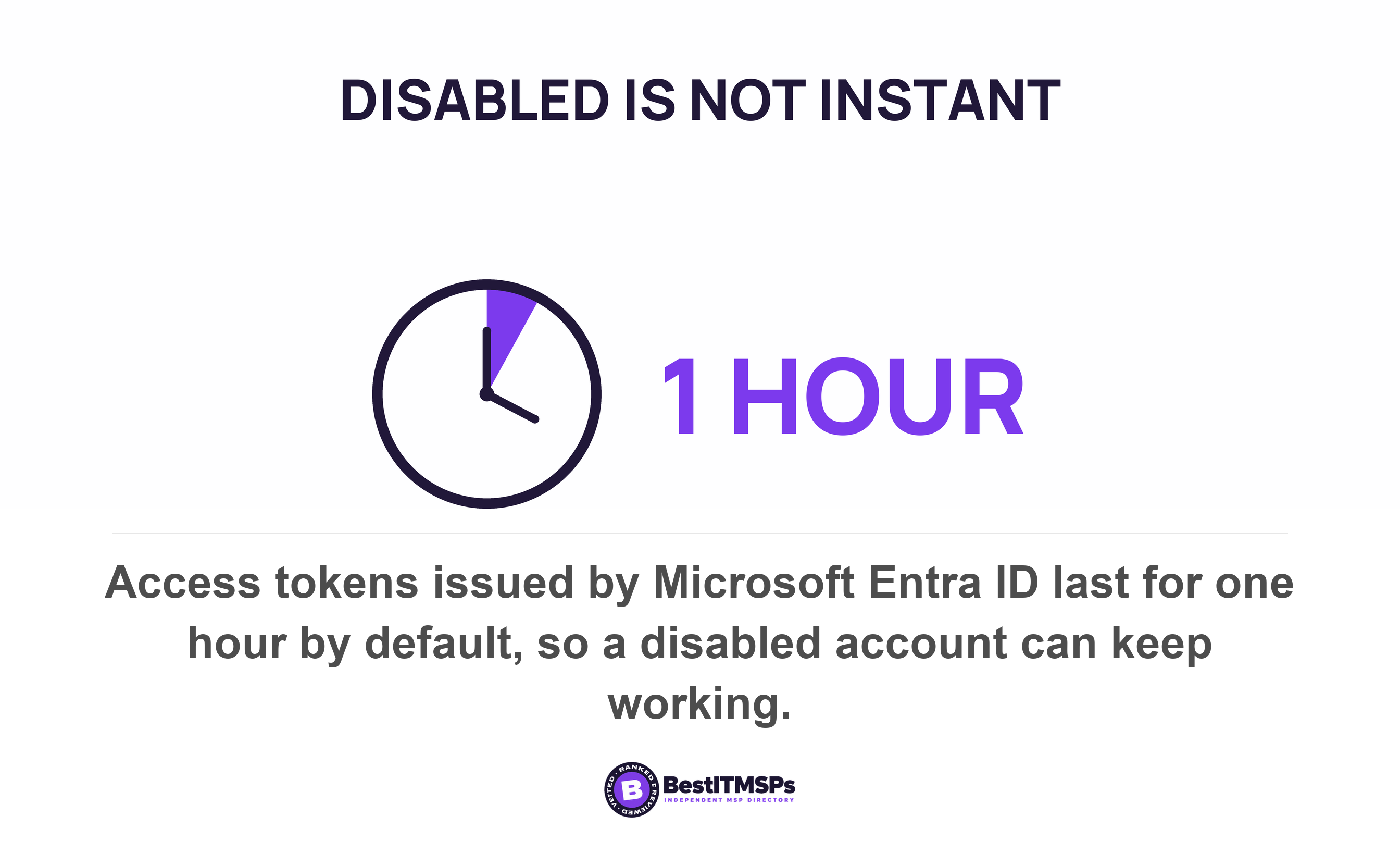
- Disabled is not immediate. Microsoft states that by default, access tokens issued by Microsoft Entra ID last for 1 hour, and that the user loses access when the access token expires. It also warns that Microsoft Entra ID can't directly revoke a session token issued by an application.
- Disabled is not deleted. A blocked account keeps its group memberships and permissions, waiting to be switched back on. Microsoft notes that deleting the account stops email messages sent to that account from being received.
- Unlicensed is not disabled. Reclaiming the license saves money and changes nothing about whether the account can sign in.
- Some access was never in the directory. A tool bought on a departmental card keeps its own user list and password. Microsoft's own advice is to identify and develop a process for applications that require manual deprovisioning, and its connector runs every 20 to 40 minutes only for applications somebody connected.
Then there is the window in which you could have seen any of it happen. Microsoft retains audit logs and sign-in logs for seven days on Microsoft Entra ID Free, against 30 days on both P1 and P2. On the free tier, a sign-in by a leaver nine days ago is not suspicious. It is gone.
What an hour does not reach, and the record it has to leave
An hour produces a dated list, a handful of findings, and a decision beside each one. It does not reach four things, and saying so is part of the method.
- Applications outside the directory. Each keeps its own user list and needs its own review.
- On-premises accounts. An old server, the firewall and standalone remote access often keep separate logins.
- The password manager. Shared vault entries are an exercise of their own, and the likeliest place to find a leaver.
- Remediation. To disable, delete and rotate safely takes a second session and a named owner.
Six artifacts come out of the hour, and each is a file rather than a memory.
- A dated payroll list covering staff, leavers and contractors.
- A screenshot of the Assigned admins tab for every privileged role.
- Two counts, licenses assigned and accounts that exist, with headcount beside them.
- An exported user list carrying the last interactive sign-in column.
- The guest list, with the project that invited each guest account.
- A decision log naming who ran the review, the date, each finding and what was done.
The record is what turns an hour into a control. Goal 3.H asks for quarterly reviews to verify compliance with established policies, and verification needs a previous answer to check against. Goal 3.D separately asks you to review user access and disable accounts when inactive for a specified period, giving 30 days as the example. The second review is a difference against the first, so it takes twenty minutes rather than sixty.
FAQ
How often should a user access review happen?
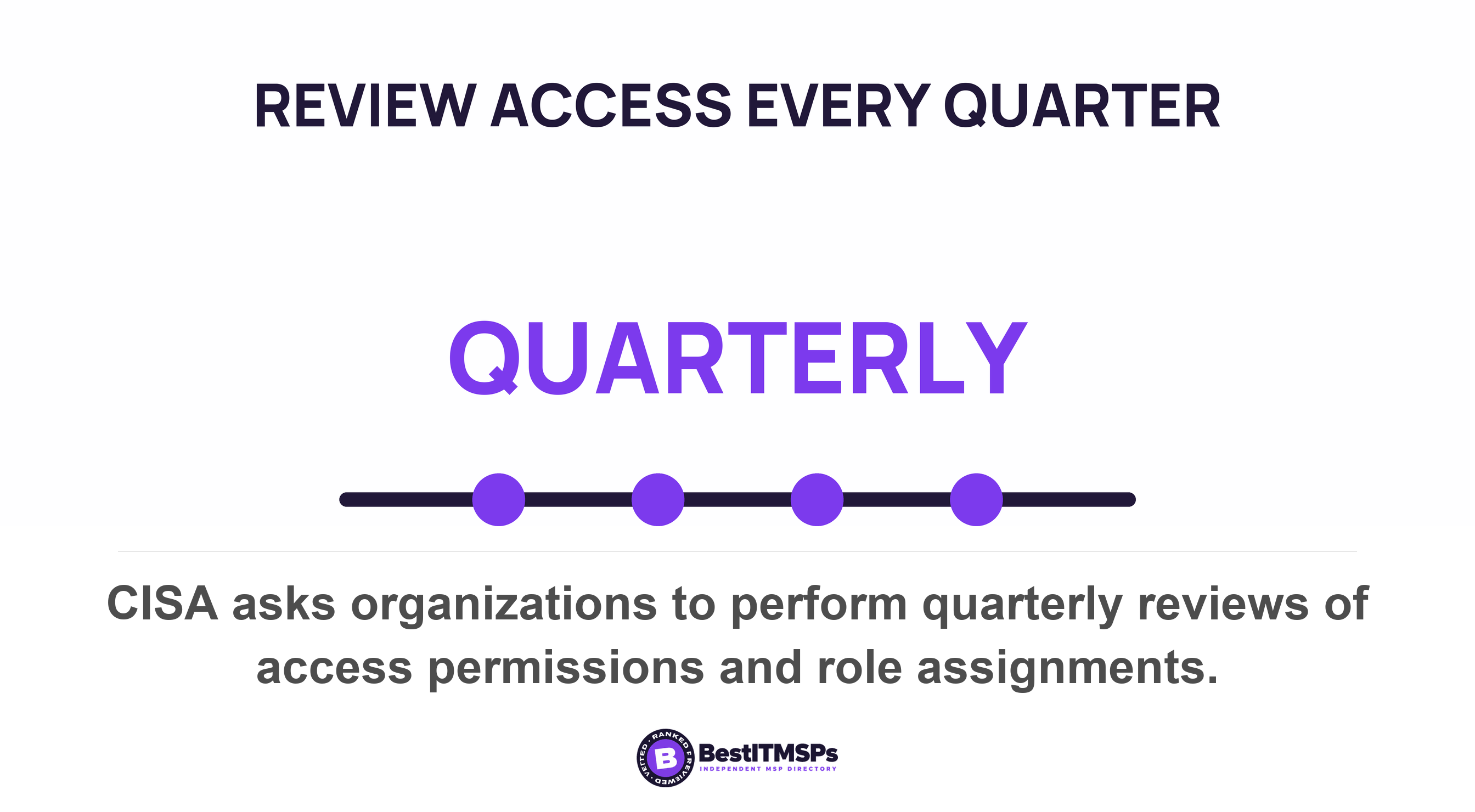
Quarterly. CISA asks organizations to perform quarterly reviews of access permissions and role assignments under goal 3.H. Quarterly is the shortest cadence a public authority sets for this, so treat it as a floor. Add a review after any resignation wave or internal reorganization.
Can I run an access review without being an administrator?
Partly. Microsoft states that all users can see the list of users, and that Reports Reader is the least privileged role required to access the activity logs. Global Reader gives read-only sight of everything a Global Administrator sees, but isn't available for subscriptions purchased through a partner.
What is the difference between an access review and offboarding?
Offboarding closes one named person's access on the day they leave. A user access review starts from the accounts instead of the people, so it catches what offboarding missed, including unreported departures and internal moves. The same federal audit found 17 percent of transferred employees kept unneeded access.
Should I delete an ex-employee's account or just disable it?
Disable it, export what you need, then decide. Microsoft keeps a former employee's email, contacts and calendar for 30 days after the license is removed, keeps a deleted account restorable for 30 days, and deletes that user's usage data within 30 days. Capture the record first.
Is finding an ex-employee's account a failure by my IT provider?
Not automatically. Most agreements make offboarding a request rather than a schedule, so nothing happens until somebody tells the provider. Ask who notifies whom, and on what day. Then ask when the last access review ran, by name and date.
Best IT MSP is the independent directory of vetted managed IT and cybersecurity providers across the US and Canada. Organic ranking is earned on rating and verified data, and paid placement is always labelled. Take the artifact list above to three merit-ranked firms in your city and ask which produces it every quarter.