Your Secure Score is 42 percent. What that does and does not mean.
A Microsoft Secure Score percentage is the share of points you have earned from Microsoft's recommended configuration actions, not a security grade. Microsoft states plainly that it is not an absolute measurement of how likely your system or data could be breached. The denominator moves, unavailable actions still count, and self-declared fixes earn full points.
- Microsoft's own documentation says Secure Score is not an absolute measurement of how likely your system or data could be breached.
- The percentage is achieved points over total possible points, and Microsoft records that maximum as a value for a specific date, so the denominator moves as new recommended actions are added.
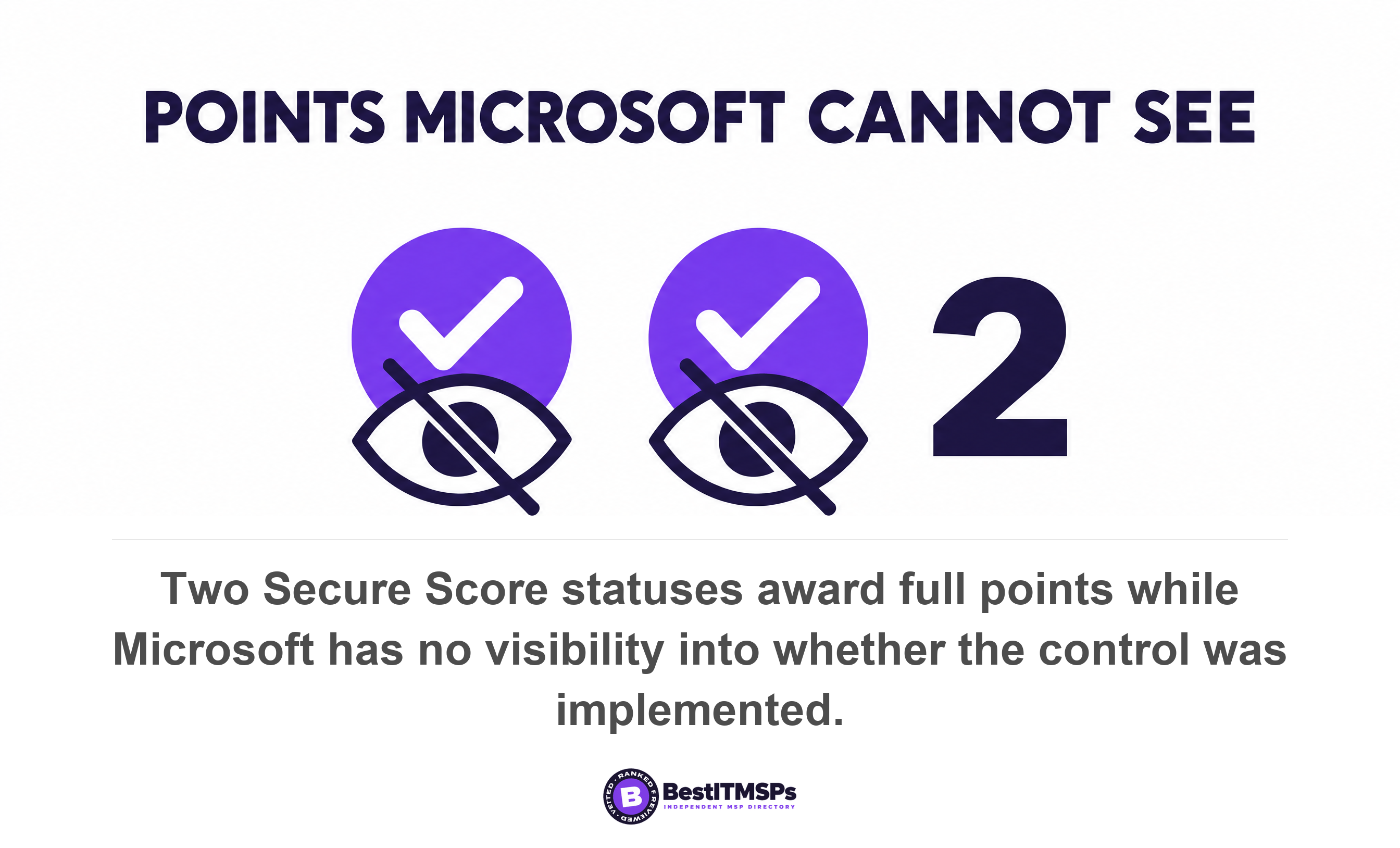
- Two statuses, resolved through third party and resolved through alternate mitigation, award the full points while Microsoft has no visibility into whether the control was ever implemented.
- Microsoft shows every recommendation for a product you are licensed for regardless of edition, so some points need a purchase. Three alternative score views are switched off by default.
- Secure Score counts configuration. It cannot tell you whether anyone read the alert, how long your logs survive, or who answered at 2am.
What does a Microsoft Secure Score of 42 percent actually tell you?
A Microsoft Secure Score of 42 percent tells you that you have earned 42 percent of the points available from Microsoft's recommended configuration actions for the products you are licensed for. That is all it tells you. The 42 in this headline is an example, not a measured figure. Microsoft defines the score as a measurement of an organization's security posture, with a higher number indicating more recommended actions taken.
Read that definition twice. It counts recommended actions taken. It does not count attacks stopped, alerts investigated, or minutes to a human response. Microsoft says so itself, under a documentation heading called Risk awareness. The score isn't an absolute measurement of how likely your system or data could be breached and shouldn't be interpreted as a guarantee against security breach in any manner. It represents the extent to which you are using security controls in your Microsoft environment that can help offset the risk of being breached.
Those sentences rarely survive the trip into a quarterly review deck. The percentage always does. So a buyer reads one number as a grade out of 100 and either relaxes at 72 or panics at 42. Both reactions are wrong. This guide explains what the score counts, the four reasons it moves that have nothing to do with your security, and the nine questions that turn a slide into a conversation.
How is the Microsoft Secure Score percentage calculated?
To calculate the percentage, Microsoft divides the points you have achieved by the points available, and the portal shows your score as a percentage, along with the number of points you've achieved out of the total possible points. Each recommended action is worth 10 points or less, and most are scored in a binary fashion. Configure the setting and you take all the points.
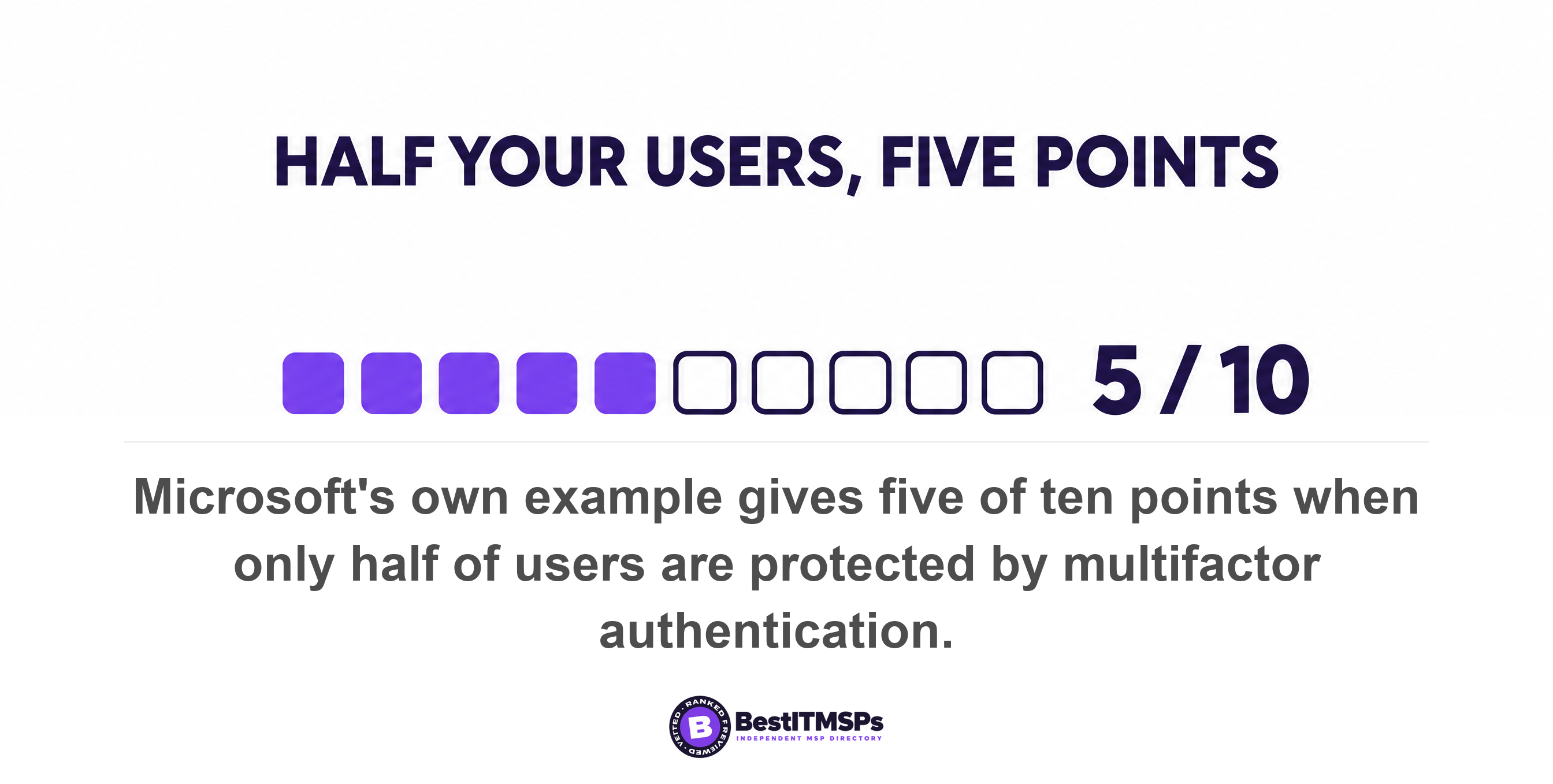
Some actions pay partial credit, and Microsoft's own worked example is the one to remember. An action worth 10 points for protecting all your users with multifactor authentication scores five points when 50 of 100 users are protected. Sit with that arithmetic. Half your staff have no second factor, and the headline moves five points out of a total running into the hundreds. The score barely twitches. The exposure is enormous.
Points are not risk weights
A 10-point action and a seven-point action are not a claim that one is 43 percent more dangerous to skip. Microsoft orders the recommended actions you see by the number of points left to achieve, implementation difficulty, user impact, and complexity, which is a work-planning order rather than a threat order. Turning on security defaults in Microsoft Entra ID awards full points for three separate actions worth nine points, 10 points and seven points, a 26-point jump from one toggle.
The actions sit in four groups in the Microsoft Defender portal: identity, device, apps and data. The Microsoft Graph API, which is how reporting tools pull your number into a monthly report, uses five control categories: identity, data, device, apps and infrastructure. Neither split has a category for whether anyone is watching.
Why did our Secure Score drop when we changed nothing?
Your score dropped because the denominator moved. Microsoft's Graph API records the ceiling as the tenant maximum possible score on specified date, and that date-stamped wording is the tell. Microsoft writes that to make Microsoft Secure Score a better representative of your security posture, we continue to add new features and improvement actions.
The additions are not trivial. Microsoft's release notes list 32 new recommended actions in December 2023 alone, spanning Microsoft Entra ID, Exchange Online, SharePoint and Sway plus Zendesk, Dropbox, Atlassian and eight Active Directory Certificate Services checks. Eight months earlier it added 21 recommendations for customers with an active Microsoft Defender for Cloud Apps license. Add points to a denominator and the fraction shrinks while your achieved points stand still.
That cuts the other way too. A provider can show you a rising percentage in a month when actions were reorganized rather than a month when work was done. Ask what the points-out-of-total figure was on both dates. It sits beside the percentage in the portal, and it is the honest number.
Timing makes short-run comparisons unreliable too. A completed action takes between 24 and 48 hours to be reflected in your secure score, Microsoft Teams recommendations refresh once a month and Microsoft Entra recommendations once a week. History is shorter than the decks imply as well: the Graph API that feeds third-party reporting holds 90 days of scoring data by default, so a twelve-month trend line came from somewhere else. Ask where.
The license trap: points you cannot earn without buying more
Some of the points in your denominator are a purchase order, not a task list. In Microsoft's words, we show you the full set of possible recommendations for a product, regardless of license edition, subscription, or plan, because your absolute security posture, represented by Secure Score, stays the same no matter what licenses your organization owns for a specific product.
That is a defensible design choice and a poor way to grade a 30-person company. Hold Microsoft 365 Business Premium rather than an E5 suite and your denominator still carries actions needing licenses you do not own, including some risk-based conditional access policies. Microsoft's implementation notes confirm it, listing prerequisites that include any licenses that are needed. Our breakdown of Microsoft 365 plans compared sets out what each tier includes.
Microsoft supplies the fix, and almost nobody switches it on. Behind an Include button beside your score sit three extra views: planned score, which projects the score once planned actions are completed, current license score, which shows the score achievable with your current Microsoft license, and achievable score, which shows what is reachable with your licenses and current risk acceptance. All three are off by default.
Ask for the current license score beside the headline figure. The gap between the two is the part of your score that money closes rather than work. A headline far below the current license figure means most missing points need an upgrade quote. A headline sitting on top of it means the missing points are work nobody has done.
Two statuses award full points for work Microsoft cannot see
Two statuses award the full points while Microsoft verifies nothing. Marking a recommended action resolved through third party or resolved through alternate mitigation means you'll gain the points that the action is worth, so your score better reflects your overall security posture. The caveat sits in the same paragraph: Microsoft will have no visibility into the completeness of implementation if the recommended action is marked as either of these statuses.
Read that as the buyer. Anyone in your tenant with write access can raise your Microsoft Secure Score by asserting that a control is handled somewhere else. The points are real, the percentage rises, and the only evidence is the assertion. Genuine third-party coverage is common, and the status exists so the score does not punish you for it. So this is a figure to verify, not a scandal.
The contrast with the other statuses is the useful part. Risk accepted earns nothing, and Microsoft states you won't be given any points for this status, with a risk acceptance trend chart logging each one over time. Completed is the only status nobody can set by hand, because completed actions are confirmed through Microsoft data, and you can't change the status. So your points divide into three kinds: measured by Microsoft, declared by a person, and declined on purpose.
Ask for three lists at your next quarterly review. Each takes minutes to export.
- Count the actions marked resolved through third party or alternate mitigation, and name the product or process covering each one.
- Count the actions marked risk accepted, and name who accepted the risk and on what date.
- Count the actions still marked to address, a status Microsoft also applies to actions detected as partially, but not fully completed.
- Compare those three counts against the points each group is worth, so you can see how much of your score is self-declared.
A provider who produces those lists inside a week is managing your tenant. A provider who sends back only a percentage is reading a dashboard aloud. One detail sharpens the ask. Read-only roles including Security Reader and Global Reader aren't able to edit status or notes for a recommended action, edit score zones, or edit custom comparisons, so whoever set those statuses held write access. Ask who.
The score can also read low on a tenant that is set up correctly
Secure Score can understate a well-run tenant, and Microsoft documents two ways it happens. The device half of the score currently supports configurations set via Group Policy, and Microsoft warns that due to the current partial Intune support, configurations which might have been set through Intune might show up as misconfigured. Most small businesses configure modern managed laptops through Intune, so a correctly hardened fleet can report as misconfigured.
The second way is an exclusion that never registers. In Defender Vulnerability Management, a global exception updates the Secure Score status with its justification, but an exception per device group does not: Secure Score will not be updated and the recommended action will remain as to address. Unmanaged devices behave similarly. They do count towards your Secure Score but are typically marked as non-compliant for several security checks, so one forgotten laptop drags a number your provider is judged on.
So a low score is not proof of neglect, and the reverse test is the useful one. A provider who can point at the specific actions depressed by an Intune reporting gap has read the detail. A provider who cannot name one line item has not opened the page. The device score covers five configuration categories: application, operating system, network, accounts and security controls, and the configuration score is now part of the devices secure score.
What Microsoft Secure Score cannot see at all
Secure Score cannot see operations, and operations is where breaches are decided. It reads configuration state across 17 products, six of them third-party applications including Okta, Salesforce, ServiceNow and Zoom, and Microsoft says plainly that the recommendations don't cover all the attack surfaces associated with each product, but they're a good baseline. A baseline is a floor, not a verdict.
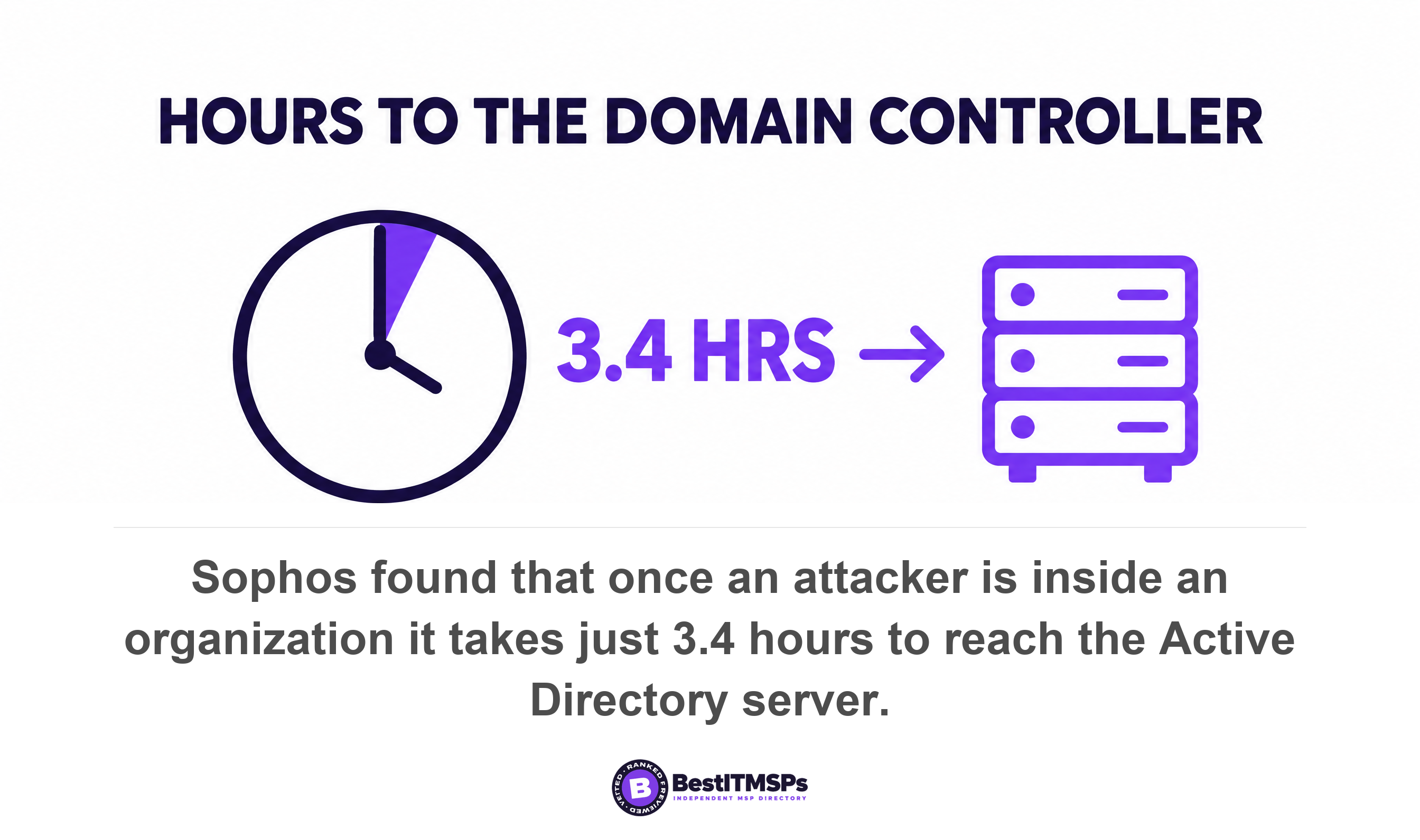
Start with speed, because that is what the number hides. Sophos, reviewing 661 incident response cases, found identity-related attacks at the root of 67 percent of them and no multifactor authentication in place in 59 percent of cases. It also reports that once an attacker is inside an organization it takes them just 3.4 hours to get to the AD server. Secure Score can confirm you enforce multifactor authentication. It cannot tell you whether anyone would notice those 3.4 hours.
The clock makes it worse. Sophos found 88 percent of ransomware payloads are deployed during non-business hours and 79 percent of data exfiltration actions take place in off-hours, with median dwell time down to three days. A separate Sophos release puts 79 percent of ransomware attacks starting with compromised identities. None of that is a configuration problem. It is a question of who is on call and who can escalate at 3am, and ISC2's survey of 16,029 practitioners found 33 percent of organizations do not have the resources to adequately staff their teams. The score has no field for any of it.
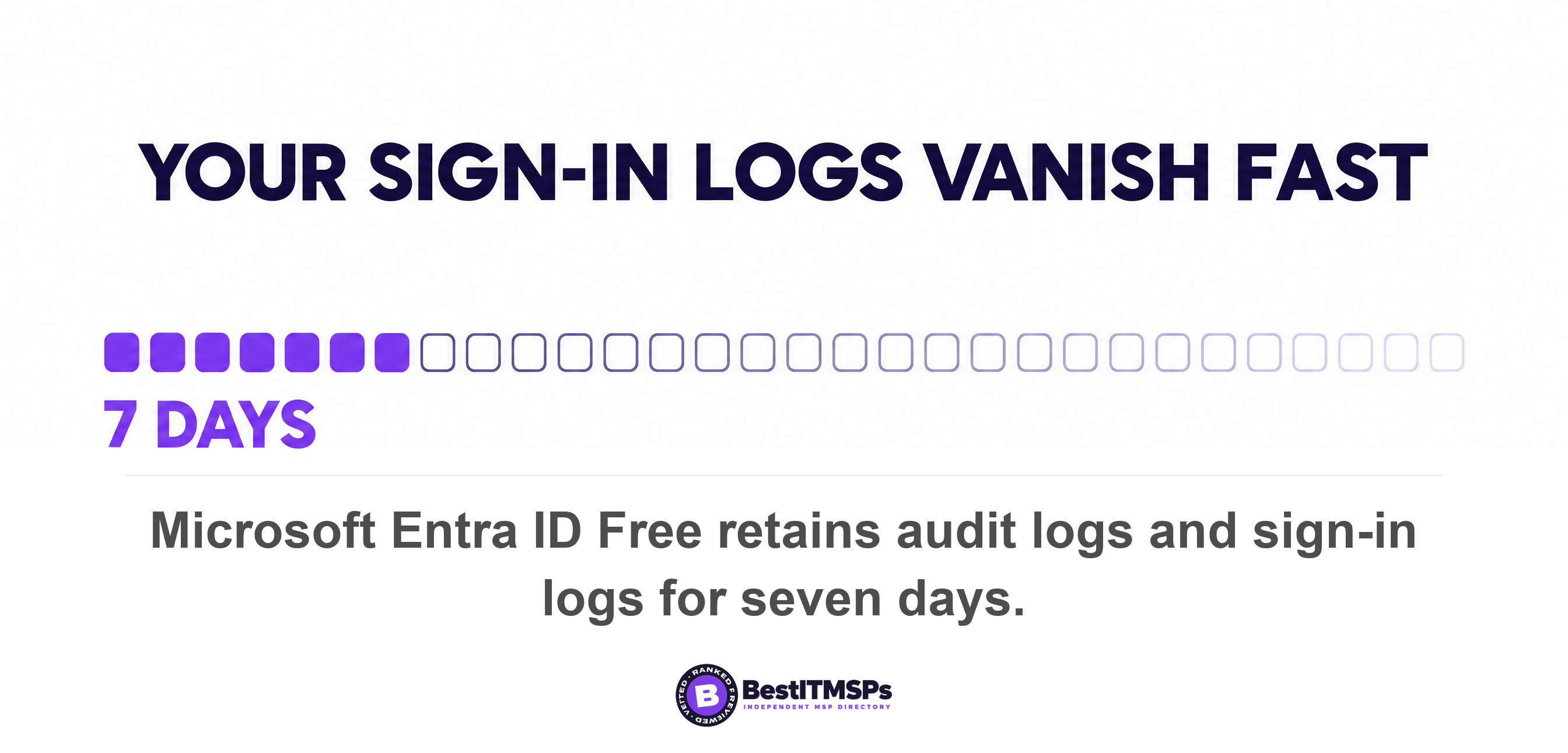
Audit log retention is the cleanest example of the gap, because the same control appears on both sides of it. Secure Score awards points for ensuring Microsoft 365 audit log search is enabled, which is a toggle. It says nothing about how long the evidence survives. On Microsoft Entra ID Free, audit logs and sign-ins are both retained for seven days, against 30 days on P1 and P2, and Microsoft confirms the limit is not retroactive: upgrade later and you can only see up to 7 days of data. You can hold full points for logging and still have nothing to investigate with.
Maintenance is invisible to the score as well. Verizon's 2026 breach report found exploitation of vulnerabilities is now the most common initial access vector for breaches, at 31 percent, that only 26 percent of critical CISA known exploited vulnerabilities were fully remediated, and that the median time for full resolution rose to 43 days from 32 days. A control configured in March is not a control maintained in October. A score that climbs while nobody has time to monitor the alerts it generates is answering a different question from the one you asked.
Why organizations like yours is a weaker benchmark than it looks
The comparison line on your chart is an average of other tenants' configuration completeness, not a measure of whether they were breached. Microsoft describes the comparison trend as lines representing the score average of organizations with similar seat count, and notes that the comparison data is anonymized, so even Microsoft does not know which other tenants are in the mix. A useful sanity check, a poor target.
The Graph API names the three scopes the comparison can use: AllTenants, TotalSeats and IndustryTypes. An all-tenants average pools every organization of every size, so for a 30-person firm it means close to nothing. A seat-size average is tighter and still only rates how completely peers ticked Microsoft's boxes. Microsoft's documentation describes an in-product chart against an anonymized pool without publishing an average figure, so treat any average quoted in a deck as something to source.
Being above the average for your seat band means you have configured more of Microsoft's recommendations than a typical similar tenant. That is worth knowing, and it is not the same as being harder to breach. It also says nothing about your largest single dependency. Verizon found a third party involved in 48 percent of breaches, up 60 percent in a year, and your managed IT provider is the third party holding administrator credentials in your tenant.
An independent yardstick beats a peer average, because a fixed list does not move when your peers move. The Center for Internet Security defines Implementation Group 1 as a foundational set of 56 cyber defense safeguards for enterprises typically small to medium-sized with limited IT and cybersecurity expertise, and calls it essential cyber hygiene. Map your provider's work to that list and Secure Score becomes one input instead of the verdict.
Nine questions to ask about the number in the deck
Ask these nine questions at your next review. Each has a short factual answer that already exists in the Microsoft Defender portal, so a provider who manages your tenant answers in a sentence.
- Show the points achieved out of total possible points, not the percentage, for this month and the same month a year ago.
- State the current license score beside the headline score, so we can see which missing points need a purchase.
- List every action marked resolved through third party or alternate mitigation, and the product covering each one.
- List every action marked risk accepted, with the date and the name of the person who accepted it.
- Name the three highest-point actions still outstanding and what closing each one would take.
- Explain any line item depressed by an Intune reporting gap rather than a real misconfiguration.
- Confirm how many days our Microsoft Entra ID sign-in logs are actually retained.
- Report who received the last out-of-hours Defender alert, and how many minutes passed before a person replied.
- Agree one measurable number other than Secure Score that we will review every month.
The last two change the meeting. Secure Score is a configuration measure, so pair it with an operations measure, and time to first human response out of hours is the honest companion. Our seven-check audit of your MSP's detection and logging shows how to test that without a security team. Then check who holds the keys to the tenant the score describes, starting with who is the Global Administrator on your Microsoft 365 tenant.
A provider who can give you the denominator, the license-attainable score and the list of self-declared fixes is managing your tenant. A provider who can only give you the percentage is reading a dashboard back to you.
What the number is actually good for
Secure Score is genuinely useful for three things, and a buyer gains nothing by dismissing it. It gives you a prioritized list of configuration work written by the vendor who built the platform. It gives you a trend you can hold a provider to between reviews. And it gives both sides a shared vocabulary rather than an argument about adjectives.
It is not a grade, a risk rating, or an audit. Microsoft built that caveat into the documentation, describing a score that represents the extent to which you are using security controls in your Microsoft environment that can help offset the risk of being breached. That is a sentence about controls in use, not about safety. Read that way, a 42 is a work queue. Read as a grade, it is a number that can rise all year while the alerts go unread.
If the deck shows a percentage and a green arrow and nothing else, you are being managed by screenshot. Ask for the denominator. Ask for the three status lists. Then ask the one question no configuration score can answer: who looked, when, and how long did it take?
FAQ
What is a good Microsoft Secure Score percentage?
No published threshold exists, because the percentage depends on which products you are licensed for and on how many recommended actions Microsoft has added. Microsoft states the score isn't an absolute measurement of how likely your system or data could be breached. Track your points out of total possible points over time instead of chasing a percentage.
Does Microsoft Secure Score measure the risk of being breached?
No. Microsoft's documentation states the score isn't an absolute measurement of how likely your system or data could be breached and shouldn't be interpreted as a guarantee against security breach in any manner. It measures the extent to which you are using the security controls Microsoft recommends inside your own Microsoft environment.
Why did my Secure Score drop when we changed nothing?
The denominator moved. Microsoft records the ceiling as the tenant maximum possible score on specified date and continues to add new features and improvement actions, including 32 new recommended actions in December 2023 alone. New points in the total lower your percentage even when your achieved points are unchanged.
Can an IT provider inflate a Microsoft Secure Score?
Points can be claimed without Microsoft verifying anything. Marking an action resolved through third party or alternate mitigation means you'll gain the points that the action is worth, while Microsoft will have no visibility into the completeness of implementation. Ask for a list of every action in those two statuses and what covers each one.
How often does Microsoft Secure Score update?
The score updates in real time in the portal and also syncs daily to receive system data about your achieved points, but a completed action takes between 24 and 48 hours to be reflected. Microsoft Teams recommendations refresh once a month and Microsoft Entra recommendations once a week, so a same-day screenshot can lag reality.
Best IT MSP is the independent directory of vetted managed IT and cybersecurity providers across the US and Canada. Organic ranking is earned on rating and verified data, paid placement is always labelled, and we do not sell IT services. Take these nine questions to three merit-ranked providers in your city and compare the answers side by side.