Password Best Practices: A Complete Security Guide
The best password practices are simple: use a long, unique passphrase for every account, store them in a password manager, and turn on multi-factor authentication everywhere. Modern guidance from NIST favors length over complex character rules and drops forced periodic resets.
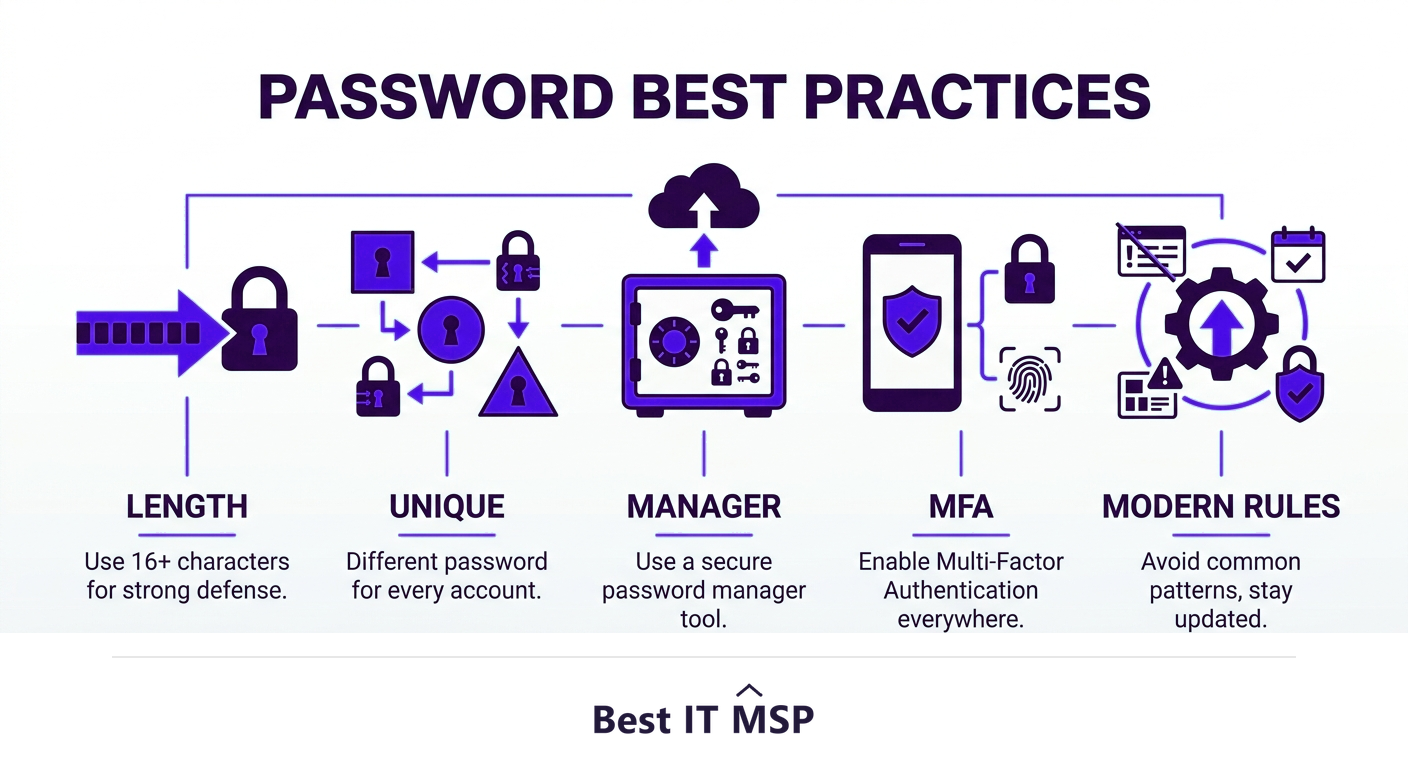
- Length beats complexity: a long passphrase is stronger and easier to remember than a short, symbol-heavy password.
- Use a unique password for every account so one breach cannot unlock the rest.
- A password manager makes unique, long passwords practical by generating and remembering them for you.
- Turn on multi-factor authentication everywhere; it blocks the vast majority of automated account attacks.
- Modern NIST guidance favors length, screening against breached passwords, and dropping forced periodic resets.
Why password best practices still matter
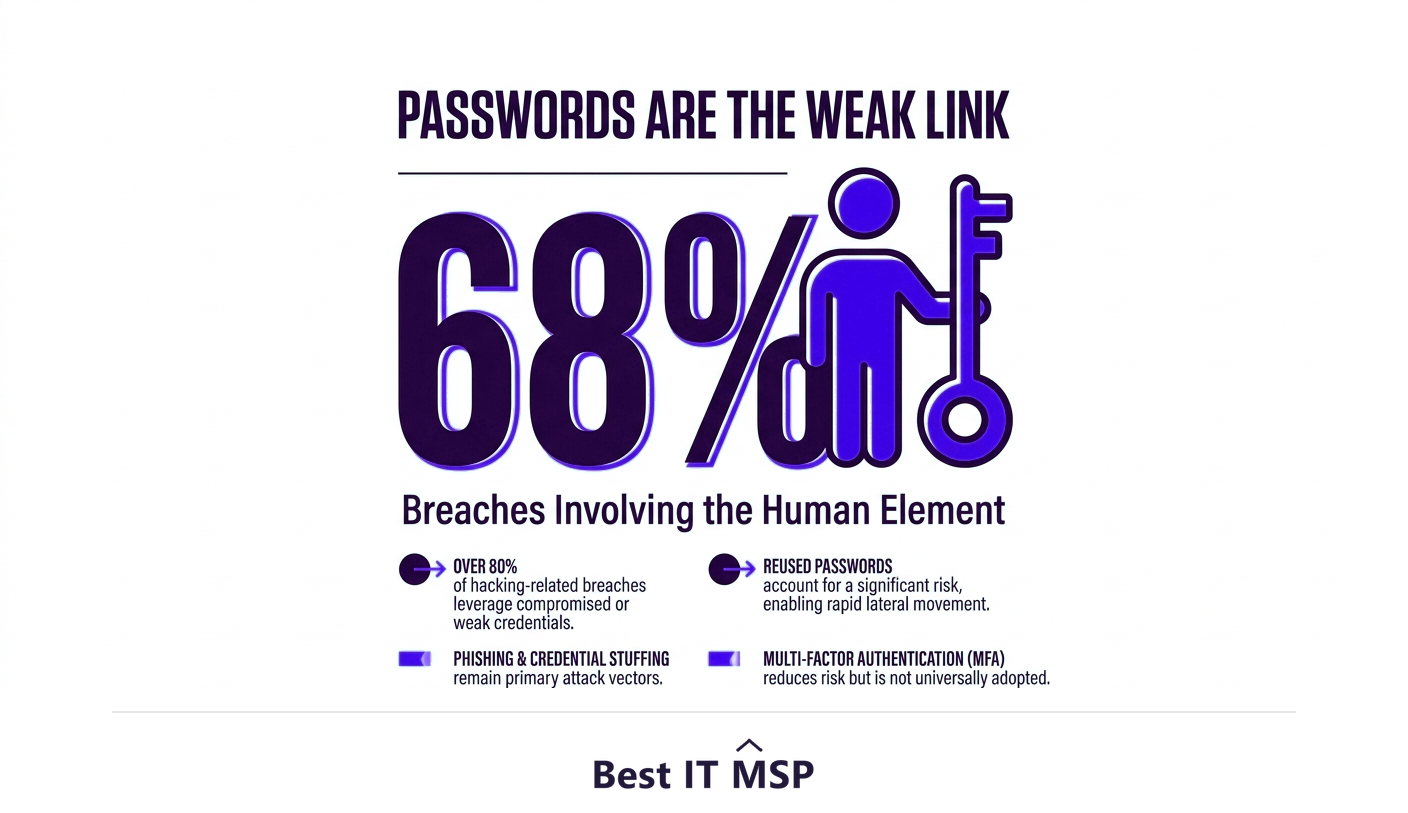
Passwords are the front door to almost everything your business runs on, and attackers know it. Despite years of warnings, weak, reused, and stolen passwords remain one of the most common ways breaches begin. Verizon's annual research found that the human element was involved in 68 percent of breaches, and credential abuse is consistently among the top entry points. When a single reused password is exposed, attackers try it everywhere, a tactic called credential stuffing, and quietly walk into accounts that were never directly attacked.
The cost of getting this wrong is steep. The average data breach now costs $4.88 million, the typical breach takes about 258 days to identify and contain, and reported cybercrime losses top $12.5 billion in a single year. The good news is that strong password habits are cheap, fast to adopt, and dramatically reduce risk. This guide covers the best password practices for 2026, including the modern guidance that has changed what good advice looks like. It pairs with our cybersecurity services overview.
1. Length beats complexity: use passphrases
The most important change in modern password advice is that length matters more than complexity. A long passphrase such as four or five random words is both harder for a computer to crack and far easier for a human to remember than a short string of symbols. The reason is math: every extra character multiplies the number of possible combinations an attacker must try, so a 16-character passphrase dwarfs an 8-character password full of symbols. Aim for at least 12 to 16 characters, and longer wherever a system allows it.
This reflects updated federal guidance. The NIST Digital Identity Guidelines now prioritize length over forced complexity rules, encouraging long, memorable secrets instead of the hard-to-remember mix of upper case, numbers, and symbols that pushed people toward predictable patterns like Password1!.
2. Use a unique password for every account
Reuse is the single most dangerous password habit. When you use the same password across sites, one breached service hands attackers the keys to all the others. Because billions of stolen credentials already circulate online, a unique password for every account is the difference between a contained incident and a cascading one. If remembering dozens of unique passwords sounds impossible, that is exactly what the next practice solves.
3. Use a password manager
A password manager is the practical engine behind every other best practice. It generates long, random, unique passwords for each account, stores them in an encrypted vault, and fills them in for you, so you only need to remember one strong master passphrase. This removes the human temptation to reuse or simplify passwords, and it makes the strongest habits effortless. For a business, a team password manager also lets you share credentials securely and revoke access instantly when someone leaves.
4. Turn on multi-factor authentication everywhere
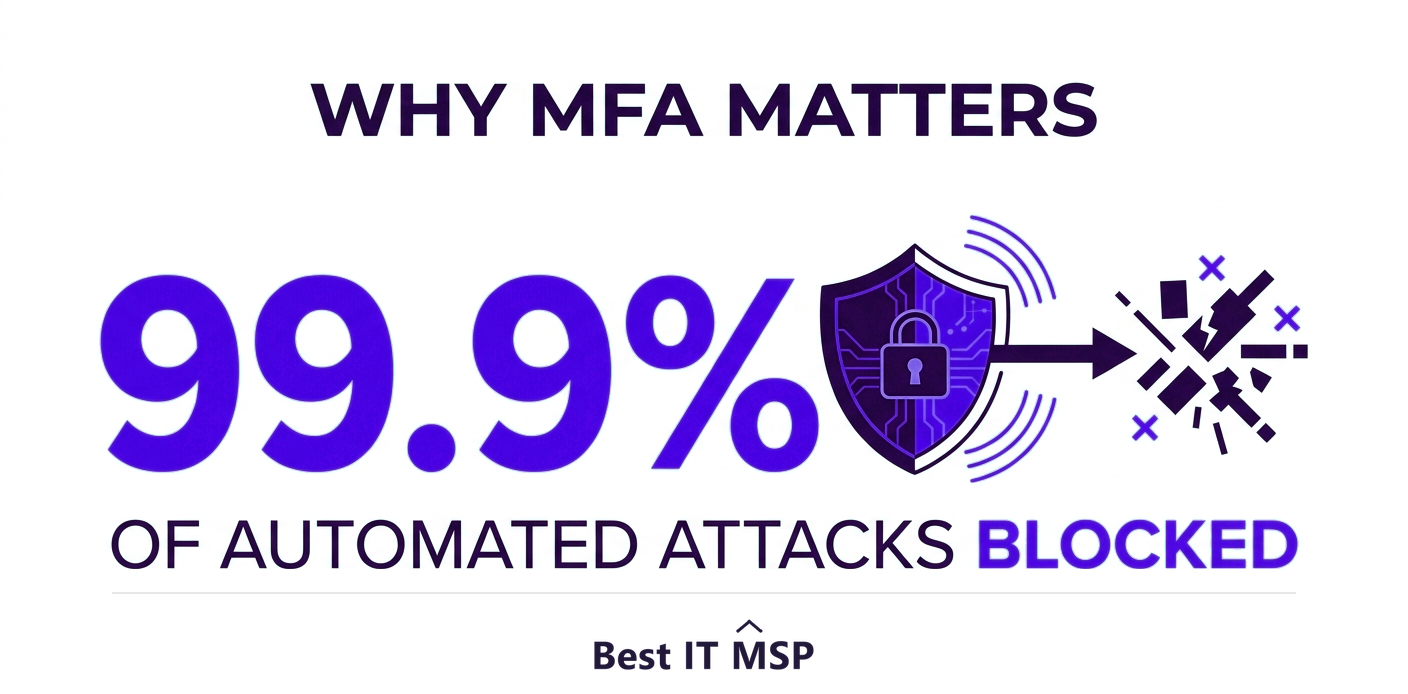
Even a strong, unique password can be phished or stolen, which is why multi-factor authentication (MFA) is non-negotiable. MFA requires a second proof of identity, such as a code from an app or a hardware key, so a stolen password alone is not enough to get in. Microsoft has reported that MFA blocks 99.9 percent of automated account-compromise attacks. Turn it on for email, banking, remote access, and every critical business system, and prefer app-based or hardware MFA over text-message codes where you can.
5. Follow modern rules, and drop the outdated ones
Some long-standing password rules have actually been retired because they backfired. Current NIST guidance recommends three modern practices and discourages two old ones:
- <strong>Do screen against breached passwords.</strong> Block passwords known to appear in public breach lists, because attackers try those first.
- <strong>Do allow long passphrases and the full character set.</strong> Permit spaces and length so people can use memorable secrets.
- <strong>Do use MFA</strong> as a second layer on every important account.
- <strong>Do not force periodic resets.</strong> Mandatory 90-day changes push people toward weak, predictable variations; only reset when there is evidence of compromise.
- <strong>Do not rely on complexity rules alone.</strong> Required symbols and numbers create predictable patterns without much real strength.
How attackers crack and steal passwords
Understanding how passwords fall helps explain why these practices work. Attackers crack short passwords with brute-force and dictionary tools that try billions of guesses, which is why length is the best defense. They harvest passwords through phishing emails that trick people into typing them on fake sites, which is why MFA is essential as a backstop. And they take stolen credentials from one breach and replay them across other services, which is why unique passwords keep one incident from becoming many. Modern NIST guidelines are written specifically to counter these techniques, favoring length, breach screening, and second factors so that even a captured password is harder to weaponize. Knowing the threat is the first step to staying secure.
Common password mistakes to avoid
Beyond the core habits, a few avoidable mistakes cause most account compromises. Do not reuse passwords across accounts, do not share them over email or chat, and do not store them in a spreadsheet or a sticky note. Avoid obvious choices like names, birthdays, or keyboard patterns, and never reuse a personal password for a work account. Because skilled security help is scarce amid a global shortfall of about 4.8 million cybersecurity professionals, training your team on these basics is one of the highest-return security steps a business can take.
Password best practices for businesses
For an organization, password security is a policy, not just a personal habit. Roll out a business password manager, require MFA on every system, screen new passwords against breach lists, and train staff so the rules stick. Pair this with the principle of least privilege, so each account can reach only what it needs, and the damage from any single compromised password stays small. Many businesses get there fastest by working with a managed IT or security provider that sets up these controls and monitors for credential abuse.
If you want help putting strong password and identity controls in place, start from a vetted, merit-ranked list of providers by city in the Best IT MSP directory, where ranking is earned on rating and verified data.
FAQ
What are the best password practices?
Use a long, unique passphrase for every account, store them in a password manager, and turn on multi-factor authentication everywhere. Favor length over complex character rules, screen passwords against known breach lists, and avoid reusing or sharing passwords. Modern NIST guidance also recommends dropping forced periodic resets.
Is a longer password better than a complex one?
Yes. Length adds far more strength than complexity, because each extra character multiplies the combinations an attacker must try. A long passphrase of several random words is both harder to crack and easier to remember than a short string of symbols. Modern NIST guidance prioritizes length over forced complexity rules.
Should I use a password manager?
Yes. A password manager generates long, random, unique passwords for every account, stores them in an encrypted vault, and fills them in for you, so you only remember one master passphrase. It makes unique passwords practical and removes the temptation to reuse or simplify, which is why it underpins every other best practice.
How often should I change my passwords?
Modern guidance from NIST recommends against forced periodic changes, because mandatory resets push people toward weak, predictable variations. Instead, use a long unique passphrase and change it only when there is evidence it has been compromised. Multi-factor authentication matters more than frequent rotation.
Does multi-factor authentication really help?
Very much. MFA requires a second proof of identity, so a stolen password alone is not enough to log in. Microsoft has reported that MFA blocks 99.9 percent of automated account-compromise attacks. Turn it on for email, banking, remote access, and every critical business system, preferring app-based or hardware MFA over text-message codes.
What password mistakes should businesses avoid?
Avoid reusing passwords across accounts, sharing them over email or chat, and storing them in spreadsheets or sticky notes. Do not rely on complexity rules alone or force frequent resets. For organizations, roll out a business password manager, require MFA everywhere, screen against breached passwords, and train staff so the rules stick.
Best IT MSP is the independent directory of vetted managed IT and security providers across North America. Compare merit-ranked firms in your city that deploy password managers, MFA, and identity controls. No pay-to-play.