Does Microsoft 365 back up your data? Read your agreement.
No. Microsoft 365 does not back up your data. Microsoft keeps the service available, and you own the data in it. Permanently deleted email is kept 14 days by default and 30 days at most. Microsoft now sells backup separately at $0.15 per GB per month.
- Microsoft guarantees the service and you own the data. Its own responsibility matrix assigns customer data to the customer in SaaS, PaaS and IaaS alike.
- Permanently deleted email is kept 14 days by default and 30 days at most. Anything an administrator deletes is retained at most 30 days.
- Retention is not backup. A retention policy decides when content gets deleted, while a backup is an independent copy you can restore to a chosen moment.
- Microsoft sells backup separately at $0.15 per GB per month, which is the clearest proof that the license you already pay for does not include it.
- Holds do not beat billing. An unlicensed OneDrive is archived on day 93, and after 12 months unpaid the data may go regardless of retention policies, eDiscovery and all holds.
Does Microsoft 365 back up your data?
No. Microsoft 365 does not back up your data. Microsoft runs a shared responsibility model, which means it keeps the service available and you keep the data inside it. Microsoft's own responsibility matrix assigns customer data to the customer in SaaS, PaaS and IaaS alike.
Four duties never move, whatever you buy. Microsoft lists them as data, endpoints, accounts and access management. Backup sits inside the first one. No Business Premium or E3 license changes that, and no support call moves it back to Microsoft.
Microsoft is not hiding any of this. Its consumer services agreement, which governs Microsoft accounts and personal OneDrive, states at section 6.b that we recommend that you regularly backup Your Content and Data that you store on the Services, then adds that Microsoft is not liable for any disruption or loss you may suffer as a result. A second clause warns that you should have a regular backup plan, because Microsoft will not be able to retrieve Your Content or Data once your account is closed. Commercial tenants find the same division in Microsoft's technical documentation, which supplies every number below.
We cover the general division of duties in the cloud shared responsibility model. This post is narrower and more useful on a Tuesday. It tells you what actually comes back when a file, a mailbox, a departing employee or a whole tenant goes wrong in Microsoft 365, and what to ask the provider who has never raised it with you.
Retention is not backup, and the two fail in different ways
A retention policy controls how long content is kept before it is deleted. A backup is an independent, recoverable copy you can roll back to a chosen moment. Microsoft defines a retention policy as deciding proactively whether to retain content, delete content, or retain and then delete the content.
Read that definition twice. Deletion is half the product. Retention is a compliance control, built to satisfy a regulator, an auditor or a lawyer. Backup is a recovery control, built to get 30 people working again by Thursday. Buying one does not buy the other, and a provider who answers a backup question with the word retention has answered a different question.
The two also fail in opposite ways, which is the part that costs money. Native retention fails quietly and on schedule, because a window expires and the content goes with it. Backup fails loudly and only when you test it, because the restore stalls or takes four days. The first failure stays invisible until somebody asks for a 2023 file. The second shows up the moment you rehearse it, which is why a tested restore is the only evidence worth anything.
Microsoft keeps the two systems apart in its own product documentation. The Microsoft 365 Backup notes state that retention and deletion policies, for example from Purview, do not affect the backup recovery window, which remains fully isolated from those policies. The vendor treats retention and backup as separate machinery. Your agreement should as well.
Retention decides when your data disappears. Backup decides whether you can get it back.
The real retention windows in Exchange Online, SharePoint Online and OneDrive
The native windows are measured in days, and each one carries a default most owners have never seen. Four numbers decide what you recover without a backup product.
- Deleted email. A permanently deleted item moves to the Recoverable Items folder, where it is kept for 14 days by default, raisable to a maximum of 30 days.
- A departing employee's files. A deleted user's OneDrive is retained for 30 days by default and is configurable between 30 and 3,650 days. It then moves to the site collection recycle bin for 93 days, and restoring it from there needs PowerShell.
- Anything an administrator deletes. Microsoft retains actively deleted customer content for at most 30 days.
- The whole tenant. When a paid subscription ends, Microsoft holds your data in a limited-function account for 90 days so you can extract it, then deletes all customer data no more than 180 days after termination, after which the data is rendered commercially unrecoverable.
Now hold those four numbers against a real year. A finance manager deletes the wrong folder in March, and nobody notices until the year-end review in September. A client asks for an email thread from 2023. A bookkeeping contractor is offboarded, and six months of invoices live in her OneDrive. None of that sits inside 14 or 30 days. The permanent deletion date is the one number nobody tracks, and it arrives without an alert.
This is the specific gap our backup and disaster recovery guide sets the general rules for. Microsoft 365 is where a smaller firm hits it first, because email and files moved to the cloud years before anyone re-read the agreement.
What happens to a departing employee's files, and the hold that does not hold
A litigation hold suspends the deletion clock on a mailbox, and it does not cover everything owners assume. Place a mailbox on litigation hold and the deleted item retention limit is ignored, so the 14-day window stops applying. That is genuine protection with two documented edges.
First, a hold cannot reach the recycle bin. Microsoft states that the Recycle Bin is not indexed, so searches do not find content there, which means an eDiscovery hold cannot locate any content in the Recycle Bin in order to hold it. A file that is already in the bin sits outside the control you bought to preserve it.
Second, a hold does not beat a billing state. Microsoft's OneDrive documentation is blunt. Accounts without a valid license are automatically archived on their 93rd unlicensed day, and after 12 months of unpaid storage the OneDrive data might be deleted regardless of retention settings, retention policies, eDiscovery and all holds. Stop paying, and the compliance control you were relying on stops applying. Read that twice before you strip a departing employee's license to save a seat fee.
Offboarding is where all of this lands, so get the sequence right. Deleting the user starts the OneDrive clock and nothing else does. Microsoft confirms the retention period begins when the account is deleted from Microsoft Entra ID, and that no other action causes the cleanup process, including blocking the user from signing in or removing the user's license. The common habit of pulling the license and leaving the account in place therefore preserves nothing, and it still starts the unlicensed archive clock above.
Microsoft now sells backup separately, which settles the argument
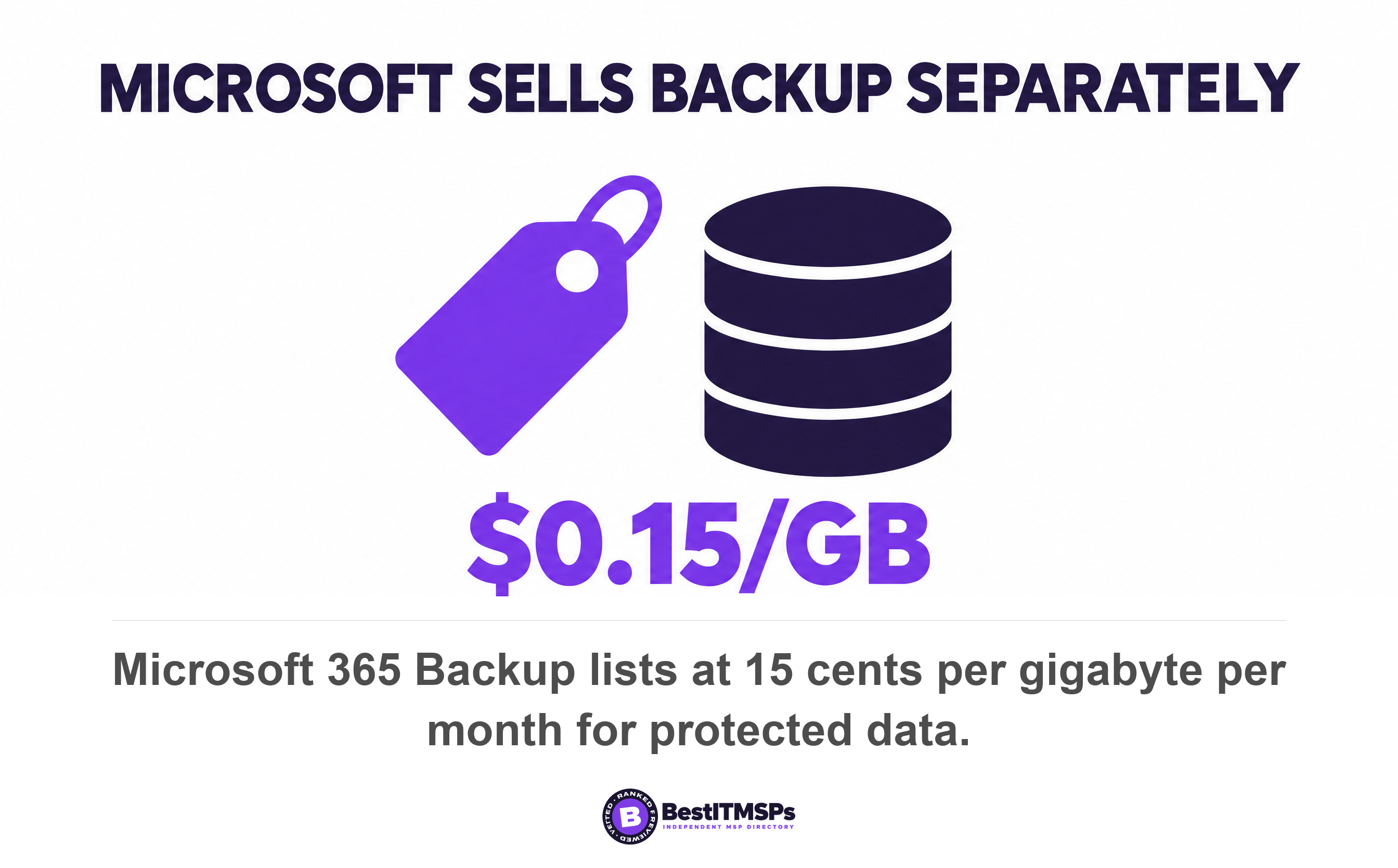
Microsoft sells its own paid backup product for Microsoft 365, and that is the clearest answer a buyer will ever get. Microsoft 365 Backup protects SharePoint sites, OneDrive accounts and Exchange mailboxes at $0.15 per GB per month for all data protected by Backup, with restores free. It is a pay-as-you-go consumption service rather than a user-based license, so it sits outside the plan you already pay for.
The specification also shows what native retention never gave you. The recovery window is configurable at 3 months, 6 months, 1 year or 2 years, defaulting to 1 year. Recovery points run every 10 minutes for the two weeks prior, then weekly snapshots from 2 to 52 weeks back. That is a recovery point objective you can state in one sentence, and a point-in-time restore you can actually request. A recycle bin gives you neither.
Recovery time is published too, so you can stop estimating it. Microsoft's median expectation is 30 minutes to restore a single OneDrive account or SharePoint site using an express restore point, and about 2 hours for a single Exchange mailbox. Ask your provider for both numbers for your tenant. If nobody can say them, nobody has measured your recovery time objective.
Then read the limits, because an honest comparison starts there. Microsoft says its backups are append-only rather than strictly immutable, following the definition of immutability except for disallowing deletion, and that deletion of the backups is not blocked, with a fixed 90-day grace period to recover backups after offboarding. Microsoft's own feature table still lists file-level restore via versions for SharePoint Online and OneDrive as coming soon, while its performance notes describe a granular folder and file restore option, so ask for a single-file restore to be demonstrated rather than assumed. Microsoft Teams is not one of the three protected workloads. A third-party backup from a category vendor such as Veeam, Datto or Barracuda may cover more of that, or less. The real value of Microsoft's product is the published baseline it gives you to measure any quote against.
What ransomware does to a 14-day window
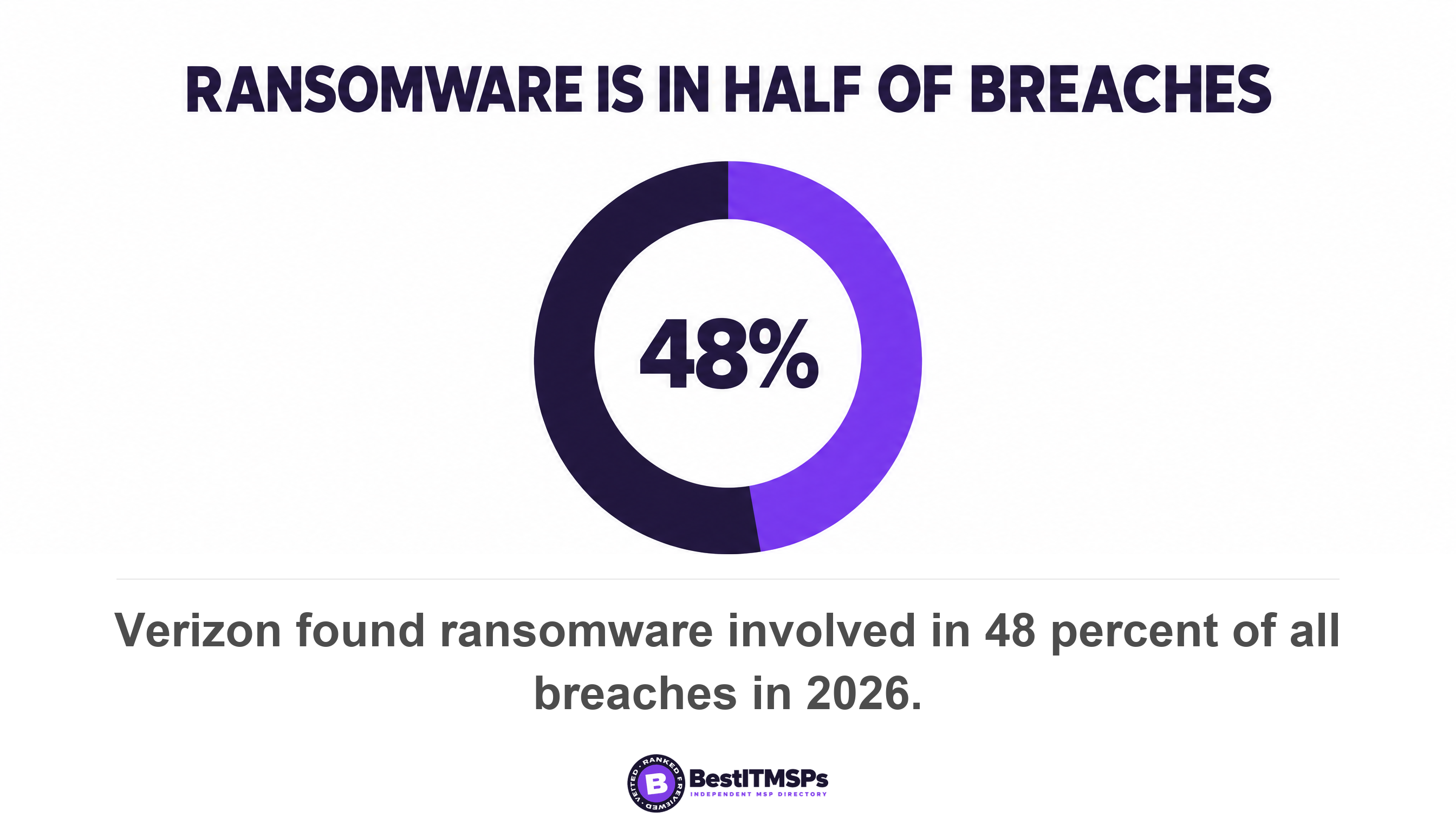
Ransomware turns a short retention window into a total loss, because the attacker encrypts the live data and deletes what the window holds. Verizon found ransomware involved in 48 percent of all breaches. Sophos found 56 percent of attacks succeeded in encrypting data, and that only one in three smaller organizations stopped the attack before encryption.
Microsoft names the two destructive events itself. Its backup documentation exists for a ransomware attack that encrypts large swaths of your data, or an internal accidental or malicious data deletion or overwrite event. Ransomware and accidental deletion are the pair that built-in service resiliency does not solve, which is the whole reason a separate product exists.
The money is what owners underestimate. Sophos puts the average cost to recover from a ransomware attack at $1.7 million, excluding any ransom, and the median ransom payment at $769,000. Those are cross-sector averages, so a 30-person firm will not see those totals. The shape holds at every size anyway, because recovery costs more than protection would have.
The free public guidance has been consistent for years. CISA tells organizations to maintain offline, encrypted backups of critical data and to regularly test the availability and integrity of backups in a disaster recovery scenario. It notes that some cloud vendors offer immutable storage solutions that can protect stored data, with a caution to use immutable storage carefully because it may not meet every compliance criterion. An immutable backup an attacker cannot delete is the control that decides this, not the brand on the invoice.
Six questions for the provider who has never raised this
Ask these six questions at your next service review, and write the answers down. A provider who has never raised Microsoft 365 backup with you is either assuming Microsoft covers it or hoping you never ask.
- Name the product protecting our Exchange Online, SharePoint Online and OneDrive data, and say whether it is Microsoft 365 Backup or a third-party backup.
- State our recovery point objective and recovery time objective for one mailbox, in minutes.
- Show the date of the last tested restore, what was restored, and how long it took.
- Confirm in writing whether Microsoft Teams chat, Planner and Entra ID configuration are protected.
- Explain what happens to the backup copy if we stop paying, and name everyone who can delete it.
- Quote the monthly cost, the storage volume it assumes, and what happens when that volume grows.
Judge the answers on specificity, not confidence. A good provider gives you a product name, a number of days and a date. A weak one tells you the data is in the cloud, so it is safe. Verify every answer against the documentation linked above, because all of it is Microsoft's own.
We are an independent directory, not a provider. We rank 24,491 provider rows across 730 city datasets on verified rating and firmographic data, we label every paid placement, and we do not sell IT services or backup. That is why this ends in questions rather than a product recommendation. If the answers do not hold up, price the work properly against our backup and disaster recovery services guide, then compare three merit-ranked firms from the shortlist for your city, such as managed IT services in Chicago.
FAQ
Does Microsoft 365 back up my data?
No. Microsoft keeps the service running and you keep the data in it. Microsoft's responsibility matrix assigns customer data to the customer in SaaS, and its own agreement recommends that you regularly backup Your Content and Data. Recycle bins and retention windows delay deletion. They are not an independent recoverable copy.
How long does Microsoft 365 keep deleted email?
Fourteen days by default. A permanently deleted item sits in the Recoverable Items folder and is kept for 14 days, which an administrator can raise to a maximum of 30 days. Place the mailbox on litigation hold and the retention limit is ignored. Outside those windows, recovery needs a backup product.
Is a retention policy the same as a backup?
No. A retention policy decides whether to retain content, delete content, or retain and then delete the content, so deletion is built into it. A backup is an independent copy you restore to a point in time. Microsoft keeps them apart, stating that retention policies do not affect the backup recovery window.
What happens to a departing employee's OneDrive?
It is retained for 30 days by default, then moved to the site collection recycle bin for 93 days before permanent deletion. Removing the license does not start that clock, and unlicensed accounts are archived on their 93rd unlicensed day. After 12 months unpaid, the data might be deleted regardless of all holds.
How much does Microsoft 365 backup cost?
Microsoft 365 Backup lists at $0.15 per GB per month for all data protected by Backup, with restores free. Billing covers live data plus the deleted and versioned items held for recovery, so deleted content keeps billing until its recovery window lapses. Ask any third-party backup quote to be priced against your tenant's real storage volume, not a per-user guess.
Best IT MSP is the independent directory of vetted managed IT and cybersecurity providers across the US and Canada. Organic ranking is earned on verified rating and firmographic data, and paid placement is always labelled. We do not sell IT services. Take these six questions to three merit-ranked firms in your city and compare the answers side by side.