Service accounts: the logins nobody owns and nobody rotates
A service account is a login that belongs to software rather than a person. Microsoft documents that these workload identities cannot perform multifactor authentication and often have no formal lifecycle process. That makes them the one credential class your security rollout skipped. Find them in Active Directory, Entra enterprise apps, and your shared mailboxes.
- Microsoft's own Conditional Access documentation states that workload identities cannot perform multifactor authentication, often have no formal lifecycle process, and must store their credentials somewhere.
- The fix for that gap is a separate paid license. Creating a Conditional Access policy for a service principal needs Workload Identities Premium, and Block access is the only grant option available.
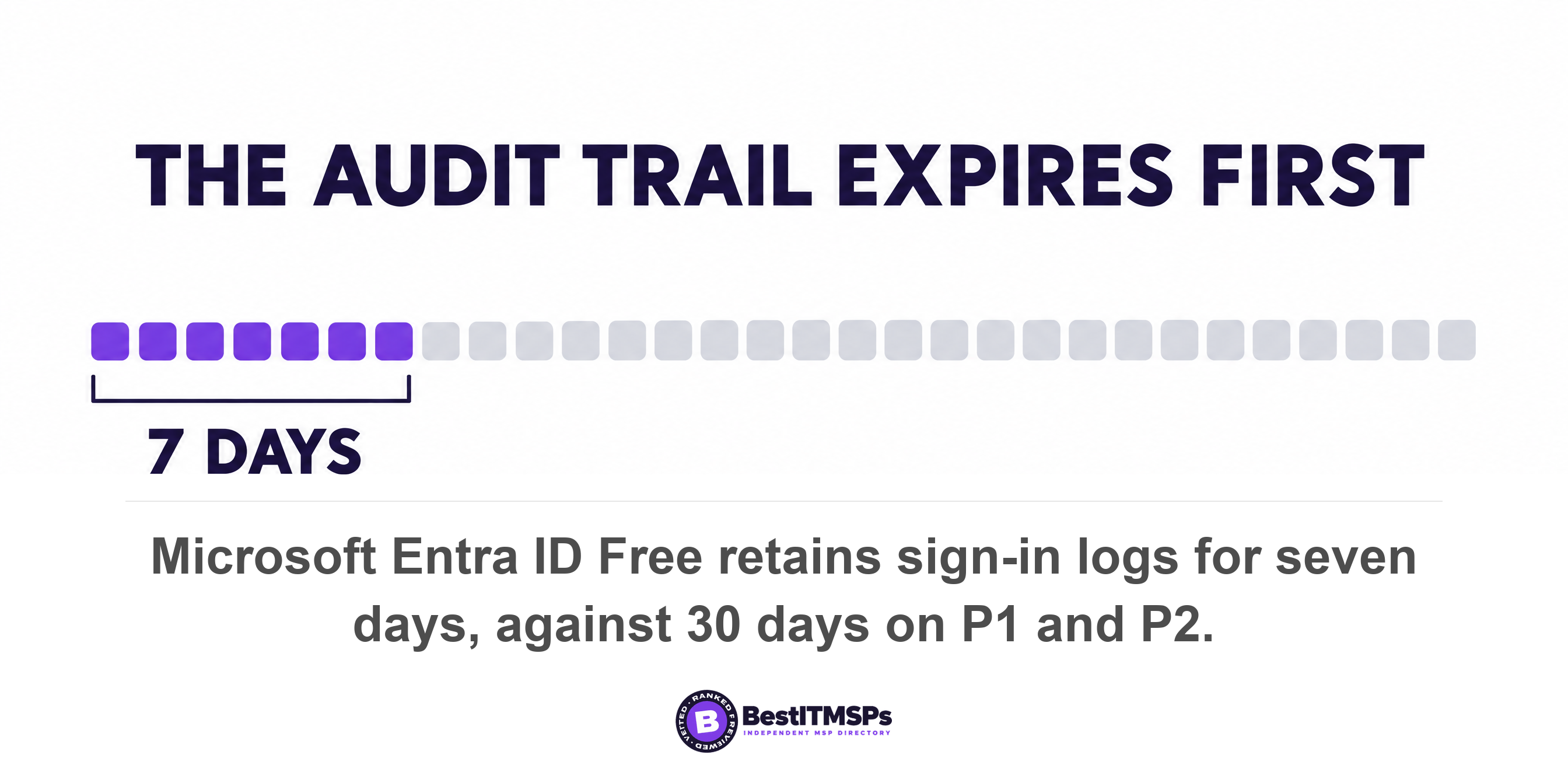
- Microsoft says to find dead service accounts in sign-in logs. Microsoft Entra ID Free keeps sign-ins for seven days and the retention is not retroactive, so a monthly job looks identical to a dead account.
- No attribute in Active Directory marks a user account as a service account. Microsoft's suggested search is for accounts trusted for delegation, accounts with a service principal name, and accounts whose passwords never expire.
- Every shared mailbox carries a user account with a system-generated password. Microsoft says to always block sign-in for that account and keep it blocked, which is the step a rushed offboarding skips.
What is a service account, and why does nobody own yours?
A service account is a login that belongs to software rather than to a person. It runs the backup job, the scanner that emails PDFs, the accounting sync, and the automated feed into payroll. NIST files this class under non-person entity, defined as an entity related to information technology with a digital identity that acts in cyberspace, but is not a human actor.
Your business holds more of these than anyone has counted. Microsoft names three types of service accounts native to Microsoft Entra ID: managed identities, service principals, and user accounts used as service accounts. The third type is the one that causes trouble. Microsoft states that it does not recommend user accounts as service accounts because they are less secure, and that the warning includes on-premises service accounts synced to Microsoft Entra ID, because they aren't converted to service principals. Those are the logins sitting in your directory right now.
A service account is the one credential class deliberately exempt from the controls your business is proud of. Microsoft's own Conditional Access documentation sets out what makes a workload identity different from a staff login. These identities can't perform multifactor authentication, often have no formal lifecycle process, and need to store their credentials or secrets somewhere. Read that list again. The vendor that sold you multifactor authentication documents the account class it cannot cover.
So the strongest login in the building is often the least protected one. Its password never changes. It has no account owner, because no person uses it. And it survives every offboarding, because no human ever leaves.
This post gives you four places to look, five tests for ranking what you find, the log retention trap that makes most of these audits impossible, and the exact asks to put to your provider. One clarification first, because buyers conflate the two. An app grant is not a service account. Every OAuth app your staff connected to your Microsoft tenant covers outside software your staff approved by clicking Sign in with Microsoft. This post covers logins that live inside your own directory and answer to nobody.
Why MFA and password rotation skip service accounts
MFA and password rotation skip service accounts because software cannot answer a phone prompt and a scheduled job breaks the moment its password changes. The exemption is a design decision rather than an oversight, and it is documented in the product.
Interactive sign-in is the dividing line. A staff login expects a human at a keyboard who can approve a push notification. A service account authenticates unattended, so Microsoft tells administrators to deny sign-in locally or interactive sign-in on these accounts. That hardening step is correct. It also removes the only path multifactor authentication has.
Credential rotation fails for the same structural reason. Microsoft states that on-premises user accounts require manual password management, and that manual management leads to weaker security and service downtime. Somebody has to change the password in Active Directory and inside the application on the same afternoon, then watch for what breaks at 2am. Nobody books that twice a year, so the password stays.
Conditional access for service accounts does exist, and it costs extra. Microsoft requires Workload Identities Premium licenses to create or modify Conditional Access policies scoped to service principals. Three limits arrive with it.
- Blocking is all you get. Microsoft states that Block access is the only available option under Grant, so you can bar an account signing in from outside your office IP range, but you cannot step it up to a second factor.
- Managed identities are out of scope. Microsoft states that managed identities aren't covered by policy and suggests putting them in an access review instead.
- Group assignment silently fails. Microsoft states that Conditional Access policies assigned to a group that contains a service principal are not enforced for that service principal. The policy has to name the account directly.
Carry that third line into your next provider conversation. A provider can truthfully say conditional access is deployed across the tenant and still have zero policies reaching a single service account.
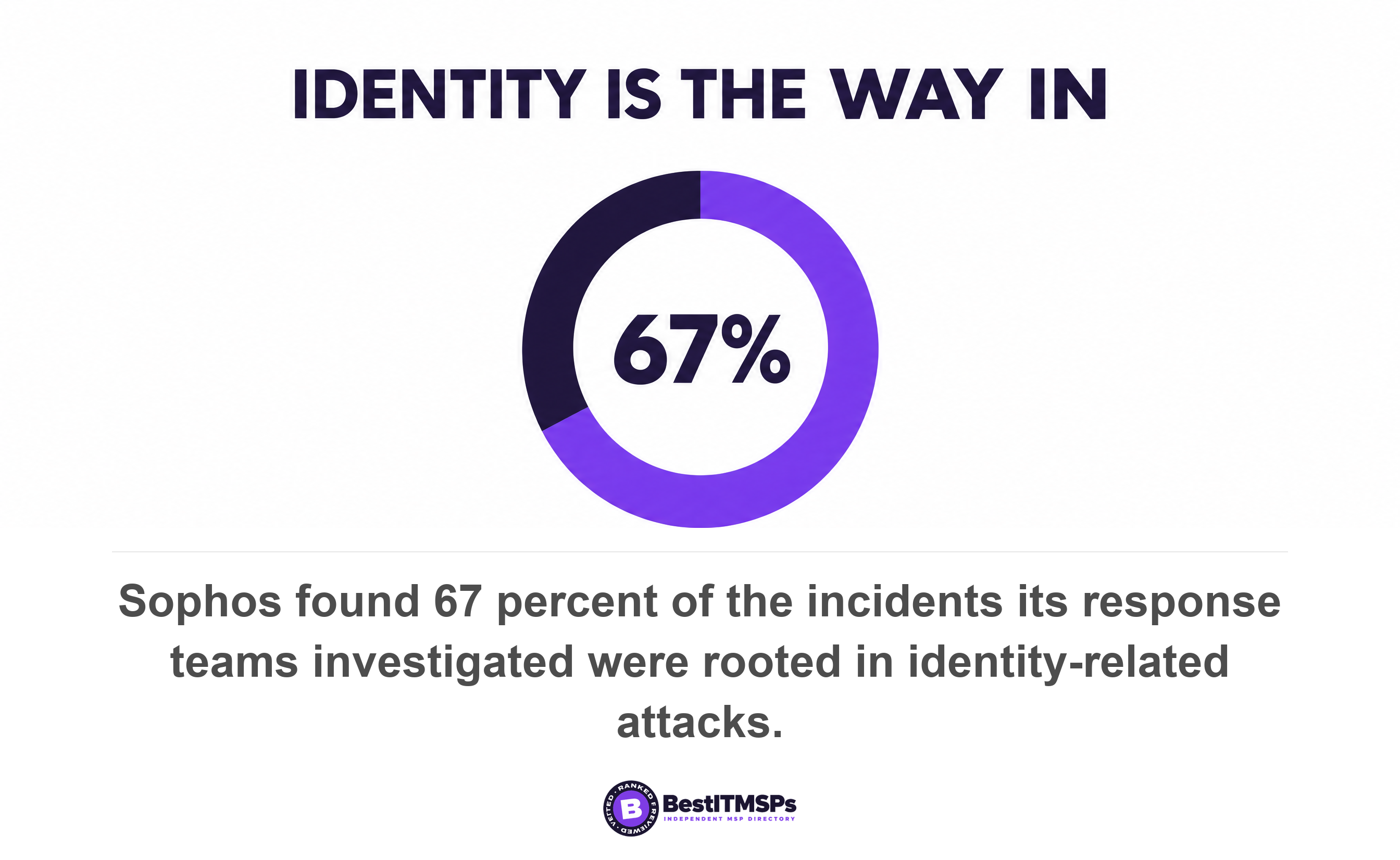
Attackers work this seam on purpose. A domain service account with a registered service principal name can have its ticket pulled and cracked offline, and Microsoft names kerberoasting as a common issue with traditional service accounts. Sophos traced 67 percent of all incidents investigated by its response teams to identity-related attacks across 661 cases.
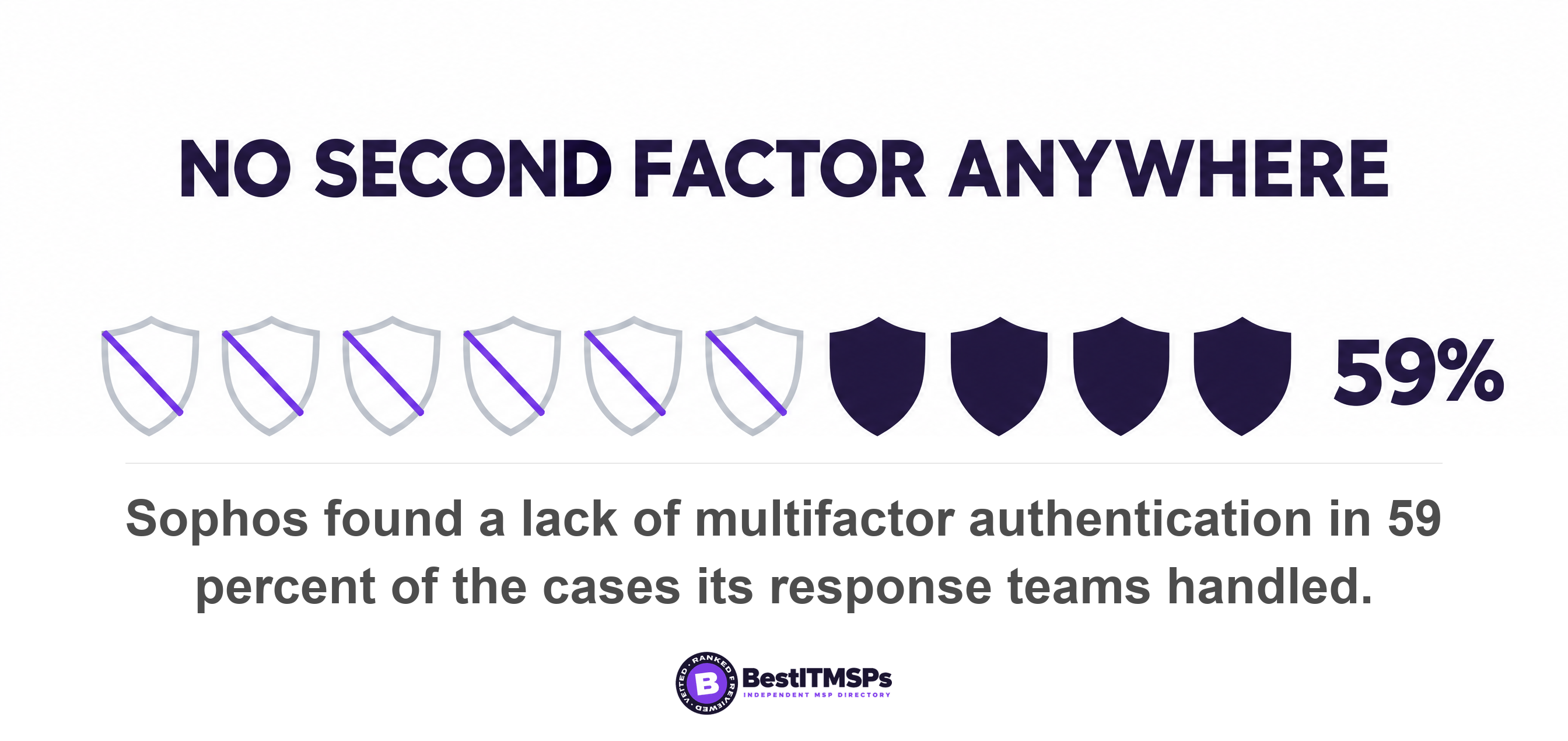
The same research found a lack of MFA in 59 percent of cases. Nobody can say how many of those gaps were service accounts, and Sophos does not break the figure down that way. The point is narrower and still useful. When a tenant has an MFA gap, the account class that cannot take MFA at all is the first place to look, not the last.
How to find every service account in your business
To find every service account, search four places, because no single screen lists them all. Inventory them first and judge them second.
- Active Directory. Microsoft says it can be difficult to find the accounts, because no user account attribute identifies it as a service account, and suggests three proxies instead: accounts trusted for delegation, accounts with service principal names, and accounts with passwords that never expire. It also recommends the naming convention of adding the prefix svc to user accounts used as service accounts.
- Entra enterprise applications. In the Microsoft Entra admin center, open Enterprise applications and set the Application type filter to Managed Identities to list those. Service principals come out of `Get-MgServicePrincipal -All:$true` or `az ad sp list`.
- Shared mailboxes. Each one hides a login. Microsoft states that every shared mailbox has a corresponding user account with a system-generated password that isn't known or intended for use, and that you should always block sign-in for the shared mailbox account and keep it blocked.
- Your own list of automated jobs. Walk the software that moves data without a person watching: the backup, the scan-to-email device, the accounting sync, the payroll feed, the website contact form. Each one authenticates as something. Name the something.
The shared mailbox case is where most small firms already have a live problem. A standard offboarding step converts a departed employee's mailbox into a shared mailbox so the team keeps the history. The mailbox converts. The underlying account stays. If nobody blocked sign-in, you now hold an unowned login carrying a password set on that person's first day.
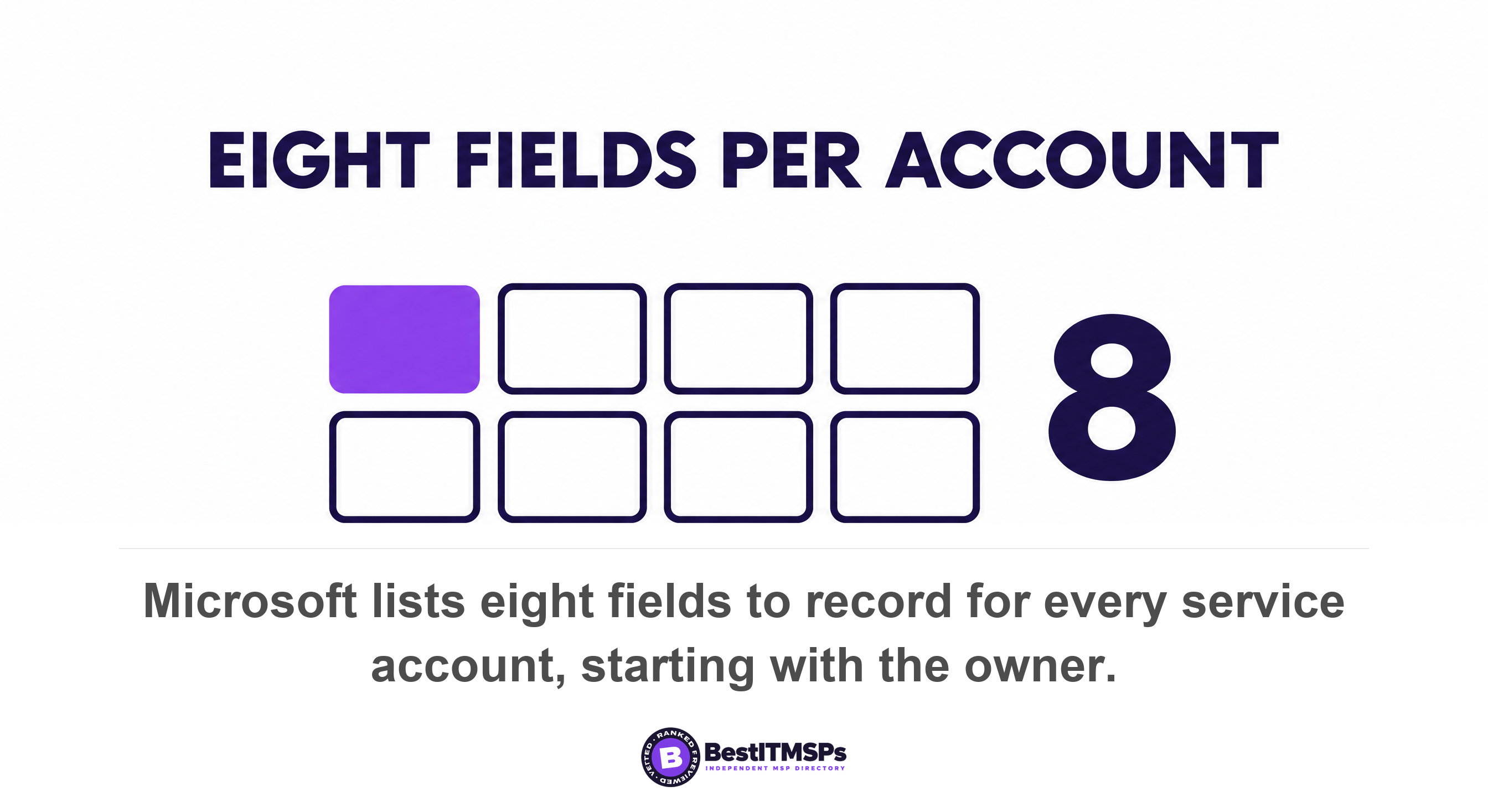
Record what you find using Microsoft's own field list. Its governance guidance says to track eight items per account in a configuration management database: Owner, Purpose, Permissions, CMDB Link, Risk assessment, Period for review, Lifetime and Name. Owner sits first for a reason. Microsoft defines it as the user or group accountable for managing and monitoring the service account, and tells you to avoid creating multiuse service accounts so that one owner maps to one job.
How to tell a dangerous service account from a harmless one
To rank what you found, score each account against five tests. A scan-to-email account with rights to one mailbox is a different animal from a backup account sitting in a privileged group, and five questions separate them in about a minute each.
- Check its standing privilege. Microsoft tells you not to assign built-in roles to service accounts and not to include service accounts as members of any groups with elevated permissions. Cloud defaults are generous: Microsoft notes that Contributor is the default Azure role-based access control role.
- Find where the secret lives. A hard-coded password in a script, a scheduled task, a config file or a technician's notes app is already exposed. Microsoft's instruction is to use certificates or credentials stored in Azure Key Vault, when possible, and it prefers certificates because client certificates can't be embedded in code, accidentally.
- Confirm interactive sign-in is denied. An account that can still sign in at a keyboard is a human login with no human attached to it.
- Ask whether the credential ever expires. Microsoft's rule is blunt: don't set service principal credentials to Never expire.
- Name an account owner on the spot. An account with no named owner cannot be reviewed, because nobody is accountable for answering the questions.
The fifth test decides the other four. MITRE's Valid Accounts technique explains why an abused legitimate login is so hard to spot: using these accounts may allow the adversary to evade detection, because the original account user will not be present to identify any anomalous activity. For a staff account that is bad luck. For a service account there was never an original user to notice anything, which is this whole problem stated in one sentence.
Rank by blast radius, not by age. An integration account that reaches one mailbox is a nuisance. An integration account in a privileged group is a supplier holding keys to everything, and Verizon reported breaches involving a third party now accounting for 48 percent of all breaches, with third-party supply chain breaches up 60 percent. A forgotten integration is a third party you stopped counting.
Keep one distinction clear while you triage. A break-glass account is an emergency human login held for the day your identity provider fails, so it is exempt from normal controls in a different way and belongs in its own review. A service account is software.
A staff login has somebody who notices when it behaves strangely. A service account never did.
The log retention trap that makes this audit impossible
Microsoft's recommended way to find a dead service account cannot be run at the default license, and almost nobody checks that before promising the review. Its governance guidance says to monitor Microsoft Entra sign-in logs and look for service accounts not signed in to the tenant. Sound advice. Now read the retention table.
Microsoft Entra ID Free keeps audit logs and sign-in logs for seven days, against 30 days on both P1 and P2. Seven days is the documented default for anyone who has not bought a premium tier. So an account that runs a job on the first of every month is indistinguishable from an account that died two years ago. Both show zero sign-ins inside your window.
Buying the license afterwards does not recover the history. Microsoft answers the question directly, saying you can't see last month's data after getting a premium license and that log retention changes aren't retroactive. Routing logs to storage is the fix, and it has to be switched on before you need it rather than during the week you ask the question.
That gap matters because discovery is slow. IBM measured an average of 247 days to identify and contain an active breach across all industries. A dormant service account with a password from four years ago has most of a year to be useful to somebody else, and your log window closes in a week.
The two clocks run at very different speeds, and that is the whole argument for exporting logs. Sophos reports that once attackers are in, it takes them just 3.4 hours to get to the AD server, meaning the Active Directory server that holds every login in your business. Your evidence of that trip disappears in seven days at the default license. An attacker needs an afternoon. Your audit trail gives you a week.
What to ask your provider to do about each account
To fix a service account, replace the credential rather than rotate it, and work through the accounts in privilege order. Six asks cover almost every case in a small business.
- Migrate anything Azure-hosted to a managed identity. Microsoft states that with managed identities credentials are fully managed, rotated, and protected by Azure, and that no one, including those assigned privileged roles, has access to the credentials. A system-assigned managed identity is deleted with its resource, which Microsoft says eliminates the risk from orphaned accounts.
- Move domain services onto a managed service account. With a group managed service account, the Windows operating system manages the password for the account instead of relying on the administrator to manage the password. Windows Server 2025 adds the delegated managed service account, which supersedes an old account so that authentication to that existing account using its password is blocked.
- Set the rotation interval when the account is created, because it cannot be changed later. Microsoft documents that the managed password interval can only be set on object creation, and after that the setting is read only.
- Scope every account to one job under least privilege. Microsoft's rule is to grant the service account permissions needed to perform tasks, and no more.
- Document an owner and a review period for each account using the eight fields above, and when a review is overdue, disable, but don't delete, the account until the review is complete.
- Retire the dead ones properly. Microsoft's deprovisioning order is to revoke role assignments and consent grants first, then delete the account after a defined period, and warning to owners.
One more trap, because it shows how differently a non-human identity behaves. Resetting a person's password does not necessarily cut off software holding a live token. Microsoft's revocation table shows that a confidential client's refresh token stays alive when the user changes their own password or runs a self-service reset, and is revoked only when an administrator resets that password from the Microsoft Entra admin center or the Microsoft 365 admin center. The password and the credential are two different objects. Treat that as the rule for every identity in your tenant that is not a person.
Two neighboring jobs belong to people rather than software, and they are separate reviews. Local admin rights: how to check yours, and what removing them breaks covers the rights your own staff carry on their PCs. Who at Your MSP Can Log Into Your Systems at 2am? covers your provider's privileged access into your systems. This post is the third list, the one with no people on it at all.
Six questions to ask your IT provider on Tuesday
Ask six questions and accept only counts, names and dates. A provider that manages non-human identity answers with a number. A provider that does not answers with the word secure.
- Count the service accounts in our environment today, split into managed identities, service principals, managed service accounts and plain user accounts.
- Name the account owner for each one, and the date of its last review.
- List every account whose password is set to never expire, with the date each password last changed.
- Show which service accounts can still sign in interactively, and which shared mailbox accounts do not have sign-in blocked.
- State where each secret is stored, and whether a key vault holds it.
- Confirm the sign-in log retention on our tenant, and whether those logs are exported anywhere.
You are not inventing that list. CISA's Cross-Sector Cybersecurity Performance Goals name the controls, with IDs you can quote. Goal 3.C, Create Unique Credentials, states that service and machine accounts have unique passwords and that no universal non-person entity account passwords should be deployed, so that adversaries are unable to reuse compromised credentials to move laterally across the organization. Goal 3.A, Changing Default Passwords, exists because adversaries might acquire and exploit default account credentials to gain initial access. Goal 2.A asks you to maintain a regularly updated inventory of all organizational assets.
Then notice which goal is missing. Goal 3.D covers revoking credentials for departing staff and recommends you disable accounts when inactive for a specified period, giving 30 days as an example. It is scoped to staff, contractors and vendors. No goal retires an account when the software it served was switched off, because that trigger does not exist inside any process you already run. A person leaving starts a checklist. A system being decommissioned starts nothing, which is exactly why these accounts accumulate.
None of this buys perfect security, and no honest provider promises it. It buys a list with names, dates and owners on it, which is the only version of this you can audit. Take the six questions to three merit-ranked providers in your city and compare the answers side by side. The one that gives you a count is usually the one doing the work.
FAQ
What is a service account?
A service account is a login used by software rather than by a person, such as a backup job or an accounting integration. NIST calls this a non-person entity, an entity related to information technology with a digital identity that acts in cyberspace, but is not a human actor. Microsoft names three types native to Microsoft Entra ID.
Can a service account use MFA?
No. Microsoft's Conditional Access documentation states that workload identities can't perform multifactor authentication. You can restrict a service principal by IP range or risk instead, but that needs Workload Identities Premium licenses, and Microsoft states Block access is the only available option under Grant.
How do I find the service accounts in my business?
Search Active Directory for accounts trusted for delegation, with service principal names, and with passwords that never expire, because Microsoft says no user account attribute identifies it as a service account. Then check Entra enterprise applications for managed identities and service principals, and check every shared mailbox for a sign-in block.
Is a shared mailbox a service account?
No, but it carries a hidden login. Microsoft states every shared mailbox has a corresponding user account with a system-generated password that isn't known or intended for use, and that you should always block sign-in for the shared mailbox account and keep it blocked. Converting a leaver's mailbox without that block leaves an unowned account.
How often should a service account password be rotated?
Replace the credential instead of rotating it. With a group managed service account, the Windows operating system manages the password instead of relying on the administrator, and with a managed identity credentials are fully managed, rotated, and protected by Azure. Where a password stays, Microsoft says don't set service principal credentials to Never expire.
Best IT MSP is the independent directory of vetted managed IT and cybersecurity providers across North America. Organic ranking is earned on rating and verified data, and paid placement is always labeled. Take the six questions above to three merit-ranked firms in your city and compare the answers side by side.