Audit Your MSP's Access: 9 Checks to Run on the Provider You Already Have
Your MSP holds privileged access to your network, and seven national cyber authorities say verifying how that access is used is your job, not theirs. Nine checks cover it, starting with an account inventory and ending with what your contract obliges them to tell you.
- CISA states that outsourcing IT does not absolve you of risk management responsibility for it.
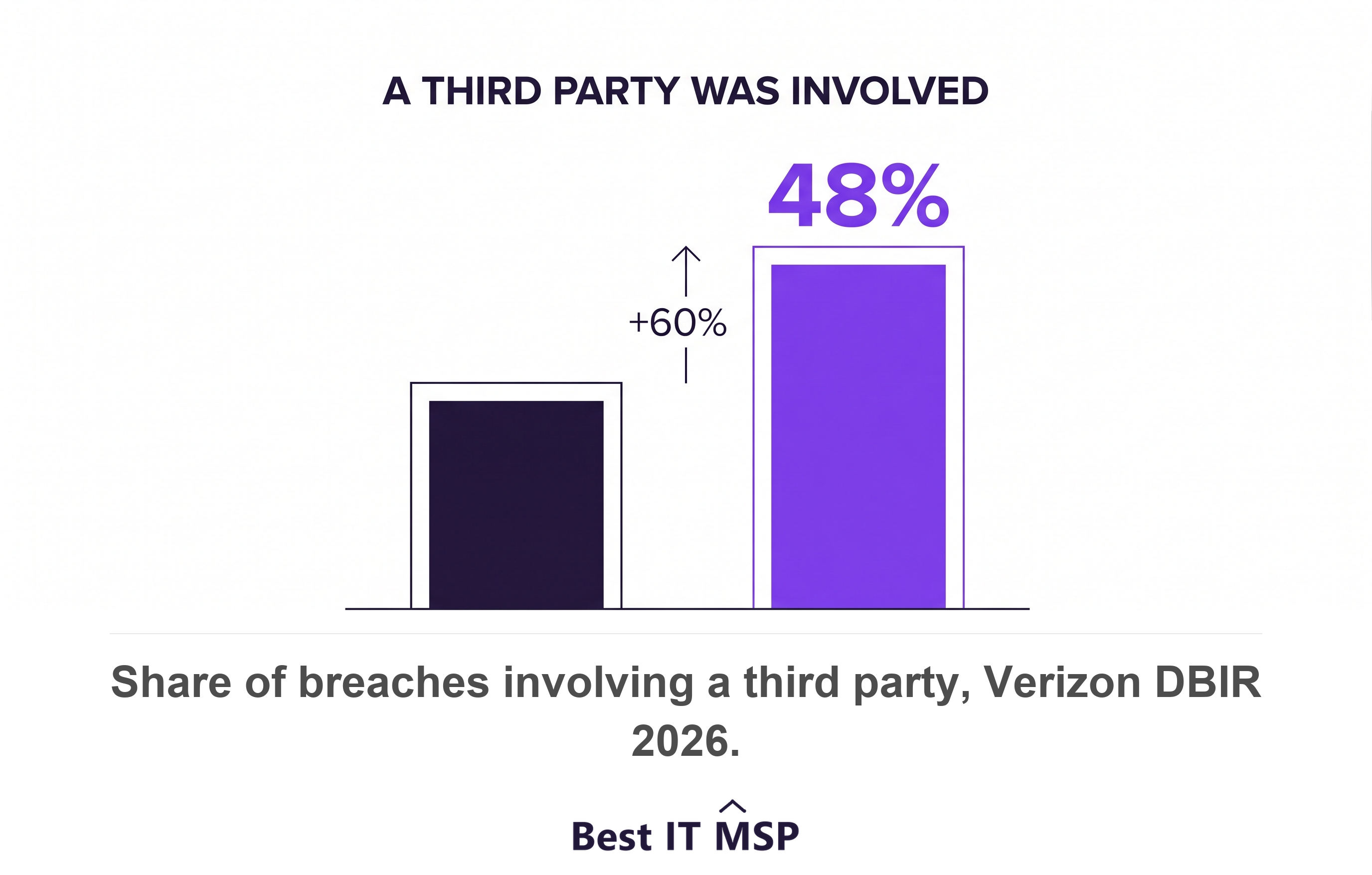
- 48 percent of breaches involved a third party in 2026, a 60 percent rise in one year.
- MSP accounts should not sit in your internal administrator groups.
- Keep your own logs of provider activity, retained at least six months.
- Eight good verbal answers are worth little without a contract clause behind them.
What does an MSP access audit check?
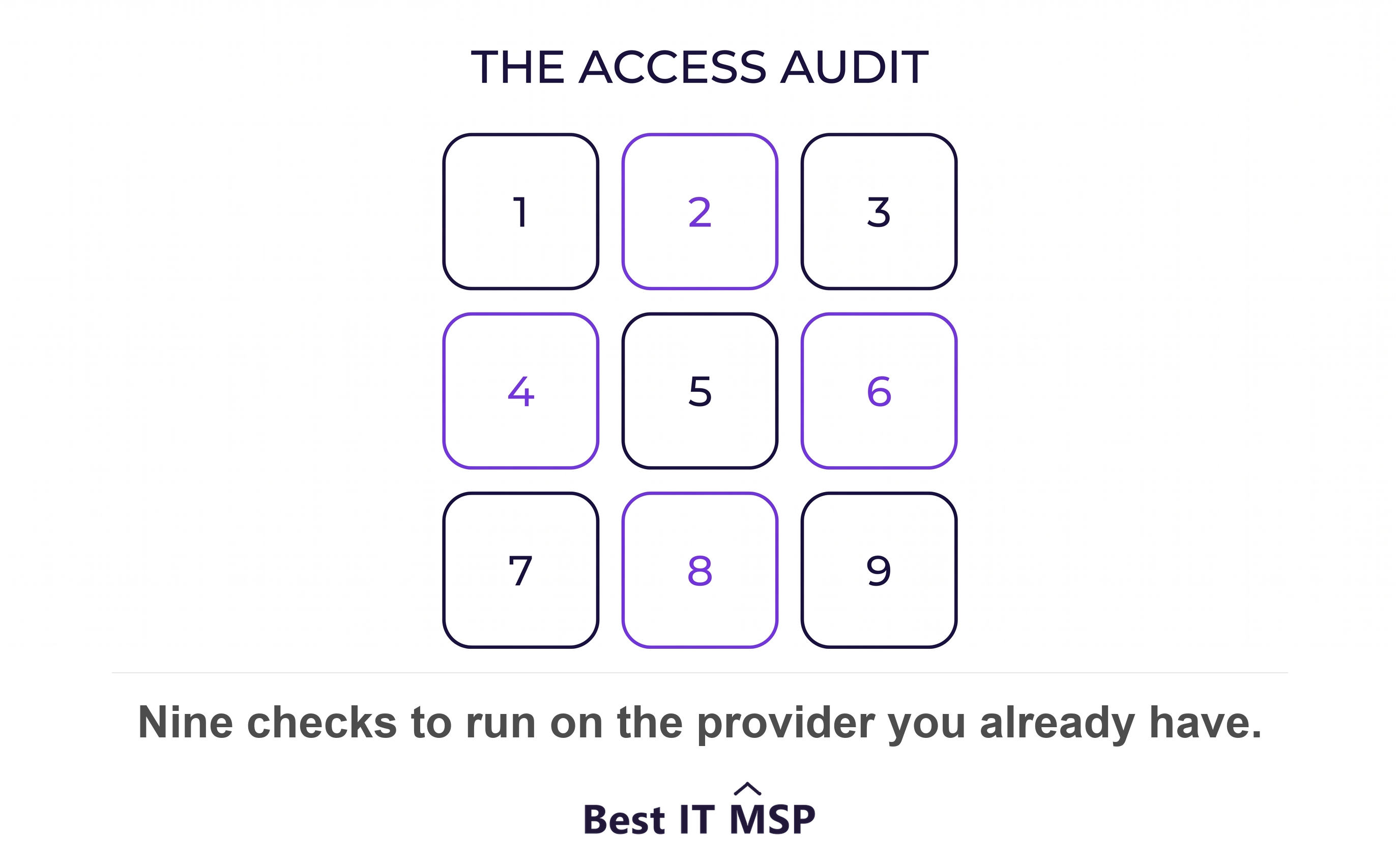
An MSP access audit checks nine things about the access your provider already holds, starting with which of its accounts exist inside your systems and ending with whether your contract obliges it to tell you when something goes wrong. It takes an afternoon. Most businesses have never run it.
The reason it goes unrun is structural. Your provider set that access up, your provider manages it, and your provider is the party you would naturally ask about it. Seven national cyber authorities published a checklist that assumes otherwise. Their joint advisory tells customers to verify, via audits, that MSP accounts are being used for appropriate purposes and activities. That sentence puts the work on you.
The nine checks below come from that advisory and from CISA's companion risk framework for MSP customers. Each names what to ask for and what a straight answer looks like.
- Account inventory. Every account your provider holds in your environment, named and counted.
- Multifactor authentication. MFA enforced on all of them, with no exception carved out for convenience.
- Least privilege. Provider accounts restricted to the systems the provider actually manages.
- Log visibility. Your own record of what the provider did, held separately from theirs.
- Dormant accounts. Access removed when a technician leaves or a contract ends.
- Connection path. One dedicated route in, rather than access from anywhere.
- Backup isolation. Backups your provider's day-to-day credentials cannot reach.
- Incident notification. A defined trigger and deadline for telling you about a breach on their side.
- Contract scope. Written terms that require the eight items above.
Why is auditing your provider your job and not theirs?
Because the risk stays with you when the work moves out. CISA states it directly: outsourcing the management of IT to an MSP does not absolve an organization from risk management responsibilities associated with the IT enterprise. The same document adds that policies and controls on network access and logs remain the organization's responsibility while outsourcing IT services to an MSP.
The numbers explain the urgency. Verizon found that 48 percent of breaches involved a third party in 2026, a 60 percent increase year over year, and IBM put the global average cost of a data breach at 4.99 million dollars. A provider holding privileged access to your network is a third party by any definition. The advisory is blunt about the mechanism, warning that threat actors can use a vulnerable MSP as an initial access vector to multiple victim networks, with globally cascading effects.
None of this says your provider is careless. It says the access is real, the exposure is yours, and nobody else is going to check.
Check 1. Which MSP accounts exist in your environment?
Count them first, because the number is almost always higher than the one you expect. Ask your provider for a written list of every account it holds in your systems, including service accounts, shared administrator accounts, remote-access tool accounts, and accounts in your cloud tenant.
Then verify that list against your own directory rather than accepting it. CISA's framework asks providers to supply detailed records of when accounts are accessed, by whom, for how long, and what actions were completed. A provider that produces that on request is running a mature practice. A provider that cannot produce a list of its own accounts has told you something useful.
Write down the count and the date. It becomes the baseline for every later check.
Check 2. Is MFA enforced on every one of those accounts?
Enforced, not merely available. The distinction decides everything, because a second factor a technician can skip under time pressure protects nothing at 2am.
The advisory is specific about who this covers. Contracts should require MFA to be enforced on all MSP accounts used to access customer environments, and providers should treat those accounts as privileged. CISA's customer framework repeats the instruction, telling organisations to require multi-factor authentication for accessing your systems whenever possible.
Ask for a screenshot of the conditional access policy showing the provider's accounts in scope with no exclusion group attached. The advisory also warns that state-sponsored actors have exploited default MFA configurations, so ask specifically how the policy behaves in fail open and re-enrollment scenarios.
Check 3. Are your provider's accounts in your administrator groups?
Check the group membership directly, because this is the most common finding of the nine. The guidance is unusually plain about it. Customers should ensure MSP accounts are not assigned to internal administrator groups and should restrict MSP accounts to systems managed by the MSP.
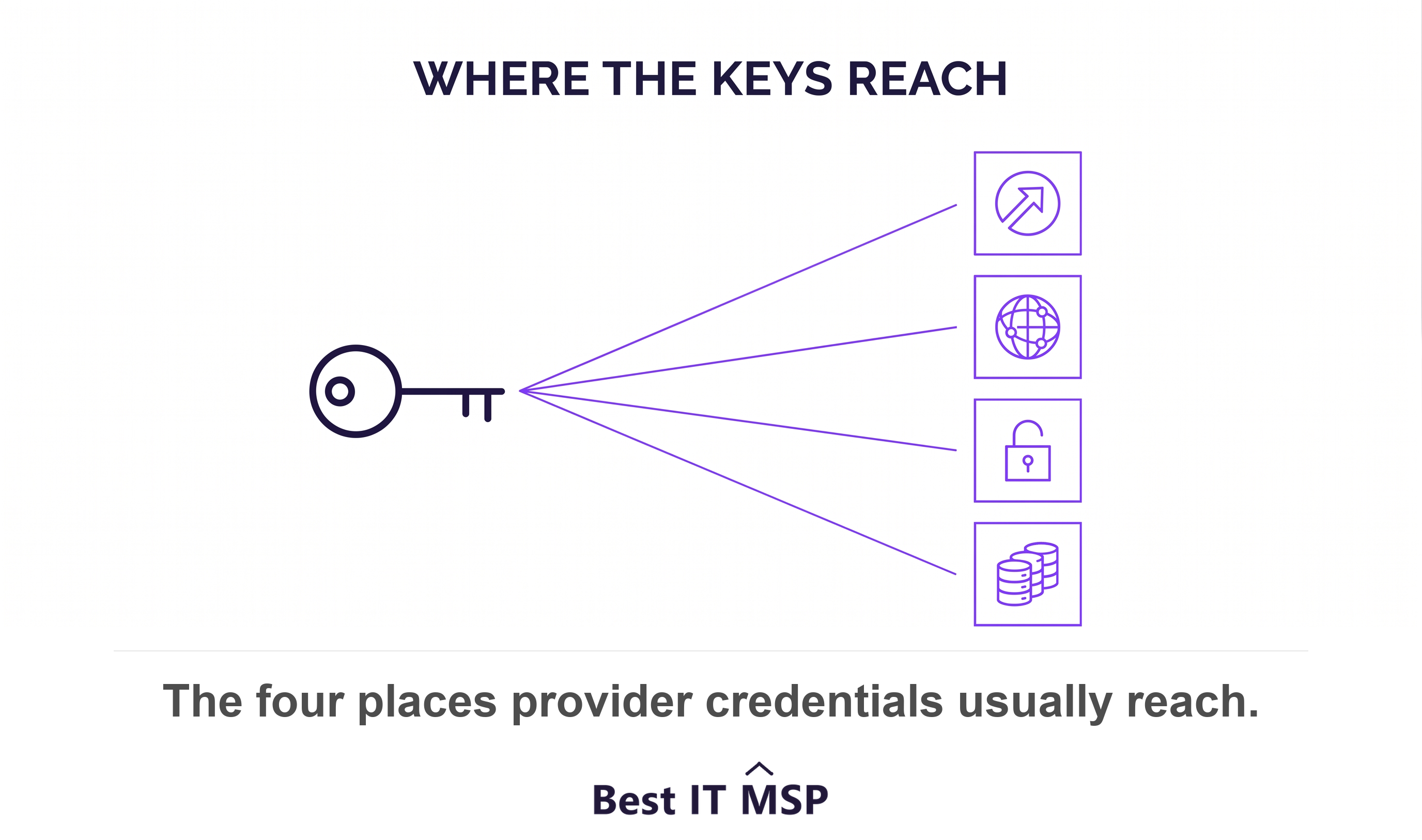
Domain Admin is the group to open first, followed by Global Administrator in Microsoft 365. A provider managing your endpoints needs neither. CISA's framework sets the standard as assigning only the minimum necessary rights for the shortest necessary duration, and asks organisations to regularly re-evaluate access requirements rather than setting them once at onboarding.
If the answer is that separating the accounts would slow the helpdesk down, that is a real cost and worth discussing. It is not a reason to skip the check.
Check 4. Can you see what your provider did last week?
Answer that from your own logs rather than from theirs. CISA tells customers to keep their own offsite backups of essential records and network activity logs, and gives the reason in the next sentence: those backups and logs allow an organization to authenticate vendor activity.
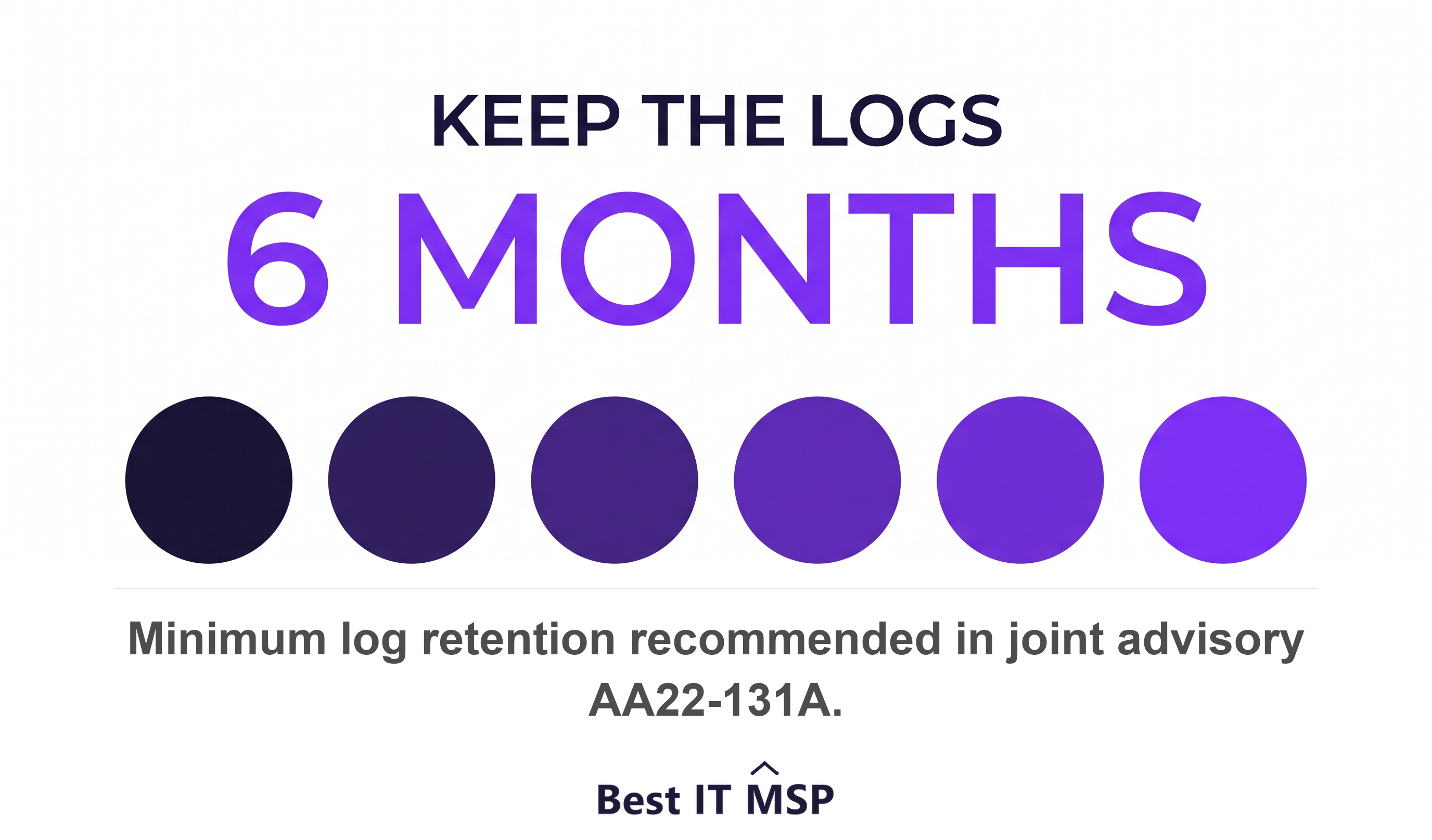
Independent visibility is the whole point. The advisory asks that contracts give customers visibility of logging activities, including the provider's presence, activities, and connections to the customer networks, and recommends that all organisations store their most important logs for at least six months, because months often pass before an incident surfaces.
Ask for direct access to the telemetry rather than a monthly PDF summary. The framework sets that expectation too, listing direct access to security logging information, network intrusion detection, and anomaly analysis data from all systems managed by the MSP.
Check 5. What happens to an account when a technician or a contract ends?
Ask what the process is, then ask for evidence that it ran. Dormant access is the failure this guidance flags hardest, and it names the moment it happens. Customers should disable MSP accounts that are no longer managing infrastructure, and the advisory adds that doing so can be overlooked when a contract terminates.
The same duty covers individual technicians. If an engineer leaves your provider on a Friday, ask who removes their access to your systems, and by when. The advisory's own summary of immediate actions opens with one instruction: identify and disable accounts that are no longer in use.
This check matters most if you are weighing a move. Access accumulated over five years rarely tidies itself up on the way out.
Check 6. How does your provider connect to your network?
There should be one route in, and you should know what it is. The guidance asks customers to use a dedicated VPN or alternative secure access method, and limit all network traffic to and from the MSP to that dedicated secure connection.
Two follow-up questions earn their place here. Ask first whether your provider reuses administrator credentials across its customers, because contracts should specify that MSPs will not reuse admin credentials across multiple customers. Shared credentials turn one compromised client into all of them. Ask second how your data is separated from other clients' data on the provider's own systems, which CISA lists among the things to obtain in writing before signing.
Check 7. Can your provider's credentials reach your backups?
If they can, your backups share the fate of your network. The guidance is explicit about the shape of the fix. Customers should require a backup solution that automatically and continuously backs up critical data and system configurations and stores backups in a location that is air-gapped from the organizational network.
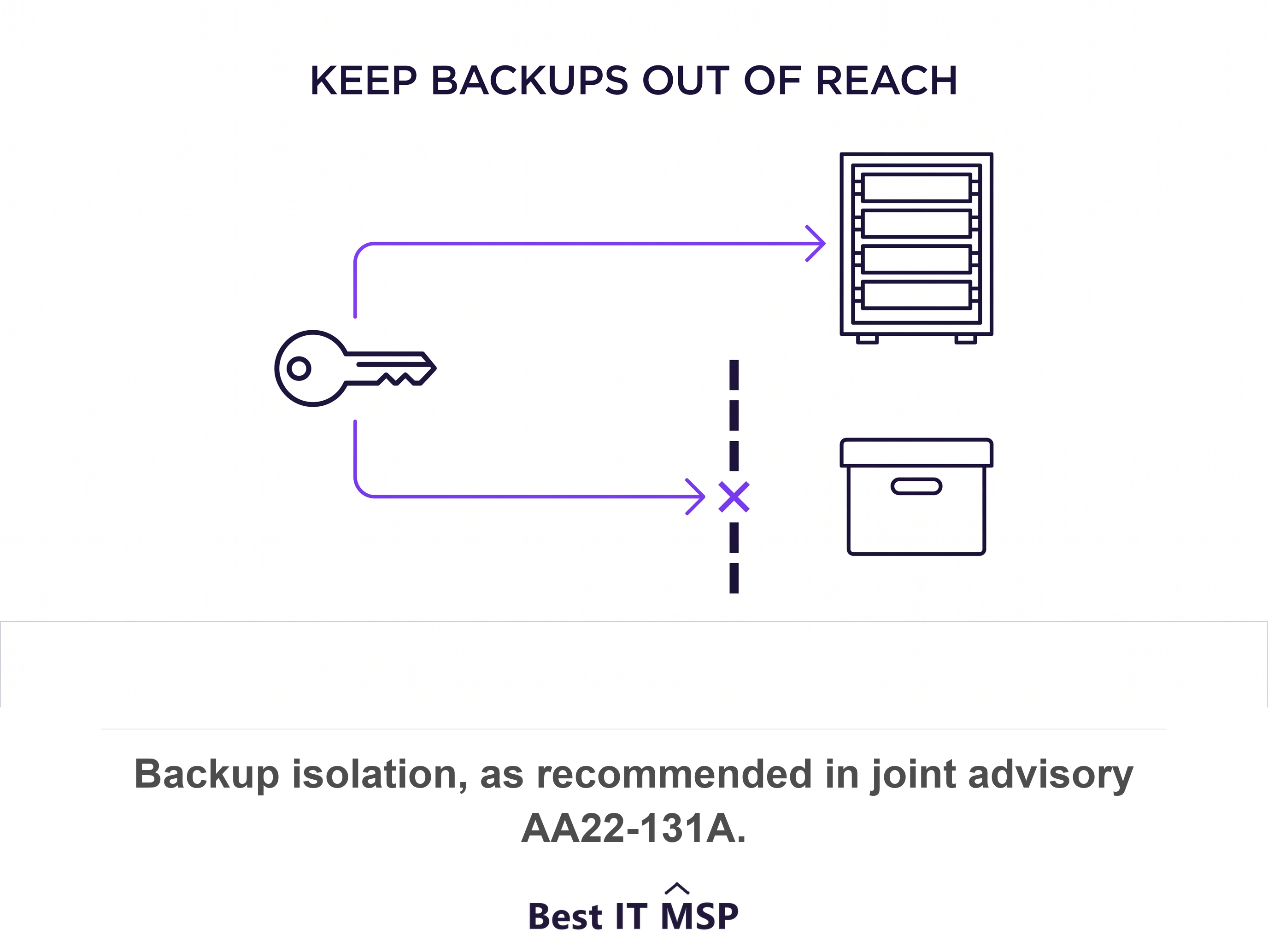
Air-gapped is the word doing the work in that sentence. Ransomware operators look for backups first, and a backup reachable with the same credentials that administer your servers is not a recovery plan.
Ask two things. Ask when your restore was last tested end to end, and get a date. Then ask whether the account that runs the backup is separate from the account that administers the systems being backed up.
Check 8. When would your provider tell you it had been breached?
Get the trigger and the deadline in writing, because without both the honest answer is whenever they decide. Contracts should detail how and when MSPs notify the customer of an incident affecting the customer's environment.
Push the scope wider than your own environment. CISA's framework asks organisations to require that vendors provide timely and detailed reporting on incidents affecting vendor networks, even those that did not directly affect customer data and services. A breach of your provider's own administrative network is your early warning, and you only receive it if the contract asks for it.
The advisory also asks providers to notify customers of confirmed or suspected security events and incidents. Suspected is the word to keep in your copy. A provider that reports only confirmed incidents reports them late.
Check 9. Does your contract actually require any of this?
Read the agreement, because eight good answers with nothing in writing is a relationship rather than a control. The advisory returns to this point repeatedly, telling customers to ensure their contractual arrangements specify that their MSP implements these measures and controls.
The clause that matters most is the one dividing the work. Contracts should specify whether the MSP or the customer owns specific responsibilities, such as hardening, detection, and incident response. Most arguments after an incident are arguments about a line nobody drew.
CISA's framework recommends writing that division down as a shared responsibility model articulating the vendor's responsibilities, the customer's responsibilities, and any responsibilities shared by both parties. One page is enough. What matters is that both signatures sit on it.
How do you run this audit without a security team?
Run it as nine emails across two weeks and keep every answer. Most of these checks are questions rather than projects, and the few needing technical work are ones a competent provider can demonstrate in a screen share.
Order matters when time is short. Start with checks 3 and 5, group membership and dormant accounts, because those two are the most likely to be wrong today. Move next to checks 2 and 7, MFA and backup isolation, because those two decide how bad a bad day becomes.
Judge the answers on evidence rather than on tone. A provider that shows you a policy screenshot, a log export and a dated restore test is doing the work. A provider offended by the questions has answered a different one.
None of this requires changing providers, and most audits end with a short fix list rather than a search. It requires knowing what you handed over, which CISA frames as a responsibility you kept whether or not you exercised it.
FAQ
What is an MSP access audit?
An MSP access audit is a review of the privileged access your managed service provider already holds in your systems. It covers nine things: which provider accounts exist, MFA enforcement, administrator group membership, independent logging, dormant account removal, the connection path, backup isolation, incident notification, and whether the contract requires any of it.
How often should you audit your MSP's access?
Once a year as a full pass, and again at three trigger points: when your contract renews, when your provider changes ownership or leadership, and when a technician who worked on your account leaves. CISA asks organisations to re-evaluate access requirements regularly rather than defining them once at onboarding, because the services a provider delivers change over time and the access rarely shrinks on its own.
Should your MSP have Domain Admin?
In most cases no. The joint advisory tells customers to keep MSP accounts out of internal administrator groups and to restrict them to the systems the provider actually manages, granting rights on a need-to-know basis. A provider managing endpoints and a helpdesk does not need Domain Admin or Global Administrator to do that work. Where a specific task genuinely requires elevation, the standard is the minimum necessary rights for the shortest necessary duration.
What logs should you keep independently of your MSP?
Keep authentication logs, privileged account activity, remote access sessions and configuration changes, held in a location your provider does not control. CISA's reason is direct: your own records are what let you authenticate vendor activity rather than take a report on trust. The joint advisory recommends all organisations retain their most important logs for at least six months, because incidents frequently surface months after the initial access.
What if your provider refuses to answer these questions?
Treat the refusal as the audit result. Every check here restates published guidance from national cyber authorities written for MSP customers, so none of it is an adversarial request. A provider that cannot list its own accounts, produce a log export or point to a notification clause is describing the state of its practice. Put the request in writing and set a date.
Do you need to change providers if the audit finds problems?
Usually not. Most findings are configuration and paperwork rather than competence, and a good provider fixes group membership, MFA scope and dormant accounts within a fortnight of being asked. The findings that justify a harder conversation are a refusal to give you log visibility, backups reachable with everyday administrative credentials, and no contractual duty to tell you about an incident.
Best IT MSP is an independent directory of managed IT providers across the US and Canada. We rank on verified rating and firmographic data, we label paid placement, and we do not sell IT services.