Just-in-Time Access: The License Question That Settles It
Just-in-time access replaces permanent administrator rights with rights your provider requests, activates for a set number of hours, and loses automatically. Microsoft gates it behind an Entra ID P2 or ID Governance license, which Microsoft 365 Business Premium does not include. That license is usually your provider's to buy, not yours.
- Just-in-time privileged access needs a Microsoft Entra ID P2 or ID Governance license. Business Premium and E3 carry P1 only, so the feature is absent from the plan most small firms hold.
- The license that matters is usually your provider's. Creating a just-in-time access policy for a delegated admin security group requires Entra ID P2 on the partner side.
- Ask for the window in hours. Microsoft allows an activation of one to 24 hours, and Sophos reports attackers reaching the AD server in 3.4 hours.
- The activation record is kept 30 days by default, while CISA asks for a quarterly access review. Your evidence expires before your review does.
- If the license lapses, time-bound active assignments become permanent. Just-in-time access fails toward standing privilege, quietly and without an alert.
What is just-in-time access, and who has to be licensed for it?
Just-in-time access is a model where an administrator holds no rights until they ask for them. Microsoft defines it as a model in which users receive temporary permissions to perform privileged tasks, granted only when users need it. Standing privilege is the opposite. The account carries full administrative rights every hour of every day, whether anybody is working or not.
The gate is a license, not a philosophy. Microsoft states that you need either Microsoft Entra ID Governance licenses or Microsoft Entra ID P2 licenses to use PIM and all of its settings. PIM is Privileged Identity Management, the engine that makes rights expire. The same page states that Entra ID P1 is included with Microsoft 365 E3, E5 or E7 and Microsoft 365 Business Premium, while P2 is included with Microsoft 365 E5 or E7. Read those two statements together and the answer is blunt. On Business Premium, the plan most small firms hold, the feature is not in the box.
Here is the part nobody tells a buyer. The license that decides whether your provider can offer just-in-time access is usually your provider's, not yours. Microsoft's setup guide for partners managing customer tenants states that to create a just-in-time access policy for a new security group, you must have a Microsoft Entra ID P2 license. The guide is addressed to providers managing the tenants of other businesses, so the party that creates the policy is the provider, and the license requirement lands on whoever does the creating. Microsoft does not say which directory that license has to sit in, so do not accept and do not assert more than that. Your plan does not settle the question on its own. Ask.
That turns a vague promise into a testable one. "We follow least privilege" is a philosophy. "We hold Entra ID P2, and your tenant runs on a template with a just-in-time access policy" is a fact you can verify in one reply.
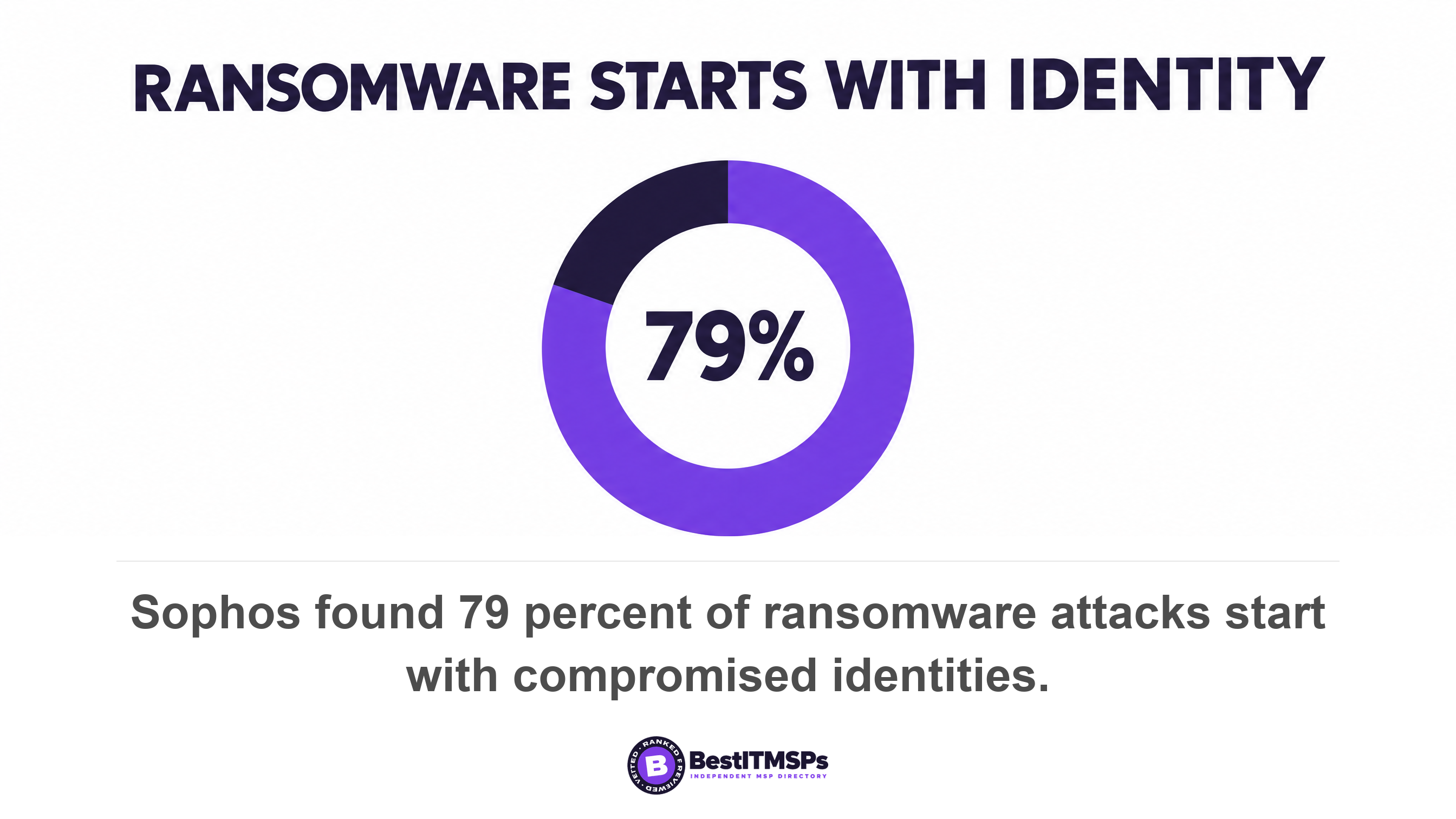
The stakes are identity, not malware. Sophos surveyed 2,158 IT and security decision makers at firms of 100 to 5,000 employees and found four in five, 79 percent, of ransomware attacks starting with compromised identities. NIST defines a privileged account plainly, as a system account with the authorizations of a privileged user. This guide is about whether those authorizations expire. For the inventory of who holds what, read Who at Your MSP Can Log Into Your Systems at 2am. For the count of top-level accounts, read Who is the Global Administrator on your Microsoft 365 tenant.
Eligible or active: the one word that decides whether rights expire
Microsoft uses two words for the whole problem, and eligible is the one that matters. An active assignment is a role assignment that doesn't require a user to perform any action to use the role. An eligible assignment requires a user to perform one or more actions to use the role. Microsoft then adds the line a buyer should remember. There's no difference in the access given to someone with a permanent versus an eligible role assignment. The power is identical. The only difference is whether it is switched on right now.
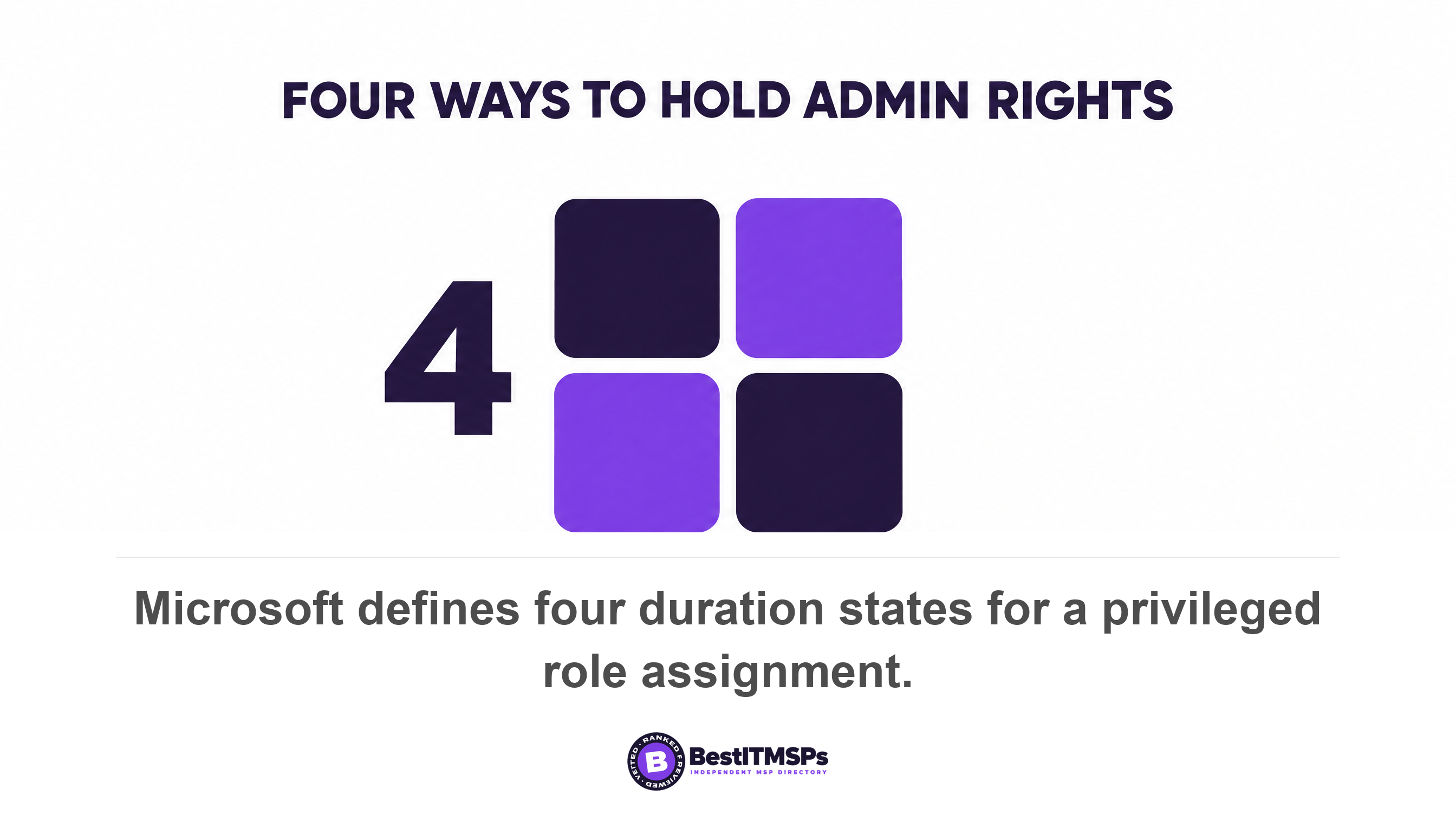
There are four duration states, not two, and their names mislead. Microsoft names them permanent eligible, time-bound eligible, permanent active and time-bound active.
- Permanent eligible. The engineer can always ask, and nothing is live until they do. This is just-in-time access.
- Time-bound eligible. The engineer can ask, but only between a start and an end date. This is just-in-time access with a contract end on it.
- Permanent active. The rights are live forever. This is standing privilege.
- Time-bound active. The rights are live continuously until a date. This is standing privilege with an expiry.
The trap sits in the fourth one. A provider can truthfully say its access is time-bound and still hold live administrator rights every day for two years. Ask which of the four states each account holds, not whether access is time-bound. The two words that mean rights expire on their own are permanent eligible.
What you can require at activation, and what is only decoration
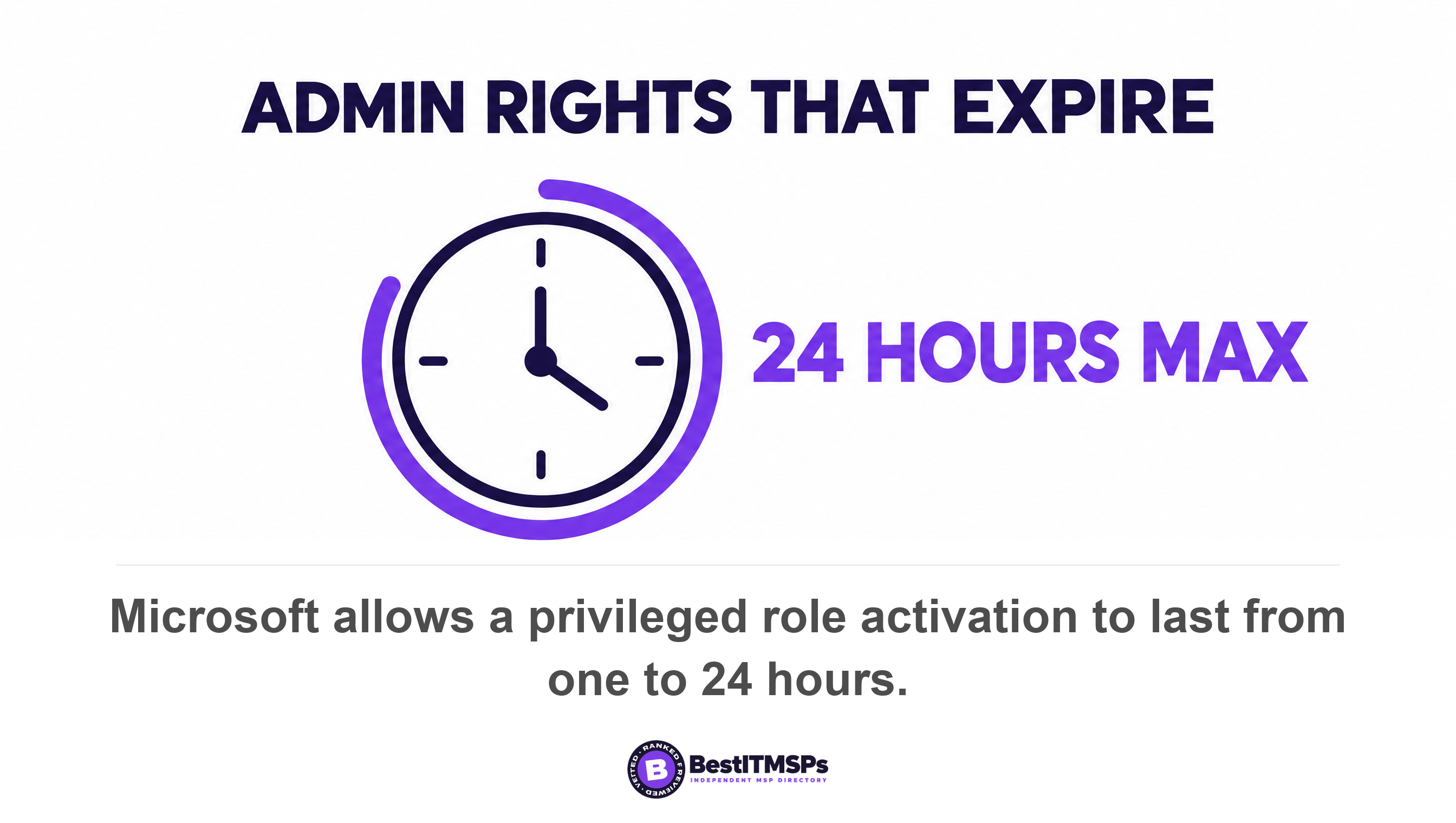
You can require four things when an engineer activates a role, and set one window. The four are multifactor authentication, a business justification, approval by named approvers, and a support ticket number. The window is configurable, because the activation maximum duration can be set from one to 24 hours.
Two of those four are weaker than they sound. Microsoft says the ticket number is an information-only field. Correlation with information in any ticketing system isn't enforced. An engineer types any number and PIM accepts it, so "every elevation is tied to a ticket" describes a free-text box. On the approval workflow, Microsoft recommends selecting at least two approvers and warns that if no specific approvers are selected, active Privileged Role Administrators and Global Administrators become the default approvers. Where your provider holds those roles, your provider approves its own requests.
The window is the number to negotiate. Sophos reports that once an attacker is inside an organization it takes them just 3.4 hours to get to the AD server, and that 59 percent of its incident response cases lacked multifactor authentication. A 24-hour activation is roughly seven times the time an attacker needs. So ask for the figure in hours, and ask that staff justify every request and pass multifactor authentication at activation rather than only at sign-in.
One more limit is worth knowing. Microsoft notes that after the role is activated, users aren't prevented from using another browsing session, device, or location to use permissions. The check happens at the door, not for the whole visit.
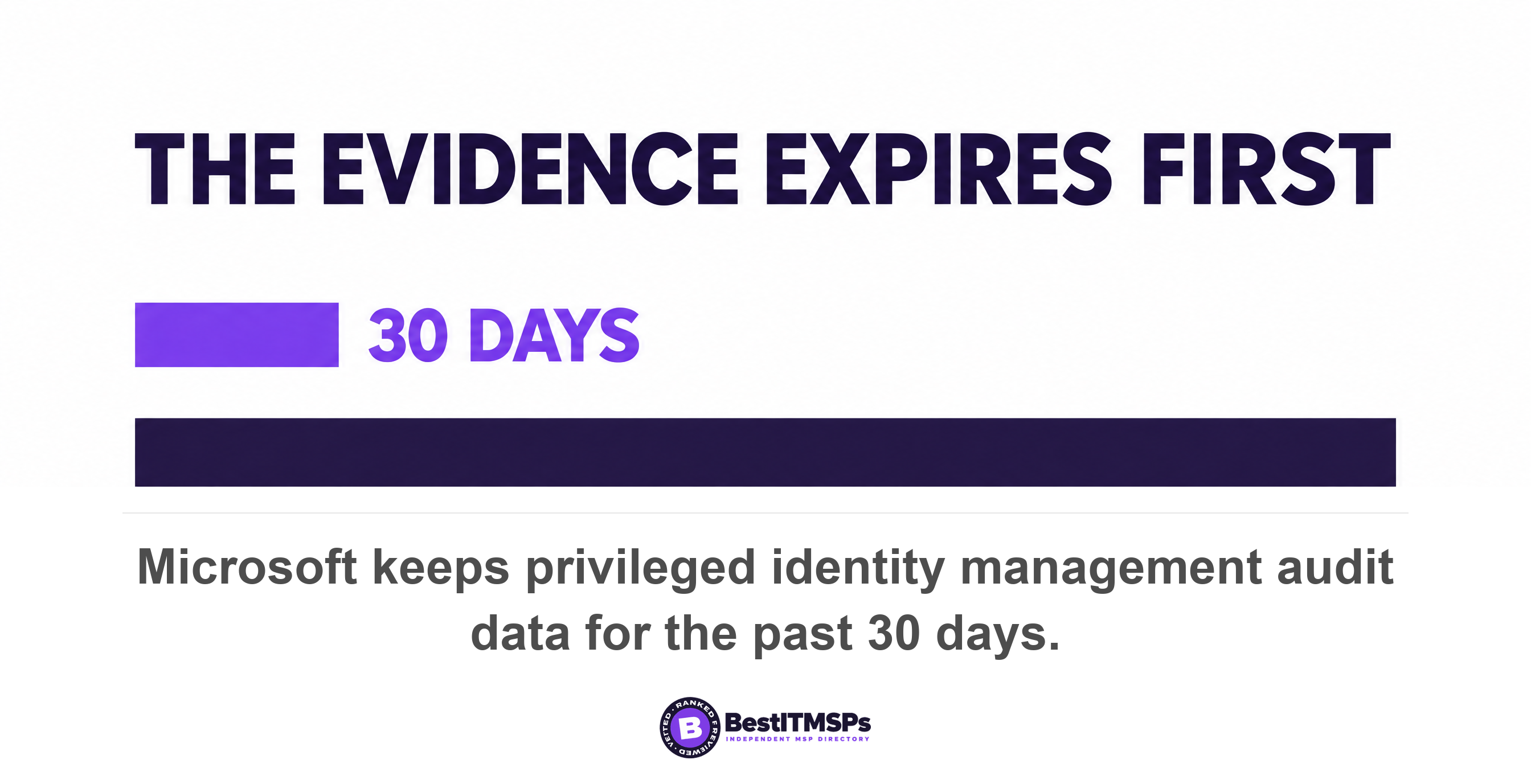
The activation record is kept 30 days. Your review is quarterly.
The default evidence window is 30 days, which is shorter than the review cycle every standard asks for. Microsoft states that the PIM audit log shows role assignment changes, role activations and policy changes, and that data is available for the past 30 days. The wider Entra audit log is no better, at 30 days on Entra ID P1 and P2 and seven days on the free tier.
Now set that beside the standard. CISA's performance goal 3.H, Implement the Principles of Least Privilege, sets the recommended action that all user accounts, system roles, and processes operate with the minimum privileges necessary to perform their tasks, and asks you to perform quarterly reviews of access permissions and role assignments to verify compliance with established policies. NIST defines least privilege as the minimum system resources and authorizations that the entity needs to perform its function. A quarterly access review run on a 30-day log can only see the last third of the quarter.
Microsoft's own answer is to export. The audit page points to Diagnostic Settings in Azure Monitor to route it to an Azure storage account or Log Analytics, which is a separate setup and a separate Azure bill. So the question for your provider is not whether activations are logged. Ask where the log is exported, and for how long it is kept. Then ask them to audit one activation from eight months ago while you watch.
GDAP caps admin access at two years. Auto extend removes the cap.
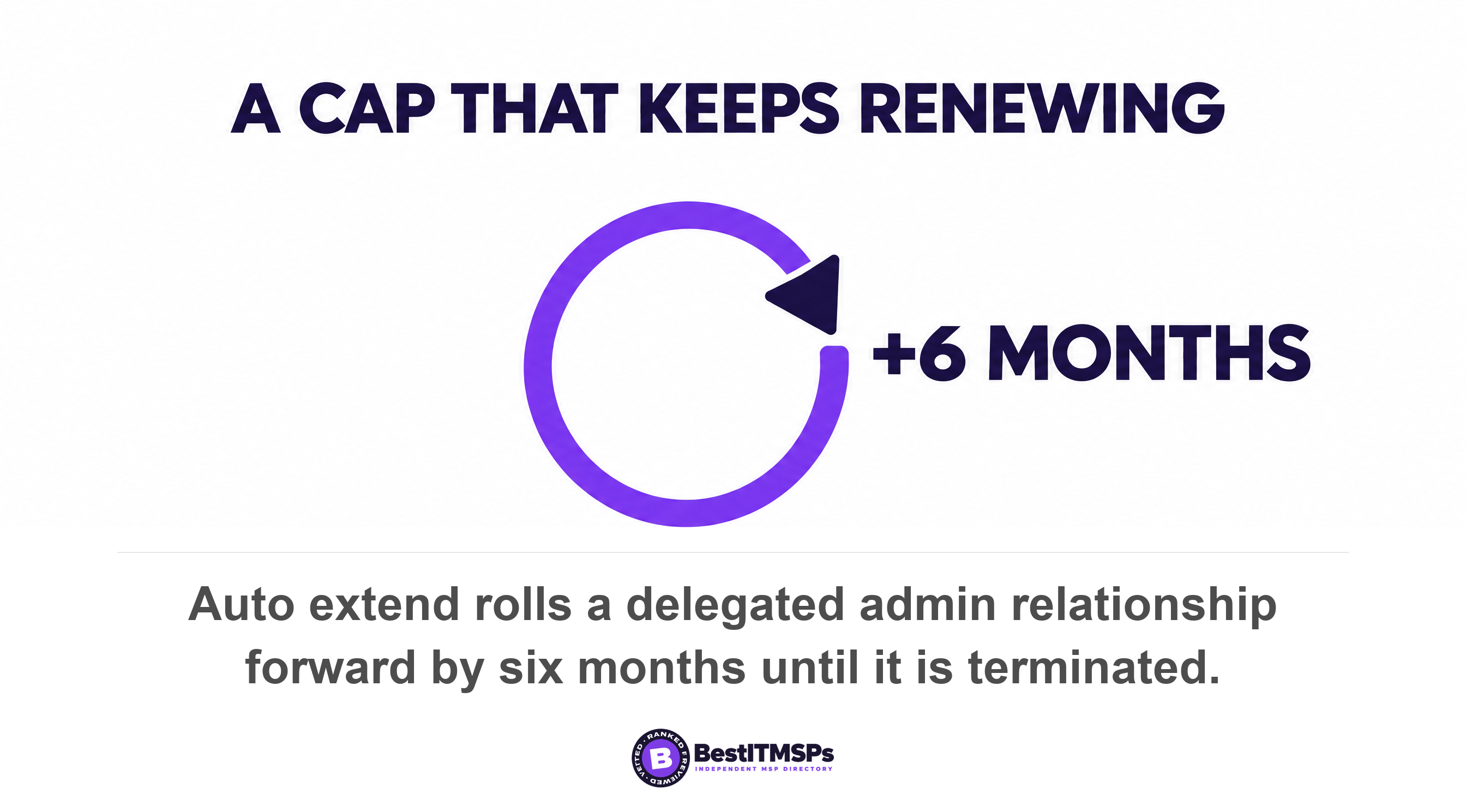
Microsoft caps a delegated admin relationship at two years, then ships a setting that extends it indefinitely. Delegated admin privileges are how a provider holds roles in your tenant without a user account of its own. The partner documentation is direct. Permanent GDAP relationships with customers aren't possible for security reasons, and the maximum duration of a GDAP relationship is two years. The next sentence undoes it. You can set Auto extend to Enabled to extend an admin relationship by six months, until terminated.
There is exactly one carve-out, and it covers only the top role. Microsoft states that you can't auto extend the admin relationship with a Global Administrator role. Two answers down the same page, it states the general rule: you can auto extend any active GDAP. Put the two together and every role except Global Administrator rolls forward. Exchange Administrator, Intune Administrator, User Administrator and Helpdesk Administrator can each sit on a six-month loop that renews until somebody turns it off. Microsoft's own worked example makes the mechanism plain: say a GDAP is created for 365 days with auto extend set to Enabled. On the 365th day, the End Date effectively updates by 180 days. Nothing about that is a bug, and nothing about it is just-in-time access either.
Two more mechanics shape what you can ask for. All roles in a GDAP relationship have the same time to expiration, so one relationship cannot give the help desk 30 days and the escalation engineer two years. And GDAP relationship requests expire after 90 days if nobody approves them, which is why a pending request is not evidence of anything.
Ask whether Auto extend is enabled on your admin relationship, and what its expiry date is. Both answers sit in Partner Center and take a competent provider under a minute to read.
If the license lapses, time-bound access becomes permanent
Let the license lapse and just-in-time access converts back to standing privilege on its own. Microsoft sets out what happens when a P2 or Governance license expires. Active permanent assignments aren't affected. Active time-bound assignments become active permanent, which means they'll no longer expire at a designated time. Eligible role assignments are removed, as users will no longer be able to activate privileged roles. And Privileged Identity Management configuration settings are removed.
Read the direction of that failure. Nothing locks out. Nothing alarms. The accounts that were due to expire stop expiring, the ability to request access disappears, and the policy you agreed to is deleted. Just-in-time access is a subscription, not an architecture, and it fails toward permanent rights rather than away from them.
A lapsed license does not revoke your provider's access. It removes the clock that was going to.
That makes the renewal date a line item in your own calendar. Ask who owns the subscription, when it renews, and what happens to your tenant on the day it does not. A provider that answers in one line is operating the control. A provider that has to go and look has told you something too.
What you get without a P2 license, and what it costs you
Four substitutes exist without a P2 or Governance license, and each one trades automation for discipline. None of them produces an auditable activation record on its own.
- Keep a named admin account for each engineer, disabled by default and enabled on request. You give up automatic expiry, because a person has to remember to revoke it again.
- Shorten the delegated admin relationship and disable Auto extend. You give up per-task granularity, because the clock runs at the relationship level rather than the job level.
- Require a ticket and a second signature by written process. You give up enforcement, because nothing in the tenant stops an engineer who chooses to elevate anyway.
- Export sign-in and audit logs somewhere your provider cannot delete them. You give up nothing, and this is the cheapest of the four.
Be clear-eyed about the licensed version too. Microsoft scopes the license to the privileged few rather than to the payroll. It is required for users with eligible or time-bound assignments, users able to approve or reject activation requests, and users assigned to or performing access reviews, and Microsoft notes that licenses don't need to be assigned to users, but there must be as many licenses as member users in scope. The bill scales with the number of administrators, not with headcount. Check the current per-user price on Microsoft's Entra pricing page before you budget, because the published plan mix keeps changing.
For a 25-person business with two internal admins and three provider engineers, that is five licensed users rather than 25. If the provider licenses its own engineers in its own tenant, your share is zero. A provider that quotes you a 25-seat upgrade to deliver this has priced the wrong thing.
Where the break-glass account fits with just-in-time access
A break-glass account stays permanently active on purpose, and Microsoft's own role settings page explains why you need one. It warns that you will be locked out of your tenant if all of your Privileged Role Administrators and Global Administrators hold eligible assignments with none active, approval is required to activate, and no approvers are configured. Its stated fix is to avoid this situation by configuring emergency access accounts and configuring specific approvers.
So the two controls are companions rather than alternatives. Working accounts stay eligible and expire. A very small number of emergency accounts stay permanently active, sit outside the elevation flow, and are watched closely. Microsoft publishes separate guidance on emergency access admin accounts. We cover the buyer-side version in The break-glass account, and why yours is probably in a drawer.
Five lines to send your provider this week
Send five lines and a deadline. Each one has a factual answer a competent provider can produce in minutes.
- Ask which Entra ID license tier covers privileged access in our tenant, and whether it sits in your tenant or ours.
- State which of the four assignment types each of your accounts holds here, by named engineer.
- Name the activation duration in hours, the approvers, and whether justification and multifactor authentication are mandatory.
- Send the activation records for the last 30 days, and tell us where they are exported and for how long they are kept.
- Confirm whether Auto extend is enabled on our admin relationship, and the date it next expires.
Judge the reply on whether it contains hours, dates and names. A provider that answers "four hours, two approvers, justification mandatory, exported to our log platform for 12 months, Auto extend disabled, expires 14 March" is operating just-in-time access. A provider that answers "we follow least privilege" has answered a different question.
None of this delivers perfect security, and no honest provider claims it does. It replaces a philosophy with five verifiable numbers you can check against an independent standard. Ask the same five questions of two other firms in your city and compare the three replies side by side.
FAQ
Does just-in-time admin access require a special Microsoft license?
Yes. Microsoft states that you need either Microsoft Entra ID Governance licenses or Microsoft Entra ID P2 licenses to use PIM and all of its settings. Microsoft 365 Business Premium and E3 are listed as including Entra ID P1, while P2 is listed only with Microsoft 365 E5 or E7, so just-in-time privileged access is not available on the plan most small businesses hold.
Can my IT provider give us just-in-time access if we are on Business Premium?
Yes, if somebody licenses it. Microsoft's partner setup guide states that to create a just-in-time access policy for a new security group, you must have a Microsoft Entra ID P2 license, and that guide is written for providers managing other businesses' tenants. Microsoft does not state which directory the license sits in, so ask your provider directly whose tenant holds it.
How long should a privileged role activation last?
As short as the job allows. Microsoft lets the activation maximum duration run from one to 24 hours. Sophos reports that once inside, attackers take just 3.4 hours to get to the AD server, so a full day of live rights is roughly seven times the time an attacker needs. Four hours is a defensible starting point.
How long is the record of a privileged activation kept?
Thirty days by default. Microsoft states that PIM audit data is available for the past 30 days, and the wider Entra audit log keeps 30 days on P1 and P2, seven days on the free tier. Anything longer needs an export to Azure Monitor or another log platform, which is a separate cost.
Does a break-glass account break just-in-time access?
No. Microsoft's own role settings page names emergency access accounts as the fix for the lockout that just-in-time access can cause, advising you to avoid this situation by configuring emergency access accounts and configuring specific approvers. Working accounts expire. Two emergency accounts stay active and monitored.
Best IT MSP is the independent directory of vetted managed IT and cybersecurity providers across the US and Canada. Organic ranking is earned on rating and verified data, and paid placement is always labelled. We do not sell IT services. Take these five questions to three merit-ranked firms in your city and compare the answers side by side.