What Happens to a Departed Employee's OneDrive in Your Microsoft 365 Tenant
Deleting a departed employee's Microsoft 365 account starts a 123-day clock on their OneDrive. Microsoft retains it for 30 days by default, then holds it in the site collection recycle bin for 93 days, where only PowerShell recovers it. Removing the license instead preserves nothing and starts a separate archive clock.
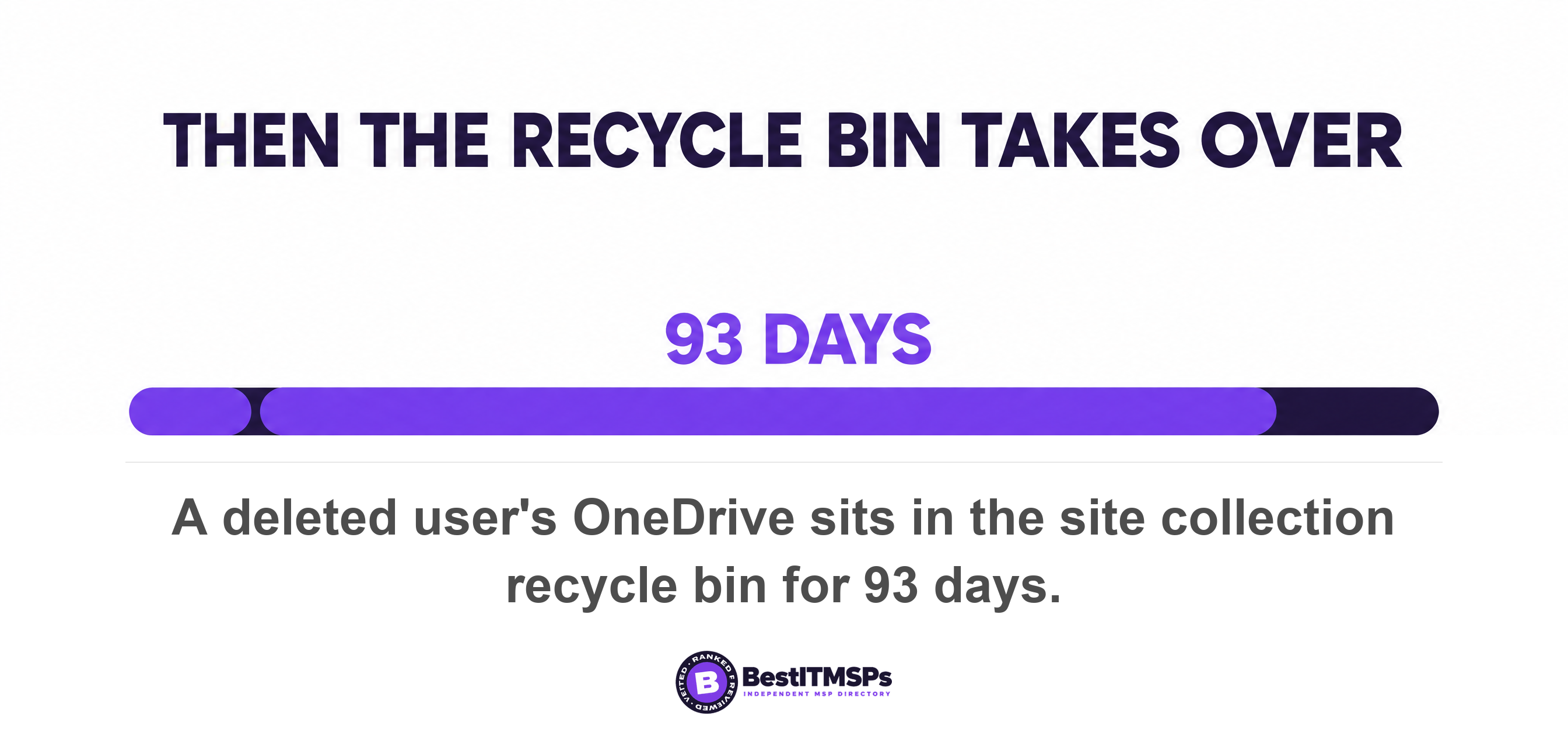
- Deleting a departed employee's account gives you 123 days. Microsoft retains the OneDrive for 30 days by default, then holds it in the site collection recycle bin for 93 days.
- Removing the license instead of deleting the account preserves nothing. It starts a different clock, which runs read-only at day 60, archived at day 93, out of eDiscovery at day 275, and deletable at day 365 even with holds in place.
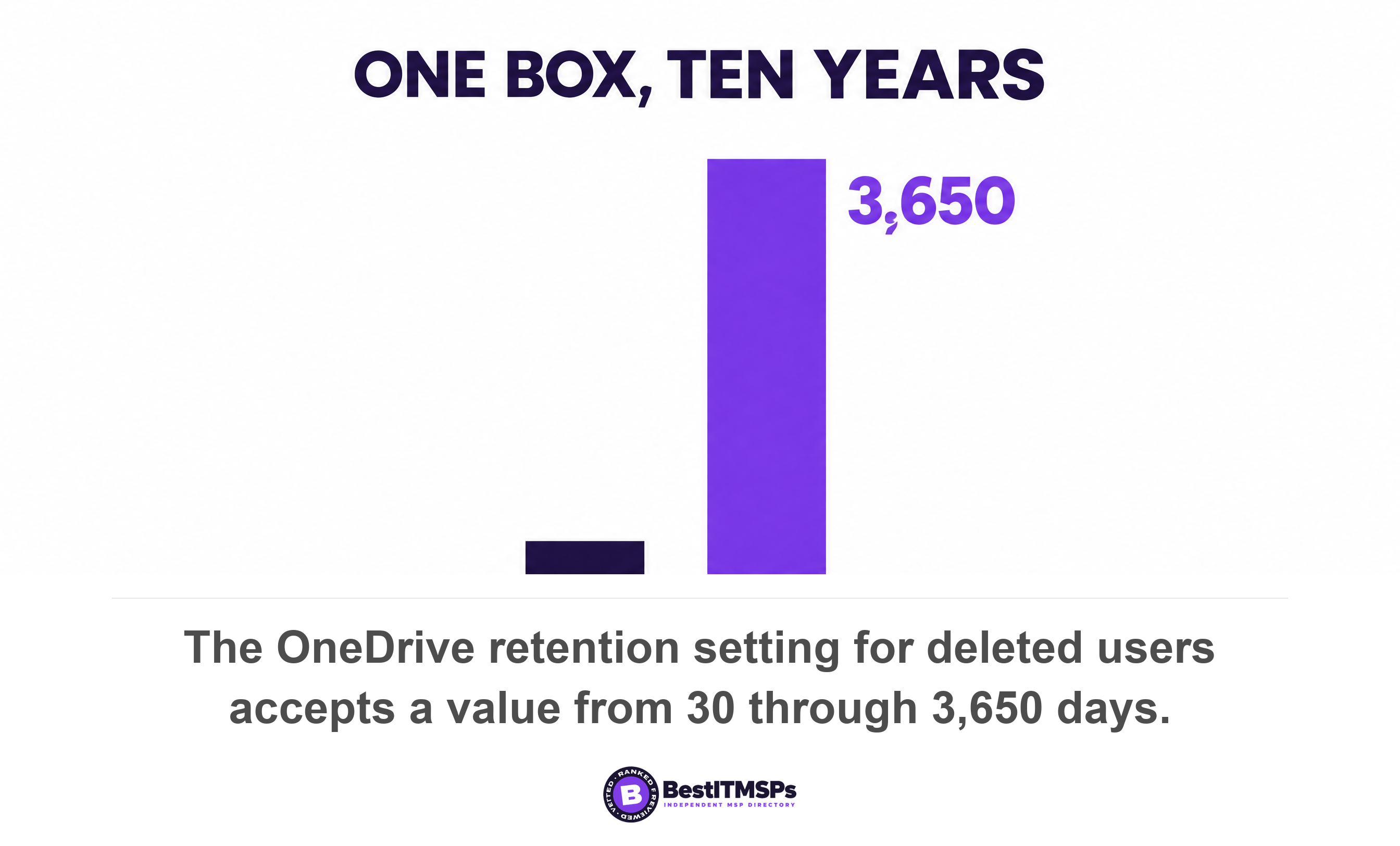
- One box fixes the default. Days to retain files a deleted user's OneDrive accepts 30 through 3,650, and it applies only to the next user deleted, never retroactively.
- A hold has to be in place before you delete the account. Apply it afterwards and the mailbox never becomes an inactive mailbox.
- SharePoint Online libraries are unaffected by a departure. Work stored inside one person's OneDrive is the only work on a countdown.
What happens to a departed employee's OneDrive when you delete the account?
Deleting the account starts a 123-day clock on that person's OneDrive. Microsoft retains a deleted user's OneDrive for 30 days by default, then moves it to the site collection recycle bin, where it is kept for 93 days. Add the two windows and you get 123 days. After that the files are gone.
Four separate timers start the moment the account disappears, and they run for different lengths. The identity sits in Entra ID soft delete, which keeps the account in a suspended state for 30 days. The mailbox is recoverable for 30 days by default. The OneDrive runs on whatever retention period your tenant is configured for. The site collection recycle bin then runs for 93 days, and at that stage the OneDrive can only be restored by a SharePoint Administrator. No screen in the Microsoft 365 admin center shows a business owner a countdown for any of them.
This is the half of offboarding nobody briefs the owner on. Our Employee Offboarding IT Checklist covers revoking the access. This post covers what the tenant does to the data afterwards, which is a different problem with different deadlines. Microsoft does not back any of it up, a point we settle in who is responsible for Microsoft 365 backup.
The timeline, day 0 to day 123
The default timeline runs in six stages, and somebody is notified about only two of them.
- Day 0. You delete the user, and the OneDrive clean-up job marks the OneDrive for deletion. Microsoft states that the retention period begins when a user account is deleted from Microsoft Entra ID, and that no other action causes the cleanup process to occur.
- Day 0. The manager named in Entra ID is emailed. By default, when a user is deleted, the user's manager is automatically given access to the user's OneDrive, and the email says the OneDrive will be deleted at the end of the retention period.
- Day 23. The second and final warning. Seven days before the OneDrive retention period expires, a second email is sent to the manager or secondary owner.
- Day 30. The retention period ends. The deleted user appears in the Microsoft 365 admin center for 30 days, and the admin guidance confirms you can move the data up to 30 days after deleting the account.
- Day 30 to day 123. The OneDrive sits in the site collection recycle bin. During this time users can no longer access any shared content in the OneDrive, and to restore it you need to use PowerShell.
- Day 123. Permanent deletion. Microsoft's own warning on permanently removing a OneDrive is that you won't be able to restore it.
Now hold 123 days against the record-keeping rules you already live under. The IRS tells businesses to keep employment tax records for at least 4 years after the date that the tax becomes due or is paid, and federal wage law requires an employer to preserve payroll records for at least 3 years. A default tenant deletes a leaver's working files about four months after they walk out. That gap is not a Microsoft bug. It is a setting nobody changed.
Removing the license is worse than deleting the account
Removing the license preserves nothing and still starts a deletion clock, which makes it the worst of the two options. Microsoft is explicit that no other action causes the cleanup process to occur, including blocking the user from signing in or removing the user's license. So the common habit of stripping the license to stop paying the seat fee never begins the retention period you control. It begins a different one you do not.
The clock on an unlicensed account has four published milestones.
- Day 60. Unlicensed OneDrive accounts are automatically put into read-only mode after 60 unlicensed days.
- Day 93. The account is archived after 93 unlicensed days, and neither admins nor users can reach the content without a supported admin action.
- Day 275. The account is no longer available in eDiscovery.
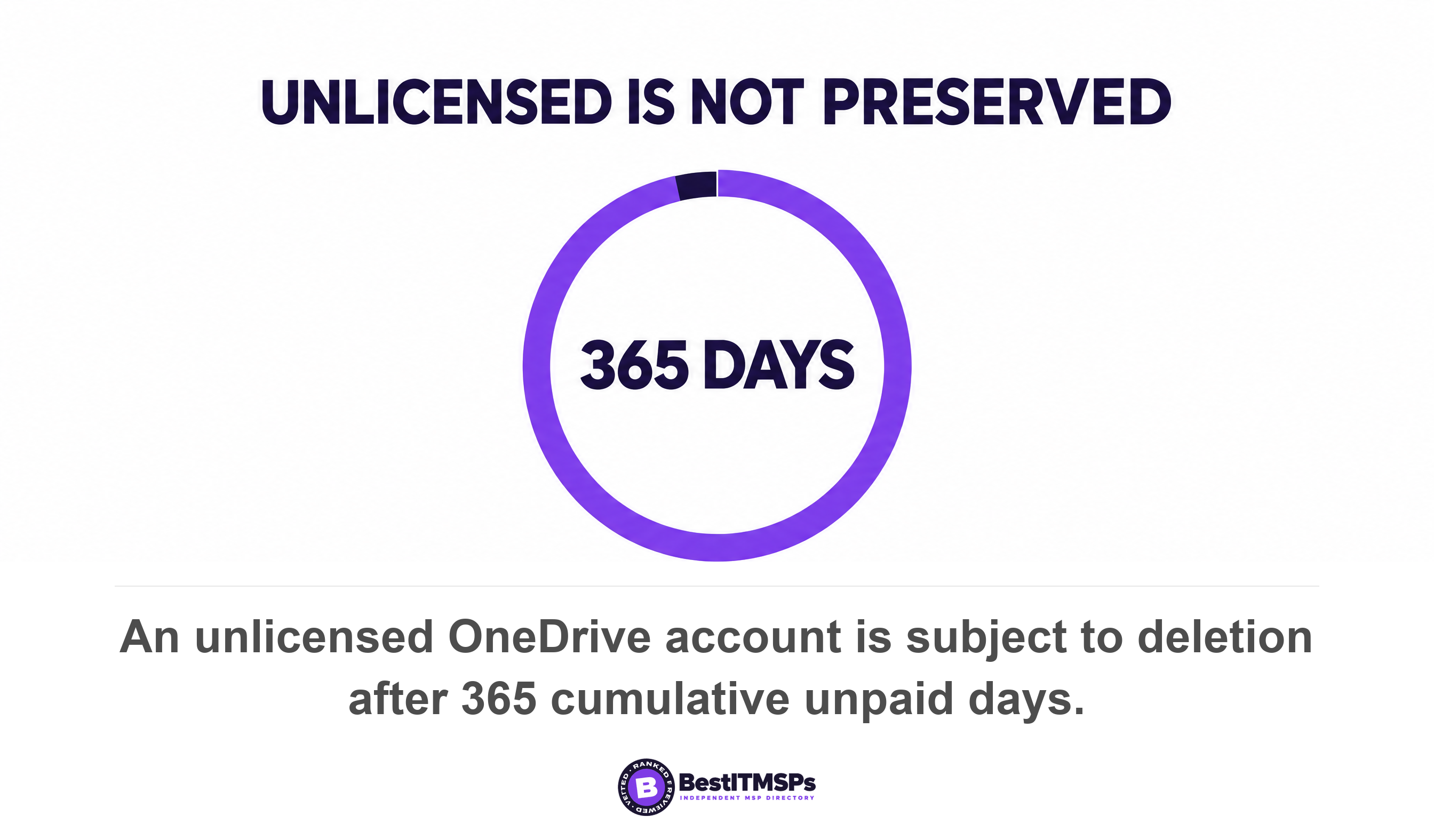
- Day 365. The account is subject to deletion after 365 cumulative unpaid days.
Read the last one twice. Where billing for unlicensed accounts is not switched on, Microsoft states the accounts will be subject to deletion 365 days after being unlicensed even if retention policies, settings, or holds exist on the OneDrive account. And when that deletion happens, eDiscovery hold records remain, but held OneDrive content becomes unrecoverable. The compliance record still looks healthy in the portal. The data behind it is not there. That is the single most expensive misunderstanding in this whole area, because the thing you bought to prove you kept the files is the thing still reporting success.
Getting back into an archived account costs money as well. Reactivation is charged at $0.60 per GB, with monthly storage at $0.05 per GB, and once reactivated, the account remains active for 30 days before being automatically archived again.
The one setting to change before anybody else leaves
To extend the window, configure one box in the SharePoint admin center. Open Settings, select the Retention setting, and enter a value in the Days to retain files a deleted user's OneDrive box. Microsoft allows a value from 30 through 3650. The same value can be set with the PowerShell cmdlet Set-SPOTenant with the OrphanedPersonalSitesRetentionPeriod parameter, which is how most providers will actually do it.
Two details decide whether that change helps you at all. First, the setting is activated for the next user that is deleted as well as any users that are in the process of being deleted. It is not retroactive. Changing it the week after you lost the bookkeeper does nothing for the bookkeeper. Second, the count begins as soon as the user account was deleted in the Microsoft 365 admin center, even though the deletion process takes time, so the clock is not waiting for a job to finish.
That asymmetry is the practical point of this article. The fix is free, takes five minutes, and only ever works in advance. 3,650 days is ten years. The default is 30. Pick a number that matches the longest record you are obliged to hold, remembering that the IRS says to keep records for 7 years if you file a claim for a loss from worthless securities or bad debt deduction.
Then name a data owner for every role, not every person. Decide now who inherits the sales folder, the bookkeeping folder and the project files when their current holder leaves, and write it beside the job title. A data owner named in advance is the person Microsoft's warning email can usefully reach.
What a retention policy, a litigation hold and eDiscovery actually do here
A retention policy overrides the OneDrive timeline in both directions, so it is not a safety net you can assume. Microsoft states that retention settings from retention policies and retention labels always take precedence to the standard OneDrive deletion process, so content could be deleted before 30 days or retained for longer than the OneDrive retention period. A badly scoped retention policy shortens your window rather than lengthening it.
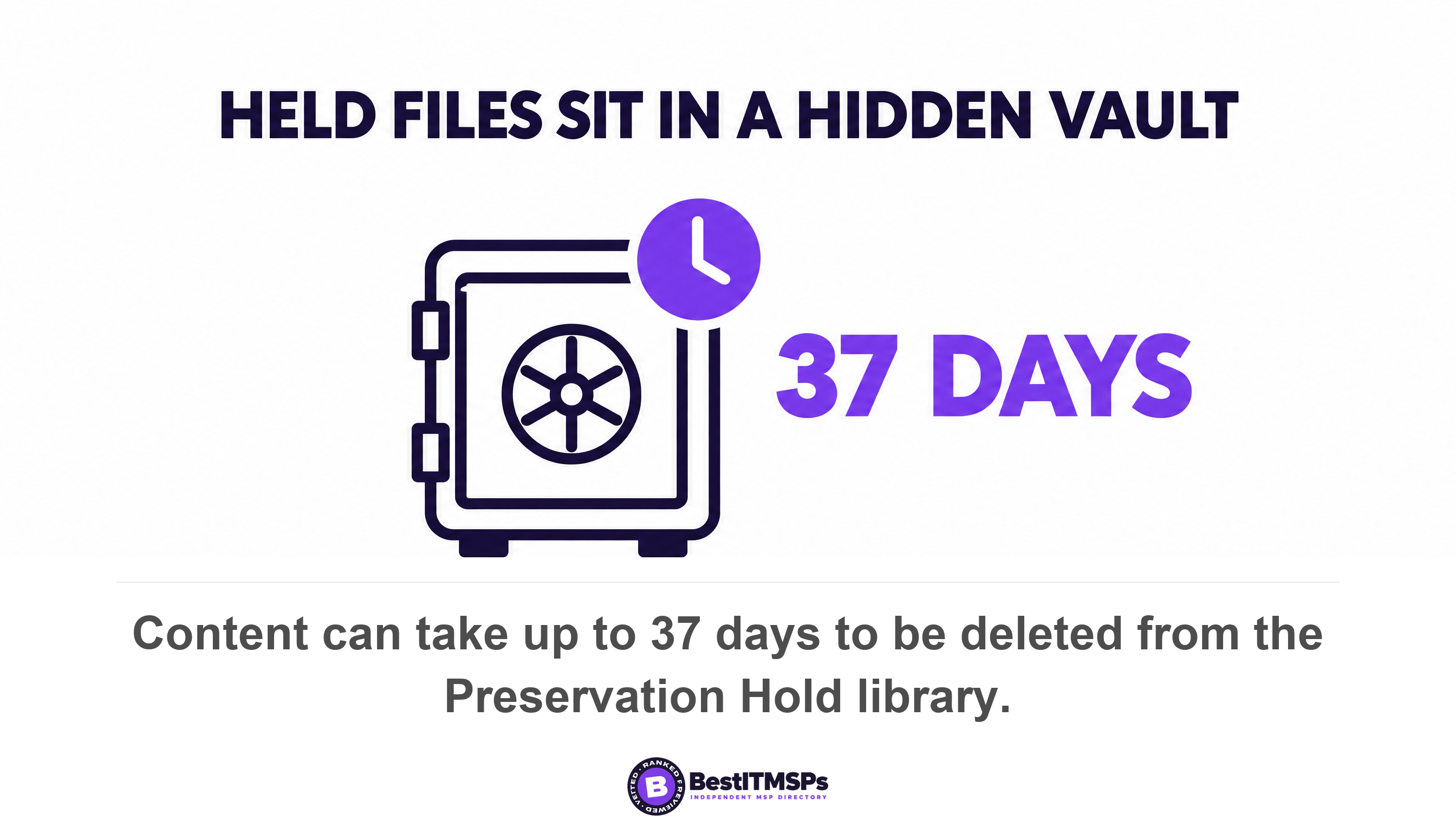
Where held content goes matters too. SharePoint and OneDrive create a Preservation Hold library, which Microsoft describes as a hidden system location that isn't designed to be used interactively. Nobody browses it, and it is not where your bookkeeper's folder appears to be. When a retention period expires, that content is moved to the second-stage recycle bin, where it is permanently deleted at the end of 93 days. The clean-up itself is slow, because the timer job runs every seven days, which with the minimum 30 days means it can take up to 37 days for content to be deleted from the Preservation Hold library.
The two recycle bin stages share one window rather than stacking. Microsoft confirms that a 93-day retention period spans both the first-stage and second-stage recycle bins and that the second-stage recycle bin isn't visible to end users, though site collection admins can view and restore content from there. A SharePoint site collection administrator can view and restore deleted items from the site collection recycle bin, and no ordinary user can.
eDiscovery has a blind spot in exactly the same place. Microsoft warns that the Recycle Bin isn't indexed and therefore searches don't find content there, which means an eDiscovery hold can't locate any content in the Recycle Bin in order to hold it. Anything already in the bin sits outside the control you bought to preserve it.
For email, the order of operations is the whole thing. If a hold is applied to the mailbox prior to deleting the Microsoft 365 account, the mailbox will be converted into an inactive mailbox, and a litigation hold remains supported as an alternative method to retain content in a mailbox and make it inactive after a user account is deleted. Microsoft's own instruction is to confirm the hold before you delete the user account, because if the hold isn't applied, the mailbox won't be converted into an inactive mailbox. Apply the hold afterwards and there is nothing left to hold, because without one the mailbox data is retained for 30 days after the account is removed, and after 30 days the data is permanently removed.
An inactive mailbox earns its keep once it exists. When a mailbox with an active eDiscovery hold is deleted, the content remains searchable and exportable in eDiscovery for as long as the hold or associated case remains active. One trap comes with it. If the hold is attached to an eDiscovery case and that case is closed or deleted, the inactive mailbox is permanently deleted, so a closed case can quietly take the evidence with it.
A hold placed before deletion preserves the mailbox. The same hold placed a day later preserves nothing, because there is nothing left to attach it to.
What survives a departure, and what does not
SharePoint Online content survives a departure untouched and OneDrive content does not, and that difference is deliberate. Microsoft puts it plainly, stating that when a user leaves your organization, any content created by that user isn't affected because SharePoint is considered a collaborative environment, unlike a user's mailbox or OneDrive account.
That one sentence is the cheapest fix in this article. Work that lives in a shared SharePoint Online library is not on a countdown. Work that lives inside one person's OneDrive is. Four other outcomes are worth knowing before you click delete.
- SharePoint files need no rescue. The admin guidance states that you don't need to move their SharePoint files, because you'll still have access to them.
- The mailbox can become a shared mailbox. Giving another user access to the deleted user's email converts the deleted user's mailbox to a shared mailbox, and a shared mailbox doesn't require a license, so the seat fee stops anyway.
- Files already synced to a personal device cannot be pulled back. Microsoft warns that if the deleted user downloaded files to a personal computer, there's no way for you to wipe those files, and they'll continue to have access to any files that were synced from OneDrive.
- The identity itself has a hard stop. After the Entra ID window, the permanent deletion process automatically starts and can't be stopped, and after a user is permanently deleted, neither you nor Microsoft Support can restore them.
Microsoft has improved the hand-off itself, which helps if the groundwork is done. The departing-employee file transfer gives the recipient a View files link and lets them transfer multiple files at once while preserving existing sharing permissions, with access automatically granted to the user's manager or designated secondary owner. It only works when somebody is named. If access delegation is disabled or a manager or secondary owner isn't set for a user, no one has automatic access when the user is deleted or is warned that the OneDrive will be deleted. In a small firm where the manager field in Entra ID was never filled in, both of Microsoft's warning emails go nowhere, and the first person to learn the files are gone is whoever needed them.
Five questions to ask your IT provider this week
Ask five questions and write the answers down. Each answer is a number, a name or a date, so a vague reply is itself the finding.
- State the current value in our Days to retain files a deleted user's OneDrive box, in days. The answer is 30 unless somebody changed it, and the ceiling is 3650.
- Confirm that Enable access delegation is selected and name the secondary owner account, because without one the deletion warning reaches nobody.
- Download the OneDrive accounts report from the SharePoint admin center and show me the Deletion scheduled on column. Microsoft notes that where a user is deleted in Entra ID with no retention policy or hold applied, that column is populated within 7 days.
- Confirm in writing that a hold goes on before an account is deleted, never after, and show me the last leaver where that happened.
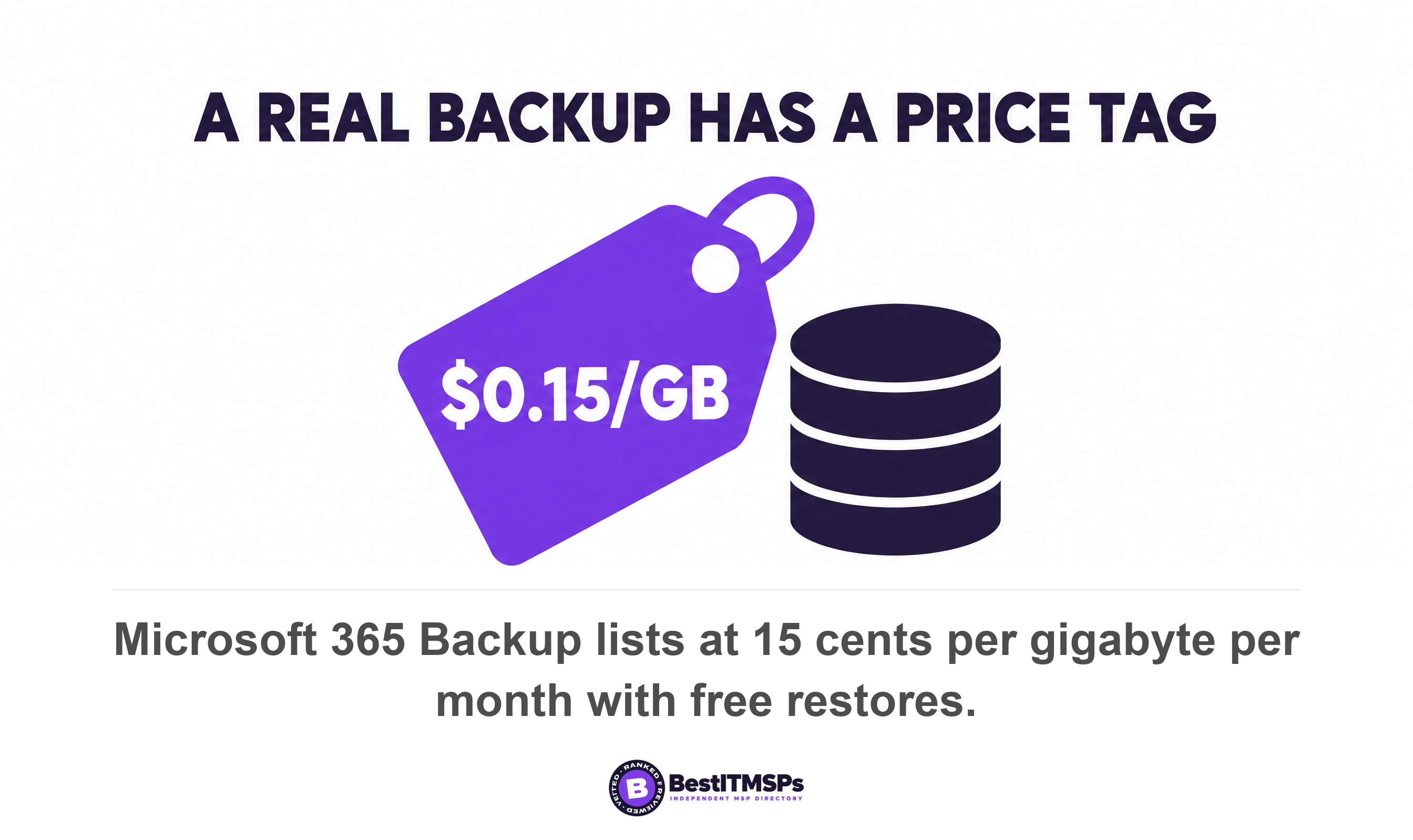
- Quote what a real backup costs. Microsoft 365 Backup lists at $0.15 per GB per month for all data protected by Backup, with restores free, on a recovery window configurable at 3 months, 6 months, 1 year or 2 years, defaulting to 1 year.
A paid backup is the honest answer where the data matters, because it is isolated from this entire timeline. Microsoft confirms that retention and deletion policies do not affect the backup recovery window, which remains fully isolated from those policies, and publishes a median restore of 30 minutes for a single OneDrive account or SharePoint site, and about 2 hours for a single Exchange mailbox. Those are numbers you can hold a provider to. A recycle bin gives you none.
Audit this once a year and the whole subject stops being frightening. Check the retention value, check the delegation setting, check that shared work has moved out of personal OneDrive folders into SharePoint Online libraries, and check that somebody is named as the data owner for each function. None of it buys perfect recovery, and no honest provider promises that. It buys a window measured in years instead of months.
We are an independent directory, not a provider. We rank provider rows across hundreds of city datasets on verified rating and firmographic data, we label every paid placement, and we do not sell IT services or backup. That is why this ends in five questions rather than a product. If the answers do not hold up, compare three merit-ranked firms for your city and ask all five again.
FAQ
How long does Microsoft keep a deleted employee's OneDrive?
123 days by default. Microsoft retains a deleted user's OneDrive for 30 days, then moves it to the site collection recycle bin where it is kept for 93 days before permanent deletion. Restoring it from the recycle bin stage needs PowerShell and a SharePoint Administrator. The 30-day part is configurable up to 3650 days.
Is it safer to remove the license than to delete the account?
No. Removing the license preserves nothing, because no other action starts the cleanup process, including blocking sign-in or removing the user's license. It still starts an unlicensed clock that runs read-only at 60 days, archived at 93, and deletion at 365 cumulative unpaid days even where retention policies, settings or holds exist.
Can I restore a deleted Microsoft 365 user after 30 days?
No. The account stays in a suspended state for 30 days, and after that window the permanent deletion process automatically starts and can't be stopped. Microsoft is clear that once a user is permanently deleted, neither you nor Microsoft Support can restore them. The OneDrive files can still be recovered separately for 93 more days.
Does a litigation hold save a departed employee's mailbox?
Yes, if the hold is in place before you delete the account. A hold applied prior to deleting the Microsoft 365 account converts the mailbox into an inactive mailbox, and Microsoft advises you confirm the hold before you delete the user account. Without a hold, mailbox data is retained for 30 days, then permanently removed.
Are the employee's SharePoint files deleted too?
No. Microsoft states that when a user leaves, content created by that user isn't affected, because SharePoint is considered a collaborative environment, unlike a mailbox or OneDrive account. The admin guidance adds that you don't need to move their SharePoint files, because you'll still have access to them. Only personal OneDrive content runs on a countdown.
Best IT MSP is the independent directory of vetted managed IT and cybersecurity providers across North America. Organic ranking is earned on rating and verified data, and paid placement is always labelled. Take these five questions to three merit-ranked firms in your city and compare the answers side by side.