Shared logins: what to do when the whole team uses one account
A shared login breaks attribution before it breaks security. The log records the account, not the person. Fix the cheap ones with delegated access, which costs nothing. For the rest, borrow the PCI rule. Name an owner, approve each use, log it, and rotate the password whenever anyone who knew it leaves.
- The real loss is attribution, not secrecy. An audit log records which account did something, so with one shared login it can name four people and prove none of them.
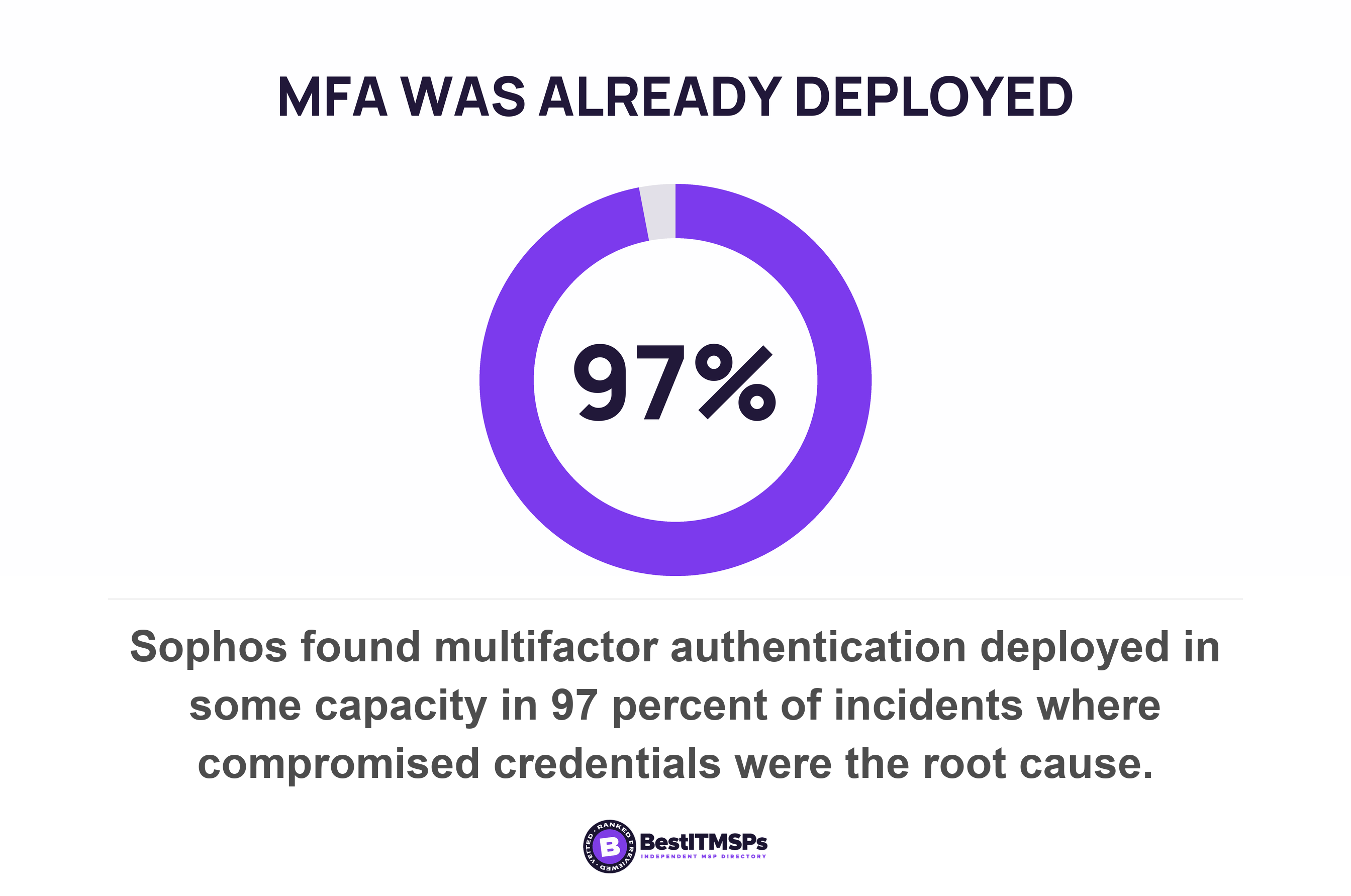
- Multifactor authentication on a shared account stops strangers and attributes nothing. Sophos found MFA deployed in some capacity in 97 percent of incidents where stolen credentials were the root cause.
- A shared mailbox is the cheapest fix in Microsoft 365. It needs no license up to 50 GB, supports a maximum of 25 users, and logs delegate actions separately from owner actions.
- Guidance written for small firms says do not share and stops there. The only published instructions for a shared account you cannot remove sit in PCI DSS and the federal control catalog.
- Rotation is the offboarding gap. Disabling a leaver's named account does nothing to the password four people still use, and the offboarding goal does not tell you to change it.
What breaks when several people share one login?
Attribution breaks first and secrecy breaks second. An audit log records which account did something, not which person was at the keyboard. So when four people share one login, the log names all four and proves none of them. NIST defines non-repudiation as protection against an individual who falsely denies having performed a certain action. A shared login removes it by design.
The UK's National Cyber Security Centre sets this out for small firms in a single page. It states that multiple users should not share one account, and gives three reasons. Sharing makes it harder to keep information private. It makes associating actions with a particular person more complicated. And it increases the amount of data lost in a successful attack against the account.
Health care buyers already live under the stronger version. The HIPAA Security Rule lists unique user identification as a Required implementation specification, not an addressable one, and tells you to assign a unique name and/or number for identifying and tracking user identity. Read the last three words again. The rule exists for tracking, not for secrecy.
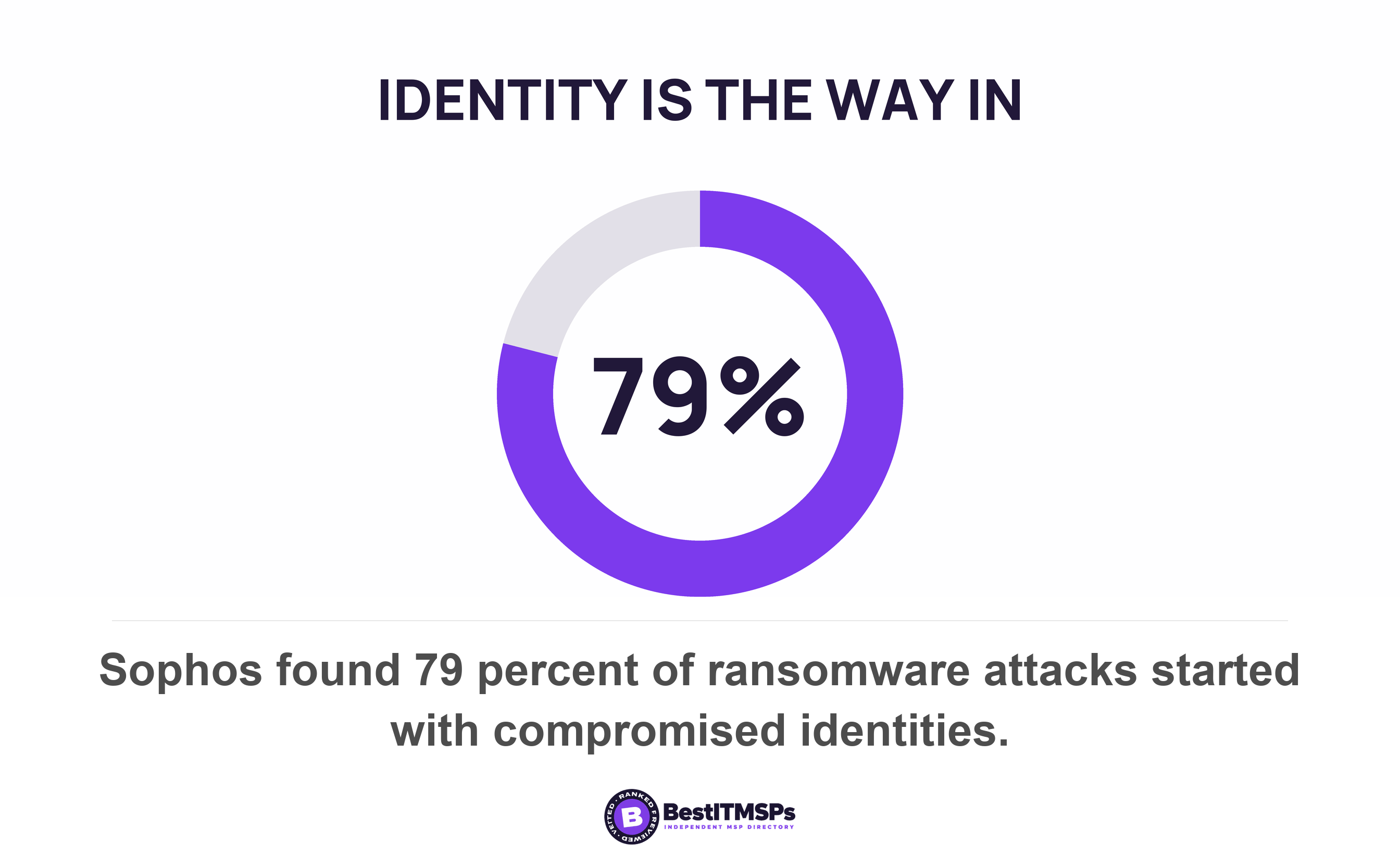
The stakes are not theoretical. Sophos reported identity as the dominant initial access vector, with four in five, or 79 percent, of ransomware attacks starting with compromised identities. That came from a survey of 2,158 IT and cybersecurity decision-makers at organizations hit by ransomware in the previous 12 months.
This post covers human accounts that several people share. It does not cover service accounts, the logins that belong to software, and it does not cover the one shared emergency login that is meant to exist. A break-glass account is a deliberate, documented exception with alerting on every use. Everything below is the accidental version.
What an audit log records, and what it cannot
An audit log records the account, the time and the action. It cannot record which human typed the password. That gap is not a software defect and no setting closes it.
Microsoft 365 shows both the problem and the fix on one page. Mailbox auditing is on by default, and Microsoft explains that sign-in types classify who's responsible for the audited actions on the mailbox. There are three of them, Owner, Delegate and Admin. A Delegate is a user assigned the SendAs, SendOnBehalf, or FullAccess permission to another mailbox.
Read that twice, because it decides whether your shared mailbox is auditable at all. One mailbox produces two very different records.
- Signing in with the shared password writes the action as Owner. The record names the mailbox. It cannot attribute anything to a person.
- Opening it through delegated access writes the action as Delegate. The record names the staff member's own account beside the mailbox.
Same mailbox, same email, same work. One route leaves an audit trail with a person on it and the other does not. Nobody has to buy anything to move from the first route to the second.
Delegate logging carries one honest limit. Microsoft notes that folder access records for delegates are consolidated, so one audit record is generated for individual folder access within a 24-hour period. You get the person and you get the day. You do not get every open.
A shared password tells your log what happened. A delegated permission tells it who.
Does multifactor authentication fix a shared account?
No. Multifactor authentication on a shared account keeps strangers out and still attributes nothing to anyone inside. Switch it on anyway, and do not mistake it for the answer to this problem.
The same Sophos survey shows the gap. Among the incidents where compromised credentials were the root cause of a ransomware attack, multifactor authentication was deployed in some capacity for 97 percent of them. Deployed in some capacity is the scope that matters here. MFA somewhere in a business is not MFA on the account that let the attacker in.
Then comes the practical problem, which is where small firms actually get stuck. A second factor has to live somewhere, and a shared account gives you two options.
- One person's phone holds the authenticator app. Everybody else calls that person to get in. When they are away, nobody can sign in at all.
- The team's shared vault holds the code generator instead. Bitwarden documents that generating TOTP codes is available with Premium or membership to a paid organization, so a paid team plan can keep the second factor beside the password.
The second option works, and it quietly changes what MFA is doing for you. Everyone who can reach the vault can now pass the second factor. That still blocks password-stuffing from outside, and it tells you nothing about who signed in.
NIST is candid about where its own model stops. Its digital identity guidance says subscribers are responsible for protecting their authentication secrets and not disclosing them to others, naming credential sharing as the example, and states that the protections are not intended to protect against willful disclosure of credential secrets by a subscriber. The standard that defines modern authentication says it does not cover the case where you hand the secret over on purpose. Our notes on MFA and 2FA cover what the second factor does do.
Which shared logins you can fix this week at no extra cost
Three of the most common shared logins are free to fix, because the vendor already built a per-person route and nobody switched it on.
The shared mailbox
Delegate the mailbox to named people instead of handing out its password. Microsoft's own design is a mailbox with no usable login behind it. A shared mailbox stores up to 50 GB of data without assigning a license to it, so the fix adds nothing to your bill for staff who already hold their own mailbox, and Microsoft states that delegate access must be done through the delegate's own mailbox. That is the attributable route from the section above. Plan around two limits. It supports a maximum of 25 users, and mail sent from it can't be encrypted because the mailbox doesn't have its own security context.
The social media and listing accounts
Add people by name, because almost every platform supports it. Google's Business Profile help states that each user needs their own Google Account and that owners and managers then work on the profile without the need to share your password. Owners can add and remove people. Managers do nearly everything else and cannot change who has access. One gap to know about is that you can't add Google Groups as managers or owners of profiles, so the access list is people, and somebody has to maintain it.
The generic role account
Make the account about the job and still sign in as yourself. Where a role rather than a person needs the access, a role based account with individual sign-in gives you both. CISA's performance goals ask that role based accounts for IT and OT systems are utilized when possible. Do these three and most small businesses are left with two or three genuinely hard cases instead of a dozen.
Which shared logins are genuinely hard
Three shapes of shared login resist the cheap fix, and naming which one you hold decides what you do next.
- The tool with no user management. An alarm panel, a till, a label printer, an older line-of-business application. There is one code because the product was built that way, and no policy creates a second account.
- The credential a third party controls. Online banking, a payroll portal, a utility account. Multi-user access usually exists, and getting it can mean a form, a branch visit or a call that takes a month.
- The per-seat tool where the seat is the cost. A design app or a reporting tool at a real price per user. Here the sharing is a budget decision somebody made deliberately. Read how seat counts and subscription terms actually work before you argue about it, and check whether the per-person route is priced as an SSO upgrade.
Here is what nobody publishes. No government statistics body counts how many small businesses share a login. The figures in circulation come from vendor surveys with a commercial interest and incompatible questions, so we are not quoting one. Treat the prevalence as unmeasured and the mechanism as well documented, because that is the honest state of it.
So the hard cases do not get solved. They get managed, and there are published instructions for doing that.
How to run a shared login you cannot remove
Borrow the two published rules written for systems that have an auditor attached. Neither was written for a small business, both are free to read, and together they make an unavoidable shared login defensible.
The first rule comes from the federal control catalog, which accepts that shared accounts exist and says what to do about them. Control IA-2(5) covers exactly this case. Where shared accounts or authenticators are employed, it tells you to require users to be individually authenticated before granting access to the shared accounts or resources. Authenticate the person at a door you control, then let that door hand over the shared secret. A password manager is that door.
The second rule comes from the Payment Card Industry, and it is the more useful of the two because it is a procedure rather than a principle. The PCI Security Standards Council answers the question outright. Sharing is allowed, and use of a group, shared or generic credential must be prevented unless needed for an exceptional circumstance, with use limited to the time that circumstance needs, which makes most legitimate sharing temporary by design. The purpose of the surrounding requirements is that each user is uniquely identified such that every action taken is attributable to an individual user ID. And the council names the tool, saying a password vault is an example of a technology that can be used when a shared ID is needed.
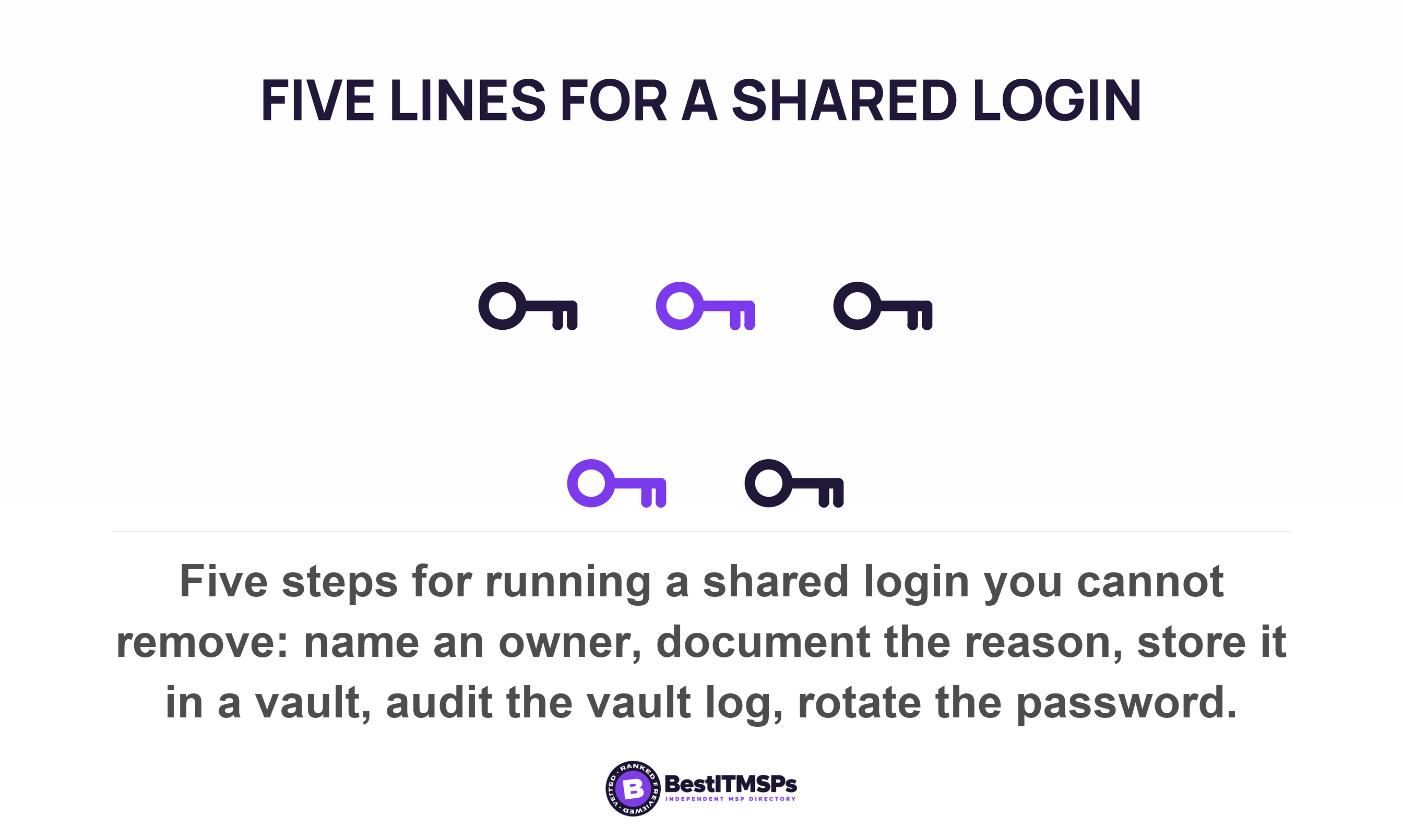
Turn that into five lines you can run without a project.
- Name one owner for every shared login, and let that owner approve who gets it.
- Document in a single sentence why the account cannot be split into named ones.
- Store the credential in a password manager vault shared with those named people, never in a spreadsheet, a chat thread or a drawer.
- Audit the vault's own log monthly, and add every shared login to your access review.
- Rotate the password on a date you set in advance, and whenever anyone on the list leaves.
Apply least privilege while you are in there. A shared login carrying privileged rights is the one that turns a small mistake into an expensive incident.
Now the honest half of the password manager answer. A shared vault restores attribution at the vault, not at the system. Bitwarden's event log records a viewed password for item entry with an acting user ID attached, and it runs across your Teams or Enterprise organization, which Bitwarden elsewhere describes as its paid organization tiers. That tells you who took the credential and when. It does not tell you what they then did inside the target system, and it cannot stop somebody pasting the password somewhere else. Bitwarden says as much itself, warning that event logs may not suffice for security, legal forensics, or auditing purposes for all users and organizations.
So a shared vault converts a total blind spot into a partial, auditable record. That is a real improvement, and it is not the same thing as a per-person account.
What to do about shared logins at offboarding
Rotate every shared credential the leaver knew, on the day they leave. Disabling their named account does nothing to a password four other people still use, which is why this is the gap that survives an otherwise tidy offboarding.
Published guidance stops just short of saying so. CISA's performance goals ask for an offboarding process covering the return of all physical tokens and/or badges and the revocation of all access to systems and facilities. Revoke access and you have closed every individual account. A shared password is not revoked by anything. It is changed, and neither the offboarding goal nor the unique-credentials goal beside it mentions a shared human credential.
Two mechanics make rotation harder than it sounds.
- Telling people re-creates the problem. Change the password and you then have to send it to five people, usually by the least safe route to hand. A shared vault removes that step, because you edit one item and nobody needs to be told anything.
- The leaver's browser still holds it. A password saved in a personal profile, a phone or a home laptop is a copy you cannot reach. Rotation is the only thing that invalidates that copy.
Put the shared logins on your leaver checklist as a named list rather than a line reading change shared passwords. A list gets worked and a reminder does not. Our IT offboarding checklist covers the rest of the trail a leaver leaves behind.
Five questions to ask your IT provider this week
Ask five questions and accept only lists, names and dates.
- List every shared login in our business, with the people who know each password.
- Name the owner of each one, and the date its password last changed.
- Show which of our shared mailboxes are reached by delegated access and which by the shared password.
- Confirm where each shared credential is stored, and whether that store logs who opened it.
- Tell us which of these could become named accounts at no extra license cost.
A provider who manages this answers with a count. A provider who does not answers that your passwords are strong, which answers a different question.
None of this buys perfect security, and no honest provider promises that. It buys a short list with owners and dates on it, which is the only version of a shared login you can defend to an auditor, an insurer or yourself. Take the five questions to three merit-ranked providers in your city and compare the answers side by side.
FAQ
Is it ever acceptable to share a login at work?
Yes, on an exception basis with conditions attached. The PCI Security Standards Council says a shared credential must be prevented unless needed for an exceptional circumstance, and the federal control catalog requires that users be individually authenticated before being granted access to the shared accounts or resources. Name an owner, document the reason, and rotate the password.
Does multifactor authentication make a shared login safe?
No. It keeps outsiders out and attributes nothing to anyone inside. Sophos found multifactor authentication deployed in some capacity for 97 percent of incidents where compromised credentials were the root cause of a ransomware attack. A second factor stored in the team's shared vault is passed by everyone who can open the vault.
What should we do about the shared mailbox password?
Stop using it and delegate the mailbox instead. Microsoft states a shared mailbox stores up to 50 GB of data without assigning a license to it, so this costs nothing, and that delegate access must be done through the delegate's own mailbox. Delegate actions are then logged against the staff member's own account.
Do we have to change a shared password when someone leaves?
Yes, on their last day. CISA's offboarding goal asks for the revocation of all access to systems and facilities, which closes named accounts but not a password other people still use. The leaver's saved copy in a browser or on a phone stays valid until the password is rotated.
Does a password manager solve shared logins?
Partly. It restores attribution at the vault rather than at the system. Bitwarden's event log records a viewed password for item entry with an acting user ID, and Bitwarden itself warns the event logs may not suffice for security, legal forensics, or auditing purposes for all users and organizations. It is a real improvement, not a per-person account.
Best IT MSP is the independent directory of vetted managed IT and cybersecurity providers across North America. Organic ranking is earned on rating and verified data, and paid placement is always labelled. Take the five questions above to three merit-ranked firms in your city and compare the answers side by side.