Seasonal staff, and the software licensing that does not flex
Seat counts on most business software can only be reduced within seven days of buying or renewing. Everything after that waits for the renewal date. The term is chosen once, at purchase, and a flexible plan costs about 20 percent more per user. Work out your peak-to-trough ratio before you commit.
- Microsoft lets a license count be decreased only within the first seven days of when the licenses were added, whether that was at purchase, at renewal or mid-term.
- The subscription term and the billing frequency are two different fields. An annual commitment billed monthly looks monthly on your invoice and flexes like a year.
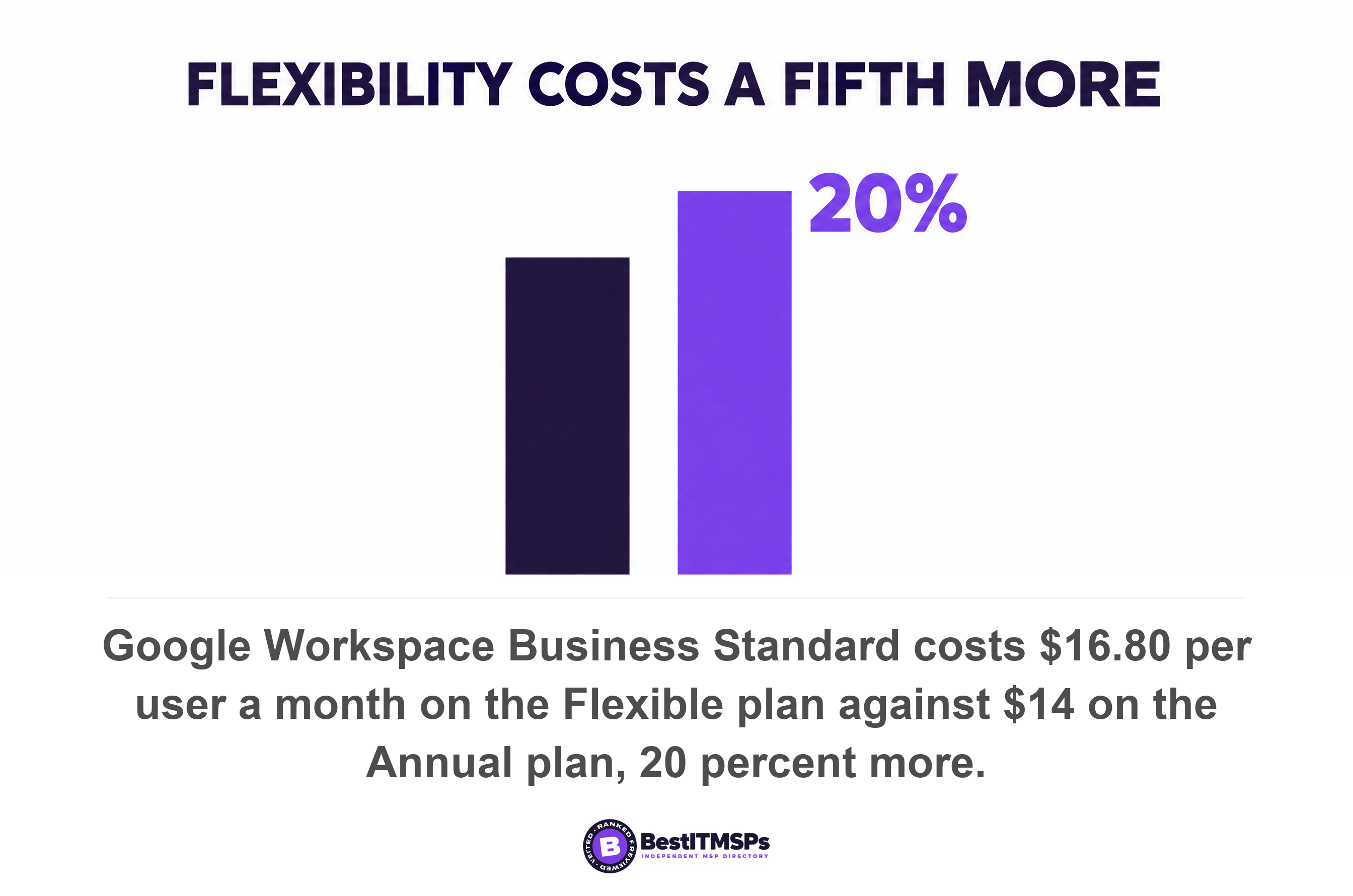
- Google publishes the price of flexibility plainly. Business Standard is $16.80 per user a month on the Flexible plan against $14 on the Annual plan, exactly 20 percent more.
- A flexible plan beats a committed one when your average monthly headcount sits below 83 percent of your peak. That is arithmetic on a 20 percent premium, not an opinion.
- Changing a quantity mid-term deletes any reduction already scheduled for renewal, so topping up for the summer can quietly cancel your own fix.
Can you cut software licenses when seasonal staff leave?
No, not outside a narrow window, and the window is seven days wide. Microsoft states it plainly: the number of licenses on a subscription can be decreased only within the first seven days of when the licenses were added. Miss it and the license count cannot be decreased until the next cancellation window at renewal. Your headcount flexes. Your software licensing does not.
That mismatch is set by one field, chosen once, by whoever bought the subscription. Microsoft calls it the term duration and defines it as the length of time you commit to the subscription. Nobody shows it to you again. It then governs every month of the year, including the quiet months when seats you have already paid for sit unused.
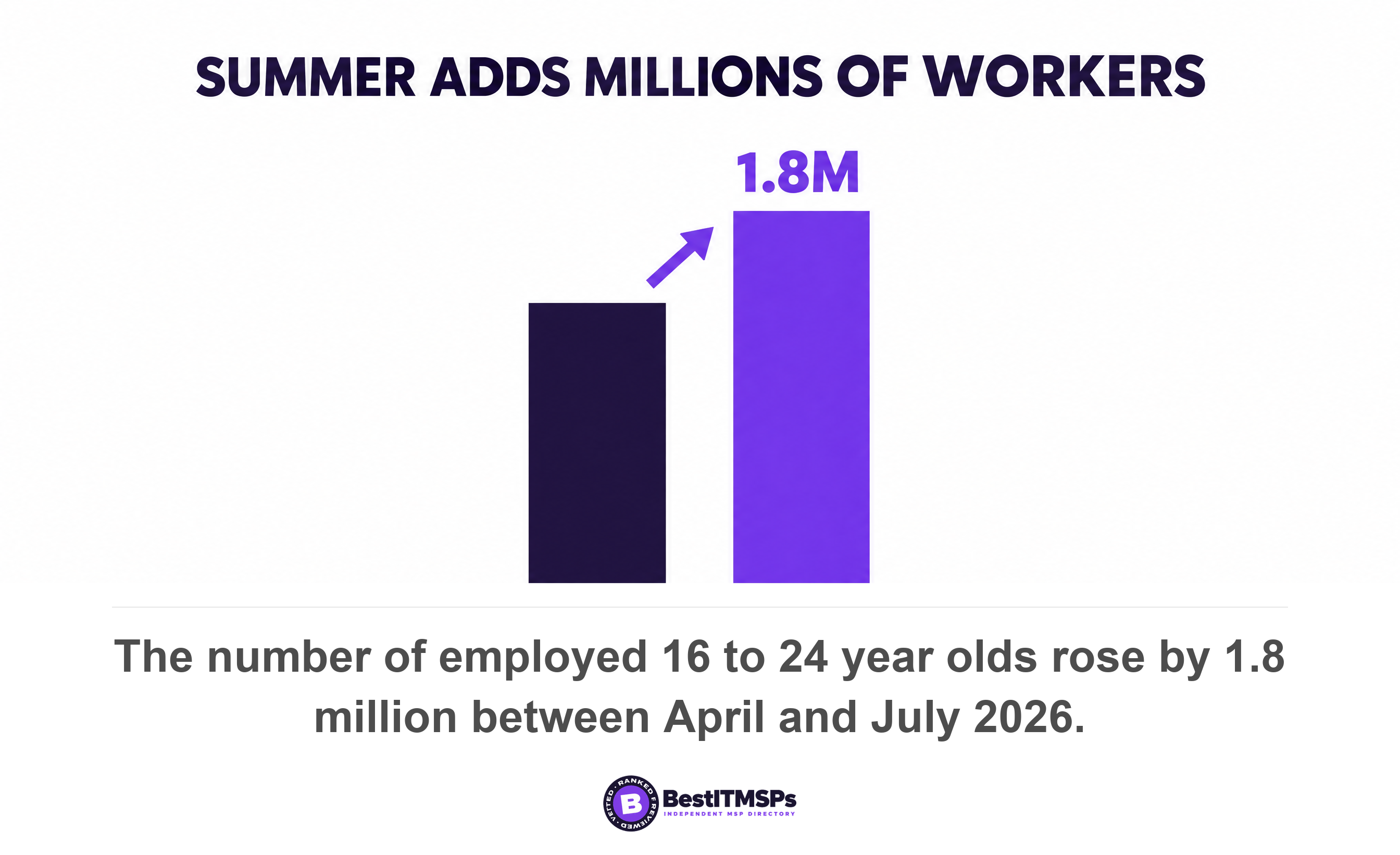
A seasonal curve is normal, predictable and widespread. There were 21.3 million employed 16 to 24 year olds in July 2026, and the number of employed youth rose by 1.8 million, or 9.1 percent, between April and July. Landscaping, tourism, camps, food production, accounting practices in tax season and any business that hires students all run the same shape. Per-user pricing charges you for the top of that shape all year.
This post covers the software term only. Read it beside the 30-day deletion window for what happens to the data, Business Premium or E3 for which plan to hold, and a license and billing audit of your MSP for what you are paying for today.
What subscription terms can a small business actually buy?
Three term durations exist on Microsoft's commercial cloud, and they run for one month, one year and three years. Microsoft's Partner Center documentation pairs each one with a billing frequency and warns that terms available depend on the product and SKU combination, so a given plan may not offer all three.
- Monthly term. Commits you for one month, billed monthly upfront, and can be lengthened at any point.
- Annual term. Commits you for twelve months, billed either monthly or annually upfront, and cannot be shortened before the renewal date.
- Triennial term. Commits you for thirty-six months and cannot be changed mid-term at all.
Now the field most buyers never notice. The subscription term and the billing frequency are two separate choices. Microsoft defines the billing frequency as how often you're billed for the subscription licenses, and an annual term pairs quite legally with monthly billing. So a bill that arrives every month tells you nothing about what you committed to. Read the term, not the invoice.
The direction of travel is one way. Microsoft allows a customer to move to a longer term duration mid-term and states that customers can't move to a shorter term duration mid-term. Worse, lengthening the term does not buy you a fresh escape hatch: performing a mid-term change of the billing term will not enable a 7-day cancellation window, and seat reduction or cancellations won't be available for subscriptions with updated billing terms until the renewal date.
The price does differ between terms, and only one of the two big vendors lets you check it. Microsoft's cloud solution provider price list is not published, so the gap between a monthly-term seat and an annual-term seat is visible to your provider and invisible to you. Google publishes both numbers on one page, which is why the figures further down this article are Google's.
When can the seat count actually go down?
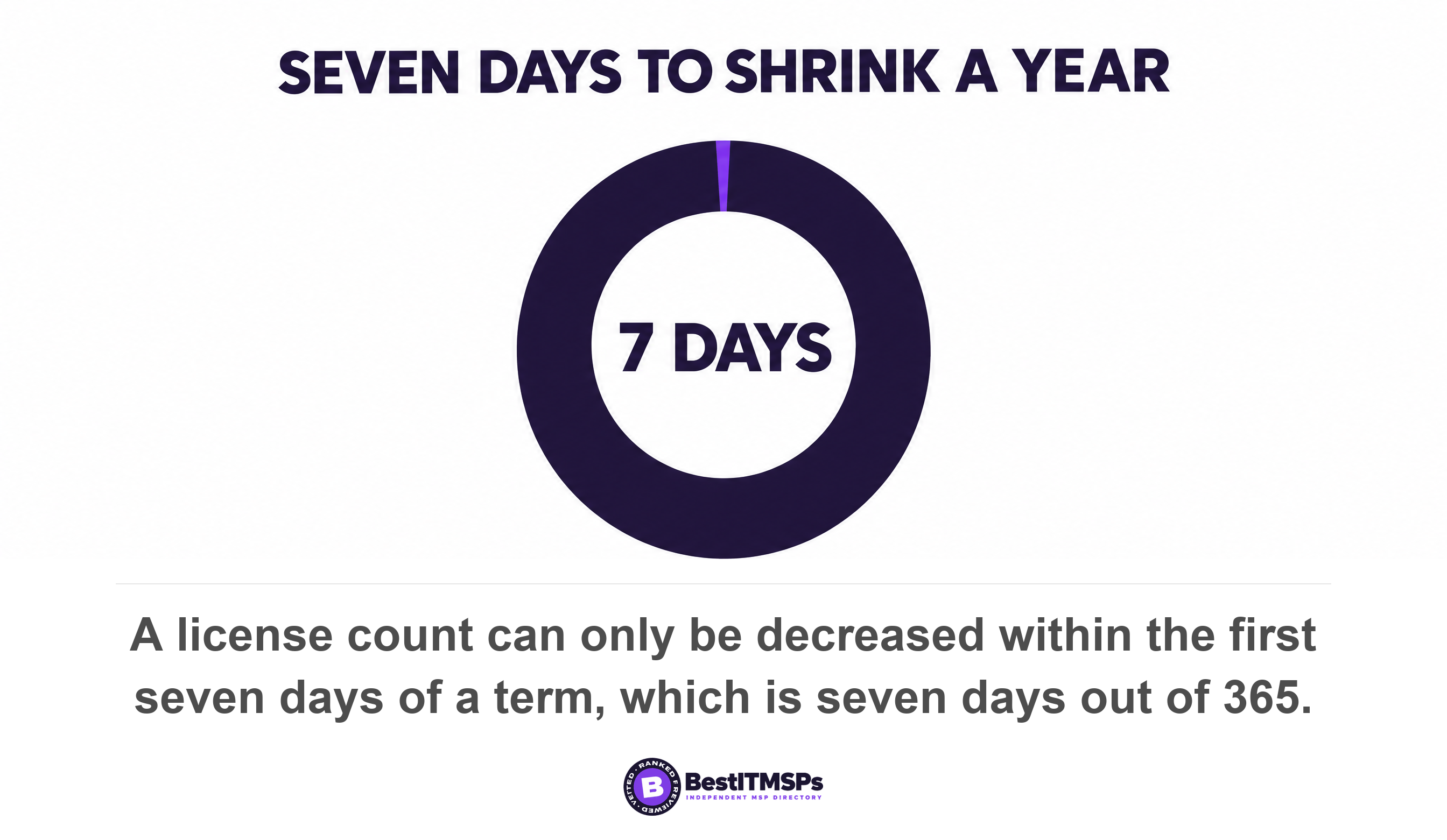
The seat count can go down inside seven days of a purchase, a renewal or a mid-term addition, and at no other time. Microsoft's rule applies whether the licenses were added at the initial purchase, on renewal, or at midterm, and inside the window you're refunded the full amount minus the prorated amount for the days that you used the subscription. On a twelve-month term that is seven days out of 365, under 2 percent of the term.
Buying direct from Microsoft gives you the same window. On a Microsoft Customer Agreement billing account, you can only remove licenses from your subscription if it's within seven days of buying or renewing your subscription. Two smaller blockers sit in front of it. You can't reduce the number of licenses for your subscription if all licenses are currently assigned to users, so somebody has to unassign first, and you can only remove licenses when recurring billing is turned on.
Buying through your provider removes the button altogether. Where the subscription came from a cloud solution provider, Microsoft's own page tells you to contact your CSP partner instead. Your request becomes a ticket in somebody else's queue, and the seven days keep running while it sits there. That is the single strongest argument for knowing your renewal date a month ahead rather than a week ahead.
After the window closes, the money is spent. Microsoft states that after the seven day window ends, cancellation is no longer available, and the partner is billed for the full term even if the customer stops paying for or using the subscription. Nobody can cancel their way out of it, including your provider.
What happens at renewal, and the trap that cancels your own fix
At renewal the quantity carries forward unchanged and a fresh seven-day window opens, which makes the renewal date your only reliable lever. You can also book the change in advance. Microsoft lets a provider schedule license increases or reductions to take effect at the end of a term, provided the subscription is active and autorenew is on.
Then comes the trap, written into the same page. Saved scheduled changes are deleted if you change a quantity mid-term. So a business that schedules a drop from 40 seats to 18 at renewal, then hires twenty summer staff in June and adds the seats, silently loses the scheduled reduction. No warning is sent. The renewal lands at the peak number, and the peak headcount becomes the new baseline.
The ratchet only turns one way. Every seasonal top-up raises the floor you renew at, unless somebody reschedules the reduction afterwards.
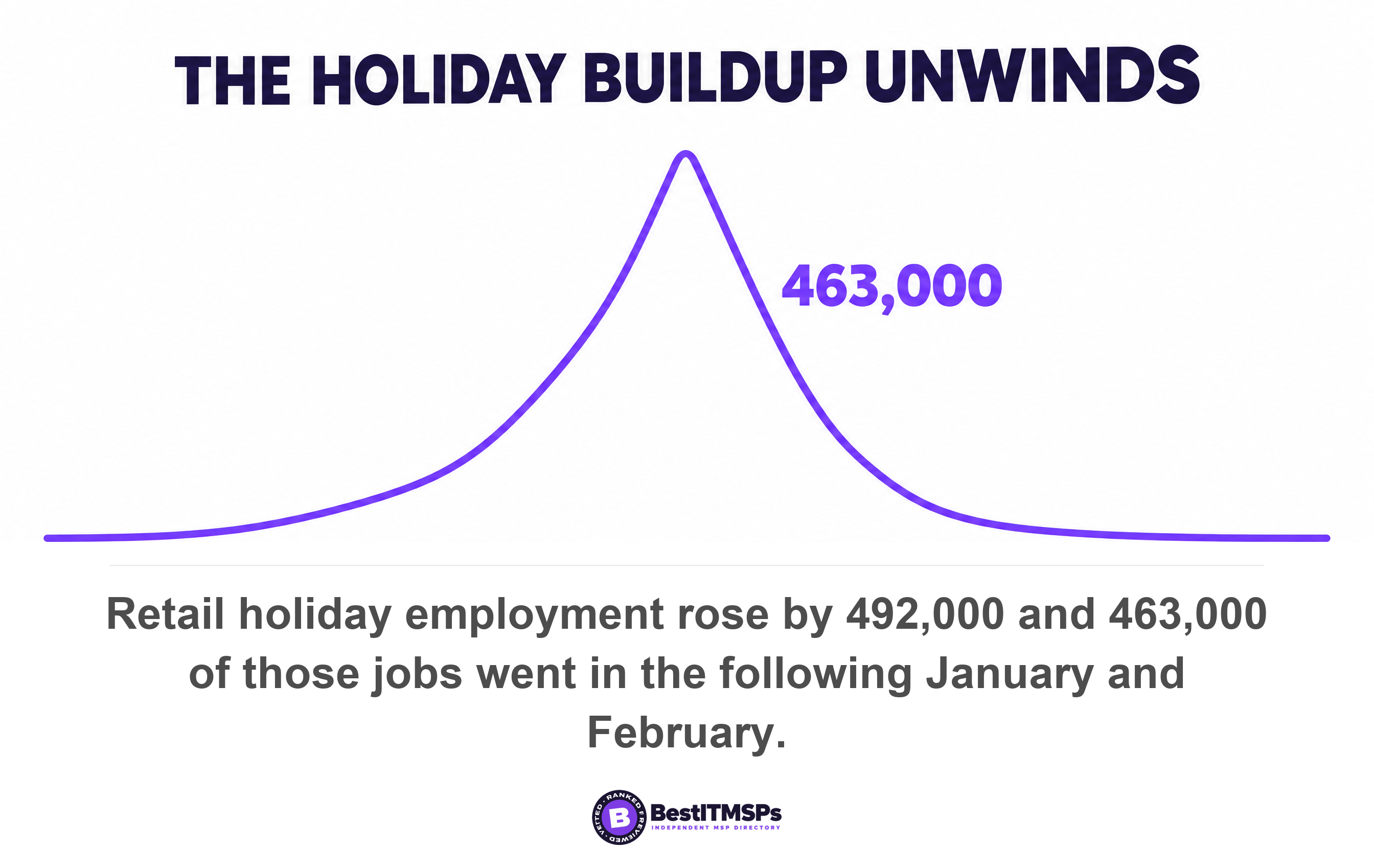
This is how a seasonal business ends up paying for August in February, with no decision ever having been taken. Retail runs the clearest version of the curve. Employment across five retail industries rose by 492,000 during October, November and December 2024, and 463,000 of those jobs went in the following January and February, leaving 29,000 seasonal employees retained in 2025. The hiring reverses within two months. The licensing reverses only if someone schedules it.
Does any vendor publish a genuinely flexible option?
Yes, and Google Workspace prices it at exactly 20 percent more per user. On the Flexible plan the commitment is none, and users can be removed at any time, which reduces monthly cost. On the Annual plan users can be removed only when you renew the contract, and until then you pay for all purchased licenses. Same product, two plans, opposite behavior.
The published prices make the premium easy to check yourself. Google lists Business Standard at $16.80 per user a month on Flexible against $14 on Annual, Business Plus at $26.40 against $22, and Business Starter at $8.40 against $7. Every pair is the same multiple. Flexibility costs a fifth more per seat, every month, on every tier, which over a year is $100.80 per user against $84 on Starter.
The committed plan is strict in the other direction too. Google states that on the Annual plan you can't remove licenses and lower your subscription price until it's time to renew your contract, that user licenses purchased after the initial commitment are prorated, and that if you cancel early you're still responsible for the full value of the commitment.
Read those three sentences together and a real consequence falls out, one no vendor page states for you. A seat added to a committed plan in June is prorated on the way in and locked until the contract anniversary on the way out. On a contract that renews in January, that seat is paid for seven months and used for three. That is $98 of Business Standard against $50.40 for the same three months on Flexible. Topping up an annual commitment for the summer is the most expensive of the three ways to do this.
How do you work out your own peak-to-trough ratio?
To work out your peak-to-trough ratio, count the seats you need in your busiest month, add up the seats you need across all twelve months, and divide the total by twelve. Four steps settle it, and a payroll report gives you every number.
- Count the seats in your busiest month. Call that figure your peak.
- Count the seats in each of the other eleven months, taking last year's payroll rather than forecasting from memory.
- Add all twelve monthly figures together, then divide by twelve. That is your average monthly headcount.
- Compare the average with the peak. Below 83 percent, a flexible plan wins. Above it, commit and take the discount.
The 83 percent line comes from the premium, not from a survey. A flexible seat at a 20 percent premium is cheaper whenever you buy fewer than ten seat-months for every twelve the committed plan would charge you, because twelve divided by 1.2 is ten. Ten divided by twelve is 83.3 percent. That is the whole calculation, and your provider can run it against your own payroll in an afternoon.
Take a landscaping firm with 12 year-round staff, rising to 32 from May to August, on Google's published Business Standard prices. Buying the peak on the Annual plan costs 32 seats at $14 for twelve months, or $5,376 a year. Putting every seat on Flexible costs $3,763.20. Keeping 12 seats on the Annual plan and the 20 summer seats on Flexible costs $3,360, which saves $2,016 a year against buying the peak, or 37.5 percent of the bill.
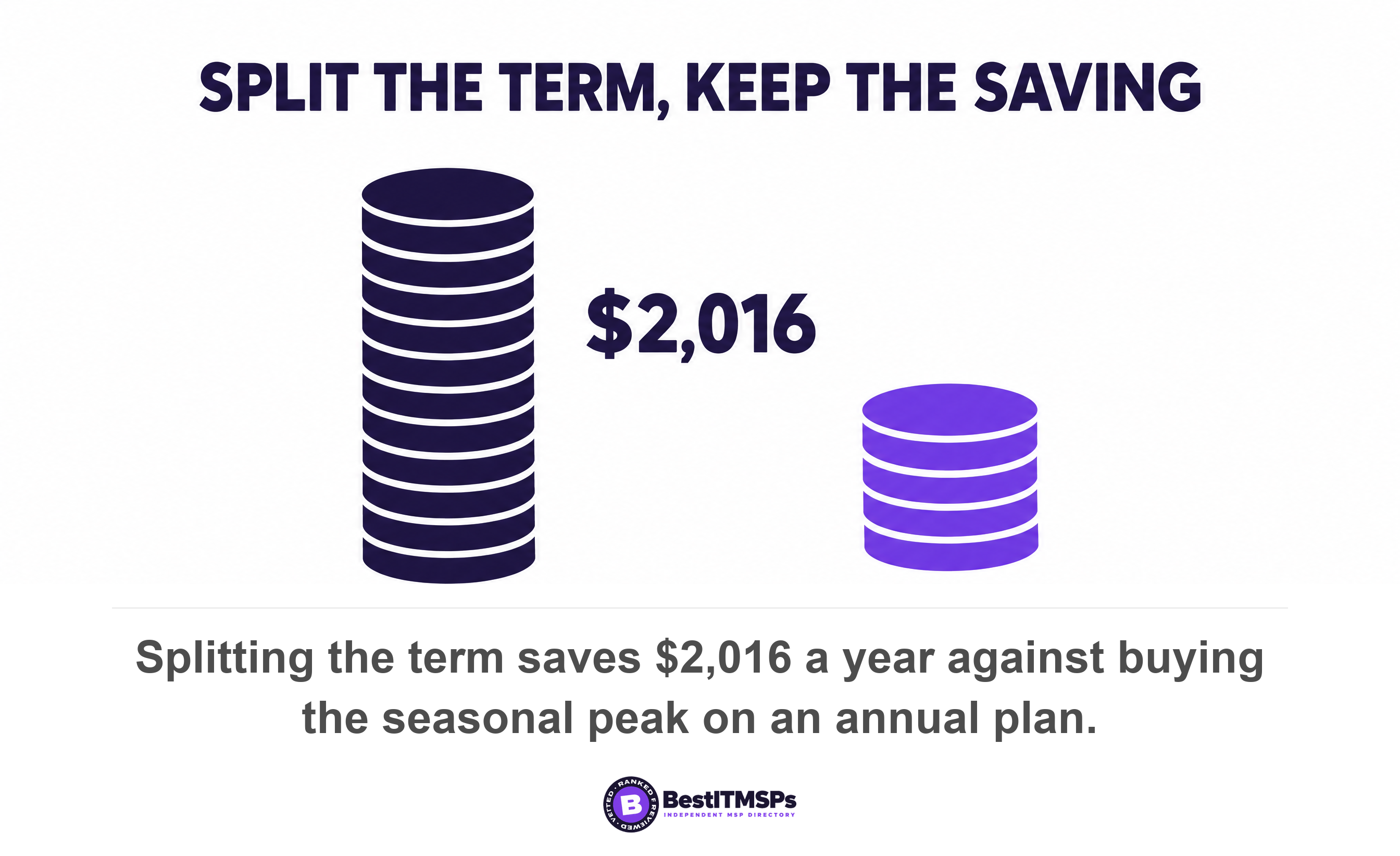
Run the same arithmetic for any shape and the split keeps winning. Buying the peak on a committed term only catches up once the peak lasts ten months or more, at which point it is not a peak, it is your business. The reason almost nobody is sold it this way is structural rather than commercial: one subscription carries one term, the term was set once at purchase, and splitting the baseline from the surge means asking for two subscriptions instead of one.
Two things undo the saving, and both are process. A flexible plan at a premium only pays if somebody actually removes the seats each autumn, so put a named date in the calendar and audit the seat count on that date. And never top up the committed subscription itself, because that mid-term quantity change deletes the reduction you scheduled for renewal. Keep the surge on its own monthly term and the baseline stays clean.
What happens to a seasonal worker's data when the seat goes?
Removing the license starts a 30-day clock on the mailbox and leaves the files alone. Microsoft states that when you remove or delete a license, the former employee's email, contacts, and calendar are retained for 30 days, and are then deleted permanently, and separately that if you remove or delete a license but don't delete the account, the content in the user's OneDrive remains accessible to you even after 30 days.
Those are two different clocks on two different objects, and the order you act in decides what survives for a worker you expect back next summer. We set out every window in the Microsoft 365 deletion windows, published today. Read it before you release a single seat.
Three things to ask your provider this week
Ask for the term, the deadline and a two-term quote. Each one is a screen your provider already has open, and none of them takes more than a day to produce.
- Show me the subscription term and the billing frequency on every subscription, as two separate fields rather than one word on an invoice.
- Show me the renewal date and the reduction deadline. Partner Center carries a View licenses to reduce view giving the number of licenses and the deadline by which the reduction can happen.
- Quote the same seat on the monthly term and on the annual term, so the price of flexibility becomes a number I can see before I negotiate anything.
Then ask the one question that decides it. Is our average monthly headcount below 83 percent of our peak? A yes means you are paying for your busiest month all year, and the fix is a term change booked at renewal rather than an argument today. A no means the annual commitment is the right buy and the discount is yours to keep.
Keep two renewal clocks apart in your head, because they are different contracts with different notice periods. The software term belongs to Microsoft or Google. The managed services agreement belongs to your provider, and auto-renewal and the notice window you already missed runs on its own schedule. A business can fix one and stay trapped by the other for another year.
None of this is a pricing argument, and none of it needs a new vendor. It is one field on a purchase screen, filled in once, probably correctly for a business that does not double in July. Best IT MSP ranks providers across 730 city datasets, and the ones worth hiring can answer all three asks from memory.
FAQ
Can I remove Microsoft 365 licenses when seasonal staff leave?
Only within seven days. Microsoft states that the number of licenses on a subscription can be decreased only within the first seven days of when the licenses were added, and that after it the license count cannot be decreased until the next cancellation window at renewal. Unassigning the user stops their access, not the bill.
What is the difference between a subscription term and a billing frequency?
The term is what you commit to and the billing frequency is how often you pay. Microsoft defines the term duration as the length of time you commit to the subscription and the billing frequency as how often you're billed for the subscription licenses. An annual term billed monthly still locks your seat count for twelve months.
Is there a software plan that lets me add and drop seasonal staff freely?
Yes. Google Workspace's Flexible plan carries a commitment of none and lets you remove users at any time, which reduces monthly cost. It costs 20 percent more per user. Business Standard is $16.80 per user a month on Flexible against $14 on Annual, and the same multiple applies on every tier.
Is a monthly plan worth the extra cost for a seasonal business?
It is worth it when your average monthly headcount falls below 83 percent of your peak. That line is arithmetic on a 20 percent premium, ten seat-months against twelve. A firm with 12 year-round staff rising to 32 for four months averages 18.7 seats against a 32-seat peak, so flexibility pays.
What happens to a seasonal worker's email when I remove the license?
It is kept for 30 days and then deleted. Microsoft states that when you remove or delete a license, the former employee's email, contacts, and calendar are retained for 30 days, and are then deleted permanently. OneDrive content stays accessible to you if you leave the account itself in place.
Best IT MSP is the independent directory of vetted managed IT providers across the US and Canada. Organic ranking is earned on rating and verified data, and paid placement is always labelled. Take the three asks above to three merit-ranked firms in your city and compare the answers side by side.