License reclamation: how to prove a seat nobody uses
License reclamation means finding seats you pay for that nobody opens, then removing or downgrading them. The proof is one export from your Microsoft 365 admin center. The Active users report puts each assigned license beside the date that person last used it. Report charts stop at 180 days. One column does not.
- The evidence is a single export. The Microsoft 365 apps Active users report shows, per person and per service, whether a license is assigned and the date it was last used.
- A sign-in date is not a usage date. Microsoft's last interactive sign-in records an attempt, including a failed one, and the property meaning the person actually got in needs a paid Entra tier.
- Usage report charts stop at 180 days, but the last activity date ignores the window you picked. That one column is the only free evidence that reads older than six months.
- Most honest findings are downgrades, not removals. Microsoft changes a plan to the same or higher services automatically and makes a reduction a manual job.
- Set the idle threshold above the longest leave your staff can take, and have the person's own manager confirm in writing before any license is removed.
How do you prove a Microsoft 365 license is idle?
To prove a seat is idle, export one report. In the Microsoft 365 admin center, open Reports, then Usage, then Microsoft 365 apps, then the Active users tab. Microsoft says the report helps administrators identify underutilized products. Its overview page is blunter about what the data is for: you can see who uses a service to the fullest extent and who barely uses it and might not need a Microsoft 365 license.
That export settles the argument a renewal usually ends in. The per-user table holds whether an Exchange license is assigned to the user in one column and the date the user last used Exchange in the next. An assigned license and a last activity date, side by side, for every licensed person. The same table carries the date an Exchange license was assigned to the user, so a seat bought in March and never opened since reads as one row.
This is not the leaver problem. Our one-hour access review handles accounts belonging to people who have gone. This article is about staff who are still here, still working, and still holding software they stopped using. Your invoice cannot tell the two apart, because both look like a seat.
The honest figures for the size of this come from government, not from suppliers. GAO reports that NASA's Office of Inspector General found the agency spending approximately $15 million over the past 5 years on unused licenses, because NASA had not implemented a centralized Software Asset Management tool to discover, inventory, and track license data as required by federal policy. Treat that as a named finding by an auditor, not a market average. Most published percentages for unused seats are produced by firms selling license management tools, which is why our SaaS spend audit reads them as direction rather than measurement.
A sign-in date is not a usage date
A sign-in date tells you somebody tried to authenticate. It does not tell you anybody did any work. Microsoft's guidance on inactive user accounts builds the whole method on sign-ins, noting that because inactive accounts are tied to the sign-in activity, you can use the timestamp of the last time an account attempted to sign in. Read the property definition and you see what that timestamp really is: the date and time of the last interactive sign-in attempt, including sign-in failures.
So a failed attempt refreshes the date. Three separate properties exist and they mean three different things. One records the last interactive attempt, one records the date and time of the last non-interactive sign-in attempt, and one records the last successful one. The useful one is not free. Microsoft states that to access the lastSuccessfulSignInDateTime property using Microsoft Graph, you need a Microsoft Entra ID P1 or P2 license.
Read that twice before you plan a cost exercise around it. The one date that means a person genuinely got in sits behind a paid tier, so a business trying to cut software spend is asked to buy something first. Microsoft also names the false positive itself, warning that users might not sign in to an environment for a while, because they are on vacation and that you need to consider all legitimate reasons for not signing in to your environment.
The practical split is simple. Use sign-in data to find accounts that should not exist. Use usage data to find seats nobody needs. A list of dormant seats built from sign-in dates alone will be short and wrong, because laptops, phones and mail clients keep authenticating on their own.
How far back can a usage report actually see?
The charts see 180 days. One column sees further. Microsoft states that usage reports are generally available for the last 7, 30, 90, and 180 days, and that selecting a single day inside a report shows data for up to 28 days from the current date. Those are the limits everybody notices.
Then comes the sentence almost nobody reads. The last activity date represents the most recent date on which a user performed any intentional activity within the app, regardless of the selected time period of the past 7, 30, 90, or 180 days. The window you picked does not clip that column.
Hold that beside the other report and the evidence problem resolves. Every per-app column in the Microsoft 365 apps Usage report is window-bound, because each one indicates if the user was active on the Word app during the specified time period. The last activity date is not window-bound. So the column that can show you a date older than six months is also the only column that cannot tell you which app the person still opens.
The window is not the limit on proving a seat is idle. It is the limit on proving what to replace it with.
Two cautions keep this defensible. Microsoft says the column ignores the selected period, and it does not publish how far back the underlying data reaches, so treat a very old date as a floor rather than a measurement. And a blank is not a zero. In the Entra user list the sign-in field is empty when the affected user account was never used for a sign-in attempt, which looks identical on screen to data nobody has.
What the usage report will not tell you
Five documented limits shape what you can claim from this evidence. Each one is in Microsoft's own pages, read on 22 October 2026.
- There is no per-user view. Microsoft says plainly that you can't generate a report where you enter a user's account and then get a list of which services they're using and how much. You export the whole table and sort it.
- Perpetual licenses are invisible. Usage reports don't include perpetual license models, so anything bought outright stays outside this method.
- Shared machines drop out. In the apps usage report, shared computer activations aren't included, which matters for a shop floor, a reception desk or a clinical workstation.
- The data lags. Reports typically become available within 24 to 72 hours, but might sometimes take several days to become available, so last week is not yet evidence.
- The evidence expires. When you delete a user account, Microsoft deletes that user's usage data within 30 days. Export before you remove anything, not after.
One more thing to know before you trust a column label. In the Active users table as published, two rows carry the wrong description: the SharePoint licenses row is described as a Viva Engage license and the Viva Engage row as a OneDrive license. Read the column heading, not the description beside it, and sanity-check a row against a person you know.
Reclaiming a seat and downgrading a seat are different decisions
Reclaiming removes the seat. Downgrading keeps the person and buys them less. For an active employee the second is usually the right answer, because the evidence rarely says idle. It says idle in four services and alive in one, which is a buying decision rather than a removal.
The platform treats the two directions unequally, and that asymmetry is documented. Microsoft says you can only automatically change to a plan that has the same data-related services, or to a higher version, and that if you want to change to a plan with fewer services, you can change plans manually. Moving up is a wizard. Moving down is a project somebody has to own.
Three things to get right on the way down
- Back up first. Microsoft states that if you're moving a user to a subscription that has the same or more services, you don't need to back up user data, which tells you exactly where data is at risk. For a reduction its own instruction is to download a copy of their data stored in Microsoft 365 before they're switched to the new subscription.
- The swap itself is one action. On the Active users page, select the people, choose Manage product licenses, then select Replace and select the licenses that you would like to assign to the users. You do not strip a license and then grant another.
- Clear the count before a plan change. To change plans automatically all users must have valid licenses, so an unassigned seat can block the very change you are trying to make.
Disruption is mild and worth quoting at a nervous manager. The change between plans can take up to an hour, and users continue to have the existing service until the change is finished.
What stops a reduction is commercial rather than technical, and it belongs to other articles. What your IT bill does when your headcount drops covers minimum commitments and the renewal window, and seasonal staff and software licensing covers a peak you already know is coming. For the plan you land on, read Business Premium or E3.
Turning names on is employee monitoring, so decide it deliberately
Per-user activity reporting identifies named staff, so switching it on deserves a decision with a date and an owner. Microsoft ships it off. It states that by default, all reports hide user information such as usernames, display names, groups, and sites to help companies support local privacy laws. The setting is a checkbox called Conceal user, group, and site names in all reports, under Settings, then Org Settings, then Services, then Reports.
Two details in the same documentation let you run a proportionate version. Roles exist that read usage with no identities at all, including Usage Summary Reports Reader (with no user details) and User Experience Success Manager on the same terms. And re-identifying is recorded, because showing identifiable user information is a logged event in the Microsoft Purview portal audit log. Your decision leaves a trace whether you plan one or not.
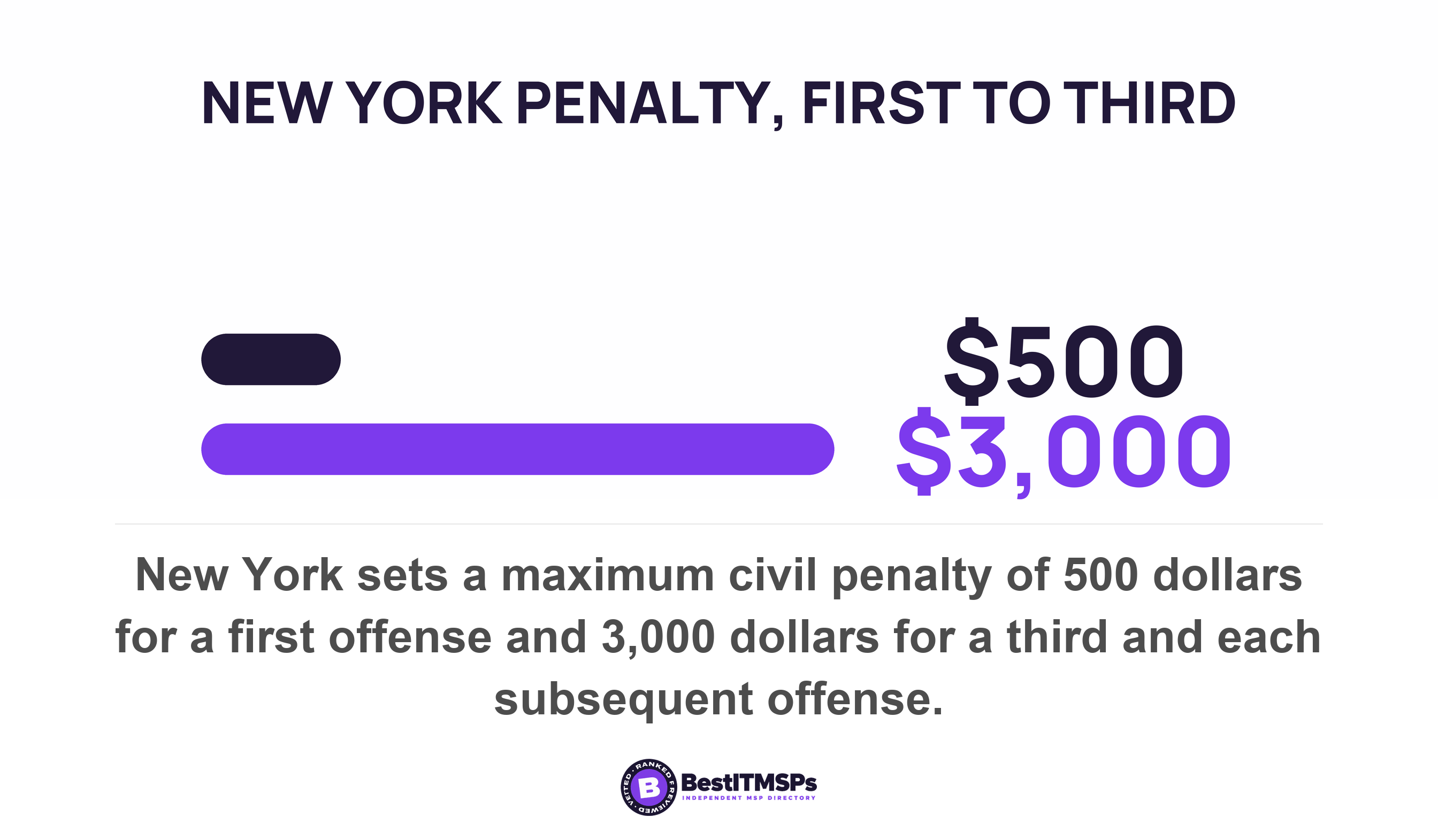
Some states legislate the notice. New York requires a private employer that monitors email or internet usage to give prior written notice upon hiring to all employees who are subject to electronic monitoring, to post that notice conspicuously, and to face penalties running from $500 for a first offense to $3,000 for a third and each subsequent offense. The exception matters more here than the rule. The section does not reach processes that manage the type or volume of usage, are not aimed at monitoring a particular person, and are performed solely for the purpose of computer system maintenance and/or protection.
Read that against how you actually run the pass. A count of idle seats with concealed names looks like system management. A named report pulled because somebody wonders about one employee does not. So run the aggregate pass first, write down why you ran it, and turn names on only for the rows you are about to act on. This is not legal advice, and the laws differ by state, so check yours before a reclamation project becomes a monitoring program.
The five-step license reclamation method you can run this quarter
To run license reclamation, work five steps in order, with names concealed for the first two.
- Export both reports at the 180 day view, as CSV, into one dated file.
- Sort by last activity date, oldest first, and mark every row past your threshold.
- Confirm each marked row with that person's own manager, in writing, before anything moves.
- Decide per row whether to remove the seat, reassign it, or downgrade it.
- Record the date, the rows, each decision and who approved it.
Set the threshold at 180 days and never below 90. The reason is leave. The Family and Medical Leave Act entitles eligible employees to up to 12 workweeks of leave in a 12-month period, which is 84 calendar days by simple arithmetic. It covers private-sector employers who employ 50 or more employees in 20 or more workweeks, so a 30-person firm sits outside the statute and still has people away that long. A 60-day threshold nominates them, and the manager step is what catches it.
Give the false positive a standing rule. The manager's decision to keep a seat wins, and you verify nothing further, but you do write the reason beside the row and the date you will look again. Three reasons recur: leave, a role that uses one service heavily and the rest never, and a seasonal pattern. The first two are decided in the method above. The third is a different exercise, because the fix is a term rather than a threshold.
The duplicate-tool version of the same evidence
Two tools bought by two departments to do one job will not look idle in either report. Each shows light per-user activity, and light use of something is easy to defend. Put the two user lists beside each other instead and count the people holding both. That overlap is one tool's worth of work paid for twice. The purchase trail behind it sits in shadow IT is a procurement failure, and the choice between keeping both sits in tool consolidation or the best tool.
What to ask your IT provider about idle seats
Ask for three files and one date. Every one of them already exists in a system your provider uses daily, so the answer arrives in days or it tells you something.
- Send me the Active users export at 180 days, with last activity date and license assign date per service.
- Tell me our seat count per subscription beside the number of people with any activity in the last 180 days.
- Name the earliest date each subscription can be reduced, and the next subscription renewal date for each.
- Say whether concealed names are on or off in our tenant today, and who turned them off if they are.
Judge the answers on willingness rather than on the numbers. A provider that hands over the export is giving you the whole audit in one file. A provider that offers a summary instead has decided which rows you get to see. A provider that cannot say whether names are concealed has never opened the setting, which is the same answer as not knowing what the report says.
FAQ
How do I find Microsoft 365 licenses nobody is using?
Export the Microsoft 365 apps Active users report from the admin center, under Reports, then Usage. Microsoft says it helps administrators identify underutilized products, and the per-user table shows whether an Exchange license is assigned to the user beside the date the user last used Exchange. Sort by the oldest activity date.
Does a last sign-in date prove somebody is using their license?
No. Microsoft's last interactive sign-in property records the date and time of the last interactive sign-in attempt, including sign-in failures, so a failed attempt refreshes it. The property that means the person actually got in requires a Microsoft Entra ID P1 or P2 license. Use activity data for seats and sign-in data for accounts.
Can a usage report prove a seat has been idle for a year?
Partly. The charts are generally available for the last 7, 30, 90, and 180 days, but the last activity date shows the most recent intentional activity regardless of the selected time period. That column can therefore read older than six months. Microsoft does not publish how far back the data goes, so treat an old date as a floor.
Should I remove the license or move the person to a cheaper plan?
Downgrade an active employee and reclaim a seat nobody needs. Microsoft lets you only automatically change to a plan that has the same data-related services, or to a higher version, so a reduction is a manual change. Back up first, because a move to the same or more services is the case where you don't need to back up user data.
Is checking who uses their license employee monitoring?
Once names are on, yes, treat it that way. Microsoft hides user information by default to help companies support local privacy laws and logs re-identification in the Microsoft Purview portal audit log. New York requires prior written notice upon hiring to all employees who are subject to electronic monitoring. Run the counting pass with names concealed.
Best IT MSP is the independent directory of vetted managed IT providers across the US and Canada. Organic ranking is earned on rating and verified data, paid placement is always labelled, and we do not sell IT services. Take the four asks above to three merit-ranked firms in your city and compare what comes back.