Business Premium or E3: the licensing question your MSP should have modelled
Microsoft 365 Business Premium and E3 sit closer together than a feature matrix suggests. Conditional Access, audit log retention and sensitivity labels are equivalent on both. The published 300-seat cap across the Business family, and eDiscovery rights Microsoft grants only on an Enterprise plan, are what actually force the move.
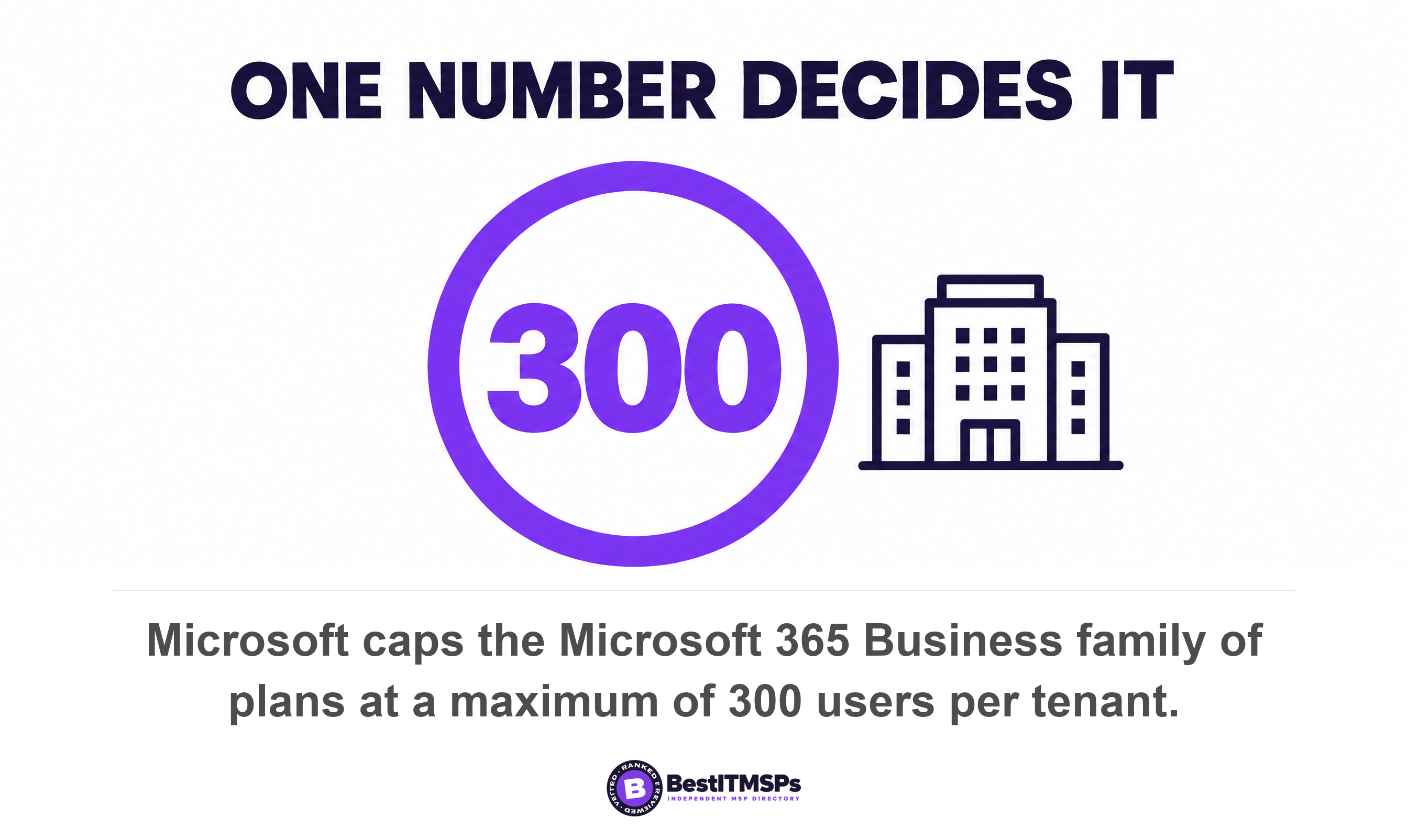
- The real trigger is a number, not a feature. Microsoft caps the Business family at 300 users per tenant and states it reserves the right to enforce that limit.
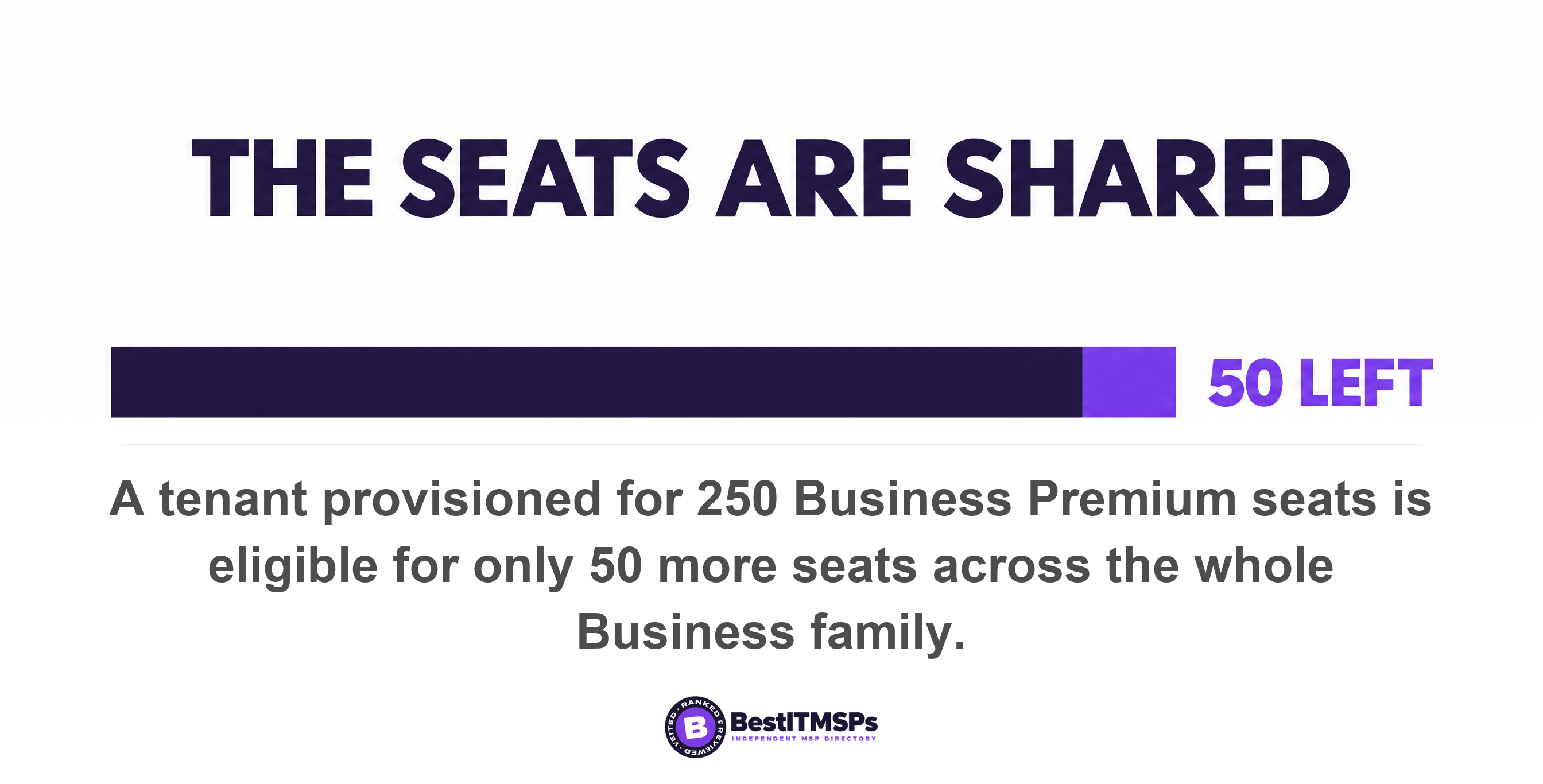
- The 300 seats are shared across Business Basic, Standard and Premium together, so a 250-seat Premium tenant has only 50 seats left in total.
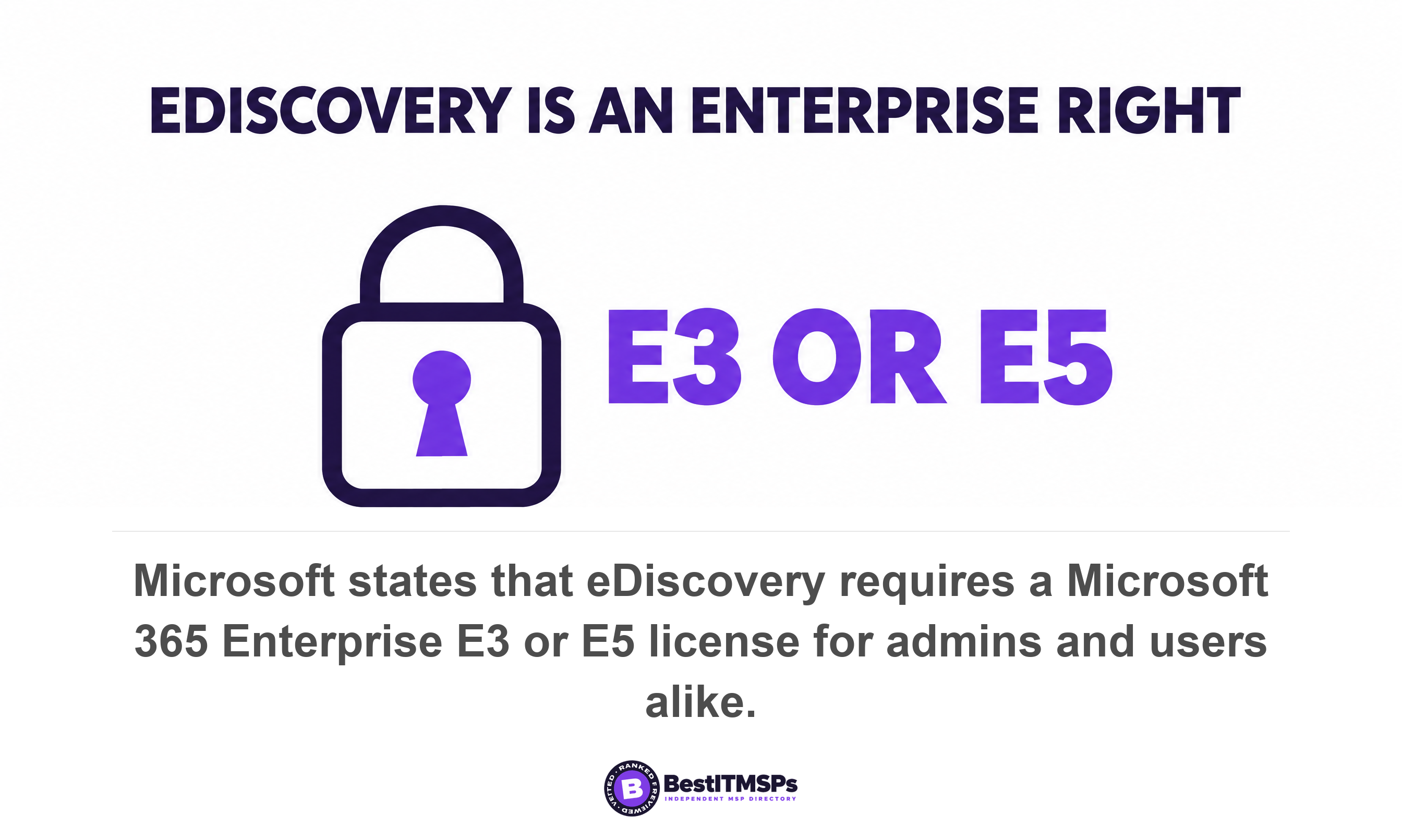
- Business Premium does not license eDiscovery. Microsoft states that both admins and the users whose data is involved need an Enterprise E3 or E5 license.
- Conditional Access, 180-day audit log retention and manual sensitivity labels are the same on Business Premium and E3, so none of the three is a reason to move.
- Moving to E3 removes Defender for Office 365 Plan 1 and swaps Defender for Business for a plan with no EDR. You can mix Business and Enterprise plans in one tenant instead.
Business Premium or E3: which plan does a growing business need?
Most businesses told to leave Microsoft 365 Business Premium for an Enterprise plan need one thing from E3 and already own the rest. Microsoft publishes a hard ceiling of 300 users across the Business family of plans, and that single number settles the question more often than any line on a feature chart. The honest answer to whether you should upgrade depends on your headcount and your legal exposure, not on the security column of a proposal.
The matrices your provider sends are usually accurate and still misleading. They list what each plan contains without telling you which differences a 40-person company ever notices. Three of the headline reasons given for moving turn out to be equivalent on both plans. One of them runs backwards, because Microsoft's own licensing guidance lists Business Premium among the plans granting rights to Defender for Office 365 Plan 1 and does not list Microsoft 365 E3. A firm that switches to E3 on security grounds can end up paying more for less email protection.
This guide sets out the triggers that genuinely force the move, the capabilities that are identical, the two security products E3 takes away, and the five questions to put to the provider recommending it. Every claim below comes from a dated Microsoft document you can open yourself. Read it beside Microsoft 365 plans compared for the Basic, Standard and Premium picture, and your MSP licence audit for checking what you already pay for.
What actually forces a business off Business Premium?
The seat cap forces it. Microsoft lists the Business family as a maximum of 300 users and the Enterprise family as having an unlimited number of users, and the cap is tenant-wide rather than per plan. Microsoft's worked example is blunt. If an organisation is provisioned for 250 seats of Business Premium, it is eligible to provision only 50 more seats in total across the Business family of plans. Adding Business Basic for warehouse staff buys no headroom; it spends the same 300.
Microsoft also reserves the right to act on it. The same footnote states that Microsoft reserves the right to enforce the tenant limit of 300 provisioned licenses across the Business family of plans, and that organizations with more than 300 users should consider subscribing to Microsoft 365 for enterprise plans. Treat that as a published ceiling with a stated enforcement right, not a soft guideline.
One sentence in the same document removes the all-or-nothing framing almost every proposal assumes. Microsoft confirms you can combine Enterprise, Business, and standalone plans within a single account. A 320-person firm does not have to move 320 people. It can hold 290 on Business Premium and put 30 on E3, and that mixed tenant is usually the cheapest honest answer. Ask why it was not modelled, if the quote you received moves everyone.
Three triggers justify buying an Enterprise plan for at least some of your people.
- Headcount. You sit within 30 seats of 300, or your hiring plan crosses it inside the subscription term.
- Legal exposure. You need to search, preserve and export a named person's mail, files and Teams history, which Business Premium does not license.
- Mailbox mechanics. You need Exchange Online Plan 2, because the Business plans include Exchange Online Plan 1 while E3 and E5 include Plan 2.
Does Microsoft 365 Business Premium include eDiscovery and legal hold?
No. Microsoft states plainly that both admins and users working with eDiscovery cases require a Microsoft 365 Enterprise E3 or E5 license. Business Premium is not named anywhere in the eDiscovery section of Microsoft's licensing guidance. The five plan columns there list combinations of Microsoft 365 E3, E5, Office 365 E3 and E5, the Purview Suite and the E5 eDiscovery and Audit add-on. We counted those columns on the page on 21 October 2026; Business Premium appears in none of them.
The licence has to sit on the person, not the investigator. Microsoft writes that eDiscovery holds require an eligible license on every user whose content you preserve, that frontline subscriptions such as Office 365 F1 and F3 do not include the rights required to be the target of an eDiscovery hold, and that placing a user on hold without proper licensing is not supported. If your field staff sit on F3 and the dispute is a site chat, that sentence is the whole problem.
Business Premium can still preserve data, which is the part almost nobody tells a buyer. Microsoft lists Business Premium among the licences granting rights to organization-wide, location-wide or include and exclude retention policies, and separately lists Business Basic, Standard and Premium for retention policies covering Teams chats, channels and private channels. So you can stop deletion on Business Premium with a retention policy. What you cannot do is run the case, which means building a search, reviewing the results and producing an export. Preservation and production are two different licensed capabilities, and the sales conversation collapses them into one.
Three more limits decide how a real dispute goes. Deeper hold types are gated further, because query-based, time-bound and custodian-scoped holds are included only in higher tiers such as Microsoft 365 E5, A5 or G5, or the E5 Compliance and E5 eDiscovery and Audit add-ons. Holding a shared mailbox needs Exchange Online Plan 2, or Plan 1 with the Exchange Online Archiving add-on. And a hold is not instant, since it might take up to 24 hours for an eDiscovery hold to take effect. Our guide to Teams data in a legal dispute walks the rest of that process.
A retention policy stops the deletion. An eDiscovery licence lets you prove what was there. Business Premium buys you the first and not the second.
Which capabilities are identical on Business Premium and E3?
Four of the capabilities most often used to justify the move are equivalent on both plans. Identity, logging, information protection and retention all land in the same place, so none of them is a reason to pay more. Check each against the proposal in front of you.
Conditional Access and multi-factor policy
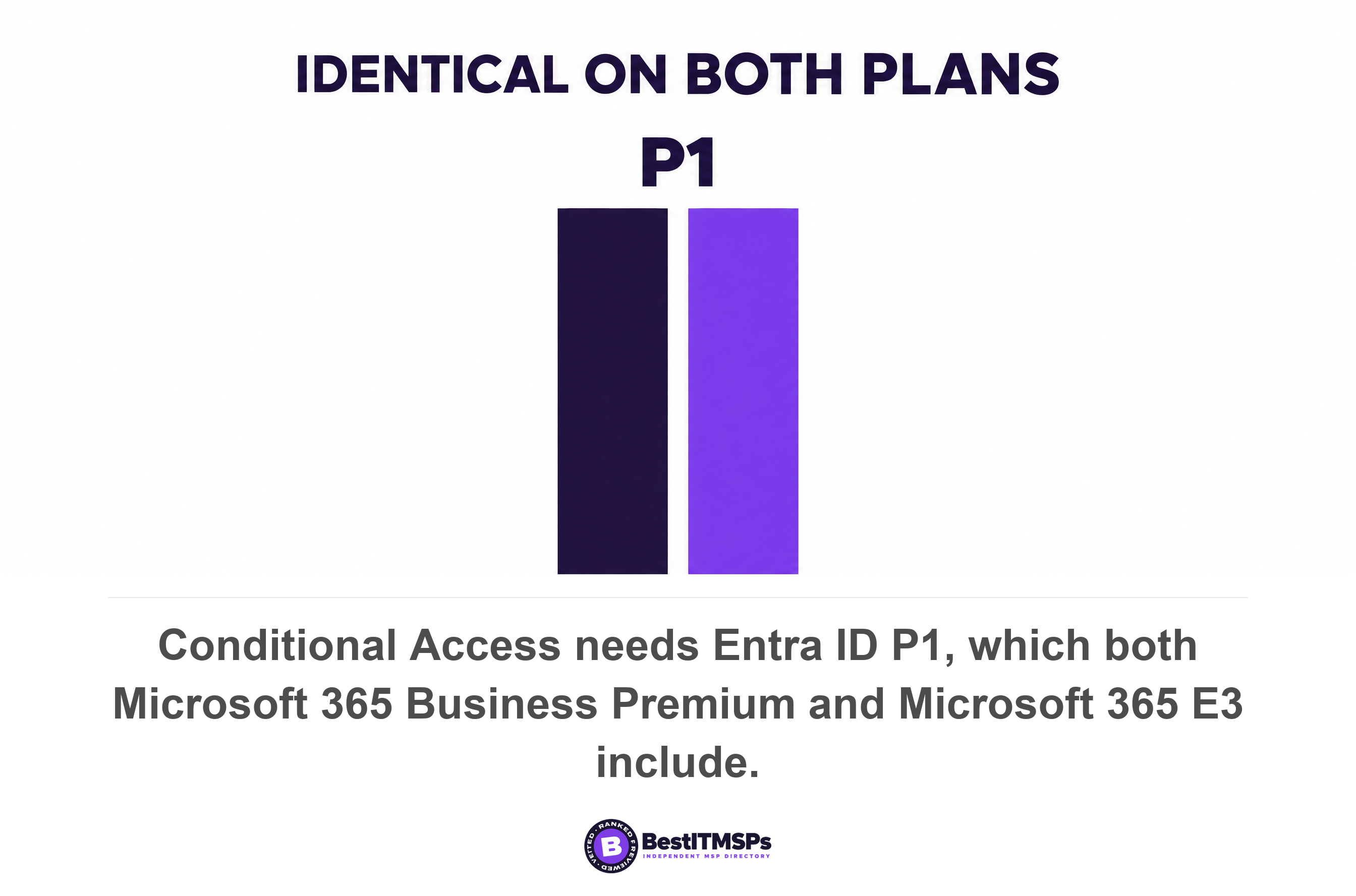
Conditional Access is the same on both plans. Microsoft states that using Conditional Access requires Microsoft Entra ID P1 licenses and that customers with Microsoft 365 Business Premium licenses can also use Conditional Access features. The licensing page confirms the tiering directly, noting that Entra ID P1 is included in Microsoft 365 E3 and Microsoft 365 Business Premium, while Entra ID P2 is included in Microsoft 365 E5. So the step that genuinely unlocks more identity capability is E5, not E3. Risk-based policies sit above both, because sign-in risk and user risk policies require Microsoft Entra ID Protection, a P2 feature. Losing P1 does not switch your policies off. Microsoft states that expired licences let customers migrate away from Conditional Access policies without a sudden change in their security posture, leaving them readable but not editable.
Identity governance is not an E3 feature either, and this is where a lot of proposals overreach. Microsoft's licensing tables put Privileged Identity Management, access reviews and entitlement management at Entra ID P2 or a Microsoft Entra ID Governance subscription. An MSP selling E3 as the route to joiner-mover-leaver governance is selling you the wrong product.
Audit log retention and sign-in history
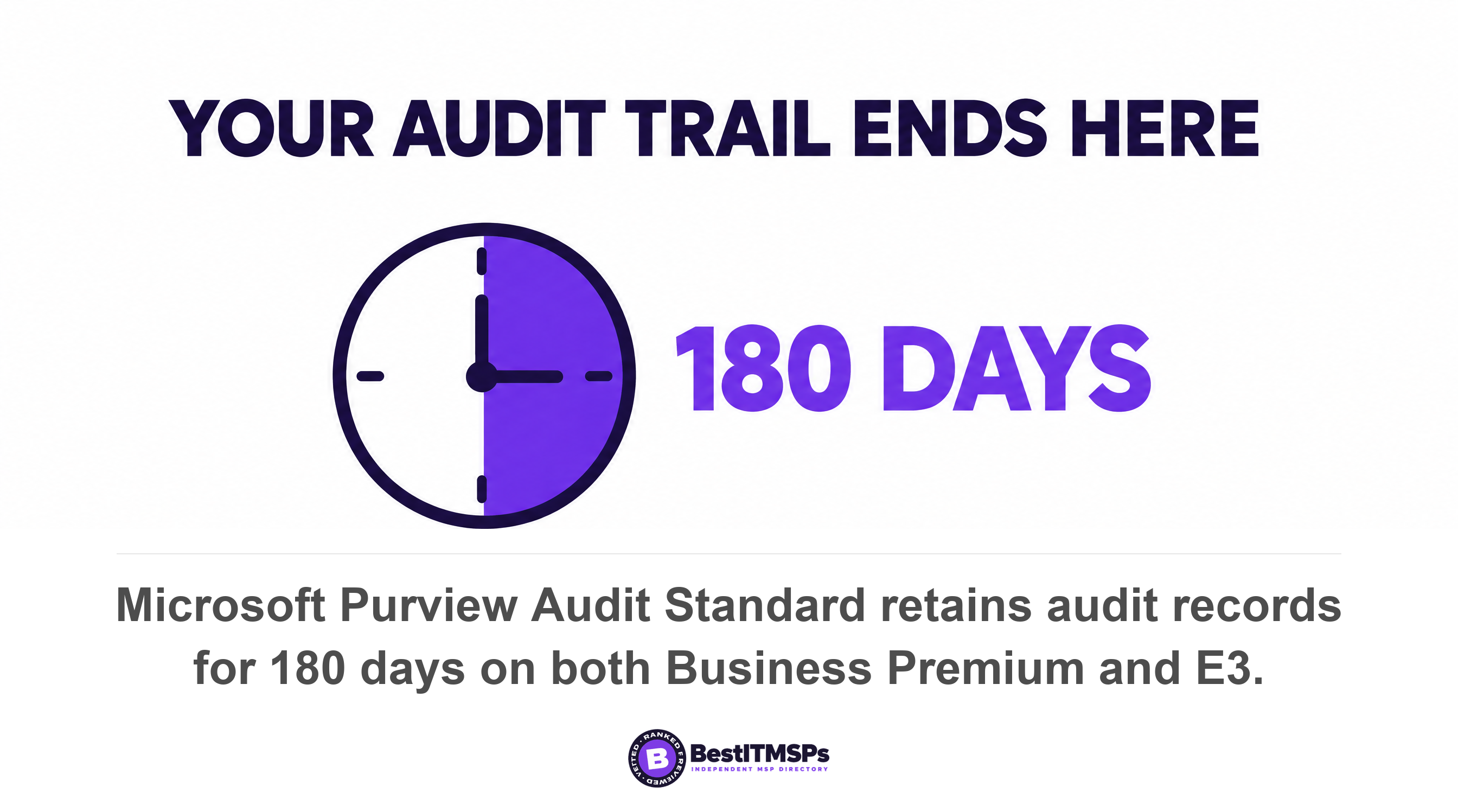
Audit log retention is identical, and the searchable window is shorter than most owners assume. Microsoft lists Audit (Standard) as included in Business Basic, Standard and Premium and in Microsoft 365 E3, and Audit (Standard) retains records for 180 days, which means you can search for activities that occurred within the past six months. One year of retention needs Audit (Premium), which Microsoft lists against Microsoft 365 E5, Office 365 E5, the Purview Suite and the Purview Suite for Business Premium add-on. Ten years needs a further per-user add-on licence.
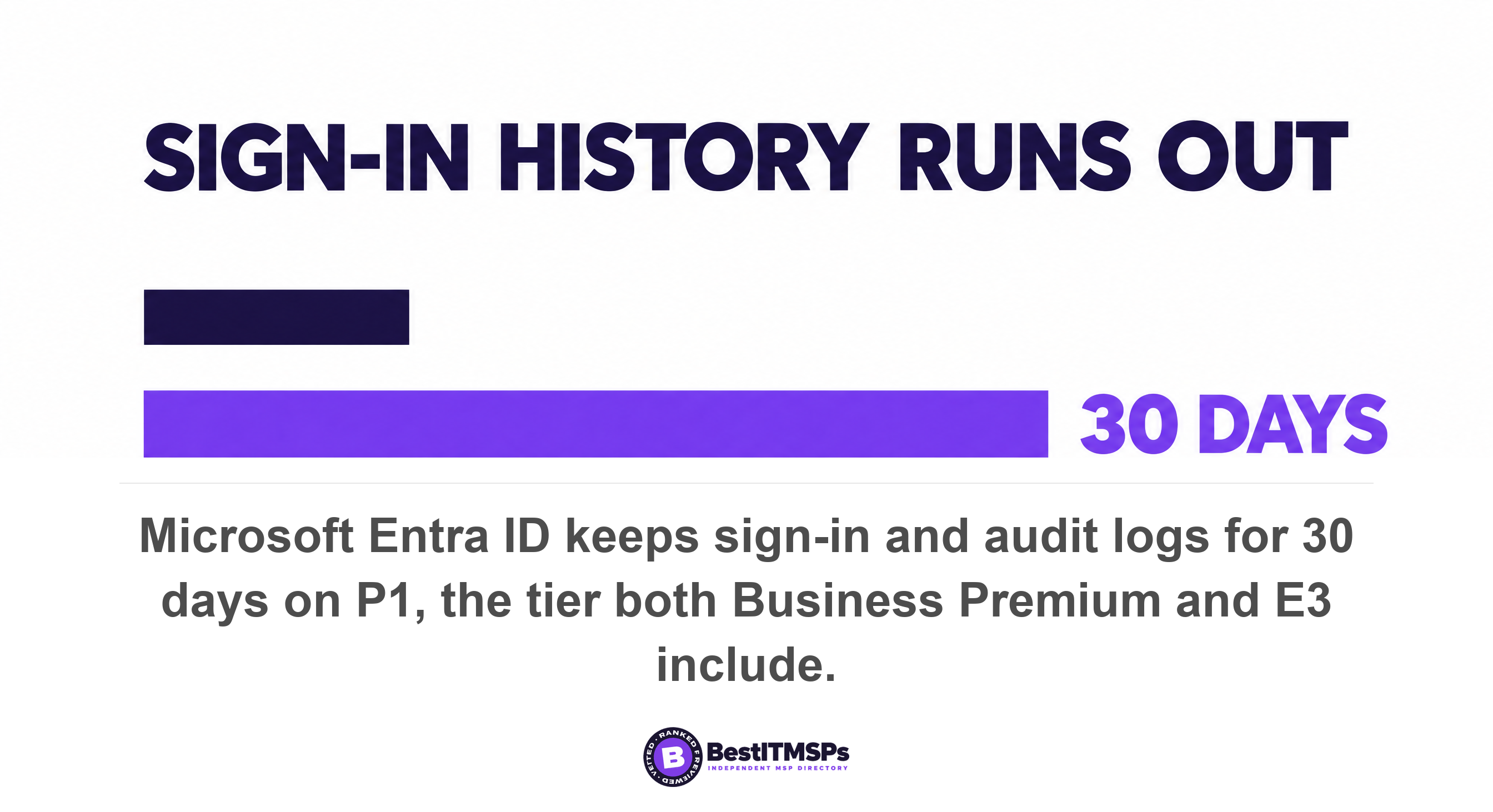
Sign-in history is a separate clock worth knowing. Microsoft Entra keeps audit logs and sign-ins for seven days on the Free tier and 30 days on both P1 and P2, and Microsoft notes that Entra audit and sign-in logs are separate from the Microsoft 365 unified audit log. Because both plans give you P1, both give you 30 days. One trap applies when you change tier at all, since log retention changes are not retroactive and expired data cannot be recovered unless it was previously archived.
Sensitivity labels and retention policies
Manual labelling and retention are equivalent too. Microsoft's Purview tables list Business Premium alongside E3 and E5 for manual sensitivity labeling, for retention label creation and publishing, and for Message Encryption. Microsoft puts Business Premium in the same column as E3 and E5 for all three, so E3 adds nothing you can use here. Read our note on why Secure Score is not a grade before you accept a score gap as evidence that you need a bigger plan.
What does moving from Business Premium to E3 take away?
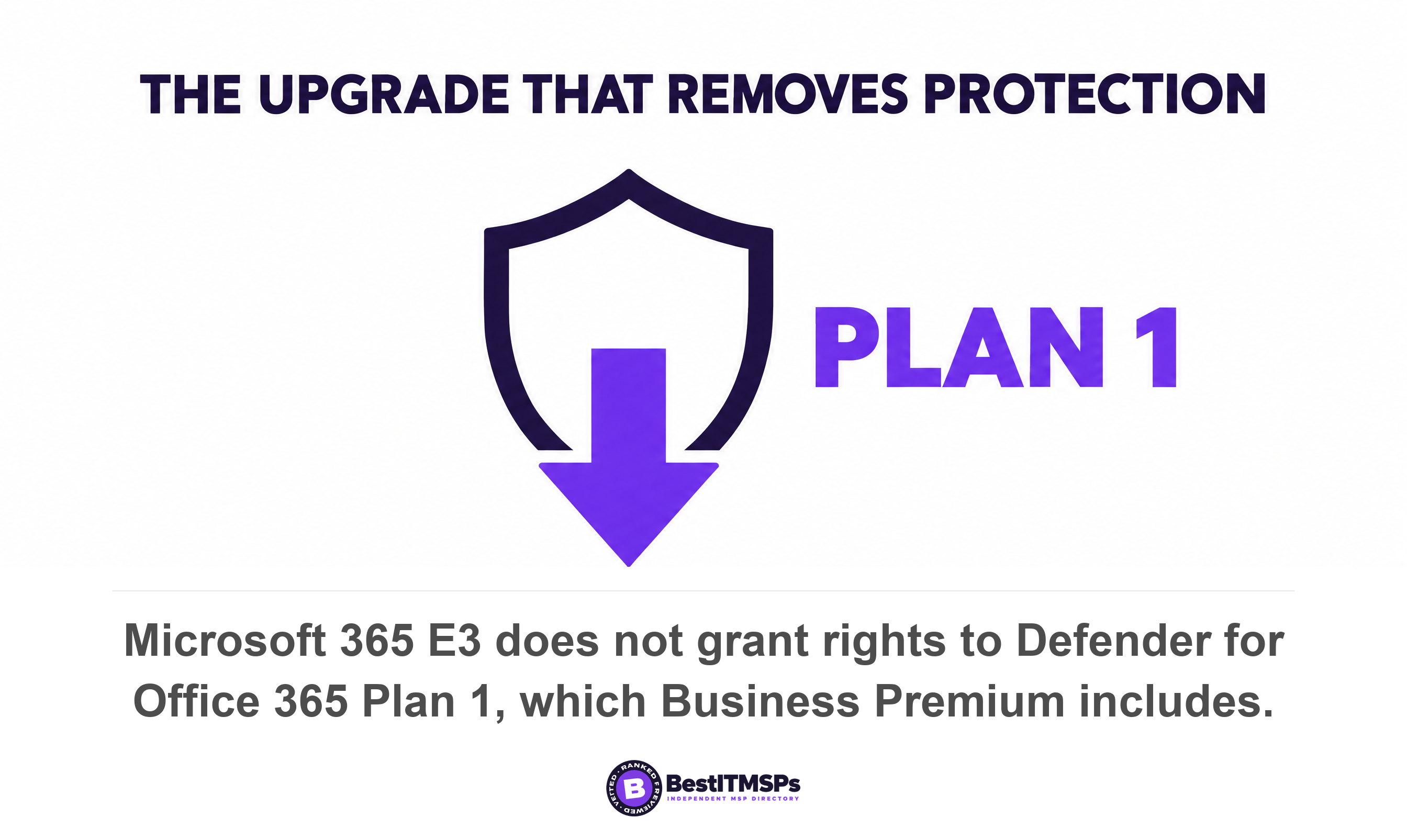
A straight switch from Business Premium to Microsoft 365 E3 removes two security products. Microsoft's Defender service description lists the plans that grant rights to Microsoft Defender for Office 365 Plan 1 as Defender for Office 365 Plan 1 standalone, Microsoft 365 Business Premium, Microsoft 365 E5, A5 and G5, Office 365 E5, A5 and G5, the Microsoft Defender Suite and the Defender plus Purview Suite for frontline workers. Microsoft 365 E3 is absent from that list. Safe Links, Safe Attachments, anti-phishing protection in Defender for Office 365 and real-time detections all travel with Plan 1.
The endpoint side moves the wrong way as well. Microsoft states that Defender for Business is included as part of the Microsoft 365 Business Premium subscription plan and that Defender for Endpoint Plan 1 is available as part of Microsoft 365 E3, A3 and G3. Those are not the same product. Microsoft's own comparison table shows that Defender for Business includes endpoint detection and response, automated investigation and remediation, automatic attack disruption, threat analytics and core vulnerability management, none of which appear against Defender for Endpoint Plan 1. Defender for Business is also designed for small and medium sized business up to 300 users, which is the same ceiling again.
Put plainly, a 250-person firm that switches every seat from Business Premium to E3 gives up managed email defence and gives up endpoint detection and response, then buys them back as add-ons. That is the most expensive mistake in this decision, and it sits in Microsoft's published licensing tables rather than in fine print. Ask your provider to show you the two lists side by side.
Two smaller losses are worth naming so nothing surprises you later.
- The server add-on. The Defender for Business Servers add-on requires at least one licence of Business Premium or Defender for Business, and is capped at 60 licences per customer.
- Per-service assignments. On an automatic plan change all users are given access to all services in the new subscription, so any service you deliberately switched off for some people comes back on.
What does Microsoft 365 E3 genuinely add?
E3 genuinely adds four things, and all four are real. Business Premium is a strong package for a company under 300 people with no litigation history, and the advice to stay put is often correct. Where these four matter, the move is justified on capability rather than marketing.
Scale comes first. The Enterprise family carries an unlimited number of users, which is the only clean fix once you pass the cap. Second, eDiscovery rights arrive, since Microsoft lists eDiscovery (standard) for email and for sites and files against Microsoft Office 365 E3, A3, G3, F3 and Microsoft 365 E3 and requires an Enterprise E3 or E5 license for admins and users working eDiscovery cases. Third, the mailbox changes tier, because E3 and E5 include Exchange Online Plan 2, which is what makes a shared mailbox eligible to be put on hold.
Fourth, E3 brings the Windows Enterprise upgrade. Microsoft documents Credential Guard, Personal Data Encryption and Windows Experience customization as unavailable on Windows Pro and available on Windows Enterprise. The use rights matter as much, since Windows Enterprise E3 carries five Windows instances per licensed user, 36 months of support on annual feature releases, and Azure Virtual Desktop, Windows 365 Enterprise and Virtual Desktop Access rights. Ask which Windows edition your fleet runs today before you treat this as a gain.
Audit depth is the one that should not drive the decision. Audit (Premium) and its one-year retention are an E5 or add-on capability, and Microsoft notes that the Business Premium add-on route exists but that those add-ons require a Microsoft 365 Business Premium base license and are capped at 300 seats total. That is a useful middle path for a firm under the cap, and it proves the cap follows you into the add-on catalogue.
Is the upgrade a switch or a migration, and what breaks?
It is a switch, not a migration, and your data stays where it is. Microsoft states that on an automatic plan change all users are automatically assigned licenses in the new plan, and your old plan is canceled for you, that users experience no interruption of service during the plan change, and that all user data is retained during the change, including Exchange mailboxes and SharePoint Online documents, lists, and other information. The change itself can take up to an hour. Nobody re-creates a mailbox and nobody moves a file.
Direction of travel is what the system guards. Microsoft allows an automatic change only to a plan that has the same data-related services, or to a higher version, so that users do not lose data related to those services during the change. Going down is the dangerous direction, and Microsoft warns that if you are changing to a plan with fewer data-related services, you must manually back up any data that you want to keep. Our note on who is responsible for Microsoft 365 backup covers why that sentence should not be a surprise.
Four documented conditions block an automatic change, and each one is a question for your provider rather than a mystery.
- More users than licences. Microsoft requires that all users have valid licenses before a plan change runs.
- Two subscriptions of the same product. You can only change plans automatically if all users have licenses to the same plan.
- An add-on in the way. Microsoft says to remove the add-on if it prevents the change, and you can add it back afterwards.
- A pending credit check. Microsoft notes that credit checks can take up to two working days.
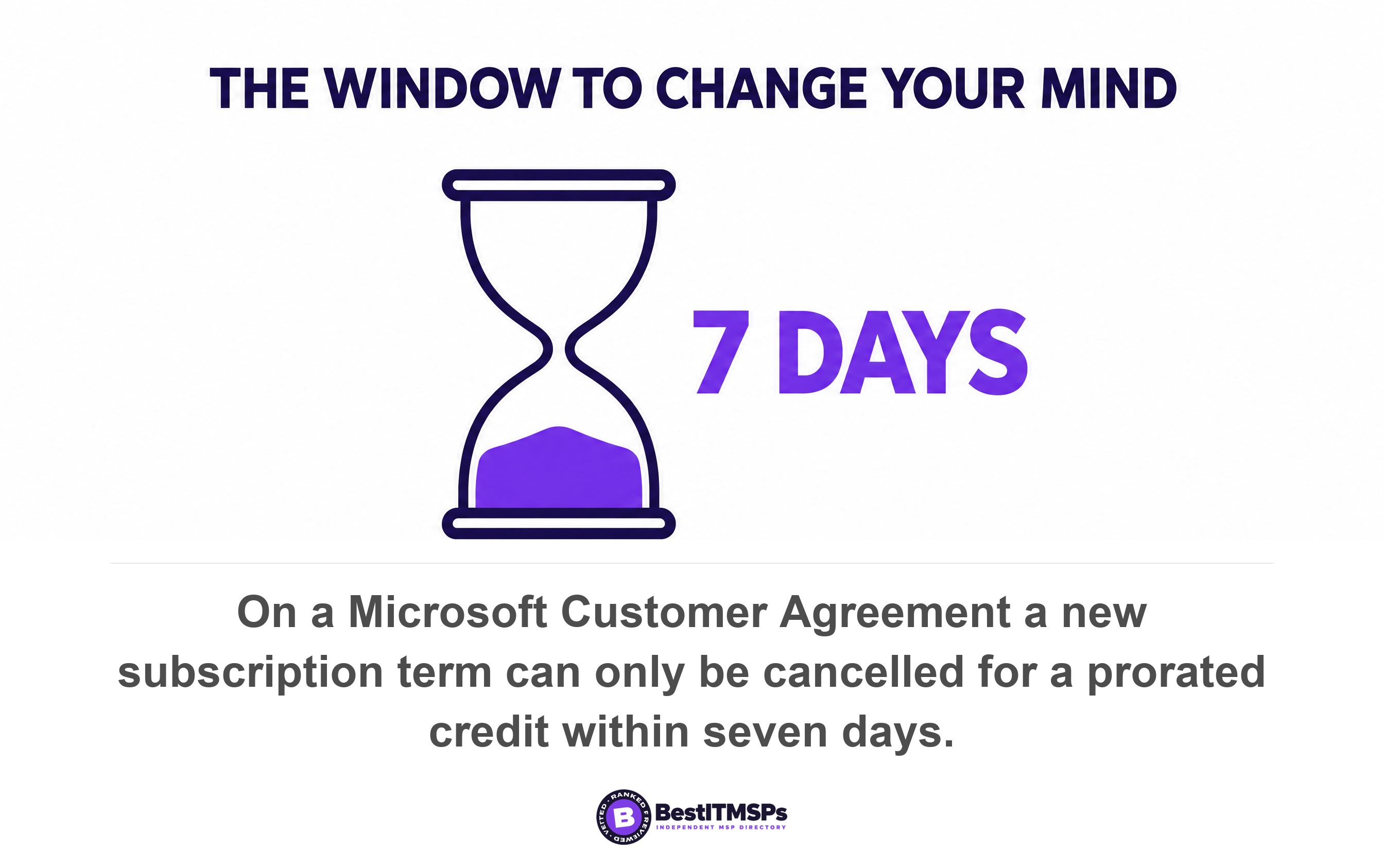
Billing holds the one deadline worth diarising. Microsoft states that on a Microsoft Customer Agreement account you can only cancel and receive a prorated credit or refund if you cancel within seven days after the start or renewal of your subscription. After that the term is yours. Prorated credit lands on a new invoice within one to two days on a Microsoft Customer Agreement and within 30 days on a Microsoft Online Services Agreement, so check which billing account type you have before anyone places the order.
Five questions to ask a provider recommending the move
Ask five questions, and judge the answers on whether they contain numbers and document names. A provider who has modelled this gives you a seat count and a licensing page. A provider who has not gives you adjectives about enterprise-grade security.
- Show me the seat math. How many licences are provisioned across all Business plans in this tenant today, and how close is that to 300?
- Show me the mixed option. What does it cost to keep most people on Business Premium and move only the people who need an Enterprise plan?
- Name the capability I cannot get today. Which specific thing does E3 license that Business Premium does not, and which Microsoft page says so?
- Account for what I lose. What replaces Defender for Office 365 Plan 1 and Defender for Business, and what does the replacement cost?
- Confirm the mechanics. Is this an automatic plan change or a manual move, and which per-user service assignments will reset?
Write the answers down and compare them with the quote. The commercial question underneath all of this is simple. Read the current list price per user per month for each plan on Microsoft's own business pricing page, confirm the billing term, then add the cost of anything you have to buy back. A provider who is independent of the outcome will walk you through that arithmetic. One earning margin on the uplift often will not, which is also why we publish what managed IT services actually cost.
None of this makes Business Premium the right answer for everyone, and none of it makes E3 a trick. One published number decides this for most companies, a second decides it for anyone with a legal problem, and the security story quoted most often is the part already equal. Verify your own numbers before you sign, because you can read your own licence count and your own Conditional Access policies in an afternoon.
FAQ
Can I mix Microsoft 365 Business Premium and E3 in the same tenant?
Yes. Microsoft states you can combine Enterprise, Business, and standalone plans within a single account. Keeping most staff on Business Premium and licensing only the people who need an Enterprise plan is usually cheaper than moving everyone. Remember the Business seats still count toward the 300-user cap across the Business family.
What happens when a tenant reaches 300 Business plan licences?
You cannot provision more Business seats. Microsoft lists the Business family as a maximum of 300 users, says it reserves the right to enforce that tenant limit across the Business family of plans, and advises that organizations with more than 300 users should consider enterprise plans. The 300 is shared across Basic, Standard and Premium together.
Does Business Premium let me put a legal hold on a mailbox?
Not through eDiscovery. Microsoft requires an Enterprise E3 or E5 license for both admins and users working with eDiscovery cases, and states that eDiscovery holds require an eligible license on every user whose content you preserve. Business Premium can still stop deletion with a retention policy, but it cannot run the search and export.
Will upgrading to E3 improve my Conditional Access or MFA policies?
No. Conditional Access requires Microsoft Entra ID P1, and Microsoft lists P1 as included in both Microsoft 365 E3 and Business Premium. The next real step is E5, because risk-based policies need Entra ID Protection, a P2 feature. Identity governance such as Privileged Identity Management also sits at P2 or Entra ID Governance.
Does a plan change move my email and files, or lose anything?
It moves nothing. Microsoft states that all user data is retained during the change, including Exchange mailboxes and SharePoint Online documents, lists, and other information, and that users experience no interruption of service. One thing does reset, because all users are given access to all services in the new subscription, so deliberate per-user service exclusions come back on.
Best IT MSP is the independent directory of vetted managed IT and Microsoft 365 providers across North America. Organic ranking is earned on rating and verified data, and paid placement is always labelled. Take the five questions above to three merit-ranked firms in your city and compare the answers side by side.