Fewer tools, or the best tool for each job?
Tool consolidation is a cost and exit decision, not a preference. A suite genuinely gives you one identity, one audit trail and one data boundary, and each is narrower than the pitch. Price the license tier across every seat, then price both exits. The side with the cheaper exit usually wins.
- A suite bundles three things that are hard to assemble: one identity, one audit trail and one data boundary. Each is narrower than the sales pitch.
- Price the upgrade across every seat. Microsoft documents that access reviews need a license for everyone being reviewed, not only the reviewer.
- A bundle has no per-product price. GAO found that software products inside license agreements were not separately priced.
- Consolidation converts several small reversible decisions into one large one, and nobody prices that at purchase.
- If your suite is bought through your IT provider, you cannot execute your own exit. Both providers have to approve the transfer.
Should you consolidate your tools, or keep the best tool for each job?
Decide it on three measurable things rather than on preference. What the suite genuinely bundles that you cannot assemble yourself, what the license tier costs across every seat over three years, and what each exit looks like on the day you want out. Everything else in that meeting is taste.
Tool consolidation is sold as a tidying exercise. Your provider says fewer vendors means fewer invoices, fewer logins and less third-party risk. Your finance lead says the specialist product does the job the suite's version cannot. Both are usually right about small things and silent about the thing that decides it, which is what happens in year three when you change your mind.
This is the decision between breadth and depth. If you have not yet established what you already pay for, start with the SaaS spend audit. If single sign-on is the feature being priced out of reach, that argument has its own page in the SSO tax.
What does a suite genuinely bundle that separate tools cannot?
Three things, and each one is narrower than the pitch. One identity behind every app, one audit trail across them, and one boundary your data stays inside. The documentation is where each claim stops.
One identity, and the weakest version of the argument
Identity is the strongest of the three and the most oversold. A suite gives every app the same login, the same multi-factor prompt and the same joiner and leaver process, which is real value. It does not follow that separate tools cannot have it. Microsoft's own licensing page lists automated user provisioning to SaaS apps on the free tier of its identity provider, so a business running six specialist products can still provision and remove accounts in them automatically. What the page gates behind the paid P1 tier is automated group provisioning and provisioning to on-premises apps. Single sign-on for a third-party tool is usually priced by that tool's vendor rather than by your suite, which is a separate problem with its own page.
One audit trail, and six default settings
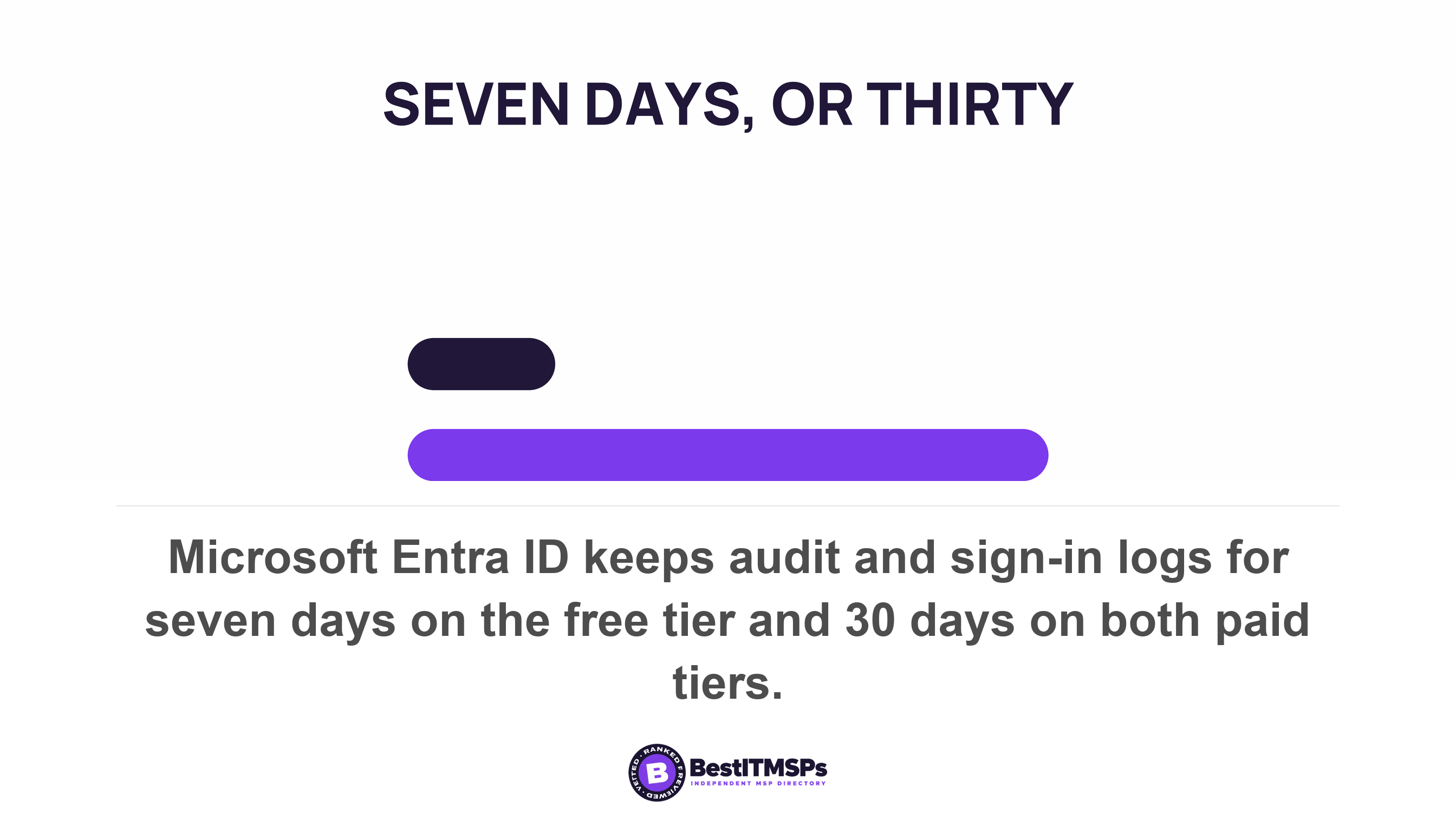
Audit logging is where assembling tools costs real money, and this is the strongest honest argument for consolidating. Microsoft keeps audit logs and sign-in logs for seven days on the free identity tier and 30 days on both paid tiers. Every separate product brings its own default, and the defaults are short. Sophos found missing logs doubled across its incident caseload, driven largely by firewall appliances where the default was only seven days, and in some cases 24 hours. One suite means one retention setting to find and fix. Six tools mean six, in six admin consoles, each with its own idea of a sensible default.
One data boundary, and the seams inside it
The data boundary is real for storage and seamed everywhere else. Microsoft's data residency documentation commits to a location for data at rest based on your tenant's default geography, and the stronger versions are separate paid subscriptions. Its Multi-Geo subscription allows customers to assign data location for Exchange Online, SharePoint, OneDrive, Microsoft Teams, and Microsoft 365 Copilot and Microsoft 365 Copilot Chat to any supported Geography, which is a named list rather than a boundary, and its advanced residency subscription covers certain core services and expanded services. The same page records that Dynamics 365 and Power Platform have separate data residency behavior and documentation. That is a seam inside one vendor's own product family. So "all your data in one boundary" is a claim about a list. Ask for the list, and check your two most sensitive systems are on it.
The license arithmetic that decides it, and how it goes wrong
Multiply the tier difference by every seat, not by the people who want the feature. Vendors tie a license to the people a feature touches, which is the opposite of how most buyers estimate it, and it is the single most expensive assumption in the room.
Microsoft states it plainly. Access reviews need the governance license for your member users, including for all employees who are reviewing access or having their access reviewed. Custom roles need the paid tier for every user with a custom role assignment. Search and export work the same way, because both admins and users working with eDiscovery cases require a Microsoft 365 Enterprise E3 or E5 license. Google draws its line in the same place. Vault, which lets an administrator retain, search, and export your organization's data for eDiscovery and compliance needs, appears only on Business Plus among the Business editions it sells to firms of up to 300 users.
So the question is never whether the suite includes the feature. It is how many seats move up a tier so that two people get it. Two finance staff who need legal hold can drag sixty seats onto a higher tier, where the specialist archiving product would have charged for two. That is the per-seat trap, and it runs in both directions: a suite tier that lands incremental features on all 60 seats can also be cheaper than six specialist subscriptions nobody negotiated.
The other half of the arithmetic cannot be computed at all, and that is not your failing. GAO examined federal software buying and found that multiple software products within license agreements were not separately priced. A bundled license has no per-product price, so "the suite is cheaper than four tools" is an assertion rather than a calculation. The same report found that none of the nine agencies it reviewed fully determined that their five most widely used software licenses were over- or under-purchased, and that across 24 agencies 10 vendors accounted for the majority of the most widely used licenses. Total cost of ownership over 36 months is the only comparison that settles this, and you have to build it from your own seat count.
Can you get your data back out of a suite?
Yes, and the published path is a compliance tool rather than a migration tool. Google's documented export route is Vault, on Business Plus. Microsoft's is eDiscovery export, which needs an Enterprise license. Both answer "can we produce this for a lawyer", not "can we hand our history to the next vendor". What an export costs, how long the download stays live and who holds the account that can run it are covered in getting your data out. The consolidation question is narrower and worth asking before anyone signs. Does the export path sit on the tier you are buying, or one above it?
The security argument runs both ways, and both sides are measured
Fewer vendors shrinks the surface you have to assess, and one vendor concentrates the damage when it fails. Neither half is speculation.
Verizon's 2026 breach data puts a third party in 48 percent of all breaches and reports third-party supply chain breaches up 60 percent. Every tool you add is another company whose own security you now depend on, and most small firms assess none of them. That is the honest case for consolidating, and it is stronger than the invoice-tidying one.
The other direction has a number too. When one endpoint agent shipped a bad update in July 2024, Microsoft estimated it affected 8.5 million Windows devices, less than one percent of all Windows machines. One vendor, one update, one morning. A business that had put monitoring, patching and endpoint protection on a single agent lost all three at once, and had no second console to look at.
Does any authority say how much concentration is too much?
No. No US authority publishes a limit on how many of your services one vendor should run, and the nearest public framework does not set one either. What it asks for instead is an exit plan.
US bank regulators issued joint third-party risk guidance in June 2023, and it is the most detailed free treatment a small business can borrow. Before a relationship starts, it expects management to be outlining the banking organization's contingency plans in the event the banking organization needs to transition the activity to another third party or bring it in-house. At the end, it names what to work out in advance, including options for an effective transition of services, such as potential alternate third parties to perform the activity, costs and fees associated with termination, and managing risks associated with data retention and destruction.
Read that as your test, because it is the only one anybody publishes. The regulator never asks how many vendors you use. It asks whether you could leave, who you would leave for, and what it costs to terminate the arrangement.
What an exit actually costs from each choice
An exit from separate tools is several small independent moves. An exit from a suite is one large move you may not be allowed to make yourself. Two documented facts make that concrete, and both surprise buyers.
First, if the suite is bought through your IT provider on a reseller agreement, the exit is not yours to execute. Microsoft states that partner transfers can only occur if both the source and target partner approve it and that customers don't initiate the transfer process. It goes further. Microsoft will not override a CSP subscription transfer without the source partner's approval, disputes between partners are not mediated, and if your outgoing provider declines or does not respond, the request expires after 30 days. Your contract may give you a clean notice period. The vendor's transfer process still gives the provider you are leaving a veto.
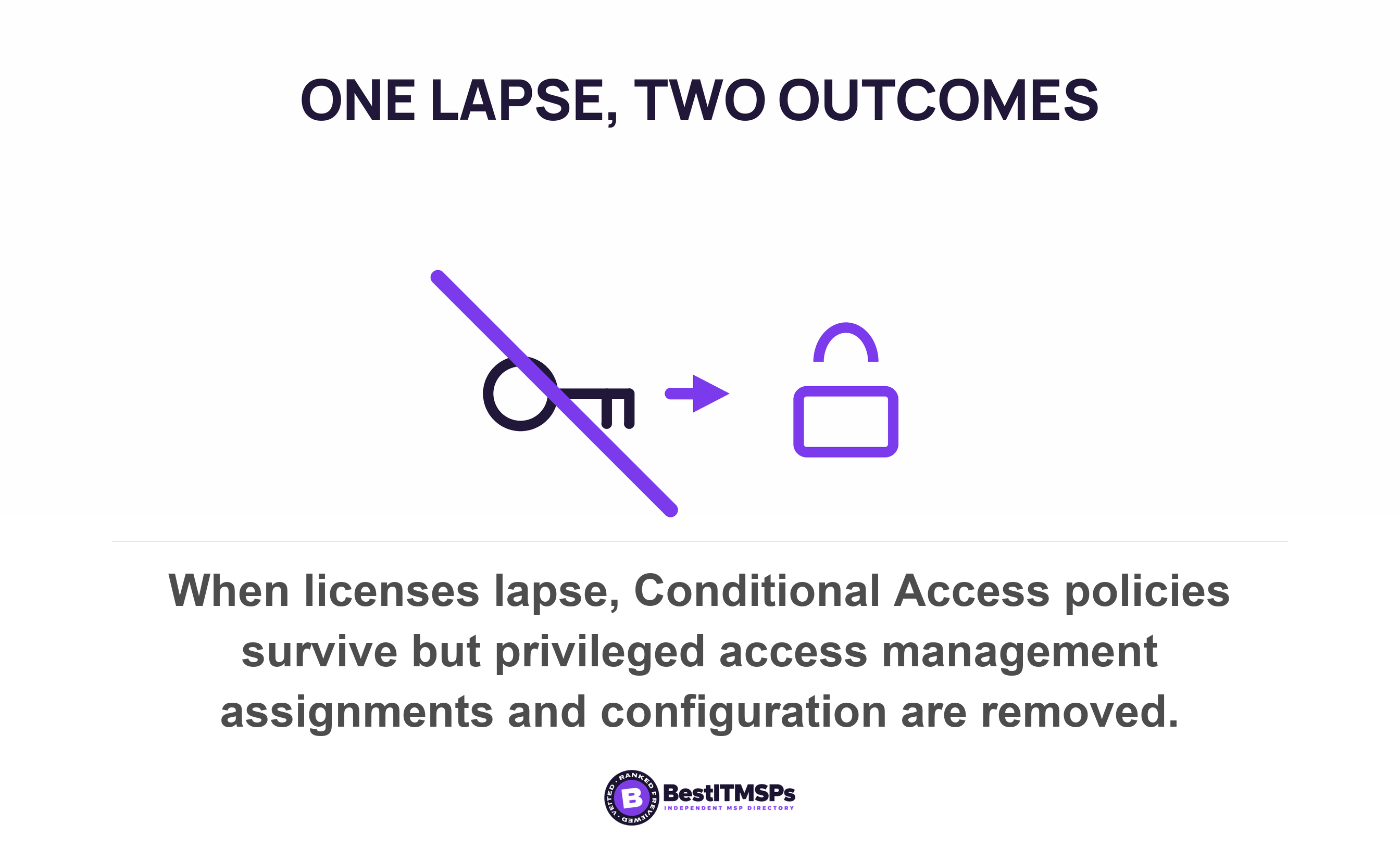
Second, a lapsed license does not do one thing. It does different things to different features in the same suite, and the documentation says which. Microsoft notes that when Conditional Access licenses expire, policies aren't automatically disabled or deleted, and that this is deliberate, granting customers the ability to migrate away from Conditional Access policies without a sudden change in their security posture. Stop paying for privileged access management in that same suite and the behavior inverts, because eligible role assignments of Microsoft Entra roles are removed and Privileged Identity Management configuration settings are removed. One vendor, two features, two opposite outcomes on the day the invoice stops.
Consolidation does not make the exit bigger. It turns six reversible decisions into one, and times that one to somebody else's renewal.
The specialist route has the opposite shape. Six tools mean six renewal dates, six notice windows and six exports, which is more administration and less exposure. You can replace one without touching the other five, and a bad year with one vendor costs you one migration. That is the trade nobody prices at purchase, and it is the one a buyer should price first.
Five questions that settle it for your business
Answer these five with numbers from your own software inventory, and the argument stops being about preference.
- Name the tool with users who would genuinely resist, then ask those users what they would lose. One department that quietly keeps the old tool turns a consolidation into two subscriptions.
- List the integrations that exist today, not the ones on a roadmap. A documented, configured integration counts. One a vendor says is coming does not.
- Price both options over 36 months. The tier difference times every seat, against the specialist license times only the seats that need it, plus the migration work and the staff hours it takes.
- Write down every renewal date and notice window. The cheap version of either decision happens at a renewal, and the expensive version happens mid-term.
- Agree who executes the exit, in writing, including who holds the account that can export your data and who can approve a transfer away from your provider.
Then compare the two answers side by side. A provider who can price the migration, name the configured integrations and say what breaks when a license lapses has done the work. One who says a single pane of glass is where the industry is heading has not. Negotiate the migration cost into the first invoice rather than the second year, and where the comparison is close, consolidate what you would be slowest to leave and keep the specialist tool wherever the exit stays cheap.
FAQ
Is it cheaper to consolidate onto one vendor's suite?
Not automatically, and the bundle makes it hard to check. GAO found that multiple software products within license agreements were not separately priced, so a suite has no per-product price to compare. Price the tier difference across every seat over 36 months against the specialist tool charged only to the seats using it.
What does a software suite include that separate tools cannot replicate?
One identity, one audit trail and one data boundary, each narrower than the pitch. Microsoft's licensing page lists automated user provisioning to SaaS apps on its free identity tier, so separate tools can still create and remove accounts automatically. The genuinely gated parts are group provisioning and on-premises provisioning.
Is one vendor safer than several?
Both directions are measured. Verizon found a third party involved in 48 percent of breaches, which argues for fewer vendors. Microsoft estimated one bad endpoint update affected 8.5 million Windows devices, which argues against putting monitoring, patching and protection on a single agent.
Can I move my Microsoft licenses away from my IT provider?
Not on your own. Microsoft states that partner transfers can only occur if both the source and target partner approve it, that customers don't initiate the transfer process, and that an unanswered request expires after 30 days. Agree the transfer route in writing before buying licenses through a provider.
What happens to a feature when we stop paying for the higher license tier?
It depends on the feature, and the documentation says which. Microsoft notes that expired Conditional Access policies aren't automatically disabled or deleted, while dropping privileged access management removes eligible role assignments and its configuration settings. Check the expiry behavior of the one feature you are upgrading for.
Best IT MSP is the independent directory of vetted managed IT providers across the US and Canada. Organic ranking is earned on rating and verified data, and paid placement is always labelled. Take these five questions to three merit-ranked firms in your city and compare the answers.