Shadow IT is not rebellion. It is a procurement failure.
Shadow IT is caused by an approval route slower than the work. The UK National Cyber Security Centre names that cause plainly, and Microsoft's published default lets any user approve a third-party app with no administrator involved. Fix the route first, restrict user consent second, and treat the policy document as optional.
- Microsoft's published default lets any user approve a third-party app for permissions that do not require administrator consent. Nobody asks you first.
- Restricting consent later is not a clean-up. Microsoft states existing consent grants remain unchanged, so restrict first, then work the list you already have.
- Microsoft and Google both ship an approval workflow already. Google drops an unanswered app request from its pending review list after six months.
- A self-service sign-up can create a second directory nobody runs. Microsoft defines an unmanaged tenant as a tenant with no Global Administrator.
- Treat the three-week approval route as the defect. A verdict inside two working days makes going around it not worth the effort.
What causes shadow IT?
Shadow IT is caused by a sanctioned buying route that is slower than the work it blocks. The National Cyber Security Centre, the United Kingdom's technical authority, defines shadow IT as unknown assets used inside a business for business purposes, and puts the cause in one line. It is normally down to employees struggling to use sanctioned tools or processes to complete a specific task, or to the process for doing this being ineffective or slow.
The pattern is familiar. Somebody in sales needs call transcription. They ask. Three weeks later the answer is no, with no alternative attached. The tool goes on a personal card that afternoon. Six months on, your provider finds it during a review and files it as a security incident.
Both readings are true. It is an unapproved third-party app holding client data, and it is the predictable output of a procurement process nobody can use. Only one of them is the cause, and the NCSC is blunt about which, warning that if users don't feel their needs are being addressed promptly, it encourages them to implement their own solutions. Treat the behaviour as a discipline problem and you get a policy nobody reads. Treat it as a symptom and you get a fix.
So this guide names the one technical control that limits the damage while you repair the route, then describes a route fast enough that going around it stops being worth the effort. Finding and costing the tools you already pay for is a different job, covered in the SaaS spend audit that finds your dead software. The consent mechanics go deeper in every OAuth app your staff connected to your Microsoft tenant.
What does a tool bought outside procurement actually connect to?
It connects to the buyer's mailbox, files and calendar, through a consent prompt you never see. Somebody who clicks Sign in with Microsoft on a new tool grants a third-party app standing access to company data, and the published default lets them do it alone. Microsoft states that by default, all users are allowed to consent to applications for permissions that don't require administrator consent.
That permissive default is deliberate, and Microsoft draws the line with its own example. A user can consent to allow an app to access their mailbox but can't consent to allow an app unfettered access to read and write to all files in your organization. The worst single grant needs an administrator. The everyday grant does not, and the everyday grant is the mailbox.
Each of those tools is a supplier nobody reviewed. Verizon found a third party involved in 48 percent of all breaches, with third-party supply chain breaches up 60 percent in a year. The scale is already measurable in the one category somebody counted properly. Verizon reports 45 percent of employees are now considered regular users of AI, authorized or not, on their corporate devices, up from 15 percent in the previous year. It reports separately that 67 percent of users are using non-corporate accounts on their corporate devices to access AI services, and calls that one a slight decrease on the previous year. Those are two independent measurements, not a share of one another. Same purchase, same device, same card. That category needs its own short use policy.
Can you restrict it, and does an older tenant keep the old default?
Yes, an administrator can restrict user consent, and Microsoft documents three positions on one setting. It sits under Enterprise apps, Consent and permissions, User consent settings. You can disable user consent altogether, apply the built-in policy allowing limited user consent only for apps from verified publishers and apps that are registered in your tenant, and only for permissions that you classify as low impact, or keep the legacy policy that allows all users to consent to any permission that doesn't require admin consent, for any application. The middle one fits most small firms. Microsoft's Graph reference records the matching tenant property, allowUserConsentForRiskyApps, with a default value of false, and recommends keeping it there.
Two things matter more than the switch. First, tightening it is not a clean-up. Microsoft states that any updates to user consent settings only affect future consent operations for applications and that existing consent grants remain unchanged. So the order is fixed. Restrict, work the list you already have, revoke what should never have been approved, then re-check on a schedule.
Second, tenant age is not where the risk lives, because Microsoft publishes one default for every tenant and documents no older variant of it. What does depend on age is the guardrail already switched on, and it carries a cut-off date. Risk-based step-up consent stops users approving most newly registered multitenant apps from unverified publishers, and Microsoft scopes it to apps that were registered after November 8, 2020. An older app registration sits outside the check entirely, so the oldest grants in your tenant are both the least protected and the ones nobody remembers approving.
Google ships the permissive side of the same choice. Its app access control page lists Allow users to access any third-party apps as the default, and sets per-app access as Trusted, Limited or Blocked, where Blocked means the app can't access any Google data. Google's two pages word this differently, which is worth knowing before you quote either at your provider. Its app-request page states that when a user attempts to access an unconfigured third-party app, access is blocked by default. Treat the discrepancy as a reason to read the setting on your own screen. The value that governs your staff is the one in your console, not the one in a help article.
The worse case is a tool that creates a directory nobody runs
Some purchases do not connect to your tenant. They create a second one. Microsoft documents self-service sign-up as the method by which a user signs up for a cloud service and has an identity automatically created for them in Microsoft Entra ID based on their email domain. Read the definition of where that identity lands twice. Microsoft states that an unmanaged tenant is a tenant that has no Global Administrator.
Microsoft's own recovery guidance calls the result an unmanaged or shadow Microsoft Entra organization created by users who used self-service sign-up. Your business now holds a directory built from its own domain name that nobody administers, created by one person who wanted a trial.
Recovery is documented, and so are its limits. An internal takeover makes you Global Administrator of that directory, and no users, domains, or service plans are migrated to any other directory you administer. An external takeover moves the domain into the tenant you already run with its users, subscriptions and license assignments, after which the unmanaged Microsoft Entra organization is deleted 10 days after a successful external admin takeover with the forceTakeover option. Coverage is the catch. Microsoft states that external admin takeover isn't supported for any service that has service plans that include SharePoint, OneDrive, or Skype For Business.
You can close the door first. Microsoft gives administrators two tenant-wide switches, one that controls whether users can join the tenant by email validation and one that controls the ability for users to perform self-service sign-up. Neither page publishes a default, so have your provider read yours out rather than assume it.
What does the cost side actually show?
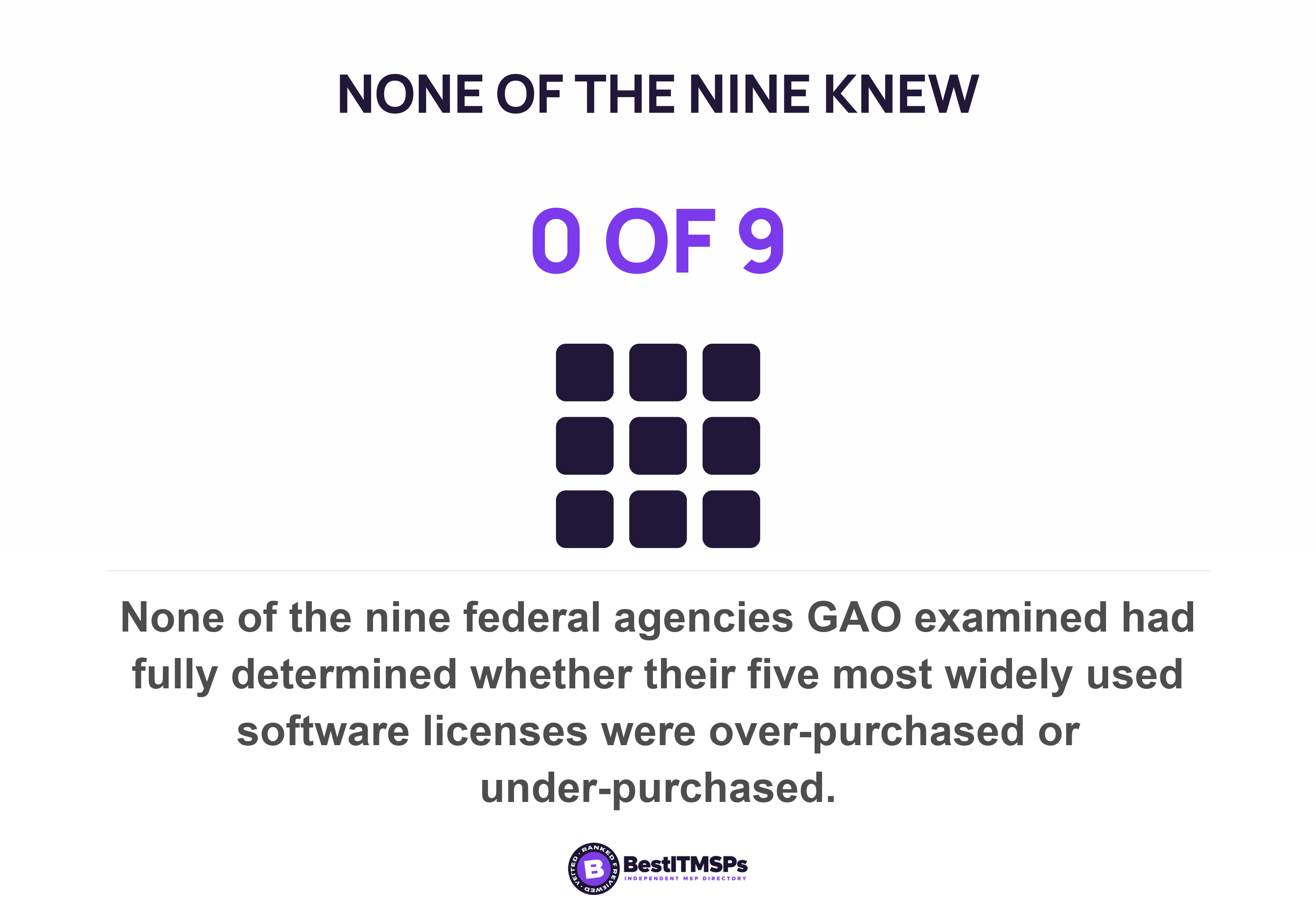
Less than the proposals claim, once you discount everyone selling the remedy. The strongest independent measurement comes from the US Government Accountability Office, which reviewed federal software license management and found none of the nine agencies it examined closely had fully determined whether their five most widely used licenses were over-purchased or under-purchased. The same report carries one hard number, worth the detour even at federal scale. GAO records that NASA's Office of Inspector General found the agency had not implemented a centralized software asset management tool to discover, inventory and track license data as federal policy required, resulting in NASA spending approximately $15 million over the past 5 years on unused licenses. The mechanism scales down intact. No inventory, no idea what is unused, and the invoice arrives anyway.
Read that as reassurance rather than an indictment. Those agencies have procurement departments, auditors and a statute telling them to count. If they cannot say whether they over-bought, a thirty-person firm with no software inventory certainly cannot. GAO names the two activities that close the gap, tracking licenses currently in use and regularly comparing the inventory of software licenses currently in use to purchase records, which can help avoid purchasing too many licenses.
The eye-catching percentages for wasted subscriptions almost all come from firms selling software-management software, so we leave them out. Count your own duplicate subscriptions instead, seat by seat, at the next renewal window.
What does a procurement route fast enough to use look like?
To build a route people use, publish one way in, promise a verdict in two working days, and let that verdict be an honest no with an alternative attached. No standards body prescribes a lightweight approval path, so the two-day promise is our recommendation rather than a published requirement. What is published is the approval workflow your software already includes and almost nobody switches on.
Your software already has the request route
Microsoft calls it the admin consent workflow. The switch reads Users can request admin consent to apps they are unable to consent to, and Microsoft describes the result as a secure way to grant access to applications that require admin approval, where the request is sent via email to admins who are designated as reviewers. Two details make it usable by a firm with no IT department. Naming a reviewer hands over no power, because simply designating them as a reviewer doesn't elevate their privileges, and reviewers can view, block, or deny admin consent requests even where only a Global Administrator can approve one. So your operations lead can triage the queue without becoming an administrator.
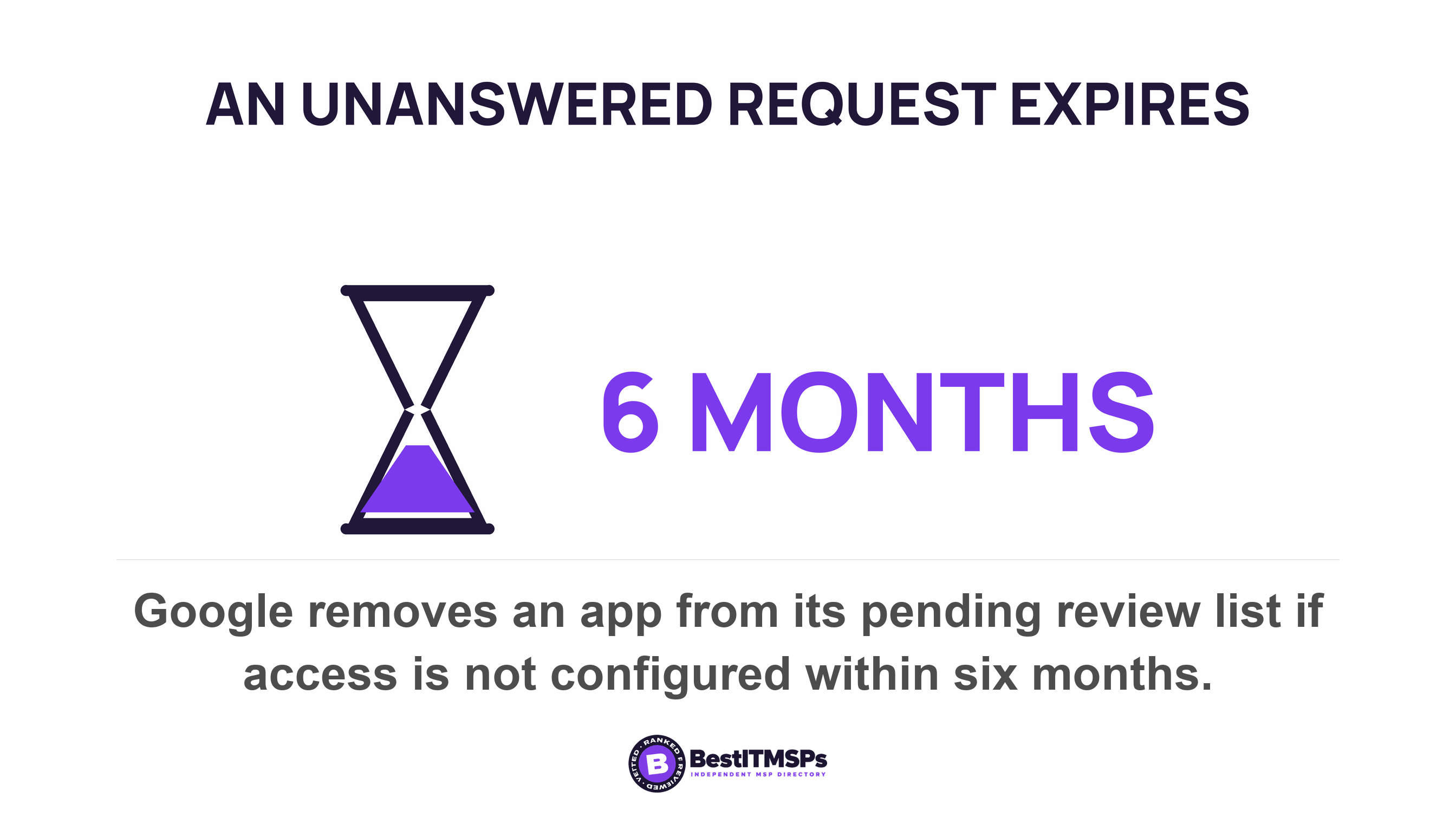
Both vendors build an expiry into that route, and it is a setting to choose rather than inherit. Microsoft's field is named Consent request expires after (days). Google's queue clears itself, stating that if you don't configure access to an app within 6 months, the app is automatically removed from the pending review list. An expired request is a no delivered by a clock, which is the exact experience that sends the next purchase to a personal card. Google also sorts the requested apps by the number of user requests, so the queue names your widest gap before anyone complains.
Four rules that turn a queue into a route
- Publish one way in. A form, an address or a chat channel, named in the handbook, with no gatekeeper to find first.
- Promise a verdict in two working days. A yes, a no with a named alternative, or a date when the vendor security review finishes.
- Pre-approve a short list. Three tools per category anyone may buy under a set monthly amount, with no review.
- Document every decision in one visible place, so the next person asking does not restart the clock.
Notice what is missing. There is no policy document, because a policy nobody reads changes no behaviour. The NCSC lands in the same place from the other direction, recommending you implement an effective and simple process for addressing users' requests and warning that if you blame or punish staff, their peers will be reluctant to tell you about their own unsanctioned practices.
A policy tells people the answer is no. A two-day verdict tells them the answer is coming. Only one of those competes with a personal credit card.
Who keeps the software inventory, and how often?
Your provider keeps the list, and the frameworks requiring one are near-silent on the cadence. CISA's Cybersecurity Performance Goals cover it twice, in goal 2.A, which asks you to maintain a regularly updated inventory of all organizational assets, and in goal 3.P, Maintain Hardware and Software Approval Process, where organizations maintain a list of approved hardware, firmware, and software. Neither names an interval. New York's financial cybersecurity rule requires written policies producing a complete, accurate and documented asset inventory of the covered entity's information systems at section 500.13, then requires those policies to state the frequency required to update and validate the covered entity's asset inventory without naming one. The Center for Internet Security says it in a title, Inventory and Control of Software Assets, and asks you to actively manage (inventory, track, and correct) all software on the network.
So the cadence belongs to you, and somebody has to choose it and write it down. Quarterly is a defensible floor under fifty staff, pinned to the renewal calendar so the review has a purpose beyond tidiness. Ask your provider which list they hold today, the approved list or the installed list. They are different documents, and a route holding only the second one cannot answer a buying question.
What happens to the data when the person who bought it leaves?
It stays inside an account you cannot reach. A tool bought on a personal card is registered to a personal identity, so deleting that person from your directory touches none of it. The subscription renews against a card you do not control, and the client records inside it belong, administratively, to somebody who no longer works for you.
That is why offboarding and shadow IT are one problem seen twice. CISA makes revoking access its own goal, Revoking Credentials for Departing Staff, and that goal only reaches credentials your own directory issued. The full leaver sequence sits in the employee offboarding IT checklist. The part that belongs here is earlier, at purchase, and it is three questions long.
- Name the account owner, and make it a shared company address rather than one person's inbox.
- Record the billing method, because a personal card is the clearest signal that a purchase skipped the route.
- Check the export path before you sign, so you know what leaves with you when you stop paying.
What to ask your IT provider on Tuesday
Start by not blaming them. Your provider is rarely the reason the route is slow. They are usually one approval step in a chain that also holds a finance sign-off, a contract review and a decision maker who is travelling. They also take the call when they discover an unapproved tool holding client data, which is why they log it as an incident. Both of you want the same five answers.
- Show me every third-party app holding a grant in our tenant today, and who approved each one.
- Tell me which user consent setting we run, and the date it last changed.
- Confirm whether the admin consent workflow is on, who the reviewers are, and the expiry in days.
- Check whether any unmanaged tenant exists on our domain from a self-service sign-up.
- Name the cadence you review the software inventory on, and send me the most recent one.
None of this makes an unapproved purchase impossible, and no honest provider promises that. It makes the approved route the faster one, which is the only version that holds past a quarter. Fix the route, restrict user consent, keep one list, and the next tool arrives through the front door because the front door is quicker.
FAQ
What causes shadow IT?
A sanctioned buying route slower than the work causes shadow IT. The UK National Cyber Security Centre attributes it to employees struggling to use sanctioned tools or processes to complete a specific task, or to the process for doing this being ineffective or slow. Staff are solving a work problem, not breaking a rule.
Can an employee give an app access to company data without an administrator?
Yes. Microsoft states that by default, all users are allowed to consent to applications for permissions that don't require administrator consent. A user can approve mailbox access alone. Only the widest grants, such as reading and writing every file in the organization, need an administrator.
Is shadow IT a security incident or a procurement failure?
It is both, and only the second one is the cause. An unapproved third-party app holding client data is a real exposure, since Verizon found a third party involved in 48 percent of all breaches. The route that produced it is where the fix lives, because the exposure repeats until the route changes.
How do I stop shadow IT without banning tools?
Publish one request route with a two-working-day verdict, pre-approve three tools per category, and switch on the approval workflow you already own. Microsoft's switch reads Users can request admin consent to apps they are unable to consent to. Restricting consent without a usable route just moves the purchase to a personal card.
Does tightening user consent remove the apps staff already approved?
No. Microsoft states that any updates to user consent settings only affect future consent operations for applications and that existing consent grants remain unchanged. Restrict the setting first, then review and revoke existing grants one by one, then re-check on a fixed cadence.
Best IT MSP is the independent directory of vetted managed IT and cybersecurity providers across North America. Organic ranking is earned on rating and verified data, and paid placement is always labelled. Take the five questions above to three merit-ranked firms in your city and compare the answers side by side.