Conditional Access in plain English, and the three rules most SMBs need
Conditional Access is Microsoft's if-then rule engine for sign-ins, so if a user wants a resource, then they must satisfy a condition. It needs Entra ID P1, which Business Premium includes. Three policies carry most of the value for a small business, and a policy left in report-only mode enforces nothing.
- Conditional Access is an if-then rule engine for sign-ins. If the conditions you set are true, then the person must satisfy a control such as multifactor authentication.
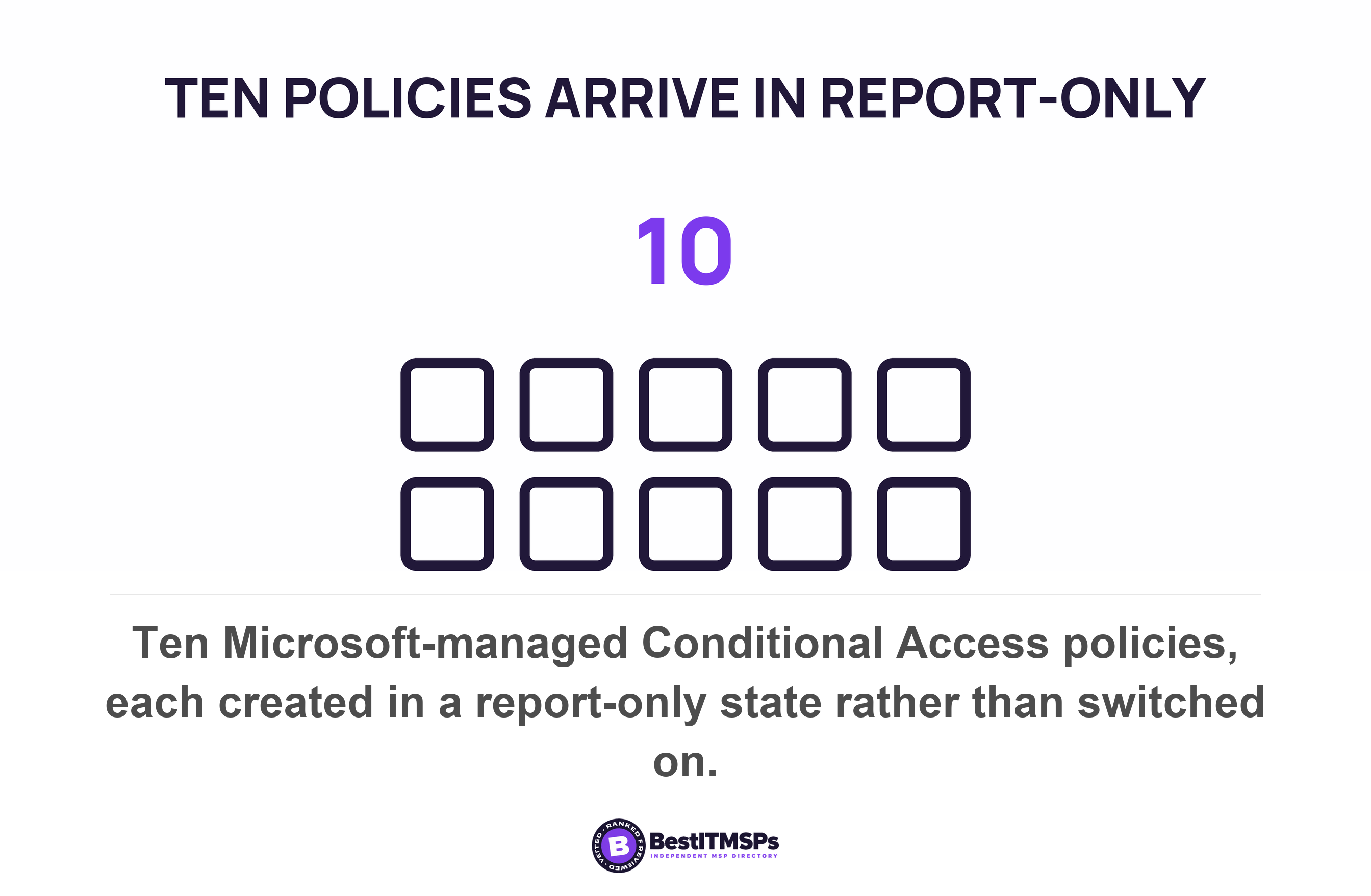
- Microsoft creates the policies itself. We counted ten Microsoft-managed Conditional Access policies in its documentation, and every one of them arrives in a report-only state rather than switched on.
- Report-only evaluates a policy and enforces nothing. Nobody is prompted and nobody is blocked, so a full policy list is not evidence that anything is enforced.
- Security defaults and replacement Conditional Access policies cannot run together. A provider who disables the first and leaves the second in report-only has left you with neither.
- Ask for the Security Reader role. It is read-only, and Microsoft documents it as enough to open Conditional Access and read the policy list, the coverage view and the policy impact.
What is Conditional Access, in plain English?
Conditional Access is a rule engine that inspects a sign-in and decides what the person must do before they get in. Microsoft puts it in one sentence. Conditional Access policies at their simplest are if-then statements, so if a user wants to reach a resource, then they must complete an action. If your bookkeeper opens Outlook, then she approves a prompt on her phone. That is the whole product.
The word doing the work is conditional. A policy runs only when the conditions you set are true, and it does nothing at all when they are false. Two people in the same office can open the same app and get two different experiences, by design. That flexibility is also why one business and another can both say they use Conditional Access and share almost nothing else.
One limit matters before the rest. Microsoft states that Conditional Access policies are enforced after first-factor authentication is completed. The password is still typed and still checked, so Conditional Access decides what happens next rather than replacing the password. Switching it on is not the same as moving to passkeys.
Check the licence first, because it decides whether you have the feature at all. Microsoft states that using this feature requires Microsoft Entra ID P1 licenses and that customers with Microsoft 365 Business Premium licenses can also use Conditional Access features. Risky sign-in rules sit a tier higher, because sign-in risk and user risk policies require Microsoft Entra ID Protection, a P2 feature. Microsoft's own fallback is blunt, since if you can't use Conditional Access, enable security defaults. Our comparison of Business Premium or E3 shows which plan carries which tier. If a licence lapses you can view and delete remaining policies, but you can't update them.
What does Conditional Access check, and what can it do about it?
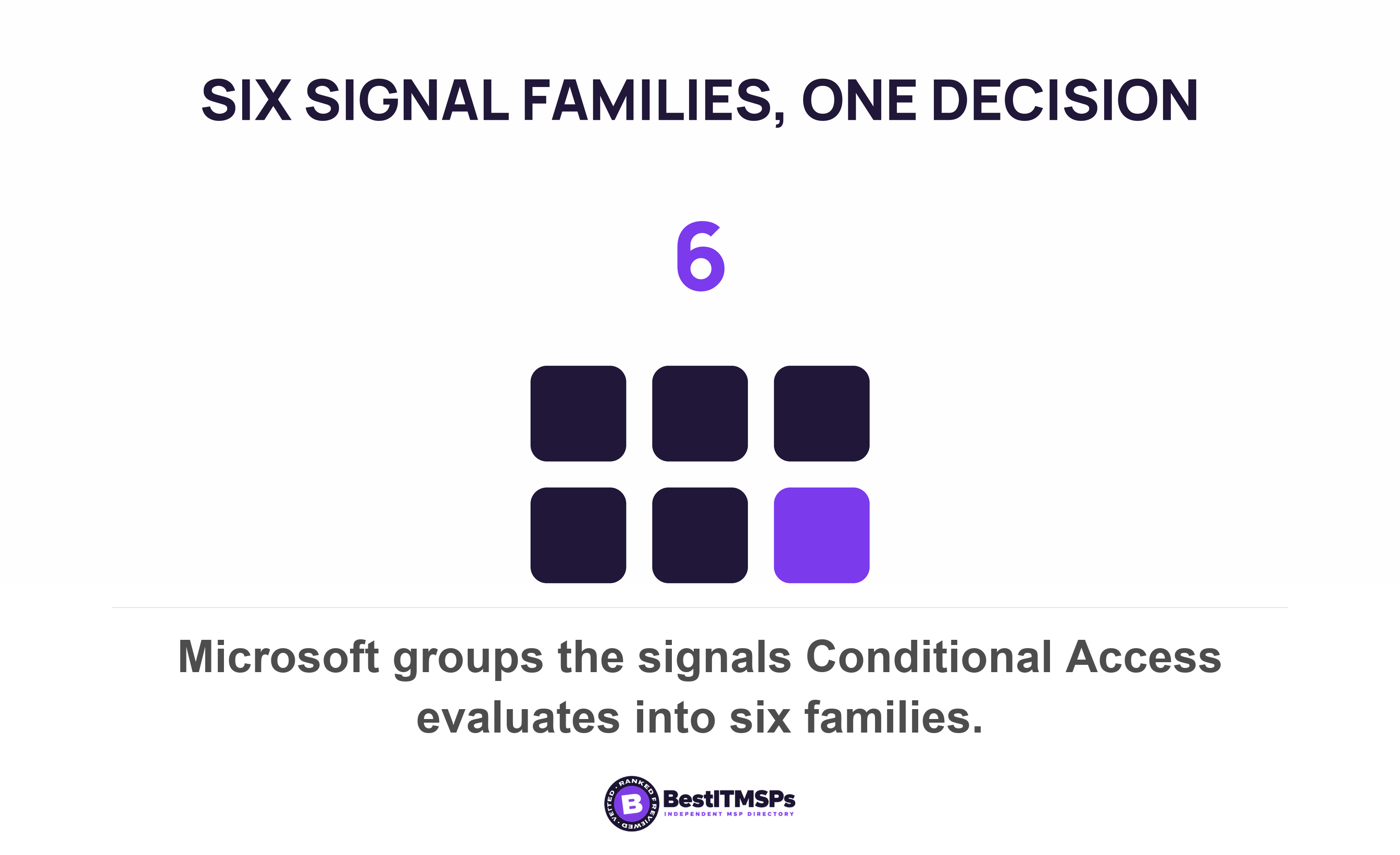
Conditional Access checks signals and then makes one of two decisions. Microsoft groups the inputs into six families, which are user, group or agent, IP location information, device, application, real-time and calculated risk detection, and Microsoft Defender for Cloud Apps. Nothing outside that list enters the decision, which is worth knowing when a proposal implies the product can see more than it can.
The decision is either block or grant. Microsoft calls block access the most restrictive decision. The alternative is to grant access with a requirement attached, and the requirements are named and finite rather than open-ended. The five that matter to a small business are listed below.
- Require multifactor authentication, the grant control nearly every small business starts with.
- Require authentication strength, which names the acceptable methods, such as a phishing-resistant FIDO2 security key.
- Require a compliant or Microsoft Entra hybrid joined device, which needs device compliance managed somewhere first.
- Require an approved client app or an app protection policy, used mostly on phones and tablets.
- Require a password change or acceptance of terms of use, the two housekeeping controls.
Translate the sales language into that list before you agree to anything. We lock down access by device means require the device to be marked as compliant, and nobody can enforce it without managing the devices first. We block overseas logins means an IP location rule and a trusted location list that somebody has to maintain. Each phrase maps to one named control, so ask which one and ask who keeps it current.
Which Conditional Access policies does Microsoft create for you?
Microsoft creates them itself in eligible tenants, which changes what a policy list proves. Microsoft publishes a set of preconfigured Conditional Access policies that are created and maintained by Microsoft, and we counted ten of them named on that page, from blocking legacy authentication through to requiring remediation for high-risk users. The admin centre shows Microsoft in the Created by column for each one. Your provider may have built none of the policies you are looking at.
Every one of them arrives doing nothing. Microsoft states that the policy is automatically created in your tenant in a Report-only state and that it enables these policies no less than 30 days after they're introduced in your tenant if they're left in the Report-only state, with customers notified through emails and Message center posts 2 weeks before the policies are enabled. An administrator can switch one on sooner, switch it off, or exclude accounts from it. Nobody can tidy them away, because organizations can't rename or delete any Microsoft-managed policies.
Templates are the other half of the free scaffolding. Microsoft publishes policy templates in six categories, and the Secure foundation set is the one aimed at everybody, because Microsoft recommends these policies as the base for all organizations. Deploy these policies as a group. Eight templates sit in that category, covering admin multifactor authentication, security info registration, legacy authentication, the admin portals, all-user multifactor authentication, Azure management and two device rules. By default, each policy is created in report-only mode.
One line on the template page costs businesses real money and almost nobody reads it. Microsoft warns that Conditional Access template policies targeting users exclude only the user creating the policy from the template. A template built by your provider's engineer therefore excludes your provider's engineer, and nothing else. It does not exclude your emergency account, your scanner's mailbox or your owner. Microsoft's guidance is to exclude emergency access or break-glass accounts to prevent lockout due to policy misconfiguration and to exclude service accounts, and both have to be done by hand after the template is created.
Can you run security defaults and Conditional Access at the same time?
No. Microsoft states that organizations that choose to implement Conditional Access policies that replace security defaults must disable security defaults. The two are alternatives rather than layers, and that boundary is the single most useful thing to understand about this subject.
Security defaults is one free switch covering six things. It handles requiring all users to register for multifactor authentication, requiring administrators to do multifactor authentication, requiring users to do multifactor authentication when necessary, blocking legacy authentication protocols, blocking device code flow, and protecting privileged activities like access to the Azure portal. You cannot change any of it. With the switch on, Microsoft decides when a user is prompted for multifactor authentication, based on factors such as location, device, role, and task. Conditional Access is the opposite, fully customizable and therefore yours to get wrong.
| Question | Security defaults | Conditional Access |
|---|---|---|
| Required licences | None | At least Microsoft Entra ID P1 |
| Customization | No customization (on or off) | Fully customizable |
| Who decides when a user is prompted | Microsoft, based on location, device, role and task | You, in each policy |
| Documented account exclusions | Directory synchronization accounts | Any user, group or role you name |
| States a rule can sit in | Enabled or disabled | On, Off or Report-only |
The dangerous configuration is the one in between. Microsoft's instruction is direct, because after administrators disable security defaults, organizations should immediately enable Conditional Access policies to protect their organization. A tenant where security defaults were switched off and the replacement policies were left in report-only enforces nothing, and it looks busier than it did before the work started. That half-finished state is exactly what a screenshot of a policy list cannot tell apart from a working one. So the question to put to a provider is not whether you have Conditional Access, because every licensed tenant has it. The question is which policies are switched on.
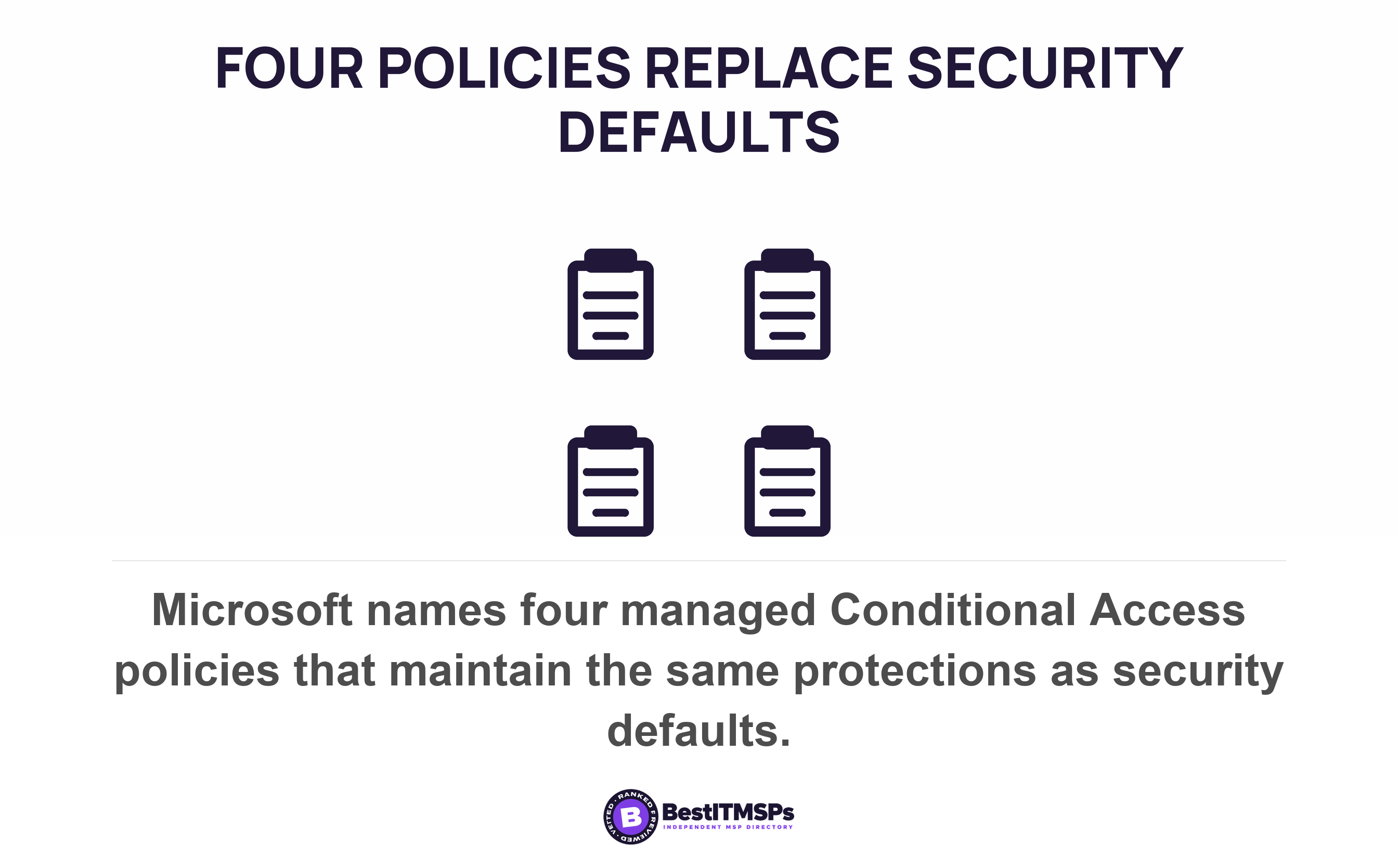
Microsoft names the replacement set, which is the closest thing to an official minimum. Its managed policies maintain the same protections, covering blocking legacy authentication, requiring MFA for Azure management, requiring MFA for admins, and requiring MFA for all users. Four policies, named by the vendor, at no licence cost to anyone who already holds P1. Microsoft is equally clear about who should stop using the simple switch, since if you're an organization with Microsoft Entra ID P1 or P2 licenses, security defaults are probably not right for you.
The three Conditional Access rules most small businesses need
Three rules carry most of the value for a business under about fifty staff, and each one is a named policy you can request by name. They are multifactor authentication for all users, blocking legacy authentication, and blocking device code flow. Microsoft already publishes all three as managed policies, so nothing has to be designed and nothing has to be bought beyond the licence you hold.
1. Require multifactor authentication for all users
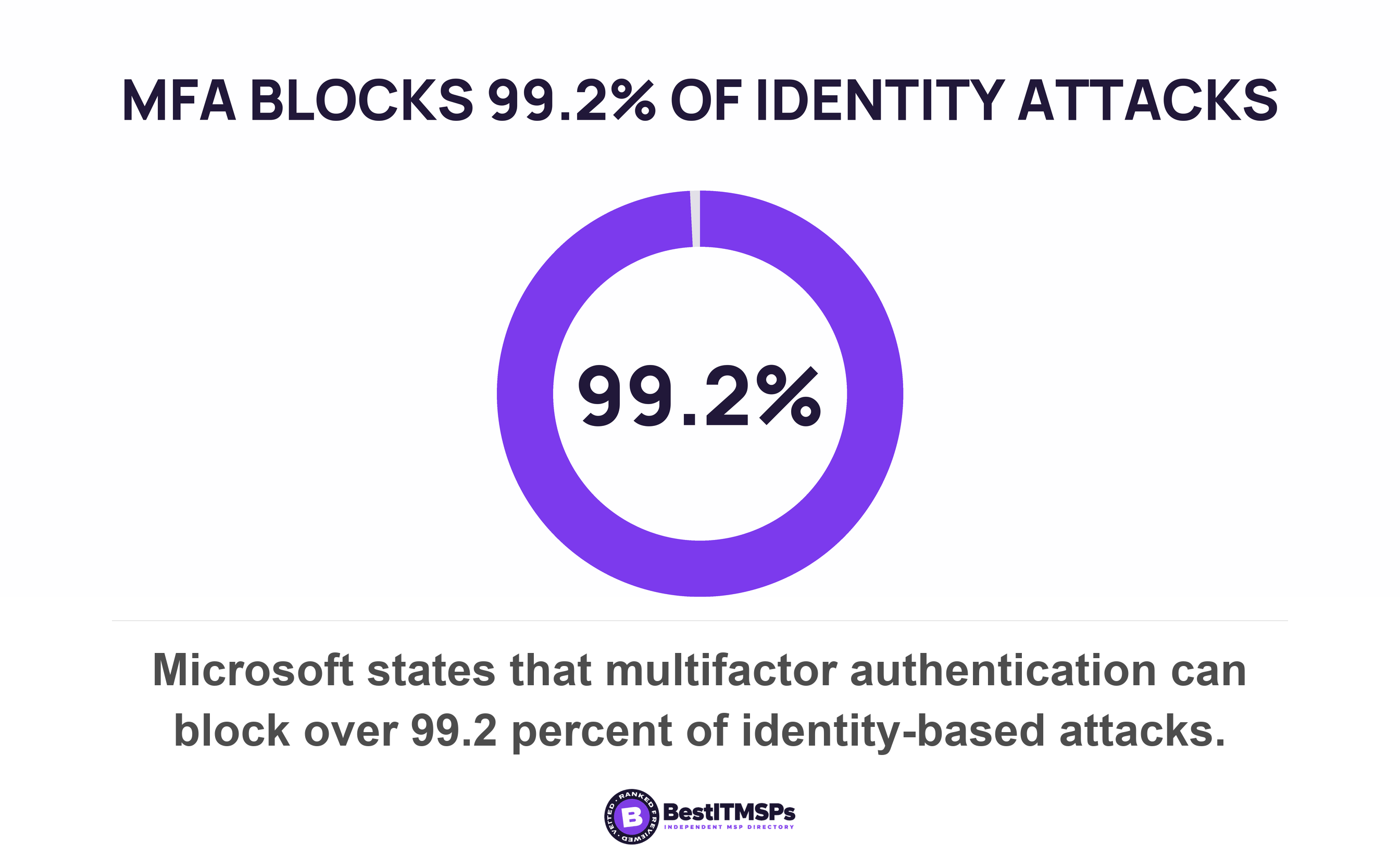
Require it for everyone rather than for administrators only. Microsoft's managed policy of that name covers all users in your organization and requires them to use multifactor authentication whenever they sign in, and notes that the session usually persists on the device, so nobody is challenged all day. The arithmetic is the argument, because MFA can block over 99.2% of identity-based attacks. An admin-only rule leaves every mailbox an attacker actually phishes. CISA requires the same of federal agencies, stating that MFA SHALL be enforced for all users and that numerous policies in this baseline rely on Microsoft Entra ID Conditional Access. If the terms confuse you, our guide to MFA and 2FA separates them.
2. Block legacy authentication
Block the old protocols, because they cannot be made to ask for a second factor. The managed policy blocks sign-ins from older clients like Office 2010, or clients that use protocols like IMAP, SMTP, or POP3, and Microsoft gives the reason in one line, since more than 99 percent of password spray attacks use these legacy authentication protocols. Legacy authentication is how an attacker steps around a multifactor rule rather than through it, which makes this policy the partner of the first one rather than an extra. CISA states the same requirement, that legacy authentication SHALL be blocked.
3. Block device code flow
Block device code flow, which almost no small business uses and attackers use a great deal. It is the sign-in where a code shown on one screen is typed into another device, built for televisions and meeting-room hardware. Microsoft describes it as rarely used by customers, but is frequently used by attackers, and its threat intelligence team published a campaign built on exactly this, in which threat actors exploit the device code authentication flow to capture authentication tokens. Microsoft recommends blocking device code flow wherever possible. It is already inside security defaults for tenants created from 1 July 2026, and a managed Conditional Access policy for everybody else.
Microsoft's replacement set names a fourth rule, requiring multifactor authentication for Azure management, and most small businesses now get that outcome whether they configure it or not. Mandatory multifactor authentication for the admin portals is being enforced tenant by tenant, and there's no way to opt out. Two details deserve your attention. The enforcement applies to all user accounts, regardless if they are a student account, break-glass account, an administrator account with activated or eligible roles, or any user exclusions that are enabled for them, so a Conditional Access exclusion list does not hold there. And Microsoft enforces it only in the public Azure cloud. The dates sit in our post on a tenant set up fast and cheap. The admin portal policy is still worth enabling, because it covers 14 admin roles that are highly privileged, and knowing who holds your Global Administrator role decides how much that matters.
What stops a Conditional Access policy locking out every administrator?
An account kept outside every policy is the documented protection, and report-only mode is the rehearsal. Microsoft recommends two cloud-only emergency access accounts permanently assigned the Global Administrator role, and its templates page tells you to exclude emergency access or break-glass accounts to prevent lockout due to policy misconfiguration. Remember that a template hands you the wrong exclusion, because it excludes only the person who created it, so the emergency account has to be added afterwards. Report-only covers the rest, since a policy can be watched for a month before it bites. We cover the account itself, what goes on it and how to monitor its use, in the break-glass account.
How can you see what Conditional Access is enforcing today?
You cannot see it from an ordinary account, so ask for a read-only role rather than a report. Microsoft states that admins with at least the Security Reader role can find Conditional Access in the Microsoft Entra admin center. Security Reader changes nothing and reads everything that matters here, so a provider who will not grant it to one named person at your business has given you an answer of its own.
Three screens settle the question, and all three are read-only.
- Policies. The list shows all of the policies in your tenant, including report-only policies. Read the State column first, then the Created by column, which says Microsoft for a managed policy.
- Coverage. The tab shows a summary of applications with and without Conditional Access policy coverage over the past seven days. An application with no coverage has no rule in front of it.
- Policy impact. The view lets a Security Reader see a snapshot of the potential or existing impacts of policies on interactive sign-ins across the past 24 hours, 7 days or 1 month.
Do not judge it by whether you personally get prompted. Microsoft is explicit that report-only mode evaluates policies but doesn't enforce grant controls or session controls. Users aren't prompted for multifactor authentication or blocked by report-only policies. The sign-in logs record that case as report-only user action required, which means the policy would have asked you for something and chose not to. No prompt is therefore perfectly consistent with a policy that exists, looks correct and does nothing.
One number ends the argument, which is how many policies sit in the On state today. Count them off the Policies list rather than off a slide, then compare that count against the four Microsoft names as the replacement for security defaults, and review every gap. Independent evidence says the gap is normal. Sophos found multifactor authentication deployed in some capacity for 97% of incidents where compromised credentials were the root cause of the ransomware attacks it studied across 2,158 organisations in 17 countries. Deployed and enforced are different words.
A provider who can name the policies that are On is managing your sign-ins. A provider who can only name the feature is reading you a price list.
Five questions to send your IT provider this week
Send these five in one email and keep the reply. Dated answers become a record you can hold against another provider's.
- Ask whether security defaults are enabled or disabled on our tenant, and what replaced them.
- Ask how many Conditional Access policies are in the On state today, and how many sit in Report-only.
- Ask which policies Microsoft created and which you created, from the Created by column.
- Ask which accounts are excluded from each policy, and the reason each exclusion exists.
- Ask for the Security Reader role for one named person here, so we can verify the answers ourselves.
None of this buys perfect security, and no honest provider promises it. It buys a tenant where somebody chose the rules on purpose and can show you which ones are running. If you are comparing firms, compare them on these five answers rather than on the product names in the proposal.
FAQ
What is Conditional Access in simple terms?
Conditional Access is Microsoft's rule engine for sign-ins. Microsoft describes its policies as if-then statements, so if a user wants a resource, then they must complete an action such as multifactor authentication. It evaluates signals including location, device and risk, then either blocks the sign-in or grants it with a condition attached.
Do I need Conditional Access if we already have MFA turned on?
Probably yes, if your multifactor authentication is set per user. Microsoft no longer recommends per-user MFA and publishes a managed policy that moves those users across, noting that Conditional Access offers a better admin experience with many extra features. It also enforces rules per-user MFA cannot, such as blocking legacy authentication.
Is security defaults enough for a small business?
It is enough as a floor and it costs nothing. Security defaults enforce six controls and allow no customization, and Microsoft says that if you're an organization with Microsoft Entra ID P1 or P2 licenses, security defaults are probably not right for you. If you already pay for Business Premium, you are paying for Conditional Access either way.
What does report-only mean on a Conditional Access policy?
Report-only means the policy is evaluated and not enforced. Microsoft states that report-only mode evaluates policies but doesn't enforce grant controls or session controls, and that users are not prompted or blocked by such policies. Every Microsoft-managed policy arrives in that state, so a policy list can look full while nothing is enforced.
How many Conditional Access policies should a small business have?
Microsoft names four managed policies as the replacement for security defaults, and three of them need a decision from you. The fourth, multifactor authentication for Azure management, is already being enforced by Microsoft with no way to opt out. Its Secure foundation template group holds eight policies and is recommended as the base for all organizations.
Best IT MSP is the independent directory of vetted managed IT and cybersecurity providers across the US and Canada. Organic ranking is earned on rating and verified data, and paid placement is always labelled. Take these five questions to three merit-ranked firms in your city and compare the answers side by side.