Passkeys for a small business: ready, or not yet?
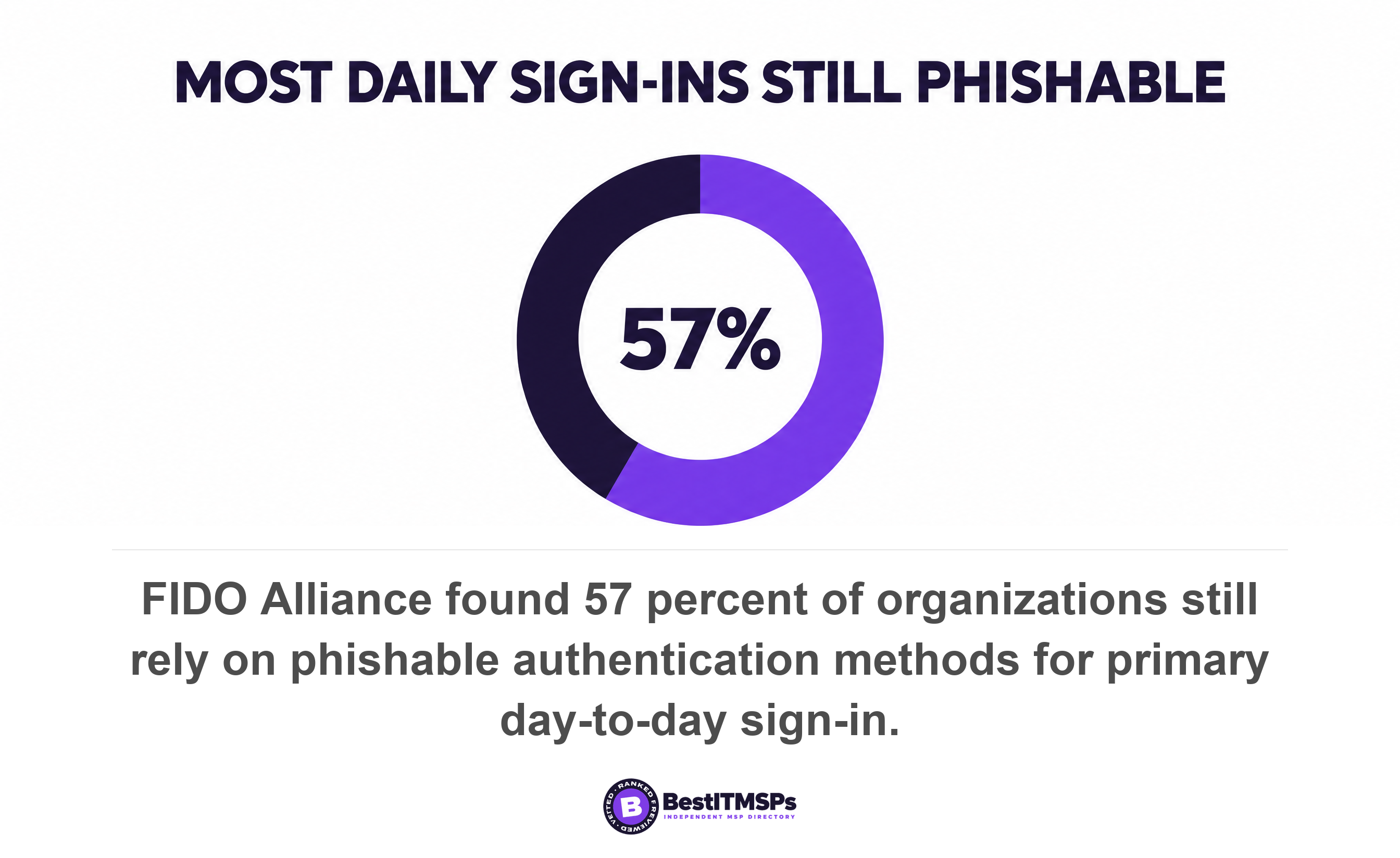
A small business can move its Microsoft 365 or Google sign-in to passkeys this year, but it cannot delete the password. Microsoft documents that Conditional Access runs only after the initial authentication. FIDO's 2026 workforce study found 57 percent of organizations still rely on phishable sign-in methods.
- Passkeys are free on every Microsoft Entra ID edition. Requiring them needs Conditional Access, which needs Entra ID P1, so the credential is free and the enforcement is not.
- Enforcing a passkey does not remove the password. Microsoft states Conditional Access is evaluated only after the initial authentication, so a user can still type a password first.
- Device-bound only is a preference until attestation is enforced. With attestation off, Microsoft cannot say whether a passkey is synced or device-bound, and synced passkeys cannot be attested at all.
- The 68 percent adoption figure everyone quotes comes from organizations with 500 or more employees. No published figure measures firms your size.
- Recovery is where phishing resistance unwinds. A Temporary Access Pass is a code a human reads out, valid up to 30 days, beside a password that still works.
Can a small business move off passwords this year?
A small business can move its main sign-in to passkeys this year, and it cannot delete the password. Those are two projects, and vendor posts merge them into one. Microsoft is blunt about the gap. Conditional Access policies are evaluated only after the initial authentication, so an authentication strength doesn't restrict a user's initial authentication. The password keeps working behind the policy meant to replace it.
That makes the answer conditional rather than yes or no, and the conditions are checkable this week. Four tests decide it, taken in order below. Application support, enforcement, recovery, and what stays on passwords afterwards.
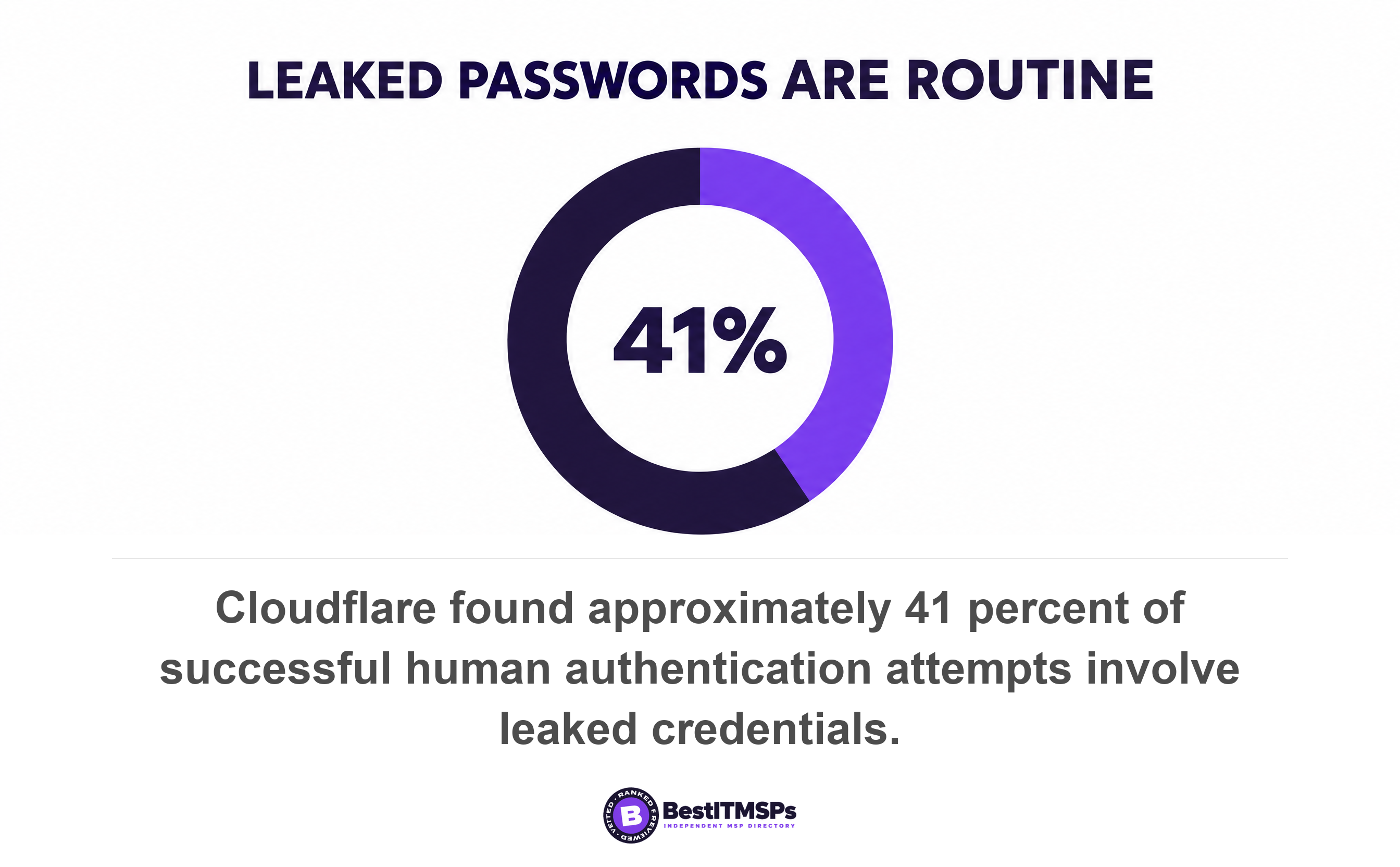
The reason to bother is that the login page is now the front door. Sophos found 79 percent of ransomware attacks start with compromised identities. Cloudflare analysed authentication traffic across roughly a fifth of the web against a database of over 15 billion records and found approximately 41 percent of successful human authentication attempts involve leaked credentials. Verizon puts credential abuse at 13 percent of breaches as an initial access vector, down from first place, because multi-factor authentication now blocks the easy version.
This guide is for the person who signs the managed IT contract, not the person who configures the tenant. For the attack passkeys remove outright, read MFA fatigue attacks. For the terms your provider uses, read MFA vs 2FA.
What a passkey is, in standards language
A passkey is a public key credential your device creates for one website and keeps. The W3C Web Authentication specification gives the word no definition of its own. It lists passkey as a synonym for a discoverable credential, a public key credential source that is discoverable and usable in authentication ceremonies. The FIDO Alliance calls it an authentication credential based on FIDO standards, that can be stored on your phone or computer.
The load-bearing half is what never moves. The specification says the credential private key is expected to never be exposed to any other party, not even to the owner of the authenticator, and FIDO states the design means there are no shared secrets. A password is a shared secret, because you hold it and so does the website. A passkey hands over only the public half, so there is nothing on the server worth stealing and nothing for a user to type into the wrong page.
Synced and device-bound passkeys are not the same product
Two kinds exist, and the difference decides your account recovery plan. FIDO calls a credential that never leaves a single device a device-bound passkey, and one synced between user's devices via a cloud service a synced passkey. Microsoft gives the mechanics. A device-bound private key is created and stored on a single physical device and never leaves it, while a synced one is encrypted on the local device then synced and stored in the cloud passkey provider.
Three providers sync most of them, Apple iCloud Keychain, Google Password Manager, and a third-party password manager such as 1Password or Bitwarden. Apple states that 15 data categories, including Health and passwords in iCloud Keychain, are end-to-end encrypted, so the provider stores a key it cannot read. FIDO's enterprise guidance still flags the trade, noting that the export and management of credentials in a third-party service introduces additional considerations and may not meet every organization's security requirements.
Why a passkey resists phishing, and what the specification says
A passkey resists phishing because the credential is bound to one web address and the browser enforces that binding in code. The Web Authentication specification states each credential is scoped to a given WebAuthn Relying Party, that the public key credential can only be accessed by origins belonging to that Relying Party, and that this scoping is enforced jointly by conforming User Agents and authenticators. The check happens again at every sign-in, not only when the passkey is created: the specification says the scoping is validated by the authenticator during the authenticatorGetAssertion operation, by verifying that the RP ID that the requested credential is scoped to exactly matches the RP ID supplied by the client.
The enforcement is mechanical, not advisory. The Relying Party Identifier determines the set of origins on which the public key credential may be exercised, and by default, the RP ID for a WebAuthn operation is set to the caller's origin's effective domain. The specification then tells the website to verify that the value of C.origin is an origin expected by the Relying Party and to verify that the rpIdHash in authData is the SHA-256 hash of the RP ID. The authenticator separately ensures operations cannot be replayed against a different origin.
Hold that against a phishing page. A lookalike domain is a different origin, so the browser never offers the passkey, and there is no code for a user to read out to a caller claiming to be the help desk. NIST defines the property exactly. Phishing resistance is the ability of the authentication protocol to prevent the disclosure of authentication secrets without relying on the vigilance of the claimant. That last clause is the business case.
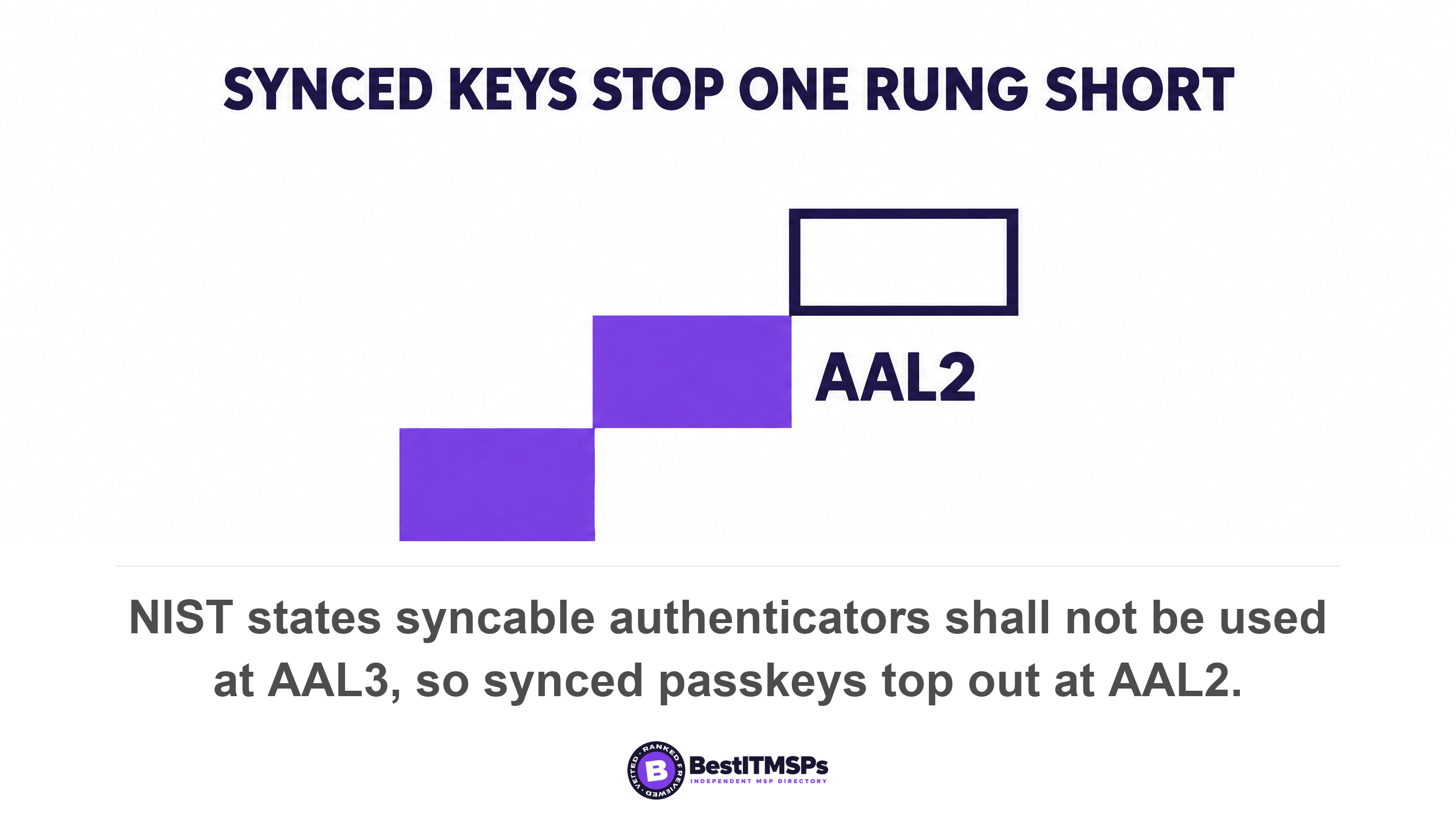
NIST also sets a floor and a ceiling your provider will not volunteer. Verifiers SHALL offer at least one phishing-resistant authentication option at AAL2, and because syncable authenticators require the private key to be exportable, syncable authenticators SHALL NOT be used at AAL3. Few small businesses chase AAL3. The point is that the standards body already drew the line between synced and device-bound, so the distinction is not marketing.
Test one: do the applications your staff use support passkeys?
To test application support, list the five systems your staff open first each morning and ask which sign in through Microsoft 365 or Google Workspace. Those are the ones a passkey protects today. Anything with its own login page cannot migrate until it joins your identity provider through single sign-on.
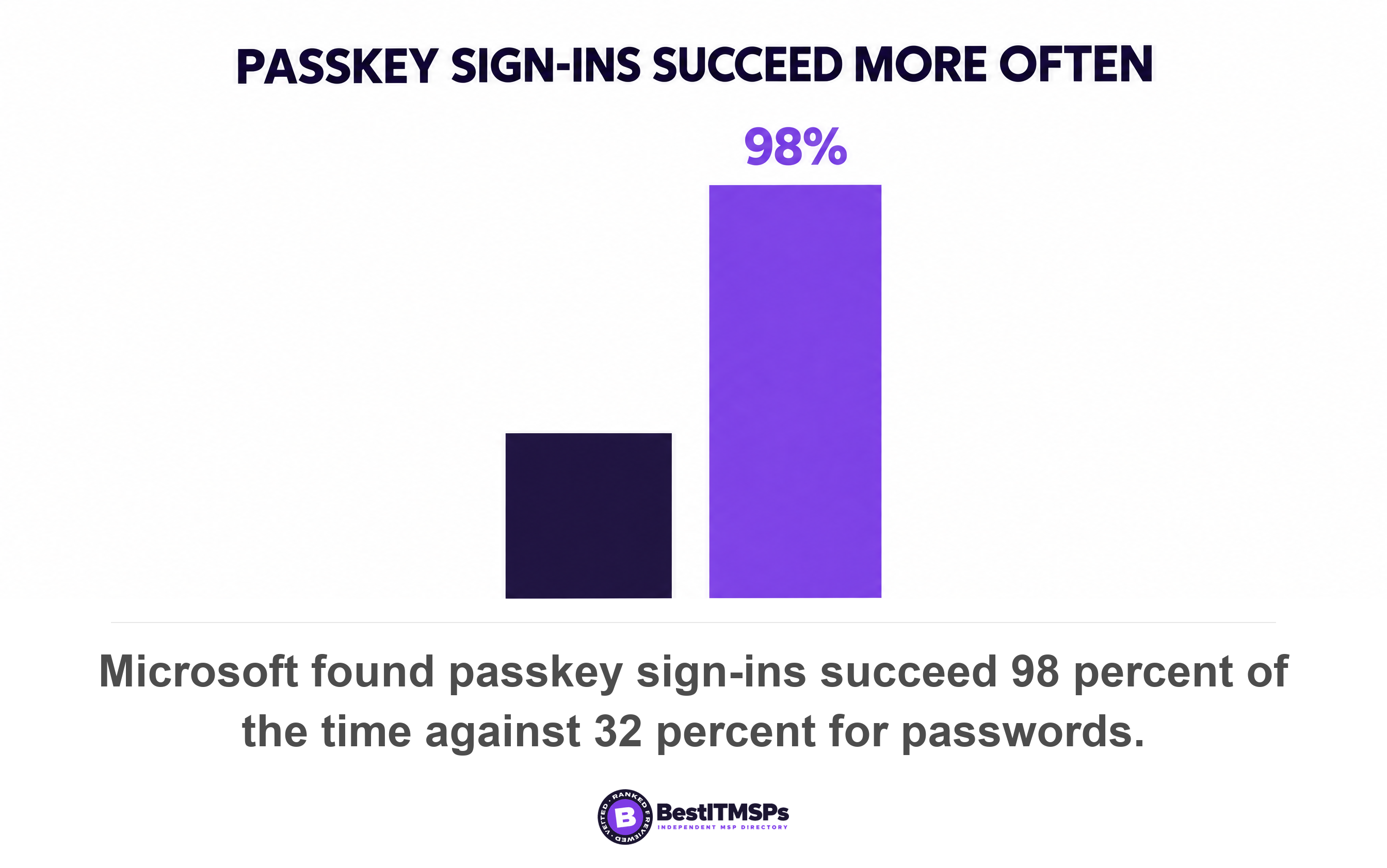
Your identity provider almost certainly supports passkeys already. Microsoft states passkeys (FIDO2) are available in all Microsoft Entra ID editions, including Microsoft Entra ID Free and that no extra licenses are required, and its compatibility reference confirms Entra ID supports both synced passkeys and device-bound passkeys as Generally Available authentication methods. Microsoft also measures the upside, reporting users are three times more successful signing in with passkeys than with passwords (98% versus 32%) and that 99% of users who start the passkey registration flow complete it. Microsoft sells passkeys, so weigh that accordingly.
The gaps are specific, published by the vendor, and the usual reason a pilot stalls. Microsoft's compatibility matrix marks passkey sign-in as unsupported in Firefox on Android, and marks OneDrive, Outlook and Teams on Android as unsupported without an authentication broker such as Authenticator or Company Portal. It states security key registration isn't supported on ChromeOS or Chrome browser, that new security key registration doesn't work on iOS browsers because they don't prompt to set up biometrics or PIN, and that Microsoft Entra ID doesn't support passkey authentication with a third-party IdP on iOS/macOS.
Administrators hit their own wall, which is the opposite of what you want. Microsoft documents that PowerShell modules for SharePoint Online or Teams, or any PowerShell scripts that require admin credentials, don't prompt for FIDO2. The accounts you most want on a phishing-resistant credential are the accounts most likely to keep a password.
Four checks settle this against your own stack rather than a vendor's support list.
- List the five systems staff open first, and mark which sign in through your identity provider.
- Open each one on the exact browser and operating system your staff use, Android phones included.
- Register one test passkey on one real device before you approve any spend.
- Name the line-of-business application that will still want a password, because there is always one.
Test two: can your provider enforce passkeys, or only offer them?
To test enforcement, ask your provider to show you the policy that blocks a sign-in which did not use a passkey. Offering passkeys is one setting. An enforceable requirement is a different setting, on a different licence.
In Microsoft 365 the credential is free and the enforcement is not. Requiring a method runs through Conditional Access, and Microsoft states that to use Conditional Access, your tenant needs to have Microsoft Entra ID P1 license. The control is an authentication strength, and three come built in, Multifactor authentication strength, Passwordless MFA strength, and Phishing-resistant MFA strength. The strongest accepts three combinations, Windows Hello for Business or platform credential, FIDO2 security key, and Microsoft Entra certificate-based authentication (multifactor). An authenticator app push does not qualify.
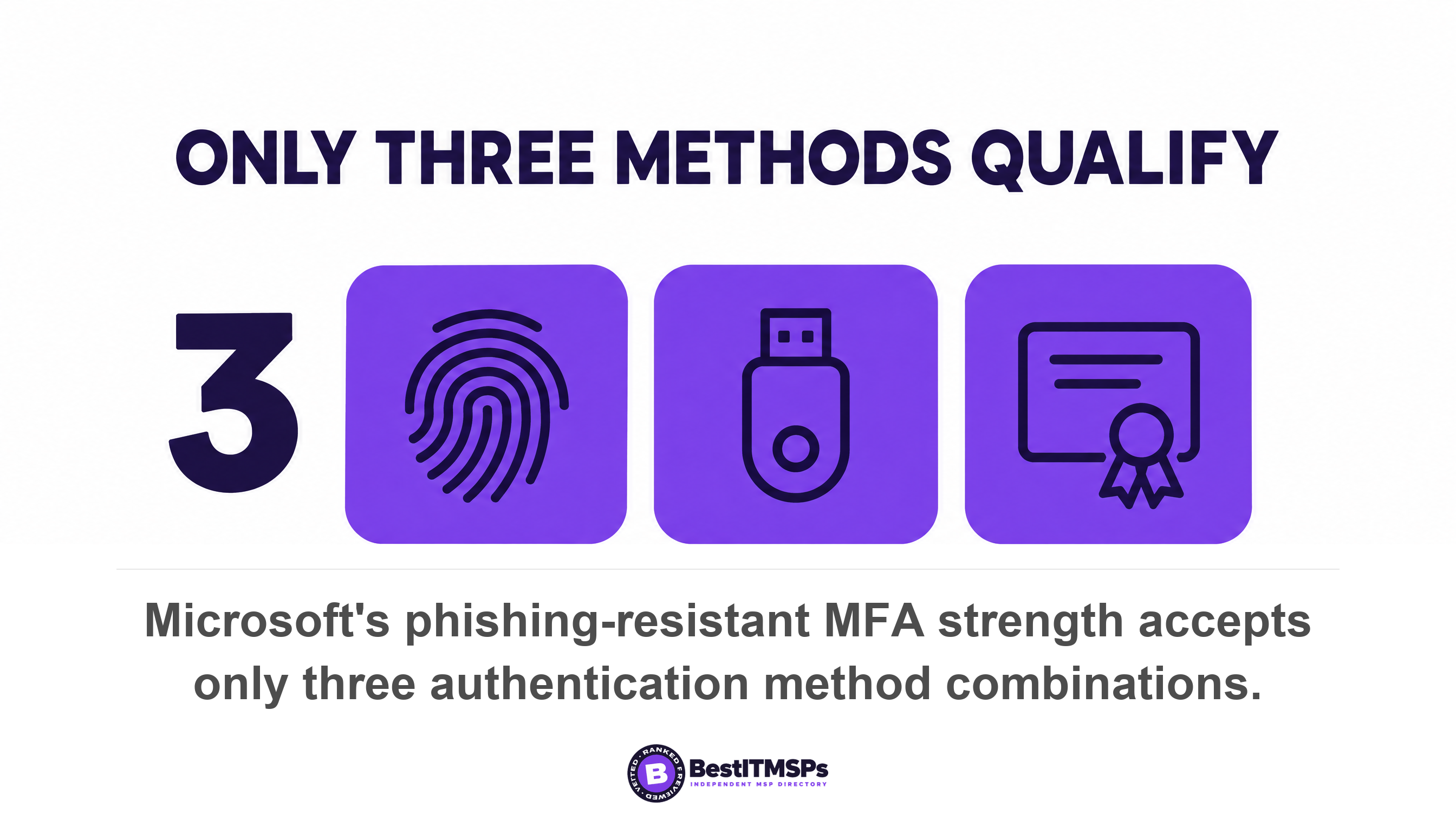
Now read the limitation Microsoft prints beneath that table, because it is the most useful sentence here. Conditional Access policies are evaluated only after the initial authentication, so an authentication strength doesn't restrict a user's initial authentication. Microsoft spells out the effect. Under the phishing-resistant strength, a user can still enter a password but must sign in by using a phishing-resistant method, such as a FIDO2 security key, before they can continue. Enforcement hardens the second step and leaves the password collectable at the first.
The second gap is attestation, and nobody raises it in a proposal. Microsoft's passkey profiles let an administrator restrict passkey types to device-bound or synced, and allow or block specific hardware by AAGUID. The warning attached is the text that matters. If enforce attestation is set to No, Microsoft Entra ID can't guarantee any attribute about a passkey, including if it's synced or device-bound. And synced passkeys do not support attestation at all, which is why Microsoft tells you to treat synced passkeys as phishing-resistant credentials but with the same security posture as other unattested authenticators. An attested passkey is one Microsoft can vouch for. Note too that once you opt in to passkey profiles, you can't opt out.
Google Workspace splits the same decision in two
In Google Workspace an administrator turns the capability on under Security, then Authentication, then Passwordless, and staff then act as well, because your users then need to turn on skip passwords and add a passkey to their account. Turn it off later and they will no longer be able to skip a password challenge, although they can still be prompted for a passkey to use as a second step in 2SV.
Google's real enforcement lever sits behind a second option, and its own warning is the blocker. An administrator can select Allow passkeys on hardware security keys only, the device-bound equivalent, after which users with passkeys stored on other devices (like phones or computers) will not be able to use those passkeys anymore. Google says to make sure that users have security keys enrolled first. Buy the keys, hand them out, then set the restriction.
Apple handles it through device management. Its platform deployment guide documents a passkey attestation configuration used to verify that a passkey was created on a managed device, supported from iOS 17, iPadOS 17 and macOS 14 through Device Enrollment or Automated Device Enrollment. That is how a business proves a work passkey lives on a company-managed Mac rather than a personal one.
Test three: what happens when somebody loses the only device?
To test recovery, ask what a locked-out employee does at 8am on a Monday with a drowned phone, then ask who verifies that the caller is really that employee. Recovery is where rollouts stall, and where the phishing resistance you paid for can be handed back over the phone.
Microsoft's route is a Temporary Access Pass, a time-limited passcode that can be configured for single use or multiple sign-ins. The default lifetime is one hour against an eight hour maximum, and the policy range runs from 10 to 43,200 minutes, which is 30 days. The code is 8 characters by default and can be set from 8 to 48 characters, and one-time use defaults to False, so a pass can be reused throughout its validity unless somebody changes the setting.
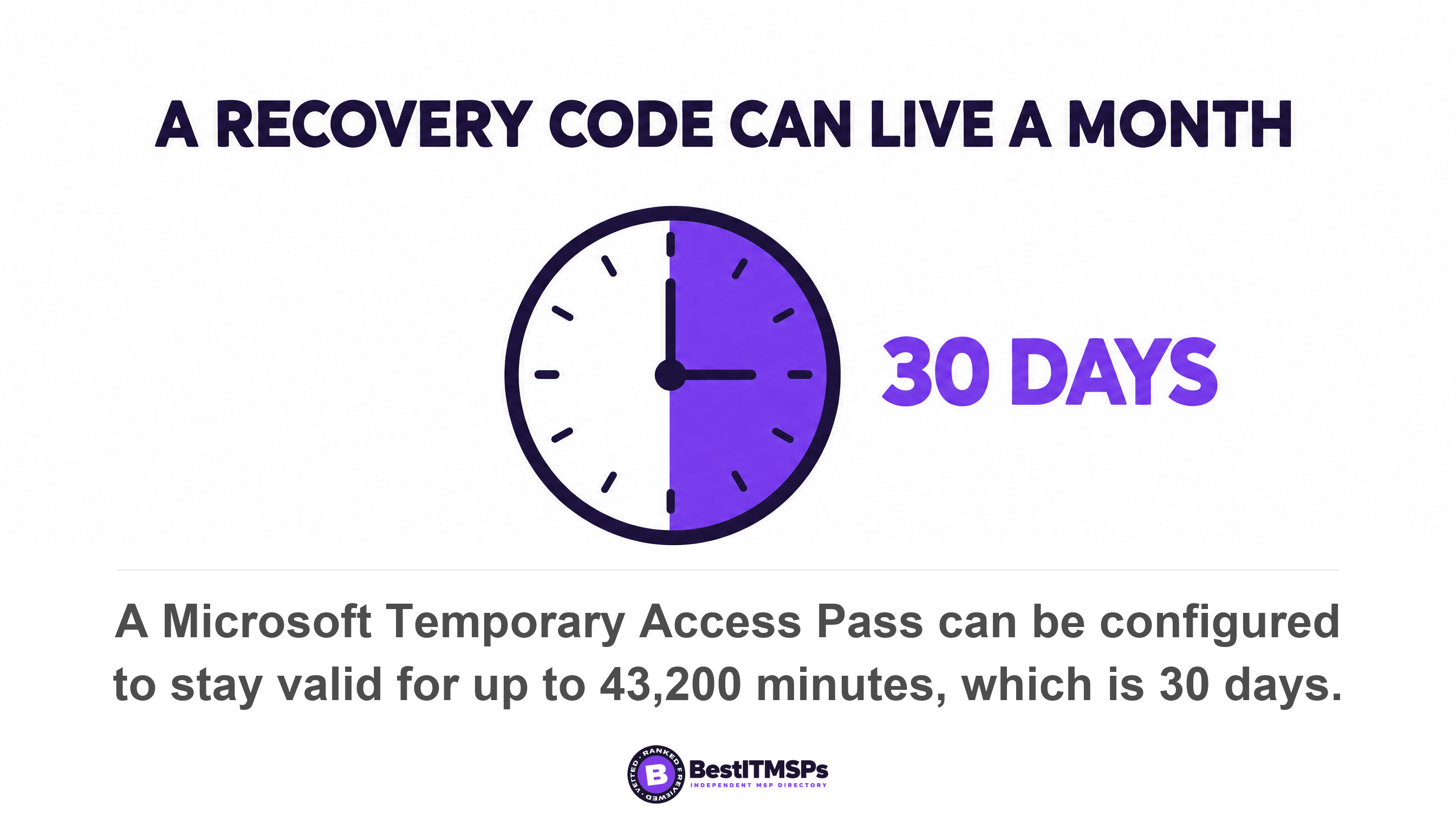
Then read the sentence Microsoft puts at the end of that walkthrough. Users can also continue to sign in by using their password; a TAP doesn't replace a user's password. The recovery mechanism for a passwordless credential is a bearer code read out by a human, beside a password that still works. An Authentication Administrator can create, delete, and view a TAP for members, so that role belongs on the same audit list as your Global Administrators.
Google's equivalent is a backup code, and the privilege bar is lower than buyers assume. An admin must have the User management privilege to generate backup codes for a user, and only super administrators can generate backup codes for another admin account. The one genuine hardening arrives as a side effect of strict enforcement, because if 2SV is enforced in Only security key mode, users cannot generate their own backup codes.
Apple's account recovery is the strictest of the three. For end-to-end encrypted categories Apple says we can't help you recover this data if you lose access to your account, and recovery runs through your device passcode or password, a recovery contact, or a personal recovery key. With Advanced Data Protection on, Apple will not have the encryption keys to help you recover it.
The fix FIDO publishes is a second credential rather than a better code. Its enterprise guidance says to minimize credential loss scenarios by registering multiple device-bound passkeys. Two credentials per person cost less than one morning of a locked-out finance lead, and they remove the phone call an attacker was planning to imitate. Five things settle before the first passkey is registered.
- Register two credentials for everyone who can move money or reset an account.
- Shorten the recovery pass lifetime from the 30 day maximum, and set it to single use.
- Script the identity check performed before anyone issues a code or moves an authentication method.
- Revoke the lost credential the same day rather than leaving it registered beside the replacement.
- Audit who holds the roles that can issue recovery codes, and remove the ones nobody can justify.
Test four: what stays on passwords after the rollout?
After a successful rollout, seven things in a typical small business still use a password. Every one is documented by the vendor rather than guessed at.
- Guest and external accounts. Microsoft states registration of passkey (FIDO2) credentials isn't supported for internal or external guest users, including B2B collaboration users.
- Legacy remote access. A Temporary Access Pass can't be used with the Network Policy Server (NPS) extension and Active Directory Federation Services (AD FS) adapter, and the NPS extension is what fronts many VPN logins.
- Admin scripting. PowerShell modules for SharePoint Online and Teams don't prompt for FIDO2, so command-line work still runs on a password.
- Android app paths. Outlook, Teams and OneDrive on Android need an authentication broker installed first.
- Service accounts and shared mailboxes, because Microsoft requires user verification for multifactor authentication and nobody is present to provide it. Ours are covered in the logins nobody owns.
- Line-of-business applications with their own login page, which never touch your identity provider.
- The account password itself, because a TAP doesn't replace a user's password and an authentication strength doesn't restrict a user's initial authentication.
So password hygiene does not retire when passkeys arrive. The passwords left behind cover fewer systems and carry more weight, which argues for longer unique passwords in a password manager. Read password best practices, identity and access management best practices, and local admin rights and ransomware.
One migration detail catches firms that rename people. Microsoft states that if a user's UPN changes, you can no longer modify passkeys (FIDO2) to account for the change, so the user deletes the old passkey and registers a new one. Marriages, rebrands and domain moves all trigger that. Microsoft also requires multifactor authentication within the past five minutes before a user can register a passkey, which matters when you enrol a team in one room.
How much of the adoption data is about a business your size?
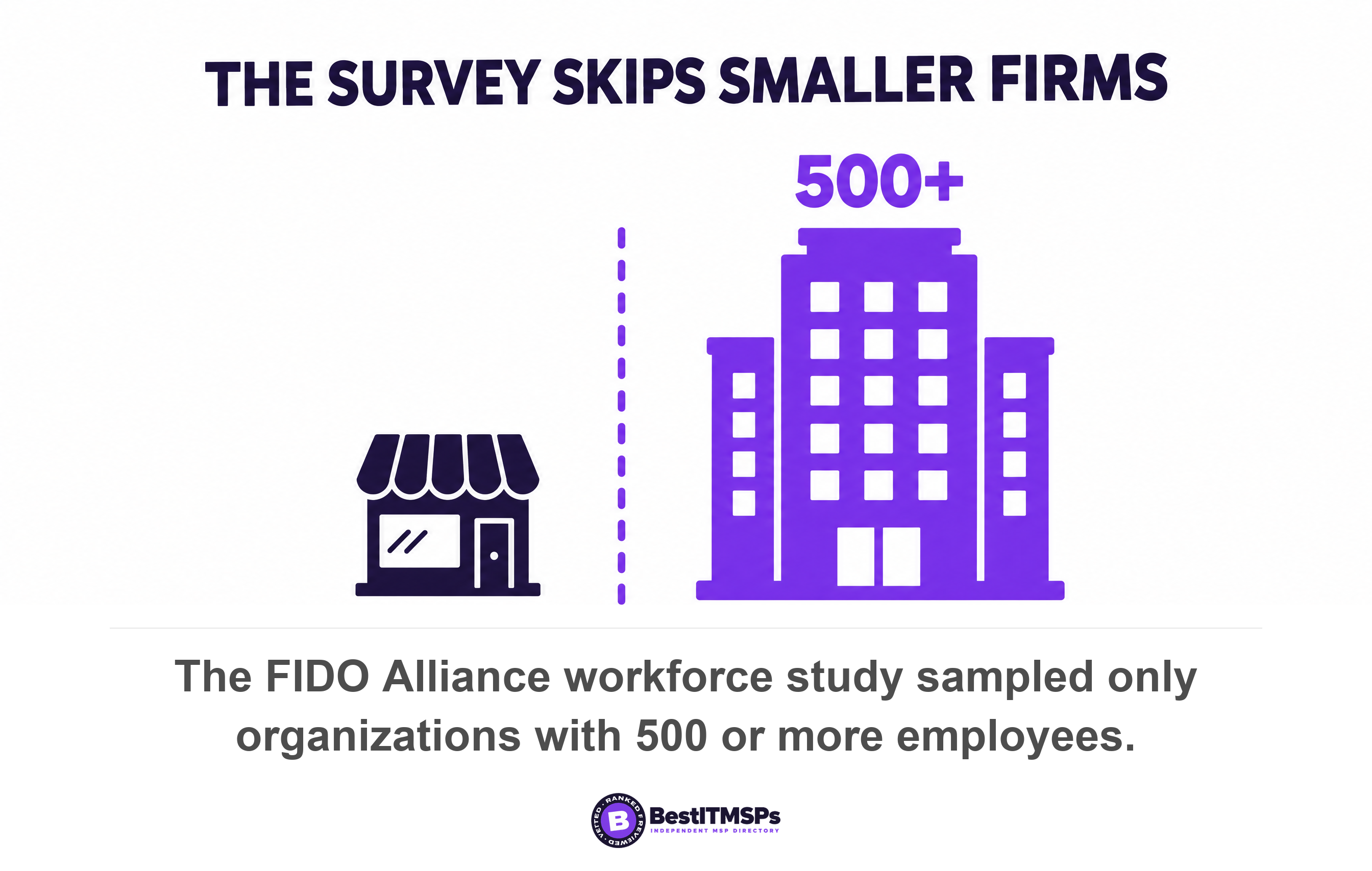
None of the headline adoption data covers a business under 500 people, and the figure everyone quotes admits it in its own methodology. The FIDO Alliance's 2026 workforce study found 68 percent of organizations have deployed or are actively deploying passkeys for employee sign-ins, and that 82 percent say fully passwordless authentication is an ultimate goal within the workforce, with 28 percent having achieved this goal. The sample is 1,400 decision-makers at organizations with 500 or more employees across ten countries, fielded in April 2026 with a margin of error of plus or minus 2.6 percentage points at 95 percent confidence.
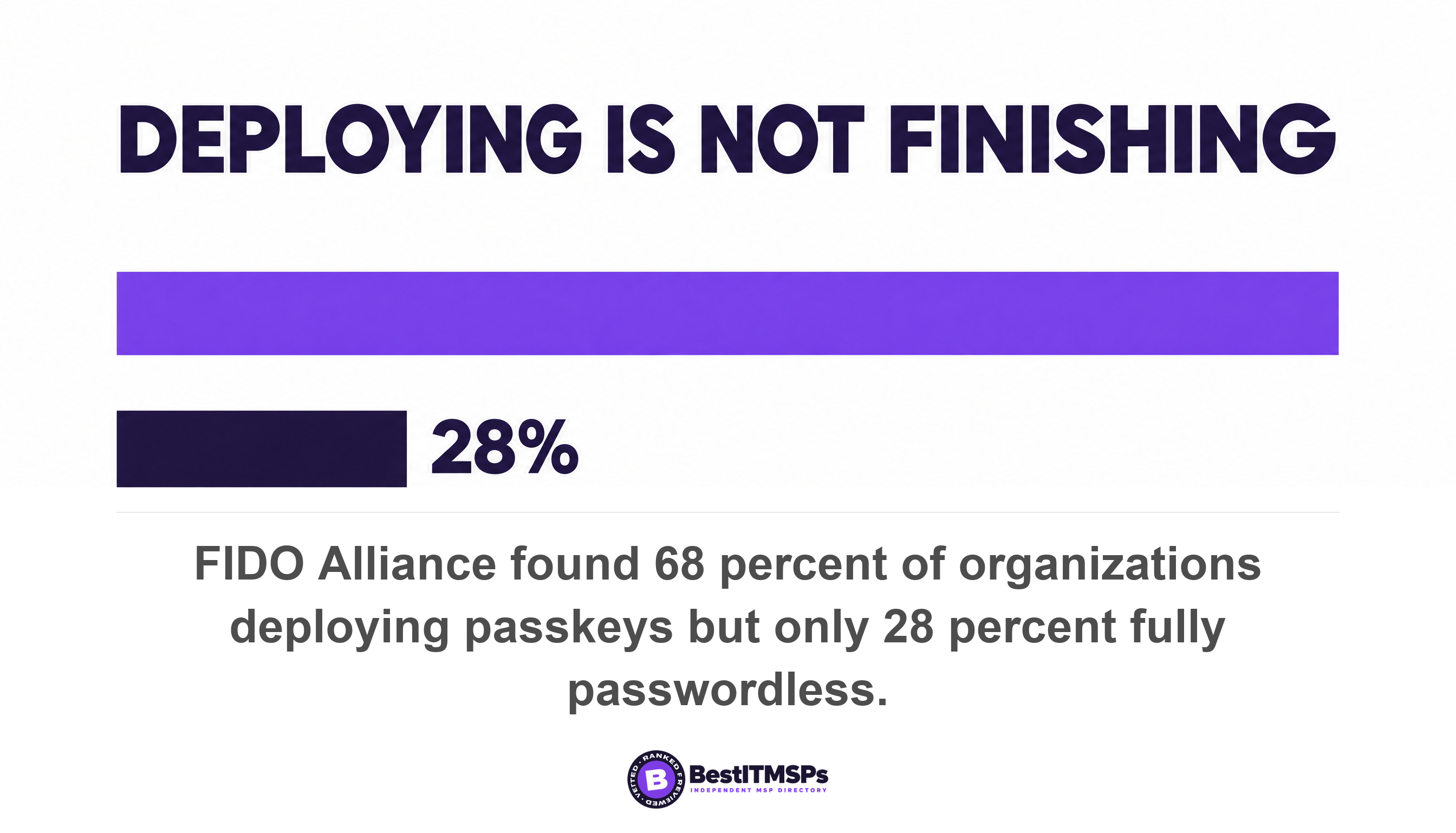
Read 68 percent as an enterprise number, then. Passkey adoption among businesses with 10 to 200 staff is not well measured, and we found no figure at primary source covering it. FIDO's estimate of 5 billion passkeys now in use worldwide is its own calculation rather than a census, so anyone quoting a small-business number is quoting the enterprise study or their own customer base.
Two numbers in the same study are useful anyway, because they describe the gap rather than the destination. 57 percent of organizations continue to rely on phishable authentication methods for employees' primary day-to-day sign-in, which is the deployed-but-not-enforced state this post is about. Among organizations not yet fully passwordless, 24 percent say they are waiting for technologies and standards to mature further and 16 percent say passwords plus MFA are currently sufficient. The standard matured. The application estate did not.
Eight questions to put to your provider this week
Eight questions separate a provider who has run this migration from one who read the same vendor blog you did. Ask in writing and keep the answers beside the quote.
- Which of our five most-used systems sign in through our identity provider, and which keep their own login page?
- Do we hold Microsoft Entra ID P1 or an equivalent, so a passkey can be required rather than offered?
- Is attestation enforced on our passkey policy, and can you tell me whether each registered passkey is synced or device-bound?
- Who can issue a recovery code today, and what identity check happens before they do it?
- How long is a recovery pass valid for in our tenant, and is it single use?
- Which staff hold two credentials, and does that list cover everyone who can move money?
- Where does a password still work after the rollout, named system by system?
- What happens to somebody's passkey when their name or email address changes?
A provider who operates this answers with settings, roles and licence names. One who sells it answers with the word passwordless. None of this buys perfect security, and no honest provider promises it. It buys a sign-in a lookalike page cannot use, a recovery path a stranger cannot talk through, and an honest list of what is left.
Passkeys are not a destination you arrive at. They are a migration with a block list, and your own vendors published the block list.
FAQ
Can a small business go fully passwordless in 2026?
Not completely. A small business can make passkeys the normal way staff sign in to Microsoft 365 or Google Workspace, but the password stays behind it. Microsoft documents that Conditional Access is evaluated only after the initial authentication and that a Temporary Access Pass doesn't replace a user's password. Guest accounts and legacy VPN paths keep passwords too.
What happens if an employee loses the device with their passkey?
A synced passkey reappears on a replacement device once the user signs back into their passkey provider. A device-bound passkey is gone. Microsoft's recovery route is a Temporary Access Pass, a time-limited passcode that can be configured for single use or multiple sign-ins. FIDO advises you to minimize credential loss scenarios by registering multiple device-bound passkeys instead.
Do passkeys cost extra on Microsoft 365?
The credential does not. Microsoft states passkeys (FIDO2) are available in all Microsoft Entra ID editions, including Microsoft Entra ID Free with no extra licenses required. Requiring them does cost extra, because enforcement runs through Conditional Access, and to use Conditional Access, your tenant needs to have Microsoft Entra ID P1 license.
Are synced passkeys safe enough for business use?
For most small businesses, yes, with one stated caveat. Microsoft advises you to treat synced passkeys as phishing-resistant credentials but with the same security posture as other unattested authenticators, because synced passkeys do not support attestation. NIST adds that syncable authenticators SHALL NOT be used at AAL3. Use device-bound keys for administrators.
Why are passkeys harder to phish than an authenticator app code?
Because there is no code to give away. The Web Authentication specification scopes each credential so that the public key credential can only be accessed by origins belonging to that Relying Party, and NIST defines phishing resistance as preventing the disclosure of authentication secrets without relying on the vigilance of the claimant. A lookalike domain is a different origin.
Best IT MSP is the independent directory of vetted managed IT and cybersecurity providers across the US and Canada. Organic ranking is earned on rating and verified data, and paid placement is always labelled. We do not sell IT services. Take the eight questions above to three merit-ranked firms in your city and compare the answers side by side.