Are You Paying for People Who Left? A License and Billing Audit of Your MSP
Deleting a departed employee does not stop their licence being billed, and if your provider bought it you may not be able to remove it at all. Eight checks establish what you are paying for and when you can stop.
- Microsoft states that after deleting a user you are still paying for the licence.
- Licences bought through a partner cannot be removed by you.
- Reduction is only possible within seven days of purchase or renewal.
- A shared mailbox needs no licence, yet is often left as a billed account.
- The renewal date is the only real lever, so find out when yours is.
What does a license and billing audit check?
It checks whether you are paying for software nobody uses. Not whether your provider is dishonest, which is rarely the issue, but whether anyone has been reconciling what you buy against what your staff actually touch. In most businesses nobody has, because the job belongs to whoever notices, and the bill arrives already paid.
This is the one audit in this series a non-technical person can run alone. Every check is a number someone can produce, and most of them come out of reports Microsoft already publishes to your administrators.
Eight checks cover it. The first four are about what you are paying for now. The last four are about the machinery that decides whether you can stop.
- Assigned versus active. Licences issued against people who actually signed in.
- Leavers. Seats still billed for staff who have gone.
- Shared mailboxes. Accounts kept alive as licensed users when they need no licence.
- Duplication. Two tools bought for the same job by different departments.
- Ownership. Whether the licences are yours to reduce, or your provider's.
- The window. When your term renews, which is when reduction becomes possible.
- Inventory. Whether anyone maintains a list of what is owned at all.
- Exit. What happens to tenants and licences if the relationship ends.
Why doesn't deleting a user stop the bill?
Because removing a person and removing a licence are two different actions, and only one of them is usually done. Microsoft states it without ambiguity: after deleting the account, you're still paying for the license, and reducing the number of licenses is a separate step.
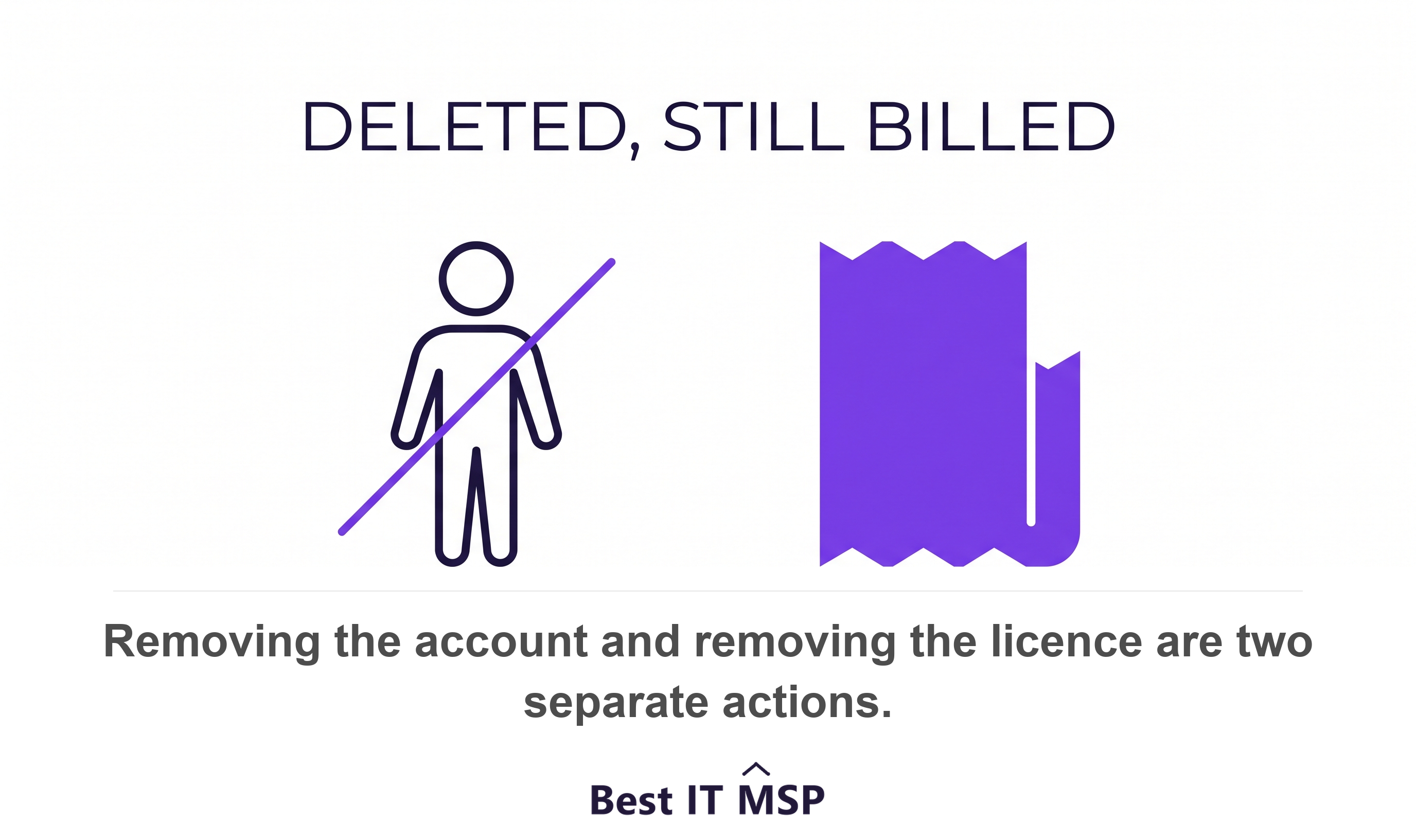
Blocking sign-in, which is what most offboarding processes actually do, has no billing effect at all. It is an access control. Microsoft's own offboarding sequence runs to seven steps, and removing the licence is step six, after which the former employee's email, contacts and calendar are retained for 30 days and then deleted permanently.
There is a smaller version of the same trap. Departed staff are often converted to shared mailboxes so colleagues can still see the history, and the account is left licensed. A shared mailbox does not require a license. Every one of those is a seat you are paying for by accident.
Can you even remove a license your MSP bought?
Often not, and this is the part that surprises people. Microsoft's guidance carries the exception in one line: you can't remove the license if you bought it through a Partner or volume licensing.
If your provider is a Cloud Solution Provider reseller, the subscription sits in their Partner Center rather than your admin centre. You can see your licences. You cannot reduce them. The request has to go through the provider, which means the speed of the fix depends on somebody else's ticket queue.
There is a second lock underneath. If you are paying for an annual plan or are mid billing cycle, you cannot remove the license until the commitment is completed. Annual commitments are usually sold as a discount, and they are, but the discount is paid for with the right to shrink.
What is the seven-day rule?
It is the window in which a subscription can be made smaller, and it is far shorter than most businesses assume. Licenses can only be removed from a subscription within seven days of buying or renewing it.
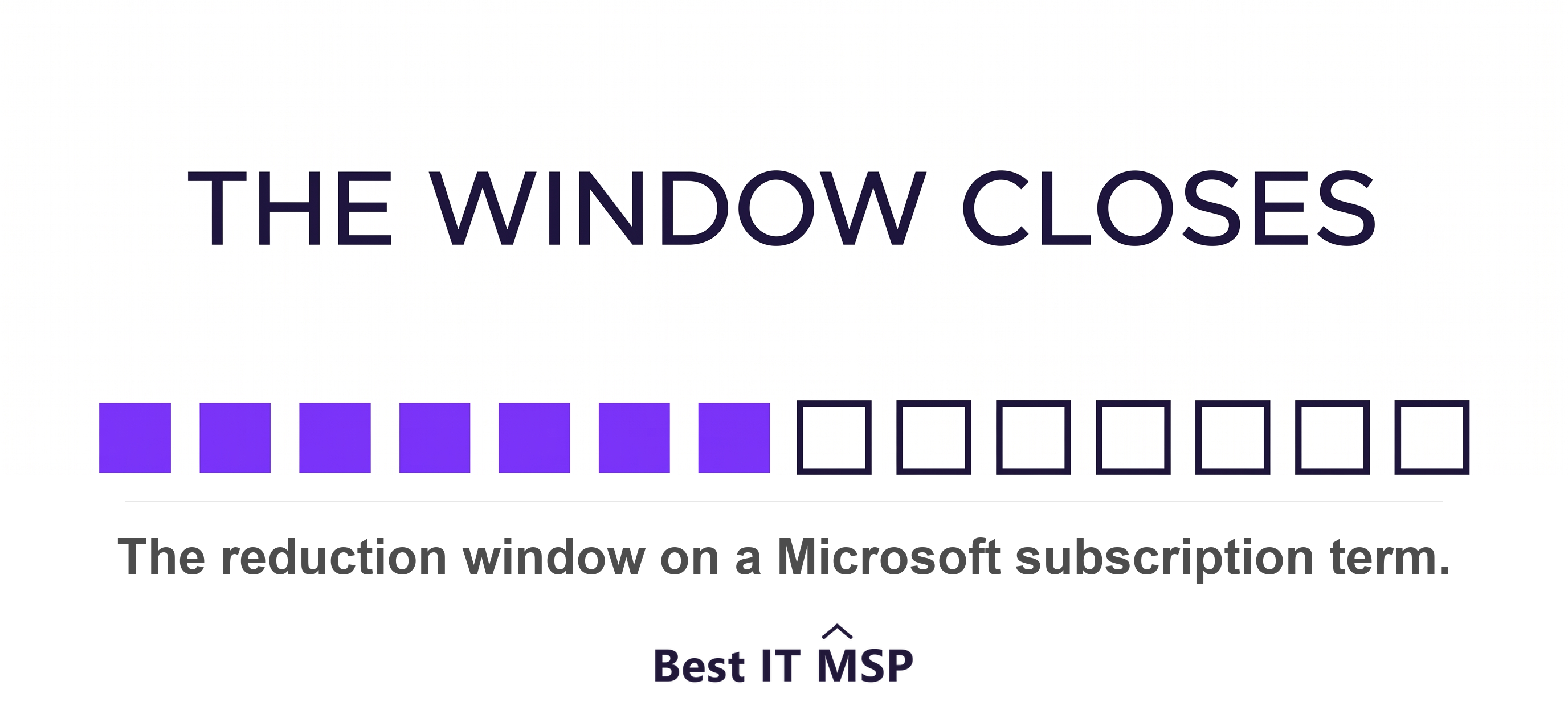
The provider-side rule is stated even more plainly. Licence counts can be increased at any time, but decreased only within the first seven days of when the licenses were added, and after that window ends the partner is billed for the full term even if the customer stops using the subscription.
This reframes the whole audit. If somebody leaves in month two of a twelve-month term, that seat is billed until renewal whatever anyone does. So the single most valuable question here is not how many seats are unused. It is when does our term renew, because that date is the only lever.
There is a screen for this. Partner Center shows a View licenses to reduce view giving the number of licenses and the deadline by which a reduction can happen. Ask your provider to show it to you.
How many licenses are actually being used?
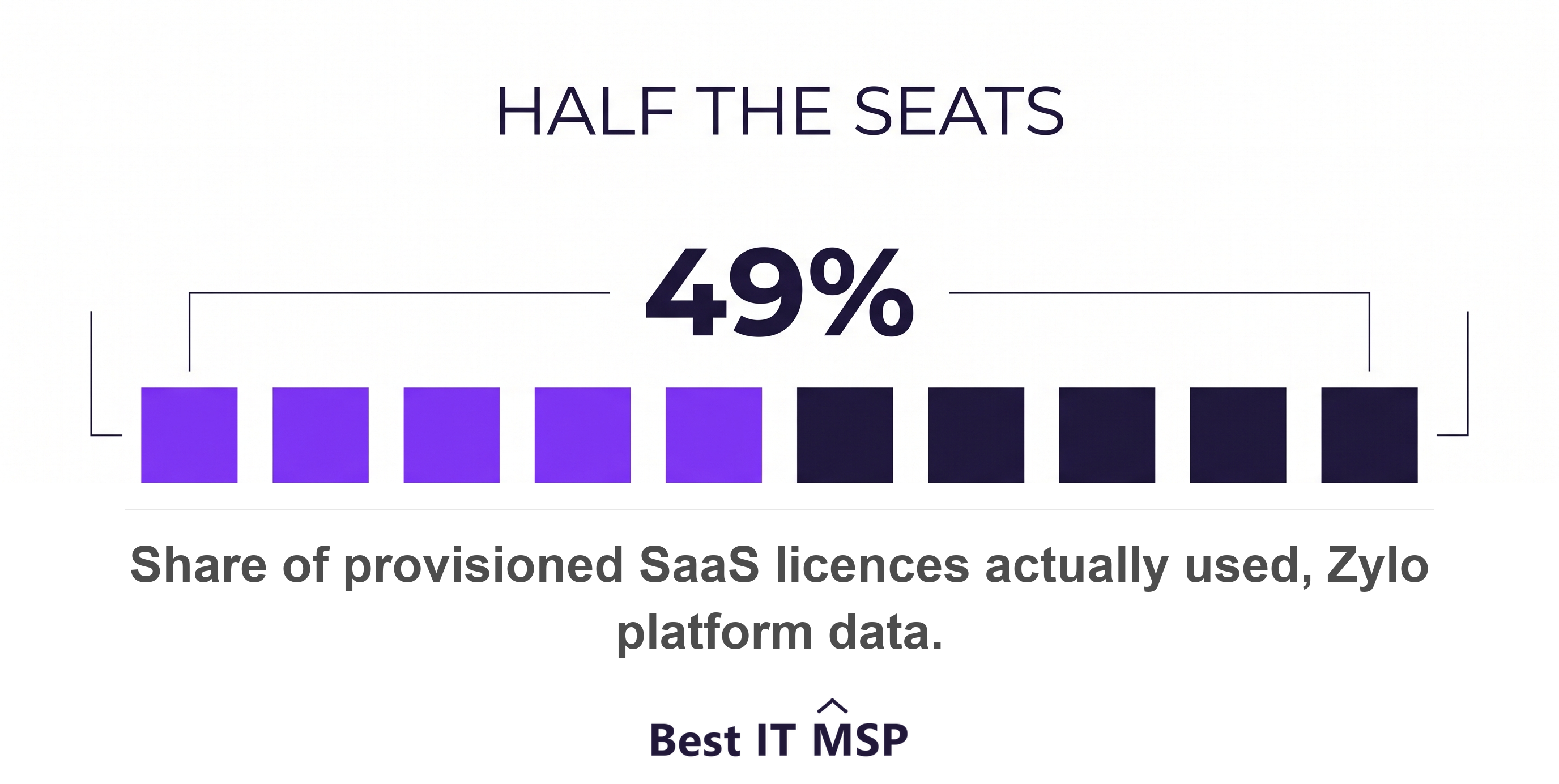
Fewer than you are paying for, though the honest answer is that the published figures come almost entirely from companies selling the fix. The most defensible one measures platform data rather than opinion: analysis of 30 million licences under management found companies are only using half, 49 percent, of their provisioned SaaS licenses. That is enterprise data, so read it as a direction of travel rather than a number that describes a 40-person business.
One widely repeated statistic is worth correcting, because you will meet it. Gartner is constantly cited as finding that 30 percent of software spend is wasted. What Gartner actually published is that organizations can cut spending on software by as much as 30 percent by implementing three license optimization best practices, which is a claim about achievable savings, not about the share of licences sitting idle. The figure was self-reported, by organisations that had already bought software asset management tooling, gathered through client inquiries in 2016. It is not a measurement of waste and should not be quoted as one.
The mechanic underneath it is sound and worth naming. Recycling software licenses is the recovery of unused license rights for reuse to avoid new license purchases, and it requires metering to spot unused, underused or misused software. Metering is the part nobody does.
What reports should you ask to see?
Three, and all of them already exist in your tenant, which makes this the easiest evidence request in the entire series.
- The active users report. Microsoft's report shows which product licenses are assigned alongside the last active date per service, to help administrators identify underutilized products. Assigned next to last-used, in one export.
- Last sign-in. Microsoft notes that in large environments, user accounts are not always deleted when employees leave, and suggests a reasonable window for inactive accounts is between 90 and 180 days.
- The reduction deadline. The Partner Center screen naming the date your licence count can next be changed.
Ask for them as exports rather than as a summary. A provider willing to hand over a spreadsheet of every licensed user with a last-active date has given you the whole audit in one file.
Is software inventory a security control or a money control?
Both, and US law is unusually explicit that it is a money control. The MEGABYTE Act of 2016 requires federal agency software licensing policies to establish a comprehensive inventory covering 80 percent of software license spending, using automated discovery and inventory tools, and then requires agencies to report the financial savings or avoidance of spending that resulted from improved software license management.
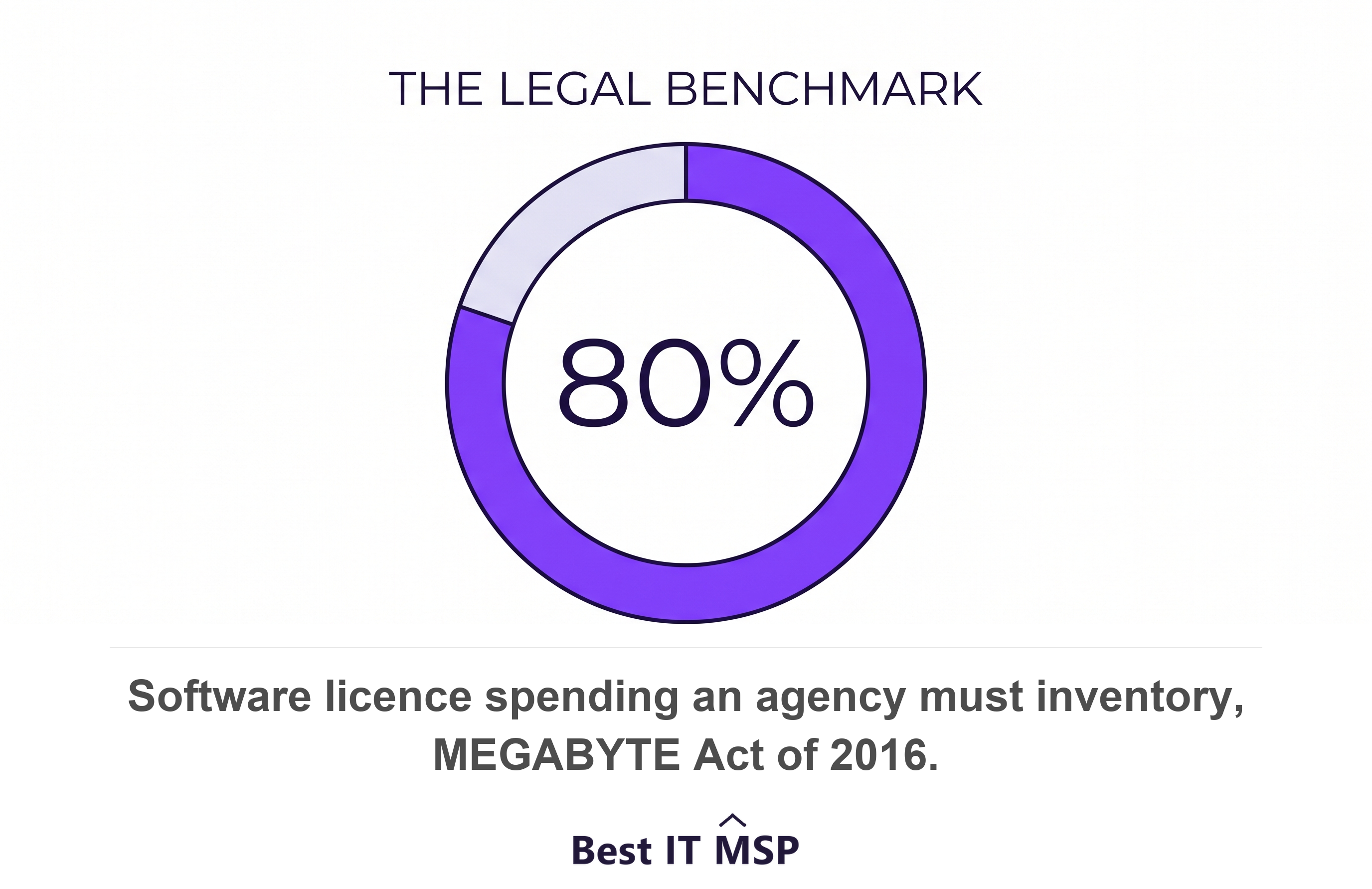
That 80 percent is a real, government-set benchmark, and it is a fairer target than perfection. You do not need to catalogue every utility. You need to cover the spending that matters.
The security standards ask for the same list from the other direction. NIST's framework requires that inventories of software, services and systems managed by the organization are maintained, and CISA's performance goals call for a regularly updated inventory of all organizational assets including data, hardware, software, systems, facilities and personnel. One list satisfies the auditor and the finance director at once.
What happens to your licenses if you leave?
Establish this before you need it, because the answer is asymmetric. You can withdraw your provider's administrative access unilaterally and immediately: admin roles can be removed from a partner at any time, and removing those roles does not remove the partner relationship.
The commercial relationship does not move as easily. Where subscriptions were bought through the provider, active subscriptions generally have to be dealt with before a reseller relationship can be unwound, and the seven-day rule still governs when anything can be reduced. Leaving is therefore a calendar problem as much as a legal one.
So ask three questions now rather than during a transition. Whose tenant is it. Who holds the subscriptions. And what is the earliest date the licence count can change.
How do you run this audit?
Start with one export and one date. Ask for the licensed-user list with last-active dates, and ask when the term renews. Those two answers tell you the size of the problem and the earliest moment you can act on it.
Then reconcile against your own leaver list. HR knows who left; the licence list knows who is still billed. The gap between the two is the finding, and it is usually the largest single number in this audit.
Make it recurring rather than heroic. CISA's goals recommend reviewing user access and disabling accounts when inactive for a specified period, giving 30 days as an example, which is a cadence that catches leavers long before the renewal date arrives.
Judge the response on willingness. A provider that hands over the export and the renewal date without friction is behaving well, whatever the numbers show. A provider that will not tell you when your own subscription renews has answered a different question.
FAQ
Does deleting a user in Microsoft 365 stop the licence charge?
No. Microsoft states plainly that after deleting the user's account you are still paying for the licence, and that reducing the number of licences is a separate step performed by the billing admin. Blocking a user's sign-in, which is what most offboarding processes actually do, has no billing effect at all. The licence has to be unassigned and then removed from the subscription.
Why can't I remove a licence my IT provider bought for me?
Because the subscription sits with them rather than with you. Microsoft's documentation says you cannot remove the licence if you bought it through a Partner or volume licensing. If your provider is a Cloud Solution Provider reseller, you can see your licences in your admin centre but cannot reduce the count; the request has to go through them. An annual commitment adds a second lock, since licences cannot be removed until the commitment completes.
What is the seven-day licence reduction rule?
Licences can only be removed from a Microsoft subscription within seven days of buying or renewing it. Counts can be increased at any time but decreased only in that window, and after it closes the partner is billed for the full term even if the customer stops using the subscription. In practice this means a seat vacated in month two is billed until renewal, so the renewal date is the only real lever.
What reports prove how many licences are unused?
Microsoft's active users report shows which product licences are assigned alongside the last active date per service, and is exportable. Microsoft Entra can show last sign-in time per user, and Microsoft's own guidance notes that in large environments accounts are not always deleted when employees leave, suggesting 90 to 180 days as a reasonable inactivity window. Ask your provider for both as exports rather than as a summary.
Is it true that 30 percent of software spend is wasted?
Not as usually stated. That figure traces to a 2016 Gartner release saying organisations can cut software spending by as much as 30 percent by adopting three licence optimisation practices, which is a claim about achievable savings rather than about the share of licences sitting idle. It was self-reported by organisations that had already bought software asset management tooling. A better-evidenced figure is that companies use 49 percent of their provisioned SaaS licences, from analysis of 30 million licences, though that is vendor platform data drawn from large enterprises.
Best IT MSP is an independent directory of managed IT providers across the US and Canada. We rank on verified rating and firmographic data, we label paid placement, and we do not sell IT services.