Teams Data in a Legal Dispute: What You Can Actually Produce
Teams chat does not live in one place. A one-to-one chat sits in each participant's mailbox, a channel message in the team's group mailbox, and shared files in SharePoint or OneDrive. A hold takes up to 24 hours to apply and needs an eligible license on every person you preserve. This is not legal advice.
- Teams chat is not one store. A 1:1 chat sits in each participant's mailbox, a channel message in the team's group mailbox, and a shared file in SharePoint or OneDrive.
- Delete sent messages is on by default, so every employee in your tenant can remove their own Teams messages today.
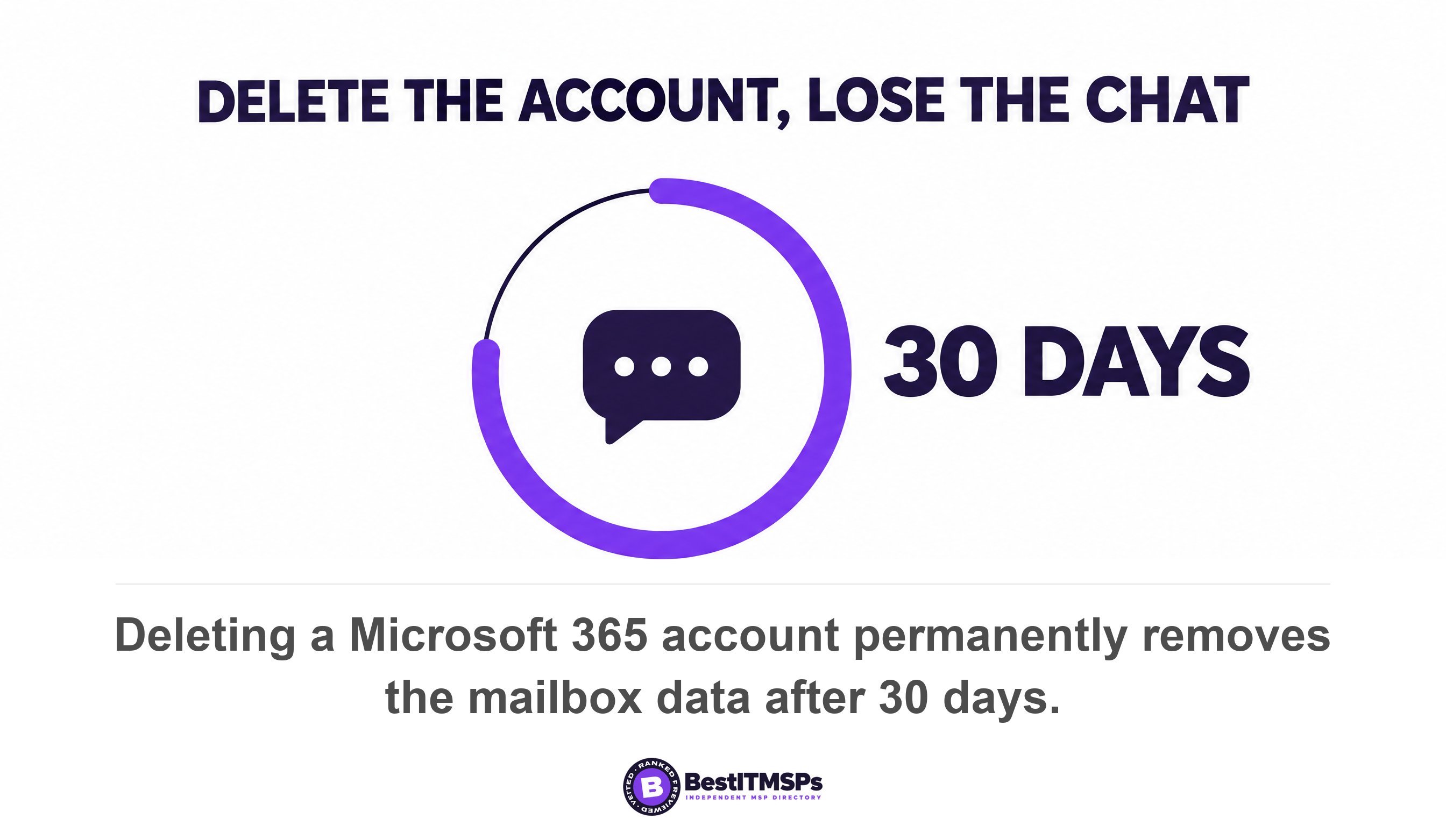
- Deleting a leaver's account permanently removes the mailbox data after 30 days, unless a hold was applied first.
- An eDiscovery hold takes up to 24 hours to take effect, and Microsoft requires an eligible license on every person whose content you preserve.
- A standard export gives 12 hours of chat either side of each matching message. The full conversation thread is a premium feature.
Where does Teams chat data actually live?
Teams chat lives in four separate stores, not one. Microsoft documents that Teams uses an Azure-powered chat service as its primary storage for all messages, then keeps a second copy inside Exchange mailboxes so compliance tools can reach it. That second copy is the one a lawyer gets. This article explains what the platform does. It is not legal advice, and only your own lawyer can tell you what you must produce.
The compliance copy sits where nobody browses. Microsoft states that data from Teams chats is stored in a hidden folder in the mailbox of each user included in the chat, and a similar hidden folder in a group mailbox is used for Teams channel messages. Those folders aren't designed to be directly accessible to users or administrators. Microsoft confirms the split outright, saying Teams chat data is stored in separate copies, one for compliance purposes and one for user access.
Five locations matter when somebody asks you to produce a conversation.
- 1:1 and group chats sit in the mailbox of each chat participant, so a six-person chat is six locations.
- Standard and shared channel messages sit in the mailbox associated with the parent team.
- Private channel messages sit in a dedicated mailbox for each private channel.
- Files shared in a chat sit in the OneDrive account of the user who shares the file, and channel files on the team's SharePoint site.
- Chat meeting recordings need a policy covering the organizer's OneDrive account, while channel recordings follow the channel files.
Microsoft names four mailbox types holding Teams message data: UserMailbox, MailUser, GroupMailbox and SubstrateGroup. Meeting rooms are not covered, because other mailbox types, such as RoomMailbox used for Teams conference rooms, aren't supported for Teams retention policies. Microsoft's own pages also disagree on private channels: the retention guidance says they moved into group mailboxes towards the end of 2025, while the eDiscovery guidance still names a dedicated mailbox each. Test where yours answers from rather than trusting either page.
Count your locations before anyone asks. One disputed project channel with six people touches six user mailboxes, one group mailbox, one SharePoint site and six OneDrive accounts. Each is a separate location in a search query, and each needs its own hold.
What deletes Teams messages, and on what schedule?
Three things delete Teams messages: a user pressing delete, a retention policy set to delete, and the removal of the account. Each runs on its own clock, and none of them pauses because a dispute is coming.
Your staff can delete their own messages today
Every employee can delete what they sent, because Microsoft ships that setting on. The Teams policy reference lists Delete sent messages with a default of On and Edit sent messages with a default of On. Only Owners can delete sent messages defaults to Off. A separate Delete chat setting clears a whole conversation from a user's own list, and Microsoft confirms it is on by default.
Microsoft publishes the fix itself. Its guidance tells admins who want sent messages left intact to create a custom policy and turn off Owners can delete sent messages, Users can delete sent messages, and Users can edit sent messages. Three checkboxes. Ask your provider whether anyone has ever made that change.
Two features never reach a report at all. Microsoft states that read receipts aren't captured in eDiscovery reporting and that audio messages are not captured in eDiscovery reporting. Teams retention also skips code snippets, recorded voice memos from the Teams mobile client, thumbnails, announcement images, and reactions from others in the form of emoticons. If a thumbs-up was the agreement, no license turns it into evidence.
A retention policy shortens your window as easily as it lengthens it
A retention policy does two opposite jobs from one screen, which is why buyers conflate them. It can retain only, delete only, or retain and then delete. The conflict rule is the reassuring half, because retention always takes precedence over permanent deletion, and the longest retention period wins.
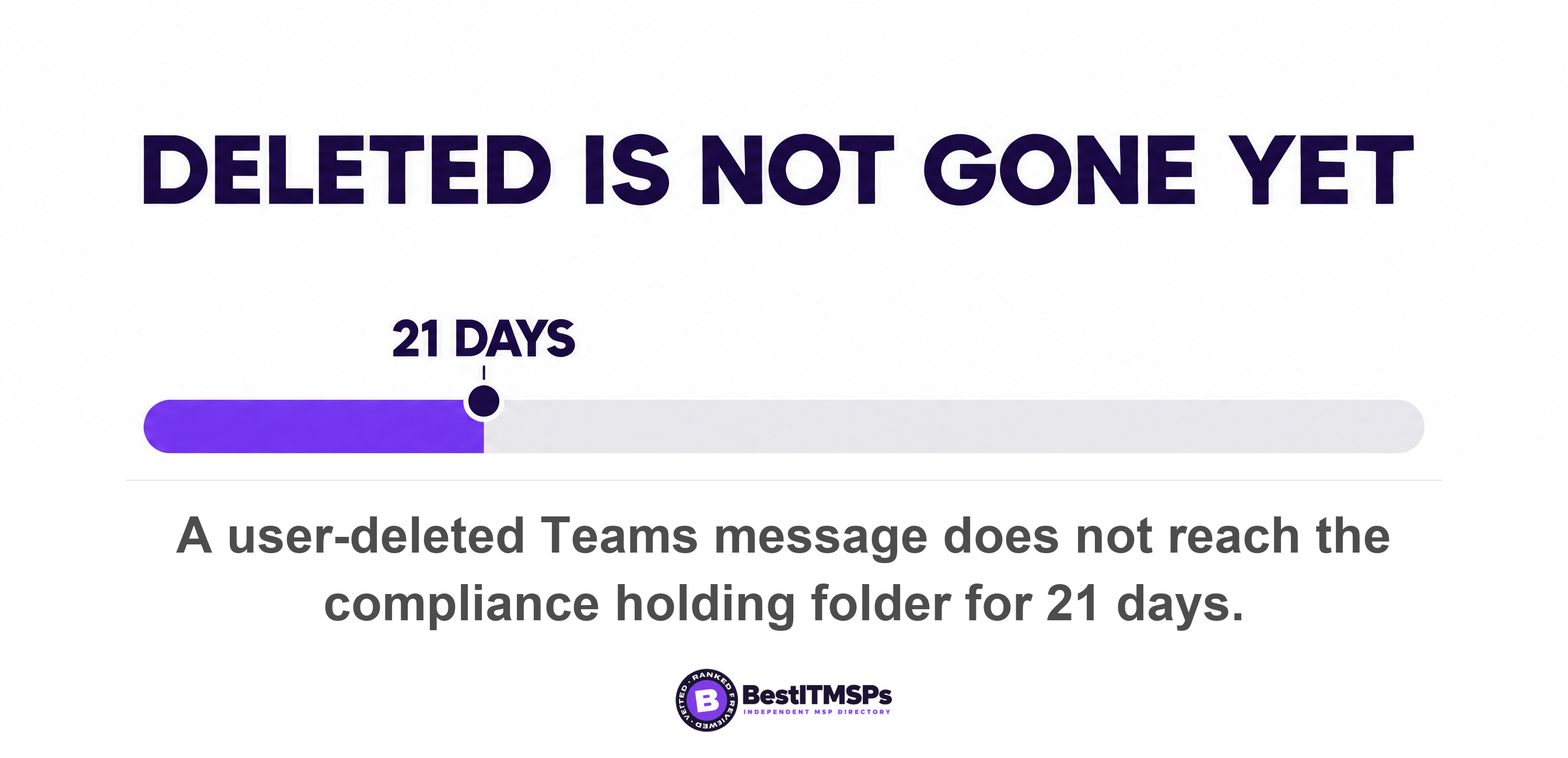
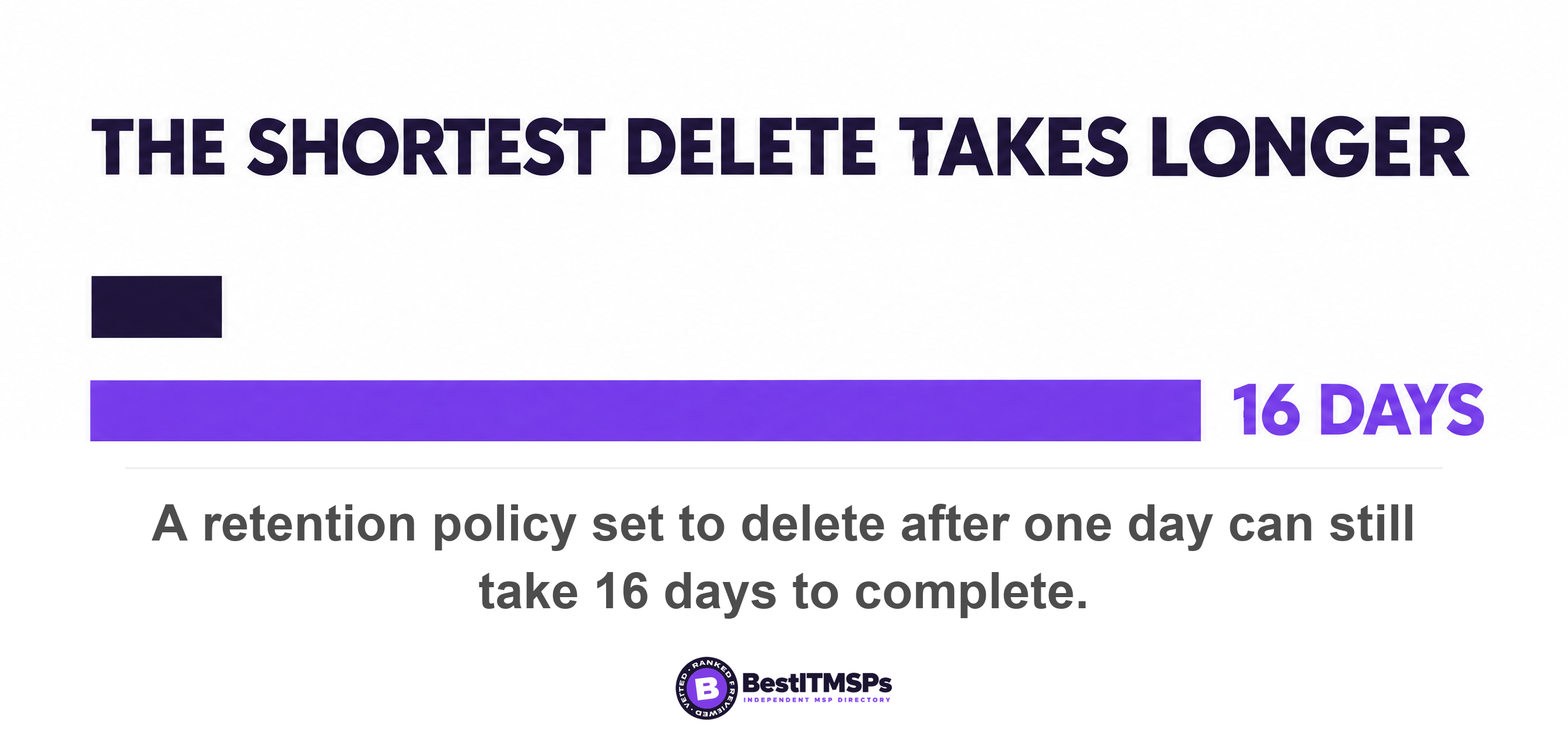
The deletion clocks are slower than they look, and the gaps hold evidence. When a user deletes a message, Microsoft says it doesn't go into the SubstrateHolds folder for 21 days. Items stay there for at least 1 day before a timer job that typically takes 1-7 days to run purges them. Microsoft does the sum for its most aggressive setting, noting that a delete action after 1 day could take 16 days before the message is permanently deleted.
The account clock is the expensive one. Microsoft states that mailbox data is retained for 30 days after the account is removed, and after 30 days, the data is permanently removed. A hold saves it only if the hold came first, because if a hold is applied to the mailbox prior to deleting the Microsoft 365 account, the mailbox will be converted into an inactive mailbox. Microsoft tells you to confirm the hold before you delete the user account.
One setting looks like preservation and is its opposite. Microsoft warns that if the retention action is configured to only delete content, the mailbox won't become inactive when the user account is deleted. A firm told it has Teams retention can still lose a leaver's whole history on day 31. See what happens to a departed employee's OneDrive data for the file side of the same deadline.
Call logs run the other way, which is the one default in your favour. Microsoft says Teams call logs are retained indefinitely unless a policy removes them, so who called whom usually survives.
What stops Teams data being deleted once a dispute is foreseeable?
A hold stops it. Microsoft offers two instruments that both work: an eDiscovery hold attached to a case, and a Microsoft 365 retention policy set to retain. A hold exists to secure electronically stored information from inadvertent (or intentional) deletion during your investigation.
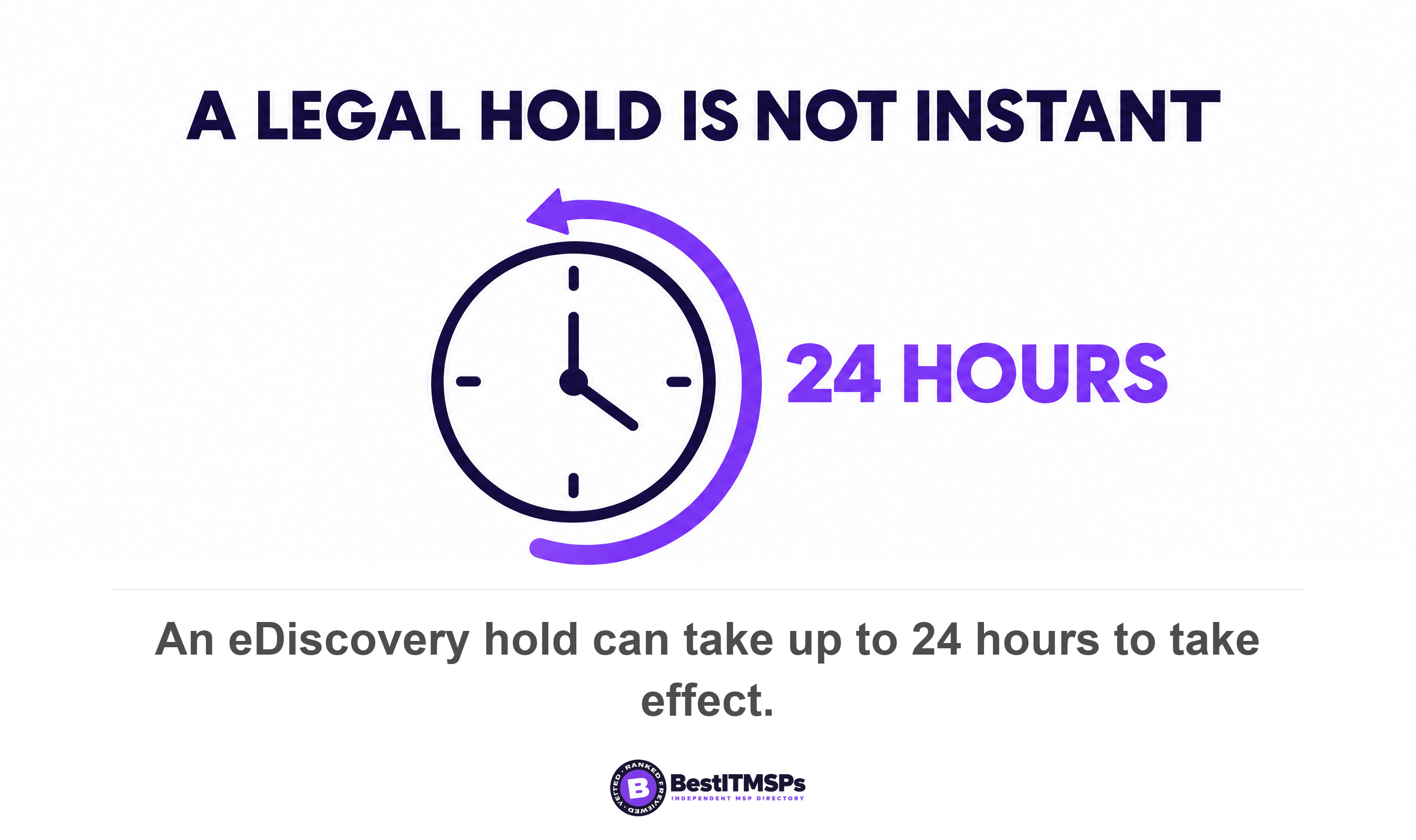
A hold is not instant. Microsoft warns that after you create an eDiscovery hold, it might take up to 24 hours for the hold to take effect. Once live, the suspension is wide, because permanent deletion is always suspended if the mailbox is affected by another Teams retention policy for the same location, Litigation Hold, delay hold, or if an eDiscovery hold is applied.
Stop judging preservation by the Teams app. Under a hold, deleted Teams chat and channel messages will no longer be visible in the Teams app but will continue to be discoverable with eDiscovery, and Microsoft prints the warning in bold: messages visible in the Teams app are not an accurate reflection of whether they're retained or permanently deleted. An empty chat window proves nothing either way.
Four documented behaviours catch firms that place a hold and stop there.
- Holding a team does not hold its people. Microsoft states that the hold applies only to the group mailbox and group site, and the mailboxes and OneDrive sites of group members aren't placed on hold unless you explicitly add them.
- Membership freezes when you create the policy. Group membership is captured as a point-in-time snapshot, and members added later are not automatically placed on hold.
- A distribution list expands to 100 and stops. Microsoft caps mailboxes expanded from a single distribution list used as a hold data source at 100, and warns that above it the expansion might fail and the distribution list isn't added successfully. A 140-person list is not a safe way to place a hold, so name the mailboxes.
- The recycle bin is unreachable. The Recycle Bin in SharePoint sites isn't indexed and therefore unavailable for searching, so eDiscovery searches can't find any Recycle Bin content to place holds.
Closing a case can destroy what it preserved. Microsoft advises against using case holds to keep a leaver's mailbox, because if the hold is released or the eDiscovery case is closed (or deleted), the inactive mailbox is permanently deleted, and you can't create a time-based eDiscovery hold. Releasing any hold leaves a delay hold that delays the actual removal for 30 days, and that month is the only safety net in the process.
Which license tier can actually place the hold?
The license sits on every person whose data you preserve, not only on the administrator. Microsoft states that both admins and users working with eDiscovery cases require a Microsoft 365 Enterprise E3 or E5 license. This is the one part of the process a business cannot fix mid-dispute, because it is a purchase.
The hold page is blunter. Microsoft writes that eDiscovery holds require an eligible license on every user whose content you preserve, that frontline subscriptions such as Office 365 F1 and F3 don't include the rights required to be the target of an eDiscovery hold, and that placing a user on hold without proper licensing isn't supported. If your site staff sit on F3 and the dispute is a site chat, read that twice.
Teams data is licensed per person because of where it sits. The Purview service description says Exchange user mailboxes, OneDrive accounts, Teams chats, and devices are associated with a user account, so the user must have the required license assigned. For a channel, owners and members must have the required license, while users with visitor or view-only roles don't need a license.
Some holds need the top tier. Microsoft states that query-based, time-bound and custodian-scoped holds are included only in higher tiers, for example Microsoft 365 E5, A5 or G5, or the E5 Compliance and E5 eDiscovery and Audit add-ons. Holding a shared mailbox needs Exchange Online Plan 2, or Plan 1 with the Exchange Online Archiving add-on. Premium review needs an Office 365 E5 or Microsoft 365 E5 subscription, or a related E5 add-on.
Five caps separate the tiers, and none of them comes up in a sales call.
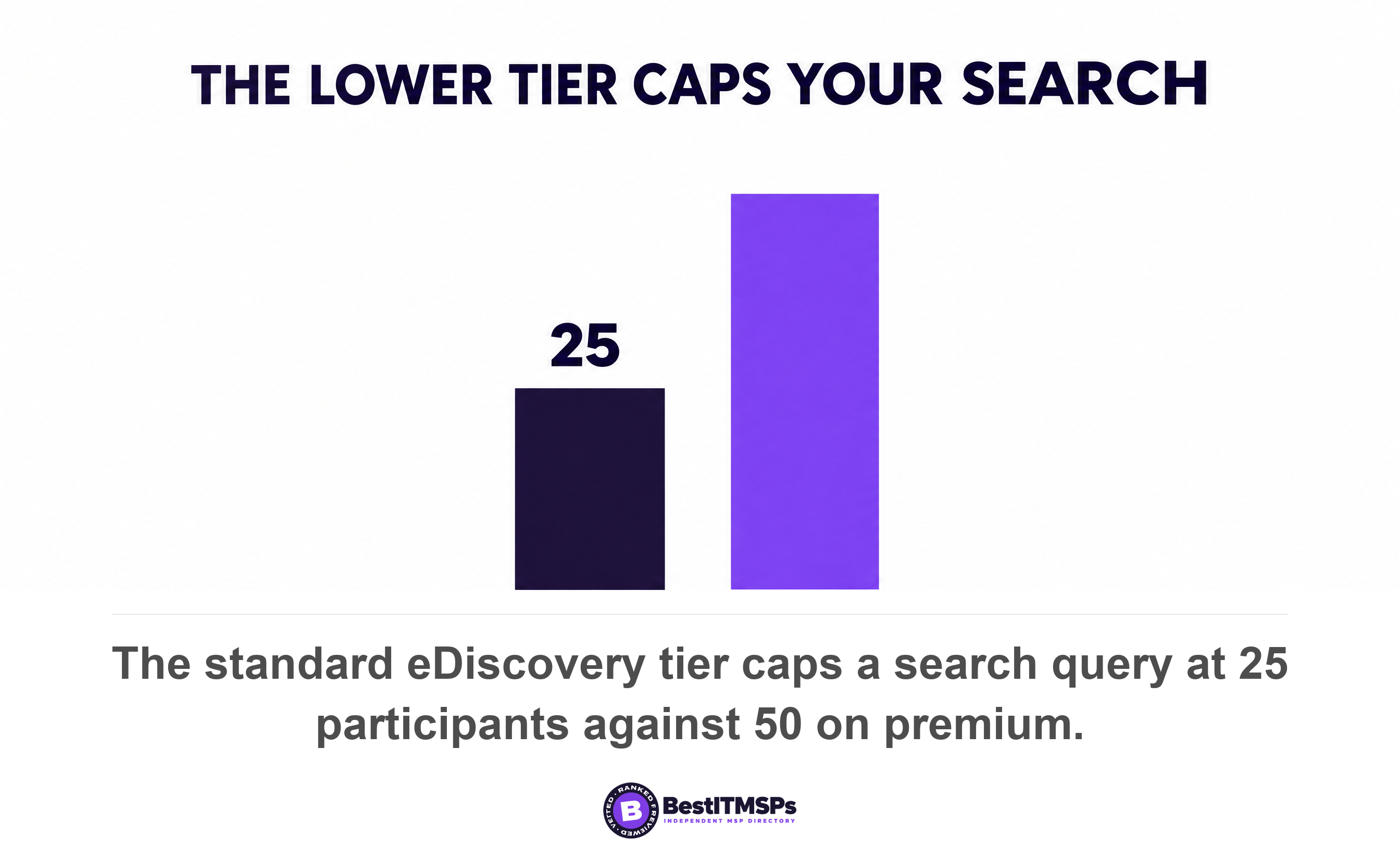
- Participants per search query: 25, against 50 with premium, from Microsoft's published limits. A twenty-sixth name needs a second search.
- Keyword segments in a targeted search: 20, against 100, so a long term list must be split across searches.
- Mailboxes in one case hold: 1,000, against 2,000, counted across users plus the mailboxes behind groups and teams.
- Exportable data from one search: 2 TB, against 5 TB, with the same ceiling on an organization in a single day.
- Purging Teams items is unavailable, listed as N/A against 100 items per location with premium features.
One piece of good news is worth banking. Microsoft confirms that inactive mailboxes don't require a usage license. Place the hold, then delete the account, and the Teams chat history stays searchable while the seat fee stops. Reverse the order and you pay nothing and keep nothing.
What can Microsoft 365 actually produce, and in what format?
Microsoft 365 produces PST files or individual message files for mail and chat, native copies of SharePoint and OneDrive documents, a CSV item report, and threaded HTML transcripts on request. Microsoft describes the output as mailbox items in PST files or as individual messages, plus copies of native Office documents and other documents from sites.
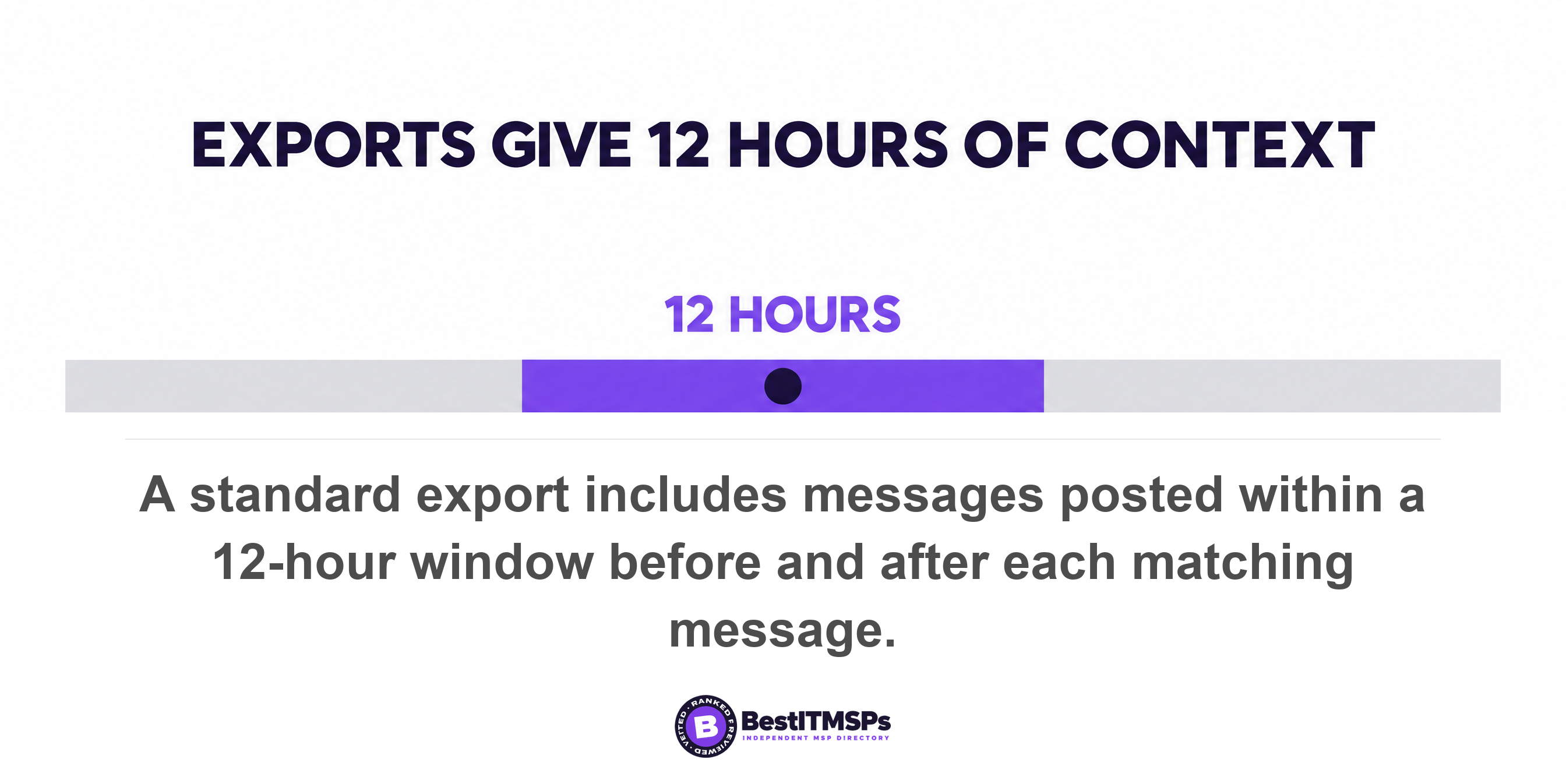
One setting decides whether your production reads as a conversation. The export pane offers Organize conversation into HTML transcript, which threads contextual chat messages into HTML transcripts for ease of review. A second option, Include Teams and Viva Engage conversations, includes messages posted within a 12-hour window before and after each responsive item. Twelve hours either side is all the context you get. The whole thread instead is conversation threading, which Microsoft lists as premium alongside review sets and optical character recognition.
A backup you cannot search is not a production capability. The question is not whether the data exists. It is whether you can hand it over, in a format a court will accept, inside the deadline.
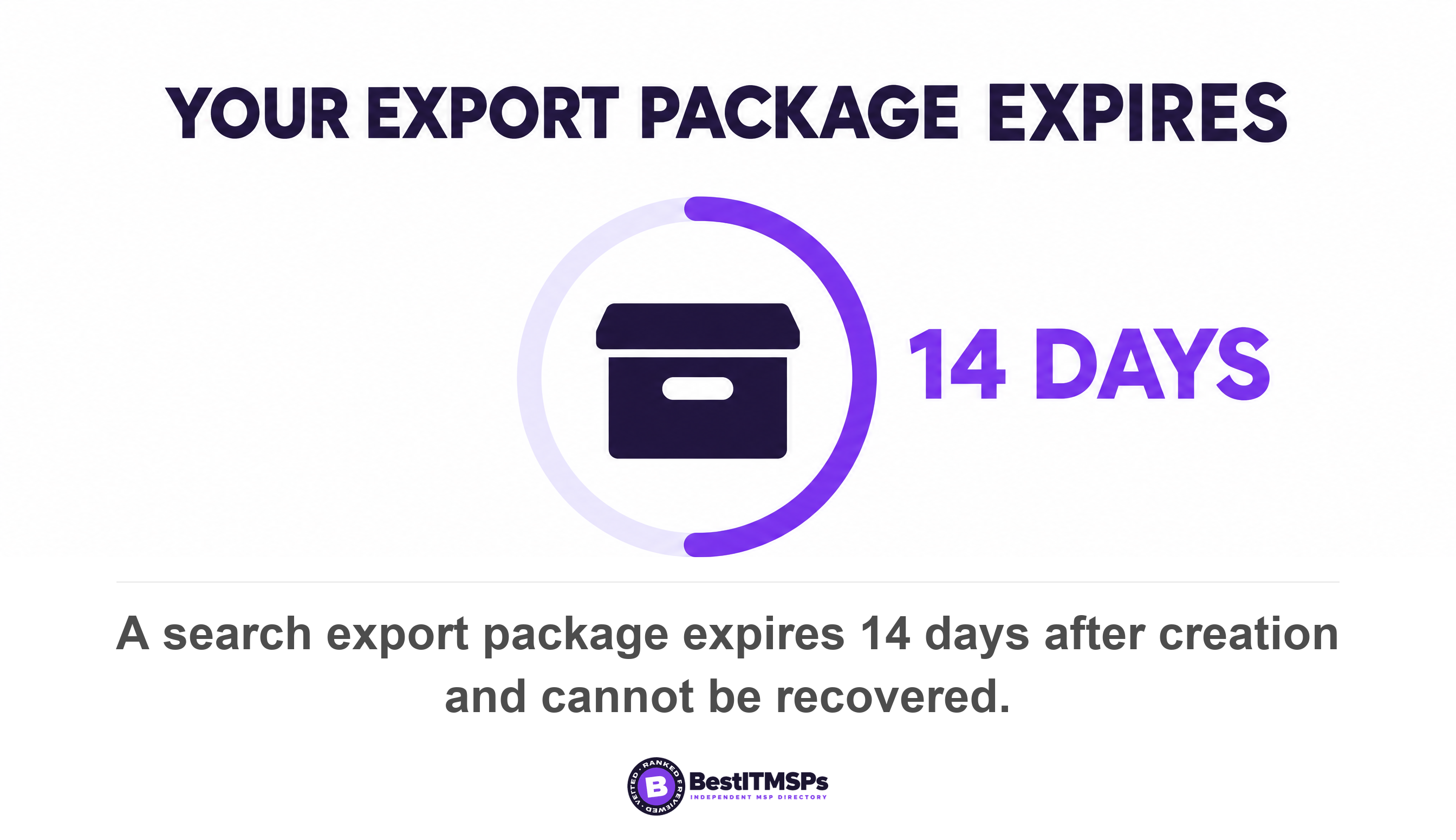
The export carries two deadlines and a rate. Microsoft states that search export packages expire 14 days after you create the export, after which the export and all data contained in it are automatically deleted and can't be recovered, and that if an export runs for more than seven days without completing, it automatically cancels. Content leaves at 2 GB per hour per mailbox. Volume caps bite first: Microsoft limits one export to 500,000 items and 100,000 locations, an individual file to 5 GB and a package to 40 GB, and splits results larger than 10 GB into multiple PST files.
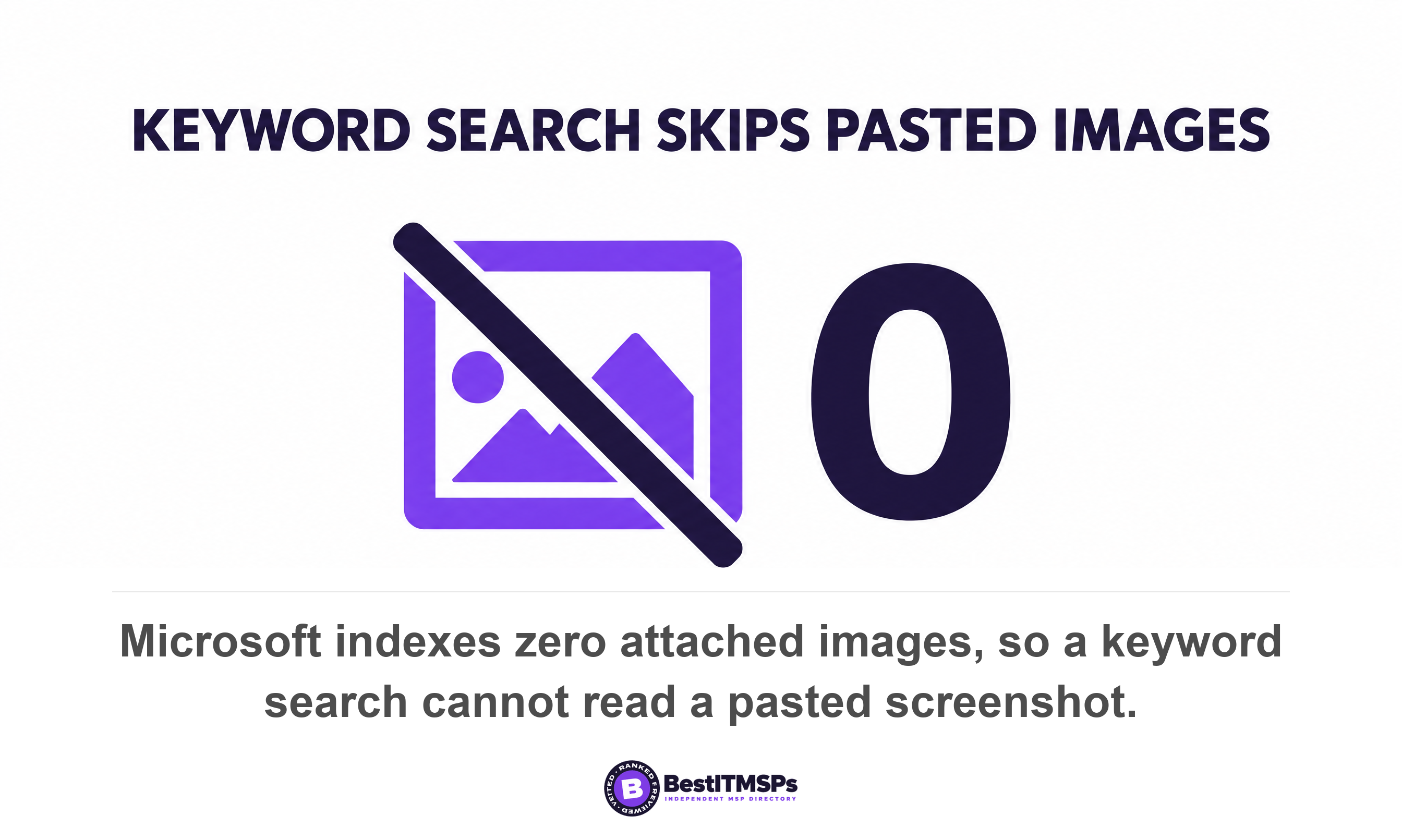
A keyword search has blind spots your lawyer will assume away. Microsoft's indexing limits give the maximum number of attached images as 0, because the parser skips an image attached to a message and doesn't index it. A pasted screenshot is preserved and is not findable by the words inside it, unless you hold premium and its optical character recognition. The parser also stops at 150 MB per attachment, 250 attachments per message, and 30 seconds spent parsing an item, and indexes only the first 2 million characters of parser output.
Four categories of people are excluded from a tenant-wide search unless somebody ticks a box. The export pane has separate switches for whether All people and groups should include unlicensed and on-premises users, guest users, shared Teams channels, and departed users. A dispute about a contractor who joined as a guest returns a clean, wrong answer if nobody ticks them. Worse, where an external user joins from another tenant, messages are stored in that user's mailbox in another tenant, outside your policies entirely. See guest access sprawl in Microsoft 365 for how many such accounts a small tenant carries.
Microsoft also names content it will not export. You can't export files restricted by a DLP action, content in SharePoint sites in a Locked state with NoAccess, or files restricted by SharePoint access controls without direct access. Teams Connect Chat, meaning external access or federation, isn't supported for search and purge, and guest reviewers can't download exports. Long paths break the download too, which is why there is an option to condense paths to fit within 259 characters.
Production is mostly included and not entirely free. Microsoft confirms storage of Microsoft 365 data is included in your enterprise subscription and isn't subject to pay-as-you-go billing, while Export API usage on an E3 eDiscovery license is billed on the volume exported, above a monthly free allowance. For a third-party archive, the Teams Export API sends data to a third-party eDiscovery or compliance archiving application.
What the federal rule says about losing it
Rule 37(e) of the Federal Rules of Civil Procedure sets out what a United States federal court may do when electronically stored information that should have been kept is lost. This section describes the rule. It is not legal advice, it governs federal civil cases rather than every dispute, and only your own lawyer can apply it to your facts.
Three conditions come first. The rule applies if electronically stored information that should have been preserved in the anticipation or conduct of litigation is lost, because a party failed to take reasonable steps to preserve it, and if it cannot be restored or replaced through additional discovery. All three must hold before a court acts.
What follows splits on intent. On a finding of prejudice, a court may order measures no greater than necessary to cure the prejudice. The harsher set applies only upon finding that the party acted with the intent to deprive another party of the information's use in the litigation, and lets a court presume that the lost information was unfavorable to the party, instruct the jury that it may or must presume the information was unfavorable, or dismiss the action or enter a default judgment.
The duty starts before anybody files anything, which is the reason this article exists. The 2015 committee note records that many court decisions hold that potential litigants have a duty to preserve relevant information when litigation is reasonably foreseeable, and that Rule 37(e) is based on this common-law duty; it does not attempt to create a new duty to preserve. It adds that the rule does not apply when information is lost before a duty to preserve arises.
Set the rule beside the platform's clocks and the preparedness point writes itself. Foreseeability can arrive with a letter, a resignation or a complaint in a meeting. The 21-day gap, the 30-day account fuse and the 24-hour hold delay all keep running while you decide whether this is serious. Waiting for a filed case starts you a month late.
What to do in the first week, and what to ask
Do six things in the first week, in this order. Five are reversible. The first is not, and it is the one businesses get wrong.
- Stop all deletion. Delete no account, remove no license, close no case while anything is in scope. The 30-day clock ends with the data permanently removed.
- Place the hold first. Allow for the 24 hours it can take to take effect, then confirm it applied rather than assuming.
- Scope locations, not people. List each participant's mailbox, each team's group mailbox, each private channel mailbox and the sites holding the files, because a hold on a team does not reach its members.
- Confirm the license on each named person. A frontline subscription cannot be the target of an eDiscovery hold, which makes this procurement rather than IT.
- Review the volume in report-only form. Microsoft recommends you run an export report to review all items that match your search criteria before any destructive step.
- Collect the package inside 14 days. Export packages expire 14 days after creation and can't be recovered.
Keep a dated note of each step. Rule 37(e) turns on whether reasonable steps were taken, and a record of when the hold went on is the cheapest evidence that they were. Our guide to the audit evidence nobody collects makes the same case for routine controls.
Five questions for your IT provider
- Show me every retention policy covering Teams chats, channel messages and private channel messages, and say whether each retains or deletes.
- Tell me whether Delete sent messages and Edit sent messages are still on in our messaging policy.
- Confirm which license each named person holds, and whether it supports being the target of a hold.
- Place a test hold on one mailbox and show me the hold status screen 24 hours later.
- Export one month of one channel in report-only form, so we learn the volume before a dispute rather than during one.
Two questions for your lawyer
- When does our duty to preserve attach in a matter like this, and who inside the business decides it has?
- What format do you want, and do you need full threads rather than the 12-hour window around each matching message?
None of this makes a business litigation-proof, and no honest provider claims otherwise. It decides something narrower: whether a production takes a fortnight or cannot be made at all. That outcome was set by configuration choices made long before the letter arrived. Read this beside whether Microsoft 365 backs up your data, because a backup and a production capability are different purchases.
FAQ
Can I get my Microsoft Teams chat history for a legal case?
Yes, through Microsoft Purview eDiscovery, if the data still exists and your licensing allows it. A 1:1 chat sits in the mailbox of each chat participant and a channel message in the team's group mailbox. Microsoft states that both admins and users working with eDiscovery cases require a Microsoft 365 Enterprise E3 or E5 license.
Does a retention policy preserve Teams messages or delete them?
Both, depending on configuration, and the two are set from one screen. Microsoft warns that if the retention action is configured to only delete content, the mailbox won't become inactive when the user account is deleted. A delete-only policy destroys Teams chat rather than preserving it, so read the action before trusting the label.
What happens to Teams chat when an employee leaves?
It goes after 30 days unless a hold was already in place. Microsoft states that mailbox data is retained for 30 days after the account is removed, and after 30 days, the data is permanently removed, and that a hold applied prior to deleting the Microsoft 365 account makes the mailbox inactive instead. Inactive mailboxes don't require a usage license.
How long does a Teams legal hold take to work?
Up to a day. Microsoft states that after you create an eDiscovery hold, it might take up to 24 hours for the hold to take effect. Place the hold before anyone touches an account, then confirm the hold status. Deletion is also suspended for 30 days by a delay hold after a hold is removed or a case is closed.
Does an export give me the whole Teams conversation?
Not on the standard tier. A standard export includes messages posted within a 12-hour window before and after each responsive item, which is context rather than the full exchange. Collecting the entire thread requires conversation threading, which Microsoft lists as a premium eDiscovery feature alongside review sets.
Best IT MSP is the independent directory of vetted managed IT and cybersecurity providers across the US and Canada. Organic ranking is earned on rating and verified data, and paid placement is always labelled. Take the questions above to three merit-ranked firms in your city and compare the answers side by side.