Switching MSPs: The Transition Playbook for Changing Providers Without Downtime
Switching MSPs takes 30 to 90 days and four phases. Read the contract before you give notice, itemize every asset and credential you need back, run both providers in parallel for two to four weeks, then revoke every privileged account your old provider holds. The revocation step is where most transitions fail.
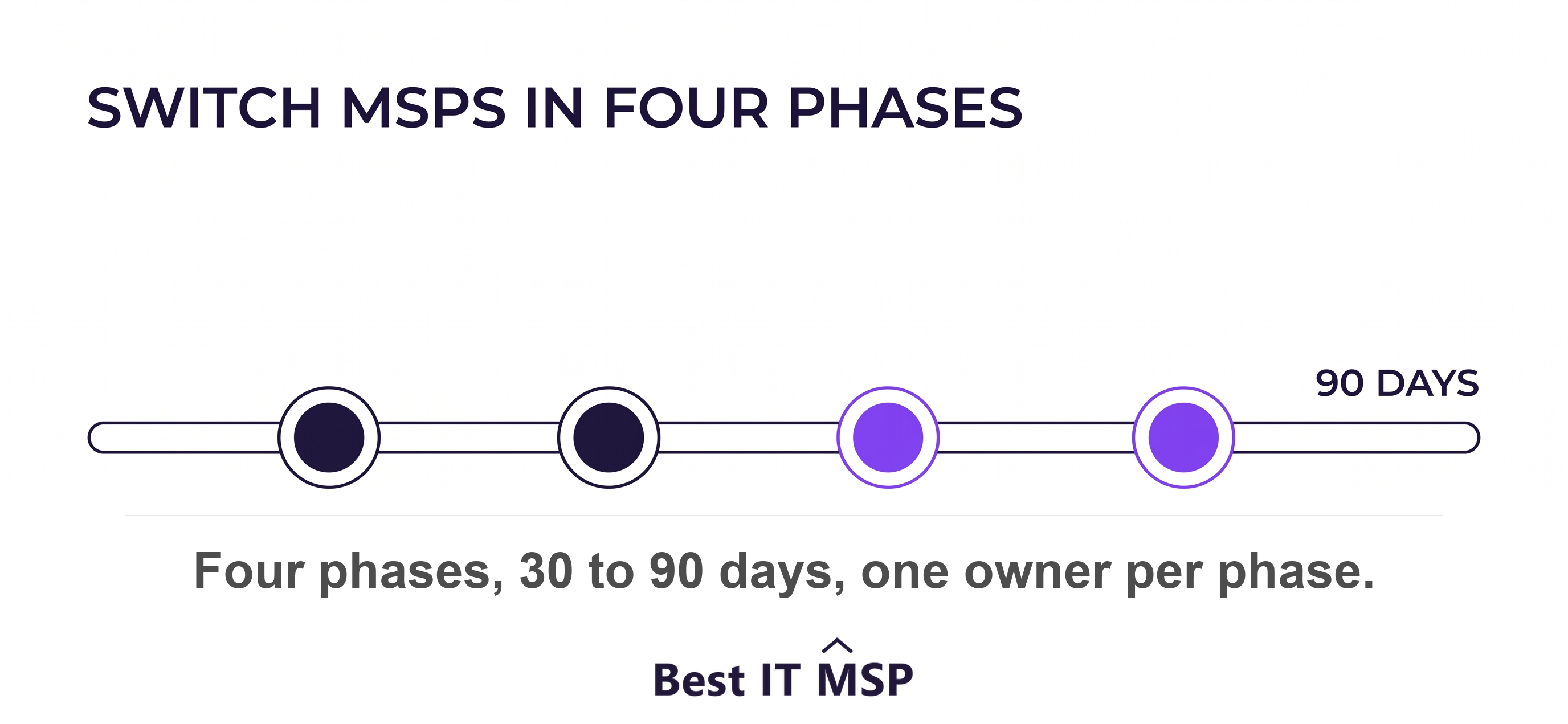
- Read the contract before you give notice. The notice period, the auto-renewal date, and the data return clause set your entire timeline.
- Nine things travel with you. Documentation, network diagrams, asset inventory, license entitlements, admin credentials, DNS control, backup data and restore keys, agent removal, and ticket history.
- The security risk is not the migration. It is the privileged access your old provider keeps after the final invoice.
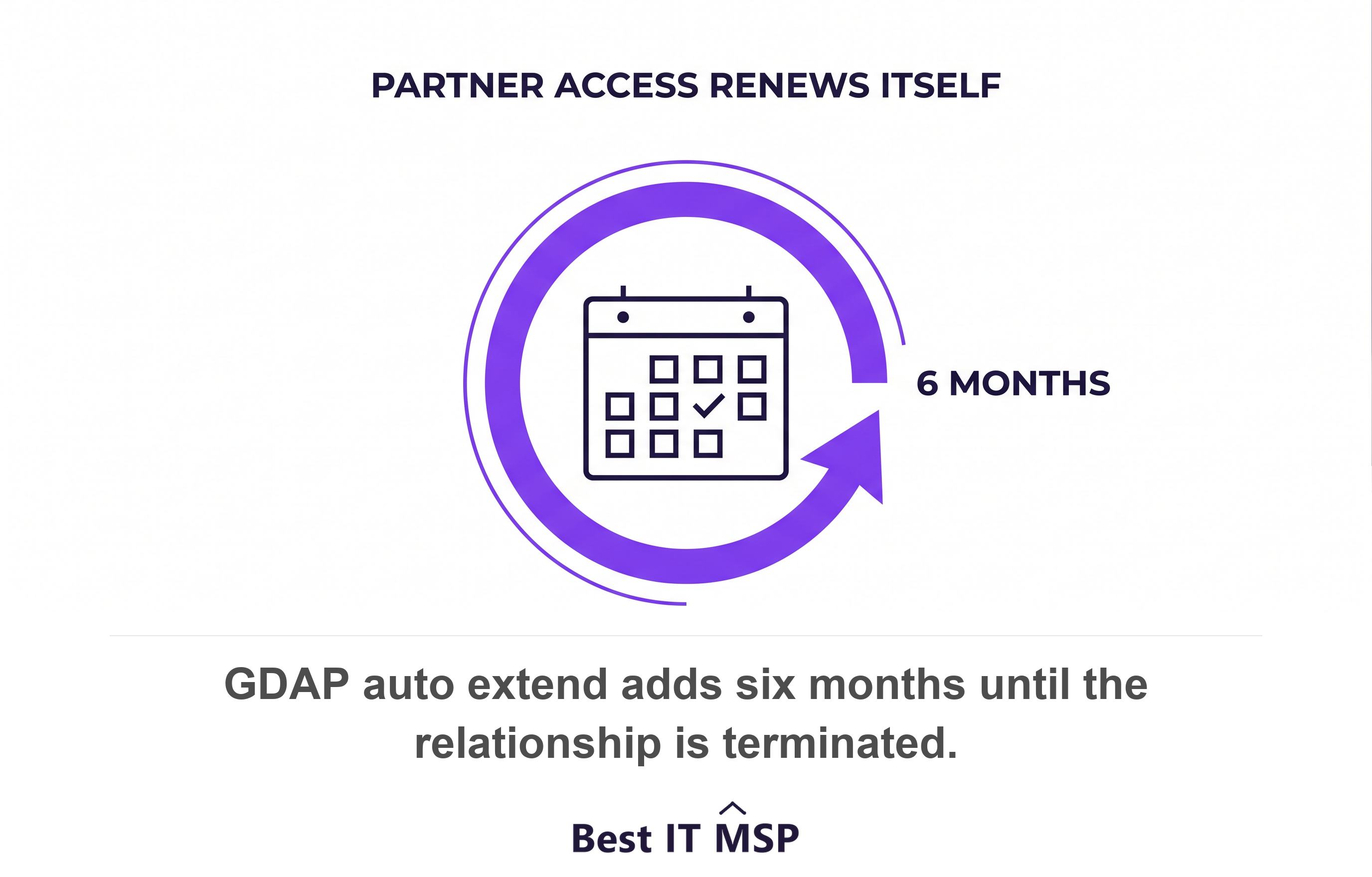
- Microsoft partner access can renew itself. A granular delegated admin relationship set to auto extend adds six months at a time until someone terminates it.
- Most outgoing providers behave professionally. Write the exit clauses anyway, because you cannot negotiate them after you give notice.
How do you switch MSPs without downtime?
You switch MSPs without downtime by running a phased project across 30 to 90 days, not by sending a resignation letter. Phase one reads the contract and builds an inventory, before anyone gives notice. Phase two serves notice and requests a written handover list with a deadline. Phase three runs both providers in parallel while the incoming team documents your environment. Phase four revokes every credential the outgoing provider holds and closes the file. Skip phase one and you lose leverage in every phase after it.
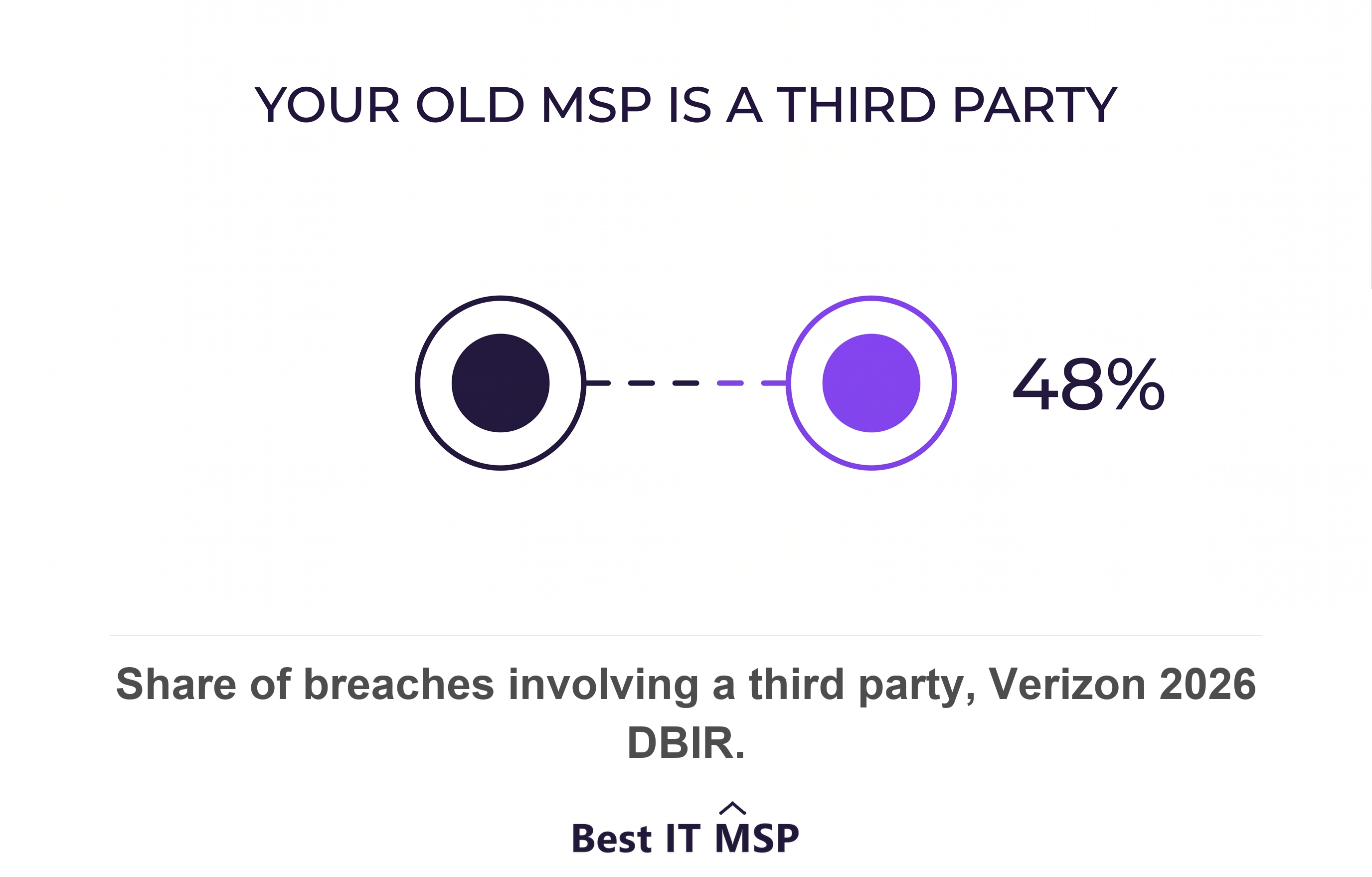
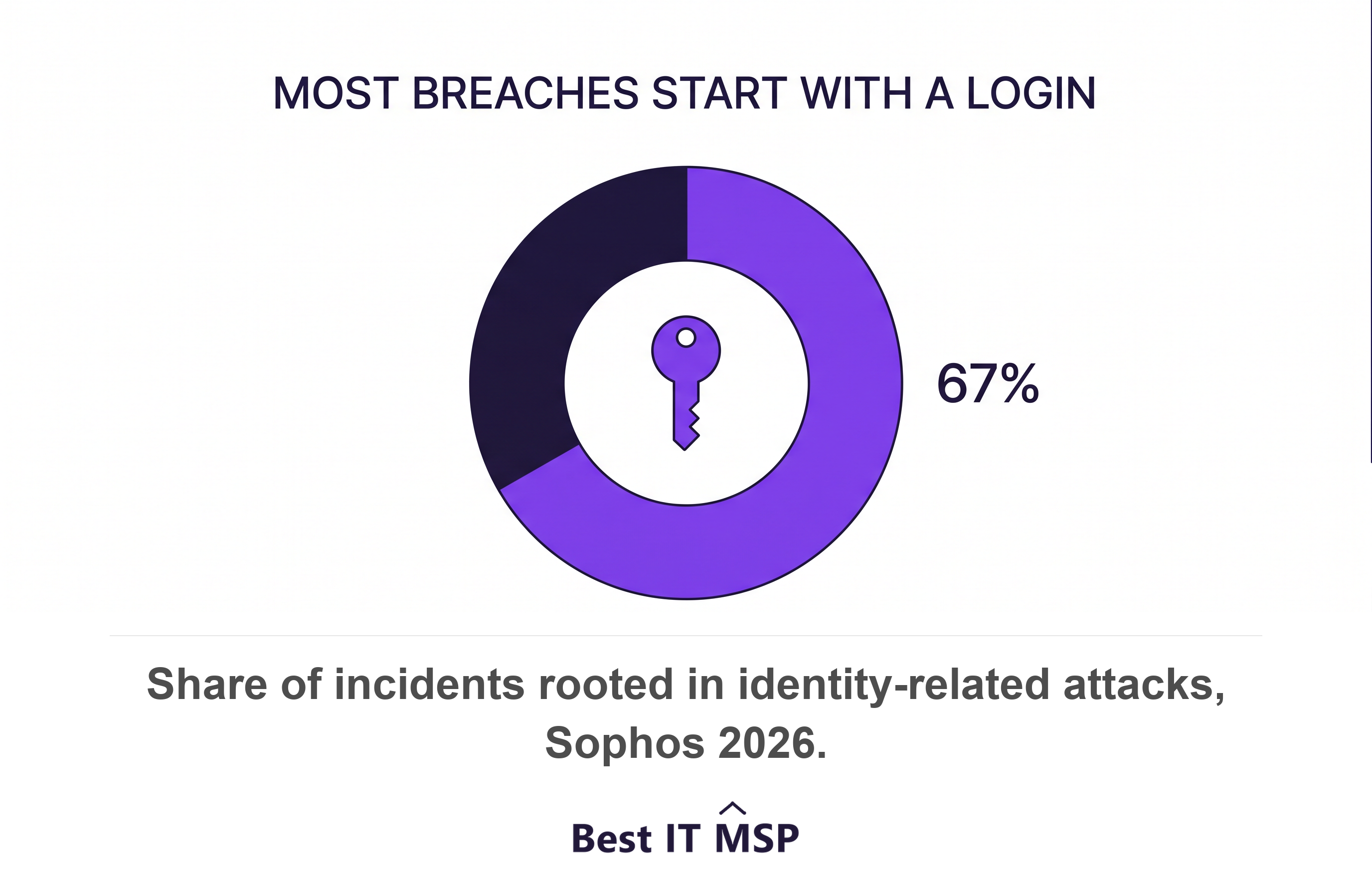
The riskiest moment is not the migration. It is the week after the final invoice, when your old provider still holds domain admin, a remote monitoring and management agent on every server, a VPN account, and a login to your firewall. Sophos traced 67 percent of incidents to identity-related attacks and found 59 percent of cases had no multi-factor authentication in place. Verizon reported a third party involved in 48 percent of breaches, a 60 percent rise in one year. A forgotten privileged account belonging to a firm you just fired is exactly that kind of third party.
Most transitions are professional. Outgoing providers usually hand over documentation, answer questions for a few weeks, and want a clean reference at the end of it. Plan for that case and protect against the other one. The clauses that protect you cost nothing to agree while both sides are happy, and you cannot negotiate them once you have given notice.
- <strong>Phase one, days 1 to 14.</strong> Read the contract and count what you own. Owner: you. Artifact: a one-page exit brief.
- <strong>Phase two, days 15 to 20.</strong> Serve written notice and send the itemized handover request. Owner: you. Artifact: a dated handover list.
- <strong>Phase three, days 21 to 75.</strong> Discovery, parallel run, and cutover. Owner: your new provider. Artifact: a discovery report.
- <strong>Phase four, days 76 to 90.</strong> Revoke access and confirm data destruction. Owner: you. Artifact: a signed revocation checklist.
This guide is the exit half of the buying decision. Read it beside MSP Contract Red Flags and How to Negotiate Them, which covers the clauses that make an exit easy, and How to Choose a Managed Service Provider, which covers who you move to next.
Before you give notice, read the contract and count what you own
Before you give notice, read four clauses and build one inventory. The notice period tells you the earliest clean exit date. The auto-renewal date tells you the deadline you cannot miss. The early termination clause tells you the price of leaving mid-term. The data return clause tells you what you are owed on the way out. Your whole transition plan hangs off those four facts and one list.
The four clauses that set your date
- <strong>Notice period.</strong> Thirty, sixty, or ninety days is normal. Count backwards from your target switch date and set the notice date first.
- <strong>Auto-renewal.</strong> Put the renewal date in a calendar with a 30-day warning. Miss it and you buy another full term.
- <strong>Early termination.</strong> Get the fee in writing before you decide, if you plan to leave mid-term.
- <strong>Data return and destruction.</strong> Confirm what comes back, in what format, and inside how many days.
Regulated buyers already have a floor here. A HIPAA business associate agreement must require the provider, at termination of the contract, to return or destroy all protected health information it still maintains and retain no copies. Under the FTC Safeguards Rule you must select service providers capable of maintaining appropriate safeguards, require those safeguards by contract, and assess them periodically. Those obligations are contractual leverage you already paid for, so read them before you tell anyone you are leaving.
Inventory what you own versus what your provider holds
Write two columns and fill them honestly. Column one lists what you own outright, such as hardware, your domain name, your Microsoft 365 tenant, and licenses registered to your company. Column two lists what your provider holds on your behalf, such as the documentation, the asset inventory, the ticket history, backup data, the remote monitoring and management platform, and any license entitlements bought under their agreement. Column two is your handover request. Column one is what nobody can hold hostage.
Keep phase one to a small group, if the relationship has already cooled. A provider who learns you are leaving before your inventory exists can slow-walk documentation while the clock runs. That is uncommon, and it costs you weeks when it happens. Finish the exit brief first, then serve notice.
What to take with you, and the format to demand
Demand nine artifacts, each in a format you can use without the outgoing provider. A screenshot pasted into a PDF is not an asset inventory. Name the format in the request, name a date, and copy your new provider on it.
- <strong>Documentation and runbooks.</strong> Ask for editable files or a full export of their documentation platform, not a printed pack.
- <strong>Network diagrams.</strong> Ask for the source file plus a PDF export, showing VLANs, subnets, firewall rules, and internet circuits.
- <strong>Asset inventory.</strong> Ask for a CSV listing make, model, serial number, warranty end date, operating system build, user, and location.
- <strong>License entitlements.</strong> Ask for proof of who each license is registered to, because a license bought under your provider's agreement may not travel with you.
- <strong>Admin credentials.</strong> Ask for a written register of every privileged account in your environment, including service accounts and local admin accounts.
- <strong>Domain and DNS control.</strong> Ask for registrar and DNS logins, then move the domain into an account registered to your own business email.
- <strong>Backup data and restore keys.</strong> Ask for the backup data, the retention settings, and the encryption keys. Data without its key is not a backup.
- <strong>RMM and antivirus agents.</strong> Ask for an agent removal plan and a written confirmation once every endpoint is clear.
- <strong>Ticket history.</strong> Ask for a CSV export with dates, categories, affected assets, and resolution notes, because it is the only record of what actually broke.
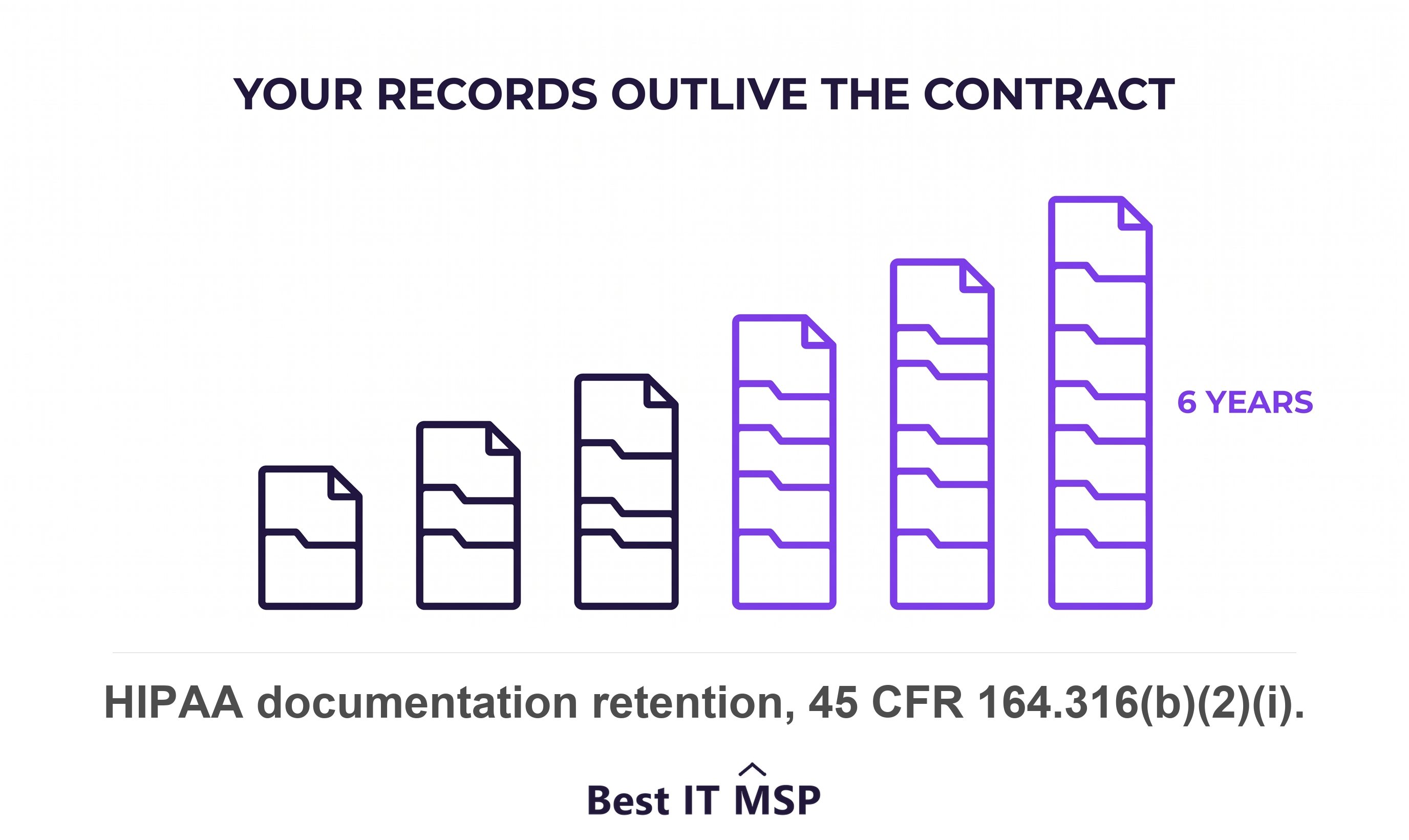
Keep the exports after you switch, because your retention clock does not reset when your provider changes. HIPAA requires you to retain the required documentation for six years from creation or from the date it was last in effect. The FTC Safeguards Rule pushes the other way and requires secure disposal of customer information no later than two years after its last use. Both rules reach data your old provider is holding, so put return and data destruction in the same written request.
The credential problem: what your old MSP still holds
Assume your outgoing provider holds privileged access until you prove otherwise. A typical provider account set includes domain admin in Active Directory, a remote monitoring and management agent with remote execution rights on every endpoint, a VPN account, firewall administrator access, a backup console login, a Microsoft 365 partner relationship, and the registrar account for your domain. Every one of those survives the final invoice unless somebody revokes it.
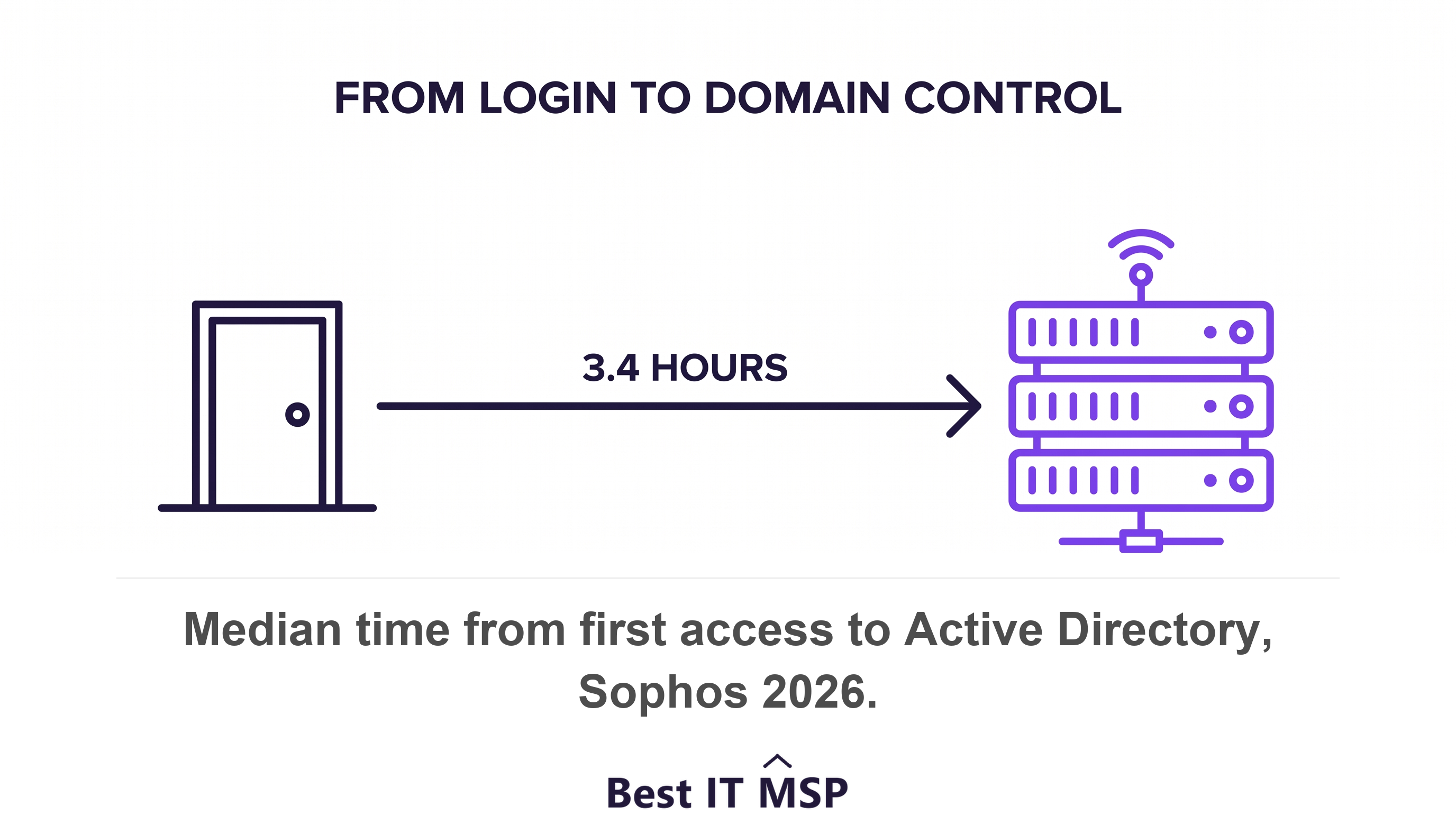
An unused privileged account is a live risk, not a housekeeping chore. Verizon found vulnerability exploitation overtook stolen credentials as the top entry point for the first time in 19 years, so stolen credentials led that table for nearly two decades before it. Sophos put compromised credentials behind 23 percent of ransomware attacks and measured 3.4 hours as the median time from first access to Active Directory. Mandiant recorded a global median dwell time of 14 days, with 52 percent of intrusions found internally. A valid login raises no alarm, which is why nobody spots it for a fortnight. Mandiant also found the median gap between initial access and hand-off to a second threat group fell from more than eight hours in 2022 to 22 seconds in 2025, so a stale credential gets sold and used faster than you can call a meeting about it.
The revocation checklist
- <strong>Disable</strong> every named technician account on the last day of service. CISA, the NSA, the FBI and allied agencies advise organizations to identify and disable accounts that are no longer in use.
- <strong>Rotate</strong> every shared password, service account, and local administrator password, including the ones nobody has touched in years.
- <strong>Remove</strong> the remote monitoring and management agent from every endpoint and server, then check the removal count against your asset inventory.
- <strong>Terminate</strong> the Microsoft 365 partner relationship yourself. Microsoft lets a customer remove a partner's granular delegated admin privileges from the Partner relationships page, after which those users no longer have access to administer services.
- <strong>Revoke</strong> VPN certificates and firewall administrator logins, then read the firewall's local account list line by line.
- <strong>Reset</strong> registrar, DNS, and backup console logins, and re-register each one to an address on your own domain.
- <strong>Audit</strong> what is left after 30 days, because the account you miss is always the one nobody documented.
One trap deserves its own line. A Microsoft granular delegated admin relationship has a maximum duration of two years, and auto extend renews it by six months at a time until it is terminated. Your old provider's tenant access quietly renews itself on a schedule while nobody is watching. Terminate the relationship deliberately. Do not wait for it to expire.
Apply least privilege to the incoming provider from day one. The same joint advisory tells customers to disabling MSP accounts can be overlooked when a contract terminates and to enforce multi-factor authentication on every provider account. Set that at onboarding, while goodwill is high, rather than discovering it at the next exit. What Cybersecurity Should Your MSP Actually Include? covers the rest of the account hygiene you should demand.
A realistic timeline, and what the parallel run costs
Budget 30 to 90 days end to end, and give every phase an owner and an artifact. Thirty days works for a 10-person firm on Microsoft 365 with no servers. Ninety days is realistic where you run on-premises servers, line-of-business applications, regulated data, or multiple sites. The parallel run is the part buyers try to cut, and it is the part that prevents downtime.
- <strong>Days 1 to 14.</strong> Read the contract, build the two-column inventory, shortlist and select. Owner: you. Artifact: the exit brief.
- <strong>Days 15 to 20.</strong> Serve notice in writing and send the nine-item handover request with a deadline. Owner: you. Artifact: the dated handover list.
- <strong>Days 21 to 45.</strong> Your new provider runs discovery and documents the environment while both firms hold access. Owner: new provider. Artifact: the discovery report.
- <strong>Days 46 to 60.</strong> Parallel run. New tickets route to the incoming team, and the outgoing team stays reachable so you can escalate. Owner: new provider. Artifact: the escalation log.
- <strong>Days 61 to 75.</strong> Cutover. Migrate monitoring, backup, patching, and security agents, one system at a time. Owner: new provider. Artifact: the agent reconciliation.
- <strong>Days 76 to 90.</strong> Revoke access, confirm data destruction, and close the file. Owner: you. Artifact: the signed revocation checklist.
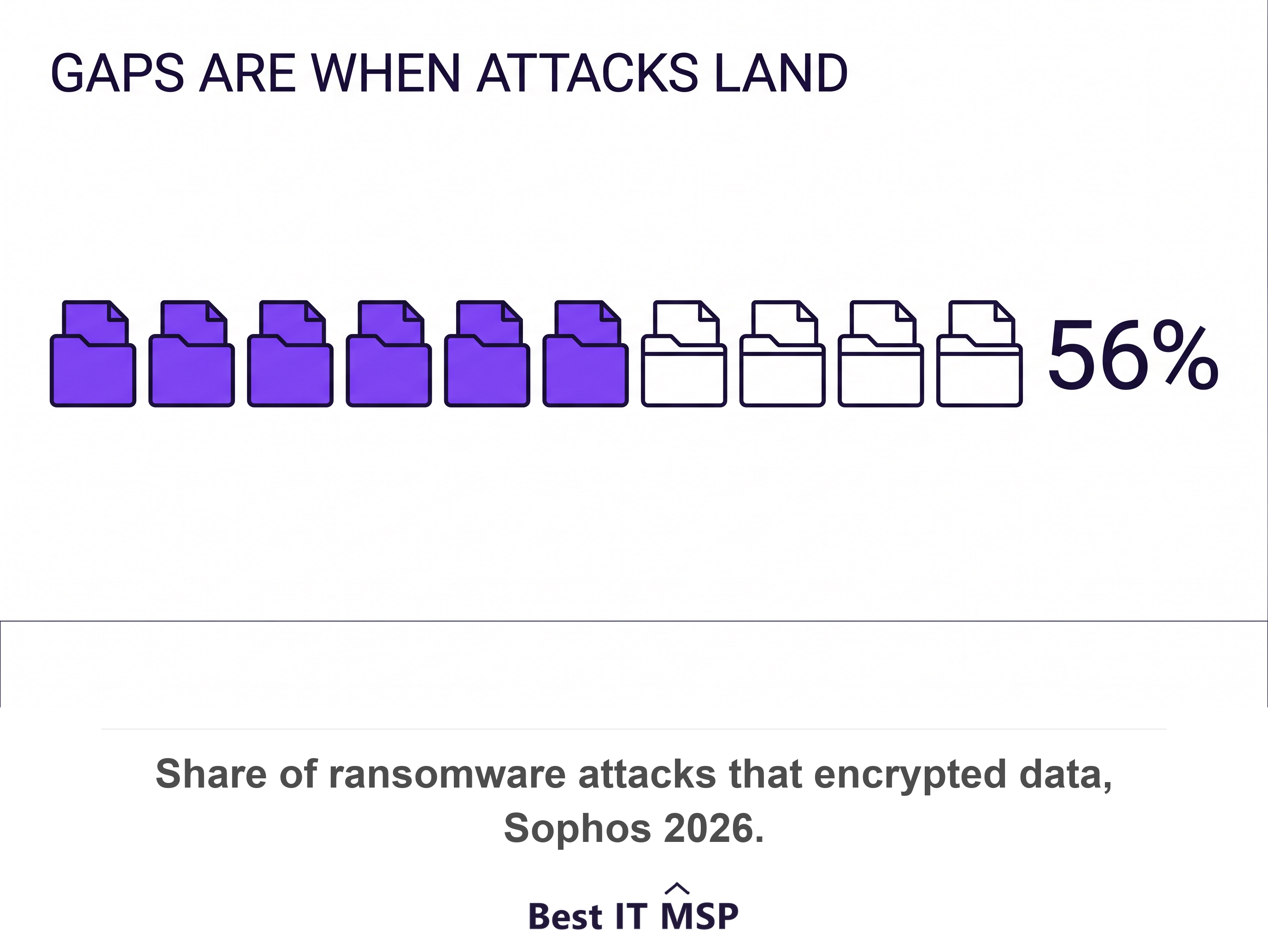
Expect to pay both providers for two to six weeks. That overlap is the premium on the whole project, and the alternative is worse. IBM put the global average cost of a data breach at $4.99 million in 2026 and found ransomware in 39 percent of breaches, up from 34 percent. Sophos found 56 percent of ransomware attacks succeeded in encrypting data, with 66 percent of those victims recovering from backups. A monitoring gap during cutover is exactly the window those numbers describe. Price the overlap against the benchmarks in How Much Do Managed IT Services Cost? before you sign anything.
The parallel run is not wasted money. It is the only week where a mistake is reversible.
What good onboarding looks like from your new provider
Good providers onboard you with documents, not reassurance. Inside the first 30 days your new provider should hand you six verifiable artifacts, each dated and each yours to keep.
- <strong>Asset inventory,</strong> reconciled against what they actually found on the network, not copied from the old provider's spreadsheet.
- <strong>Network diagram,</strong> redrawn from discovery, showing circuits, firewalls, VLANs, and every site.
- <strong>Privileged account register,</strong> naming every account their staff hold in your environment, with multi-factor authentication on each one.
- <strong>Restore test result,</strong> recording what they restored, on what date, and how many minutes it took.
- <strong>Patch baseline,</strong> stating current compliance as a percentage and listing every machine that failed.
- <strong>Thirty, sixty, and ninety day remediation plan,</strong> with named owners and dates for the gaps discovery found.
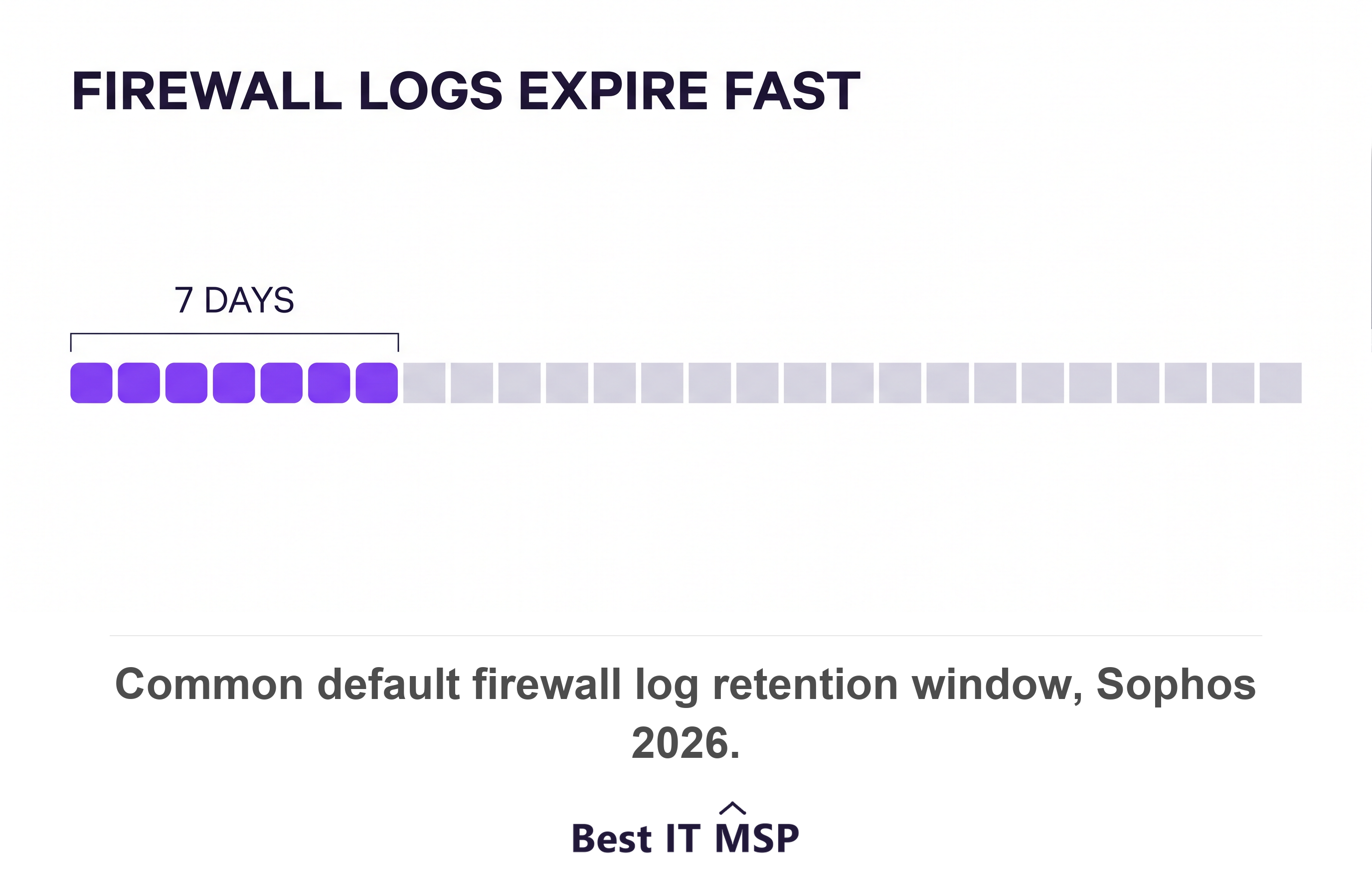
Ask about log retention in week one, because the defaults are short. Sophos found cases hampered by missing logs doubled year over year, with firewall appliances defaulting to 7-day or even 24-hour retention, and Mandiant found prior compromise was the initial infection vector in 10 percent of intrusions. Short logs plus an inherited compromise is how a transition hides an existing problem.
Write your next exit into this contract, while you have every reason to be generous. NIST's Cybersecurity Framework 2.0 makes it an explicit outcome and expects supply chain plans to include provisions for activities that occur after the conclusion of a partnership or service agreement. If you keep an internal IT lead through the change, Co-Managed IT Explained covers how to split the work, and Managed IT vs In-House IT covers whether to outsource it at all.
How to handle a hostile exit
A hostile exit is uncommon, and it follows a predictable pattern. The outgoing provider slows ticket response, delays documentation, quotes an hourly rate for the handover, or claims the documentation and monitoring data are their intellectual property. Answer each move with the contract, then the vendor, then the regulator, in that order.
- <strong>Slow response.</strong> Quote the service level agreement in writing, log every missed target, and copy the account owner rather than the technician.
- <strong>Withheld documentation.</strong> Quote the data return clause, restate the deadline, and put the request in one email you can forward later.
- <strong>Data ownership claims.</strong> Separate your data from their tooling. A backup set, a ticket history, and an asset list describe your business. Their platform does not travel, and it does not need to.
- <strong>Locked licenses.</strong> Check who each license is registered to, then buy your own tenancy rather than paying a ransom for a subscription you can replace in an afternoon.
- <strong>Ignored requests.</strong> Escalate straight to the vendor. Registrars, backup vendors, and license resellers all run owner recovery processes that do not involve your provider.
You depend on their cooperation less than you think. Microsoft's process for removing a partner's granular delegated admin privileges is customer-led, so you can end tenant access from your own admin center. Regulated buyers hold a further lever, because a HIPAA business associate contract must require return or destruction of all protected health information at termination, with no copies retained, and the FTC Safeguards Rule requires you to assess your service providers periodically rather than take their word for it.
Prevention is a contract job, not a negotiation job. Five clauses make a hostile exit close to impossible, and all five are covered in MSP Contract Red Flags and How to Negotiate Them. They are a defined notice period, a documentation return obligation with a deadline, named data ownership, transition assistance at a stated hourly rate, and licenses registered in your name. Agree them at signature. They are unobtainable at notice.
Day one, week one, and month one checklists
Work three short checklists and the switch stops being a leap of faith. Each line is a fact you can verify the same day.
Day one
- Confirm ticket routing and publish the new help desk number to every employee.
- Restore one real file from backup and record the time it took.
- Check that monitoring alerts reach a named person, not a shared inbox.
- Publish the escalation path, including the after-hours number and who owns it.
- Verify the outgoing provider is still contracted and still answering during the parallel run.
Week one
- Reconcile the agent count against the asset inventory, device by device.
- Review the privileged account register and confirm multi-factor authentication on every entry.
- Rotate shared passwords, service accounts, and local administrator credentials.
- Confirm backup jobs completed and retention settings match what you agreed.
- Log every gap discovery found, with an owner and a date beside each one.
Month one
- Revoke the last of the outgoing provider's access and terminate the partner relationship.
- Obtain written confirmation of data destruction, and file it with the contract.
- Audit the first monthly report against the service level agreement you signed.
- Close the exit brief with the final invoice, the handover list, and the revocation checklist attached.
- Schedule a quarterly access review, so the next transition starts from a current list.
None of this guarantees a flawless switch, and no honest provider promises one. It gives you dated phases, named owners, and a paper trail that survives the relationship. Take this timeline to three merit-ranked providers, ask each to commit to the phase-three dates in writing, and compare what comes back.
FAQ
How long does switching MSPs take?
Plan for 30 to 90 days. Thirty days is realistic for a small team on Microsoft 365 with no servers. Ninety days is realistic with on-premises servers, line-of-business applications, or regulated data. Your notice period sets the start date, and the parallel run adds two to four weeks at the end.
Can you switch MSPs without downtime?
Yes, if you run both providers in parallel through the cutover. Keep the outgoing provider contracted for two to four weeks past the switch date, route new tickets to the incoming team, and keep the old team reachable for escalation. Cut agents and credentials only after the new provider confirms monitoring and backups are working.
What should you get from your old MSP before you leave?
Get nine things in usable formats. Documentation, network diagrams, an asset inventory as CSV, license entitlements with registration details, an admin credential register, registrar and DNS control, backup data with restore keys, an agent removal plan, and a ticket history export. HIPAA also requires a business associate to return or destroy protected health information at termination.
How do you make sure your old MSP loses access?
Work a written revocation checklist and verify each line. Disable named accounts, rotate shared and service passwords, remove monitoring agents, revoke VPN and firewall logins, and terminate the Microsoft partner relationship. Microsoft caps that relationship at two years, with auto extend adding six months at a time until it is terminated, so expiry alone is not enough.
What if your old MSP refuses to hand over documentation or data?
Answer with the contract, then the vendor, then the regulator. Cite the data return clause and the service level agreement in writing. Go direct to registrars, backup vendors, and license resellers, who all have owner recovery processes. Microsoft's removal of partner admin privileges is customer-led, so tenant access does not depend on the outgoing provider.
Best IT MSP is the independent directory of vetted managed IT and cybersecurity providers across North America. Organic ranking is earned on rating and verified data, and paid placement is always labelled. Take this transition plan to three merit-ranked firms in your city and ask each one to commit to the dates in writing.