Local admin rights: how to check yours, and what removing them breaks
Check in 20 seconds. Open Command Prompt, type whoami /groups, and look for BUILTIN\Administrators. CISA's performance goals set one baseline: user accounts do not have administrator privileges. Removing them breaks software installs and a handful of legacy apps, little else. The policy that does the removing already sits in your Intune license.
- Open Command Prompt on any work PC, type whoami /groups, and look for BUILTIN\Administrators. One line tells you whether that laptop carries standing privilege.
- CISA's Cybersecurity Performance Goals state the baseline plainly. User accounts do not have administrator privileges, and administrators keep a separate account for admin work.
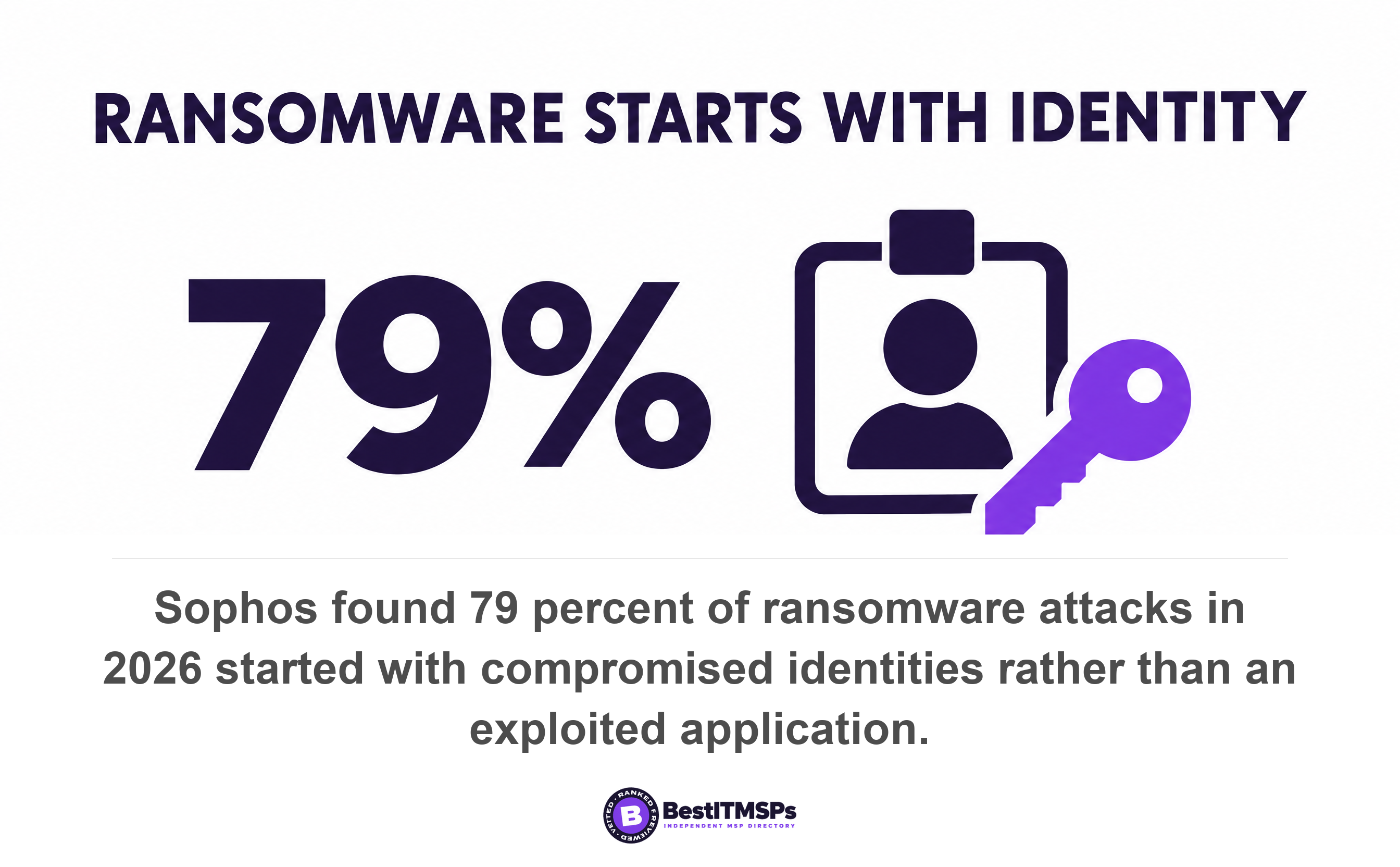
- Sophos found 79 percent of ransomware attacks started with compromised identities, not an exploited application. Stolen credentials that land in a standard user account reach less.
- Removing the rights needs no new license. The Intune profile that trims the local Administrators group sits in account protection, and Windows LAPS costs nothing on supported Windows.
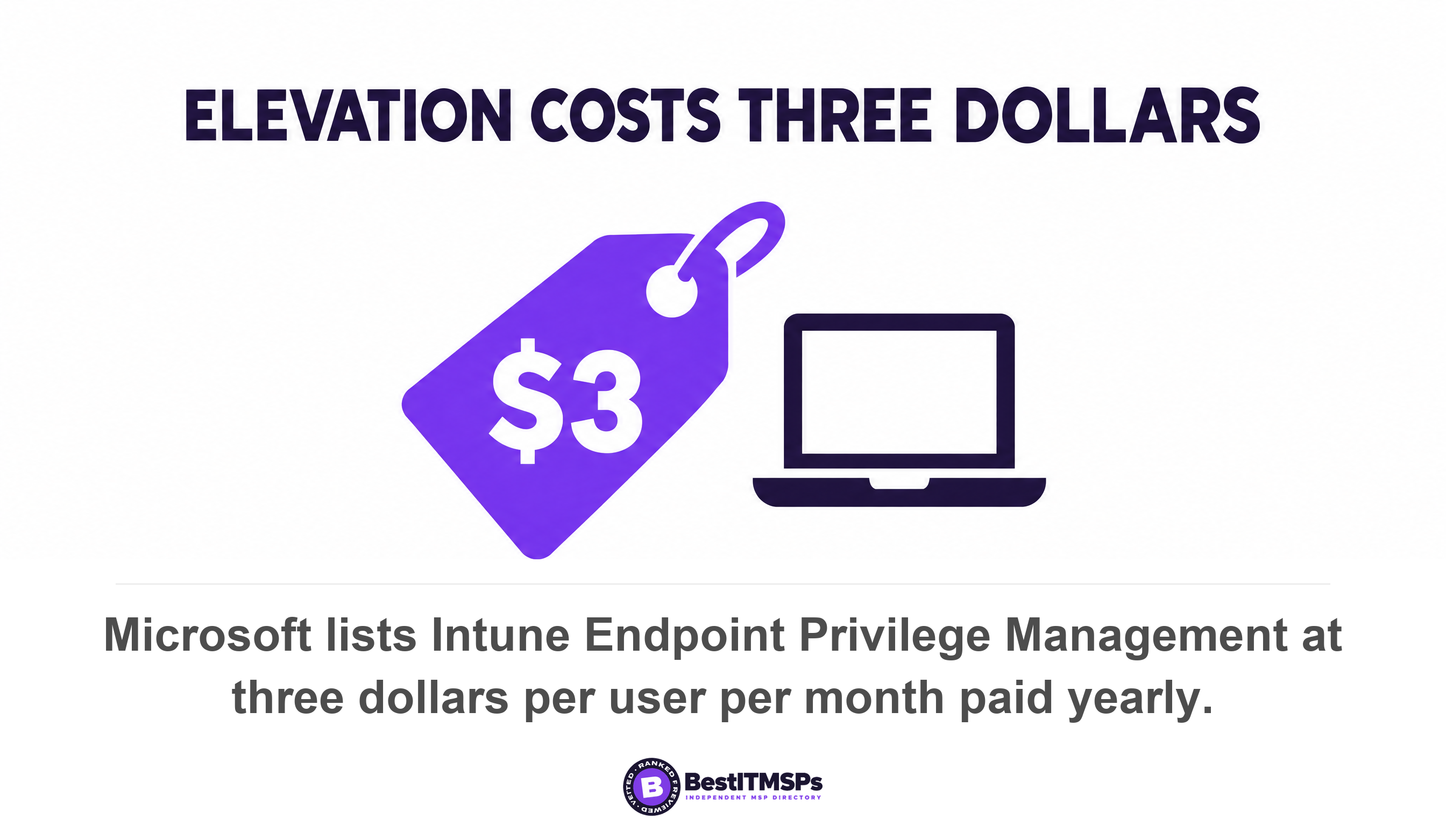
- Only the convenience layer is paid, at $3.00 per user per month. That is why cost is almost never the real objection, and ticket volume almost always is.
How do you check whether your staff have local admin rights?
To check whether a work PC carries local admin rights, open Command Prompt on that machine, type whoami /groups, and look for a line reading BUILTIN\Administrators. Microsoft documents the /groups switch as displaying the user groups to which the current user belongs. If that line appears, the person using that laptop is a local administrator, and so is anything that runs in their session.
One machine is a sample, not an answer. For the whole fleet, send your provider a single email asking for the current membership of the local Administrators group on every managed device. A provider running Microsoft Intune can produce that list the same day, because Intune's account protection policy includes a Local user group membership profile used to add, remove, or replace members of the built-in local groups on Windows devices. How long the answer takes is itself a finding.
The baseline is not a matter of taste. CISA's Cybersecurity Performance Goals set goal 3.G, which states that user accounts do not have administrator privileges and that administrators maintain separate user accounts for activities unrelated to their admin role. Goal 3.H adds least privilege, requiring that all user accounts, system roles, and processes operate with the minimum privileges necessary to perform their tasks and that you perform quarterly reviews of access permissions and role assignments. Least privilege means every account carries the smallest set of rights that still lets the person finish their job.
This article is about your own staff and their own PCs. Who at your provider holds privileged access into your servers is a different audit, and we cover it in Who at your MSP can log into your systems at 2am.
Why does removing local admin rights stop so much ransomware?
Removing local admin rights stops ransomware by breaking the middle of the attack rather than the start of it. Sophos surveyed 2,158 organizations hit by ransomware across 17 countries and found 79 percent of attacks originated from compromised identities rather than an exploited application. Phishing and malicious email still open the door, with Sophos putting malicious email at 26 percent and phishing at 24 percent of root causes. The question is what the stolen account can do once it is inside. An attacker who lands in a standard user account holds a weak hand. An attacker who lands in an account that is already a local administrator owns the machine.
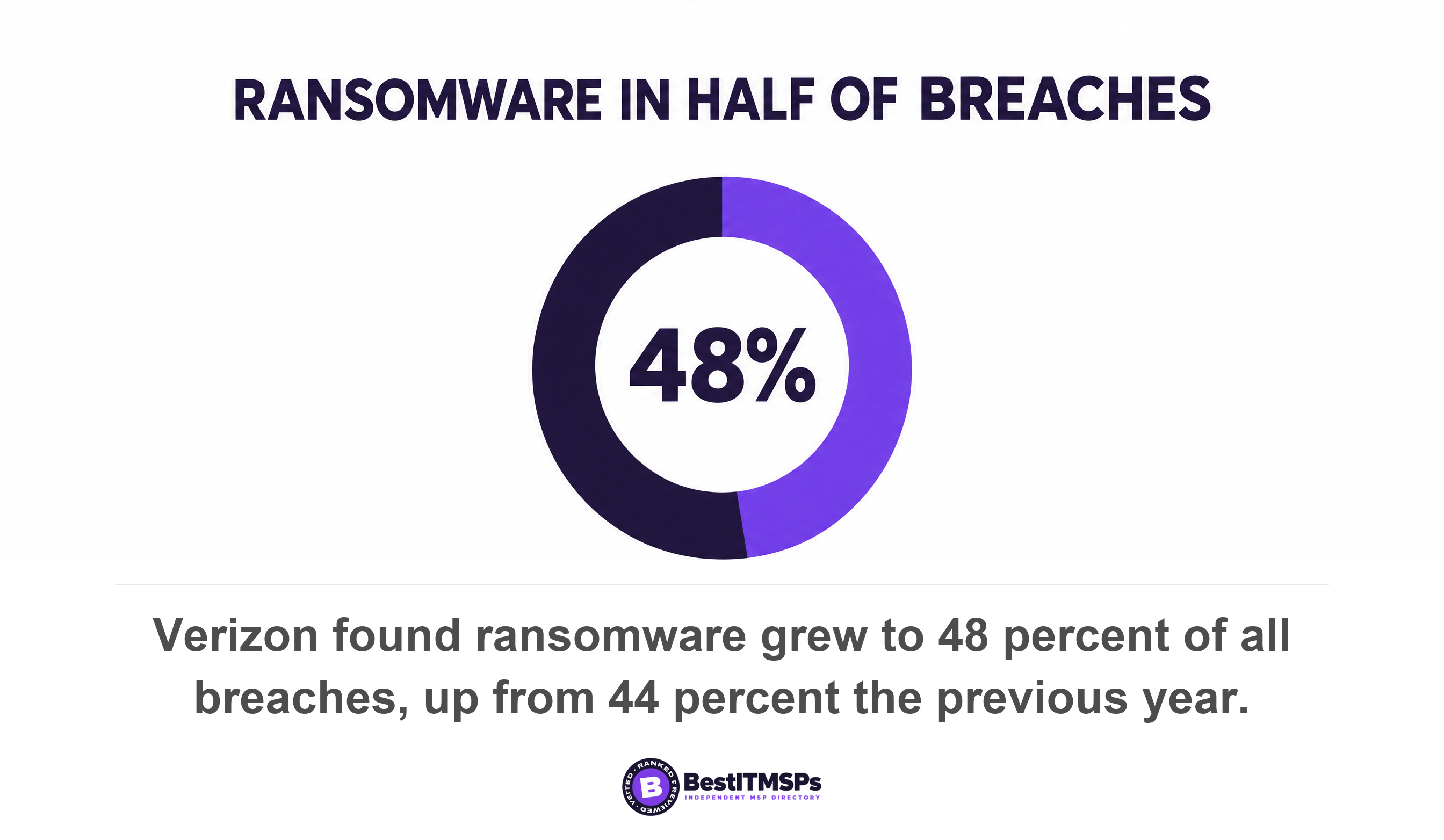
The scale is worth stating once. Verizon's 2026 report found ransomware grew again to 48 percent of all breaches, up from 44 percent from the previous year.
The mechanical difference sits in User Account Control. Microsoft explains that when an administrator signs in, Windows builds two access tokens, and all apps run as a standard user unless a user provides consent or credentials to approve an app to use a full administrative access token. For an administrator, that approval is a consent prompt and costs one click on Yes. For a standard user, it is a credential prompt, which means typing an administrator username and password the person does not hold. Malware cannot type a password nobody gave it. Microsoft states its own position without hedging, writing that the recommended and more secure method of running Windows is to ensure your primary user account is a standard user.
The ransomware encryption stage depends on that privilege. An attacker has to escalate privileges and clear your recovery options before they encrypt anything. CISA's eviction guidance records that ransomware actors commonly attempt to delete shadow copies before deploying ransomware, and that this is typically accomplished using native Windows binaries (Vssadmin.exe, PowerShell.exe, and WMIC.exe). CISA's Medusa ransomware advisory, last revised in August 2026, carries a privilege escalation section and tells defenders to audit user accounts with administrative privileges and to configure access controls according to the principle of least privilege. The #StopRansomware Guide says the same thing in plainer words, asking organizations to control and limit local administration, to apply the principle of least privilege to all systems and services, to separate administrator accounts from user accounts, and to remove unnecessary accounts and groups and restrict root access.
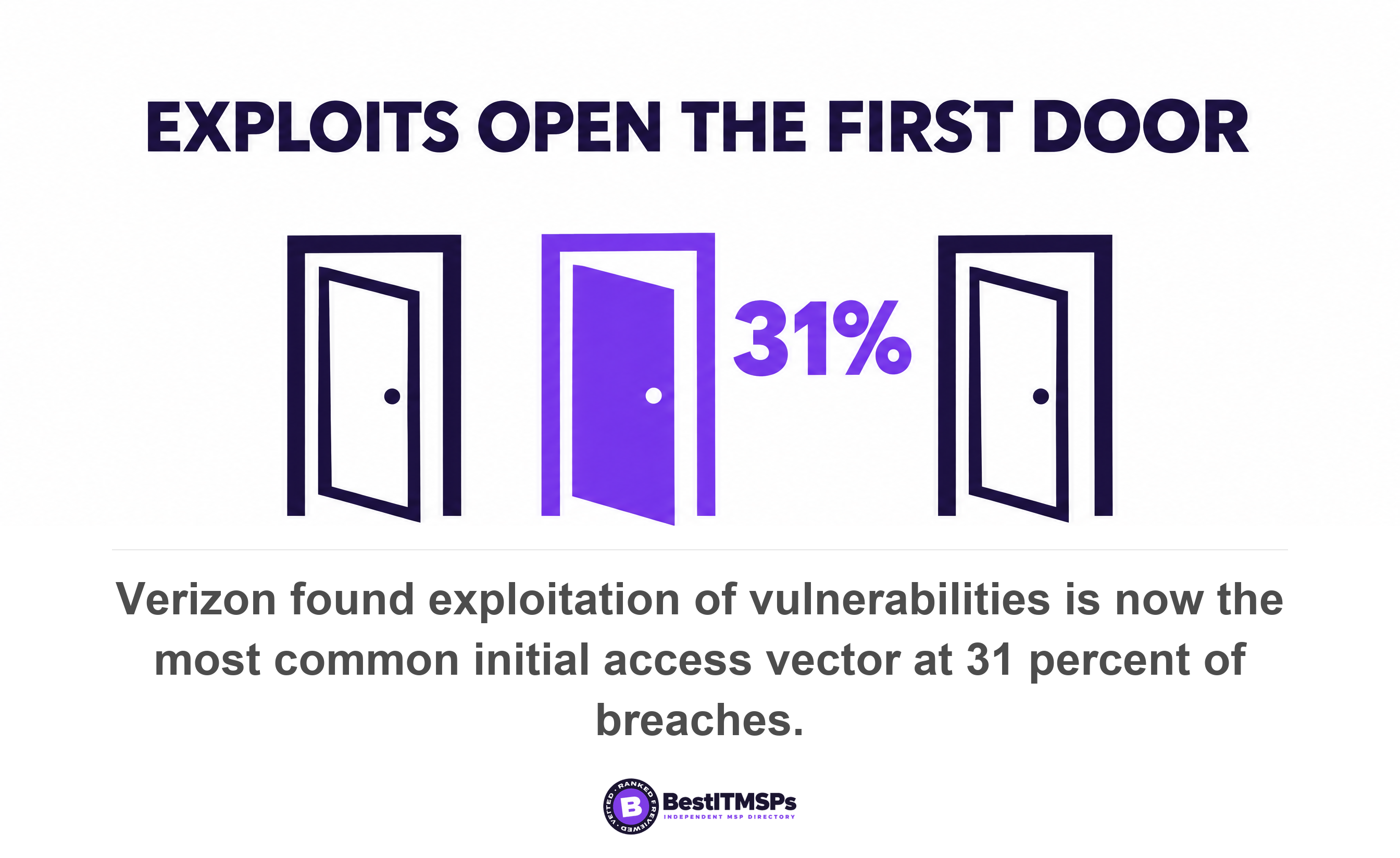
Privilege escalation also rides on unpatched software, and patching is losing ground. Verizon found exploitation of vulnerabilities is now the most common initial access vector for breaches, risen to 31 percent, while credential abuse, the previous leader, is down to 13 percent. A standard user account does not stop an exploit landing. It limits what the exploit inherits.
What actually breaks when you remove local admin rights?
Removing local admin rights breaks four things, and three of them are fixed inside a week. Staff can no longer install software, because most installers write to protected folders. Drivers stop installing on demand, which hits printers and docking stations first. A small number of legacy line-of-business applications fail, usually the ones that write data into their own program folder. And staff lose the ability to fix things themselves, which is the one loss that is also the point.
Microsoft built a product for exactly this problem, which tells you how routine it is. Intune Endpoint Privilege Management exists so your organization's users can run as a standard user (without administrator rights) and complete tasks that require elevated privileges, and Microsoft names the usual suspects, listing application installs, updating device drivers, and running certain Windows diagnostics as the tasks that commonly need elevation.
Application compatibility is the part that needs testing, not policy
Application compatibility is the only one of the four that needs a pilot rather than a setting. Endpoint Privilege Management handles most cases by elevating a named program through an isolated virtual account, and Microsoft notes that neither of these accounts are added to the local administrators group. For the stubborn applications there is an Elevate as current user mode, which Microsoft tells you to use only when virtual account elevation causes application failures because the elevated process then inherits the user's full context. Ask your provider which of your applications need that mode. In a 25-person office the honest answer is usually one or two, and they are usually old accounting or industry software.
Allow-listing covers what is left. NIST's Guide to Application Whitelisting, the standard most allow-listing products still follow, defines the list as a list of applications and application components that are authorized for use in an organization and says it helps to stop the execution of malware, unlicensed software, and other unauthorized software. CISA goal 3.P asks you to maintain a list of approved hardware, firmware, and software and to require review, testing, and approval before new hardware, firmware, or software is installed or deployed. Your provider can approve the twenty applications your business actually uses in an afternoon.
What does it cost to remove local admin rights?
Removing local admin rights costs your provider labor, not licenses, and that distinction explains why it has not happened yet.
Start with what is already paid for. The Intune profile that trims the local Administrators group down to a named list sits inside account protection, not in the advanced capabilities Microsoft sells as separate add-ons. Microsoft describes its Add (Replace) action as working in the same way as a Restricted Group, where any group members that aren't specified in the policy are removed. Windows LAPS, which fixes the related problem of one shared local administrator password, is available at no cost on all supported Windows platforms.
That shared password matters more than it sounds. Microsoft warns that local administrator accounts often share the same password across many devices, which bad actors can exploit to move laterally across your environment, and lists protection against pass-the-hash and lateral-traversal attacks as the first benefit of letting Windows rotate a different password onto every machine.
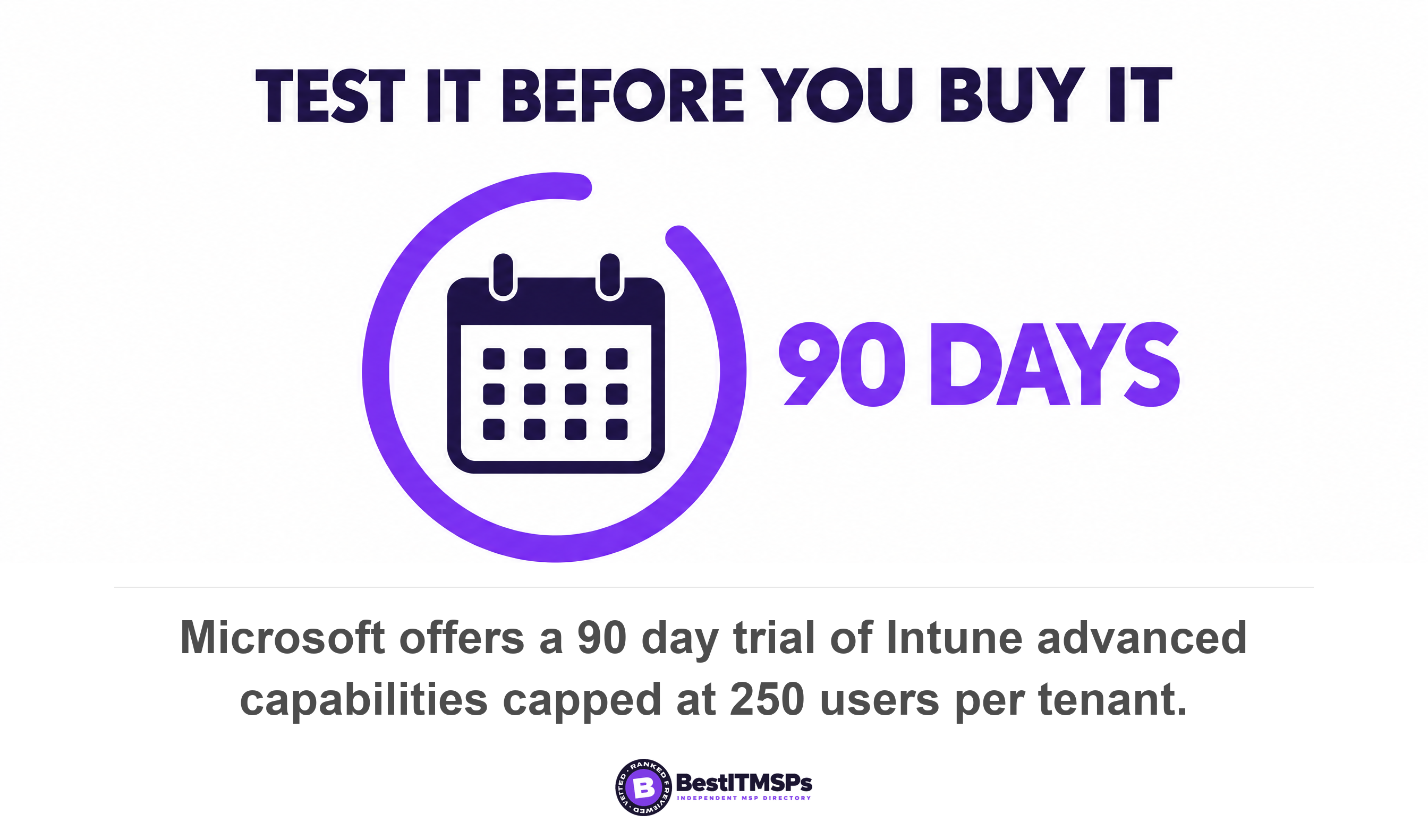
Only the convenience layer carries a price, and it is small. Microsoft lists Intune Endpoint Privilege Management at $3.00 per user per month, paid yearly. For a 25-person office that is $900 a year. You can test it before committing, because Microsoft offers a 90-day trial with a maximum of 250 users per tenant and one trial per capability.
The number your provider will not volunteer
The real cost is the elevation request, and it lands on your provider rather than on you. Endpoint Privilege Management's support approved rule type requires that end users must submit a request to run an application with elevated permissions before an administrator can approve it. Every one of those requests is a ticket. Price a ticket honestly. The US Bureau of Labor Statistics puts the median annual wage for computer user support specialists at $61,860 in May 2025, and reports that wages and salaries averaged $32.82 and accounted for 70.0 percent of employer costs for private industry workers. Load the wage by that ratio and a support hour costs roughly $42. Ten extra elevation requests a month, at fifteen minutes each, is about $106 of somebody's time.
Now look at who pays the $106. Under the flat per-seat agreement most SMBs sign, your provider absorbs every one of those tickets while the entire security benefit lands with you. The license is $3 a head. The margin hit is theirs and it recurs every month. That asymmetry, not application compatibility, is the quiet reason a control recommended by CISA, by Microsoft and by every ransomware advisory is still missing from so many small-business fleets. Removing standing privilege is not expensive. It is unbilled, which is a different problem and a solvable one.
When a provider tells you removing local admin rights is too expensive, ask which line of the invoice it lands on. If the answer is none of them, the objection is ticket volume, and ticket volume is negotiable.
The fix is to price it openly. Agree a one-off project fee for the rollout, or a short-term uplift for the first 90 days while the elevation rules settle, then let the volume fall as the rules learn your applications. A provider who proposes that is being straight with you. A provider who repeats that your software will not work, without naming the software, is protecting a ticket queue.
Five questions to ask your MSP about local admin rights
Send these five questions in one email and judge the answers on specificity rather than tone. A provider doing the work replies with names, counts and dates.
- Who is in the local Administrators group on each machine, and why? A good answer is a list of names with a reason beside each one. A weak answer is a number, or a promise to look into it.
- Which of our applications fail without administrative rights? Expect one or two named applications. A general warning about application compatibility, with no application named, means nobody has tested it.
- Is one shared local administrator password in use across our laptops? If yes, ask for the date Windows LAPS gets switched on, since Microsoft ships it at no cost.
- Does anyone hold standing domain admin rights, including your own engineers? Standing privilege means rights that sit active all day whether or not anyone is using them. Just-in-time access, which grants temporary rights that expire, is the fix, and Endpoint Privilege Management brings the same idea to the endpoint with support for just-in-time elevation.
- Which service accounts run with administrative rights, and when were their passwords last rotated? Service accounts are the logins software uses instead of people. CISA goal 3.C requires that system administrators and service/machine accounts have unique passwords that differ from those of regular user accounts, and that no universal non-person entity (NPE) account passwords should be deployed.
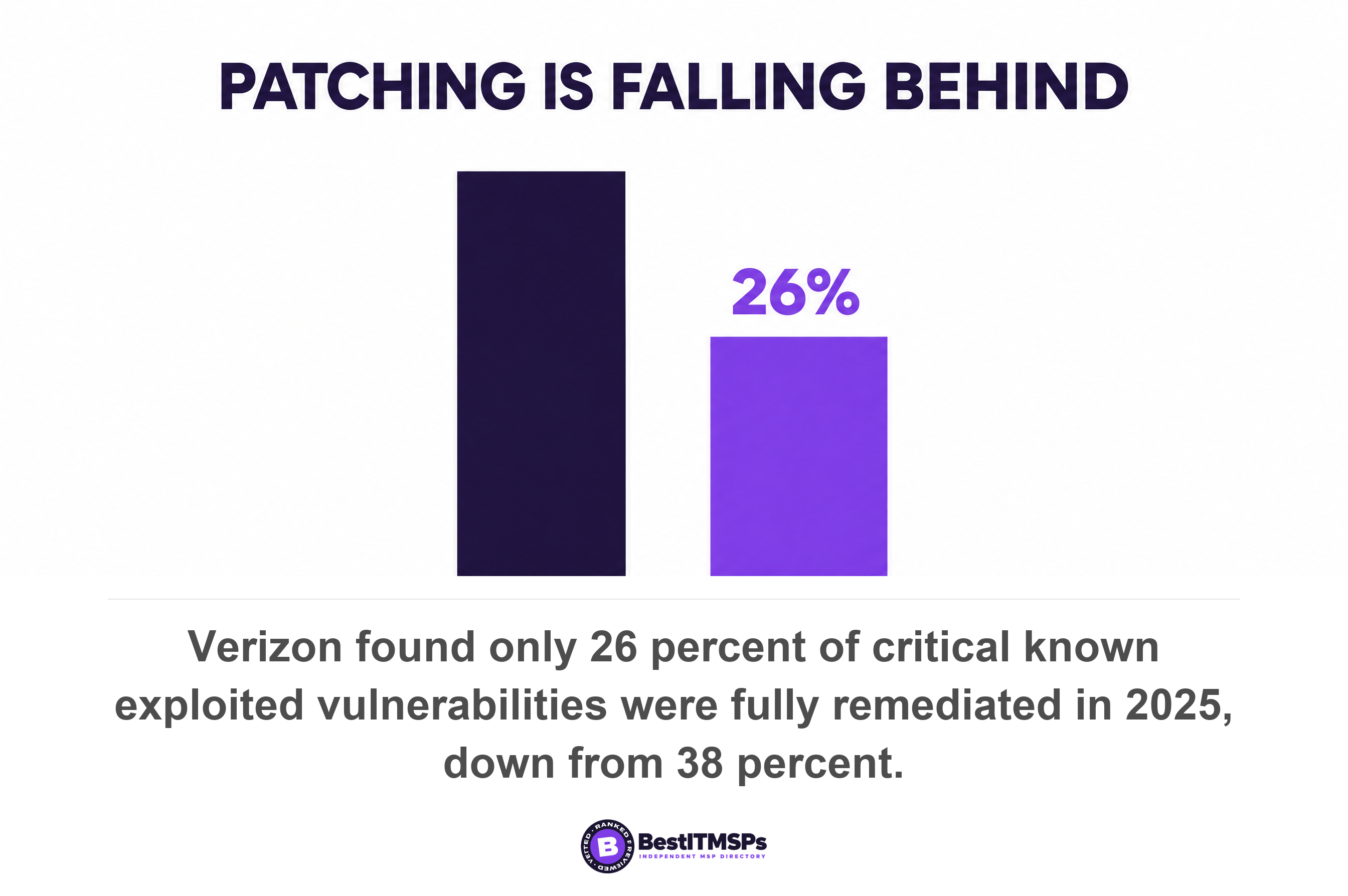
Add a sixth about patching, because the two controls cover for each other. Privilege escalation flaws reach the CISA Known Exploited Vulnerabilities catalog every month, and Verizon found only 26 percent of critical vulnerabilities, defined as being in the CISA KEV catalog, were fully remediated by organizations in 2025, a drop from the previous year's 38 percent. It also found the median time for full resolution went up to 43 days. Removing standing admin rights is the control that covers those six weeks. Ask for your 30-day patch compliance figure, then ask who still holds local admin rights on the machines that failed.
Pair all of this with enforced multi-factor authentication, since identity controls and privilege controls block different halves of the same attack. The practical difference between the common options is covered in MFA vs 2FA.
A 30-day plan to remove local admin rights from a 25-person office
To remove local admin rights in 30 days, run four stages and keep the exception list short. The order matters more than the speed, because every organization that revoked the rights before building an elevation path got the tickets anyway and then put the rights back.
- Audit in week one. Get the full local Administrators group membership for every device, plus the list of domain admin accounts and service accounts. Switch on Endpoint Privilege Management in audit mode so its report on unmanaged elevation, meaning all file elevations that happen without use of Endpoint Privilege Management, shows what your staff actually elevate.
- Pilot in week two. Pick five people across different roles, including one finance user and one person who runs your oldest application. Remove their rights, leave the elevation rules open, and log what they hit.
- Elevate in week three. Turn the pilot log into named elevation rules, scoped to specific binaries. Microsoft's rules can match on file name, path, file hash and publisher certificate, so a rule can cover one trusted installer without covering everything.
- Revoke in week four. Apply the Add (Replace) action to the remaining machines. Keep two break-glass local administrator accounts, with passwords held by Windows LAPS, and nothing else.
- Review every quarter after that, which is also what CISA asks for. Monitor the elevation reports monthly, re-check the group membership, and remove anyone whose temporary exception has outlived its reason.
Hold the exception line at the smallest number that keeps the business moving. Developers and the one person who maintains your legacy application have a real case. The owner does not, and an owner's account is the worst one to leave privileged, because it is the most targeted and the most trusted. Give that person a separate named administrator account used only for administrative work, which is what CISA goal 3.G asks of every administrator.
None of this makes a network unbreakable, and no honest provider claims it does. It takes the largest no-extra-license security upgrade available to a Windows fleet and actually applies it, and it leaves you a number you can track. Ask for the count of accounts in the local Administrators group, reported monthly beside your patch compliance figure. A provider who sends both without being chased twice is doing the work you pay for.
FAQ
How do I check if my staff have local admin rights?
Open Command Prompt on the machine, type whoami /groups, and look for BUILTIN\Administrators. Microsoft documents /groups as displaying the user groups to which the current user belongs. For the whole fleet, ask your provider for the current membership of the local Administrators group on every managed device.
Does removing local admin rights stop ransomware?
Removing local admin rights blocks the middle of most ransomware attacks rather than the first step. Sophos found 79 percent of attacks originated from compromised identities. A standard user account limits what stolen credentials reach, though it does not replace multi-factor authentication, patching or tested backups.
What breaks when you remove local admin rights?
Four things break. Software installs, on-demand driver installs, a few legacy applications, and self-service fixes by staff. Microsoft built Endpoint Privilege Management for this, naming application installs, updating device drivers, and running certain Windows diagnostics as the tasks that commonly require administrative privileges.
Do we need to buy a privileged access management tool to remove local admin rights?
No. The Intune profile that trims the local Administrators group sits in account protection, and Windows LAPS is available at no cost on all supported Windows platforms. Only the elevation layer carries a price, with Microsoft listing Endpoint Privilege Management at $3.00 per user per month.
Should the business owner keep local admin rights?
No, and the owner's account is the worst one to leave privileged. CISA's performance goals state that user accounts do not have administrator privileges and that administrators maintain separate user accounts for activities unrelated to their admin role. Keep one separate named admin account, used only for admin work.
Best IT MSP is the independent directory of vetted managed IT and cybersecurity providers across the US and Canada. Organic ranking is earned on rating and verified data, and paid placement is always labelled. Take the five questions above to three merit-ranked firms in your city and compare the answers side by side.