Doubling headcount: which IT costs actually double?
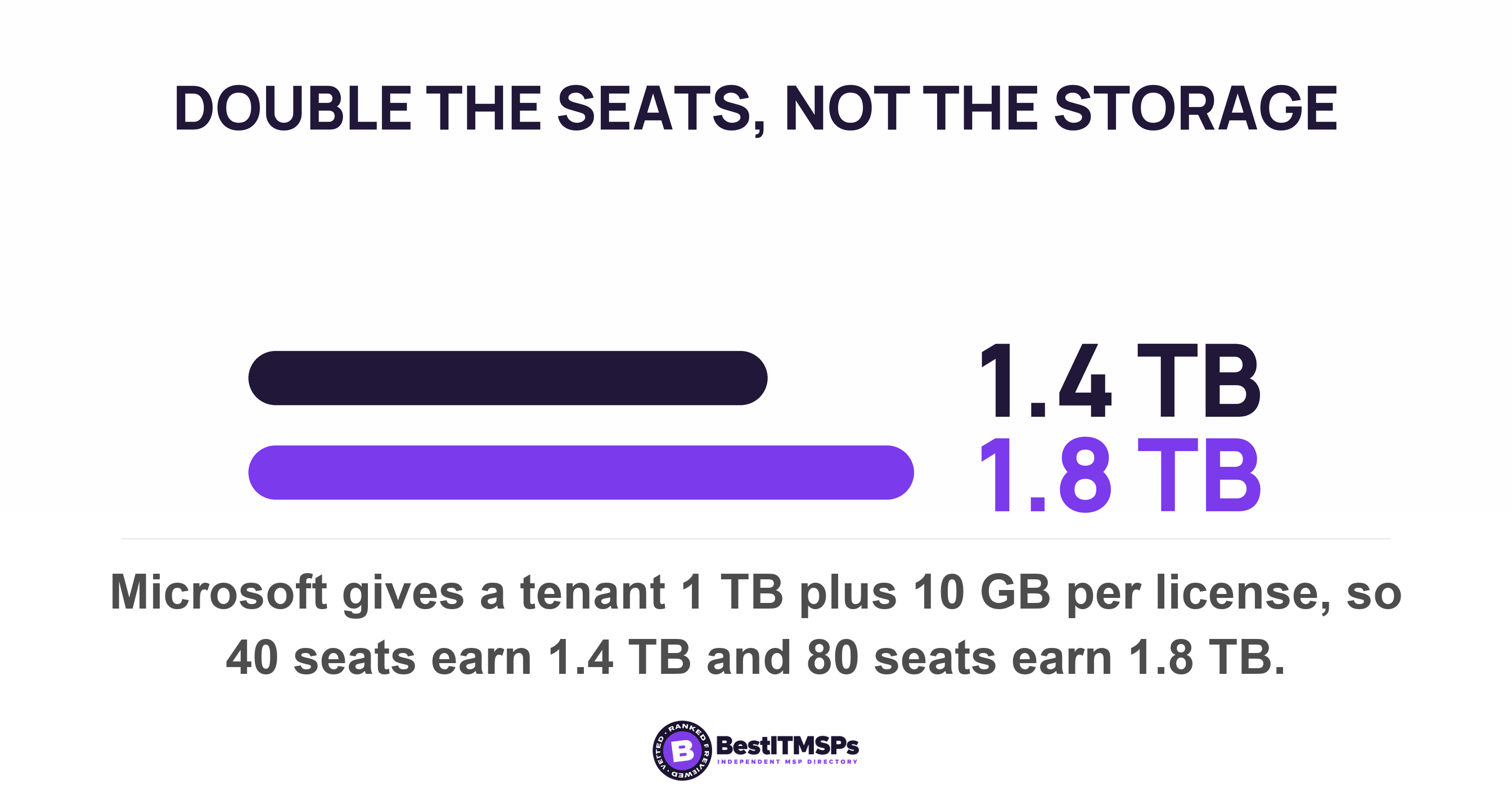
Doubling headcount does not double IT spend, but most of it moves. Software licenses and support seats scale close to one for one. Firewalls, circuits, documentation and a vCIO relationship do not. Microsoft gives a tenant 1 TB plus 10 GB per license, so 40 seats earn 1.4 TB and 80 earn 1.8 TB.
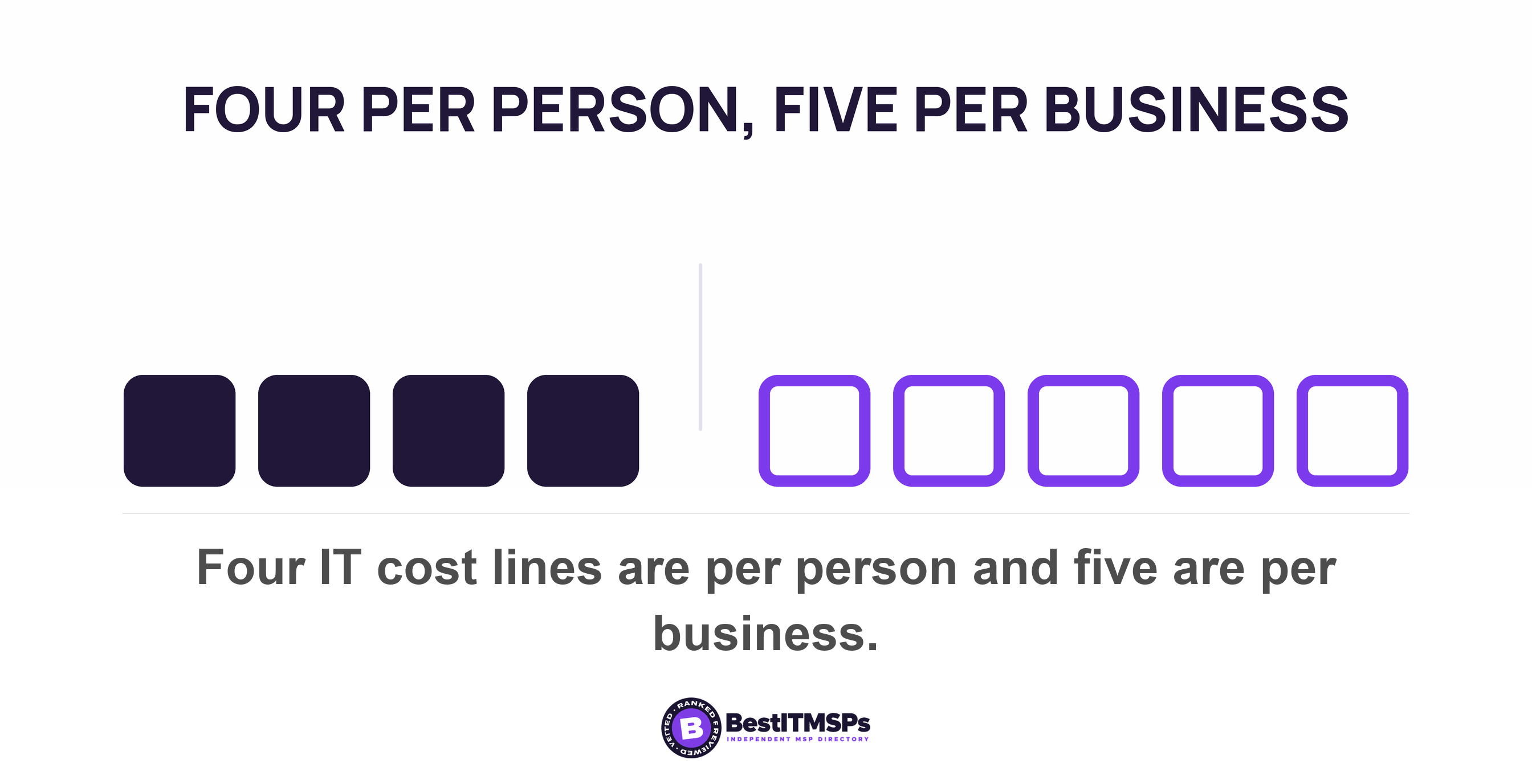
- Four IT cost lines are per person and five are per business. Sort the quote into those two piles before you forecast anything.
- Microsoft gives a tenant 1 TB plus 10 GB per license. So 40 seats earn 1.4 TB and 80 seats earn 1.8 TB. The headcount doubled and the storage did not.
- There is no volume discount at your size. Microsoft says license caps exist to provide specific promotions or special pricing, so a cheap rate can be the reason you cannot buy more seats at it.
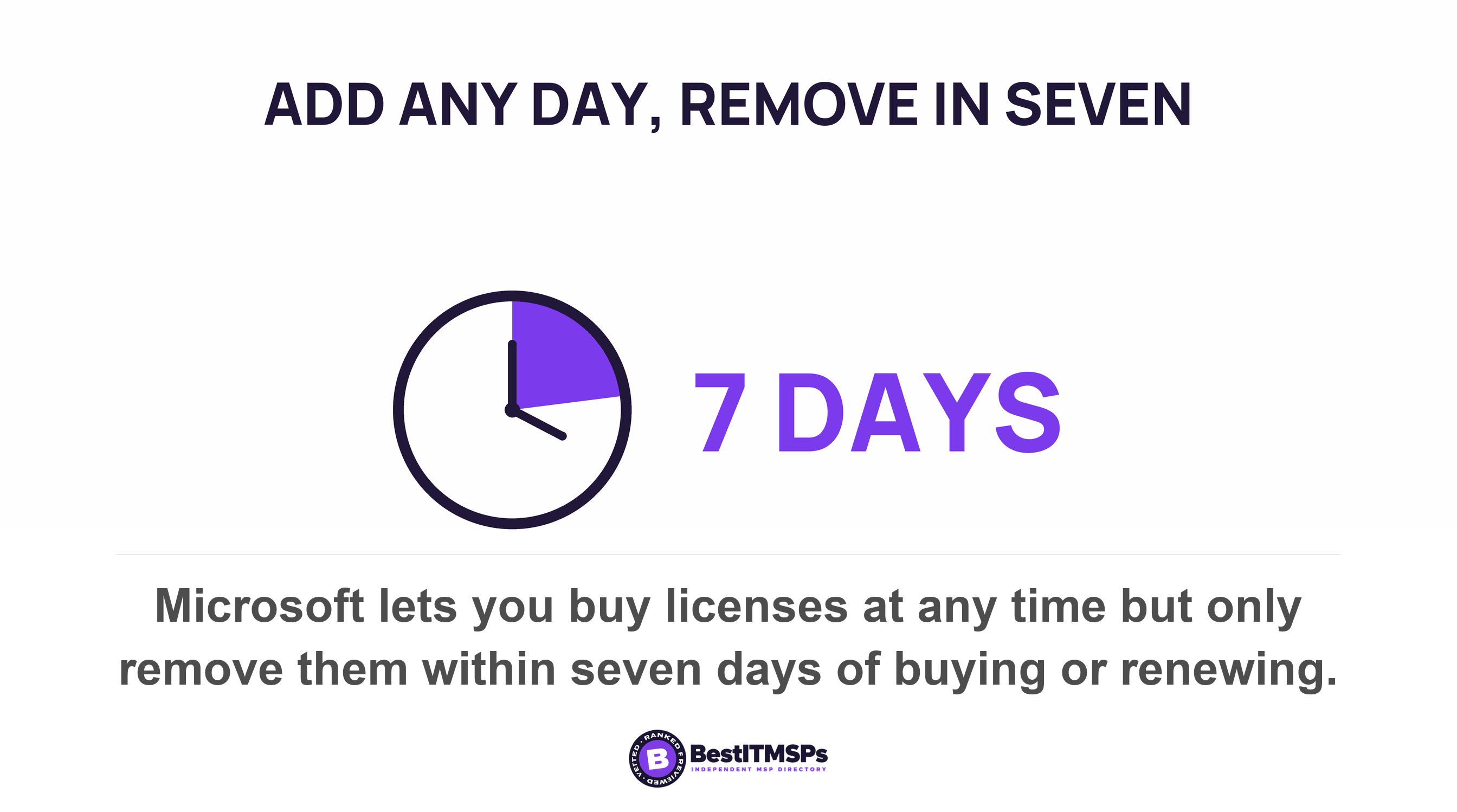
- Adding seats is open at any time. Removing them sits inside a seven day window. That is why you negotiate the rate card at 40 seats and not at 80.
- Network cost steps at a device threshold, not a headcount. Meraki calls a location high density above 30 clients per access point, and a flat office network holds 254 addresses.
Does doubling your headcount double your IT costs?
No, but it gets closer than most owners hope. Software licenses scale almost one for one. Help desk support follows close behind. Network capacity rises in steps rather than smoothly. The governance work barely moves at all.
The linear assumption comes from the quote, not from the costs. One invoice line reading 80 users at one blended rate makes every dollar look per-person. Microsoft's own arithmetic shows why that is wrong. A Microsoft 365 tenant gets 1 TB of SharePoint storage per organization plus 10 GB for every license purchased. Microsoft works the example itself, noting that a plan with a 1 TB base and 100 users gets 2 TB. Substitute your own numbers and 40 seats earn 1.4 TB while 80 seats earn 1.8 TB. The headcount doubled. The cloud storage entitlement did not.
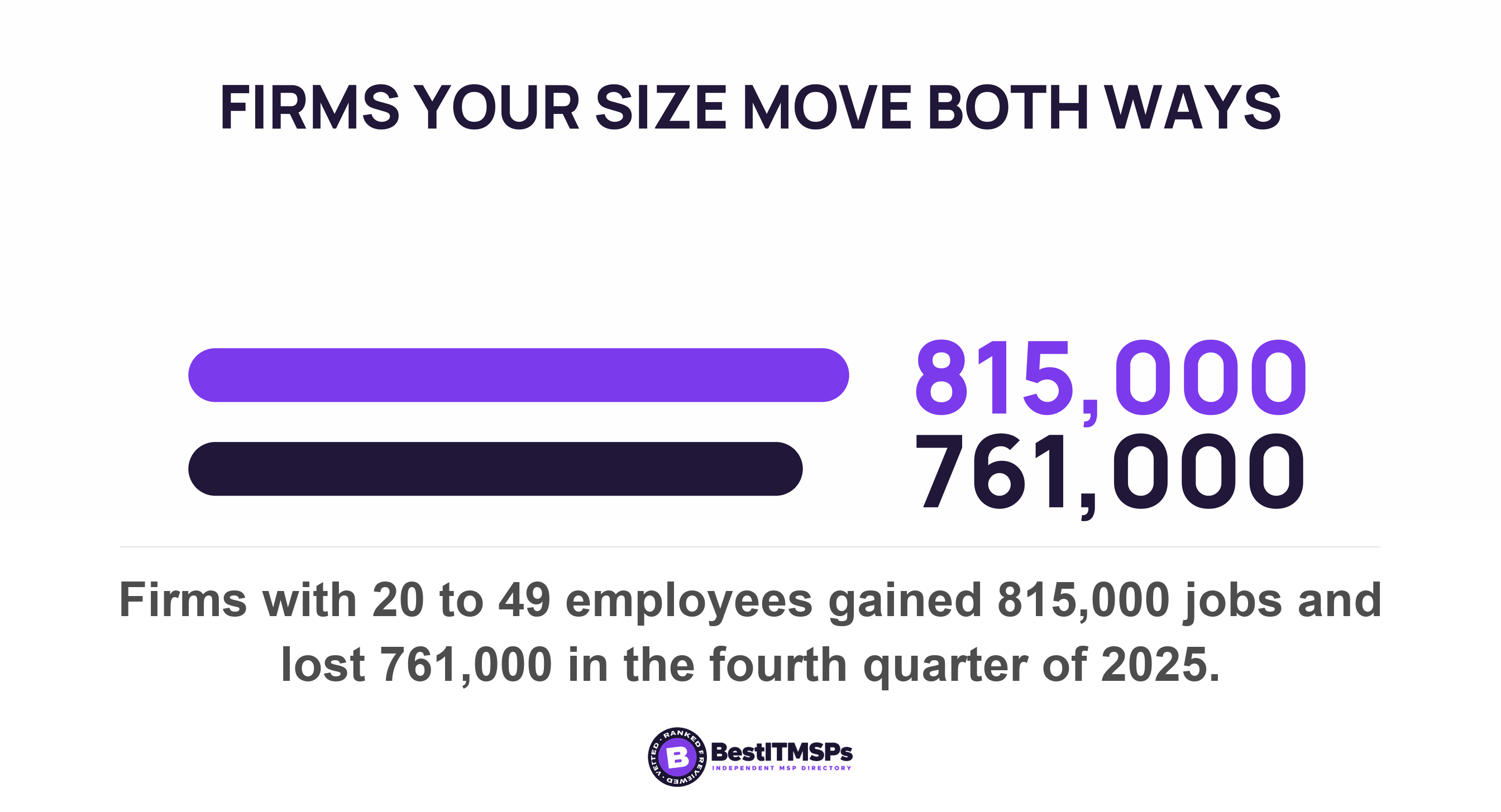
Growing fast is ordinary. US establishments that expanded gained 6.2 million jobs in the fourth quarter of 2025, and newly opened ones added another 1.6 million. Firms with 20 to 49 employees gained 815,000 jobs in that single quarter while losing 761,000, which is a gross job gain rate of 6.1 percent of employment in three months for firms the size of yours. Across the whole economy, employers made 5.2 million hires in August 2026 alone, against 7.1 million open jobs.
This post covers the planning stage, before the new people arrive. For what a bill does when headcount falls instead, read what your IT bill does when your headcount drops. For how a provider decides what counts as one user, read per-user or per-device pricing. For putting the spend against a calendar, read your technology roadmap should have dates and numbers on it.
Which IT costs are per person, and which are per business?
Four cost lines are per person and five are per business. Sort your quote into those two piles and most of the forecast writes itself.
The four that scale with every hire
- A software license. One seat, one fee, every month. Nobody gets a cheaper seat at 80 people than at 40.
- A laptop or a desktop. One device per person, plus the device provisioning labor to get it ready.
- A help desk support seat. This is the per-user line on a managed services invoice, and it buys a share of a technician's time.
- Security awareness training. CISA's performance goals ask that new employees receive initial cybersecurity training prior to accessing computer systems, and that you provide at least annual cybersecurity training for all organizational users after that.
The five you buy once for the whole business
- The firewall and the switches. One firewall supports 40 people, and the same model usually supports 80.
- The internet circuit. One line to one building, whoever sits in it.
- The server or the cloud tenant. One of each, however many people sign in.
- Documentation and policies. Written once and maintained, not rewritten per hire.
- The vCIO relationship. One standing conversation about risk, budget and the roadmap.
CISA's own goal set proves that split rather than asserting it. Goal 3.J, Implement Cybersecurity Training, fires on every single hire. Goal 1.A, Establish Cybersecurity Responsibilities, is written once for the whole business and then reviewed. One authority, one document, two completely different cost shapes.
Somebody still has to monitor the network and support the people using it, and that labor is the variable half of your bill. The five lines above are the fixed half. Most of a small firm's monthly spend sits in the variable half, which is why the bill moves a long way when headcount doubles. The useful point is that it does not move all the way.
Is there a volume discount for buying more seats?
Not at your size, and the published breakpoints run against you. Per-user pricing has no volume tier for a small business. Microsoft's own limits table caps the Business family of plans at up to 300 licensed users, and below that no seat count earns a better rate by itself.
Microsoft is unusually blunt about why a cap exists. Its admin center guidance warns that when you add licenses you might see a message about license caps, which enforce limits on the number of licenses you can have in a subscription and are used to provide specific promotions or special pricing to customers. Read that twice. The cheap rate you signed at 40 seats can be the exact reason you cannot buy 40 more at the same price. The discount was attached to the quantity, not to you.
Direction matters as much as size. For a Microsoft Customer Agreement billing account, Microsoft states that you can buy more licenses for your subscription at any time, and that you can only remove licenses from your subscription if it's within seven days of buying or renewing your subscription. New licenses are immediately available for you to assign to users and simply appear on your next invoice. Growth has no friction. Shrinking has plenty, and our post on falling headcount covers that side and the contract clauses behind it.
A rate agreed at 40 seats is worth more than any discount offered at 80, because at 80 you have already bought the seats.
That asymmetry is the argument for doing this before you hire. At 40 seats you are asking about a future you have not committed to. At 80 you have already paid, and the leverage is gone.
The onboarding cost nobody puts in the plan
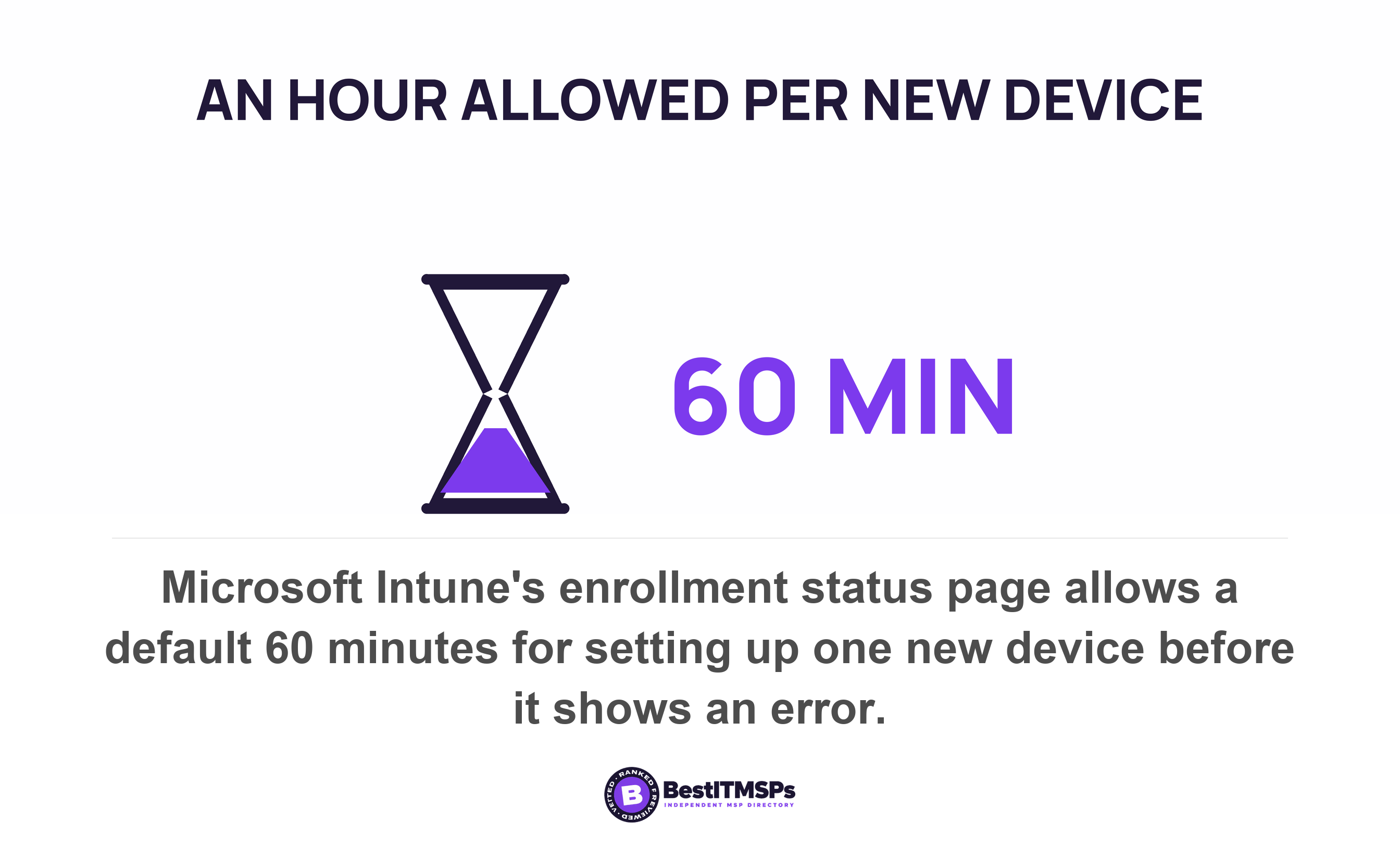
Every new hire costs provisioning labor before they do a day of work, and Microsoft's own defaults put a number on it. The Intune enrollment status page ships with a default time-out of 60 minutes, which is the time Microsoft allows for setting up one new Windows device before the screen shows an error.
That hour is a floor, not a ceiling. Installing monthly security updates during setup adds 20-40 minutes to the provisioning process and might require restarts. On a hybrid joined device the same page warns the process takes 40 minutes longer than the value set in the ESP profile. Cloud storage is not waiting either. Microsoft says that the first time that a user browses to their OneDrive it's automatically created for them, and that doing it in advance for a batch of people might take multiple days for the OneDrive locations to be created.
Now add the tasks nobody times. Ordering the laptop. Assigning the license. Putting the person in the right groups. Running the training CISA wants finished prior to accessing computer systems. Somebody has to provision each machine before it reaches a desk, and that work lands in the month you hire.
One thing we could not establish. No government body or standards body publishes how much heavier a new starter's first week is on a help desk. The figure does not exist at primary source, so do not accept a multiplier from anybody, including us. Measure your own. Count the tickets raised by people in their first 30 days, compare that with everybody else's, and the number belongs to your business.
What breaks at a size threshold instead of gradually
Three published thresholds decide when a per-business cost steps up, and not one of them is your headcount. Each is counted in devices, addresses or licenses.
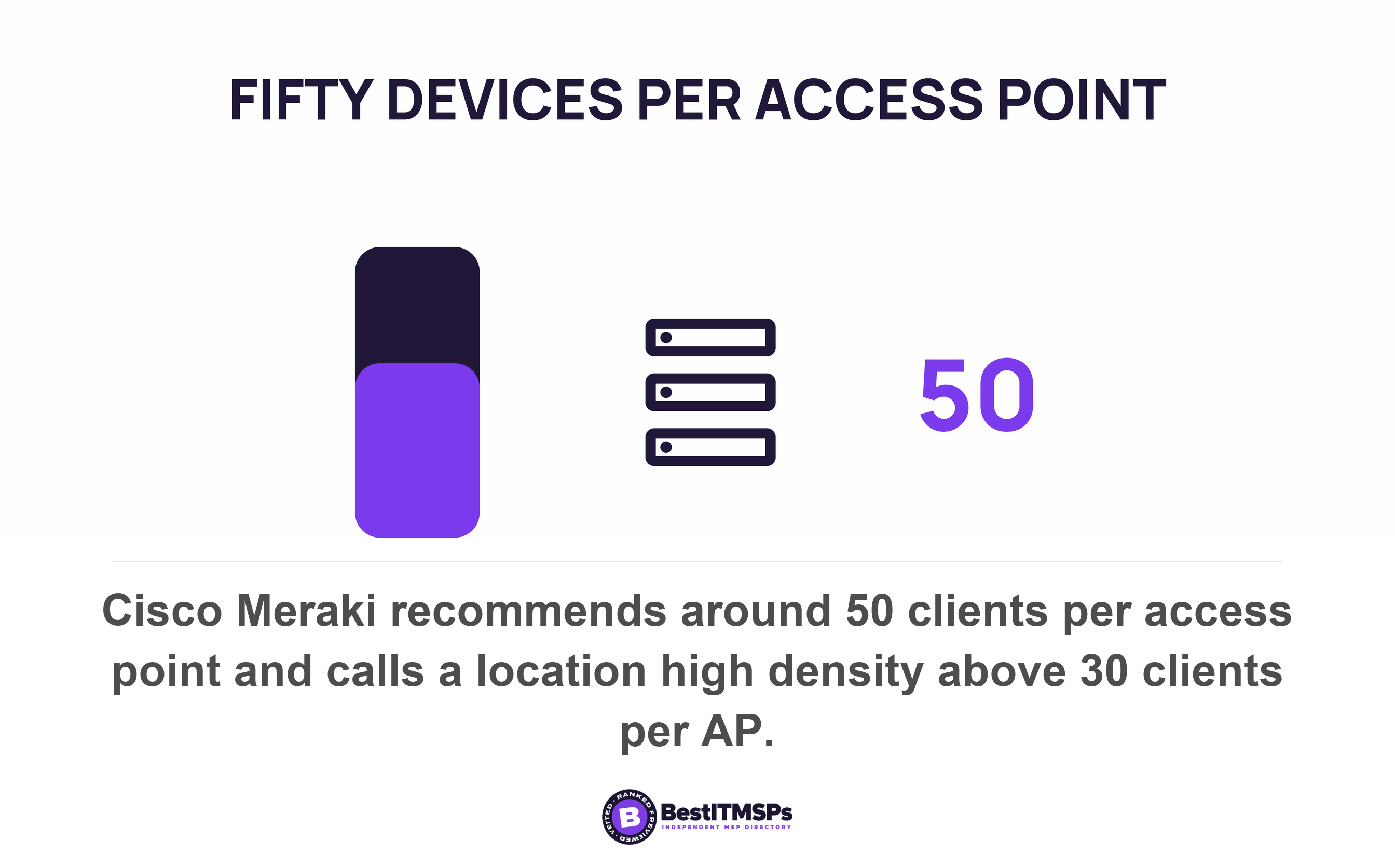
Wireless capacity is counted in devices per access point. Cisco Meraki says a location can be classified as high density if more than 30 clients are connecting to an AP and recommends around 25 clients per radio or 50 clients per AP in high-density deployments. Eighty people with a laptop and a phone each is 160 devices, which is three or four access points rather than eighty of anything. You budget for that step once, then leave it alone for years. Our guide to access points and network design covers the sizing properly.
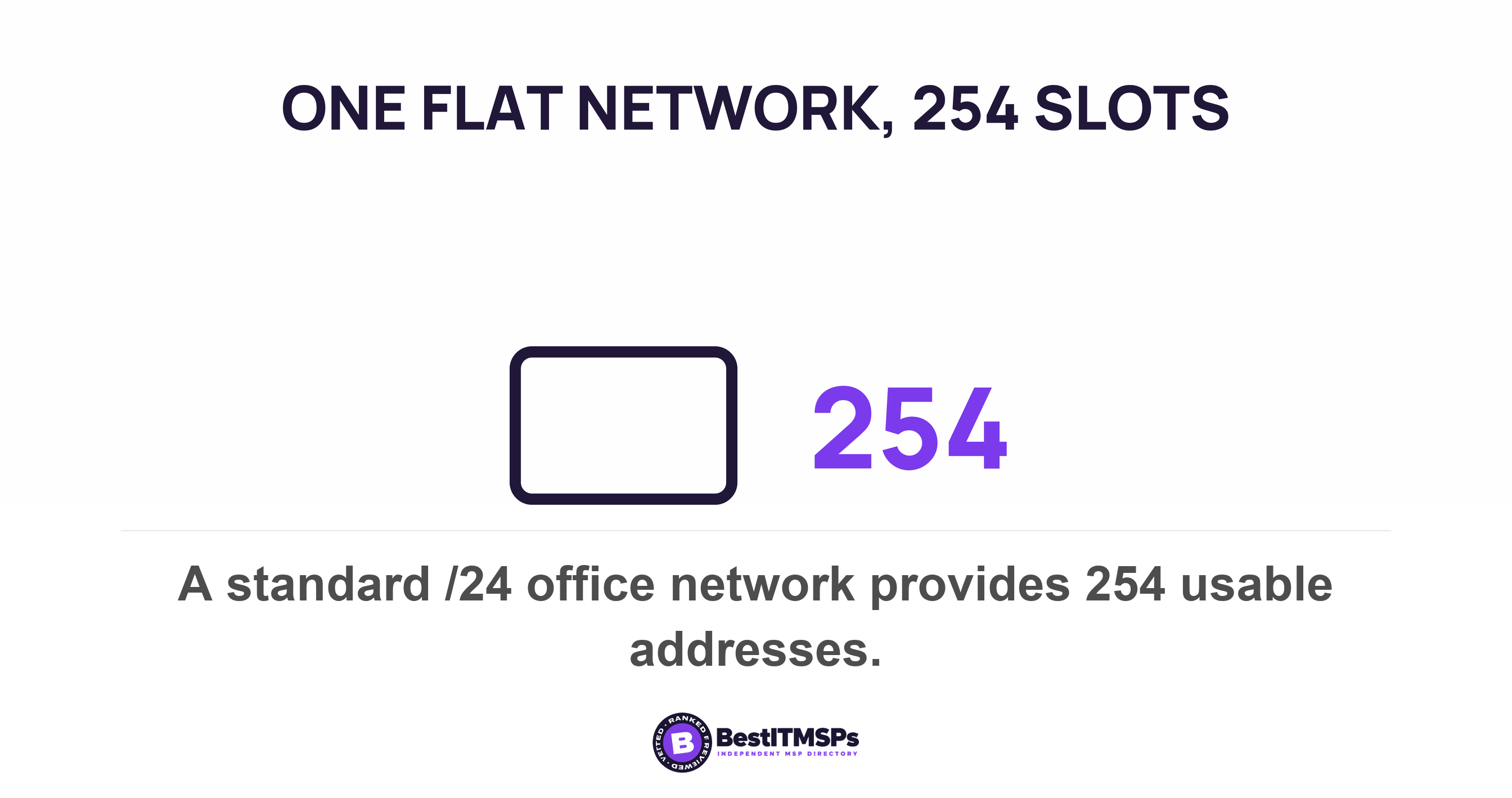
The flat office network has a harder ceiling. The standard subnet table gives a /24 network 254 usable addresses. Laptops, phones, printers, cameras, access points and the TV in the meeting room all take one each. A 40-person office is comfortable. An 80-person office running three devices a head is not, and the day the addresses run out things stop working for reasons nobody can see.
The famous threshold is the one that will not bite you. Microsoft's Business plans stop at 300 licensed users, so at 80 people you are nowhere close. A provider using that cap to justify an upgrade at your size is reaching, and Business Premium or E3 sets out what genuinely forces the move.
The real step change is a second address. Another office means another circuit, another firewall and another set of cabling, none of it per-person. The IT decisions to make before the lease covers that case.
What to negotiate before you hire, not after
Negotiate the rate card for the headcount you plan to reach, while you still have the smaller number. Five asks do most of the work, and each is short enough to add at a renewal.
- Price the rate card in bands, naming the per-user fee at 40, 60 and 80 seats, so the rate is settled before the growth arrives.
- List every per-business line separately, so a firewall, a circuit and a vCIO retainer never ride inside the per-seat count.
- State the onboarding charge for each new user in dollars, with what it covers, so a heavy hiring month holds no surprises.
- Set the date a new seat starts billing, and the notice your provider needs to add one.
- Agree a review triggered by your headcount plan rather than by the calendar, so the deal reopens at the size that matters.
Keep the escalation clause out of that conversation. An annual uplift and a seat rate are two different arguments, and mixing them loses both. Annual uplift clauses and CPI escalators covers the first one. Onboarding is its own negotiation too, and what an MSP onboarding fee should buy you sets out what the one-off setup charge covers.
One refusal is fair. A resold software license is money your provider has already committed to a vendor, so that line is close to a pass-through and there is little room in it. The labor line is different. A fixed cost spread over more seats is exactly where a scalable provider has room to move, so push there.
How do you forecast the bill at twice the size?
Split the invoice, scale one pile, step the other. Four moves, and all of them fit on one page.
- Split last month's invoice into per-person lines and per-business lines, using the two lists above.
- Divide the per-person total by today's headcount, which gives you a real cost per head rather than the rate printed on the quote.
- Multiply that figure by the headcount you plan to reach, then add the onboarding charge for each new starter.
- Add one step for every threshold you expect to cross, such as an extra access point, a faster circuit or a second site.
Work the arithmetic and the shape appears. Suppose eight dollars in every ten on your invoice sit in the per-person pile. Doubling headcount lifts the total by 80 percent, not 100. Suppose the split is six to four, and the same doubling lifts it by 60 percent. Those two splits are an illustration rather than a benchmark, so use your own. The ratio is the whole answer, and it is the one number your provider has probably never shown you.
Then check the direction of travel. The incremental cost of person 41 should be lower than the average cost of person 1, because the fixed pile is now spread across more people. If a quote at 80 seats carries the same cost per head as your quote at 40, nothing has been spread at all. The fixed layer has quietly been priced per-person, and that is the conversation to have.
What to take to your provider this week
Take a headcount plan with dates on it, and one question about each line of the quote. A proactive provider brings you the forecast before you ask, and most will not.
- Bring the hiring plan month by month, with roles and start dates, rather than a single year-end number.
- Ask which line items move with that number and which do not, line by line, in writing.
- Request a priced forecast at your planned size, on today's rate card, before you sign anything.
There is no published benchmark to check the answer against, and that absence matters. No US government or standards body publishes an IT spend per employee figure for a 40 to 80 person business, and the vendor surveys that quote one draw on populations that look nothing like yours. That is why a per-seat quote feels authoritative. It is often the only number in the room.
None of this makes IT spend flat as a business grows, and no honest provider claims it does. It makes the growing part visible and the fixed part arguable, which is the difference between a budget and a hope.
FAQ
Does IT cost double when you double your headcount?
No, but most of it moves. Software licenses and help desk seats scale close to one for one, while networks, servers, documentation and a vCIO relationship do not. Microsoft's storage entitlement shows the shape: 1 TB per organization plus 10 GB per license purchased, so 40 seats earn 1.4 TB and 80 earn 1.8 TB.
Do you get a volume discount on software when you add seats?
Not at small-business scale. Microsoft caps its Business plans at up to 300 licensed users and warns that license caps are used to provide specific promotions or special pricing to customers. The breakpoints that exist can limit a cheap rate rather than extend it, so agree the rate card before you hire.
What does it cost to onboard one new employee's IT?
Mostly labor, and Microsoft's defaults give you a floor. The Intune enrollment status page defaults to a 60 minute time-out for one device, monthly updates during setup add 20-40 minutes, and CISA asks for training prior to accessing computer systems. Ask your provider for the per-user onboarding charge in dollars.
When does a growing office need more network hardware?
At a device threshold rather than a headcount. Cisco Meraki says a location can be classified as high density if more than 30 clients are connecting to an AP and recommends around 50 clients per AP. A flat office network holds 254 usable addresses. Count devices and addresses, not desks.
Is there a benchmark for IT spend per employee?
Not from a primary source for a business your size. No US government or standards body publishes one, and vendor surveys draw on populations unlike a 40 to 80 person firm. Split your own invoice into per-person and per-business lines, then scale only the first pile and step the second.
Best IT MSP is the independent directory of vetted managed IT providers across the US and Canada. Organic ranking is earned on rating and verified data, paid placement is always labelled, and we do not sell IT services. Take your headcount plan to three merit-ranked firms in your city and compare the forecasts side by side.