DNS over HTTPS is quietly bypassing your filter
DNS over HTTPS can route a device's lookups past the DNS filtering you pay for, because it travels on port 443 like ordinary web traffic. RFC 8484 states that filtering systems relying on unsecured DNS will not function. Ask your provider for DNS filtering coverage, not block counts.
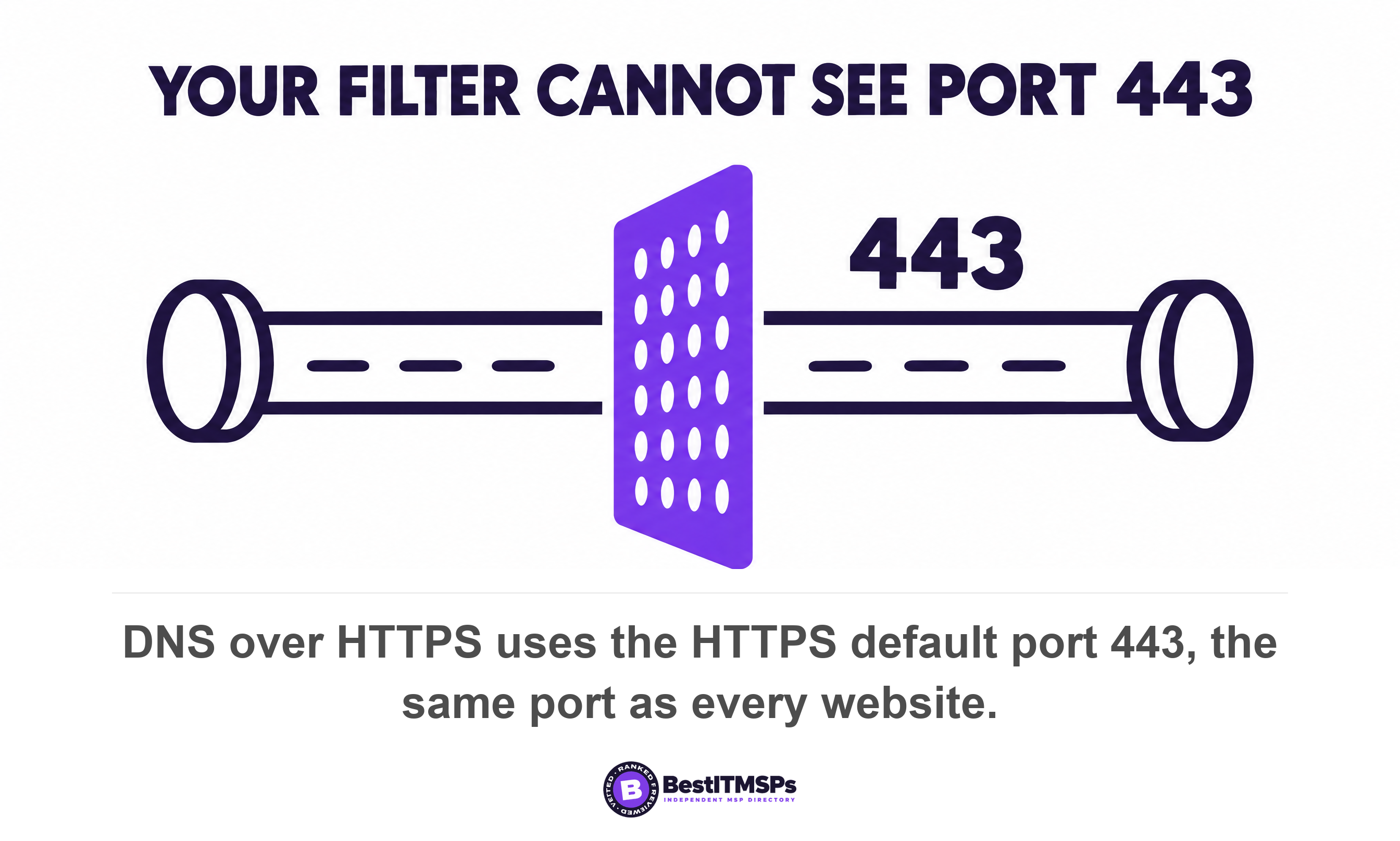
- DNS over HTTPS travels on port 443, the same port as every website, so one firewall rule cannot separate it from normal web traffic.
- A falling block count is not proof your filter works. It is equally good proof your filter stopped seeing the traffic.
- Firefox's network opt-out signal fails open if your filter interferes with firefox.com or mozilla.org, and it is skipped entirely once a user picks a provider.
- Windows and Apple devices resolve names over encrypted DNS themselves, so a browser setting is no longer the whole control.
- Ask for the CIS DNS Filtering Coverage percentage and the count of assets not properly configured. Those two numbers settle the question.
Is DNS over HTTPS bypassing your DNS filter?
Yes, it can be, and your filter's own report will not tell you. DNS over HTTPS sends each name lookup inside ordinary encrypted web traffic, so a network-level DNS filter never reads the question and never writes it to a query log.
Here is the shape of the problem. You pay a monthly line item for DNS filtering. The proposal said every company device is covered. Last month's report shows fewer blocks than the month before, which reads like good news. Every one of those statements can be true while a browser on a laptop in your office quietly resolves names through a public recursive resolver on the other side of the world.
DNS over HTTPS, usually shortened to DoH, wraps a name lookup in the same encryption a website uses. It has been an IETF Standards Track specification since October 2018, when the IETF published RFC 8484, and it maps each DNS query-response pair into an HTTP exchange. The standard is blunt about the consequence. Section 10 states that filtering or inspection systems that rely on unsecured transport of DNS will not function in a DNS over HTTPS environment. That is not a vendor warning. That is the specification describing its own effect on the control you bought.
This article assumes you already buy DNS filtering and know roughly what it does. If you do not, start with What is DNS filtering, and do you already have it? and come back. What follows is the next question, the one almost no vendor page answers. How do you find out whether the filter you already pay for is still in the path today, and what do you ask the provider who sold it to you?
You get five checks you can run this week, seven questions to put in writing, and the standards-based fix that keeps the encryption and keeps your filter.
Why can't your firewall just block DNS over HTTPS?
Your firewall cannot block DNS over HTTPS because it shares a port with every website your staff need to reach. Its two sibling protocols do not, and that single difference decides what a network firewall can and cannot do.
The Domain Name System is the internet's address book, and three encrypted versions of it now exist. Only one hides in the crowd.
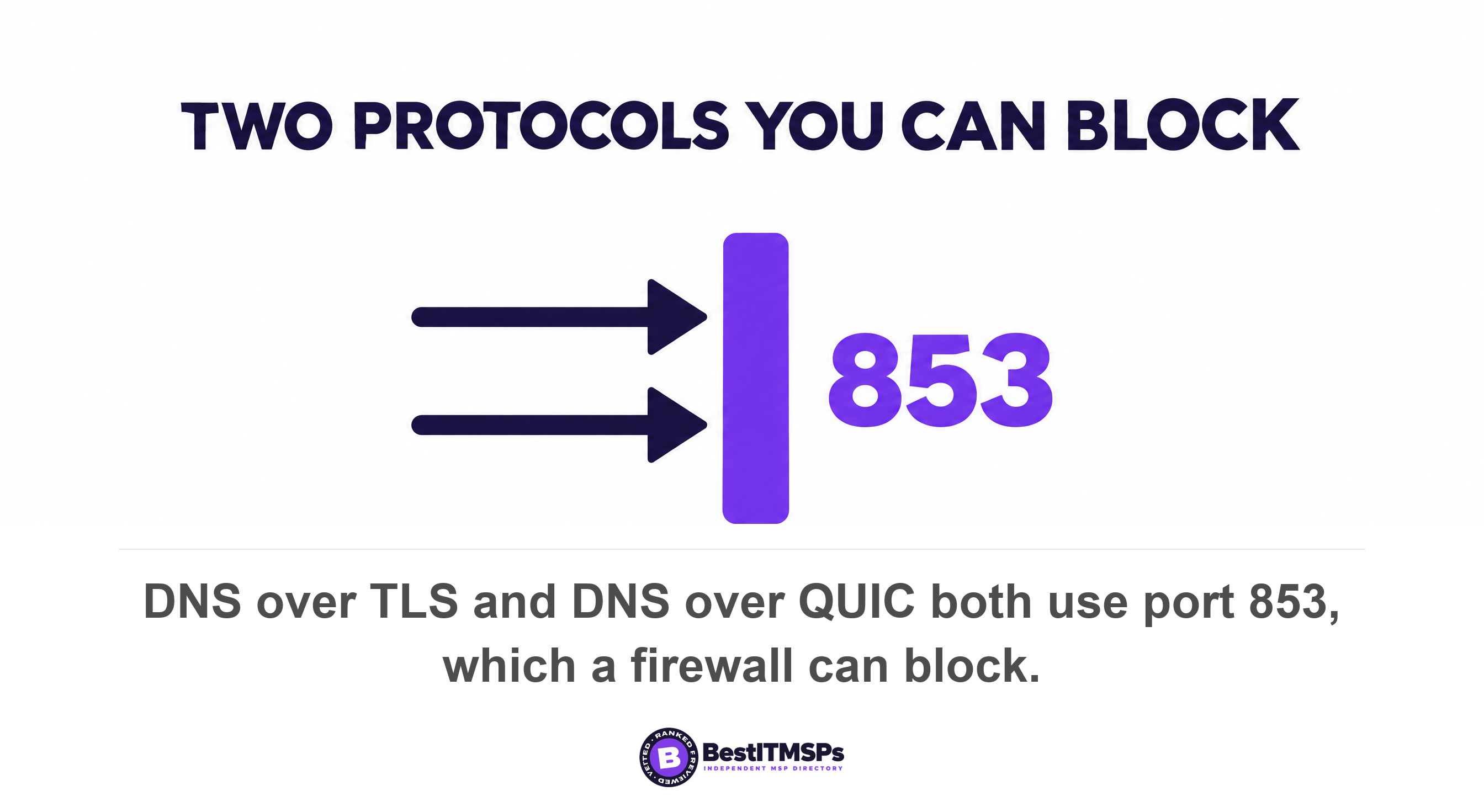
- DNS over TLS has run on its own dedicated port since RFC 7858 in May 2016, which requires a server to listen for and accept TCP connections on port 853.
- DNS over QUIC uses the same number, with RFC 9250 in May 2022 assigning it the dedicated UDP port 853.
- DNS over HTTPS uses the HTTPS default port 443, the port that carries your accounting system, your email and every site anyone visits.
A firewall rule handles the first two in an afternoon. The UK National Cyber Security Centre tells organisations to configure firewalls to block outbound DNS requests over port 53 or 853 when those requests do not go through the approved resolver, and the NSA gives the same instruction for the QUIC sibling, to disable DoT by blocking transmission control protocol port 853 at the enterprise gateway. Plain DNS and both port-853 protocols disappear with one rule, and nothing your staff use breaks.
Port 443 is different. Block it and you have switched off the internet. RFC 8484 notes that mixing DoH traffic with other HTTPS traffic on the same connection makes traffic analysis harder, which is the design goal and also your problem. DoH encrypts the lookup and then hides it among page loads, so a query to a public resolver looks like a laptop reading the news.
The NSA states the ordering problem in one sentence. Enterprise administrators should understand the limits of DHCP, because if clients use their own default DoH resolver, the clients will attempt to send DoH requests to that resolver first before the DNS resolver from the DHCP configuration is used. That is the whole article in a line, written by a government signals agency in January 2021. Handing a device your resolver over DHCP is an offer, not an instruction, and software that already has a resolver of its own takes its own first. The NSA's conclusion is equally plain: an enterprise resolver should support encrypted DNS, but all other encrypted DNS resolvers should be disabled and blocked.
The second half of the problem is where the resolver's address lives. RFC 8484 states that configuration, discovery, and updating of the URI Template is done out of band from this protocol. In plain terms, the browser or the operating system holds the address of the resolver it will use, and your network does not. Your router hands out a resolver. The application is free to ignore it.
So the control moved house. It used to sit on your network, where your provider configured it once. It now sits in software on each device, and that software updates itself every few weeks.
Why are your DNS filter's block counts falling?
Falling block counts are not proof that your DNS filtering works. They are equally good proof that your filter stopped seeing the traffic. The report cannot tell the two apart, because a query that never arrives cannot be blocked and cannot be counted.
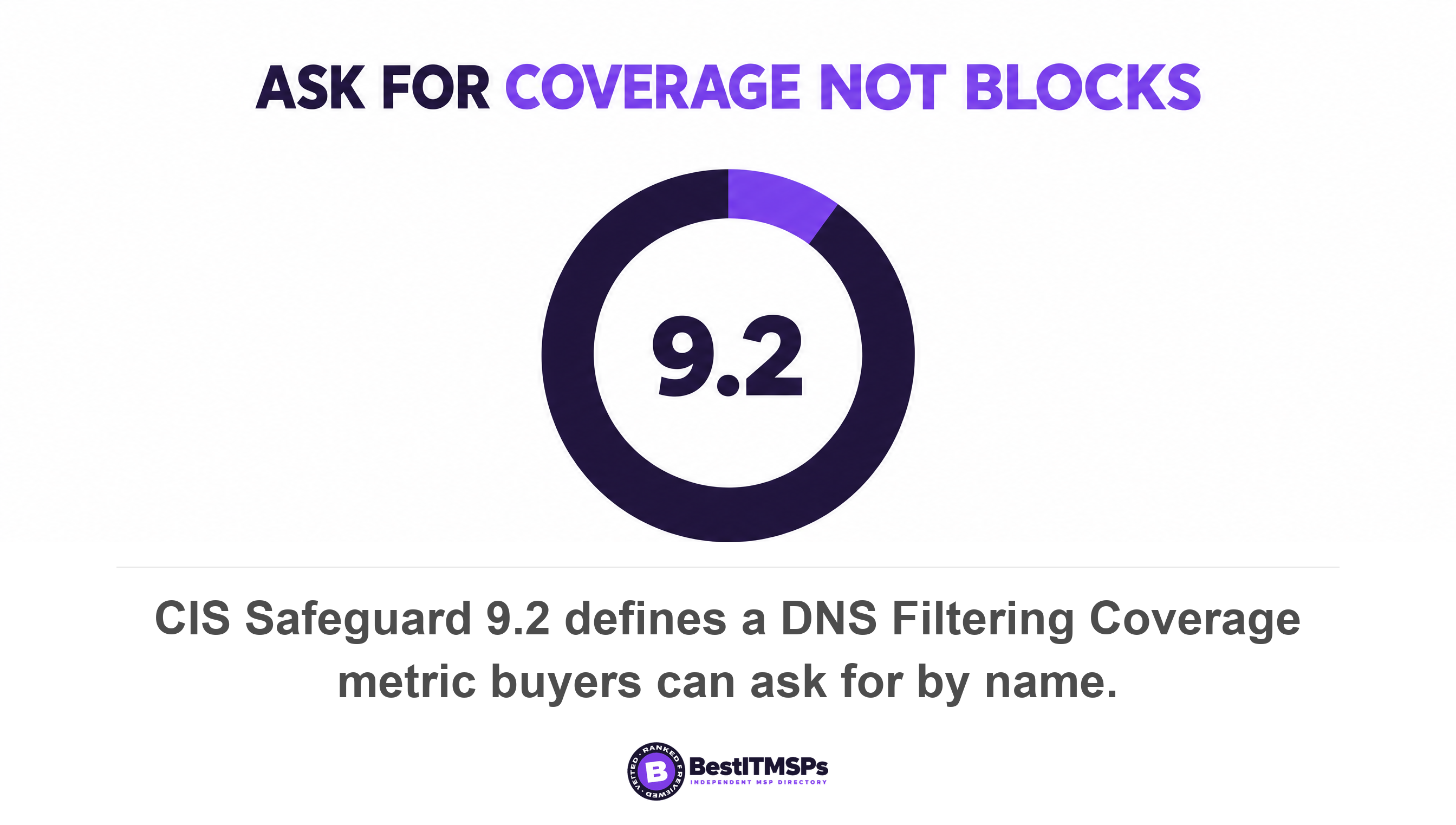
That is why the number to ask for is coverage rather than blocks. The Center for Internet Security writes the measure into the safeguard itself. Safeguard 9.2 tells you to use DNS filtering services on all enterprise assets to block access to known malicious domains, and it sits in Implementation Group 1, the tier written for organisations with limited security expertise. The assessment specification then defines three counts: enterprise assets capable of supporting DNS filtering, assets properly configured to support it, and assets not properly configured. From those it builds one metric, DNS Filtering Coverage, the percentage of assets configured to use authorized DNS filtering services.
The third count is the one nobody volunteers. Ask for it by name.
Two cheap sanity checks sit beside it, and you can audit both yourself. First, total query volume per device per day. A filter that logs a few hundred lookups a day for a thirty-person office is not watching that office, because one laptop generates thousands on its own. Second, the share of devices that appear in the log at all this week. A device with no queries is either switched off or resolving somewhere else. You cannot monitor what never reaches you, so an independent count of devices in the log is worth more than any dashboard.
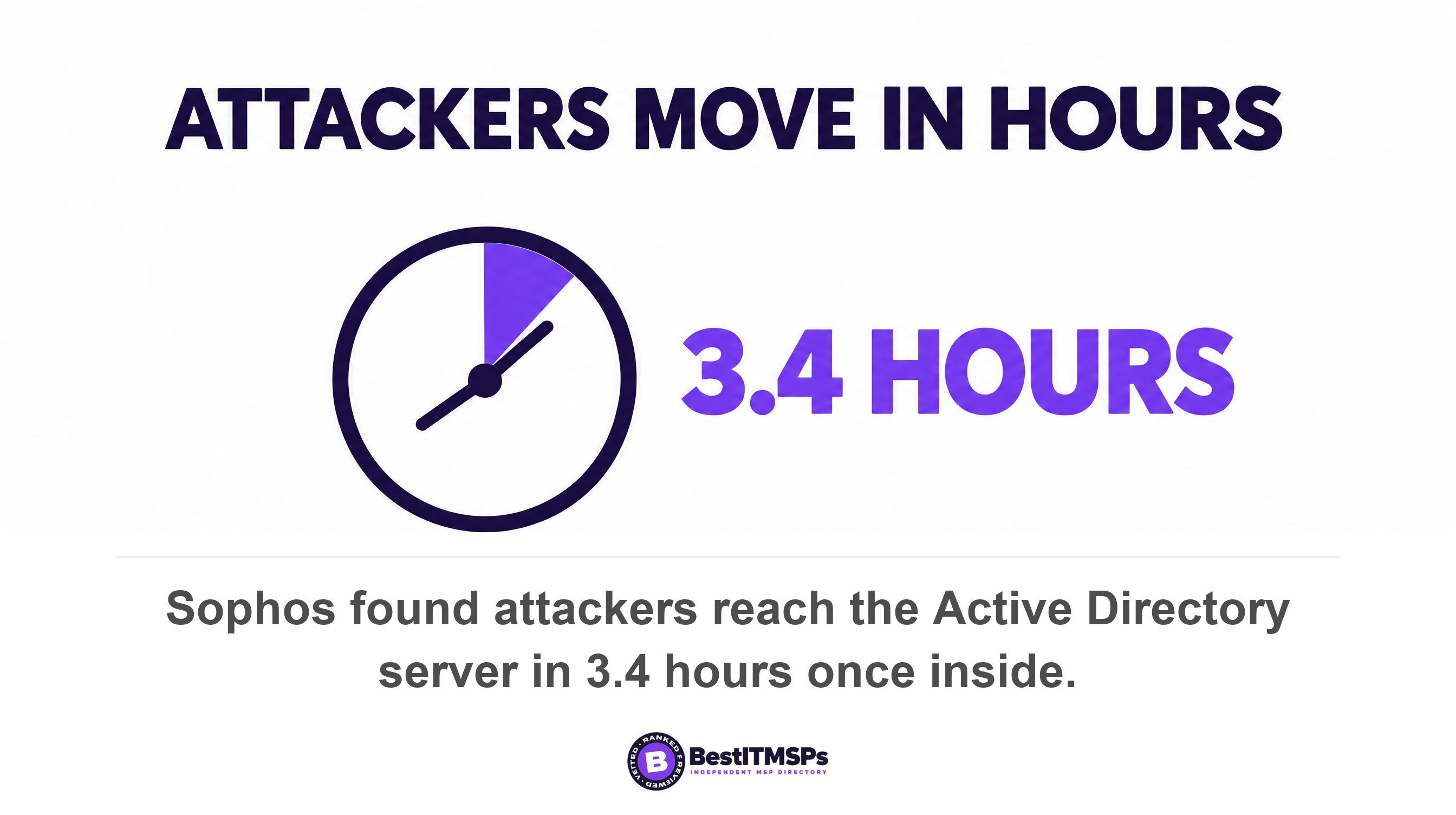
The cost of the blind spot is measured, not theoretical. Sophos incident responders report that once an attacker is inside an organization it takes them just 3.4 hours to get to the AD server, the system holding every login. You will not catch up afterwards either, because IBM measured an average of 247 days to identify and contain an active breach. A control that quietly drops out of the path does not degrade gracefully. It stops being a control while continuing to appear on your invoice.
Can your network tell the browser to stop using encrypted DNS?
Sometimes, and only in one of two cases. Each browser decides for itself whether to use encrypted DNS, and the opt-out signal a network can send is ignored the moment a user has made the choice themselves.
Firefox checks your network, then checks itself
Firefox runs a set of checks before it switches DoH on. Mozilla's own source code builds ten of them in one pass and returns immediately if any one reads disable_doh: Google and YouTube safe search, the Zscaler canary, the global canary, parental controls, enterprise policy, VPN, proxy, Windows NRPT and private DNS. The global canary is the one network administrators are told about. Firefox looks up a canary domain, use-application-dns.net, and treats a negative answer as a request to stand down. Mozilla's documentation gives the matching skip reason a number, TRR_HEURISTIC_TRIPPED_CANARY, reason 40, alongside TRR_HEURISTIC_TRIPPED_ENTERPRISE_POLICY, reason 44.
Now the part that is on no vendor page. The canary check carries two preconditions written into the code. Firefox resolves firefox.com before the canary lookup and mozilla.org after it, and if either precondition fails it returns enable_doh, discarding the canary result. The reasoning is sound, because a canary answer cannot be trusted when DNS itself looks broken. The side effect is not. If your filter answers firefox.com or mozilla.org with NXDOMAIN, the canary result is thrown away and DoH stays on. Read the two tests carefully, because they are not the same test. A precondition fails only on NXDOMAIN or an empty answer, so a sinkhole to 0.0.0.0 and a block page both pass it. The canary itself is stricter and disables DoH on NXDOMAIN, no addresses, or only local addresses. So the safe configuration is the reverse of the intuitive one: sinkhole the canary, and never NXDOMAIN Mozilla's own two domains.
The second limit is larger. Mozilla's source documentation states that Firefox is designed to prioritize user choice before user agent decisions, and that a user changing the resolver URL or mode disables the heuristics and uses the settings that user configured. So the canary protects nothing on a device where somebody opened settings once and picked a provider. The whole decision rides on one preference, network.trr.mode, where 2 means try encrypted first and fall back, 3 means encrypted only, and 5 means off.
Chrome upgrades you by default, and Edge does not
Chrome takes a different route. Chromium's documentation describes auto-upgrading to the current DNS provider's DoH server which offers the same features, so a network pointing at a large public resolver gets silently promoted to the encrypted version of the same service. Chromium also states that managed deployments should be automatically opted-out and that split horizon setups should continue to work as is. Both sentences depend on the device genuinely being managed, which is exactly the assumption an unenrolled laptop breaks. Split-horizon DNS matters here too, because an internal name that only your own resolver knows simply fails to resolve once the lookup leaves your network.
Edge behaves the way an administrator would hope. Microsoft documents that if you do not configure this policy for managed devices, DNS-over-HTTPS queries aren't sent. Three browser policy settings exist, and the wording is Microsoft's own: off disables DNS-over-HTTPS, automatic enables it with insecure fallback, and secure enables it without insecure fallback. The policy has shipped since version 83 on Windows and macOS.
A canary domain only works on the devices that are still listening for it. One visit to a settings page turns that device deaf.
Does turning DoH off in the browser fix it?
No. Turning DoH off in the browser is no longer enough, because Windows and Apple devices now resolve names over encrypted DNS themselves, underneath the browser, using settings a user or a configuration profile controls.
What Windows does
Microsoft documents that starting with Windows Server 2022, the DNS client supports DNS-over-HTTPS. That page is scoped to Windows Server, and Microsoft publishes no equivalent client page for Windows 11, so treat the desktop behaviour as something to confirm on your own fleet rather than something a vendor page settles for you. One design choice limits the damage. You can only configure the Windows client to use DoH if the primary or secondary DNS server selected for the network interface is on the list of known DoH servers. That list is short. It ships with three owners, Cloudflare, Google and Quad 9, and anyone can read it on a machine with the Get-DnsClientDohServerAddress command.
The group policy is the setting to ask about by name. Configure DNS over HTTPS (DoH) name resolution sits under Computer Configuration, Policies, Administrative Templates, Network, DNS Client, and offers three values: Allow DoH, Prohibit DoH and Require DoH. Prohibit is the one that keeps your filter in the path.
Two details matter more than they look. The per-interface option named Encrypted preferred, unencrypted allowed means, in Microsoft's own words, that you won't be provided with any notification if DNS queries are switched from DoH to plain text. The fallback is silent in both directions, so nobody notices when a resolver changes. Microsoft also warns outright: don't enable the Require DoH option for domain joined computers, because Active Directory depends heavily on DNS and the Windows DNS Server service does not support DoH queries. A provider who says they set Require on your domain controllers has told you something useful about their testing.
What iPhones, iPads and Macs do
Apple puts encrypted DNS in a configuration profile. The payload is com.apple.dnsSettings.managed, its protocol setting takes HTTPS or TLS, and a server URL is required when the protocol is HTTPS so the system can validate the certificate. Note also that more than one DNS Settings payload can be delivered to a device, so the profile you sent is not automatically the one in force.
The setting worth insisting on is the lock. Apple's declarative version of the same configuration carries a Prohibit disablement option, and when it is turned on the operating system prevents users from disabling the DNS settings. The declarative form needs iOS 27, iPadOS 27, macOS 27 or visionOS 27, so older or unsupported devices fall back to the plain profile and often to nothing at all. That is one more reason to keep an eye on end-of-life software in your fleet.
Five checks that show whether your DNS filtering is still in the path
To find out whether your DNS filtering is still in the path, run the five checks below. Four take minutes, none needs a technical background, and each produces a measurable answer rather than an opinion.
- Ask for your DNS Filtering Coverage figure and the count of assets not properly configured, both named in the CIS assessment specification for Safeguard 9.2. A provider who filters can produce both. One who cannot produce the second has never measured it.
- Count the devices that appear in last month's query log, then compare that to your headcount. Every laptop, phone and server resolves names constantly, so a missing device is a device resolving somewhere else.
- Open a browser on a company laptop and look at its own DNS setting. In Edge and Chrome it sits under privacy and security as secure DNS. In Firefox it is listed as DNS over HTTPS. A user-chosen provider there disables Firefox's network heuristics altogether, so what you see is what that device really does.
- Check one domain-joined Windows machine for the group policy. You want Configure DNS over HTTPS (DoH) name resolution set to Prohibit DoH, or the matching browser policy set to off.
- Watch a live test from a laptop off the office network. Office filtering ends at the office door unless something travels with the device, and the NCSC notes that protective DNS services may offer a lightweight DNS client to be installed on end user devices for exactly that reason.
One extra check costs nothing and tells you whether your canary signal functions at all. Have someone resolve firefox.com and mozilla.org from inside your network and confirm both return a normal public address. If your filter interferes with either one, Firefox ignores its canary on every machine you own.
Write down each answer. A provider who runs the control answers all five in a short email with figures attached. A provider who sold you a line item answers with a product name, and that is itself the finding. Our researchers verify a provider record the same way before it earns a rank in our independent directory of managed IT providers.
How do you keep the encryption and keep your filter?
To keep both, point the encrypted lookup at your own filtering resolver instead of banning encrypted DNS. The standards now support that directly, and it is a better thing to ask your provider for than a blanket block.
Two IETF documents, both published in November 2023, do the work. RFC 9462, Discovery of Designated Resolvers, lets a client ask a resolver for its own encrypted address. The client queries _dns.resolver.arpa using the SVCB record type, and the mechanism exists so clients can move from unencrypted DNS to encrypted DNS when only the IP address of a resolver is known. Alongside it, RFC 9463 defines new DHCP and IPv6 Router Advertisement options to discover encrypted DNS resolvers, and it recommends that a client learning both kinds from one network use the encrypted DNS resolvers for that network.
A guard rail keeps this safe rather than turning it into an attack. RFC 9462 requires that clients MUST NOT automatically use a Designated Resolver without some sort of validation, so your resolver has to hold a valid certificate for the name it claims. The NCSC endorses the same shape of answer, accepting DoH where it is routed through the protective resolver and the logging stays active rather than demanding a ban.
You can also pin each browser without touching the network. Mozilla publishes a DNSOverHTTPS policy with Enabled, ProviderURL, Locked, ExcludedDomains and Fallback settings, delivered through Windows group policy and mapped to the network.trr.mode and network.trr.uri preferences. ProviderURL sends Firefox to your resolver and Locked stops the user changing it back. Microsoft Edge takes DnsOverHttpsMode set to secure, which enables DNS-over-HTTPS without insecure fallback, with a template naming your own endpoint, and it reads that value as a string from the Edge policies key in the registry.
That design gives you three things a blanket block does not. Staff keep encrypted lookups on hotel and airport networks. Your filter keeps a complete query log. And the setting is verifiable from the registry or the profile rather than believed from a slide, which means you can enforce it and prove it in the same afternoon. Ask your provider which of the two designs they run. We block it and we redirect it are different answers backed by different evidence.
Seven questions to put to your provider in writing
Put the seven questions below in one email. Each has a short factual answer, each is checkable, and a vague reply is itself the result.
- Name the resolver every company device uses, and say who operates it.
- State our DNS Filtering Coverage percentage and the count of assets not properly configured for this month.
- Confirm whether encrypted DNS is blocked or redirected to our resolver, and show the setting that does it.
- Show the Windows group policy value for Configure DNS over HTTPS (DoH) name resolution on a domain-joined machine.
- Show the browser policy value for DoH in Edge, Chrome and Firefox, including whether the Firefox setting is Locked against user change.
- Confirm that firefox.com and mozilla.org resolve normally through our filter, so the canary signal is not being ignored.
- List how many laptops carry a roaming client, and which resolver they use off the office network.
Three answers should worry you. The firewall blocks DNS is incomplete, because a firewall rule reaches port 53 and port 853 and cannot reach port 443 without breaking the web. Nobody can turn it off is wrong unless they can show you the Locked setting or Apple's Prohibit disablement option. And blocks are down, so it is working is the answer that started this article.
There is a reason to insist on evidence rather than assurance. Verizon found breaches involving a third party now accounting for 48 percent of all breaches, with third-party supply chain breaches up 60 percent, and your IT provider is your largest third party. Verizon also reports that 45 percent of employees are now regular users of AI on their corporate devices, up from 15 percent the year before, and that 67 percent of those users reach AI platforms through non-corporate accounts. Staff configure their own software, constantly. Assume a device does whatever its user last chose, then verify it.
What closing the encrypted DNS gap does not fix
Closing the encrypted DNS gap narrows one blind spot. It does not make a network safe, and no honest provider claims otherwise. Four limits are worth stating plainly.
- A personal phone on your guest Wi-Fi is not your device and not your policy. Read BYOD Security Risks next.
- Malware that connects straight to a bare IP address never asks for a name, so no DNS control sees it at all.
- A portable browser or a consumer VPN installed by a user routes around a locked policy. Mozilla's own skip reasons include TRR_HEURISTIC_TRIPPED_VPN, reason 45, and TRR_HEURISTIC_TRIPPED_PROXY, reason 46, which shows how routine that path is.
- Filtering reads names, not content. It is not endpoint detection, not email security, and not a backup.
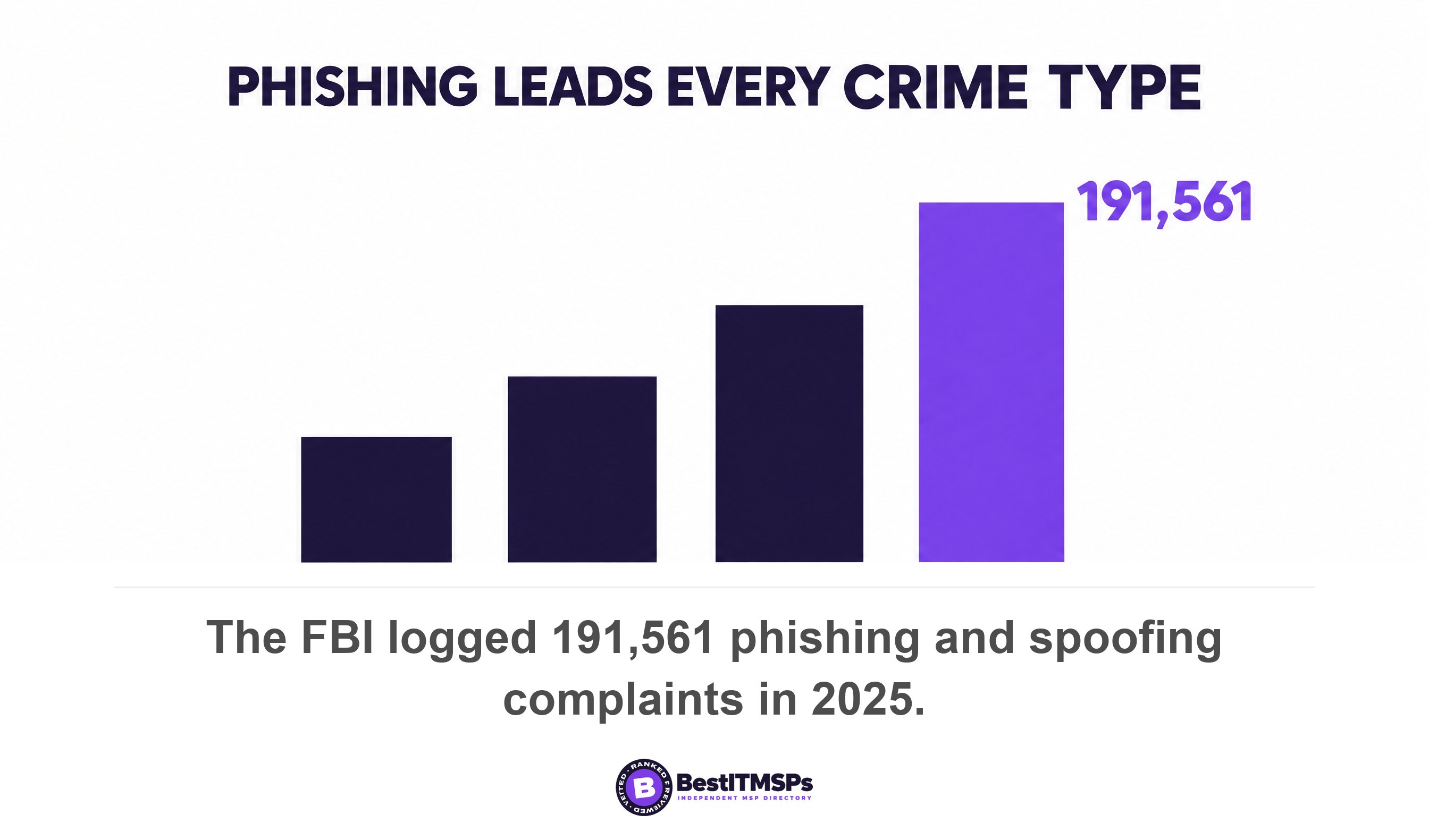
The threat data keeps the scale honest. Verizon puts ransomware in 48 percent of all breaches, up from 44 percent the previous year and names exploitation of vulnerabilities as the most common initial access vector at 31 percent. The FBI logged 191,561 phishing and spoofing complaints in 2025, inside more than a million complaints and $20.877 billion of reported losses. DNS filtering is one cheap layer among several, and this article argues only one thing about it. A layer you cannot see is not a layer.
Read this beside Who owns your DNS records?, Types of Network Security Explained, Network Security Vulnerabilities and our 7-check audit of your MSP's detection and logging.
FAQ
Can DNS over HTTPS bypass my company's DNS filter?
Yes. DNS over HTTPS sends the lookup encrypted to a resolver on the internet, so a network filter never reads it. RFC 8484 states plainly that filtering or inspection systems that rely on unsecured transport of DNS will not function in a DNS over HTTPS environment. The protocol uses the HTTPS default port 443.
How do I stop DNS over HTTPS on company devices?
Use two controls together. Set the Windows group policy Configure DNS over HTTPS (DoH) name resolution to Prohibit DoH, then set each browser policy, such as Edge's DnsOverHttpsMode to off or Firefox's DNSOverHTTPS policy with Locked turned on. Browser settings alone leave the operating system resolving on its own.
Why are my DNS filter's block counts going down?
Either the filtering is working or the filter stopped seeing the traffic, and block counts cannot distinguish the two. Ask instead for the CIS metric, DNS Filtering Coverage, the percentage of assets configured to use authorized DNS filtering services, plus the count of assets not properly configured.
Does blocking port 53 stop encrypted DNS?
No. Blocking port 53 stops plain DNS only. DNS over TLS uses TCP port 853 and DNS over QUIC uses UDP port 853, so the NCSC advises blocking port 53 or 853. DNS over HTTPS runs on port 443 and survives all three rules.
What is the canary domain, and does it actually work?
It is use-application-dns.net, a name Firefox looks up to decide whether a network wants encrypted DNS switched off. Mozilla's code treats NXDOMAIN, no addresses, or only local addresses as the disable signal, but a user who picks a provider themselves disables the heuristics entirely.
Best IT MSP is the independent directory of vetted managed IT and cybersecurity providers across the US and Canada. Organic ranking is earned on verified rating and data, and paid placement is always labelled. Take these seven questions to three merit-ranked firms in your city and compare the answers side by side.