What is DNS filtering, and do you already have it?
DNS filtering blocks the address lookup that every connection needs, so it stops a known malicious domain before any data moves. It is one of the few controls that still helps after a user clicks, because malware also has to look up its command server. CIS lists it as a baseline safeguard.
- DNS filtering sits on the lookup, not the download, which is why it still breaks a command-and-control callback after someone clicks.
- CIS lists DNS filtering as an Implementation Group 1 safeguard, the tier written for firms with limited security expertise.
- Interisle counted over 1.5 million domains used in phishing in one year, and 77 percent were registered by the criminals themselves.
- Three things turn a yes into a no: DNS over HTTPS in the browser, laptops off the office network, and unfiltered guest Wi-Fi.
- Ask for last month's blocked-query report. A provider who cannot produce one is either not filtering or not watching.
What is DNS filtering, in plain terms?
DNS filtering checks the name of every site your devices try to reach, then refuses to look it up when that name sits on a list of known bad domains. No lookup means no connection, and no connection means nothing downloads.
The plumbing matters. DNS, the Domain Name System, is the internet's address book. Your laptop knows a site's name, not the number behind it, so it asks a recursive DNS resolver to translate one into the other. That resolver is the lookup service your network points at, usually run by your internet provider or your IT provider. Every click, app and background update starts there.
DNS filtering, also sold as DNS-layer security or protective DNS, puts a policy in front of the question. The UK's National Cyber Security Centre says protective DNS works by making your networks use a given DNS resolver, or set of resolvers that check each name against threat intelligence feeds. The Center for Internet Security lists DNS filtering on all enterprise assets as Safeguard 9.2 and puts it in Implementation Group 1, the tier of 56 foundational safeguards written for organisations with limited security expertise. This is baseline hygiene, not an advanced upgrade.
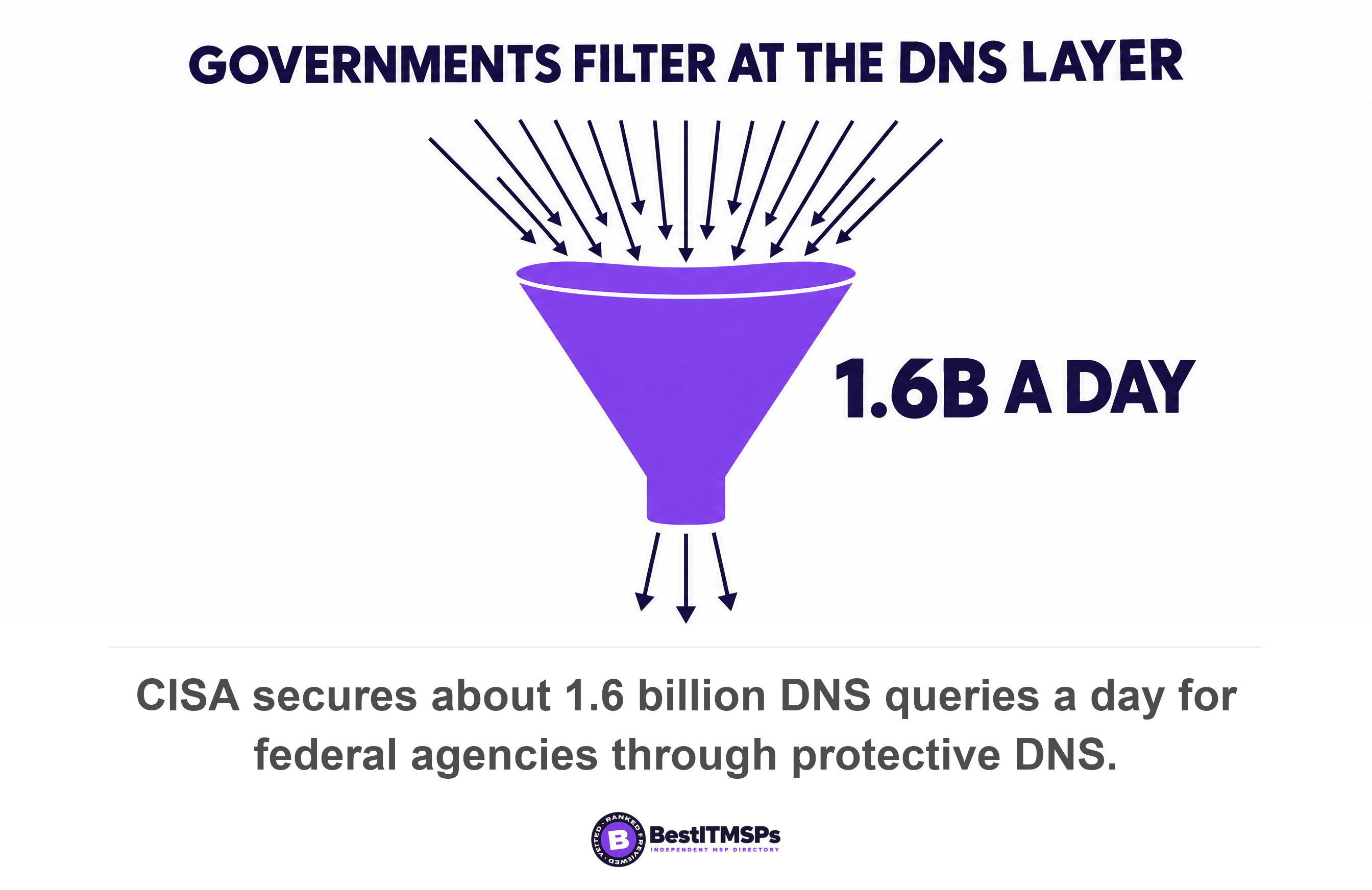
Governments buy it first because it is cheap and it scales. CISA reported more than 104 federal agencies onboarded to its protective DNS service and about 1.6 billion queries secured on an average day, and provides it at no cost to participants. The NCSC tells private firms a simple deployment delivers an immediate security benefit with very little set-up cost. Cisco Umbrella and DNSFilter are two well-known commercial examples, and NSA and CISA compared such providers while stating they do not endorse any of the products specifically.
Why does DNS filtering still help after someone clicks?
DNS filtering still helps after the click because the attack is not over at the click. Malware on a laptop has to find its operator, and finding anything online means another name lookup. Filter that lookup and the next step breaks.
Here is the distinction almost no vendor page draws. Antivirus and email filtering are arrival controls. They stand at the door and try to stop the bad thing getting in. DNS filtering is a connection control. It sits on the road, and the attacker must use that road repeatedly: to load the fake login page, to pull the second-stage payload, and to open the command-and-control callback a human operator uses to steer the infection. An arrival control gets one chance. A connection control gets several.
The agencies say the same thing. CISA states that protective DNS can greatly reduce the effectiveness of ransomware, phishing, botnet, and malware campaigns by blocking known-malicious domains. The NCSC names the post-click stage outright, blocking domains distributing malware, command and control domains used to control malware, and domains used in phishing attacks including those used for fraud.
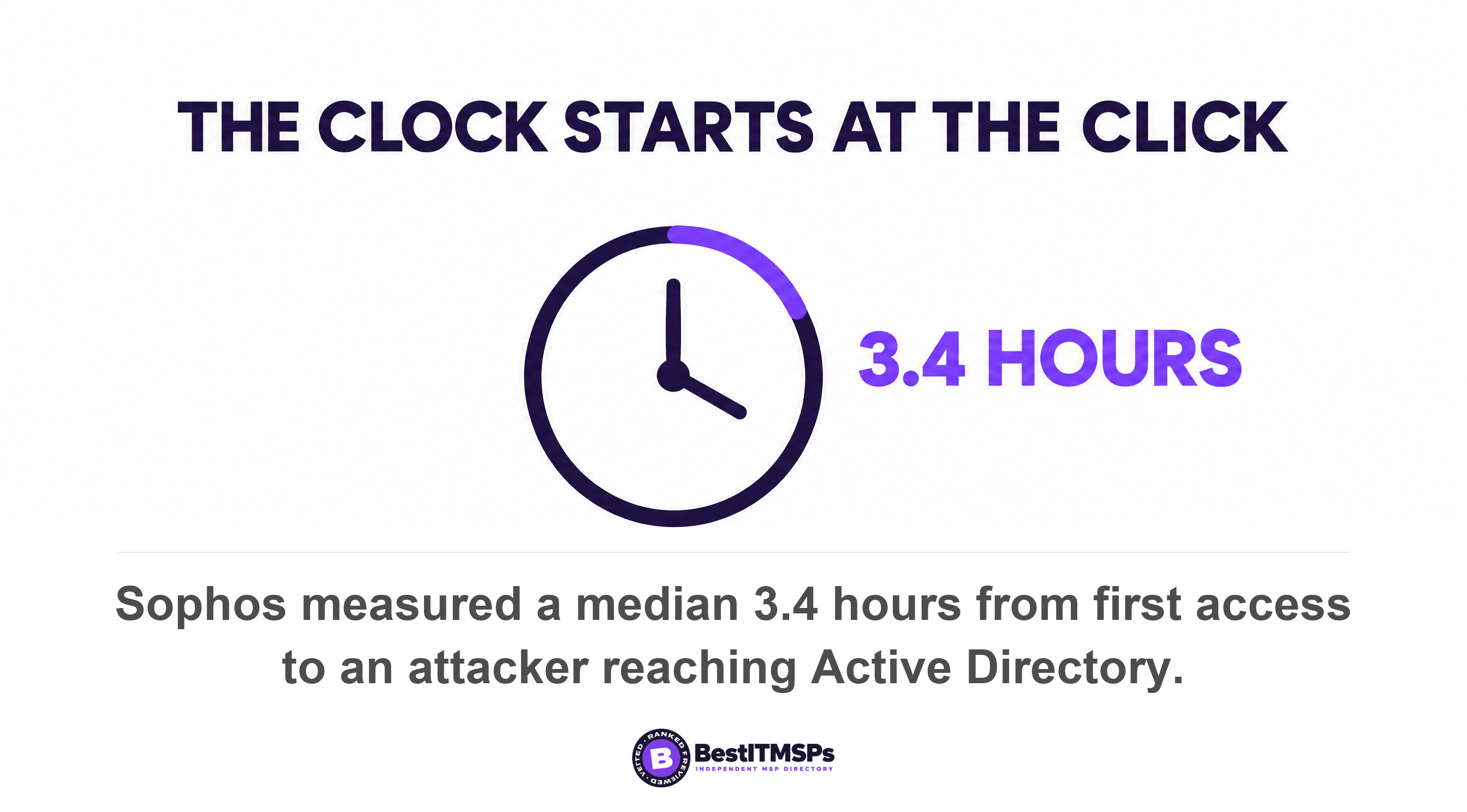
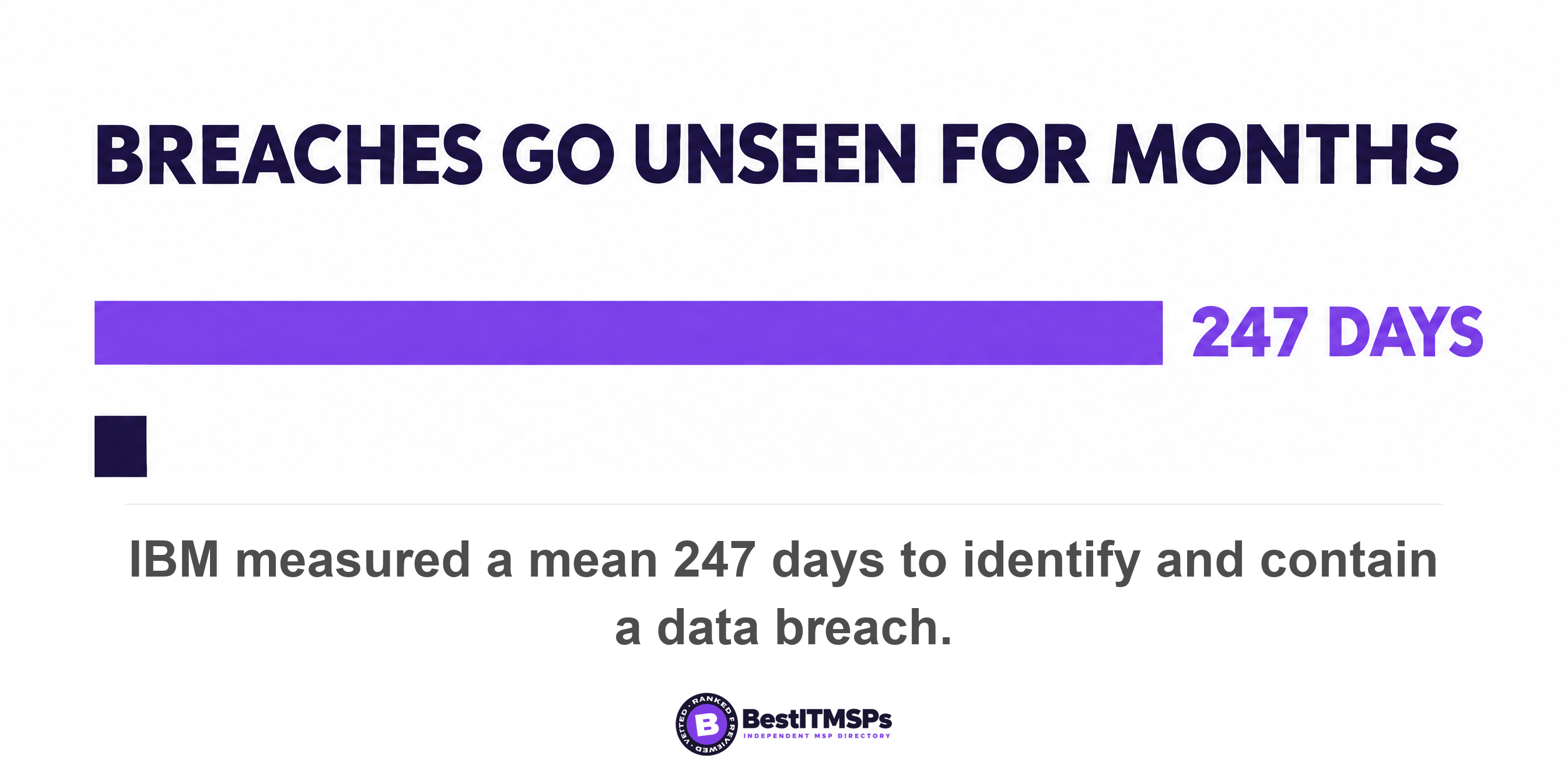
The second chance matters because the window is narrow. Sophos incident responders measured a 3.4 hours from first access to the attacker reaching Active Directory, the system holding your logins. Nor will you spot it yourself: IBM measured a mean 247 days to identify and contain a breach. A resolver that refuses the callback protects you in the moment, unprompted.
What does DNS filtering actually block?
DNS filtering blocks four things: known malicious domains, phishing domains, command-and-control infrastructure, and whole categories of site you choose to switch off. The first three are security. The fourth is content filtering, a policy decision rather than a safety one.
The block list and the allow list
Malicious domain blocking runs off lists. The NCSC explains that deny lists are compiled lists the protective DNS service obtains from a variety of threat intelligence feeds, with an administrator able to add exceptions through a user interface. You own two levers: an allow list for sites a feed gets wrong, and a block list you extend yourself. CISA's resolver blocks, redirects, or sinkholes the query response when a name matches an indicator.
Phishing domains and newly registered domains
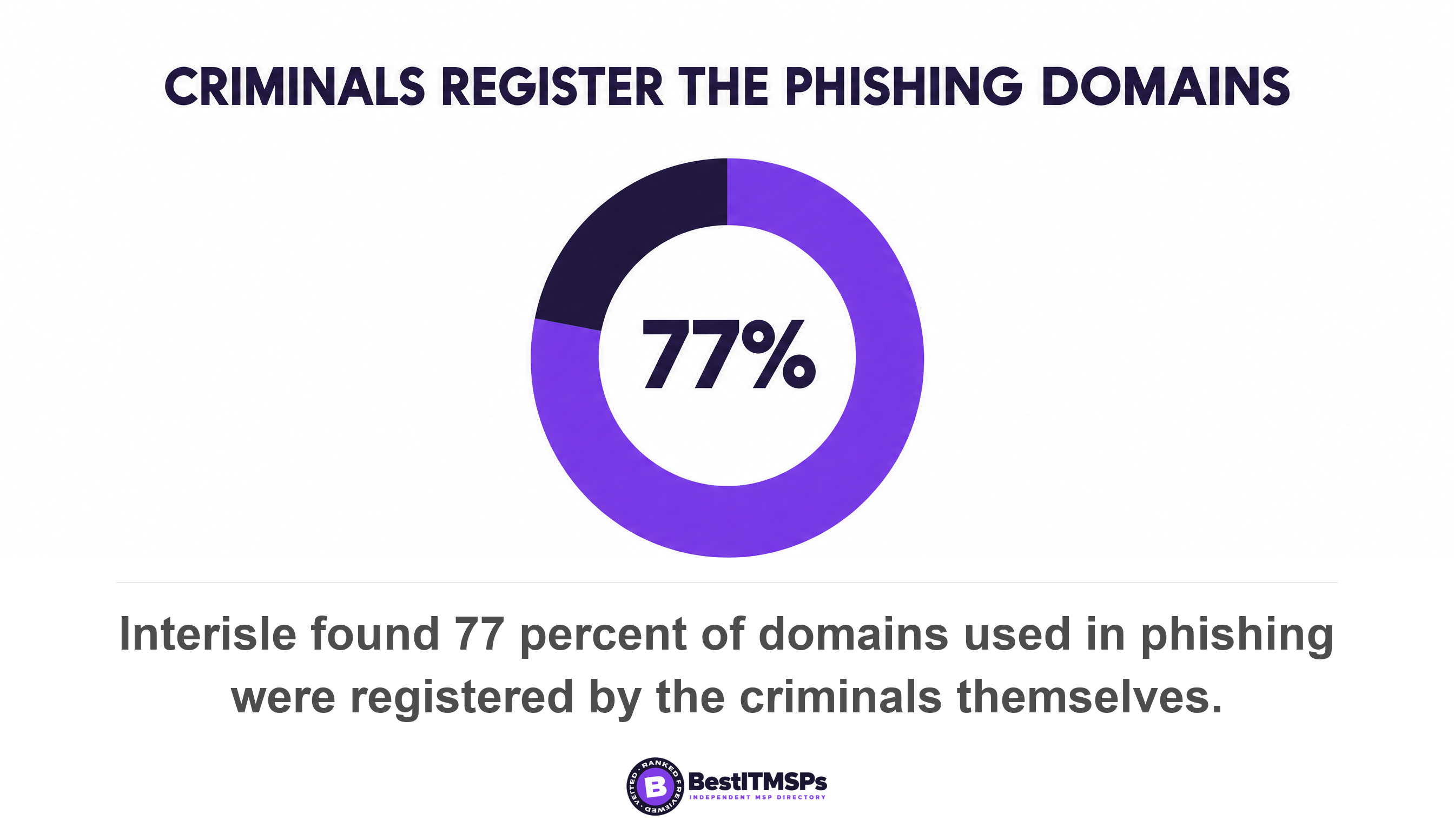
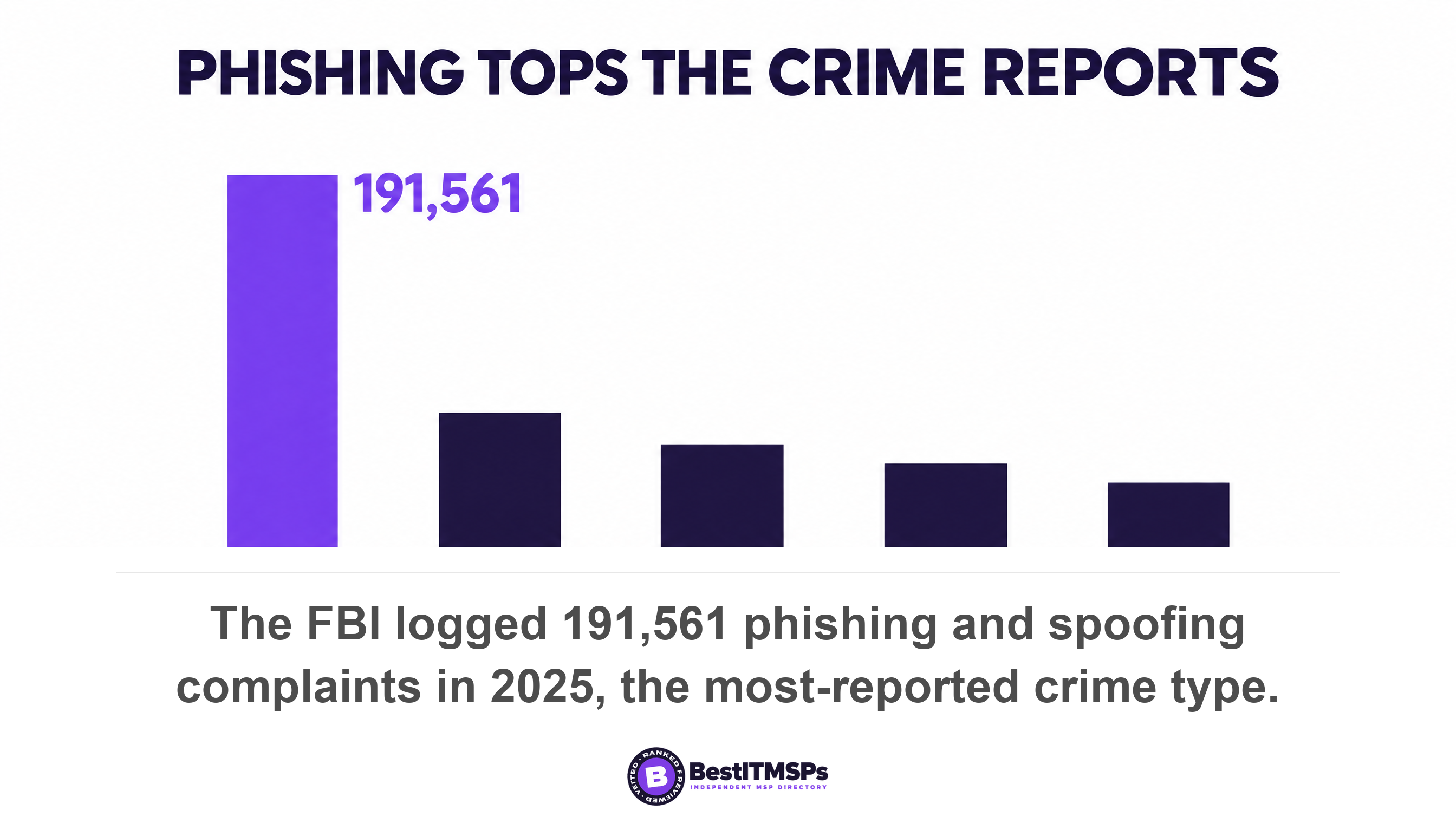
Volume is why filtering is necessary here. Interisle Consulting Group studied nearly four million phishing reports over one year and counted more than 1.5 million domain names used in phishing attacks, up 38 percent. Seventy-seven percent were registered by the criminals themselves, and 37 percent came through bulk registration services. That is why a newly registered domain is treated as suspect on its own: a name bought this morning to invoice your finance team has no history to judge. The FBI ranks phishing and spoofing as the most-reported crime type at 191,561 complaints in 2025, within more than a million complaints and $20.9 billion of reported losses.
Category filtering, and where it stops being security
Category filtering causes the arguments, so keep it separate. The same resolver that blocks malware can switch off gambling, adult content or file sharing by category. That is an acceptable-use decision, not a security one. Be clear which lever you are pulling, because a staff revolt over blocked shopping sites is a poor reason to lose malicious domain blocking. A good service categorises and describes the threat, so the report tells the two apart.
How can you tell whether you already have DNS filtering?
To tell whether you already have DNS filtering, run these five checks. Each takes minutes, and none needs you to understand networking.
- Ask for last month's blocked-query report. Services typically provide access to logs of blocked DNS requests, so a provider who filters can produce one.
- Watch a live test. Have the provider open a known-bad test domain in front of you. A filtered network returns a block page, not a slow timeout.
- Check a laptop that left the building. Office filtering stops at the office door unless a roaming client runs on the device itself.
- Check the guest Wi-Fi. Guest Wi-Fi often takes its own path through the internet provider's default resolver, which filters nothing.
- Ask which resolver the browsers use. If Chrome or Firefox resolves names itself over DNS over HTTPS, your filter never sees the question.
Then put six questions in writing, because each has a measurable answer and a vague reply is itself the finding. Name the resolver and who runs it. Send last month's block report by category. Confirm how many laptops carry the roaming client. State whether DNS over HTTPS is blocked or redirected to your resolver. Show that guest Wi-Fi resolves through the same filtered resolver. List who can add a domain to the allow list, and where that is logged.
A provider who filters and monitors answers all six in a short email. One who sold you a line item answers with a product name. Verify each answer against your contract, the way our researchers verify a provider record before it earns a rank in our independent directory of managed IT providers.
Why is 'we have DNS filtering' not the end of the conversation?
Because the control can be switched on and bypassed three ordinary ways, and none of the three appears on an invoice.
DNS over HTTPS encrypts the question your filter reads
DNS over HTTPS, or DoH, wraps the lookup in the same encryption a website uses and sends it straight to a resolver out on the internet. Your filter never sees it. Mozilla began rolling out DoH by default for Firefox users in the United States in February 2020, and the setting is now standard in modern browsers. The NSA tells enterprises to use only designated enterprise DNS resolvers. The NCSC goes further, telling organisations to ensure DNS over HTTPS is disabled on client operating systems or pointed at the protective resolver, and to block outbound traffic on ports 53 and 853. For many small networks, nobody has done either.
The laptop that left the office
Filtering at the office router protects the office. A remote worker on home broadband resolves names through their own provider unless something travels with the machine. The NCSC notes that services may offer a lightweight DNS client to be installed on end user devices, so the laptop always resolves through the filtered resolver. CISA uses the same design, where traffic from mobile, roaming and cloud assets flows into the Protective DNS directly.
What DNS filtering does not do
Hold the limits straight, because overselling this control is how buyers end up exposed. DNS filtering works on names, so it does nothing when malware connects to a bare IP address and skips the lookup. It inspects nothing inside the traffic, so it is neither a content scanner nor a substitute for endpoint detection. It does not clean an infected machine, recover encrypted files, or stop someone typing a password into a brand-new domain no feed has seen. Verizon still finds the human element in 62 percent of breaches and phishing behind 16 percent of initial access. Honest coverage beats a comforting claim.
DNS filtering is one layer in a layered defence, and no honest provider claims a single control makes a business safe. What it buys is a second chance on the day a person clicks something they should not have, at a price that barely moves a monthly bill. Read it beside Types of Network Security Explained, EDR vs Antivirus and our Network Support Services guide.
FAQ
What is DNS filtering in simple terms?
DNS filtering checks the website name your device asks for and refuses the lookup when that name is on a list of known bad domains. The Center for Internet Security defines it as DNS filtering services on all enterprise assets to block access to known malicious domains.
Does DNS filtering stop ransomware?
It reduces the odds rather than removing them. CISA states that protective DNS can greatly reduce the effectiveness of ransomware, phishing, botnet, and malware campaigns by blocking known-malicious domains. It refuses the lookups ransomware needs to fetch its payload and reach its operator, so it works alongside backup and endpoint detection, not instead of them.
Can DNS over HTTPS bypass DNS filtering?
Yes. DNS over HTTPS sends the lookup encrypted to a resolver on the internet, so your filter never reads it. Mozilla turned DoH on by default for US Firefox users in February 2020. The NCSC advises you ensure DNS over HTTPS is disabled on client operating systems or pointed at your own resolver.
How do I know if my business already has DNS filtering?
Ask your IT provider for last month's blocked-query report. Protective DNS services typically provide access to logs of blocked DNS requests, so a provider who runs the control can produce one. Then check a laptop off the office network and the guest Wi-Fi, which are the two places filtering usually stops.
Is DNS filtering enough on its own?
No. DNS filtering works on domain names, so it cannot see inside traffic, clean an infected device, or stop malware that connects straight to an IP address. Verizon still finds the human element in 62 percent of breaches. Treat it as one cheap layer beside endpoint detection, multi-factor authentication and tested backup.
Best IT MSP is the independent directory of vetted managed IT and cybersecurity providers across the US and Canada. Organic ranking is earned on verified rating and data, and paid placement is always labelled. Take these six questions to three merit-ranked firms in your city and compare the answers.