The end of life software still running your business
End of life software is software the vendor no longer fixes. The code keeps working, which is why nothing feels urgent, while new flaws stay open forever. Eleven months after support ended, Windows 10 still held 27.83 percent of desktop Windows traffic. You have four options, and upgrading everything is not always one of them.
- End of support changes your vendor's behaviour, not your software. The code works exactly as it did the day before, so the risk starts flat and then steepens.
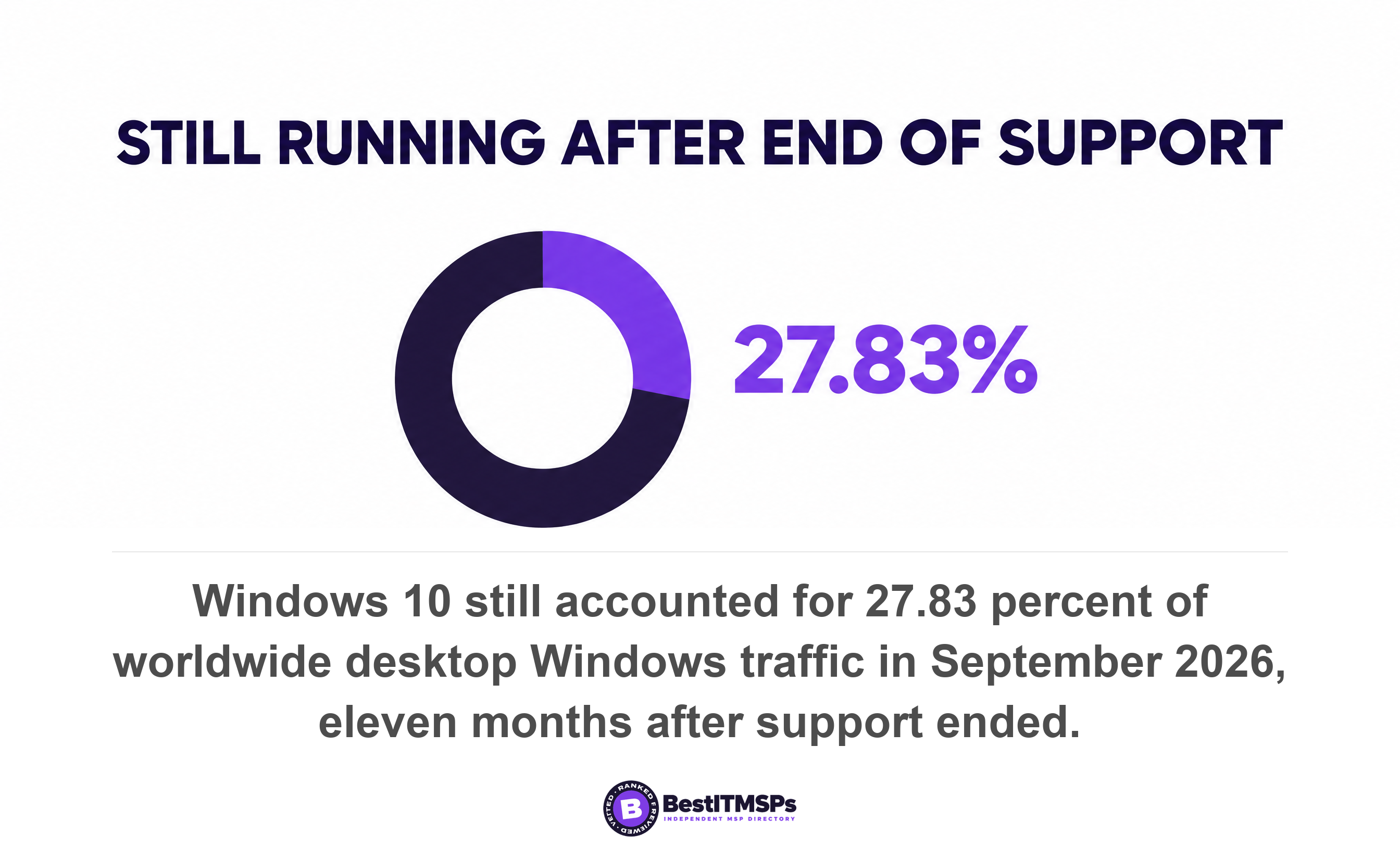
- Eleven months after Microsoft stopped shipping fixes, Windows 10 still accounted for 27.83 percent of worldwide desktop Windows traffic on StatCounter's measure.
- Extended Security Updates for Windows 10 cost organizations 61 dollars per device in year one and double every year after, which is 427 dollars per device over three years.
- Firmware on your firewall, switches and access points has support dates too, and it almost never appears in a monthly patch report.
- Coalition found policyholders still running end-of-life software were three times more likely to suffer an incident, so your insurance form already asks about this.
What is end of life software?
End of life software is software the vendor no longer fixes. The product still runs. The vendor has stopped writing security updates for it. That gap, between working and being fixed, is the entire risk, and it is invisible from the keyboard.
Two terms get used for the same situation. End of support is the date the vendor stops shipping security fixes. End of life usually covers the whole retirement, including the date the product stopped being sold. Legacy software is the informal name people use for whatever is left running afterwards. For a buyer, treat all three as one date on a calendar. It is the day somebody else stopped protecting you.
The scale of it is easy to check. Eleven months after Microsoft stopped shipping fixes, Windows 10 still accounted for 27.83 percent of worldwide desktop Windows traffic in September 2026 on StatCounter's measure. The same measure still showed Windows 7 at 0.55 percent and Windows XP at 0.05 percent. Those are not rounding errors on a global install base. They are millions of machines sitting in offices, warehouses and clinics, doing useful work every day.
Microsoft was not vague about what happened. Support for Windows 10 ended on October 14, 2025, and customers no longer receive technical assistance, software updates, or security fixes. Every SMB has something in this state. A Windows build, a server operating system, a line-of-business application nobody dares touch, or a firewall the vendor stopped issuing firmware for. The job is to find all of it on a quiet Tuesday, rather than during an incident or a failed insurance renewal.
Why does end of life software still feel safe?
End of life software feels safe because end of support changes your vendor's behaviour, not your software. The code on the machine is byte for byte identical the day after the deadline. Microsoft states it plainly. The operating system may still work with programs and hardware after the sale or support of the operating system has been discontinued.
So nothing breaks, and nothing feels urgent. Your invoicing system opens. The warehouse scanner connects. Staff notice nothing at all. Meanwhile researchers and attackers keep finding flaws in that same code, and each new flaw gets a public CVE identifier, which is a numbered entry in the global vulnerability list. The difference is that nobody ships a fix for yours any more. You cannot patch what the vendor no longer repairs. Microsoft's own lifecycle policy is blunt about the asymmetry, noting that software vulnerabilities remain a fact today and that Microsoft may be unable to provide security updates for older products.
That is why the risk curve starts flat and then steepens. On day one past the deadline your exposure matches the last supported day exactly. Every month after that, a new batch of flaws lands in public and stays open on your machine, because the one thing that used to clear the backlog has stopped. The count only moves in one direction. This is the exact inverse of how it feels to the person using the system, who sees a tool that has worked for four years and is still working.
Your software did not change on the deadline. Your vendor did. The risk is flat on day one and steeper every month after, which is the opposite of how it feels at the keyboard.
Attackers like that arithmetic. Verizon found exploitation of vulnerabilities is now the most common initial access vector for breaches, at 31 percent. Sophos, surveying 2,158 IT and cybersecurity leaders across 17 countries, put exploited vulnerabilities behind 18 percent of ransomware incidents, down 14 percentage points in a year. Read both figures honestly. Exploits are no longer the single biggest cause of ransomware, so panic is the wrong response. They are still close to one incident in five, and an unsupported system is the one place where the fix never arrives.
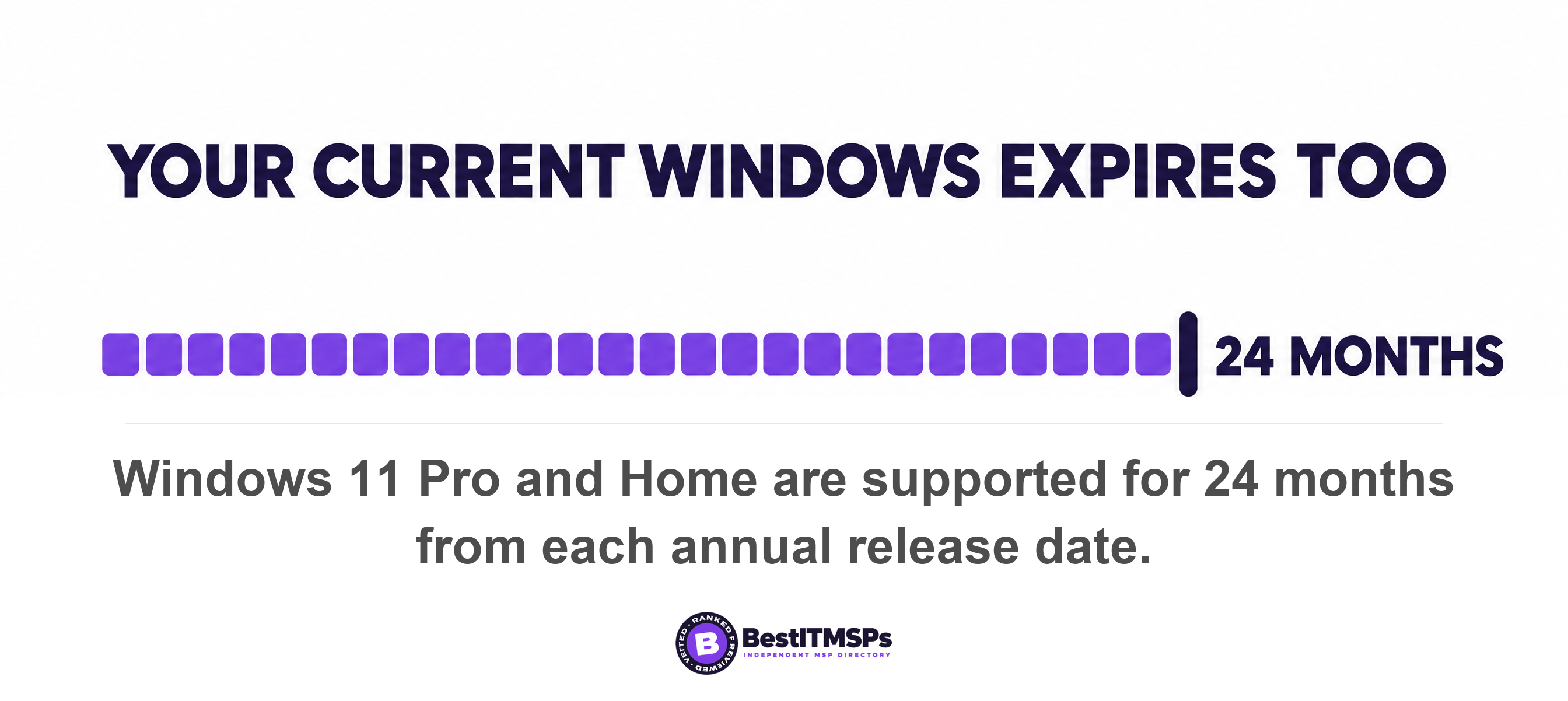
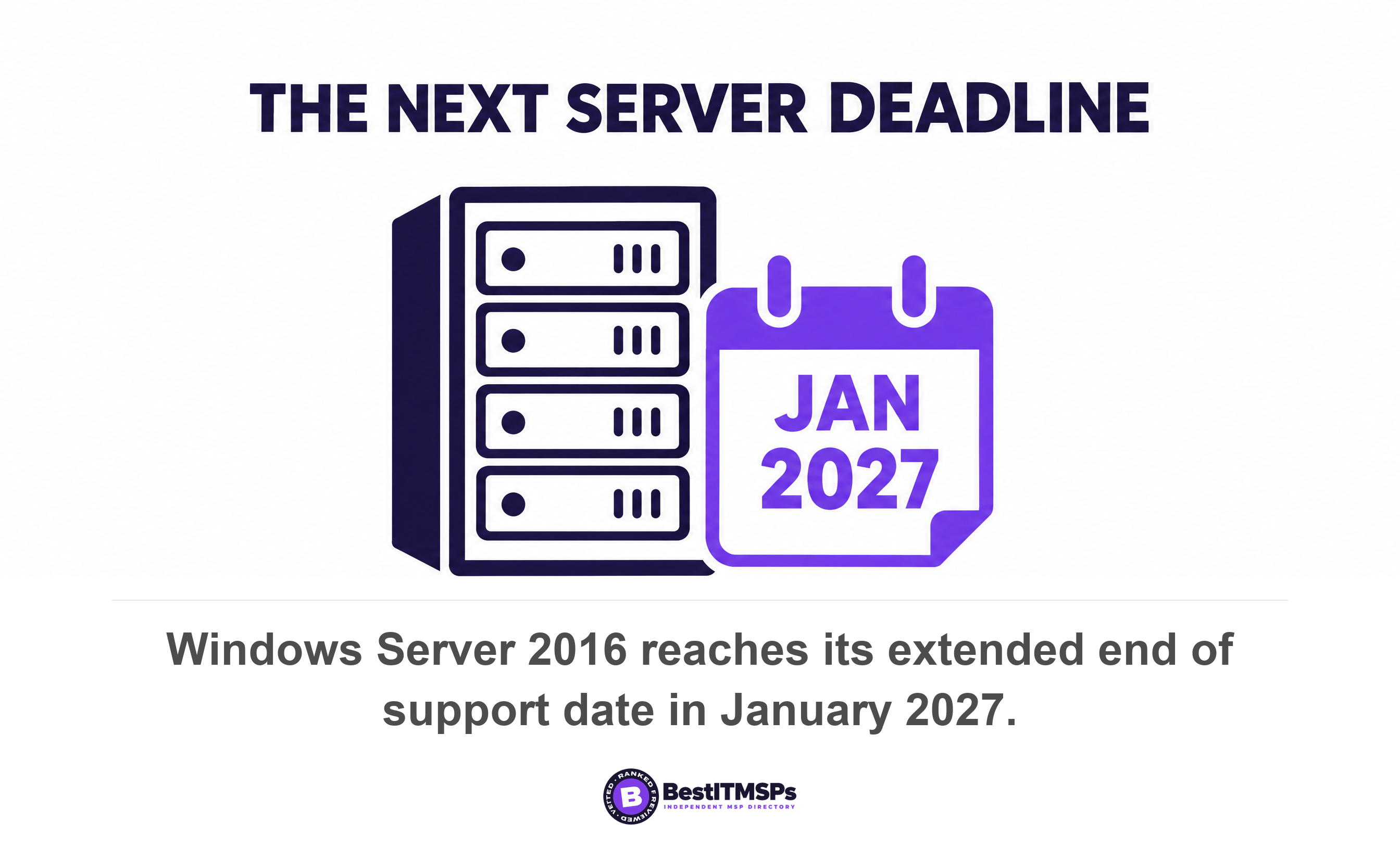
The deadline is also not a one-off event you survive once. Windows Server runs on five years of mainstream support followed by five years of extended support, and Windows Server 2016 reaches its extended end date in January 2027. Windows 11 retires faster than most owners expect, because Microsoft ships one new version per year and supports Windows 11 Pro and Home for 24 months from the release date, with 36 months for Enterprise and Education. On-premises email ran out too. Exchange Server 2019 reached its extended end date on October 14, 2025, the same day as Windows 10.
How do you find every end of life system in your business?
To find your end of life software, start from an asset inventory and check every entry against its vendor lifecycle policy, which is the published page where a supplier states its support dates. Five places hold almost all of it, and only the first one shows up on a normal monthly IT report.
- Check every workstation and server operating system, including the two machines in the back office nobody logs into.
- Check the line-of-business application that runs quotes, dispatch, claims or patient records, plus the database underneath it.
- Check firmware on the firewall, switches, wireless access points and the VPN box, which rarely carry a patch agent.
- Check printers, cameras, door controllers, phone handsets and anything else with a web login.
- Check your cloud and virtual machines, where an unsupported operating system hides inside a fully supported platform.
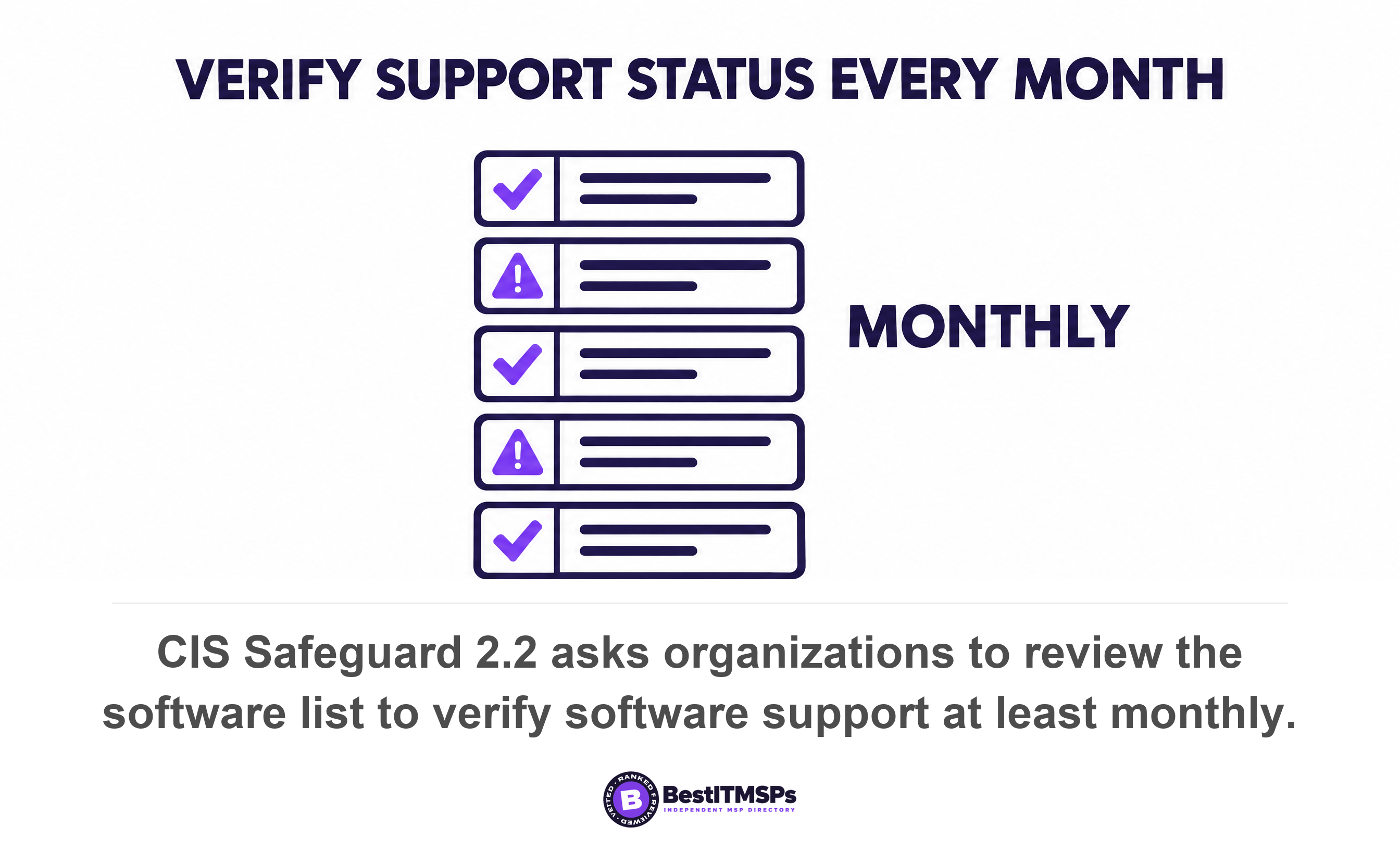
A published standard already asks for this at the lowest tier. CIS Safeguard 2.1 asks every organization to maintain a detailed inventory of all licensed software, recording the title, publisher, initial install date and business purpose, reviewed bi-annually or more frequently. Safeguard 2.2 does the real work here. It asks you to designate only currently supported software as authorized, and to review the software list to verify software support at least monthly. Both sit in Implementation Group 1, the tier written for small organizations with limited security expertise, so neither is an enterprise-only luxury.
The same safeguard then says what to do about the system you cannot replace. If software is unsupported yet necessary for the fulfillment of the enterprise's mission, document an exception detailing mitigating controls and residual risk acceptance. That short sentence carries a lot. Unsupported and necessary is a state you can accept, if you write it down. Unsupported and undocumented is not. The write-up belongs in your exception register, the list of risks someone has deliberately signed off, which our guide to patch compliance rate works through in detail.
What are your four options for end of life software?
You have four options for an end of life system, and upgrading everything is not automatically the right one for a small business. Upgrade it, pay for extended support, isolate it, or retire it. The right call depends on what the system does, what it can reach, and what replacing it actually costs.
Upgrade it, if a supported version exists and nothing else depends on the old one
Upgrade the system, if a supported version exists and no other software is pinned to the old one. This is the default and the cheapest answer across five years, because you stop paying for workarounds. Check two things before you commit. Whether the hardware meets the new version's requirements, and whether your line-of-business application vendor supports the new version at all. Microsoft notes that prior versions of Windows have limited support when running on new processors and chipsets, and the reverse bites just as hard, because old software on new hardware becomes its own project. Plan how you migrate the data before you touch anything. One more warning. Major version upgrades are commonly excluded from a managed IT agreement, which our guide to out-of-scope IT support sets out line by line.
Pay for extended support, if the upgrade is already scheduled
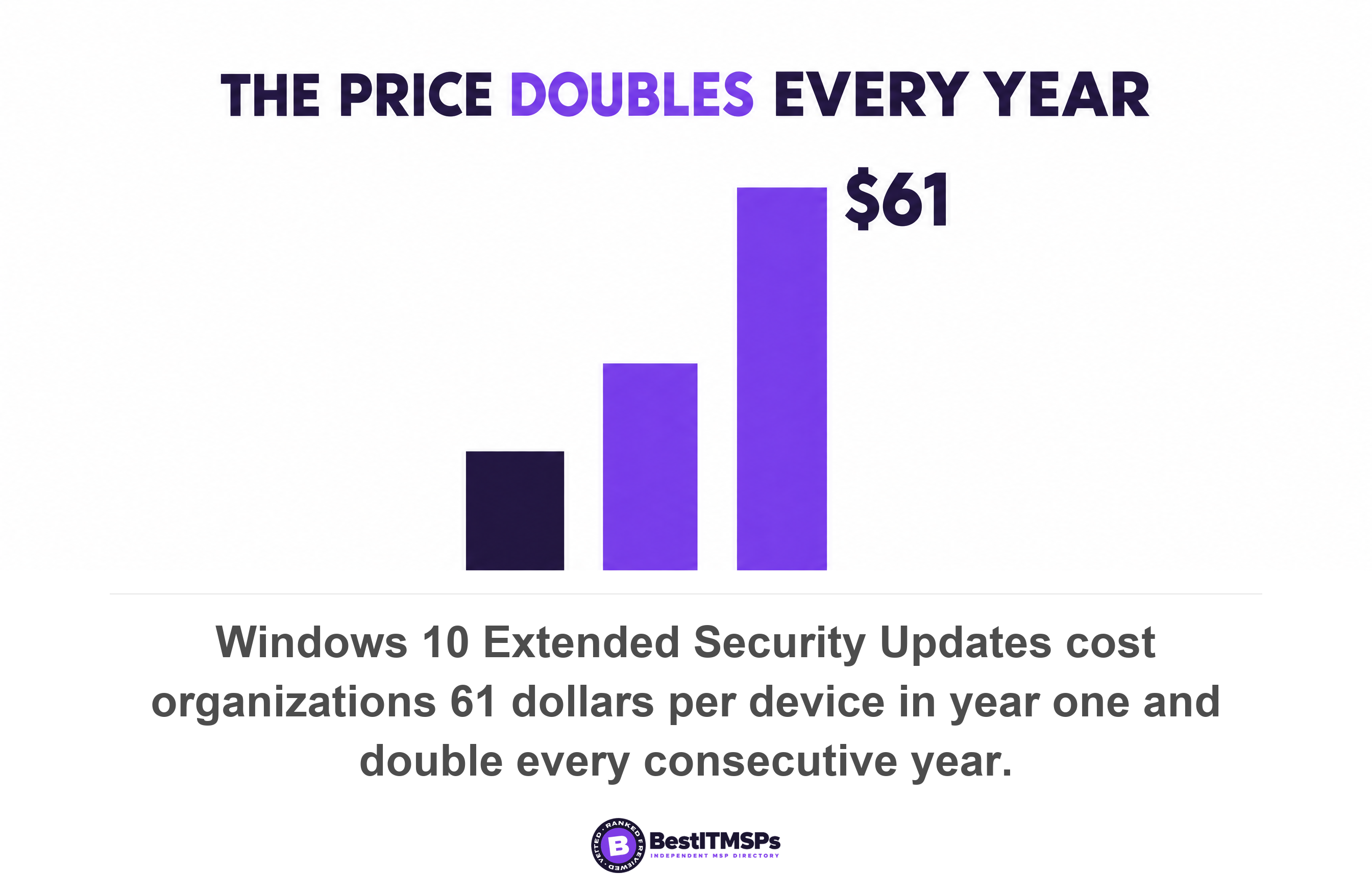
Buy extended support, if the replacement is already funded and dated and you need to cover the gap. Microsoft sells Extended Security Updates for Windows 10 to organizations at 61 US dollars per device for year one, with the price doubling every consecutive year, for a maximum of three years. It is cumulative as well. Buy in year two and you pay for year one too. So a full three-year stay runs 61 dollars, then 122, then 244, which is 427 dollars per device, and the last year costs four times the first.
That pricing is a deliberate message. Extended support is a bridge, not a plan. Know exactly what you are buying, too. Extended Security Updates deliver Critical and Important security fixes only, and Microsoft states that the program excludes new features, customer-requested non-security updates and design change requests, and that technical support is not included. Its wider policy says the same about any product in the extended phase, where non-security updates are not available. A driver bug or a compatibility break on that machine does not get fixed, by anyone, ever.
Isolate it, if the business cannot run without it and no upgrade exists
Isolate the system, if it is genuinely business-critical and no supported version exists. Isolation means shrinking what the machine can reach and what can reach it. CISA's performance goals name this directly, asking organizations to incorporate compensating security controls, such as defense in depth, to address legacy systems where possible. A compensating control is any measure that reduces a risk you cannot remove.
Network segmentation is the main tool. CISA describes boundaries that contain security breaches by restricting traffic to separate segments. In practice you segment the machine onto its own network, block its internet access, strip its web browser and email, restrict who can log in, and monitor it more closely than anything else you own. This is real work and it is not free, so it earns its place only when the alternative is worse. It also has a ceiling. CISA's own rule for a product carrying a known exploited flaw with no fix available is to apply vendor updates, or remove the product from networks if it is end-of-life or otherwise cannot be updated.
Retire it, if keeping it now costs more than leaving it behind
Retire the system, if the running cost plus the risk exceeds the cost of replacement. That total is always bigger than the licence line. Add the extended support fee, the hours lost to workarounds, the one technician who still knows the system, and the insurance question below. Technical debt is the name for that accumulated cost, and it compounds quietly while nothing appears to be wrong. Decommission it properly when you go. Wipe the data, cancel the licence, remove the firewall rules that let it out, and delete its accounts. A retired server left powered on in a cupboard is still an internet-facing risk if nobody closed the rule that exposed it. Our guide to application modernization covers the replacement side of that decision.
Does firmware on your firewall and switches go end of life too?
Yes, firmware goes end of life exactly like a PC operating system, and it is the part almost no SMB tracks and almost no contract covers. A firewall, switch or access point carries a vendor support date, but it rarely carries a patch agent, so it never appears in a monthly compliance figure at all.
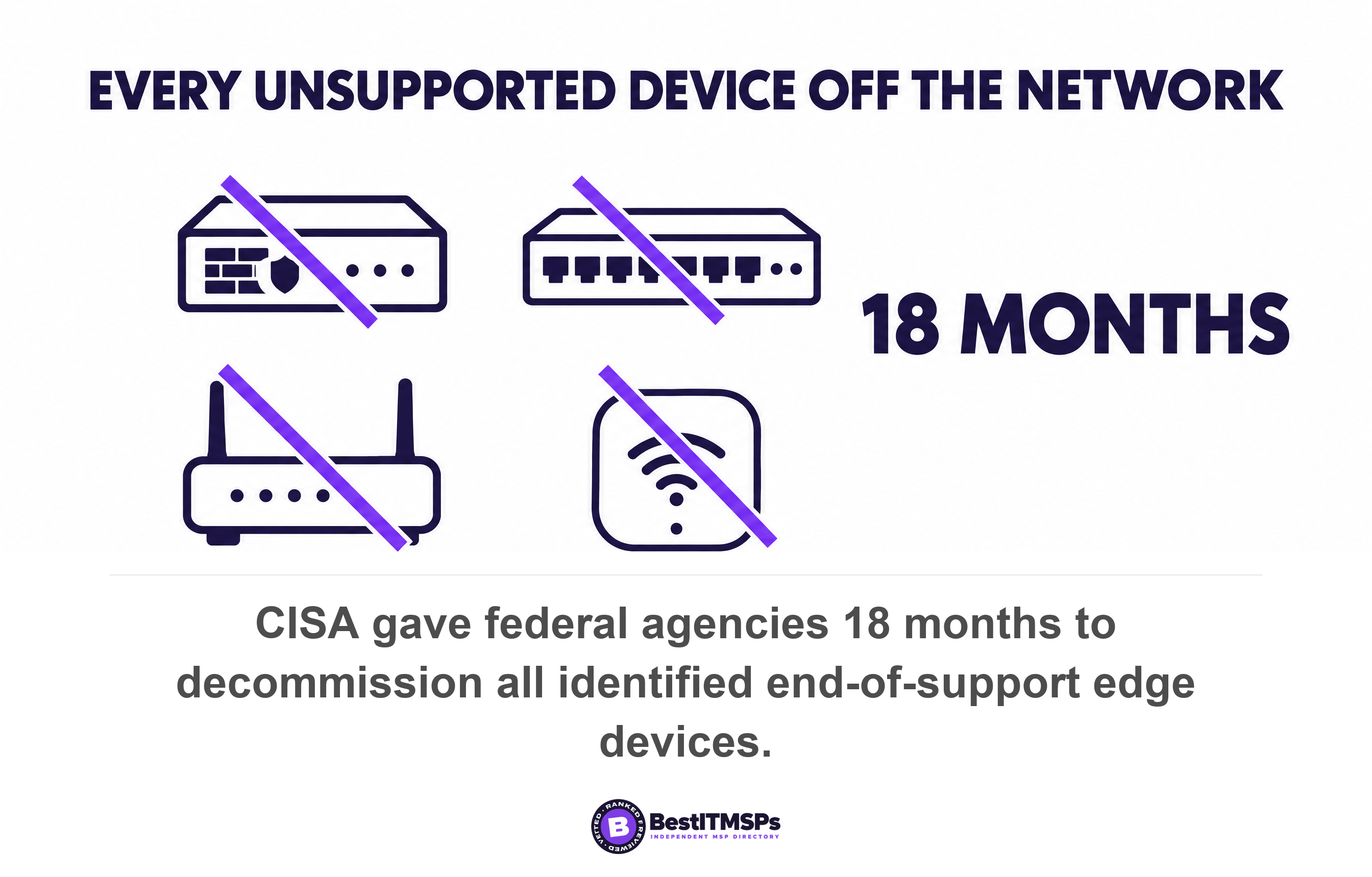
The US government treated this as urgent. CISA's directive on end-of-support edge devices orders federal agencies to inventory the devices on CISA's published list within three months, to decommission all identified end-of-support edge devices from agency networks within 18 months, and within 24 months to establish a process for continuous discovery of all edge devices. The scope names load balancers, firewalls, routers, switches, wireless access points and network security appliances. CISA's reason is one sentence. These devices no longer receive supported updates from the original equipment manufacturer, exposing federal systems to disproportionate and unacceptable risks.
The FBI has seen where that curve ends. In May 2025 its Internet Crime Complaint Center warned that criminal proxy services were running on obsolete small-office routers, noting that routers dated 2010 or earlier likely no longer receive software updates issued by the manufacturer and defining the state simply. When a hardware device is end of life, the manufacturer no longer sells the product and is not actively supporting the hardware. Its first recommendation is to replace the device, not to harden it.
Now read your own agreement. Most managed IT contracts cover software patching on servers and workstations, say nothing specific about firmware on appliances, and treat hardware replacement as a separate project you approve and fund. Ask your provider for the support end date of every network device they manage, in writing. If nobody has ever sent you those dates, nobody is tracking them.
What does your insurer ask about unsupported software?
Your insurer asks whether you run unsupported software, and your answer sits on a form you sign. That turns end of life software into a contractual exposure as well as a technical one, which is the part owners tend to discover late.
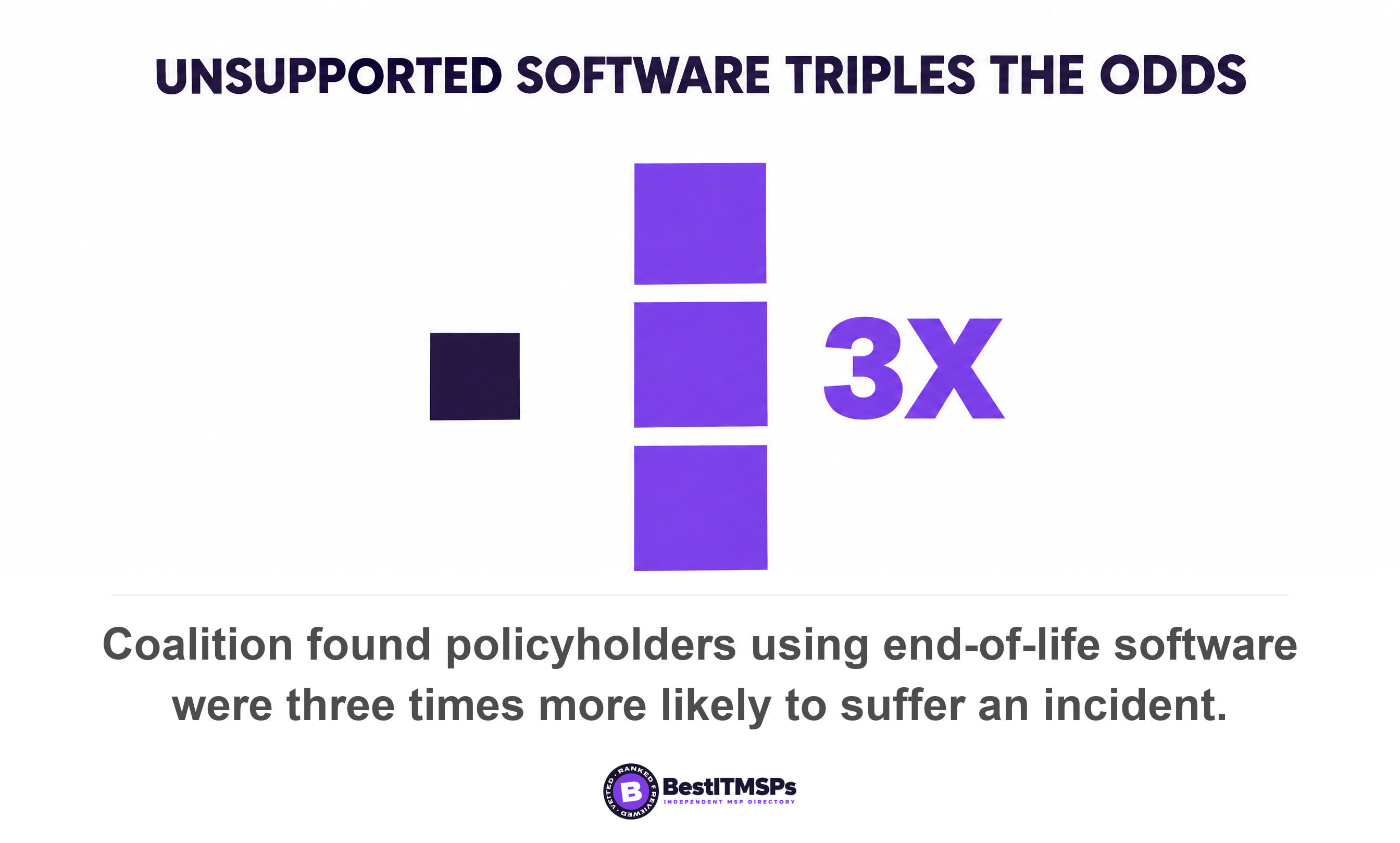
The claims data backs the question. Coalition, a cyber insurance carrier, reported in its 2023 claims study that policyholders who continued to use end-of-life software were three times more likely to suffer from an incident, regardless of organization size, and that policyholders with even one unresolved critical vulnerability were 33 percent more likely to experience a claim. That is a carrier reporting on its own policyholders rather than an independent study, and the figure is three years old, so weight it accordingly. It remains the clearest published link between running unsupported software and filing a claim.
Treat the renewal form as an audit nobody asked you for. Answer it from your asset inventory rather than from memory, and keep the version you sent. An inaccurate answer on an application is the kind of detail that resurfaces at claim time, which is the worst possible moment to find a gap. Then read the conditions as well as the cover, and ask your broker one question. Does this policy carry any condition, exclusion or sub-limit tied to unsupported software or to known unpatched vulnerabilities? Ask for a pointer to the wording, not a summary of it. Our cyber insurance coverage checklist covers what else those forms now test.
What to ask your IT provider on Tuesday
Send your provider five requests in one email. Each one takes minutes to answer if somebody is tracking lifecycle dates, and days if nobody is. The delay is itself the finding.
- Request a list of every operating system in use, with its vendor end of support date beside it.
- Request the same list for network devices and their firmware, naming the firewall, the switches, the access points and the VPN.
- Request the support status of your line-of-business application and the database it runs on.
- Request the documented exception for anything already past its date, naming the compensating control, the owner and the expiry date.
- Request the replacement cost and lead time for the three oldest items, so the decision arrives with a number attached.
Then fix three things in the agreement rather than the proposal deck. Require your provider to report lifecycle dates for every managed asset once a year, at least 12 months ahead of each deadline. State in writing who pays for a major version upgrade and who pays for hardware replacement. Require a documented exception, with a named owner and an expiry date, for every system kept past its end of support date. For the settings that stay wrong even on a fully supported machine, read our guide to security misconfiguration.
None of this buys perfect security, and no honest provider offers that. It buys a measurable, verified and independent picture of what is already unsupported, plus a decision made at a budget meeting instead of during an incident. The systems on that list are not the ones your provider missed. They are the ones nobody can fix any more, which is exactly why they need a decision rather than a patch.
FAQ
What is end of life software?
End of life software is software its vendor no longer fixes. It keeps running, which is the confusing part. Microsoft states that an operating system may still work with programs and hardware after support has been discontinued, while new flaws found in that code stay open because no update is coming.
Is it safe to keep using Windows 10 after support ended?
Windows 10 works but receives no fixes unless you pay for them. Support ended on October 14, 2025, and Microsoft no longer provides technical assistance, software updates, or security fixes. Eleven months later it still held 27.83 percent of worldwide desktop Windows traffic, so most of those machines carry a growing, permanent gap.
How much do Windows 10 Extended Security Updates cost a business?
Microsoft charges organizations 61 US dollars per device for year one, doubling every consecutive year for a maximum of three years. The program is cumulative, so buying in year two means paying for year one too. Three full years costs 427 dollars per device, and covers Critical and Important security fixes only.
Does cyber insurance cover end of life software?
Cover varies by policy, and the application form asks about it. Coalition found policyholders who continued to use end-of-life software were three times more likely to suffer from an incident. Ask your broker whether your policy carries any condition, exclusion or sub-limit tied to unsupported software, and ask for the exact wording.
How do I find end of life software in my business?
Start from an asset inventory and check each entry against its vendor's published support dates. CIS Safeguard 2.2 asks organizations to designate only currently supported software as authorized and to review the list at least monthly. Include firmware on firewalls, switches and access points, which no patch report covers.
Best IT MSP is the independent directory of vetted managed IT and cybersecurity providers across the US and Canada. Organic ranking is earned on rating and verified data, paid placement is always labelled, and we do not sell IT services. Take these five requests to three merit-ranked firms in your city and compare the answers side by side.