What Is an IT Audit?
An IT audit is a structured review of your technology, examining your systems, security, processes, and controls against standards and best practices to verify they work as intended. It tells you what you have, where the gaps and risks are, and whether you meet compliance requirements.
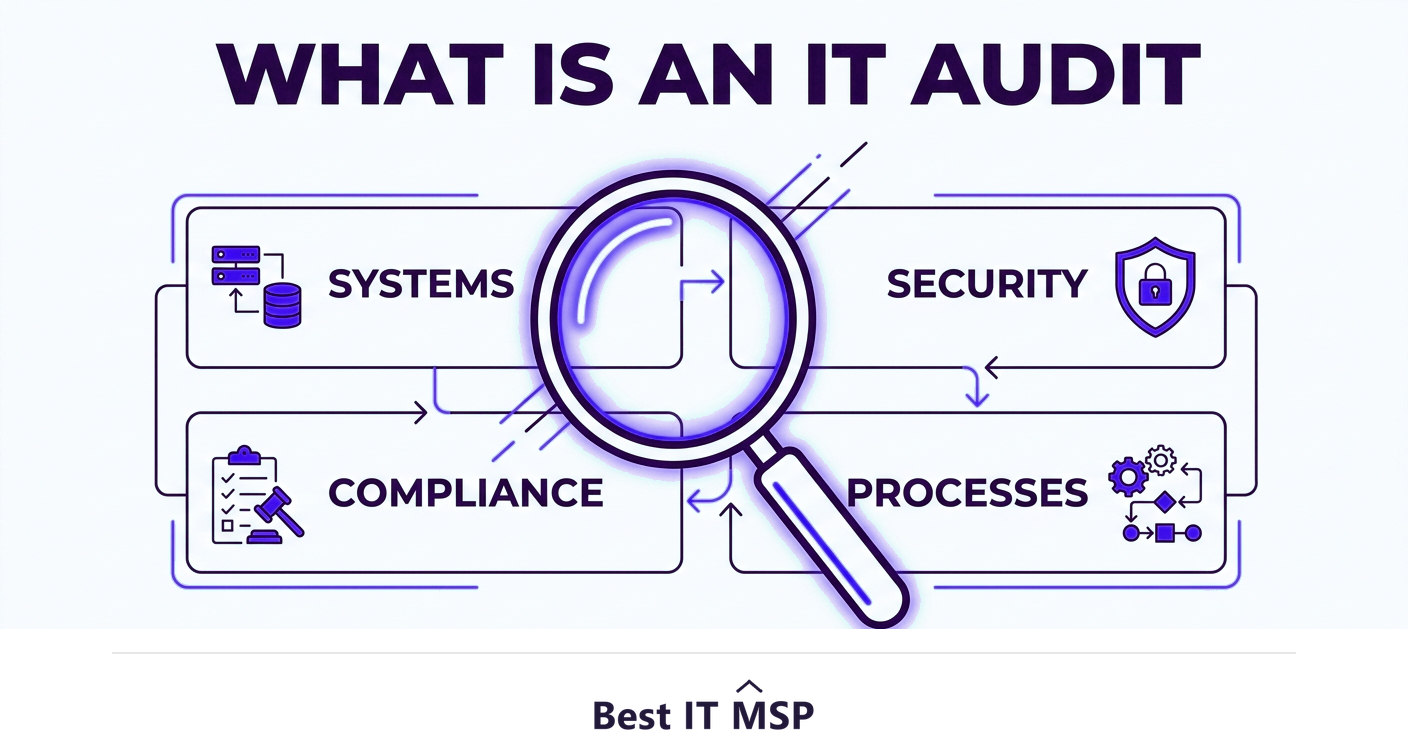
- An IT audit is a structured review of your technology, security, processes, and controls against standards.
- It answers what you have, where the risks and gaps are, and whether you meet compliance requirements.
- Common types include security audits, compliance audits, and infrastructure or operational audits.
- An audit produces a prioritized, actionable report, not just a pass/fail grade.
- Run audits regularly and after major changes, since technology and risks change constantly.
What is an IT audit?
An IT audit is a structured, independent review of your organization's technology, examining your systems, security, processes, and controls to verify they are working as intended and measuring them against standards and best practices. Where everyday IT keeps things running, an audit steps back and asks harder questions: Is this secure? Does it meet the rules we must follow? Are the controls we think we have actually working? The output is an objective picture of your technology, what you have, where the gaps and risks are, and what to do about them, rather than a vague sense that things are probably fine.
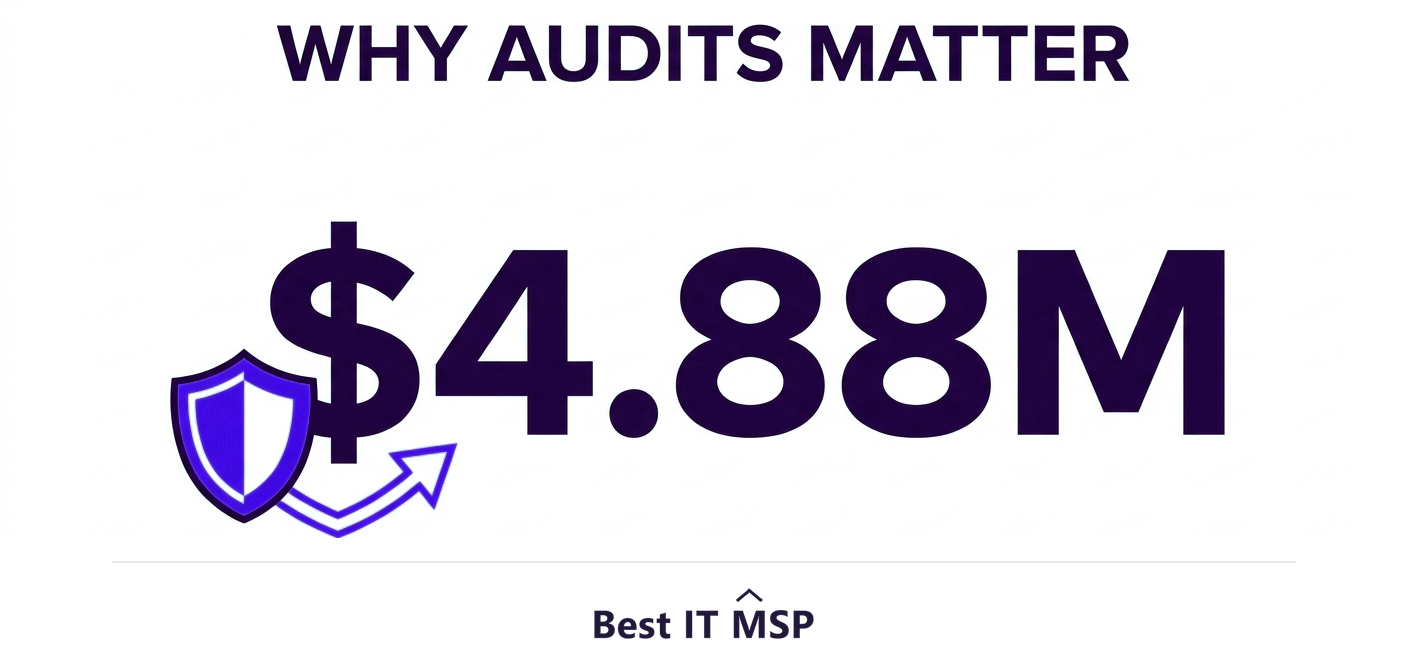
Audits matter because the cost of unseen gaps is high. The average data breach reaches $4.88 million and takes about 258 days to identify and contain, and most gaps that lead to breaches are exactly the kind an audit surfaces. An audit turns unknown risk into a known, prioritized list you can act on. This guide explains what an IT audit covers, the main types, and the process. It pairs with our IT assessment and audit and IT consulting services overviews.
What does an IT audit cover?
The exact scope depends on the audit's purpose, but a thorough IT audit can examine any or all of the following:
- <strong>Infrastructure.</strong> Servers, networks, devices, and cloud services, their configuration, condition, and whether they are still supported.
- <strong>Security.</strong> Access controls, patching, encryption, backups, and defenses, tested against threats and best practice.
- <strong>Compliance.</strong> Whether your IT meets the rules you are subject to, such as HIPAA, PCI DSS, SOC 2, or CMMC.
- <strong>Data management.</strong> How data is stored, protected, backed up, and governed.
- <strong>Processes and controls.</strong> Whether IT processes, from change management to incident response, exist and actually work.
- <strong>Software and licensing.</strong> What is installed, whether it is supported, and whether licensing is compliant.
The main types of IT audit
Audits are usually scoped to a purpose. The most common types are:
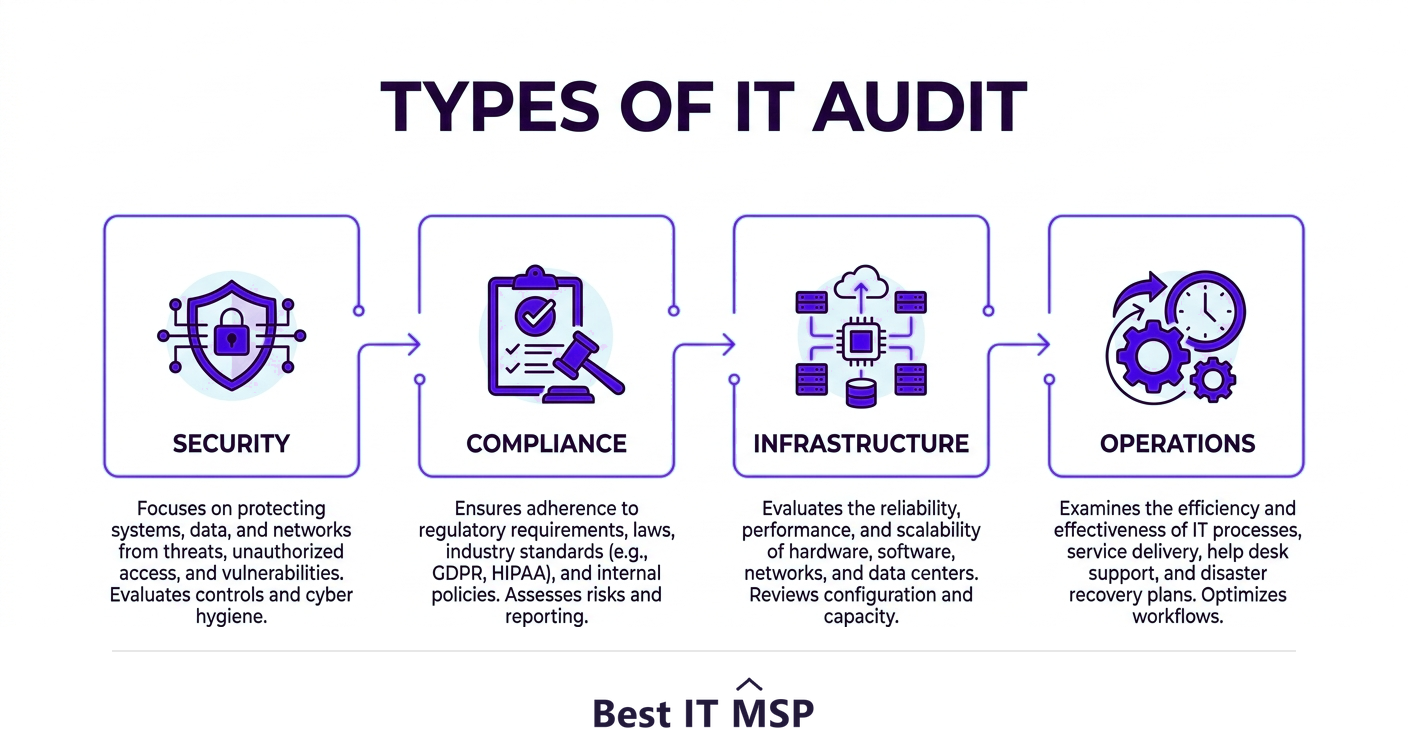
- <strong>Security audit.</strong> Focuses on how well your systems and data are protected against threats, the most common reason businesses audit today.
- <strong>Compliance audit.</strong> Verifies you meet a specific regulatory or contractual standard, often required and sometimes performed by an external certified auditor.
- <strong>Infrastructure audit.</strong> Reviews the health, configuration, and capacity of your hardware, networks, and cloud.
- <strong>Operational audit.</strong> Examines whether IT processes and controls are efficient, documented, and effective.
- <strong>General controls audit.</strong> A broad review covering the overall IT environment and its governance.
The IT audit process
A well-run audit follows a clear sequence, which is what makes the findings credible and actionable:
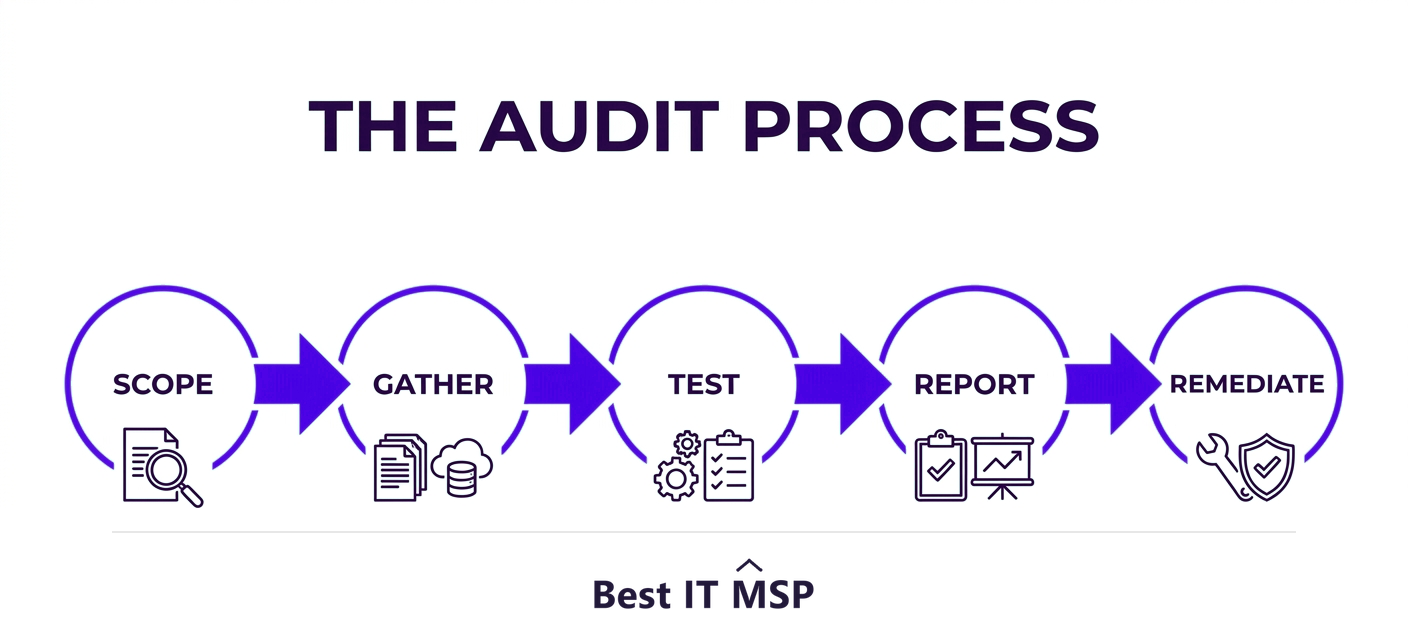
- <strong>1. Plan and scope.</strong> Define what is being audited and against what standard, and agree the goals.
- <strong>2. Gather information.</strong> Collect documentation, configurations, policies, and access to systems.
- <strong>3. Test and evaluate.</strong> Examine and test the systems and controls against the standard, looking for gaps, weaknesses, and non-compliance.
- <strong>4. Report findings.</strong> Document what was found, rated by risk, with clear, prioritized recommendations.
- <strong>5. Remediate and follow up.</strong> Act on the findings, fixing the highest-risk issues first, and verify the fixes.
The deliverable that matters is the report. A good audit does not just grade you pass or fail; it hands you a prioritized roadmap of what to fix and why, so the audit leads directly to a safer, better-run environment.
IT audit vs risk assessment
These two are related and often confused. A risk assessment is forward-looking: it identifies and prioritizes the threats that could harm you and how likely and damaging each is. An IT audit is more of a point-in-time verification: it checks whether your current systems, controls, and compliance actually meet a defined standard or best practice. Put simply, a risk assessment asks what could go wrong, while an audit asks are our defenses and controls actually in place and working. The two complement each other, and many engagements include both.
Why IT audits matter
Audits deliver value in several ways. They strengthen security by finding the gaps attackers would exploit before the attackers do, which matters when reported cybercrime losses topped $12.5 billion in a single year. They prove and maintain compliance, increasingly a condition of doing business as customers audit their suppliers. They improve reliability by catching aging or misconfigured systems before they fail, heading off downtime that costs most organizations more than $100,000 an hour. And they guide smart investment, showing you where to spend for the most impact rather than guessing. An audit converts uncertainty into a clear, evidence-based plan.
How often should you run an IT audit?
Because technology and threats change constantly, an audit is a snapshot that ages. Most businesses should run a comprehensive IT audit at least annually, and more often for high-risk or heavily regulated environments, plus an audit after any major change such as a migration, an acquisition, or a security incident. Compliance frameworks often mandate their own audit schedules. Between full audits, continuous monitoring fills the gap, watching for new issues as they arise. The goal is to keep your picture of your environment current rather than relying on a review that is a year out of date, and as more systems move to the cloud, in a market where public cloud spending is forecast to top $723 billion in 2025, there is simply more to review with each passing year.
Getting an IT audit done well
A credible audit takes specialized expertise and, ideally, independence, an auditor too close to the systems may miss or excuse the same gaps the team created. That expertise is scarce amid a global shortfall of about 4.8 million cybersecurity and IT professionals, so many businesses bring in a managed IT provider or specialist to run audits and help remediate the findings. It is part of why the managed services market is projected to grow from about $330 billion in 2024 to about $879 billion over the next decade. The right partner delivers an audit you can act on, not a document that sits in a drawer.
If you want to know where your technology really stands, an IT audit is the place to start. To find a provider that runs audits and helps you close the gaps, browse vetted, merit-ranked firms by city in the Best IT MSP directory, where ranking is earned on rating and verified data.
FAQ
What is an IT audit?
An IT audit is a structured, independent review of your organization's technology, examining your systems, security, processes, and controls against standards and best practices to verify they work as intended. It produces an objective picture of what you have, where the gaps and risks are, and whether you meet compliance requirements, along with prioritized recommendations to act on.
What does an IT audit cover?
Depending on its purpose, an IT audit can cover infrastructure (servers, networks, cloud), security (access controls, patching, encryption, backups), compliance with rules like HIPAA, PCI, SOC 2, or CMMC, data management, IT processes and controls such as change management and incident response, and software and licensing. The scope is set during planning.
What are the types of IT audit?
Common types include a security audit (how well systems and data are protected), a compliance audit (verifying you meet a specific standard, sometimes by an external certified auditor), an infrastructure audit (health and configuration of hardware and cloud), an operational audit (whether IT processes work), and a general controls audit of the overall environment.
What is the difference between an IT audit and a risk assessment?
A risk assessment is forward-looking, identifying and prioritizing the threats that could harm you and how likely and damaging each is. An IT audit is a point-in-time verification that checks whether your current systems, controls, and compliance actually meet a defined standard. A risk assessment asks what could go wrong; an audit asks whether defenses are in place and working.
How often should you do an IT audit?
Most businesses should run a comprehensive IT audit at least annually, more often for high-risk or heavily regulated environments, plus an audit after any major change such as a migration, acquisition, or security incident. Compliance frameworks may mandate their own schedules, and continuous monitoring fills the gaps between full audits.
Why are IT audits important?
Audits strengthen security by finding gaps before attackers do, prove and maintain compliance, improve reliability by catching aging or misconfigured systems before they fail and cause downtime, and guide smart investment by showing where to spend for the most impact. They convert uncertainty into a clear, evidence-based, prioritized plan you can act on.
Best IT MSP is the independent directory of vetted managed IT providers across North America. Compare merit-ranked firms in your city that run IT audits and help close the gaps. No pay-to-play.