Cybersecurity Risk Assessment Checklist
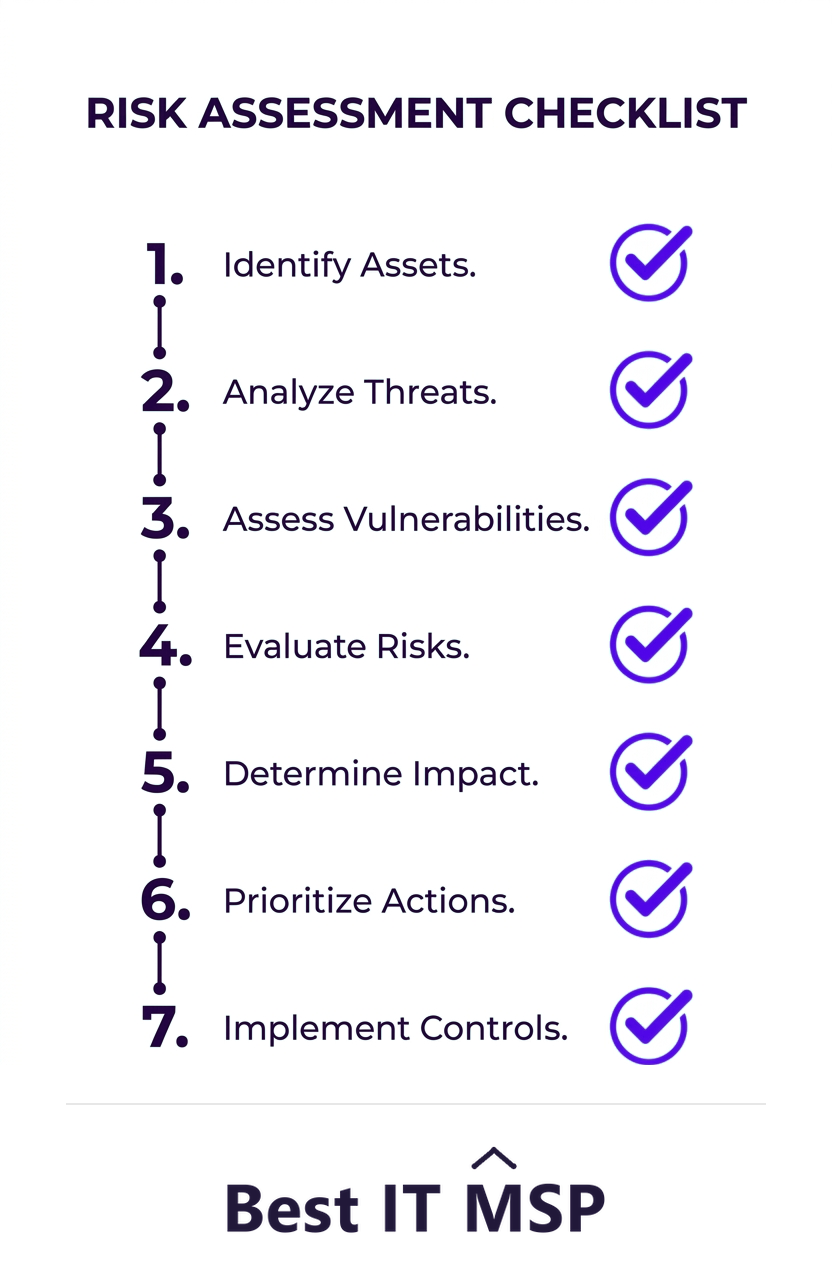
A cybersecurity risk assessment finds and prioritizes the threats to your business so you can fix the most dangerous gaps first. The checklist is straightforward: inventory your assets, identify threats and vulnerabilities, score each risk by likelihood and impact, prioritize, apply controls, document everything, and review regularly.
- A risk assessment identifies, scores, and prioritizes the cyber threats to your business so you fix the worst first.
- Start by inventorying assets, then identify the threats and vulnerabilities against each.
- Score every risk by likelihood and impact to rank what matters, rather than trying to fix everything at once.
- Apply controls to the highest risks, document the results, and keep a record for compliance.
- Risk assessment is a recurring cycle, not a one-time project, because your risks change constantly.
What is a cybersecurity risk assessment?
A cybersecurity risk assessment is a structured process for finding the threats and weaknesses that could harm your business, judging how serious each one is, and deciding what to do about them. Instead of guessing where you are exposed or buying security tools at random, an assessment gives you a clear, ranked picture of your real risks so you can fix the most dangerous gaps first. It is the foundation of every sound security program, because you cannot protect what you have not identified, and you cannot prioritize what you have not measured.
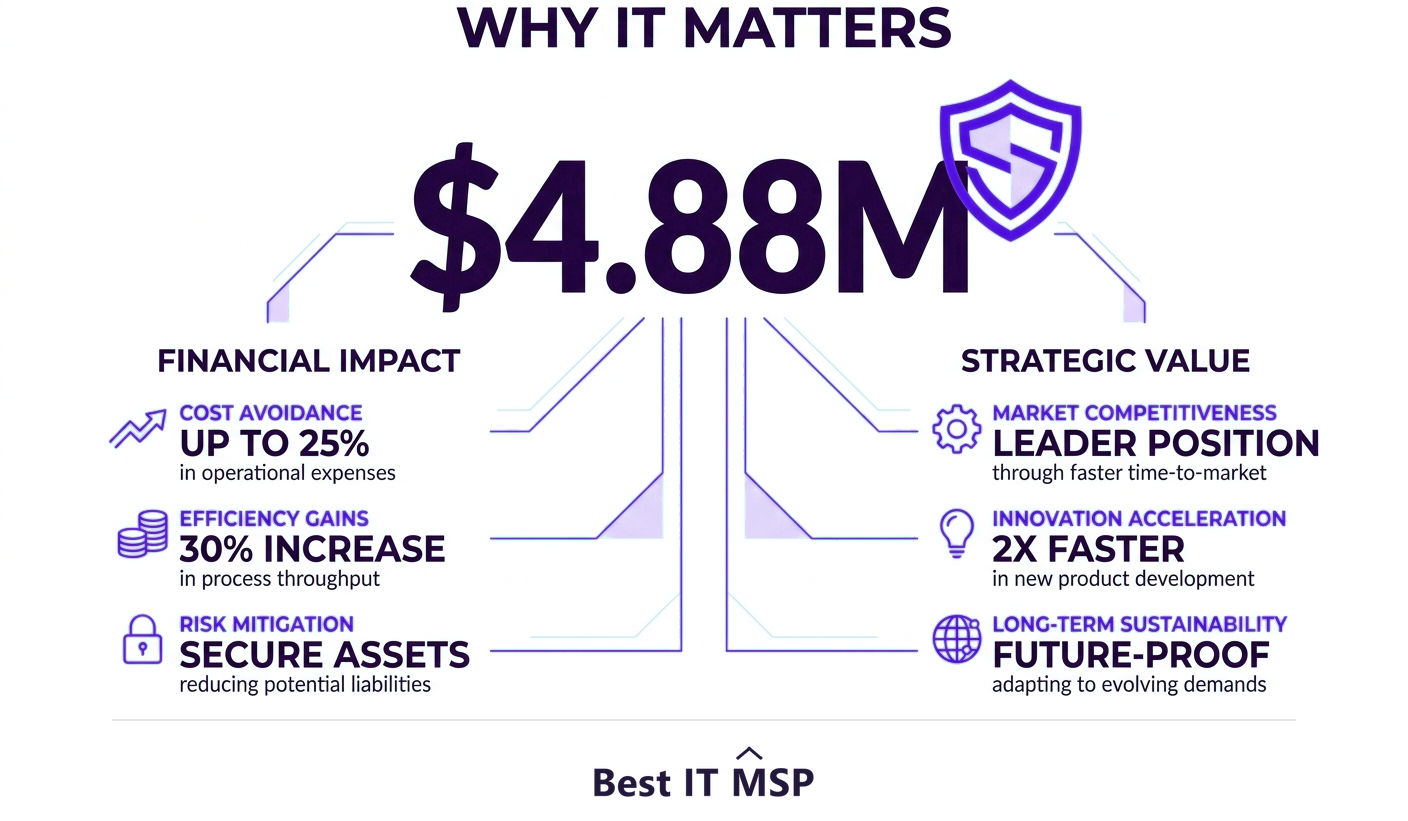
The case for doing one is simple: the cost of being wrong is enormous. The average data breach reached $4.88 million in 2024, the typical breach takes about 258 days to identify and contain, and reported cybercrime losses topped $12.5 billion in a single year. A risk assessment turns that abstract danger into a concrete plan. This checklist walks through the process step by step, and pairs with our cybersecurity services and IT assessment overviews.
Step 1: Inventory your assets
You cannot protect what you do not know you have. Start by cataloging everything of value: hardware (servers, laptops, phones, network gear), software and applications, data (especially sensitive customer, financial, and regulated information), cloud services, and the systems that connect them. For each asset, note where it lives, who uses it, and how critical it is to the business. This inventory is the map the rest of the assessment is built on, and the act of building it almost always uncovers forgotten systems and data that no one was protecting.
Step 2: Identify threats and vulnerabilities
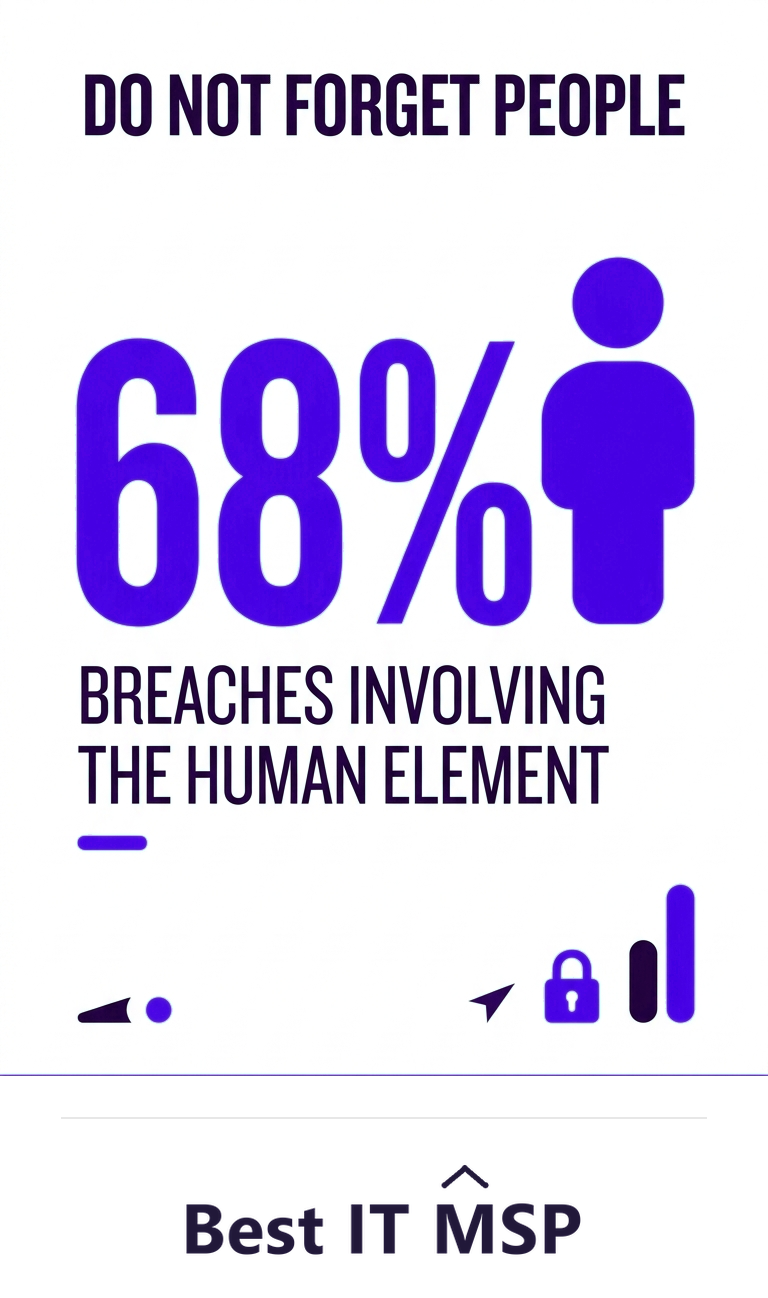
With your assets mapped, identify what could go wrong for each. Threats are the dangers, ransomware, phishing, malware, insider misuse, theft, and natural disasters. Vulnerabilities are the weaknesses a threat could exploit, such as unpatched software, weak passwords, missing multi-factor authentication, misconfigurations, or untrained staff. Pay particular attention to people, because Verizon's research found the human element was involved in 68 percent of breaches. For each important asset, ask: what threatens it, and what weakness would let that threat succeed?
Step 3: Score each risk by likelihood and impact
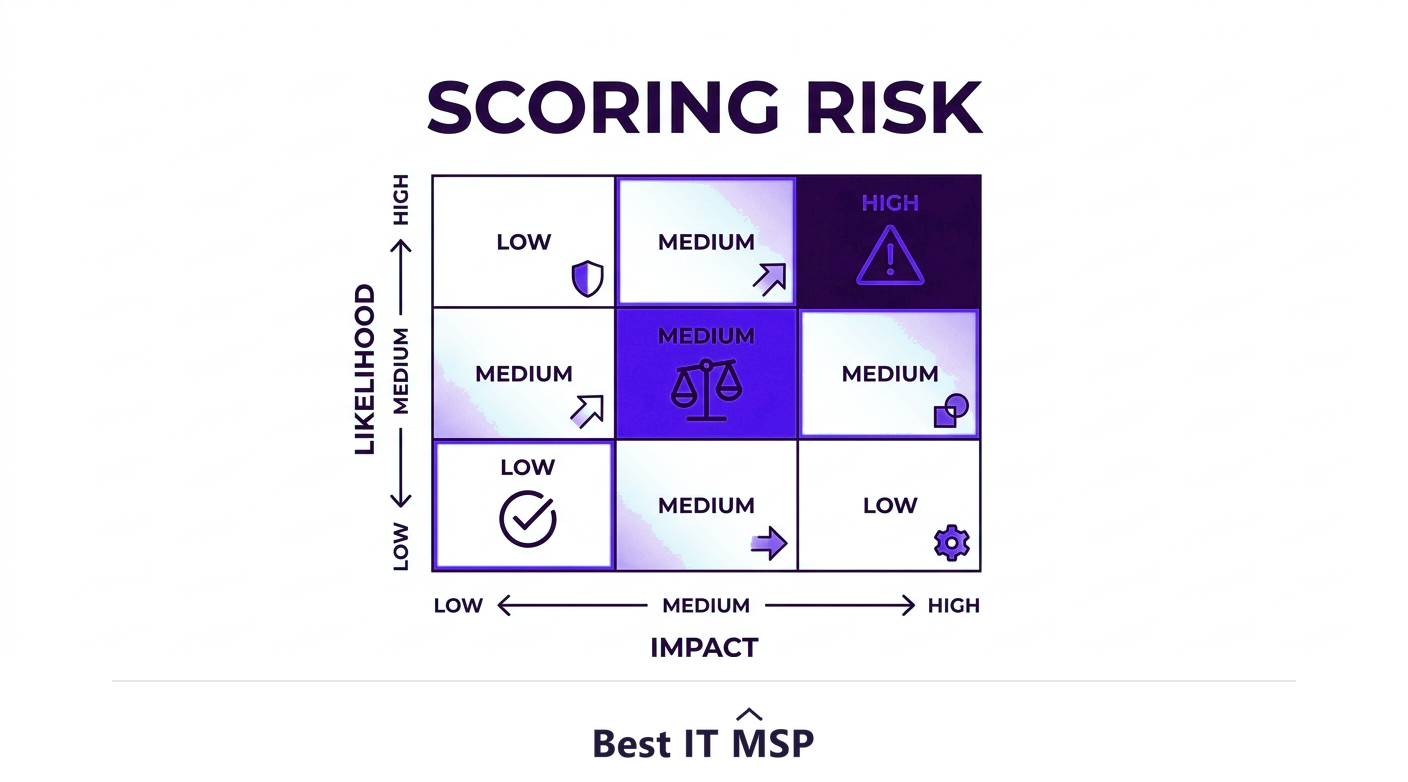
Not every risk deserves equal attention, so score each one. The standard approach rates two dimensions: how likely the risk is to occur, and how severe the impact would be if it did. Multiplying or combining the two gives a risk level, often plotted on a simple matrix from low to critical. A highly likely threat to a critical asset is an urgent fix; an unlikely threat to a trivial asset can wait. When you weigh impact, look past the immediate damage: an hour of downtime alone costs most organizations more than $100,000, and that is before fines, recovery, and lost trust are counted. This scoring is what separates a useful assessment from an overwhelming list, because it tells you where to spend limited time and budget first.
Step 4: Prioritize and decide how to treat each risk
Rank your risks by score, then decide how to handle each. For every significant risk you have four options: mitigate it by applying a control that reduces it, transfer it (for example through cyber insurance), accept it if it is low enough and the cost of fixing it outweighs the benefit, or avoid it by stopping the risky activity. Most high risks should be mitigated. Document the decision for each, so it is a deliberate choice rather than an oversight. This is also where you build a remediation plan: what will be fixed, by whom, and by when.
Step 5: Apply controls to your top risks
Now act on the priorities. Common controls that address the most frequent risks include multi-factor authentication, prompt patching, endpoint and email security, network segmentation, encryption, reliable backups, least-privilege access, and security-awareness training for staff. Focus first on the highest-scored risks, where each fix removes the most danger per dollar. The point of the whole assessment is this step: turning a ranked list of risks into concrete protections, starting with the ones that matter most.
Step 6: Document everything
Record the whole assessment: the assets, the threats and vulnerabilities, the risk scores, the decisions, and the controls applied. Good documentation does three jobs. It creates accountability so fixes actually happen, it gives you a baseline to measure progress against next time, and it provides the evidence auditors, insurers, and increasingly customers ask for to prove you manage cyber risk. For regulated businesses, this record is often a compliance requirement in its own right, not just good practice.
Step 7: Monitor and reassess regularly
A risk assessment is a snapshot, and your risks change constantly as you add systems, hire staff, and as attackers evolve. Treat it as a recurring cycle: monitor continuously for new threats and weaknesses, and repeat the full assessment on a regular schedule, at least annually and after any major change such as a new system, an acquisition, or an incident. The businesses that stay secure are the ones that keep reassessing, not the ones that did an assessment once and filed it away.
Should you run the assessment yourself or get help?
A small business can make real progress with this checklist alone, and doing so is far better than doing nothing. But a thorough assessment takes specialized knowledge to find subtle vulnerabilities and judge real-world likelihood, and that expertise is scarce amid a global shortfall of about 4.8 million cybersecurity professionals. Many businesses bring in a provider to run a rigorous assessment and help remediate, part of why the managed services market is projected to grow from about $330 billion in 2024 to about $879 billion over the next decade. An outside expert also brings objectivity, spotting risks an internal team has learned to overlook.
If you want a professional cybersecurity risk assessment, start with a provider who will deliver a ranked, actionable report, not just a scan. Browse vetted, merit-ranked firms by city in the Best IT MSP directory, where ranking is earned on rating and verified data.
FAQ
What is a cybersecurity risk assessment?
A cybersecurity risk assessment is a structured process for finding the threats and weaknesses that could harm your business, scoring how serious each is, and deciding what to do about them. It produces a clear, ranked picture of your real risks so you can fix the most dangerous gaps first rather than guessing or buying tools at random.
What are the steps in a cybersecurity risk assessment checklist?
Inventory your assets, identify the threats and vulnerabilities against each, score every risk by likelihood and impact, prioritize and decide how to treat each risk, apply controls to your top risks, document everything, and monitor and reassess regularly. The scoring step is what turns an overwhelming list into a focused action plan.
How do you score cybersecurity risk?
Score each risk on two dimensions: how likely it is to occur and how severe the impact would be if it did. Combining the two, often on a simple matrix from low to critical, gives a risk level. A likely threat to a critical asset is urgent, while an unlikely threat to a trivial asset can wait, which tells you where to act first.
How often should you do a cybersecurity risk assessment?
Treat it as a recurring cycle, not a one-time project. Reassess at least annually and after any major change, such as adding a significant new system, an acquisition, or a security incident, and monitor continuously in between. Your risks change constantly as you grow and as attackers evolve, so a single assessment quickly goes stale.
What controls should a risk assessment lead to?
Common controls that address the most frequent risks include multi-factor authentication, prompt patching, endpoint and email security, network segmentation, encryption, reliable backups, least-privilege access, and security-awareness training. The assessment tells you which to apply first by ranking risks, so you remove the most danger for the least cost and effort.
Should I hire help for a cybersecurity risk assessment?
You can make real progress with a checklist yourself, which beats doing nothing. But a thorough assessment takes specialized knowledge to find subtle vulnerabilities and judge real-world likelihood, and an outside expert adds objectivity. Many businesses use a managed provider to run a rigorous assessment and help remediate, delivering a ranked, actionable report.
Best IT MSP is the independent directory of vetted managed IT and security providers across North America. Compare merit-ranked firms in your city that run risk assessments and remediation. No pay-to-play.