Data egress: getting your data out, and what it costs
Data egress has four separate prices. The cloud transfer charge, your provider's offboarding labor, the format conversion, and your staff's time. Azure lists internet egress at 8.7 cents per GB above the free 100 GB a month. The three big clouds waive it only when you leave entirely, as a credit you request.
- Data egress has four prices, not one. The cloud transfer charge, your provider's labor, the format conversion, and your own staff's time.
- Azure publishes internet egress for North America and Europe at 8.7 cents per GB after the first 100 GB a month, and waives it for customers leaving as a credit you have to request.
- Microsoft's at-cost transfer program for running two clouds side by side covers only EEA, EFTA and UK billing addresses. A US firm splitting workloads pays the list rate.
- A Microsoft 365 export can arrive as files named with system identifiers instead of titles. Ask for the items report that maps them back.
- Microsoft 365 Backup costs 15 cents per GB per month and never leaves the Microsoft 365 boundary. It restores into a tenant, so it is not a copy you can take with you.
What does it cost to get your data out of an MSP?
Data egress is the plain name for moving your data out of a system, and it carries four separate prices. The cloud provider charges to move the bytes. Your provider charges labor to run the export. Someone pays to turn whatever comes out into something your next provider can load. And your own staff lose days checking that the data arrived whole. The first price is published. Azure lists internet egress from North America and Europe at $0.087 per GB for the next 10 TB a month, after a free first 100 GB. The other three are negotiable, and that is where the real money sits.
Checking that you can leave is the easy part. The right to leave is a different question from the mechanics of leaving, and we cover the right in termination for convenience. This article starts after the decision. It asks what physically comes out, who performs the export, how long the export takes, what the cloud charges, and whether what lands on your disk is usable.
Here is the short version, so you can stop reading if you only need the headline. The cloud egress fee is the smallest number and the one with the most conditions attached. The export format is the bigger risk, because a folder of files nobody can name is technically your data and practically useless. And the backup product your provider sells you may have no export path at all. That last one surprises people, and it is documented by the vendor.
The cloud egress fee is free only if you quit completely
Free egress is a quitting discount, not a moving discount. All three large clouds waive internet transfer charges, and each one ties the waiver to leaving. AWS offers free data transfer out to the internet to customers who move all their data off AWS, after AWS Support reviews the request and provides credits for the data being migrated. Customers outside the EU then have 180 days to complete the move. Google said the same on 12 January 2024, for customers who wish to stop using Google Cloud and migrate their data to another cloud provider or on premises. Azure's pricing page states that it offers free egress for customers leaving Azure.
Read the word leaving carefully, because a partial move does not qualify. An MSP transition can easily leave some workloads exactly where they are. Keep one subscription running and you are not a leaver. You are a customer with an egress bill. Azure's published list rates for North America and Europe run from $0.087 per GB for the next 10 TB a month down to $0.05 per GB for the next 350 TB, with the first 100 GB free, and the page says to contact Azure for volumes over 500 TB.
The waiver is also a credit, not a zero on the invoice. Azure says free egress beyond the first 100 GB a month is a credit you claim by following published steps. So you pay first, document the move, and get money back later. Budget the cash, not the net.
Then there is the program that does not cover you, and this is the part the 2024 headlines skipped. Microsoft runs a separate at-cost transfer arrangement for customers who run several clouds in parallel. It applies only to organizations with a billing address in the European Economic Area, the European Free Trade Association, or the United Kingdom, and excludes customers who store data outside those areas. Microsoft also states it might make changes regarding the egress credit policy in the future. A US business running two clouds side by side pays list price today.
Free egress is priced for the customer who quits. The customer who splits workloads between two providers pays the list rate.
Who holds the account that can run the export?
To run your own export you need the administrator account the export tool demands, so check that first. Export is an admin function on both major platforms. If your provider holds the only qualifying account, you cannot start an export without asking the firm you just fired to help you leave.
Google is specific about which account qualifies. The Workspace data export tool needs a super administrator account at least 30 days old, with 2-Step Verification turned on. Organizations with more than 1,000 users, or with FedRAMP Authorization, are told to contact Google Workspace support before running it.
Microsoft gates the same job with licensing. To export content from eDiscovery, Microsoft says to assign the eDiscovery user a Microsoft 365 Enterprise E3 or E5 license, and exporting SharePoint content also requires a Microsoft SharePoint E3 license. A business on Business Standard does not hold that license. Buying one for a month is cheap. Finding out halfway through a 30-day notice window is not.
Data ownership is the clause sitting behind all of this. Your agreement should say you own the tenant, the subscriptions, the domain and the data, and that global administrator credentials transfer to you on request. Then ask one question out loud. Who at your own company holds a global administrator account today? If the answer is nobody, you do not control your own export, whatever the contract says.
Agree who performs a tenant-to-tenant migration
A tenant-to-tenant migration needs a named owner, a named tool and a named payer before it starts. Microsoft lists three approaches, and the choice decides who carries the risk. They are a multi-workload orchestrated migration using Migration Orchestrator, individual workload migration using cross-tenant tools, and partner or third-party tools. Microsoft also warns that any mailboxes on hold might block migration, which is a legal hold colliding with a move. Settle all three questions while you are still a happy customer.
What format does your data actually come out in?
A Microsoft 365 export arrives as mail containers plus ordinary documents, and Microsoft names both. When you export search results you download mailbox items in PST files or as individual messages, and when you export content from SharePoint and OneDrive you export copies of native Office documents and other documents. A PST export is the standard route for mail, and every serious migration tool reads it. Native Office files are an open format that any provider can load. So far, so good.
The trouble is naming and nesting, not the file type. Microsoft lets you choose whether each exported item keeps a friendly name. Turn that option off and files are exported using system-generated identifiers rather than their original titles, so a document called Project Plan lands as a 36-character string. Microsoft tells you to use the items.csv report to correlate the original title and other relevant metadata for the file. That is a usable export. It is not a readable one until somebody does the work.
Deep folders break on the way in. SharePoint paths can exceed the Windows file system limit of 259 characters, which produces an error saying the file names would be too long for the destination folder. Microsoft offers an option to condense paths, and warns that different unzip utilities handle long file names and folder paths differently.
Two kinds of content never reach the package at all. You cannot export files restricted by a data loss prevention action, and you cannot export content in SharePoint sites that are in a Locked state with NoAccess. Both can appear in search statistics and are then excluded. So count items in, count items out, and reconcile the gap before anyone signs the migration off.
Pick the open format wherever a choice exists. Native Office files, PST, CSV and PDF all load somewhere else. A proprietary format tied to one backup product loads in that product only, which means your data is portable in theory and hostage in practice.
The export has an expiry date, and it is shorter than your notice period
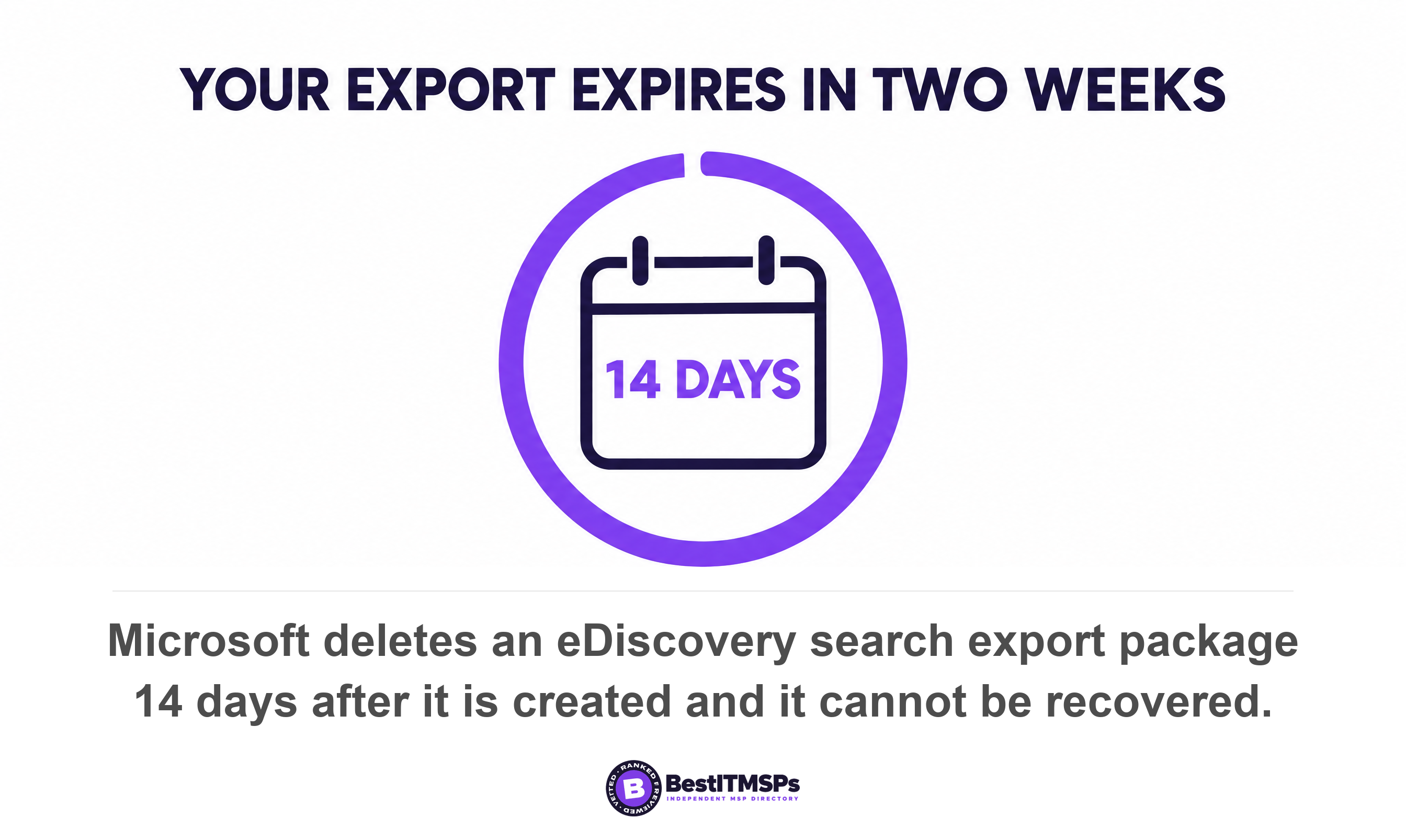
Every export carries its own deletion clock, and the clocks run in days. Microsoft deletes a Purview eDiscovery search export after two weeks. Search export packages expire 14 days after you create the export, and after 14 days the export and all data contained in it are automatically deleted and cannot be recovered. Download it inside the window, or run the whole thing again.
The export can also cancel itself before it finishes. Microsoft states that if an export runs for more than seven days without completing, it automatically cancels, and advises dividing large exports into smaller batches. A single tenant-wide export of a big estate can therefore burn a week and deliver nothing at all.
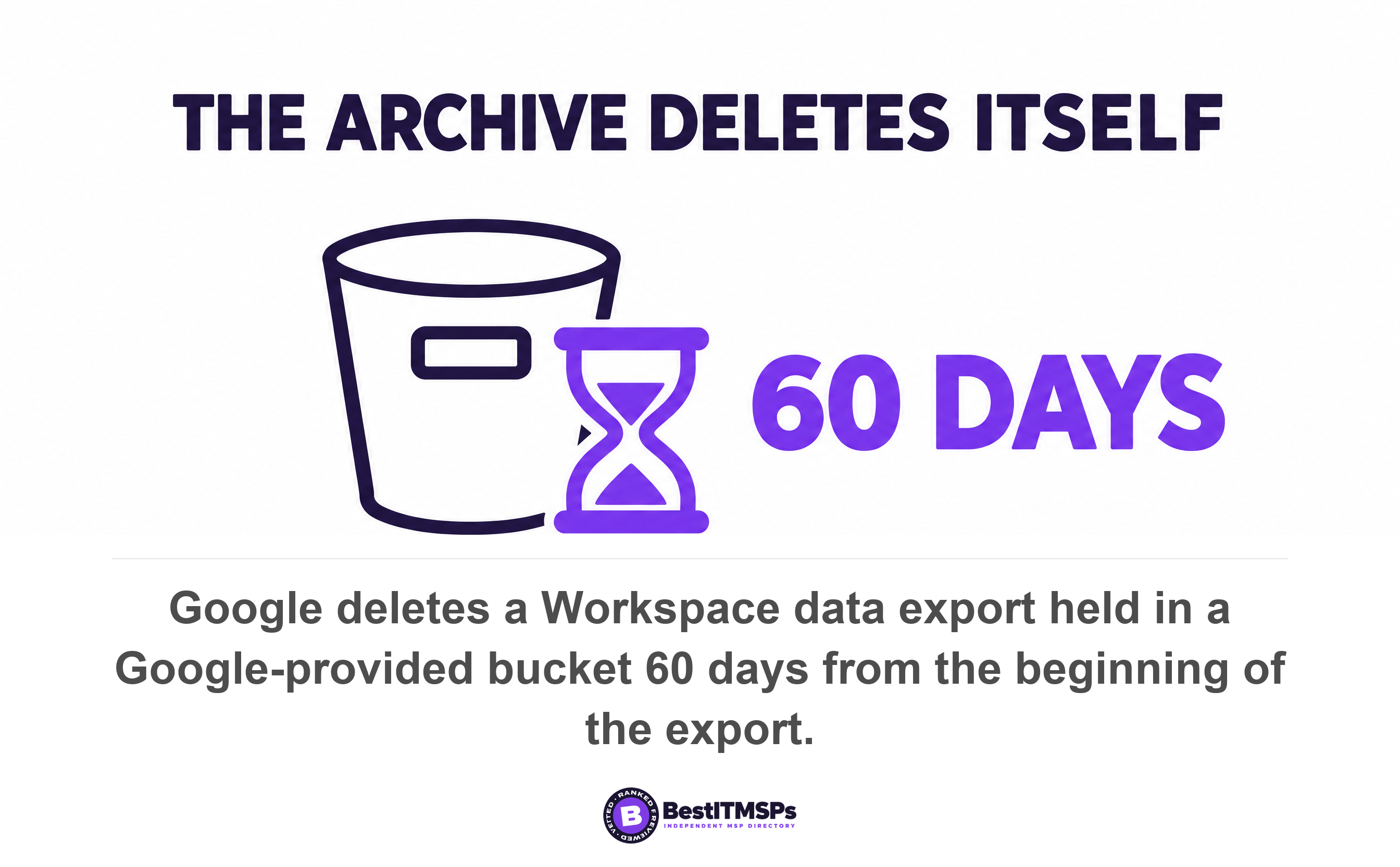
Google's run time is slower and its clock is longer. A Workspace organization-wide export typically takes 72 hours but can take up to 14 days, and arrives no earlier than 48 hours after you start it. It lands in a Google Cloud Storage bucket, and data in a Google-provided bucket is automatically deleted 60 days from the beginning of the export. Google also excludes data for user accounts created within 24 hours before the export starts.
Line those numbers up against a 30-day notice period and the arithmetic turns tight. Start a Workspace export on day one and you might still be waiting on day fifteen. Then you have to download it, and download speed is a separate problem with its own arithmetic, worked through in how long a full restore really takes. Start the export the week you decide to leave, not the week your contract ends.
One timing trap deserves naming, because two clocks do not line up. A deleted user's OneDrive is retained for 30 days by default, then moved to the site collection recycle bin, where it is kept for 93 days. That sounds like room to spare. But Microsoft adds that the Recycle Bin is not indexed, so searches do not find content there and an eDiscovery hold cannot locate it. Once a OneDrive reaches the bin, your export tool cannot see it. The departed-user timeline has its own article, departed employee OneDrive data.
An API export helps anyone doing this more than once. Microsoft notes you can configure the Microsoft Purview eDiscovery API to enable the programmatic download of export packages and the reports. For a one-off bulk download through a browser, Microsoft advises you to use a download manager, enable parallel downloading, and split very large exports into smaller parts.
Your provider's backup may have no export path at all
Microsoft 365 Backup restores data into a tenant and never produces a copy you can carry away. That is the design, and Microsoft states it plainly. Its architecture note reads that data never leaves the Microsoft 365 data trust boundary. The restore options are the same or a new URL for OneDrive and SharePoint, and the same or a new folder within the user's mailbox for Exchange. Every destination sits inside Microsoft 365.
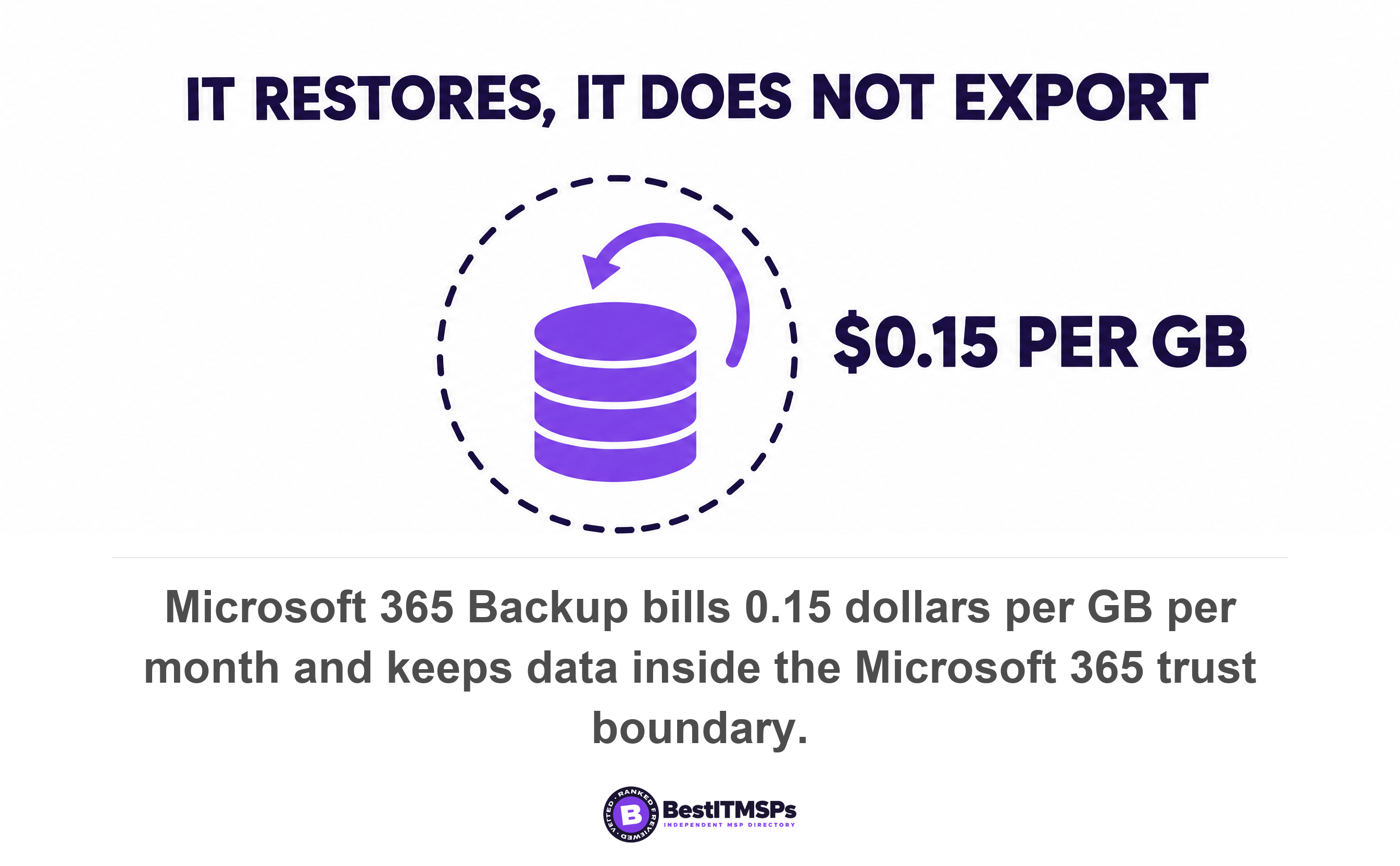
Price it and the trade becomes obvious. Microsoft 365 Backup bills $0.15 per GB per month for all data protected by Backup, and restores are free. That buys fast, cheap protection against ransomware and accidental deletion, inside the tenant. It does not buy portability. If your provider's whole backup story is Microsoft 365 Backup, there is no second copy for you to take to the next provider.
There is a grace period, worth knowing before you switch anything off. Microsoft provides a fixed 90-day grace period that allows the customer to recover their backups up to 90 days after offboarding. So the backup outlives the product being turned off. It still only restores into Microsoft 365.
Sharpen the question you ask, then. Not whether your provider backs up your data, but whether a copy of your data exists outside the tenant and whether you can take delivery of it. Who is responsible for which copy is covered separately in Microsoft 365 backup responsibility. For egress the question is narrower and blunter. Name the copy you can walk out of the building with.
What a reasonable offboarding fee looks like
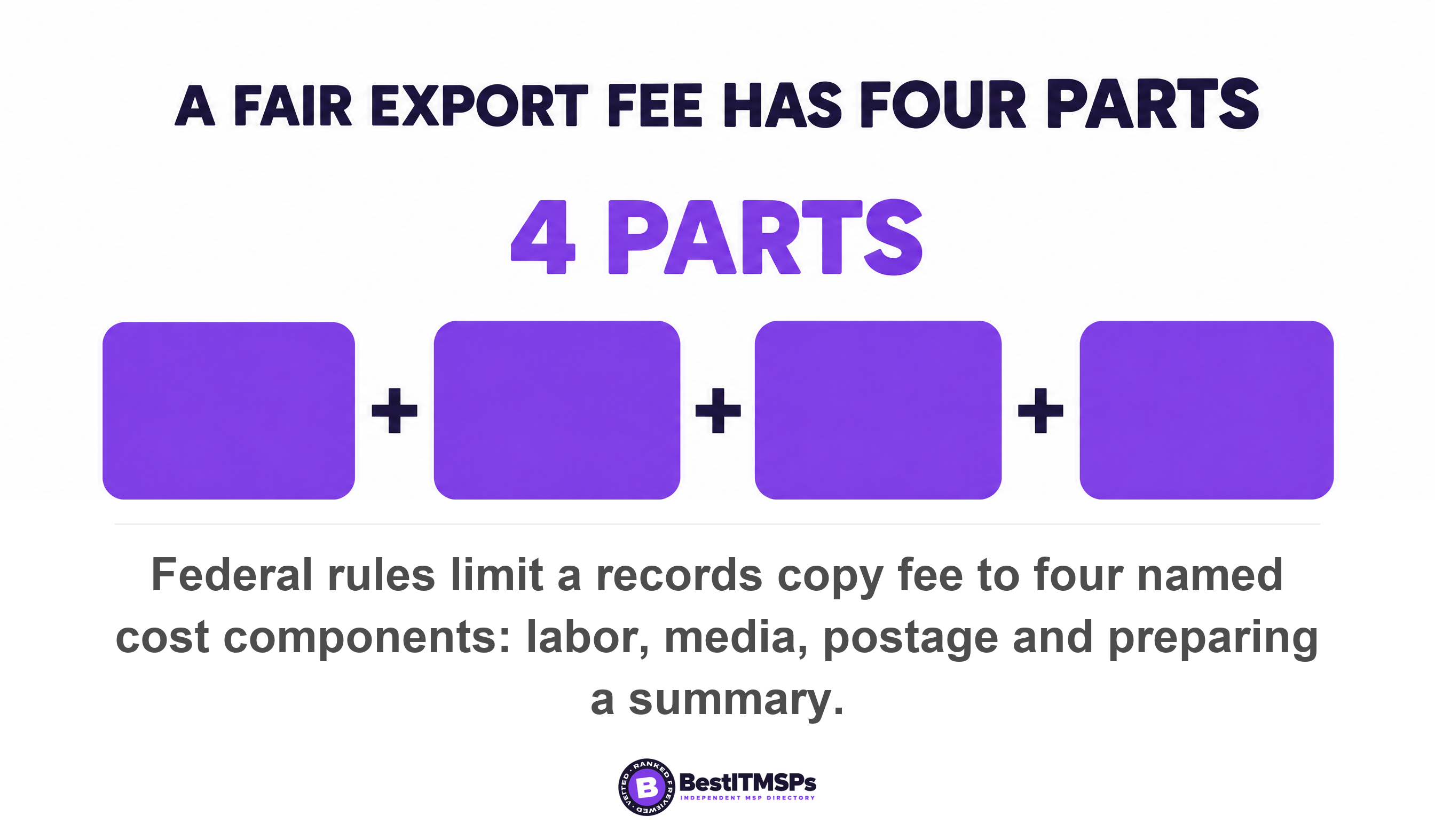
A reasonable offboarding fee prices labor and media, and nothing else. US federal law already contains that principle, written for a different purpose, and it makes a benchmark you can borrow. HIPAA lets a covered entity charge an individual for a copy of their health records, and caps what the charge may contain. The entity may impose a reasonable, cost-based fee including only labor for copying the information, supplies for creating the paper copy or electronic media, postage where mailing was requested, and preparing an agreed explanation or summary.
Nobody has counted how many MSP agreements charge for an export, so treat this as the clause to read rather than a statistic. Find the offboarding fee in your rate card. Then test it against that four-part list. Hours at a stated rate, plus a disk and shipping, is reasonable. A percentage of anything, or a number nobody will break down for you, is not.
The same regulation sets a format standard too, which almost no commercial contract bothers to do. Where records are held electronically, the entity must provide them in the electronic form and format requested by the individual, if it is readily producible in such form and format, or if not, in a readable electronic form and format as agreed. Borrow that wording. Readily producible and readable are the two tests your export has to pass.
Retention after termination is the other half of the same clause. State how long your provider may retain a copy once the contract ends, state when they must destroy it, and require written confirmation of the destruction. A copy nobody owns is a breach waiting for a new owner.
Transition services sit beside the fee rather than inside it, so price them separately. Agree both numbers in the rate card while you are still a happy customer, and make each one contractual rather than conversational. Nobody negotiates a fair price during an argument.
Nine checks to run before you sign
Run nine checks, in this order, because the first three decide whether the other six matter.
- Name the person at your own company who holds a global administrator account today, in Microsoft 365 and in Google Workspace.
- Confirm in writing that you own the tenant, the subscriptions, the domain and the data, and that administrator credentials transfer to you on request.
- Check which licenses the export tool needs and whether you hold them. The Microsoft route needs an E3 or E5 license for the exporting user.
- Fix the offboarding fee in the rate card, in dollars, against a named list of deliverables.
- List the export format for each workload. Mail, files, chat history, tickets, documentation, the password vault and license keys all come out differently.
- Require an items report with every export, so each file can be traced back to its original name and folder path.
- Ask whether any copy of your data exists outside the tenant, and whether you can take delivery of that copy.
- Set the retention after termination period and the written destruction confirmation date in the contract.
- Agree who performs a tenant-to-tenant migration, which tool they use, and who pays for it.
Then verify the delivery instead of filing it. Count the mailboxes and sites you expected against the ones you received. Open ten files at random from different folders. Restore a sample into the new environment before the old one is switched off. NIST calls a chain of custody a process that tracks the movement of evidence through its collection, safeguarding, and analysis lifecycle. Your export deserves the same handling. Record who held it, when, and what was checked.
None of this makes leaving painless, and no honest provider promises it will. It makes leaving priced, scheduled and checkable, which is the most any buyer gets. Ask the nine questions of your current provider, then ask two independent alternatives, and compare. The firm that answers with numbers is usually the firm that has done it before.
FAQ
What is a data egress fee?
A data egress fee is what a cloud provider charges to move data out of its network. Azure publishes internet egress for North America and Europe at $0.087 per GB for the next 10 TB a month, with the first 100 GB free. Microsoft, AWS and Google all waive it for customers who leave entirely.
Does it cost money to get my data back from my MSP?
Usually yes, in two places. The cloud provider may charge to transfer the data, and your provider charges labor to run the export. HIPAA gives a fair benchmark for the second, a reasonable, cost-based fee covering labor for copying, supplies for the media, and postage. Fix that figure in the rate card before you need it.
What format does a Microsoft 365 export come in?
Mail comes out as PST files or individual messages, and files come out as copies of native Office documents and other documents. Microsoft notes that without friendly names, files are exported using system-generated identifiers, so you need the items.csv report to map each one back to its original title and folder.
How long does it take to export all our data?
Days, not hours. A Google Workspace organization-wide export typically takes 72 hours but can take up to 14 days. A Microsoft eDiscovery export automatically cancels if it runs more than seven days without completing. Start the export the week you decide to leave, not the week your contract ends.
Can I take my Microsoft 365 Backup data to a new provider?
No. Microsoft 365 Backup restores into a tenant and states that data never leaves the Microsoft 365 data trust boundary. It bills $0.15 per GB per month, with free restores. Ask your provider whether a second copy of your data exists outside the tenant, and whether you can take delivery of it.
Best IT MSP is the independent directory of vetted managed IT and cybersecurity providers across North America. Organic ranking is earned on rating and verified data, and paid placement is always labeled. Take these nine checks to three merit-ranked firms in your city and compare the answers side by side.