How long a full restore really takes, measured not estimated
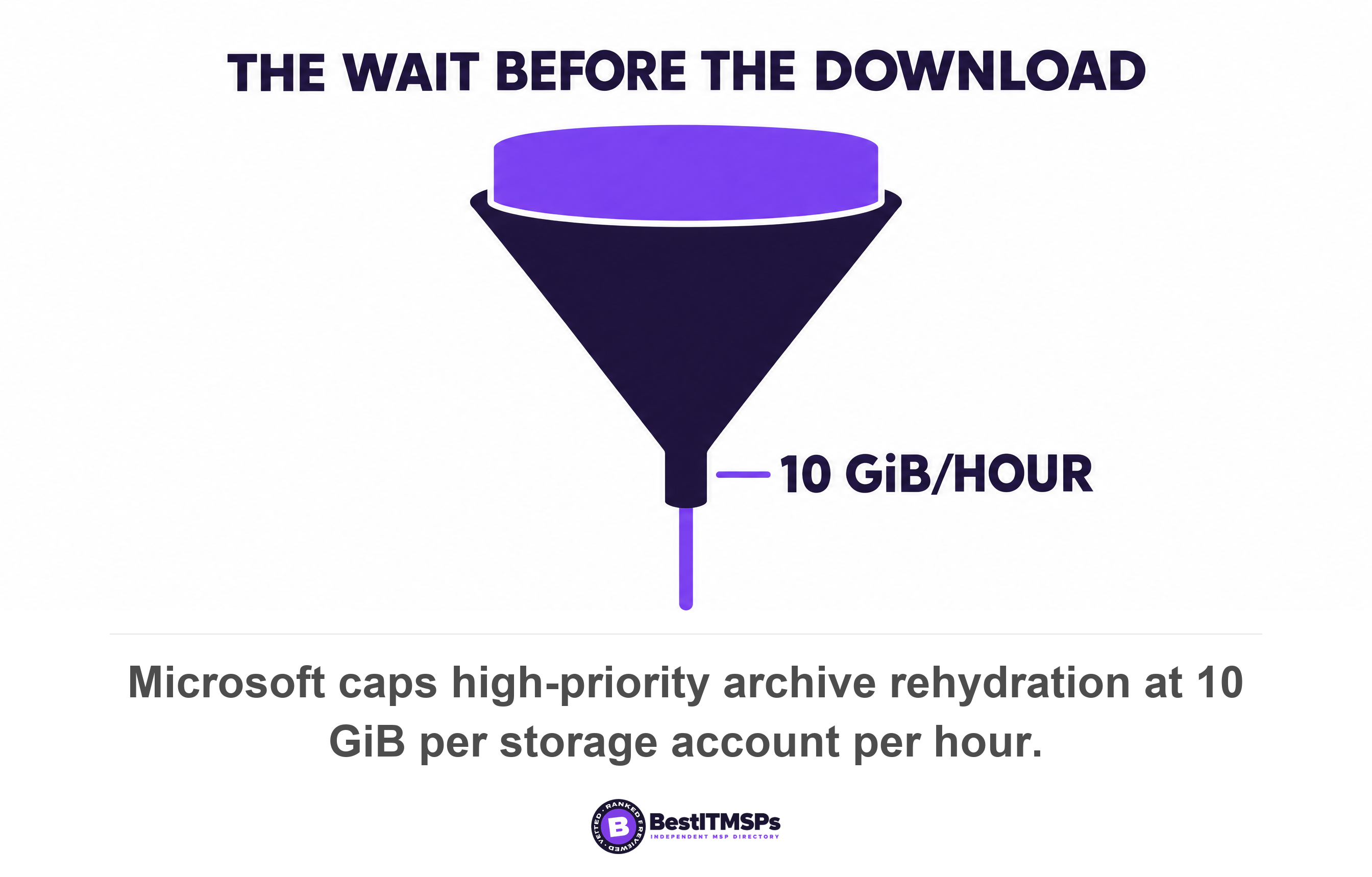
A full restore takes the retrieval delay, plus the transfer time, plus the fixed rebuild steps. That total is usually days, not the hours in your contract. Microsoft caps high-priority archive rehydration at 10 GiB per storage account per hour, so 1.5 terabytes waits about 140 hours before any download starts.
- A full restore equals the retrieval delay, plus the transfer time, plus the fixed rebuild steps. Most quoted recovery time objectives describe only the middle term.
- The archive tier is the biggest hidden number. Microsoft caps high-priority rehydration at 10 GiB per storage account per hour, so 1.5 terabytes waits about 140 hours before a download starts.
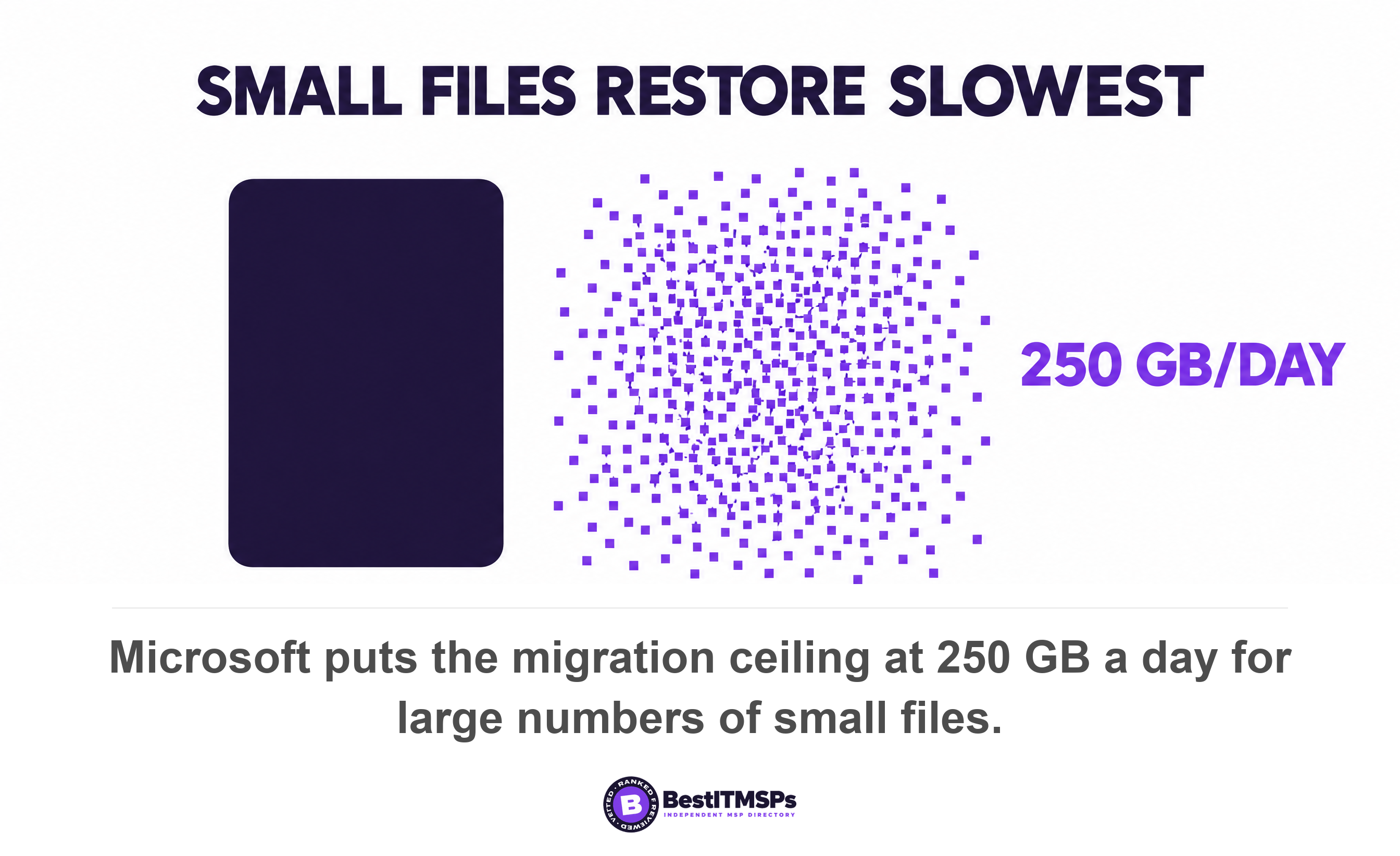
- File size moves transfer time more than volume does. Microsoft's documented ceiling runs from 10 TB a day for large files down to 250 GB a day for lots of small ones.
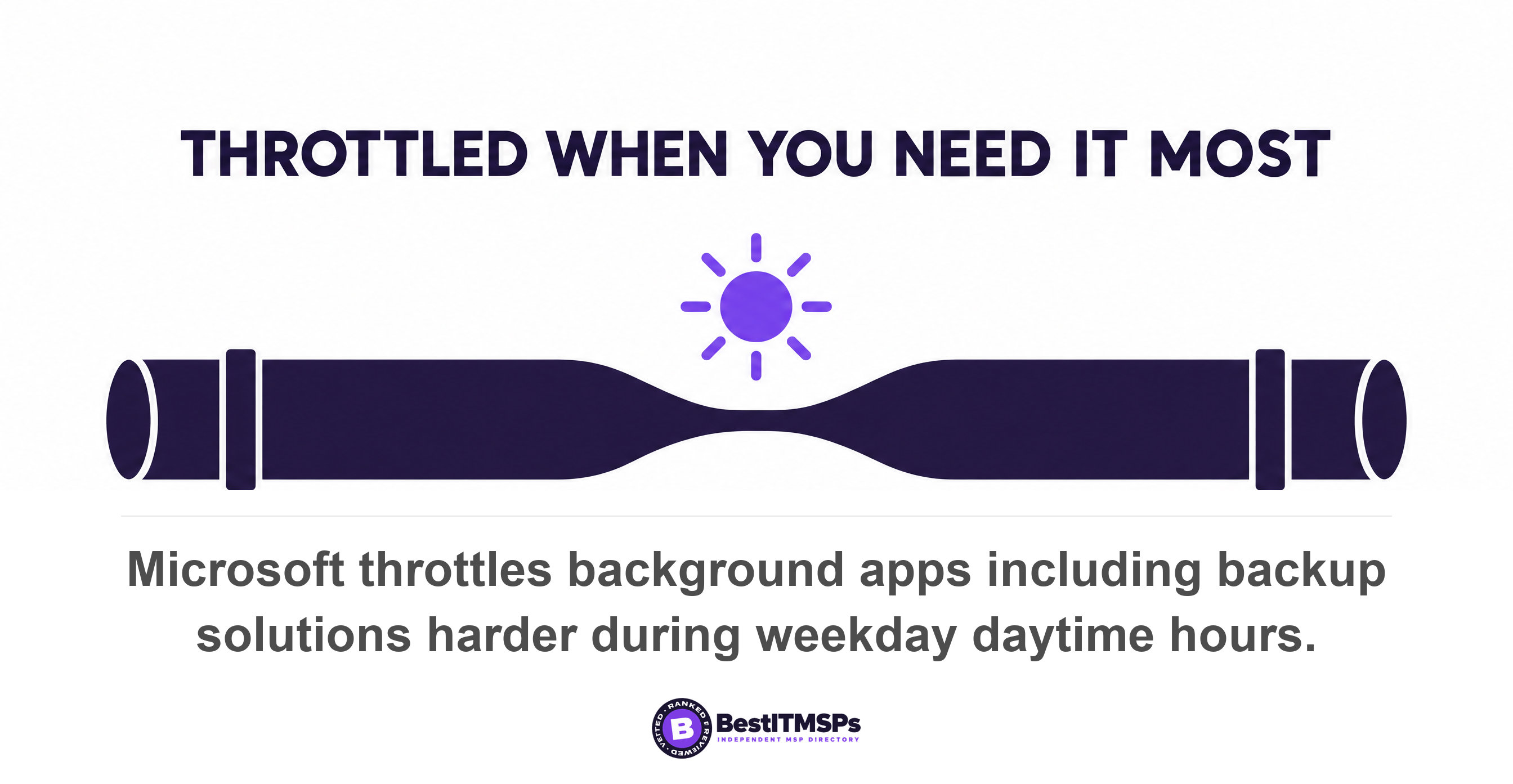
- Microsoft throttles backup and migration tools harder during weekday daytime hours, and states the throttle cannot be lifted by a support ticket.
- Seven fixed steps never reach the estimate, including a domain rejoin forced by the 30-day computer account password change and a mail cutover that can take 72 hours.
How long does a full restore really take?
A full restore takes the retrieval delay, plus the transfer time, plus the fixed rebuild steps. Add those three terms and the honest answer for most small firms is days, not the hours in the contract. The sum is arithmetic you can do yourself.
Every provider quotes a recovery time objective. Almost nobody has measured one. The quoted figure normally describes a single step, the transfer of your largest server, and treats the rest of the week as free. The rest of the week is not free, and the published vendor numbers prove it.
Full restores are not a rare event to plan for later. Verizon found ransomware in 48 percent of all breaches. This guide gives you the formula, a worked example built on vendor-documented figures, the seven steps that never reach the estimate, and the inputs you have to get from your provider. For the underlying concepts read Backup and Disaster Recovery: A Complete Guide, and for what each recovery target costs read RTO and RPO explained.
The formula, and which inputs you have to ask for
To work out a realistic full restore time, add three terms. Retrieval delay is the wait before any data moves. Transfer time is data volume divided by measured throughput. Fixed rebuild time is every step that happens whether you hold 100 gigabytes or 10 terabytes.
You already hold one of the inputs. Four more come from your provider, and each is a short factual answer rather than an opinion.
- Volume per system, in gigabytes, which the backup console already reports.
- Tier holding each copy, because an archive tier adds hours before the first byte moves.
- Throughput from the last real restore, in gigabytes per hour, rather than the rated link speed.
- Steps named in the runbook, each with its own duration and its own owner.
Those three terms run in series, not in parallel. The retrieval finishes before the transfer starts, and the transfer finishes before anyone can reinstall a line-of-business application. That serial shape is why the total surprises people. A plan that quietly assumes the terms overlap is a plan nobody has timed.
Step 1: the retrieval delay, before a single byte moves
The retrieval delay is how long the storage platform needs to make an archived copy readable, and on the cheapest tiers it runs from hours into days. Nothing transfers during that wait. Both major cloud vendors publish the figure, and it almost never appears in a proposal.
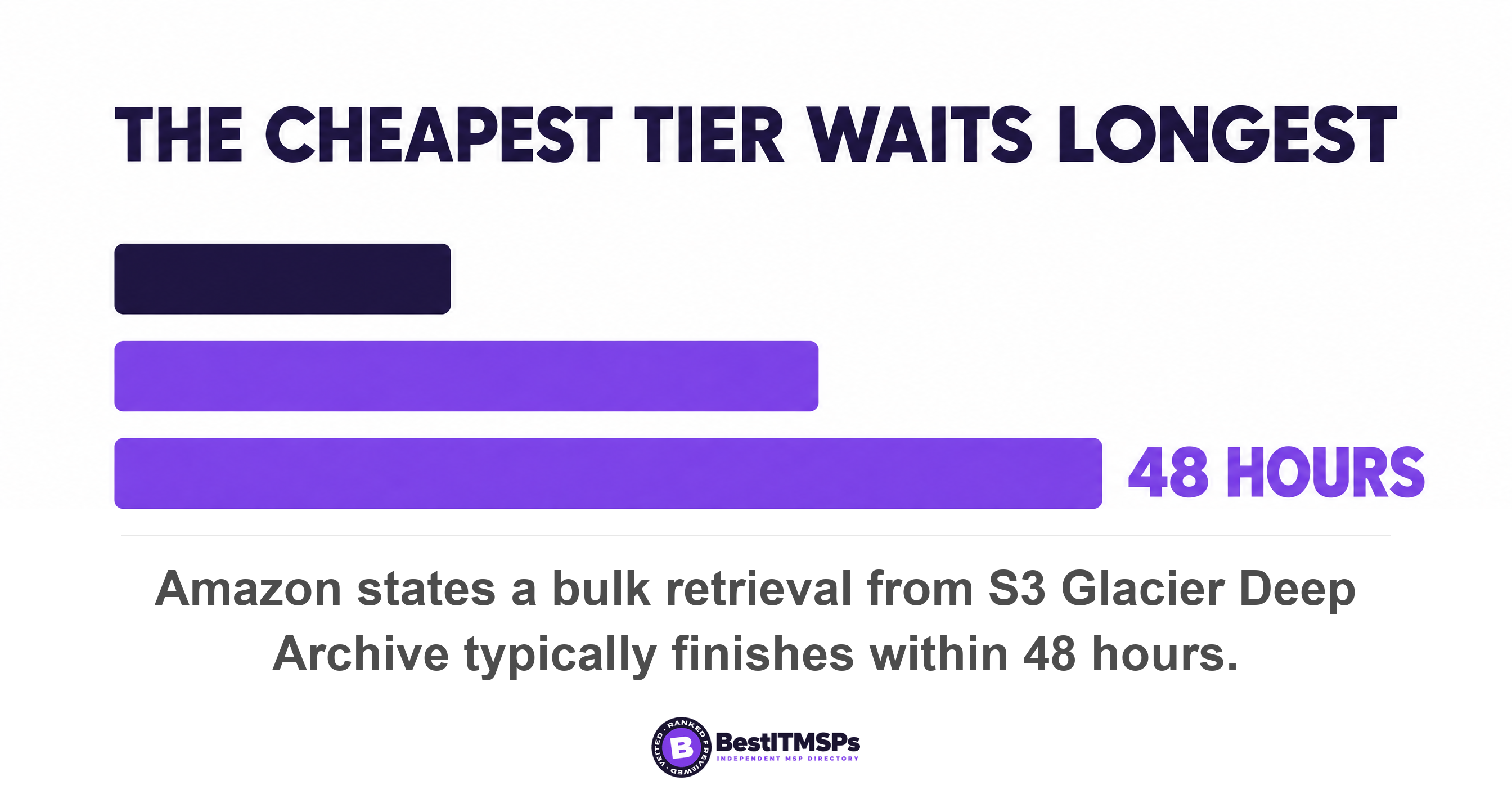
Amazon states the wait per tier. For S3 Glacier Deep Archive, standard retrievals typically finish within 12 hours and bulk retrievals typically finish within 48 hours, and the fast Expedited option is not available for that storage class at all. One tier up, in S3 Glacier Flexible Retrieval, standard retrievals typically finish within 3 to 5 hours and bulk retrievals within 5 to 12 hours. Amazon also warns that restoring datasets made up of tens of millions of objects or hundreds of terabytes of data could take longer than typical restore times, and that objects larger than 5 terabytes retrieve at up to 300 megabytes per second, so a 50-terabyte object could take up to 48 hours.
Microsoft publishes the same wait and then a harder limit. An archived blob is offline and can't be read or modified until it has been rehydrated. Standard-priority rehydration might take up to 15 hours to complete for objects under 10 GB in size, and high priority might complete in less than one hour for objects under 10 GB. Then comes the number that decides your week. A maximum of 10 GiB per storage account can be rehydrated per hour with priority retrieval, and Microsoft states the limit applies at the storage account level, not per blob and that its published timelines do not scale linearly for bulk operations.
Do that sum once and you never forget it. Rehydrating 1.5 terabytes at 10 GiB an hour is roughly 140 hours, which is close to six days, and the download has not started. That total is our arithmetic on Microsoft's published cap, not a measured restore. Ask which tier each copy sits in, because the answer moves your recovery time objective by days rather than minutes.
Step 2: transfer time is bounded by your link, not your backup product
Transfer time is data volume divided by throughput, and the link sets the ceiling. No backup product beats the bandwidth you bought, and the platform vendors publish their own maximums to say so.
Here is the ceiling in plain numbers, and this one is our arithmetic rather than a cited finding. A 100 Mbps connection moves at most about 45 gigabytes an hour, so one terabyte needs a little over 33 hours at perfect efficiency. A 1 Gbps connection moves about 450 gigabytes an hour, so the same terabyte needs about 3 hours. Real throughput lands below both figures, because protocol overhead, disk reads and small files each take a cut.
Microsoft publishes measured ceilings for moving files into Microsoft 365, and the spread by file size is the part that catches people out. Its migration performance guidance sets the maximum at 10 TB a day for light metadata such as ISO and video files, 1 TB a day for ordinary Office files of around 1.5 MB, and 250 GB a day for large numbers of small files of around 50 KB. Same tool, same connection, a fortyfold difference driven by average file size alone. Microsoft adds that large file size migrates faster than smaller ones and that, in its own telemetry, the typical bottleneck is from source reading.
Then there is the throttle, and it lands exactly when you need it not to. Microsoft states that it implemented tighter throttling limits on background apps, including migration, DLP and backup solutions, during weekday daytime hours, and that you should expect that these apps achieve limited throughput during these times. It is blunt about relief. Throttling rules can't be disabled or suspended, and opening a support ticket doesn't lift throttle. Your third-party backup tool is one of those background apps. A restore that starts at nine on a Tuesday morning is throttled by design, and no escalation changes that.
A worked example, with your numbers in place of ours
Work the sum on a 12-person firm holding 1.5 terabytes. What matters is the shape of the answer, so swap in your own volumes and your provider's measured throughput and redo it in ten minutes.
- Volume. 1.2 TB on the file server, 300 GB in the line-of-business application database, plus 12 mailboxes and 12 OneDrive accounts in Microsoft 365.
- Retrieval. The offsite copy sits in an archive tier, so a high-priority rehydration at Microsoft's published 10 GiB an hour runs about 140 hours. Hold the same copy on an online tier and this term drops to near zero.
- Transfer. 1.5 TB over a 300 Mbps link is about 135 gigabytes an hour, so about 11 hours at the theoretical ceiling and longer in practice.
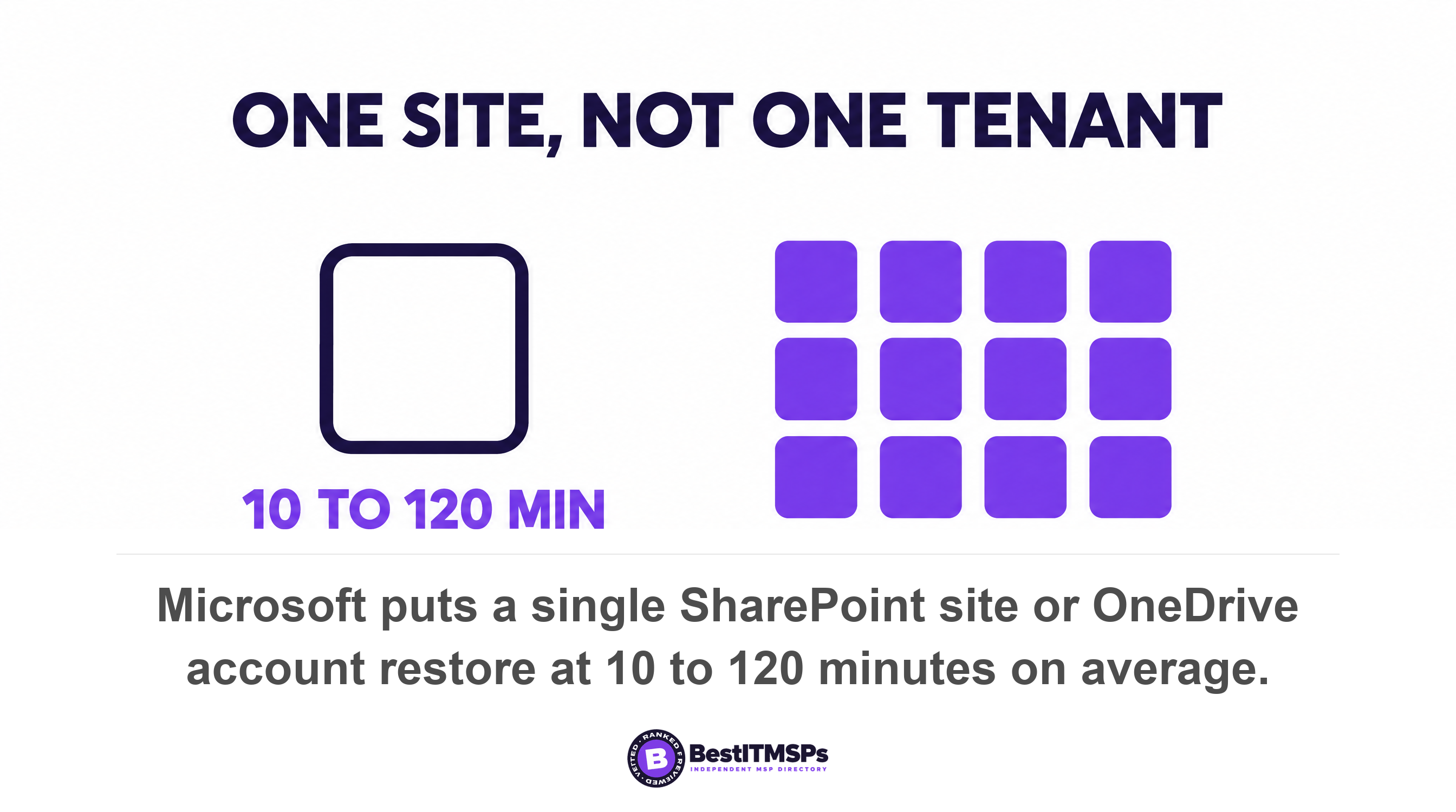
- Cloud restore. 24 protection units in Microsoft 365, at Microsoft's own 10 to 120 minutes per single site or account, is between 4 and 48 hours depending on where in that range each one lands.
- Rebuild. Hardware, operating system, bare-metal restore, domain rejoin, application reinstall and the DNS cutover, each with a duration only your provider can supply.
That 10 to 120 minute range is Microsoft's own figure, and the scope matters. It recommends an express restore point for a full account or site restore because it can restore faster for single site restores, especially smaller ones, on the order of 10 to 120 minutes on average. One site, or one account. Not a tenant, and not 24 of them at once.
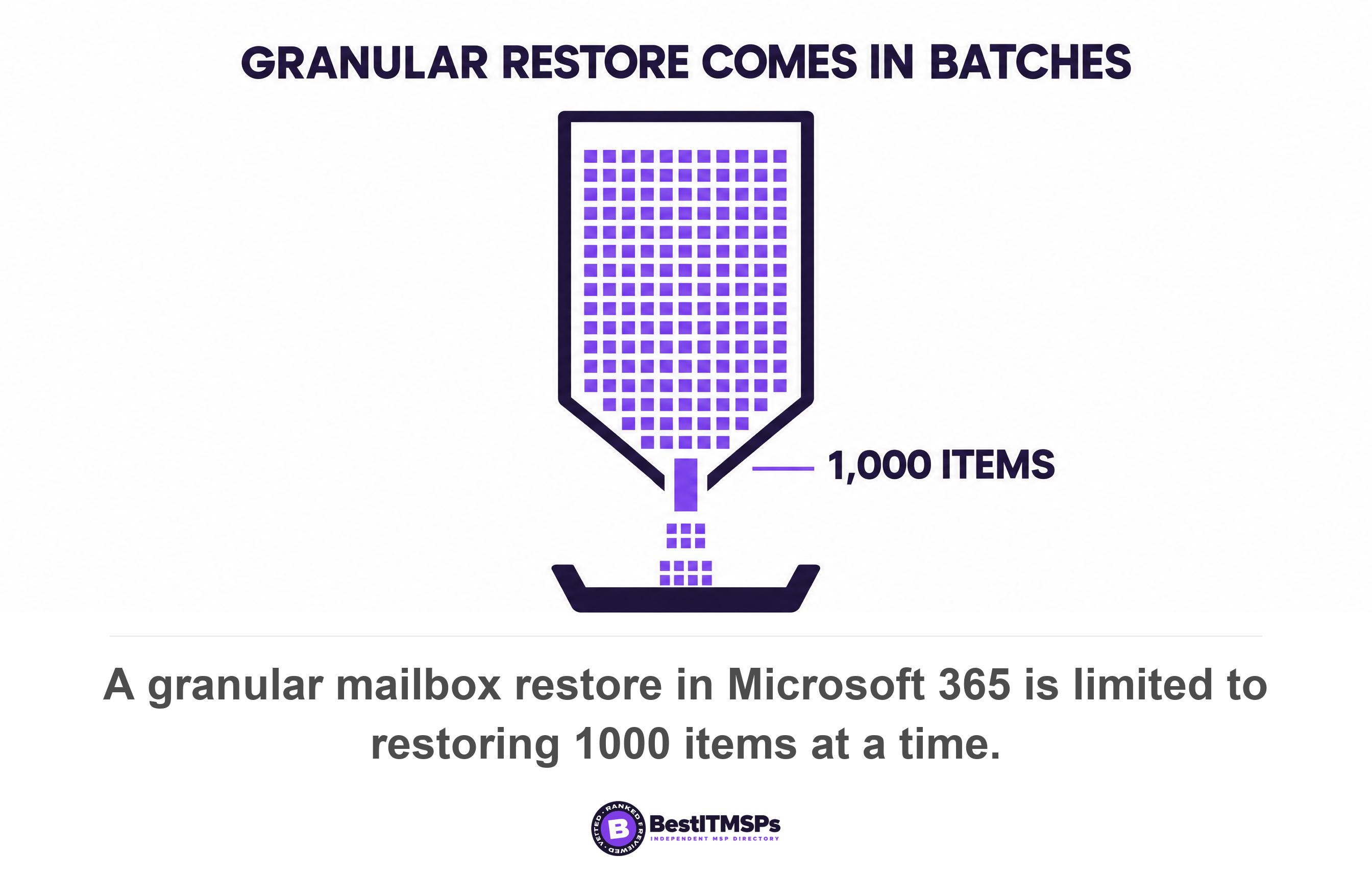
Two smaller ceilings sit inside the same tooling and both add passes rather than minutes. A granular mailbox restore in Microsoft 365 is limited to restoring 1000 items at a time, so a mailbox holding forty thousand recoverable items needs forty runs. And after a site or account restore to a new address finishes, Microsoft notes it might take up to 15 minutes for the destination URL to be displayed in the tool. Neither figure is large. Both are serial, and serial is what builds a day.
Add the terms and the answer is not four hours. On the archive tier, the retrieval wait alone outlasts a four-hour quoted window by more than thirty times. Move the same data to an online tier and the transfer becomes the largest single term instead. So the tier decision, usually made by whoever was trimming the storage bill, turns out to be the biggest input to your recovery time objective.
The seven steps that never reach the estimate
Seven steps sit between a finished data transfer and a working business, and each one carries a duration. Name them in the runbook, write a number beside each, and the estimate stops being a guess.
- Provision replacement hardware. A bare-metal restore needs somewhere to land, so get the lead time for a replacement server in writing. Nothing downstream starts until it arrives.
- Build the operating system and run the bare-metal restore. The image has to boot on hardware it has never met, and driver work is where an afternoon disappears.
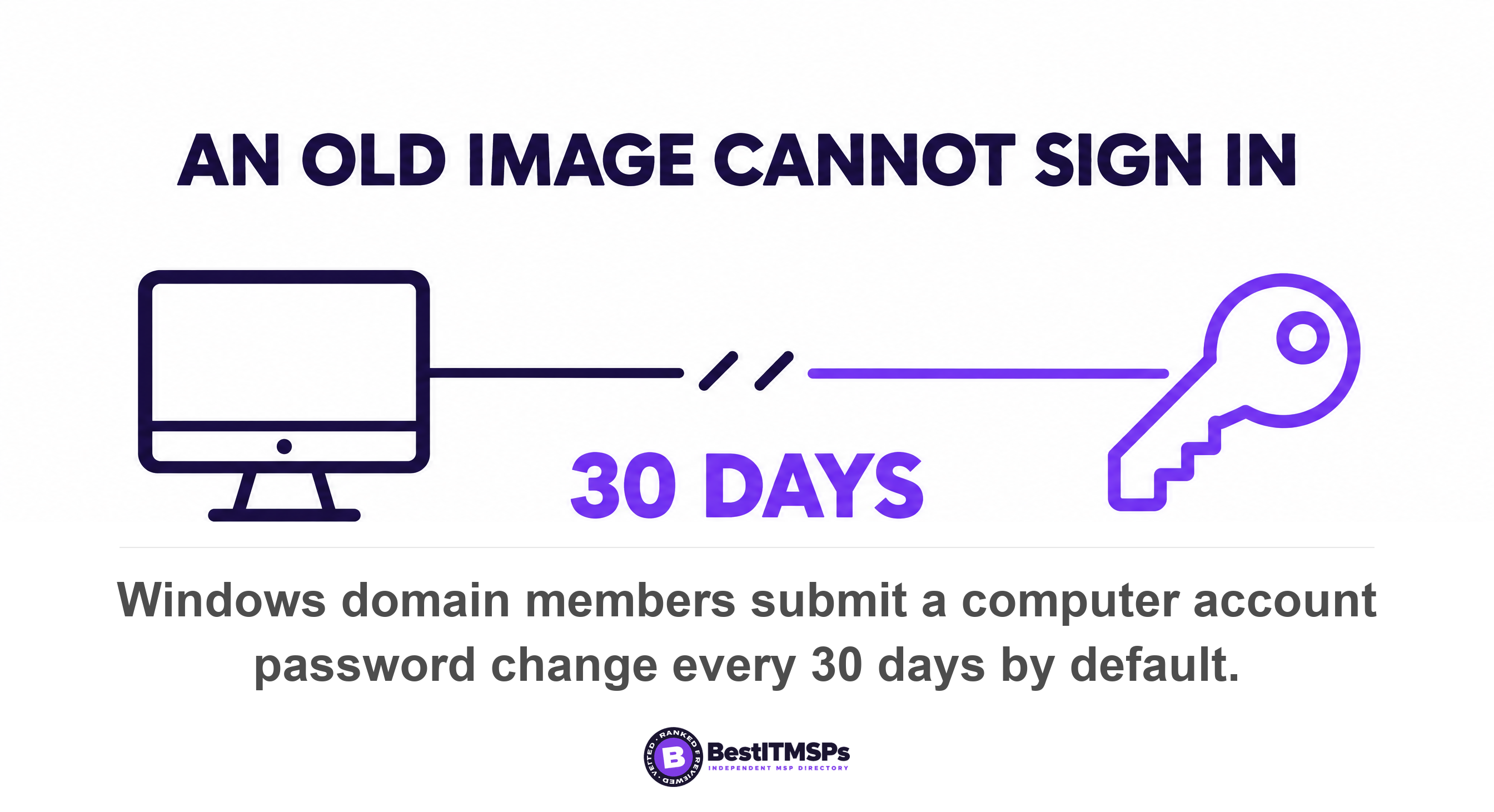
- Rejoin machines to the domain. Windows domain members submit a machine account password change every 30 days by default, so an image older than that returns holding a secret the domain no longer accepts.
- Rebuild the domain controller in the right order. Microsoft recommends a nonauthoritative restore when rebuilding a domain controller in an existing domain, the server starts in Directory Services Restore Mode and needs the Administrator password for that mode, which few teams have typed in years, and clearing the dead one needs metadata cleanup.
- Reinstall and reactivate every line-of-business application. License keys, vendor portals and integration credentials form their own recovery sequence, and the software vendor's support desk sets the pace.
- Cut over DNS and mail. Microsoft's own records ship with a TTL of 3600 seconds, which is one hour, and Exchange Online only supports TTL values less than 6 hours. Google states it can take up to 72 hours for new MX records to be recognized. On a DNS cutover, waiting is the work.
- Return users to their desks. Profiles rebuild, cached credentials fail, and multi-factor prompts arrive for people who last saw one at onboarding.
One of those steps has a cliff rather than a duration. Microsoft states that an Active Directory backup age mustn't be older than the tombstone lifetime, and that the default tombstone lifetime for domains built on Windows Server 2003 SP2 and later is 180 days. Past that line the backup is not slow. It is unusable. Microsoft also records that an on-premises domain controller restore to the Azure cloud isn't supported, so a cloud-only recovery plan has a gap precisely where your identity lives.

Why the cheapest storage tier is the longest restore
The cheapest storage tier carries the longest retrieval delay, so every dollar saved on backup storage is repaid in recovery hours. That trade is real and often defensible. It is also almost never shown to the person who owns the recovery time objective.
Nobody hides the mechanism. Amazon positions S3 Glacier Deep Archive for long-lived archive data accessed less than once a year with retrieval times of hours. Microsoft says an archived blob is offline until it is rehydrated. The problem is who decides and who finds out. Re-tiering storage is a cost exercise, run by whoever watches the cloud bill, and it silently lengthens a recovery target agreed in a different room. No change request records it. No proposal re-prices it.
So treat the tier as a recovery decision rather than a storage decision. Ask which tier each copy sits in today, ask what it was twelve months ago, and ask the published retrieval delay for each. If the tier moved and nobody told you, your recovery time objective moved with it.
A cheap fix exists, and it is the reason seeding and a local cache are worth paying for. Keep recent restore points on a local appliance, and seed the first full copy from a shipped disk rather than over the link, so an ordinary recovery never touches cloud egress at all. Leave the archive tier for the long tail you hope never to need. Then ask how many days of restore points live locally. That number, rather than the cloud retention figure in the proposal, decides whether a normal bad day is a two-hour job or a two-day one.
Measured rather than estimated is already the standard
Measuring restore duration is the published standard, not a premium request. Amazon ships a feature whose stated purpose is to time restores and audit them against a target, which tells you plainly what an estimate is worth.
AWS Backup describes restore testing as automated and periodic evaluation of restore viability, as well as the ability to monitor restore job duration times. When a test runs, it starts restore jobs and monitors the time taken to complete the restore, and the output supports reporting on the restore job completion time. It then links to an audit control to help you evaluate if a restored resource completed within your target restore time. Read that control name twice. A cloud platform built the check because the number has to be measured to mean anything.
Be careful with a vendor duration that sounds too good. Amazon says Elastic Disaster Recovery lets you launch recovery instances on AWS within minutes, and that is accurate inside its stated scope, which is a server already replicating continuously into a staging area. That is a failover of a machine that was already running elsewhere, not a full restore of a dead estate. Scope is the whole difference between the two numbers.
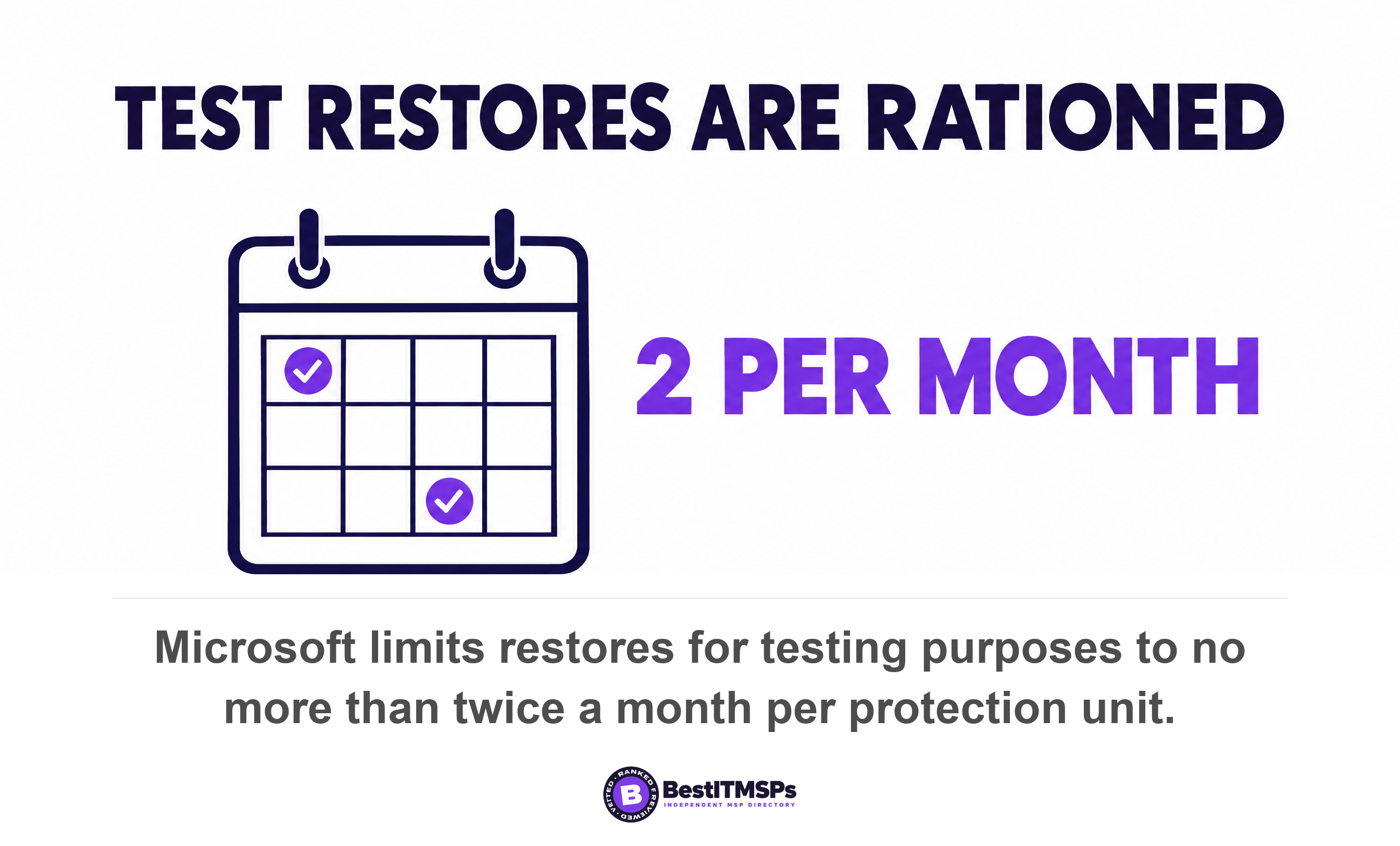
One practical limit to know before you ask for a monthly drill. Microsoft states you should limit restores for testing purposes to no more than twice a month per protection unit, while restores for real recovery purposes aren't limited. A Microsoft 365 restore test therefore has a budget, and the budget is two per unit per month. Plan the test rather than improvising it.
Seven questions that turn an estimated RTO into a measured one
Seven questions move you from a quoted number to a defensible one. Send them in one email, keep the reply, and set it beside the figure in your contract.
- What is our total protected volume, system by system, in gigabytes? Good arrives as a short table from the backup console. Weak says everything is backed up.
- Which storage tier holds each copy, and what is the published retrieval delay for that tier? Good names the tier and the hours. Weak says the cloud.
- How many days of restore points sit on the local cache, and what can we restore without touching cloud egress? Good gives a day count. Weak has no local copy at all.
- What throughput did our last real restore achieve, in gigabytes per hour? Good gives a measured figure and the date it was taken. Weak gives the rated link speed.
- How long does each fixed step take, including hardware lead time, domain rejoin and the DNS cutover? Good hands over a runbook with durations. Weak gives one total and no breakdown.
- Which systems come back first, and who agreed that order? Good names a business impact analysis and a date. Weak restores whatever is quickest to restore.
- What total did you get when you last added those terms, and when did you last run restore testing to check it? Good produces both numbers without being chased.
Question four is the tell. A provider who answers with the rated link speed has never timed a restore, because measured throughput always lands below the rating and anybody who has measured it can tell you by how much.
A provider who can tell you the measured gigabytes per hour from your last restore is operating the control. A provider who quotes your link speed is reading a brochure.
Best IT MSP is an independent directory. We rank providers on verified rating and firmographic data across 24,491 roster rows in 730 city datasets, we label paid placement, and we do not sell IT services, so we have no restore appliance to sell you. Put the same seven questions to three merit-ranked firms in your city and the answers separate quickly.
What this arithmetic does not buy you
The arithmetic buys you a defensible estimate, not a guarantee. You still estimate rather than promise, because a real incident adds surprises no formula holds. What changes is the basis. It replaces a number somebody invented with a number you can audit, and an auditable number is the only kind you can budget for, argue about and shorten.
Three things the sum cannot tell you. It cannot tell you whether the copy restores at all, which is a separate question with separate evidence, and we cover it in When was your backup last restored, not just run?. It cannot tell you whether an attacker could delete the copy first, which comes down to the retention lock, covered in Immutable backup explained. And it says nothing about how much data you lose, which is the recovery point objective and a different purchase entirely.
Start with two numbers this week. Your total protected volume, and the storage tier holding each copy. If your provider cannot supply both, the recovery time objective in your contract is not an estimate. It is a placeholder. For the service itself, see backup and disaster recovery.
FAQ
How long does a full restore take?
A full restore takes the retrieval delay, plus the transfer time, plus the fixed rebuild steps, which totals days rather than hours for most small firms. Microsoft puts a single SharePoint site or OneDrive account restore at 10 to 120 minutes on average, and a 24-user tenant holds 24 of those units.
Why is my provider's RTO shorter than our real restore time?
Because the quoted figure usually covers one step. A recovery time objective in a proposal normally describes transferring the largest system, and leaves out the retrieval wait, the hardware, the domain rejoin and the DNS cutover. Amazon alone publishes a 12-hour standard retrieval for S3 Glacier Deep Archive before any transfer begins.
How do I calculate restore time from backup?
To calculate it, add three terms. The retrieval delay for the storage tier, then data volume divided by measured throughput, then every fixed rebuild step. Use the gigabytes per hour your provider measured on the last real restore, never the rated link speed, since Microsoft's own ceilings run from 10 TB a day down to 250 GB a day on file size alone.
Does restoring from cloud backup take longer than from local backup?
Usually yes, and the storage tier decides by how much. An archived blob is offline and can't be read or modified until it is rehydrated, and Microsoft caps high-priority rehydration at 10 GiB per storage account per hour. A local cache holding recent restore points avoids both the retrieval wait and the cloud egress.
How long does it take to restore 1 TB of data?
At a link's theoretical ceiling, one terabyte takes about 33 hours on 100 Mbps and about 3 hours on 1 Gbps, and real throughput lands below both. Add the retrieval delay first. Microsoft's documented maximum for ordinary Office files is 1 TB a day, which is roughly 24 hours for that terabyte.
Best IT MSP is the independent directory of vetted managed IT and cybersecurity providers across the US and Canada. Organic ranking is earned on rating and verified data, and paid placement is always labelled. We do not sell IT services. Take these seven questions to three merit-ranked firms in your city and compare the answers side by side.