Backups in the same place as your data are one copy
Your backup shares a failure domain with your data whenever one event can take both. Count shared dependencies, not copies. Microsoft gives each Azure availability zone independent power, cooling and networking, and keeps zones within about 100 kilometers of each other. A copy sharing a room, a cloud tenant or an administrator account is one copy.
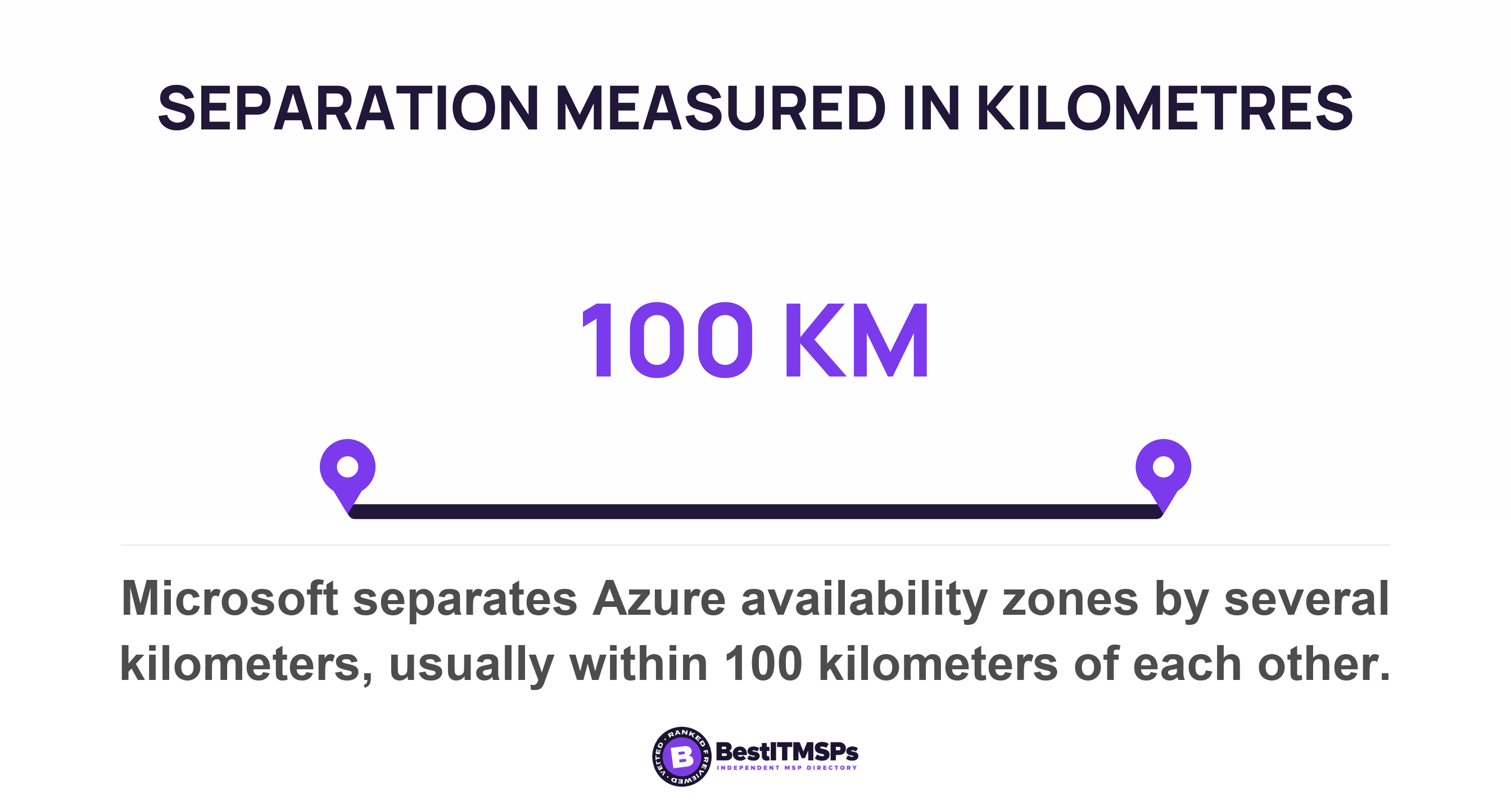
- A failure domain is the set of things that stop together. Two copies inside one failure domain are one copy, however the invoice describes them.
- Count shared dependencies, not copies. The five that matter are the same site, the same power and network, the same cloud account, the same identity, and the same credentials.
- Microsoft builds Azure availability zones with independent power, cooling and networking, and keeps them within about 100 kilometers of each other. A single datacenter does not offer that protection on its own.
- Microsoft 365 Backup restores to the same or a new URL inside your own tenant, and Microsoft states that the data never leaves the Microsoft 365 data trust boundary.
- Run the two-key test. Restore one real file to a destination your production account cannot write to, performed by somebody who does not hold production administrator credentials.
Are your backups in the same place as your data?
Your backups are in the same place as your data whenever one event can destroy both. The number worth counting is not copies. It is shared dependencies. A second copy that shares a room, a cloud tenant or an administrator account with the original is one copy carrying two names on the invoice.
Engineers call that shared boundary a failure domain, and the firms that build clouds for a living treat it as the whole design problem. Microsoft describes an Azure availability zone as a group of separated datacenters where each availability zone has independent power, cooling, and networking infrastructure, then says plainly that a single datacenter doesn't offer this level of protection on its own. The separation is physical and measured. Zones are typically separated by several kilometers, and usually are within 100 kilometers of each other.
Your arrangement is probably the opposite shape. The backup appliance sits in the rack it protects. The cloud backup runs in the tenant it copies. The nightly job signs in with an administrator account that also administers production. Each of those is a real second copy, and each one ends at the same instant as the first.
This guide answers one question. What would have to go wrong for both copies to be gone at once? If the answer is a single thing, you own one copy. We cover the lock that stops a copy being deleted in immutable backup, and the one test that actually counts, the evidence that a copy comes back in when was your backup last restored, not just run, and the deletion schedule people mistake for a backup in retention policy vs backup. This post is about where the copy lives and who can reach it.
What a failure domain is, in plain terms
A failure domain is the set of things that stop working together when one thing goes wrong. A room is a failure domain. A power circuit is a failure domain. So is a cloud account, a directory, and one administrator's password. The word sounds technical and the idea is not.
The useful half of the definition is what it rules out. Two servers in one room sit inside one failure domain even when they are different brands, bought in different years, running different software from different vendors. Redundancy inside a domain never protects you from losing the domain. Microsoft says this about its own platform, noting that availability zones don't protect against a full-region outage and that datacenter site selection considers shared risks between availability zones. A hyperscaler runs a vulnerability risk assessment on the ground a building stands on. Most small firms put the backup appliance beside the server and call the job done. The federal control catalogue states the same test in one line, and it is the sentence to quote at a provider: identify an alternate storage site that is sufficiently separated from the primary storage site to reduce susceptibility to the same threats. Not further away. Less susceptible to the same thing.
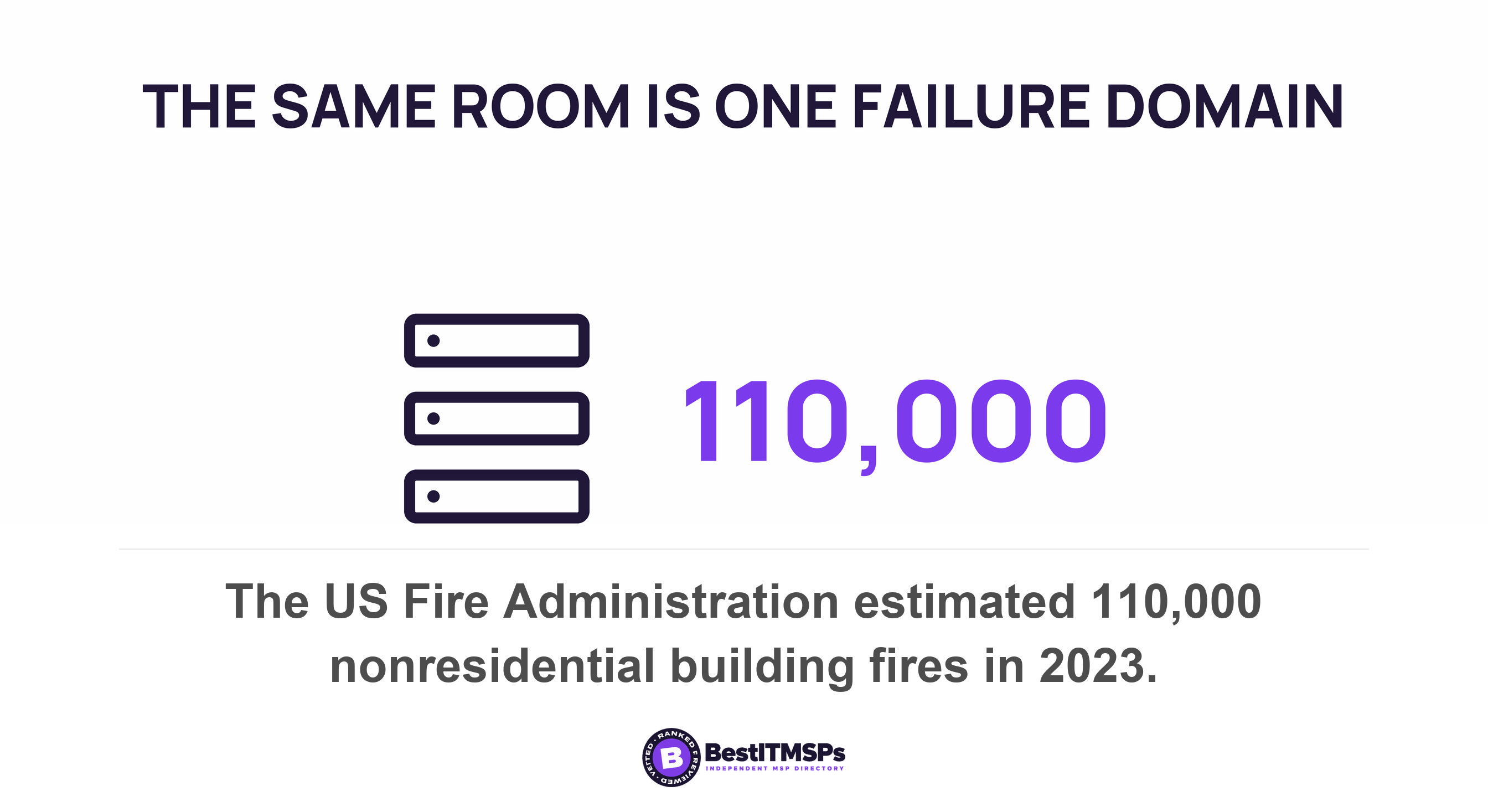
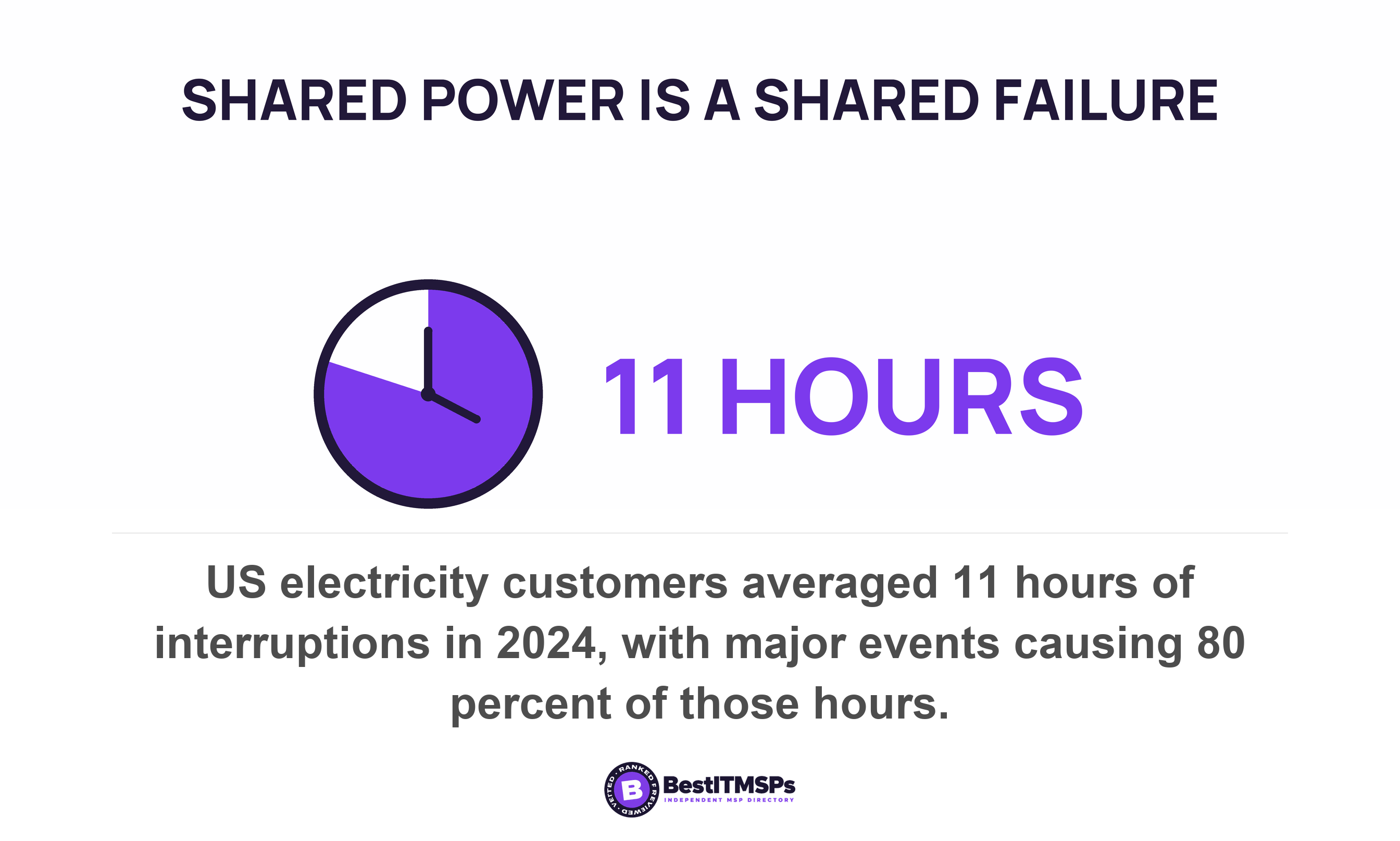
Two public figures put a rate on that room. The US Fire Administration estimates 110,000 nonresidential building fires in 2023, with $3,164,400,000 in dollar loss. Power is duller and far more frequent. The Energy Information Administration found that US electricity customers experienced an average of 11 hours of electricity interruptions in 2024, the most in a decade, with major events such as Hurricanes Beryl, Helene, and Milton accounting for 80% of the hours without electricity and ordinary interruptions routinely averaging about two hours per year.
Neither number predicts your office. They establish that the room is a measurable failure domain, and that adding a second device inside it moves the measurement not at all.
What published guidance actually asks for
Published guidance asks you to name what the two copies share. The copy count everybody repeats is a rule of thumb, and it is the weaker half of the answer, because three copies written by one job under one credential satisfy the rule and still share one failure domain. We cover why that rule ages badly in immutable backup, and the one test that actually counts.
The sharpest sentence in print on this belongs to CISA and MS-ISAC. Their ransomware guide tells organizations to consider using a multi-cloud solution to avoid vendor lock-in for cloud-to-cloud backups, explicitly in case all accounts under the same vendor are impacted. Read that twice. A federal agency is planning for the case where every account you hold at one provider goes at once. Not one mailbox. Not one site. The vendor.
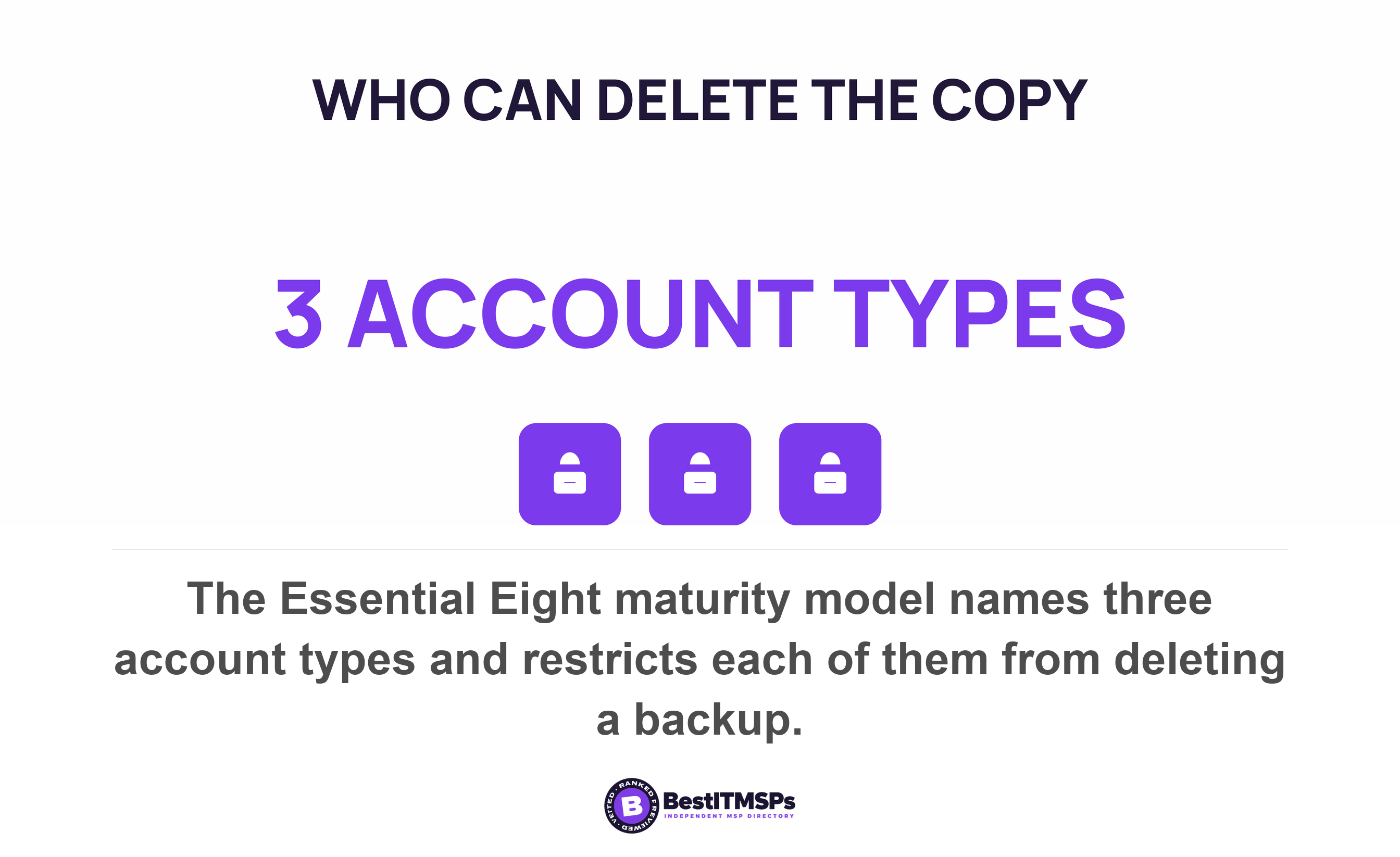
Australia's signals intelligence agency goes further and grades the separation by permission rather than by place. Its Essential Eight maturity model requires at every maturity level that unprivileged accounts cannot access backups belonging to other accounts and are prevented from modifying and deleting backups. At Maturity Level Two it adds that privileged accounts, excluding backup administrator accounts, are prevented from modifying and deleting backups. At Maturity Level Three it reaches the last account standing, requiring that backup administrator accounts are prevented from modifying and deleting backups during their retention period.
Notice what that model never mentions. It sets no copy count, no minimum distance, and no product. It names three account types, which are unprivileged accounts, privileged accounts, and backup administrator accounts, then asks the same question of each one in turn. Who can delete the copy? That is a dependency test rather than a tally, and it is the shape every honest proposal should take.
Five shared dependencies that turn two copies into one
Five dependencies decide whether your second copy is real, and your provider already knows the answer to each one. The table below gives you the question to ask about each.
| Shared dependency | What takes both copies | What to ask |
|---|---|---|
| The same site | Fire, water, theft, or a building nobody is allowed to enter | Where is the second copy, by street address or cloud region? |
| The same power and network | One circuit, one switch, or one internet link both copies depend on | Which copy stays reachable when the office link is down? |
| The same cloud account or tenant | A compromised tenant, a cancelled subscription, an unpaid invoice | Can the copy be restored to a place this account does not control? |
| The same identity or administrator | One stolen administrator password | Which account can delete yesterday's recovery point? |
| The same credentials in the backup job | A production service account reused to run the backup | Does the backup job hold its own credentials and its own second factor? |
Work down that list and most arrangements fail at row three or four rather than at row one. Businesses moved a copy offsite years ago. The offsite backup then went into the same cloud tenant, administered by the same account, and the geography quietly stopped mattering.
Row two catches one specific habit. A folder that syncs is not a second copy. It is the same copy in two places, and sync will replicate an encryption event as fast as it replicates a saved spreadsheet. CISA's recovery guidance assumes exactly this, telling responders to identify and prioritize critical systems for restoration on a clean network and to take care not to re-infect clean systems during recovery. Both instructions exist because the network was the thing the copies shared.
Row five is the quiet one, and nobody raises it. Ask which account the backup job signs in with. If the answer is a domain administrator, or your provider's standard administrative account, then the job that writes your recovery point can also delete it, and so can anybody holding that password.
Why the identity dependency catches careful businesses
The identity dependency catches businesses that did everything else right, because one administrator account can reach both copies without anybody going near the building. Kilometers of separation do not slow that down by a second, and no amount of physical distance is relevant to a stolen password.
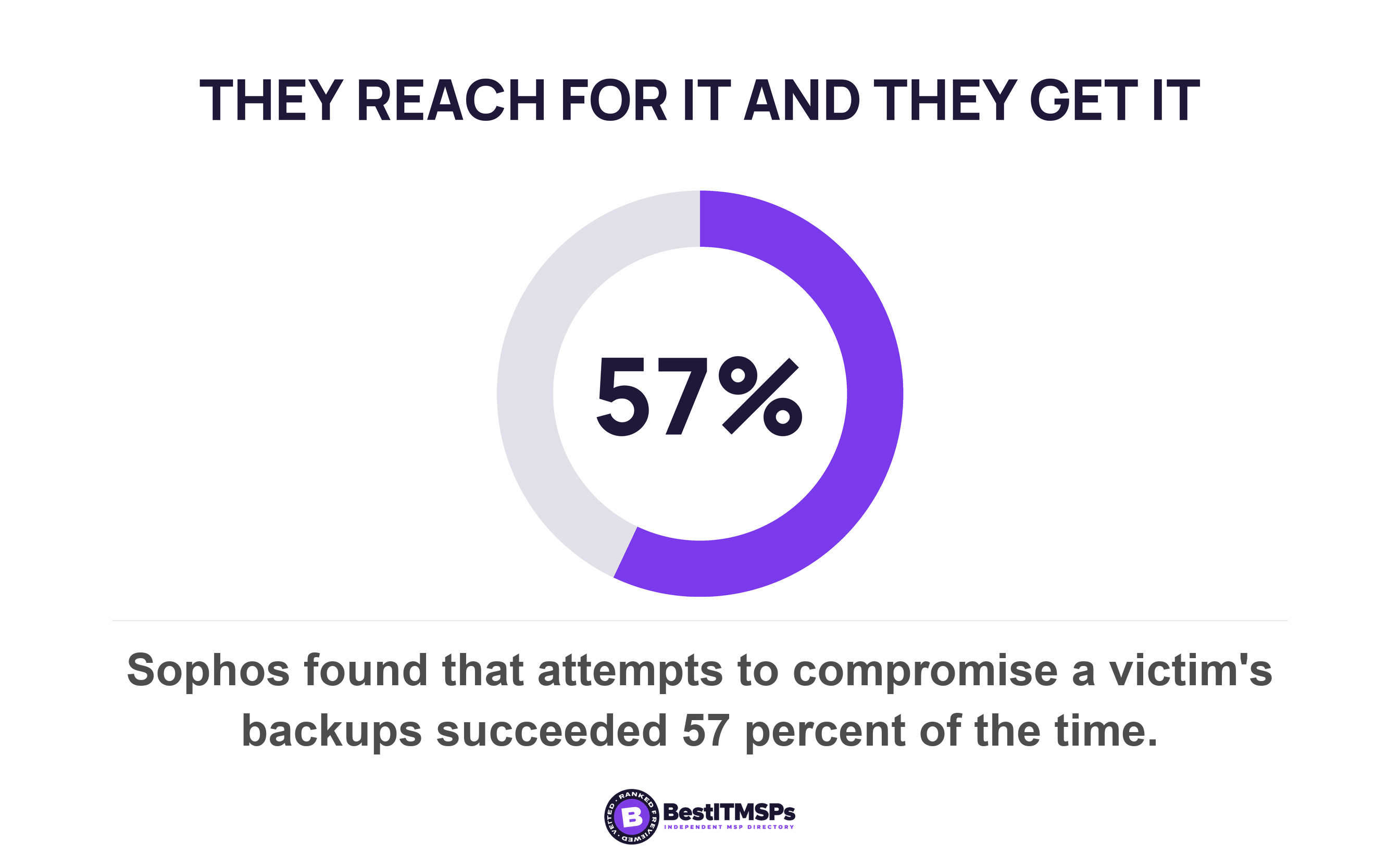
Attackers go looking for the copy on purpose. Sophos surveyed ransomware victims and found that 94 percent said attackers attempted to compromise their backups, and that those attempts succeeded 57 percent of the time. Read the second figure as a verdict on arrangements rather than on attackers. When somebody deliberately reaches for the backup repository, more than half of businesses turn out to have left it reachable.
That is why the Australian model stops naming places and starts naming account types. A copy your administrator can delete is protected from the weather and from nothing else. The shape of the problem in a small firm is specific and almost universal. Your provider administers production. Your provider administers the backup repository. Both sit behind one set of credentials in one directory, and nobody ever wrote that down as a risk, because each half looks correct on its own.
Name the account that can delete yesterday's recovery point. Then ask whether that same account signs in to your file server.
There is a product-level answer to this and it belongs with the retention lock rather than with the failure domain, so we walk it elsewhere. Microsoft's own backup documentation ranks the possible arrangements by how far they isolate the backup administrator from production, and that ladder sits in immutable backup, and the one test that actually counts. What belongs here is the buyer's version. Two copies behind one credential are one copy, and the fix is a separate identity rather than a longer drive.
Does your cloud provider hold a second copy? Read where the restore lands
To find out whether your cloud provider holds a second copy, read where its restore puts the data back. A restore destination inside the thing that failed is a rollback rather than a separate copy, and the destination is published.
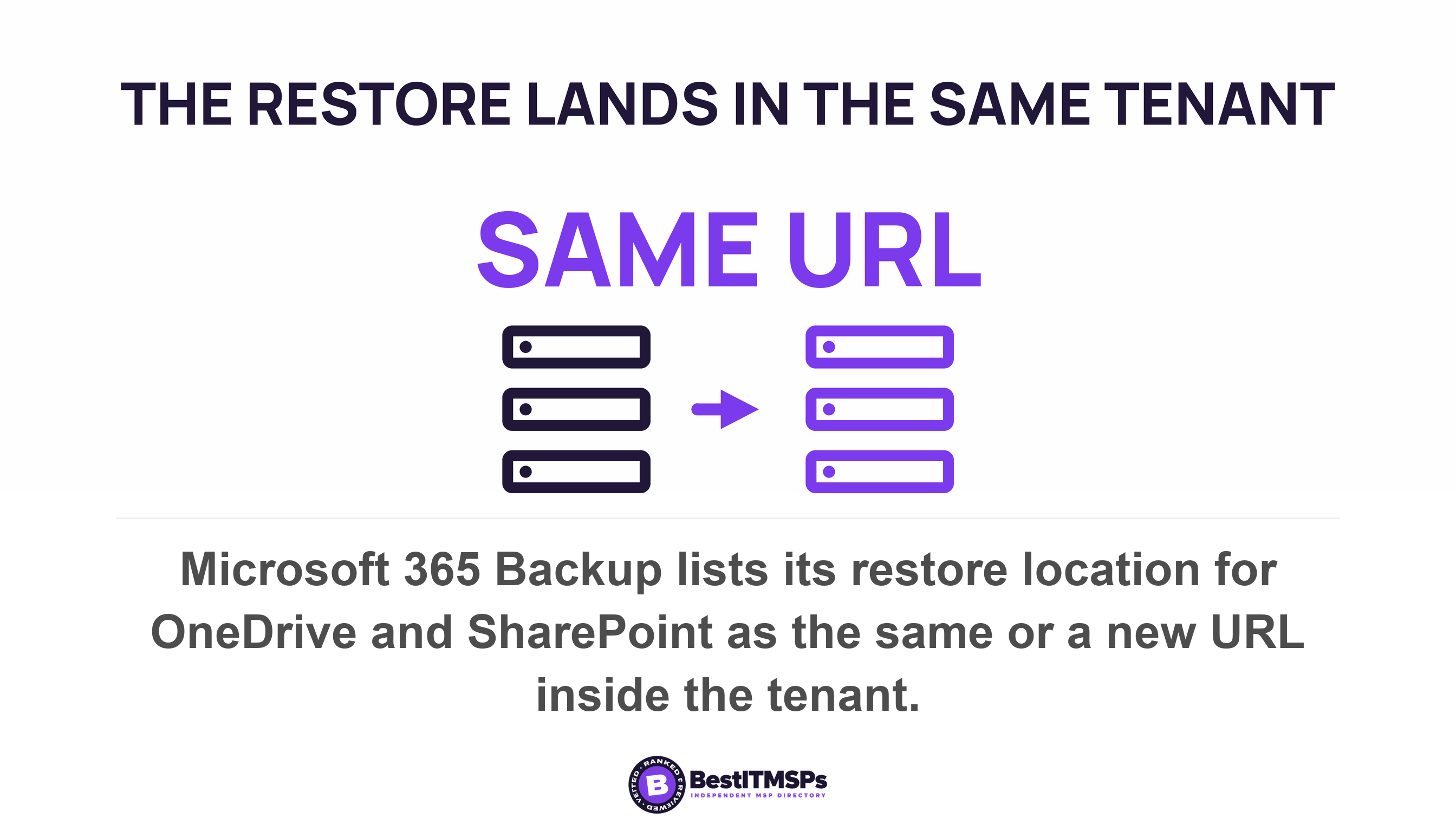
Microsoft sets this out plainly for its own paid product. The Microsoft 365 Backup restore options table gives OneDrive and SharePoint a location of same or new URL, and gives Exchange a location of same or new folder within user's mailbox. Every destination is inside your tenant. Microsoft states the architecture in one line, saying data never leaves the Microsoft 365 data trust boundary and that the product works by creating backups within the protected services' data boundaries.
Microsoft also publishes why, and the reason is honest engineering rather than a trick. Its documentation says that recovering large volumes of content is difficult when copying data at a scale from a remote, air-gapped location requiring weeks or even months to get your business back up and running. The product trades isolation for speed, deliberately, and prints the trade in its own overview. An isolated copy held offline is slower to recover from, and Microsoft judged that speed mattered more for the failures it set out to fix. That tells you precisely which failures it covers. It covers somebody encrypting or deleting content inside a tenant you still control. It does not cover losing the tenant.
The resilience inside that boundary is real and worth paying for. Microsoft notes that OneDrive, SharePoint, and Exchange have multiple physically redundant copies of your data to mitigate the impact of physical disasters. Redundant copies protect data from hardware and weather. They are not an independent backup you control, and the two answer different questions. We cover what the agreement actually promises in does Microsoft 365 back up your data, and the general division of duties in the cloud shared responsibility model.
What a retention lock moves, and what it does not
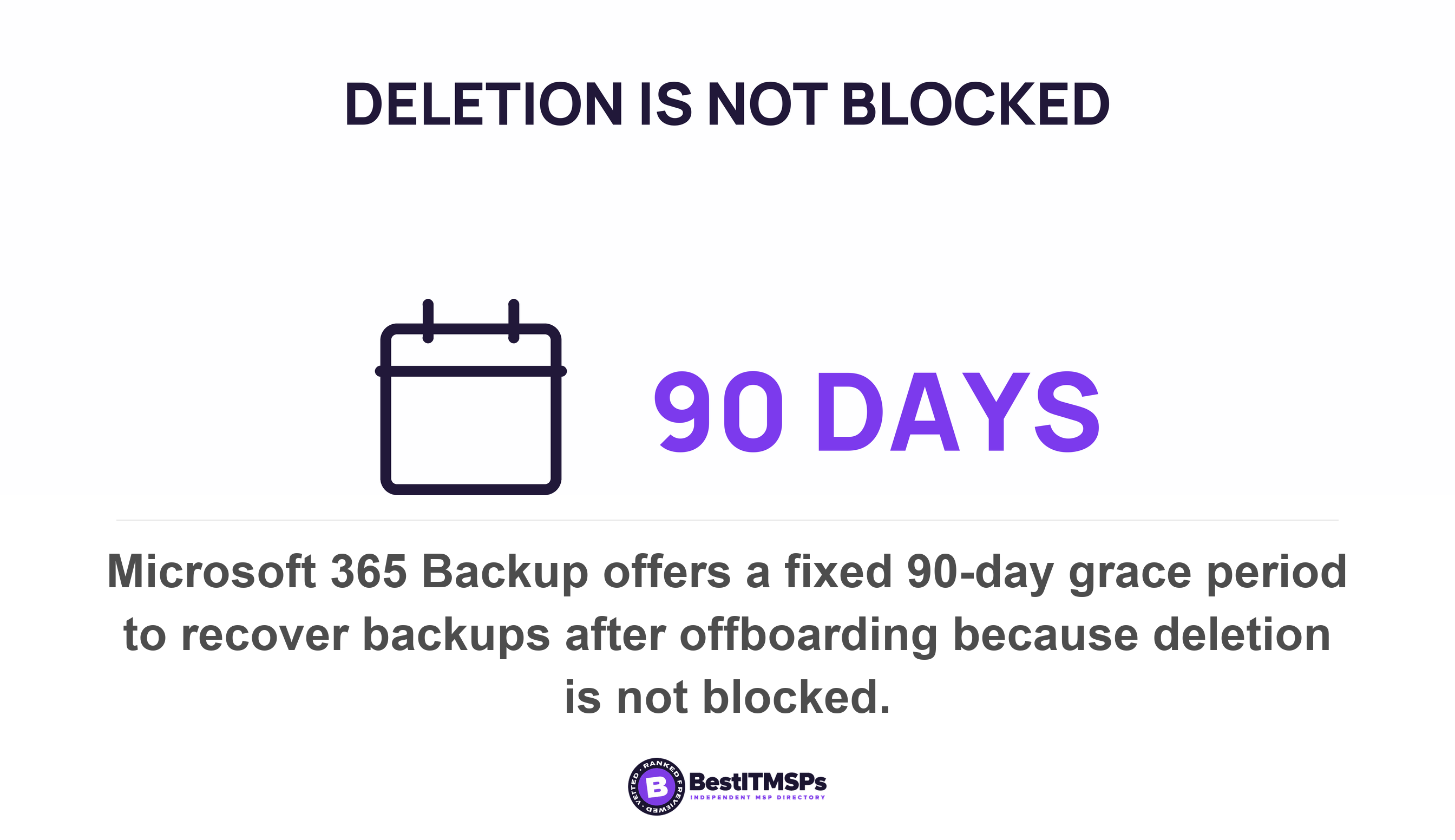
A retention lock changes who can delete a copy. It does not change where the copy lives. Those are two controls and buying one never buys the other. Microsoft's own product shows the seam, describing its backups as following the definition of immutability except for disallowing deletion, confirming that deletion of the backups isn't blocked, and offering a fixed 90-day grace period to recover backups after offboarding instead. An immutable backup in one tenant and an offsite backup in another tenant are different purchases. Ask which one you bought, and get the answer in writing.
The two-key restore test you can run without taking anyone's word
To test whether your second copy is genuinely separate, restore one real file to a destination your production account cannot write to, performed by somebody who does not hold your production administrator credentials. Both halves matter. Either one alone proves very little.
Call it the two-key test. A restore run by the person who can also delete the copy tells you the data is readable, and tells you nothing about whether the copy would survive an event that takes that person's account. Published guidance names the second key exactly. The federal control catalogue carries a dual-authorization enhancement for exactly this: enforce dual authorization for the deletion or destruction of backup information. Two people, or the deletion does not happen. It sits alongside an enhancement telling you to store backup copies in a separate facility or in a fire rated container that is not collocated with the operational system, which is the physical half of the same idea. CISA's performance goals say to validate the integrity of backups and other assets intended for restoration before restoration starts, and its ransomware guidance puts the recovery itself on a clean network. The Essential Eight maturity model requires at every level that backups are synchronised to enable restoration to a common point in time and that an organization performs disaster recovery exercises that include testing the restoration of data, applications and settings.
Five steps run the test, and none of them is a project.
- Pick one real file somebody would miss, such as last quarter's payroll journal or a signed client contract.
- Name the destination before you start, and choose one your production account has no permission to write to.
- Ask who will perform the restore, then confirm in writing that the person does not hold production administrator rights.
- Time it end to end, from the request to the file opening correctly, and record the duration beside the date.
- Verify the content by opening the file and checking a figure you already know, rather than trusting a green tick.
Two results matter more than the file. The first is whether anyone other than one named engineer can do it at all. The second is whether the destination truly sits outside the production account's reach, which is usually the step your provider has to go away and check. A provider who arranges this inside a week operates a tested, separated backup. A provider who explains why the test is impractical has already answered the question.
Keep the duration next to the date, because the clock is the other half of the answer. We cover what a restore log should contain in when was your backup last restored, not just run, and what a full recovery really costs in time in how long a full restore takes.
Seven questions to send your provider
Seven questions settle the failure domain, and your provider can answer all seven in one email. Send them together, keep the reply, and read the answers for specifics rather than for confidence.
- Where is our second copy, by street address or cloud region? Good names a place. Weak says it is in the cloud.
- Is that copy in the same cloud account or tenant as the data it protects? Good names the account or tenant. Weak says the data is replicated.
- Which identity administers the backup repository, and does it administer our servers too? Good names a separate account. Weak names their standard administrative account.
- What credentials does the backup job itself use? Good names a dedicated account with its own second factor. Weak says it uses the domain account.
- Can a file be restored to a destination our production account cannot write to? Good describes the destination. Weak asks why you would want that.
- Who can delete yesterday's recovery point, and what stops them? Good names a person and a retention lock. Weak describes the ticket process.
- What single event would take both copies at once? Good gives you a real answer, usually the identity one. Weak says nothing could.
Question seven is the tell. A provider who has thought about failure domains names one honestly and prices what it would cost to remove. A provider who says nothing could take both copies has never drawn the diagram, and the diagram is the job you are paying for.
Best IT MSP is an independent directory. We rank providers on verified rating and firmographic data across 24,491 roster rows in 730 city datasets, we label paid placement, and we do not sell IT services or backup, so we have nothing to isolate and nothing to sell you. Put the same seven questions to three merit-ranked firms in your city and the difference in the replies is usually obvious by the second one.
What separating your backup does not buy you
Separating your backup does not make you safe, and no honest provider says otherwise. It removes one failure, which is losing both copies to a single event. Two failures remain afterwards, and the separation itself costs money, so name the whole trade before you buy it.
A separated copy still has to come back. Isolation says nothing about whether the image boots or how many hours the restore takes, and only a timed restore test answers that. A separated copy does nothing about theft either, because a criminal who already copied your data out still holds it whatever happens to your recovery point. And separation costs something real, in administration, in a second set of credentials to manage, and sometimes in a slower recovery, which is the trade Microsoft documented for its own product rather than hiding.
Start with the diagram. Draw your production data on one side and every copy of it on the other, then draw a line for each thing the two share. A room. A circuit. A tenant. A directory. A password. Separate the copy on whichever line looks cheapest to cut, then keep cutting until at least one copy hangs off no line at all. Where every copy is still joined to the original by at least one unbroken line, you own one copy and a larger invoice. For the service itself, see backup and disaster recovery, and read the planning split in business continuity vs disaster recovery.
FAQ
Can my backup be in the same building as my server?
It can, and a copy in the building is not enough on its own. A room is a single failure domain, so fire, water or theft reaches both copies at once. The US Fire Administration estimates 110,000 nonresidential building fires in 2023. Keep the local copy for speed and hold a second copy outside the site.
What is a failure domain in backup?
A failure domain is the set of things that stop working together when one thing fails. A room, a power circuit, a cloud tenant and one administrator account are each a failure domain. Microsoft builds every Azure availability zone with independent power, cooling, and networking infrastructure for exactly this reason.
Does Microsoft 365 keep a separate backup of my data?
No. Microsoft 365 Backup is a separately priced product whose restore destinations all sit inside your own tenant, listed as same or new URL for OneDrive and SharePoint. Microsoft states that data never leaves the Microsoft 365 data trust boundary. It covers deletion and encryption inside a tenant you still control, not the loss of the tenant.
Is an immutable backup the same as a separated backup?
No. A retention lock changes who can delete a copy, and separation changes what a single event can reach. Microsoft confirms that deletion of the backups isn't blocked in its own product, offering a fixed 90-day grace period instead. Treat the lock and the separation as two purchases rather than one.
How do I prove our backup is genuinely separate from our data?
Restore one real file to a destination your production account cannot write to, performed by somebody without production administrator rights, and record how long it took. The Essential Eight maturity model requires an organization to run disaster recovery exercises that include testing the restoration of data, applications and settings, so the test is a published expectation rather than a favor.
Best IT MSP is the independent directory of vetted managed IT and cybersecurity providers across North America. Organic ranking is earned on rating and verified data, and paid placement is always labelled. Take these seven questions to three merit-ranked firms in your city and compare the answers side by side.