Which website categories should you actually block?
Block three website categories on security grounds. Known malicious domains, web advertisements, and remote access tools you do not use. Everything else, including social media, shopping and streaming, is an acceptable use decision for a written policy. CIS asks all three of its implementation groups for malicious-domain DNS filtering, and only groups 2 and 3 for category filtering.
- Three website categories have documented security harm behind them. Known malicious domains, web advertisements, and remote access tools your business does not use.
- CIS asks every implementation group to run DNS filtering for malicious domains, and asks only the upper two groups for category-based URL filtering.
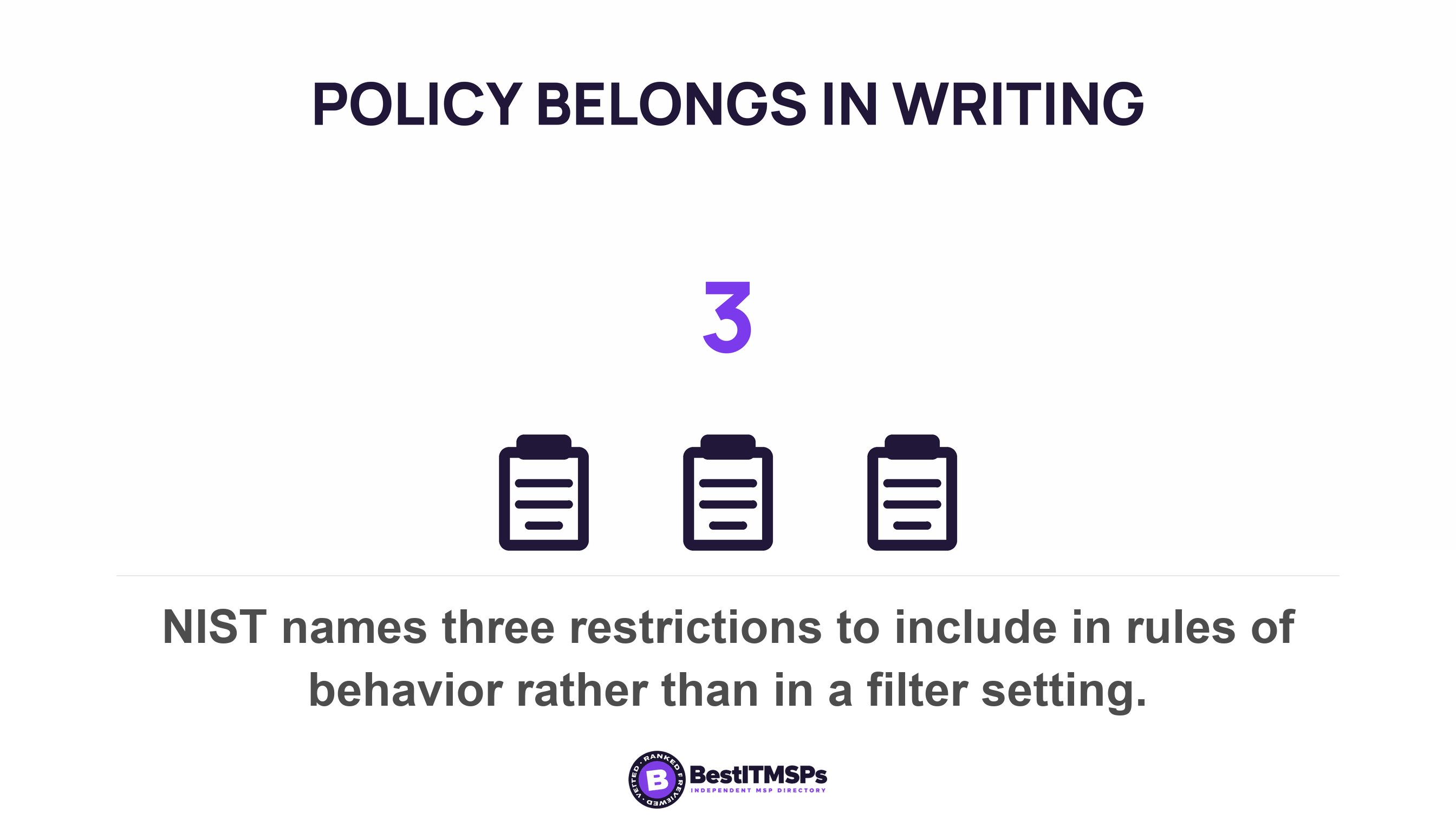
- Blocking social media or shopping is an acceptable use decision. NIST files those restrictions under rules of behavior, not under a technical control.
- Over-blocking has a documented cost. Microsoft does not support selective allow-listing of its own endpoints, because it causes service incidents for users.
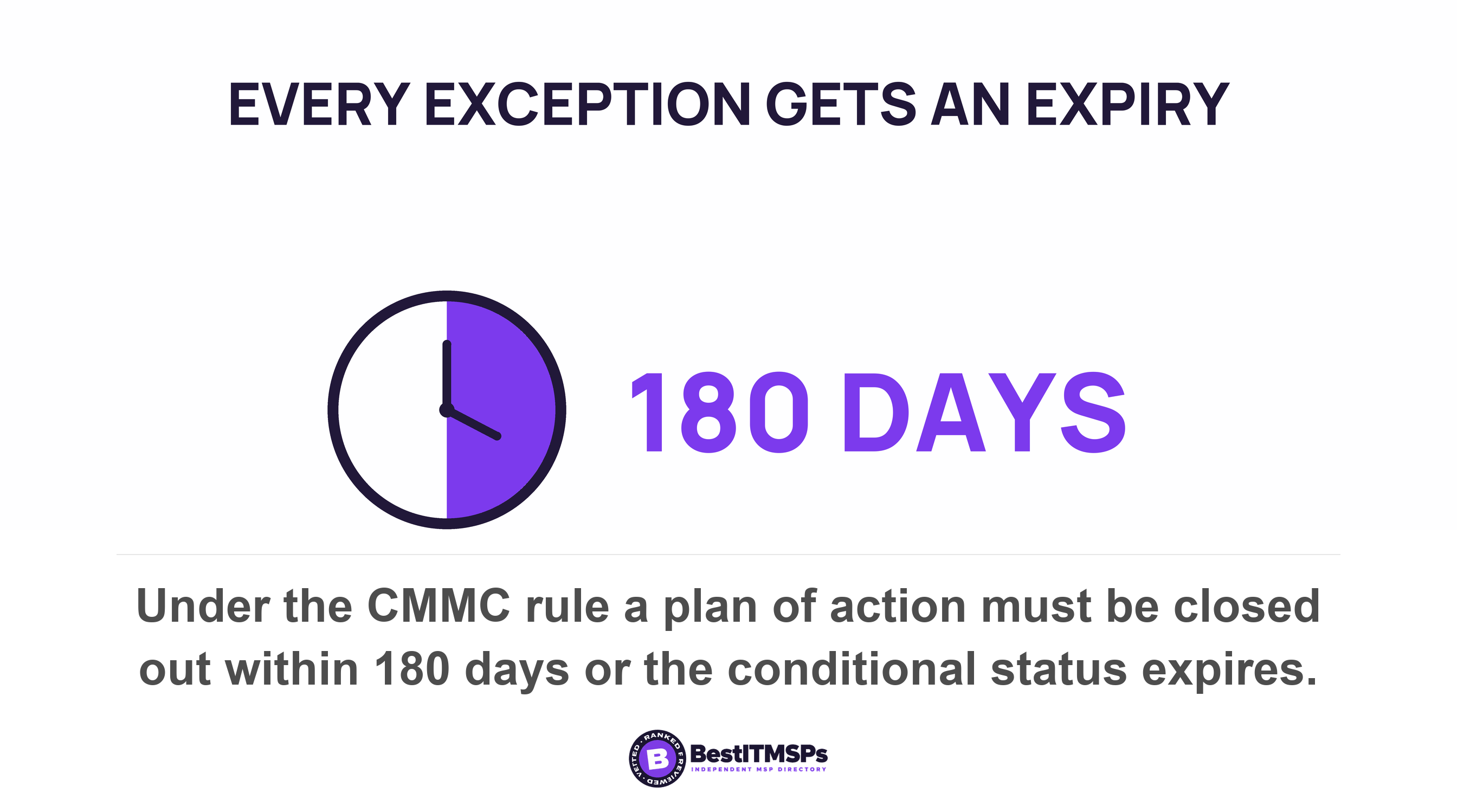
- Every approved exception needs a named approver, a decision clock, and an expiry date. Regulated regimes already cap theirs at 180 days.
Which website categories should you block?
Block three categories on security grounds and leave the rest to a written acceptable use policy. The three are known malicious domains, web advertisements, and remote access tools your business does not use. Each one carries published guidance and a named harm. Gambling, shopping, streaming, dating and social media carry neither. Those are conduct and productivity decisions, and the moment you present one as a security control, you lose the argument with the person who needs the site.
The split matters because the two decisions belong on different desks. A security block stops something measurable. A policy block states how the business expects people to spend the working day. The Center for Internet Security separates the two inside its own control set. Safeguard 9.2 asks for DNS filtering services on all enterprise assets to block access to known malicious domains and applies to all three implementation groups. Safeguard 9.3, the network-based URL filters that do category filtering, applies only to groups 2 and 3. The one kind of web filtering asked of everybody is the kind nobody argues about.
This guide assumes the filtering already works. Whether it follows a laptop off the network is a separate question, answered in does your web filtering follow the laptop that left the office, and what DNS filtering is, and whether you already have it covers the control itself.
Where does the security block end and the HR block begin?
The line sits between harm you can document and conduct you want to govern, and no published standard draws it for you. CIS writes a single safeguard covering potentially malicious or unapproved websites, which joins a threat judgment and a policy judgment in one sentence. That bundle is why the decision lands on the wrong desk. The person who owns the filter inherits a list that mixes malware with shopping, and gets asked to defend both in the same meeting.
Your filtering product already drew the line, and almost nobody looks. Cloudflare's filtering documentation splits its lists in two. Cloudflare determines security risks for domains using internal models, while an upstream vendor supplies content categories for domains. So the security list is the product's own risk work and the content list is a taxonomy bought from somewhere else. Switch off Shopping and you are enforcing another company's category definitions as your staff policy. A content filtering taxonomy is not an acceptable use policy.
NIST is clearer about where the policy half lives. In the federal control catalog, restrictions on the use of social media, social networking sites, and external sites/applications sit in PL-4, Rules of Behavior, under Planning. They get written down, acknowledged, and reviewed. They are not a filter setting. The same control requires a documented acknowledgment from such individuals before access is authorized. Use that as your own test. If you cannot write the reason down and have someone sign it, you do not have a security block.
The three blocks you can defend on security grounds
Defend these three with a source and a named harm, and the filter stops reading as a mood.
Web advertisements
Block web advertisements, because a national cyber authority requires it and the harm is specific. The Australian Signals Directorate requires in its secure configuration guidance that web browsers do not process web advertisements from the internet at every Essential Eight maturity level, next to the requirement that they do not process Java from the internet. The FBI supplies the harm. Criminals buy search advertisements that impersonate real brands, which is why the bureau tells people to use an ad blocking extension when performing internet searches and tells businesses to educate users about where to find legitimate downloads for programs provided by the business. Nobody loses a working hour because an ad did not load.
Remote access tools nobody approved
Block the remote access tools you did not buy, because intruders use the same software your technicians use. CISA, the NSA and the MS-ISAC tell organizations to block both inbound and outbound connections on common RMM ports and protocols at the network perimeter and to require authorized RMM solutions only be used from within your network. In practice, name the one remote support tool your provider uses, allow that one on the allow list, and block the others. This block carries the highest security value and the lowest staff cost, and small businesses almost never switch it on.
Known malicious domains
Check the third block rather than debate it, because you most likely already own it. Malicious domain blocking runs off threat feeds and needs no policy argument. In your own console, look for the security categories the product names itself, including command and control, DNS tunneling, cryptomining and domain generation algorithms. Cloudflare names fourteen security categories and keeps them apart from its content list. If those are switched off, category filtering is the wrong argument to be having this month.
The categories that start the fight, and what over-blocking costs
Five categories generate nearly every unblock request. Cloud storage and file sharing the business already pays for, personal webmail, social media where marketing and recruiting work, news and streaming, and the single site one role needs, such as a security researcher reading a malware write-up. Nobody filters news for security reasons, so a news block is a productivity rule wearing a security badge.
The cost of over-blocking is documented, and the clearest statement belongs to Microsoft. Its network guidance says Microsoft does not support selective allow-listing as it causes connectivity and service incidents for users, and tells administrators to bypass Microsoft 365 domains from TLS decryption, traffic interception, deep packet inspection, and network packet and content filtering. Point a content filter at the services you already pay for and Teams calls degrade, mail stalls, and the ticket arrives labelled as a network fault rather than a policy one.
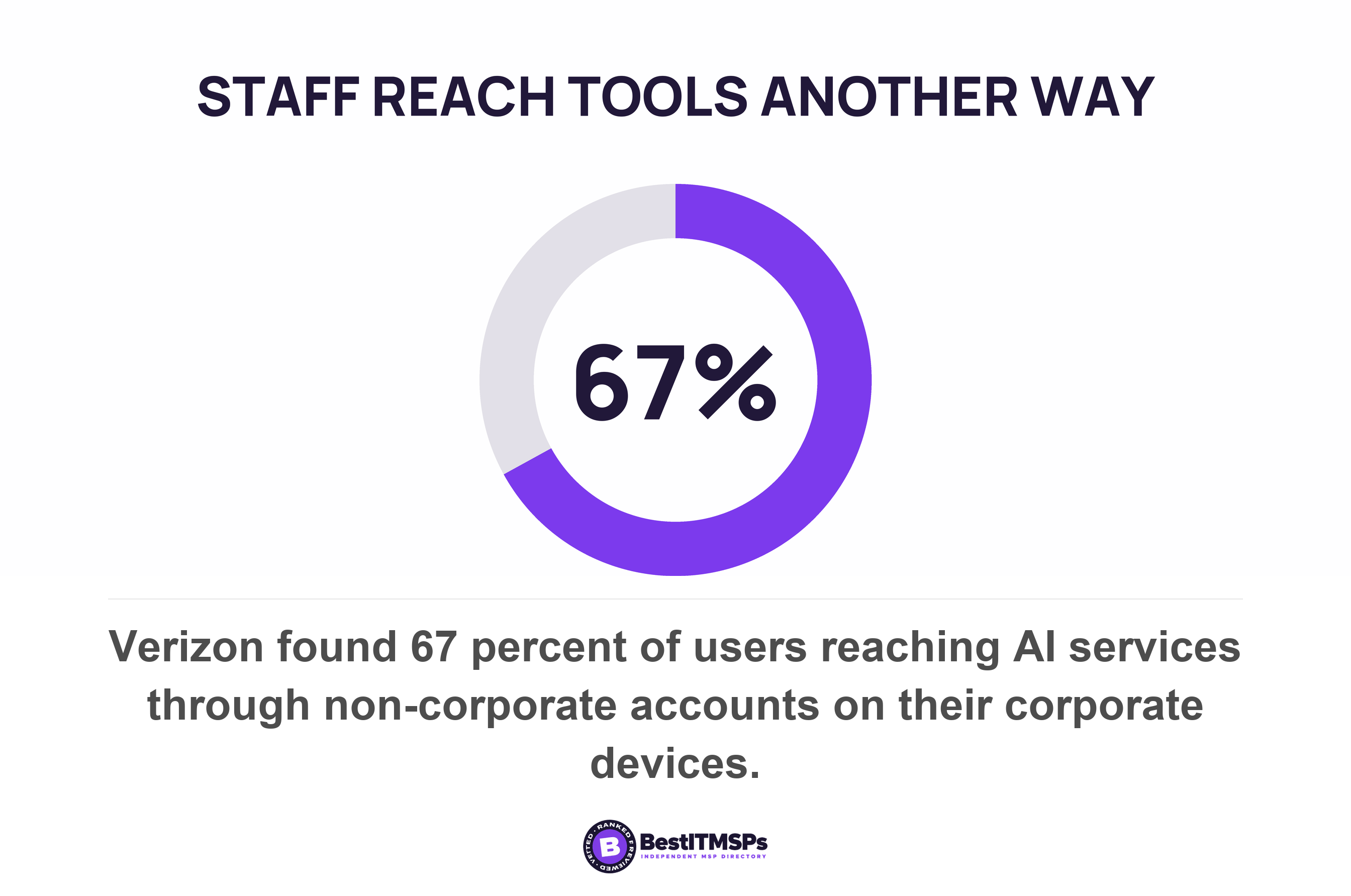
The human cost is quieter and just as documented. NIST researchers described security fatigue in 2016 as a weariness or reluctance to deal with computer security that pushes people toward choosing the easiest option among alternatives and failing to follow security rules. Verizon measured one version of it, finding 67 percent of users reaching AI services through non-corporate accounts on their corporate devices. Block a sanctioned tool and the work moves to a personal account, a personal phone or a personal laptop, where you monitor nothing. Our guide to BYOD security risks covers where that traffic ends up.
How should an unblock request work?
To run exceptions without a queue forming, write four things down before the filter goes live. Who requests. Who decides. How long a decision takes. When the exception expires. Somebody will ask you to unblock a site in the first week, so settle the process before that request arrives rather than after it.
- Name one route for requests. One address or one form, so every request is logged rather than argued in a corridor.
- Name one approver and one deputy. A single person who can decide beats a committee that meets monthly.
- Set the clock in working hours and tie it to the response target in your support contract, so the promise is measurable.
- Document the reason beside the decision. A refusal with a reason survives, and a refusal without one becomes a grievance.
- Give every approval an expiry date. A time-bounded exception gets reviewed, and a permanent one becomes a hole nobody owns.
Expiry dates are not a management fashion. They are how regulated regimes handle a control they cannot yet meet. Under the CMMC rule a plan of action must be closed out within 180-days, and if it is not, the Conditional CMMC Status for the information system will expire. Borrow the shape rather than the number, because 30 or 90 days suits a website exception. Our guide to the risk exception register covers the wider version of the same discipline.
One figure does not exist, and the gap is worth knowing. No national cyber-security body publishes how many unblock requests a category rollout produces, and the filtering vendors document the mechanics without the volumes. So nothing benchmarks your queue for you. Count your own requests for one month and judge the category list by that number, because a list generating daily requests is miscalibrated rather than mutinous.
What to tell staff, and what to get in writing
Tell staff before the filter goes live, because the federal control baseline treats the notice as part of the control. NIST's system use notification control requires a notice before granting access to the system stating that system usage may be monitored, recorded, and subject to audit. Silent blocking buys nothing. The person who meets a block page learns there is a filter anyway, and learns it at the least useful moment.
Three sentences cover the announcement. Say which categories are blocked for security, and why. Say which are blocked because of how the company expects work to be done. Say how to ask for an exception and how fast an answer comes. The one block nearly every employer makes, on offensive images, is an employment-law control rather than a security one, and saying so is both more honest and more defensible. The EEOC treats conduct as unlawful harassment when it is severe or pervasive enough to create a work environment a reasonable person would call hostile, and holds an employer liable where it knew, or should have known about the harassment.
A category list you can read aloud to the people it governs is a policy. One you cannot is a setting somebody changed.
Then ask your provider for five things, and judge the answers rather than the product names.
- Send the category list as configured today, not as sold.
- Name who can change a category, and produce the change log.
- Report last month's blocks by category, so you can see which blocks do work.
- State the unblock route and the target decision time.
- List every live exception with its expiry date.
A proactive provider returns all five in one email. A weak one returns a product name. None of this buys a perfect network, and no honest provider claims one. It buys a short defensible security list, a written policy for everything else, and a queue that stops growing.
FAQ
Which website categories should a small business block?
Block three. Known malicious domains, web advertisements, and remote access tools you do not use. CIS asks every implementation group for DNS filtering services on all enterprise assets to block access to known malicious domains, and the Australian Signals Directorate requires that browsers do not process web advertisements from the internet. Treat everything else as policy.
Is blocking social media a security control?
No. Blocking social media is an acceptable use decision. NIST's control catalog places restrictions on the use of social media, social networking sites, and external sites/applications inside rules of behavior under Planning, not inside a filtering control. Block it if the business wants it blocked, and say so in those words.
Should you block personal webmail at work?
Block personal webmail only with a documented data-loss reason, and expect the traffic to move rather than stop. Verizon found 67 percent of users reaching AI services through non-corporate accounts on their corporate devices. The same route absorbs a blocked webmail habit, onto a phone nobody monitors.
How fast should an unblock request be answered?
No published standard sets a time, so borrow one you already have. Tie the unblock decision to the first-response target in your support contract, name one approver and one deputy, and give every approval an expiry date. CMMC closes its plans of action within 180-days, which is the shape to copy.
Should you tell staff what is blocked and why?
Yes. The federal control baseline requires a notice before granting access to the system stating that system usage may be monitored, recorded, and subject to audit. Publish the category list, split it into security blocks and policy blocks, and name the route for an unblock request.
Best IT MSP is the independent directory of vetted managed IT and cybersecurity providers across the US and Canada. Organic ranking is earned on rating and verified data, and paid placement is always labelled. Take those five requests to three merit-ranked firms in your city and compare the answers.