Your provider fixed email authentication on one domain. You own ten.
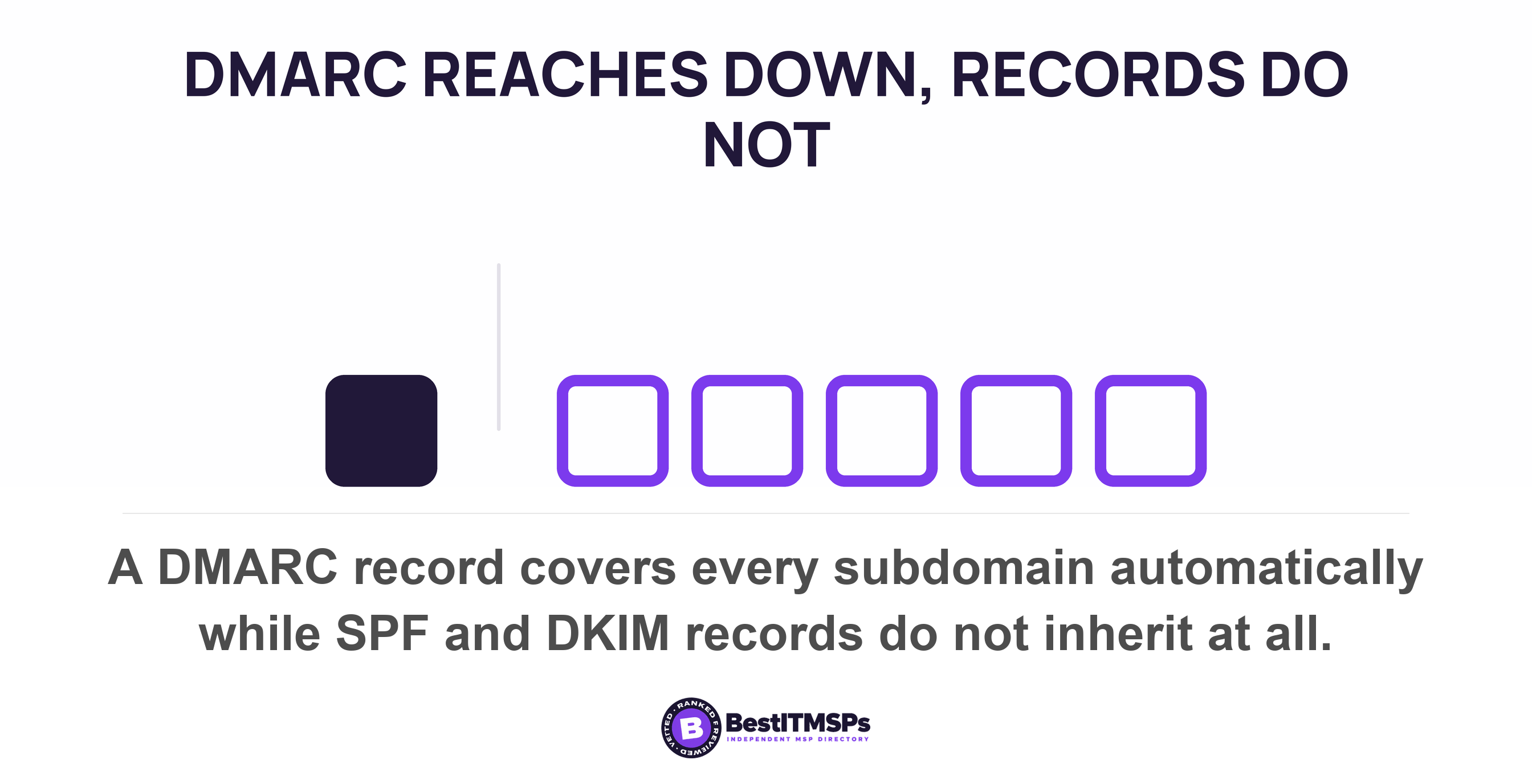
Email authentication is a per-domain property, not a company setting. Google counts its 5,000-a-day bulk threshold per primary domain, and Yahoo enforces at the authenticated or From header domain level. So a fix on your main domain covers nothing else. DMARC inherits to subdomains. SPF and DKIM inherit to nothing.
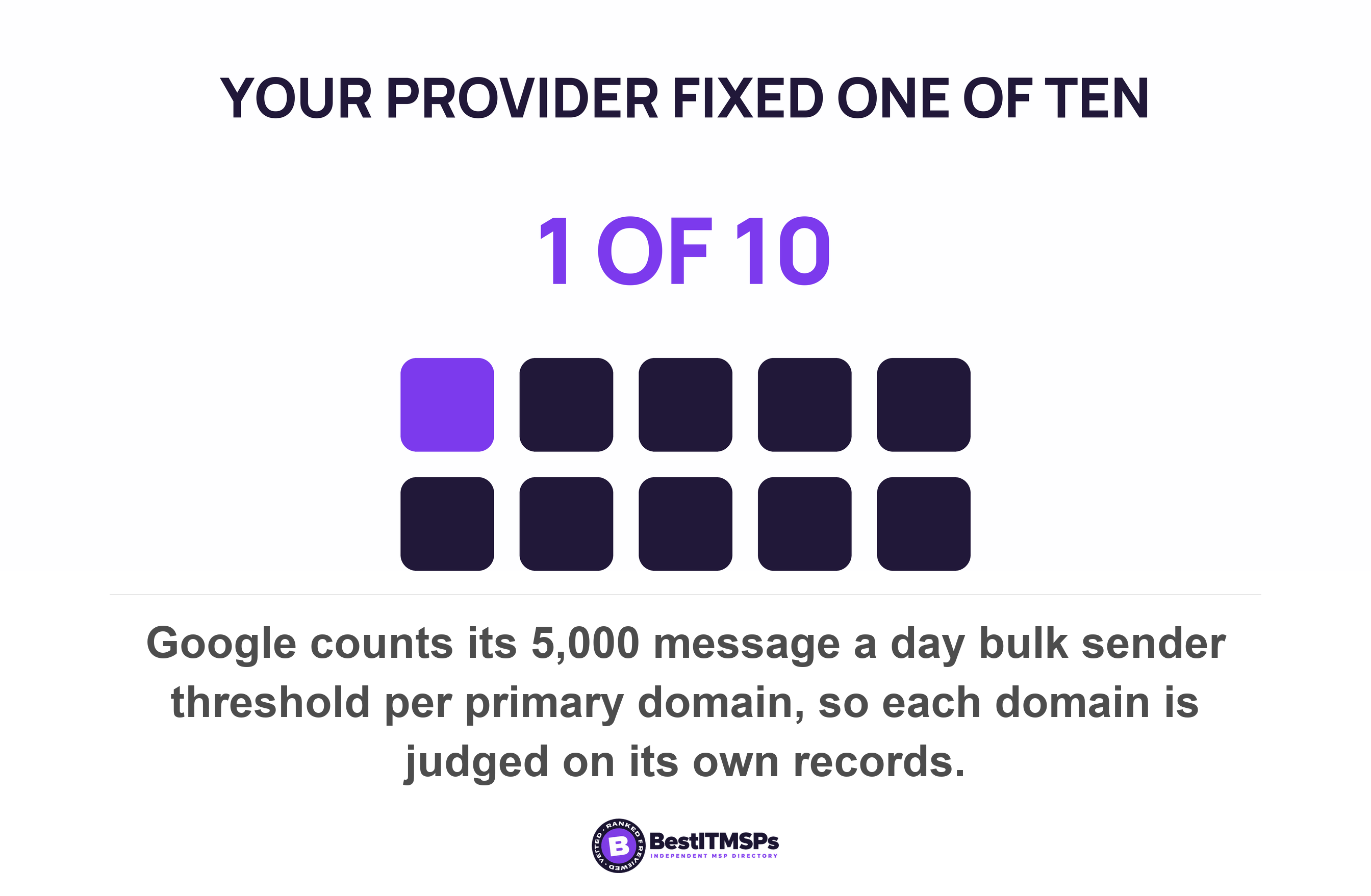
- Authentication attaches to a domain, not to your company. Google counts its 5,000-messages-a-day threshold per primary domain, and Yahoo enforces at the authenticated or From header domain level.
- DMARC inherits down the tree. SPF and DKIM do not. Microsoft states that the SPF record for one domain does not cover its own marketing subdomain, and that each subdomain needs its own DKIM configuration.
- Turning on enforcement at the parent domain is what breaks a marketing subdomain, because the subdomain inherits the policy without inheriting the records.
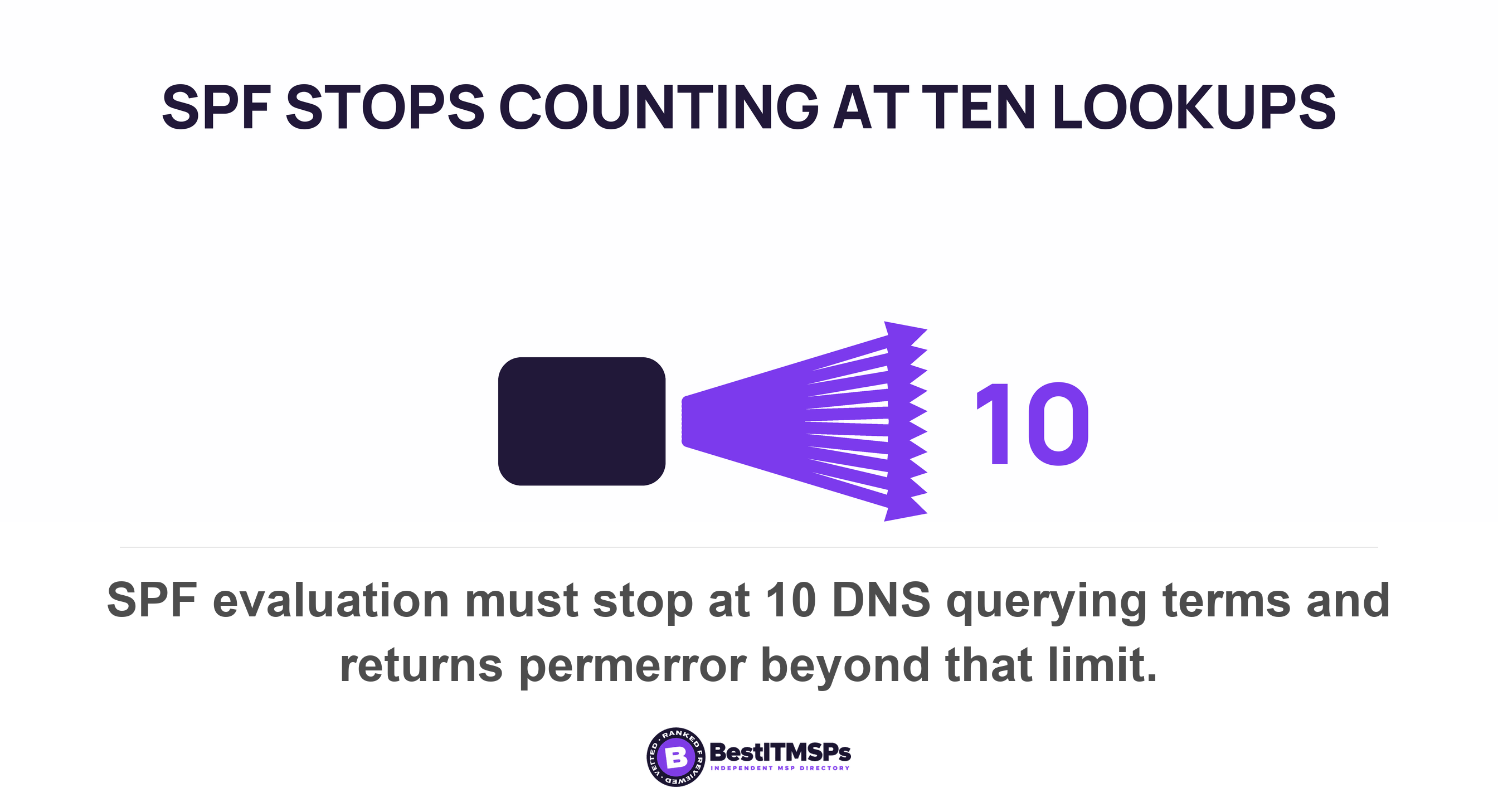
- SPF stops at 10 DNS lookups and returns permerror past it. The failure is order-dependent, so an eleventh platform breaks some senders at some receivers rather than all of them at once.
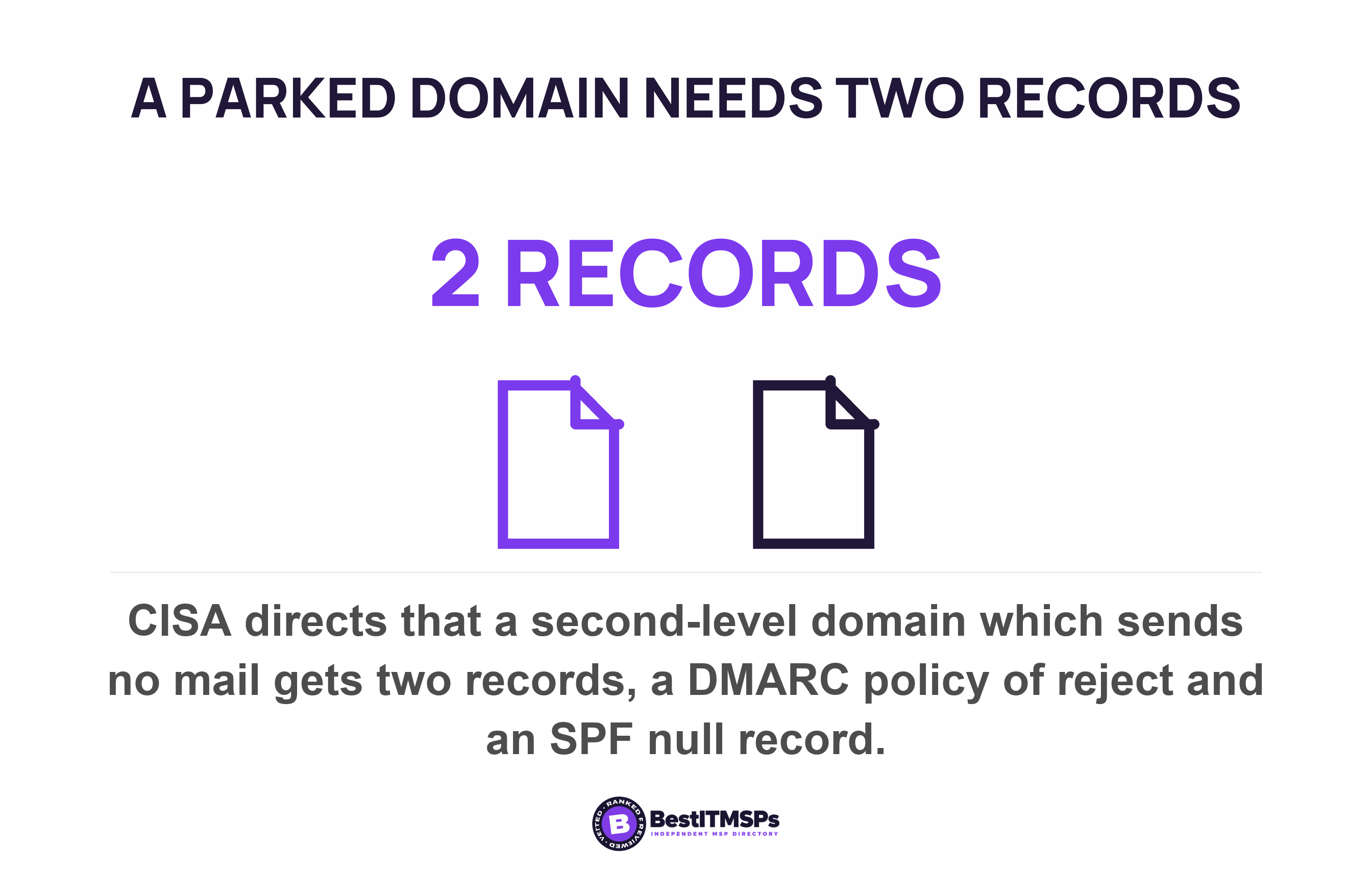
- The cheapest win is a domain you never send from. CISA's own directive puts two records on a non-sending domain, a DMARC policy of reject and an SPF record of v=spf1 -all.
Do the bulk sender rules apply per domain or per company?
Per domain. Every large mailbox provider assesses the sending domain, not the business behind it. Google states that messages sent from the same primary domain count toward the 5,000 limit, and that all bulk sending domains must comply with the requirements. Yahoo says a sender is viewed at the authenticated domain or From header domain level. Microsoft's Outlook.com rules apply to domains sending more than 5,000 emails per day.
Read those three statements again, because they decide the rest of this post. Not one of them mentions a company, a tenant or an account. The unit of assessment is a name in DNS. Your provider fixed SPF or DKIM on the domain in your staff email addresses, and receivers now authenticate that one name. The work covered a single row of a list nobody has written down.
Domain names reach a 30-person firm by five routes. The main domain carries staff mail. A campaign domain was bought by marketing for a product launch. A link shortener runs on a third name. An old domain survived a rebrand and still forwards. Three platforms send on your behalf under one or more of those names. That is the 10-domain problem, and email authentication is a per-domain property throughout.
This post covers how to find those domains, what each one needs, and six checks you can run yourself. The tier rules themselves live next door in Google and Yahoo's bulk sender rules, and what a monitoring policy does and does not permit is covered in Your DMARC record says p=none. None of this stops a fraudster typing your boss's name into a Gmail display field, which Display name spoofing handles on its own.
Nobody owns the list of domains you send from
No single person owns that list, which is why it is always out of date. Each domain arrives by a different route, from a different budget, at a different time. Marketing buys a campaign domain on a card. An agency registers a link shortener. A rebrand retires a name that nobody deletes. A platform adds a tracking subdomain during onboarding. At no point is anyone asked to add a row anywhere.
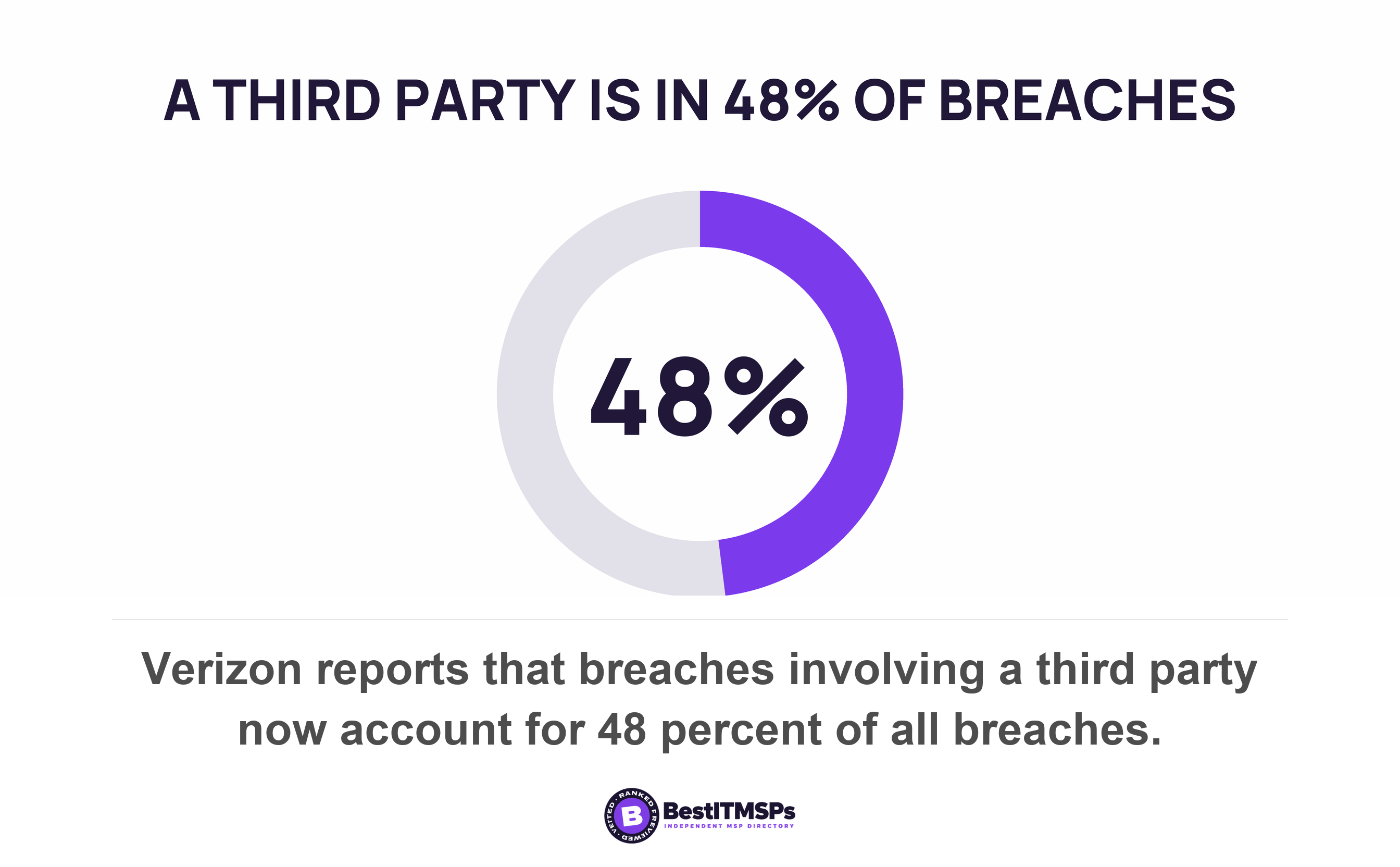
That gap matters because every sending platform is a third party with your name on its envelopes. Verizon reports that breaches involving a third party now account for 48 percent of all breaches, and that third-party supply chain breaches jumped 60 percent. The FBI logged 24,768 business email compromise complaints and $3,046,598,558 in losses in 2025. A registered domain with no policy on it is a free envelope for that trade.
So the first deliverable is not a DNS change. It is a domain inventory with a named owner on every row. Build it as a table with five columns and keep it in a shared file rather than in a ticket.
- Domain. The exact name, including every subdomain you send from.
- Owner. A named person inside your business, never a company name.
- Registrar. Where the name is renewed, and whose card pays for it.
- DNS host. Where the records actually live, which is often somewhere else.
- Senders. Every platform that sends mail as this name.
The owner column does the real work, because an unowned domain never gets fixed by anybody. Who owns your DNS records covers the free lookup that answers the registrar question in about a minute. Your reports answer the senders question, and How to read a DMARC aggregate report shows you how to pull the list of platforms out of them.
What does a platform sending on your behalf actually need?
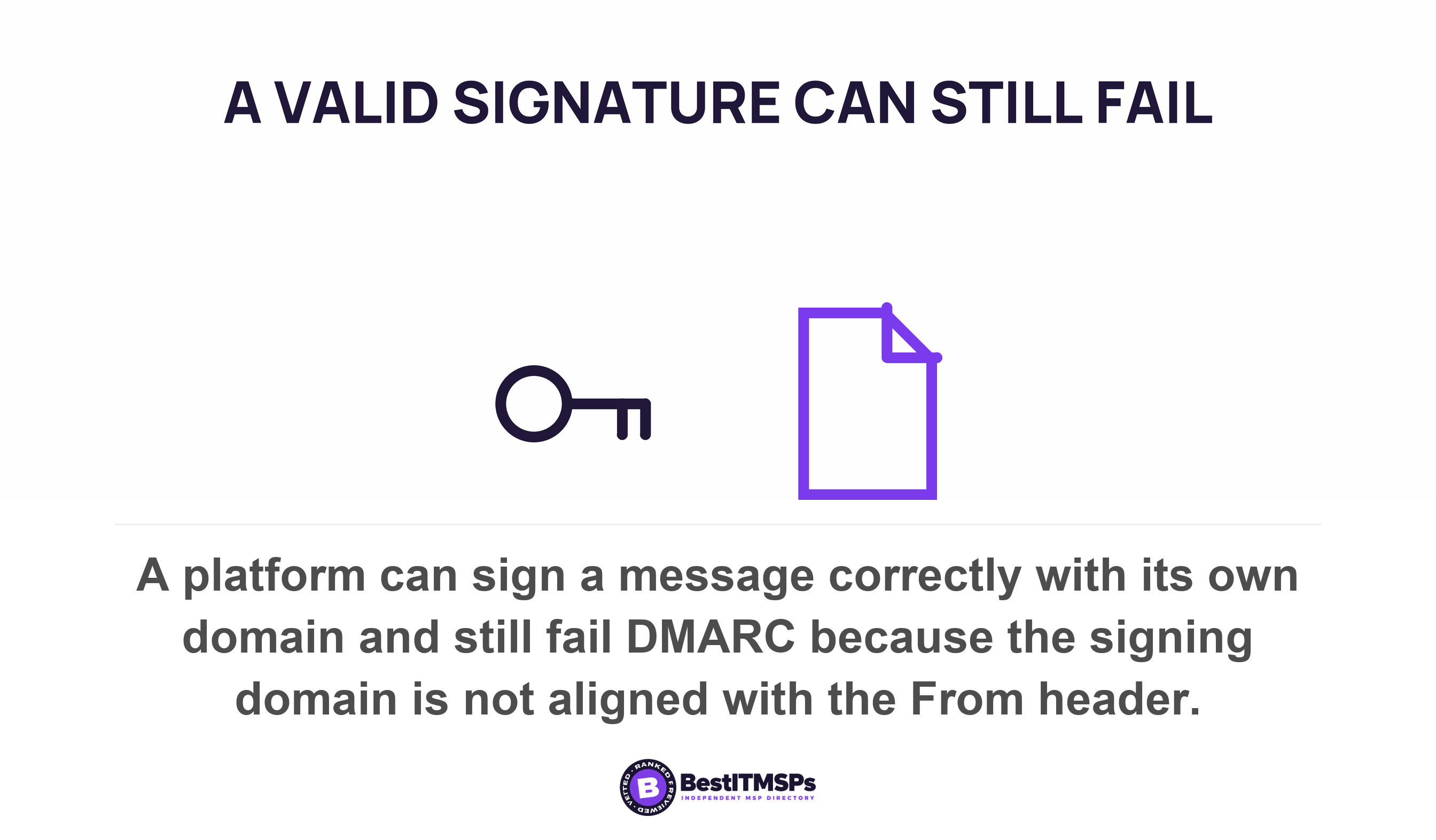
A platform needs either a DKIM signature carrying your domain or an envelope address on your domain, and one of the two has to align with the name in your From header. A valid signature on its own proves nothing to DMARC. The DKIM standard states that it does not require the value of the SDID or AUID to match an identifier in any other message header field, so a platform can sign flawlessly with its own domain and still fail your policy.
DMARC calls that match identifier alignment. Relaxed alignment needs the signing domain to have the same Organizational Domain as the From domain. Strict alignment needs the two to be identical. The adkim and aspf tags both default to r, the relaxed mode, so a subdomain of your own domain usually counts and a supplier's domain never does.
Microsoft's own alignment table shows how fine the margin is. A message from a contoso.com address signed by bounces.contoso.com passes relaxed and fails strict. The same message signed by contoso.onmicrosoft.com fails both. Your Microsoft tenant's default name is not aligned with your real one, which surprises most buyers the first time they see it.
Who holds the key depends on the platform, and the published mechanics come in two patterns.
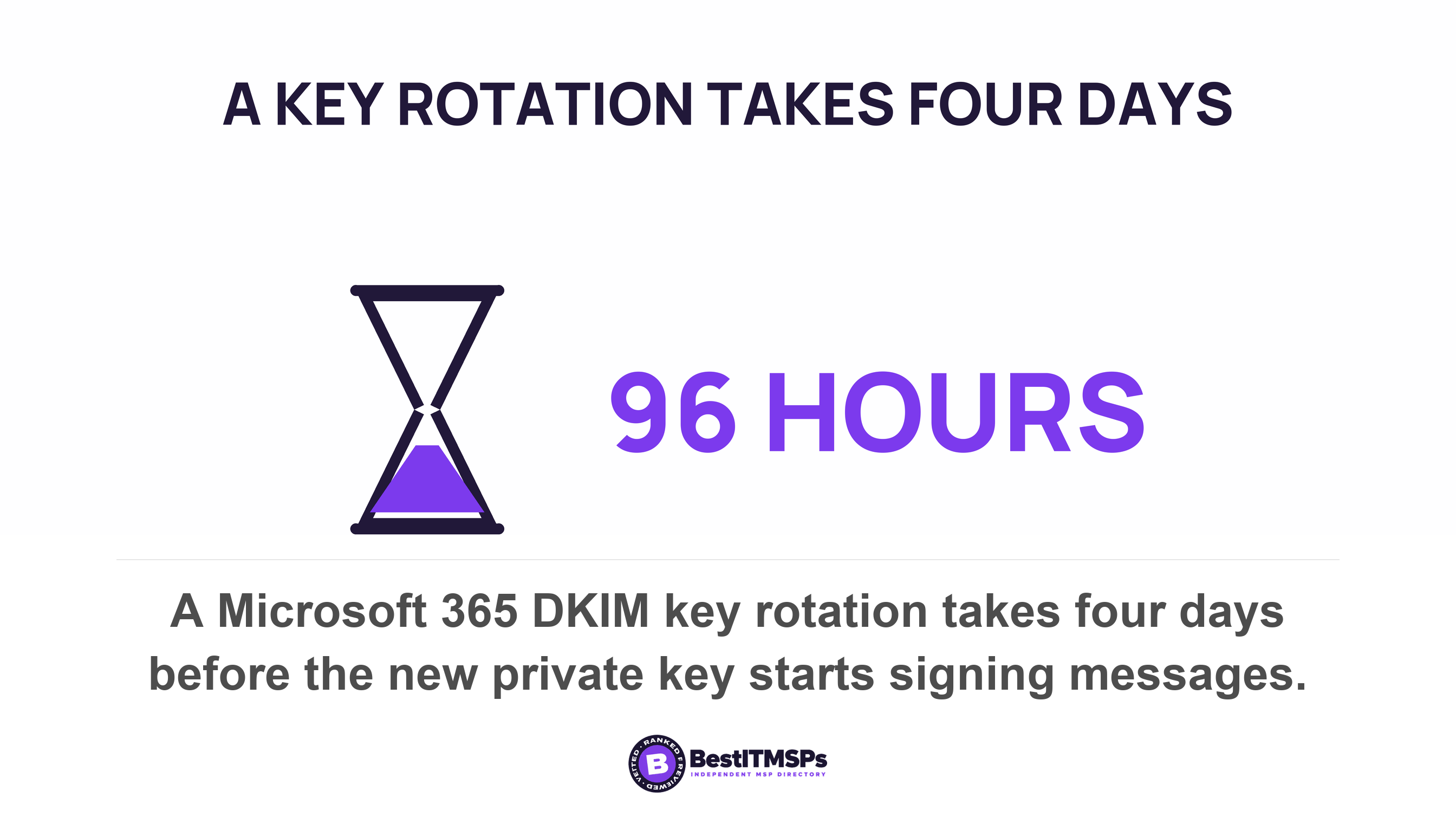
- Delegate the key to the platform. Microsoft 365 generates two public-private key pairs when you enable signing on a custom domain, and states that the private keys that are used to sign the message are inaccessible. You publish two CNAME records that point at Microsoft's public keys. Microsoft can then rotate the key without touching your zone, and that rotation takes four days (96 hours) to start signing.
- Hand over a key you made. Amazon SES offers Easy DKIM, where SES generates a public-private key pair, and BYODKIM, where you provide your own public-private key pair. Easy DKIM delegates the key. BYODKIM leaves you holding the private key, and the job of rotating it.
Either way the record lives in your DNS while the signing happens on somebody else's hardware. Both halves have to stay in step. The SPF side splits the same way. Google warns that if your third-party senders aren't included in your SPF record their mail is more likely to be treated as spam, and says the record should include all email senders for your domain.
How does a DMARC policy treat your subdomains?
A DMARC policy on your organisational domain applies to every subdomain automatically, including subdomains that do not exist. RFC 9989 states that the policy applies to the domain queried and to subdomains, and that in the absence of applicable sp or np tags, the p tag policy is used for subdomains.
Two published tags override that inheritance, and naming them correctly is half the value of this section. The sp tag sets a policy for an existing subdomain of the prevailing Organizational Domain, and the standard is precise about its edges: it applies only to existing subdomains of the message's Organizational Domain in the DNS hierarchy and not to the Organizational Domain itself. The np tag covers the other case, non-existent subdomains of the given Organizational Domain. There is one catch worth knowing before you ask for either: RFC 9989 says sp will be ignored for DMARC Policy Records published on subdomains, so the subdomain policy only works where you put it, on the parent.
Now the trap, which Microsoft states in a single sentence. Unlike SPF and DKIM, the DMARC TXT record for a domain automatically covers all subdomains, and yet each subdomain requires an SPF and DKIM record for DMARC. SPF does not inherit at all. The standard places each SPF record in the DNS tree at the owner name it pertains to, not in a subdomain under the owner name, and Microsoft spells out the result plainly: the SPF TXT record for contoso.com doesn't cover marketing.contoso.com. Signing behaves the same way, because each subdomain you use to send email from Microsoft 365 requires its own DKIM configuration.
So the inherited policy reaches your marketing subdomain and the records do not. Turning on enforcement at the parent is what breaks the campaign domain. That is the reverse of how a buyer expects a security change to behave, and it is why a provider who moves the main domain to reject without walking the tree first gets a call from marketing the same afternoon. Microsoft's own rollout order starts with a low-volume subdomain and ends by saving the parent domain for last.
Putting an outside platform on its own subdomain is the recommended pattern rather than a workaround. Microsoft advises that for email services that aren't under your direct control, use a subdomain instead of your main email domain, so a campaign's reputation stays off your invoices.
What about the domains you never send from?
A non-sending domain needs two records, and it is the cheapest win on the whole list because no live mail can break. CISA told federal agencies exactly what to publish on second-level domains that don't send mail. Step one is to set a DMARC policy of p=reject. Step two is that an SPF null record should be added in DNS, with the value v=spf1 -all. The same directive required all second-level agency domains to have valid SPF/DMARC records, not just the ones carrying staff mail.
Microsoft gives the identical pair for what it calls a parked domain. The SPF value is v=spf1 -all and the DMARC value is v=DMARC1; p=reject;. It adds a third instruction that most people get backwards: on a registered but unused domain, don't publish DKIM records, because the lack of a public key in DNS to validate the message signature prevents DKIM validation of forged domains. Publishing a key there hands a forger the one thing they lack.
A fourth record deserves its proper name. A null MX record is a separate published mechanism, defined in RFC 7505 as a simple mechanism by which a domain can indicate that it does not accept email. It is one MX record with preference zero and a single dot as the exchange, and a domain publishing it MUST NOT advertise any other MX RR. A receiving server that rejects mail over a null MX sender domain SHOULD use a 550 reply code. Do not call that an SPF null record. The two names sound alike, live in different records, and asking for the wrong one wastes a ticket.
One more domain hides inside a Microsoft tenant. If you do not send from your onmicrosoft.com name, Microsoft says the parked-domain directive covers that domain too. Nearly every tenant has one, and almost nobody has locked it.
Why does adding one more platform break SPF?
Adding a platform adds DNS lookups, and the DNS lookup limit is ten. RFC 7208 requires that SPF implementations MUST limit the total number of those terms to 10 during SPF evaluation, and that if this limit is exceeded, the implementation MUST return permerror. A permerror means the domain's published records could not be correctly interpreted, and the standard notes it requires DNS operator intervention to be resolved.
Get the failure result right, because it is a bounce rather than a warning. Microsoft states that past ten lookups the message fails SPF with a permanent error, and that the destination system rejects the message in a non-delivery report carrying the text the message required too many lookups. Receivers reject the mail outright.
The counting is what tips a working setup over. Each include statement requires at least one DNS lookup, and more where it points at nested records, so having fewer than 10 include: statements doesn't guarantee fewer than 10 DNS lookups. Include, a, mx, exists and redirect each cost a lookup. Plain ip4 and ip6 addresses cost nothing. Publishing two SPF records on one name is its own fault, since multiple SPF TXT records for the same domain cause SPF to return permerror.
Here is the part that explains why nobody caught it. Receivers read the record from left to right and stop as soon as the sending source matches, so a record might contain enough information to cause more than 10 DNS lookups while some sources never reach the ceiling. The eleventh platform does not break all your mail at once. It breaks whichever senders sit past the cutoff, at whichever receivers walk that far down the record. The failure is intermittent by design, which is why your provider's test passes and your invoices still bounce.
Two published fixes exist and the better one is free. Microsoft notes that each subdomain has its own 10 lookup budget, so moving an outside platform onto its own subdomain resets the count and keeps its reputation separate at the same time. Replacing an include with a vendor's fixed address ranges also works, though Microsoft warns against doing it for Microsoft 365, because its sending infrastructure uses dynamic IP addresses.
Six checks you can run yourself, one domain at a time
To check a domain yourself, run six DNS lookups against it and read the answers. Any laptop does this, and nothing here needs a paid tool. Microsoft documents the command it uses itself, Resolve-DnsName -Name "_dmarc.contoso.com" -Type TXT, and the older nslookup command does the same job.
- Query the TXT record at the _dmarc hostname for the domain. No answer means no policy at all. An answer of p=none means monitoring only.
- Read the sp and np tags in that record. Absent tags mean subdomains inherit the parent policy, which is usually right on a live domain and never enough on its own.
- Query the domain itself for a TXT record starting v=spf1. Two of them is a fault. None of them is a domain anybody can send as.
- Count the include statements in that record, then count again inside each one. Ten lookups is the ceiling for the whole chain.
- Query the selector your platform gave you, because DKIM public keys sit under a subdomain named _domainkey. A missing key is a platform signing with its own name instead of yours.
- Query the MX record. A single dot means the name accepts no mail and is correctly shut.
Run all six on every row of the inventory, including the domain nobody uses any more. Write the answers into the table beside the owner's name, and verify the result yourself rather than accepting a summary. A row with an owner and six answers is a managed domain. A row with neither is the name a forger picks.
A provider who hands you the domain list has done the work. A provider who hands you one fixed domain has done one row of it.
What to ask your provider for this week
Ask for the inventory rather than a status update. Four requests cover it, and each one produces a document you can keep in a folder.
- Request every domain and subdomain the business sends from, with the registrar and DNS host beside each.
- Request the record values per domain, meaning the SPF record, the DKIM selectors and the DMARC policy.
- Request the plan for the non-sending domains, with a date against every one.
- Request the order of the enforcement rollout, subdomains first and the parent domain last.
None of this makes your email safe, and no honest provider says it does. Email authentication decides whether a receiver believes a message came from the name in the From header. It does nothing about a display name, a lookalike domain, or an invoice somebody was persuaded to pay. What it buys is a complete list, an owner on every row, and a policy on every name you own, including the nine your provider has not touched. Our editorial team read Google's sender guidelines and sender FAQ, Yahoo's sender FAQ, Microsoft's SPF, DKIM and DMARC guidance, the Amazon SES documentation, CISA Binding Operational Directive 18-01, and RFCs 6376, 7208, 7505 and 9989 on 22 October 2026.
FAQ
Does a DMARC record cover my subdomains automatically?
Yes. RFC 9989 states that the policy applies to the domain queried and to subdomains unless an sp or np tag says otherwise. Microsoft confirms that the DMARC TXT record for a domain automatically covers all subdomains, including ones that do not exist. The records underneath it do not inherit.
Do I need a separate SPF record for each subdomain?
Yes. Microsoft states plainly that the SPF TXT record for contoso.com doesn't cover marketing.contoso.com, and RFC 7208 places each SPF record in the DNS tree at the owner name it pertains to. Each subdomain you send from needs its own SPF record and its own DKIM configuration.
What should I publish on a domain that sends no email?
Two records. CISA directs agencies to set a DMARC policy of p=reject and add an SPF null record of v=spf1 -all on second-level domains that do not send mail. Microsoft adds a third rule for a parked domain: don't publish DKIM records, because a key in DNS helps a forger.
What happens if my SPF record goes over 10 DNS lookups?
The check fails permanently. RFC 7208 requires implementations to return permerror past ten terms, and Microsoft says the receiving system rejects the message in a non-delivery report reading that the message required too many lookups. Because receivers read the record from left to right, only some senders break.
Can a marketing platform send as my domain without DNS changes?
It can send, and the mail will usually fail DMARC. DKIM does not require the signing domain to match any other header field, so the platform signs with its own name. Google warns that third-party senders not included in your SPF record are more likely to be marked as spam.
Best IT MSP is the independent directory of vetted managed IT and cybersecurity providers across North America. Organic ranking is earned on rating and verified data, and paid placement is always labelled. Take the six checks above to three merit-ranked firms in your city and compare what each one sends back.