Google and Yahoo's bulk sender rules, in plain terms for a 30-person company
Six of Google's sender requirements apply to every sender at any volume. Only the stricter authentication and unsubscribe tier starts above 5,000 messages a day to personal Gmail accounts. Yahoo publishes no volume threshold at all. A 30-person company that crosses Google's line once is treated as a bulk sender permanently.
- Six of Google's sender requirements carry no volume condition at all. They cover SPF or DKIM, a reverse DNS record, TLS, standards-compliant formatting, no Gmail From spoofing, and a spam complaint rate under 0.3 percent.
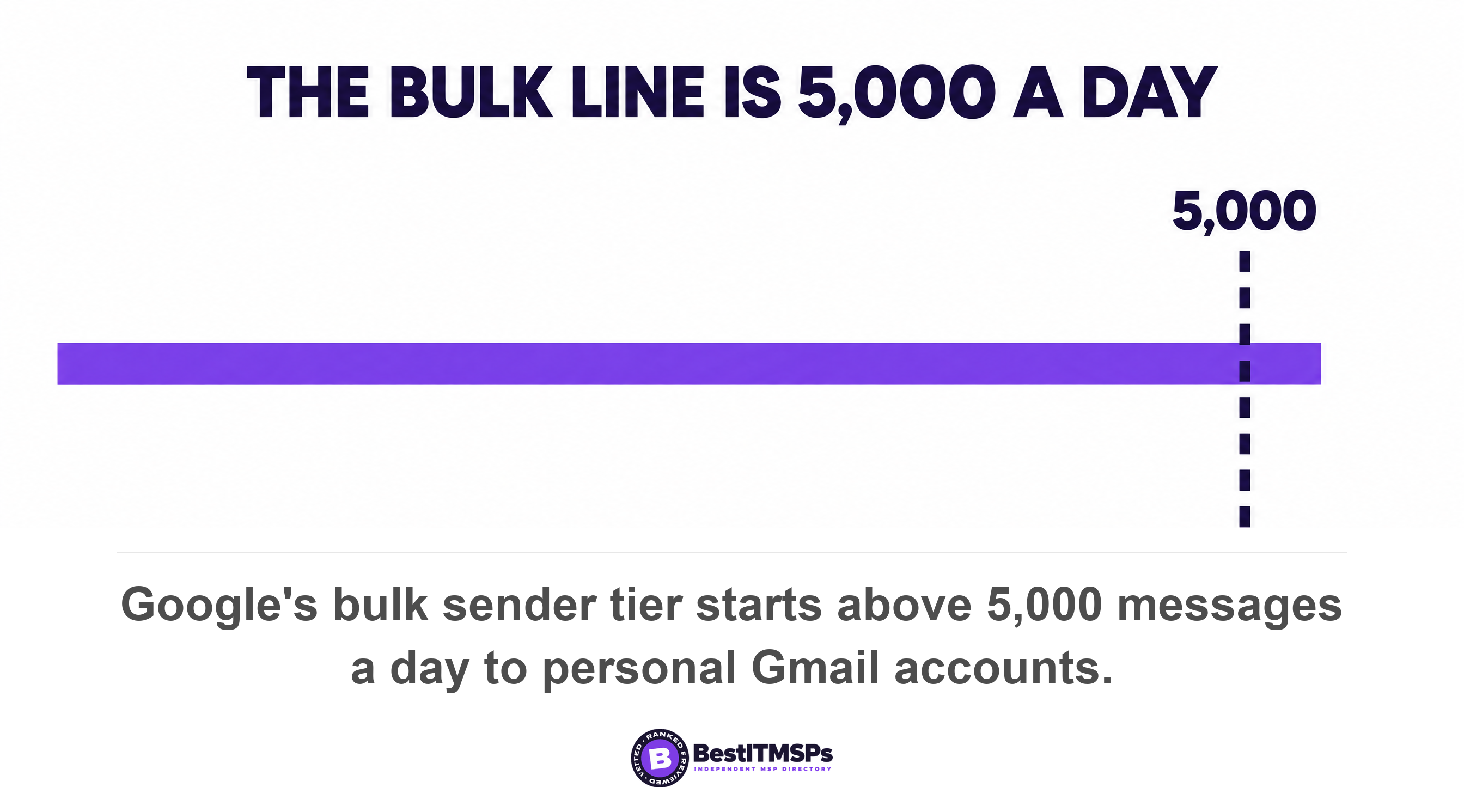
- The bulk tier starts at 5,000 messages to personal Gmail accounts inside 24 hours, counted across your whole primary domain, so five separate SaaS tools add into one number.
- Google treats a sender who crosses that line even once as a bulk sender permanently. It publishes no route back below the threshold.
- Yahoo refuses to publish a volume threshold. Its own FAQ says it will not specify one, so the only safe plan for a small business is to meet the bulk tier regardless of size.
- Postmaster Tools reports your spam rate only for DKIM-signed mail and hides low-volume days, so an SPF-only sender is held to a 0.3 percent limit it cannot read.
Do Google and Yahoo's bulk sender rules apply to a 30-person company?
Yes, in part. Six of Google's sender requirements apply to every sender at any volume, and a stricter tier starts above 5,000 messages per day to Gmail accounts. Yahoo publishes no volume threshold at all, so its bulk tier has no line a small business can check for itself.
The rules were written about bulk senders and reported as a problem for marketing teams. That is why a 30-person company reads the headline and files it under not us. The filing is wrong in a specific and expensive way, because the unconditional half of the requirements covers your invoices, your quotes, your appointment reminders and your password resets. Those are email too. Google's all-sender requirements took effect on February 1, 2024, and Google's own FAQ says that starting November 2025, Gmail is ramping up its enforcement on non-compliant traffic, with non-compliant messages set to experience disruptions, including temporary and permanent rejections. A permanent rejection is a bounce, not a spam folder, so the failure mode is an invoice that never arrives and a sender who is told so. Nothing in that schedule waits for you to hire a marketing team.
Google's own numbers show how far the enforcement reached. It reported watching the number of unauthenticated messages Gmail users receive plummet by 75% once it began requiring email authentication, against a baseline of nearly 15 billion unwanted emails blocked each day. A filter that removes three quarters of unauthenticated mail removes your unauthenticated mail along with everybody else's.
This post covers which requirements are unconditional, which only bite above a threshold, how to find out which side of the line you sit on, and the exact instructions to hand whoever runs your DNS. The mechanics of SPF, DKIM and DMARC live next door. Read Your DMARC record says p=none for what each policy permits, How to read a DMARC aggregate report for the reporting, and Who owns your DNS records for the question of who can actually make the changes.
Six requirements apply no matter how little mail you send
Six of Google's sender requirements carry no volume condition, so they apply to a 30-person company on its first email of the year. Google lists them for all senders, in a section separate from the bulk tier, and Yahoo publishes an almost identical unconditional list.
- Authenticate the domain. Set up SPF or DKIM authentication for your sending domain. One of the two is the floor, not both.
- Fix reverse DNS. The public IP address of a sending SMTP server must have a corresponding PTR record that resolves to a hostname, and the forward lookup has to come back as well.
- Use TLS. Google added use a TLS connection for transmitting email in December 2023, and it applies at any volume.
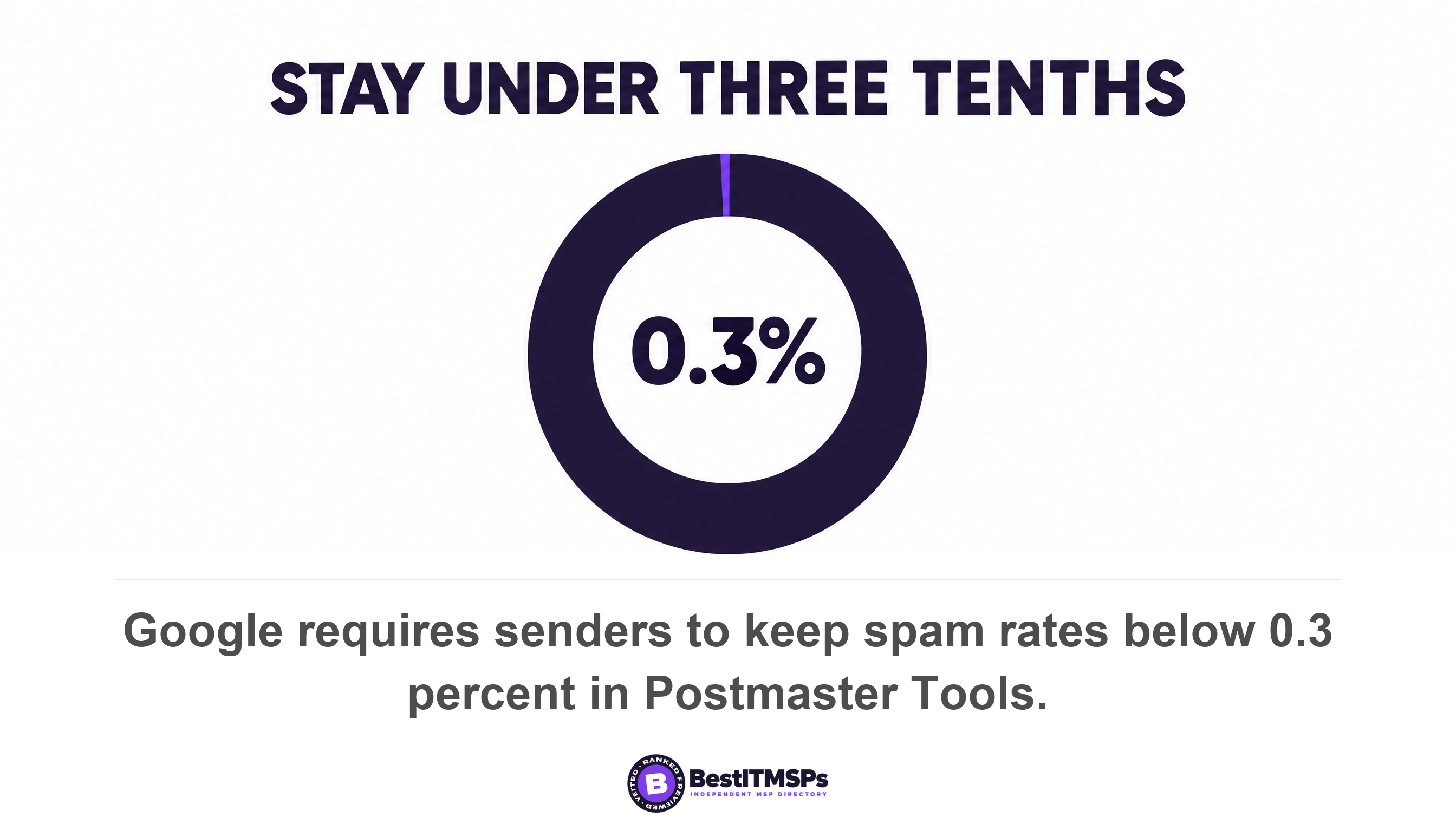
- Keep the complaint rate down. Keep spam rates below 0.3% in Postmaster Tools. Google separately recommends staying below 0.1% and never letting the rate reach 0.3 percent.
- Format the message properly. Format messages according to the Internet Message Format standard, which is RFC 5322.
- Do not forge Gmail addresses. Don't impersonate Gmail From: headers, which rules out sending as a gmail.com address from your own system.
Yahoo's unconditional list is shorter and matches on everything that matters. It asks all senders to implement SPF or DKIM at a minimum, to keep your spam rate below 0.3%, to hold valid forward and reverse DNS records for sending IPs, and to comply with RFCs 5321 and 5322. Yahoo says enforcement will begin in February 2024, the same month as Google's.
Notice what is absent from both unconditional lists. Neither one requires DMARC, and neither requires a DKIM signature if you already publish an SPF record. So a small business can be fully compliant with the all-sender tier while holding no DMARC policy, no DKIM key, and no way to see its own spam complaint rate. The section on measurement below is about the hole that leaves.
What changes above 5,000 messages a day, and how the count works
Above the threshold four things change. SPF and DKIM both become mandatory, a DMARC policy becomes mandatory, the visible From domain must align with one of them, and marketing mail needs one-click unsubscribe. Google requires all of it from senders who send more than 5,000 messages per day to Gmail accounts, and notes that your DMARC enforcement policy can be set to none.
The counting rules are where a 30-person company gets caught, and Google publishes them. Its FAQ defines a bulk sender as any email sender that sends close to 5,000 messages or more to personal Gmail accounts within a 24-hour period, and it counts by domain rather than by platform, because messages sent from the same primary domain count toward the 5,000 limit. The number is cumulative across every service that sends as you. Your invoicing tool, your CRM, your helpdesk, your appointment reminders and your newsletter platform all feed one total, and no single vendor dashboard shows that total.
Then comes the sentence almost nobody quotes. Google states that senders who meet the above criteria at least once are permanently considered bulk senders. One all-customer notice about a price change, one annual statement run, one migration announcement, and the classification sticks. This is not an inference from a single sentence, because Google says it three ways in the same answer: bulk sender status doesn't have an expiration date, senders so classified are permanently classified as such, and changes in email sending practices will not affect permanent bulk sender status once it's assigned. Cutting your volume back does not undo it.
Two published limits work in your favour, and both are worth knowing before anybody panics. Only mail to personal Gmail addresses counts, because Google states that the Email sender guidelines don't apply to messages sent to Google Workspace accounts. And enforcement is staged rather than instant: Google says enforcement for bulk senders that don't meet our Email sender guidelines will be gradual and progressive, while warning that the enforcement progression for new domains will be on an accelerated timetable for any domain that had not sent more than 5,000 a day to personal Gmail accounts since January 1, 2024.
Why Yahoo will not tell you whether it counts you as a bulk sender
Yahoo will not tell you because it has decided not to publish a number. Its sender FAQ says, in its own words, we will not specify a volume threshold, and it defines the term only as an email sender sending a significant volume of mail.
That matters because the two rule sets are described almost everywhere as identical, and on the requirements themselves they very nearly are. Yahoo's bulk tier asks you to implement both SPF and DKIM, publish a DMARC policy of at least p=none that passes, align the From domain with the SPF or DKIM domain under relaxed alignment, and implement a functioning List-Unsubscribe header on marketing and subscribed messages. Line for line, that is Google's bulk tier.
Scope is where the two part company, and it is a real difference rather than a wording quirk. Google gives you a testable number and a defined 24-hour window. Yahoo gives you a judgement it makes privately, assessed at the authenticated domain or From header domain level using other signals including content and IP. Yahoo also counts mail you never sent. It confirms that spoofed messages using your domain will count towards the mail we look at for enforcement, so somebody else forging your invoices can move you across a line you cannot see.
For a 30-person company the practical conclusion is short. Build to the bulk tier regardless of your volume. You can check your Gmail number and you cannot check your Yahoo number, and a threshold nobody publishes is one you cannot stay under on purpose. The incremental work between the two tiers is one DKIM key, one DMARC record and one header, which is a smaller job than monitoring a line that does not exist.
Microsoft set the same number and sends failures to the junk folder
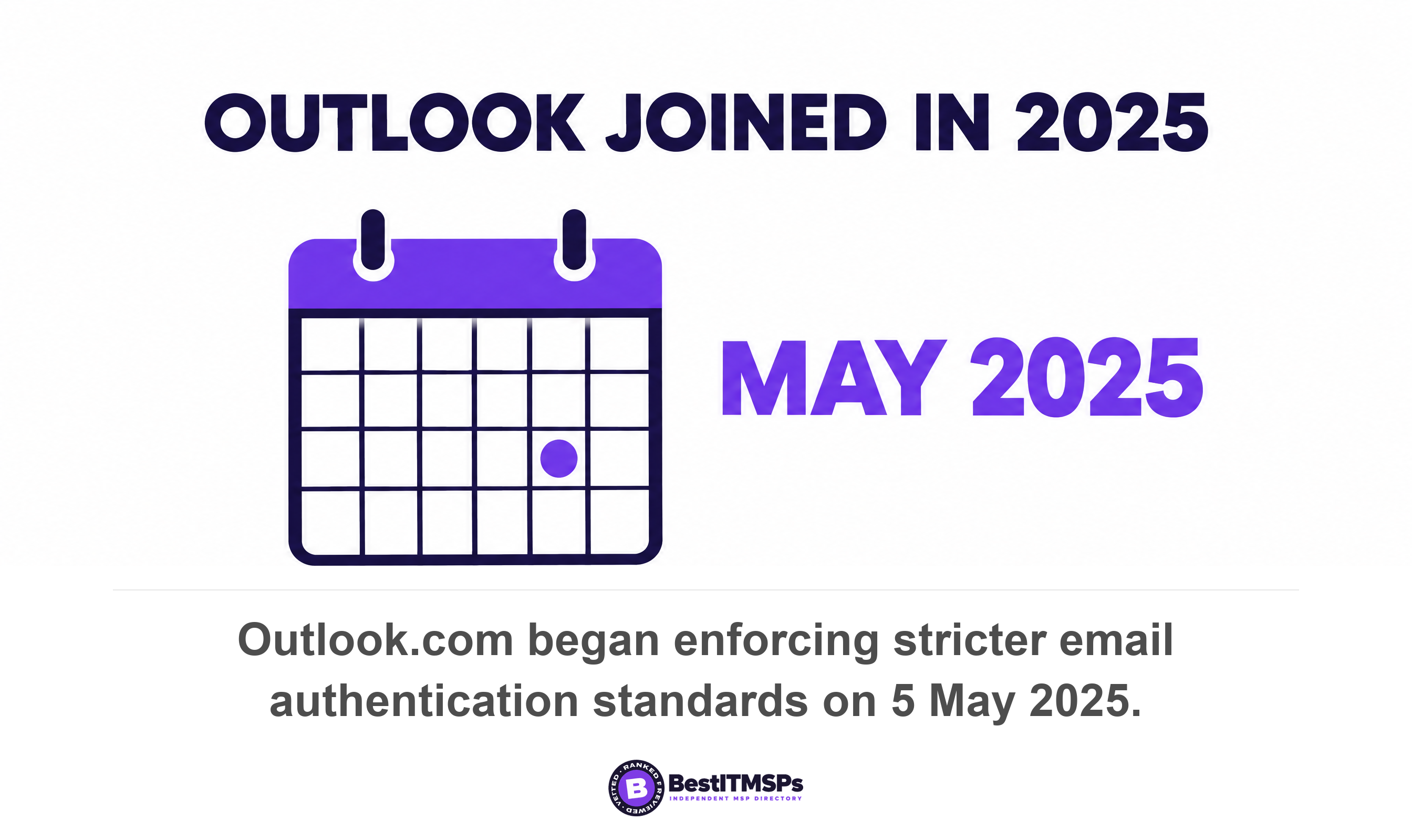
Microsoft drew the same 5,000 line for its consumer mail and began to enforce it on 5 May 2025. Its Outlook.com Postmaster notice states that starting May 5th, 2025, Outlook.com is enforcing stricter email authentication standards for domains sending over 5,000 emails per day.
The requirements are the familiar three. Microsoft names SPF, DKIM and DMARC for high-volume senders into Outlook.com, and its announcement is more specific than its Postmaster page: DMARC must be at least p=none and align with either SPF or DKIM (preferably both), which is the same floor Google sets. The scope is named too. It covers Outlook.com, our consumer service, which is supporting hotmail.com live.com and outlook.com consumer domain addresses, so a customer on any of those three is in scope.
Read the enforcement wording carefully, because Microsoft's own post contradicts itself and that is why the summaries disagree. The original text said non-compliant mail would be routed to Junk and that if issues remain unresolved, they may eventually be rejected. An update dated 29 April 2025 then says Microsoft made a decision to reject messages that don't pass the required authentication requirements, designated 550; 5.7.515 Access denied, sending domain does not meet the required authentication level, taking effect on the same 5 May date. Both passages are still on the page. Treat rejection as the current intent, and treat any article that quotes only the junk-folder half as reading a superseded paragraph.
This is the part a small business most often misses, because your customers do not arrive sorted by mailbox provider. A roofing contractor in Ohio has customers on gmail.com, on outlook.com, on hotmail.com and on a Yahoo address somebody has kept since 2004. Three of the largest consumer mailbox operators now hold the same three email authentication requirements above roughly the same volume line. There is no provider you can quietly fail and still get paid.
The junk-folder outcome is also the hardest failure to notice. A rejected message bounces, and somebody eventually sees the bounce. A junked message is accepted, reports as delivered inside your sending tool, and simply is not read. No customer calls to say your invoice reached their spam folder. They call sixty days later to ask why you are chasing them for money.
The spam complaint rate you are measured on is one you probably cannot see
Your complaint rate is measured in Google Postmaster Tools, which reports it only for DKIM-signed mail and hides it on low-volume days. Google's dashboard documentation says Postmaster Tools displays the spam rate of DKIM-authenticated messages sent to Gmail accounts, and that the dashboard might not include all data on days when outgoing email volume is low, which it attributes to protecting user privacy.
Put that beside the all-sender tier and the gap opens up. The unconditional authentication requirement is SPF or DKIM, so a business can be compliant on SPF alone. The unconditional measurement requirement is a spam rate below 0.3% in Postmaster Tools. The only published place that number appears is a dashboard covering DKIM-authenticated mail. An SPF-only sender is held to a limit it has no way to read. That is the sharpest reason for a small business to set up a DKIM signature even while it sits well under 5,000 messages a day, and it is not the reason any vendor gives you.
The consequences of crossing the line are published too, and they are quicker to trigger than to undo. Google says that beginning June 2024, bulk senders with a user-reported spam rate greater than 0.3% will be ineligible for mitigation, and that bulk senders will be eligible for mitigation when their spam rates remain below 0.3% for 7 consecutive days. The rate itself is calculated daily. Google's own reputation scale is just as blunt: a High domain reputation means a history of very low spam rates, and complies with Gmail's sender guidelines, while Low means mail from the domain is likely to be marked as spam.
Yahoo's side is thinner still. Its Complaint Feedback Loop only supports DKIM-signed email and is a domain based service, it returns one report per complaint in Abuse Reporting Format rather than a rate, and Yahoo publishes no complaint-rate dashboard at all. So on both providers the one requirement that depends entirely on how your recipients behave stays invisible until you sign your mail with DKIM. Before you can monitor anything, you have to verify the domain, which Google says it usually does right away but can take up to 10 minutes.
One-click unsubscribe applies to your newsletter, not your invoices
One-click unsubscribe applies to marketing and subscribed messages above the bulk threshold, and not to transactional email such as invoices, receipts, password resets or appointment confirmations. Google attaches the requirement to marketing and subscribed messages, and gave bulk senders until June 1, 2024 to implement one-click unsubscribe in all commercial, promotional messages. Yahoo's List-Unsubscribe enforcement began in June 2024.
A standard sets the mechanics, not either provider. RFC 8058, published in January 2017 on the Standards Track, requires that the List-Unsubscribe header field MUST contain one HTTPS URI and that a companion List-Unsubscribe-Post header MUST contain the single key/value pair that marks it as one-click. Yahoo says the RFC 8058 POST method is highly recommended while a mailto method is acceptable. Both providers also want a visible unsubscribe link in the message body, so the header never replaces it. The point of the header is that a reader can unsubscribe in one click from inside the mail client, without loading your page.
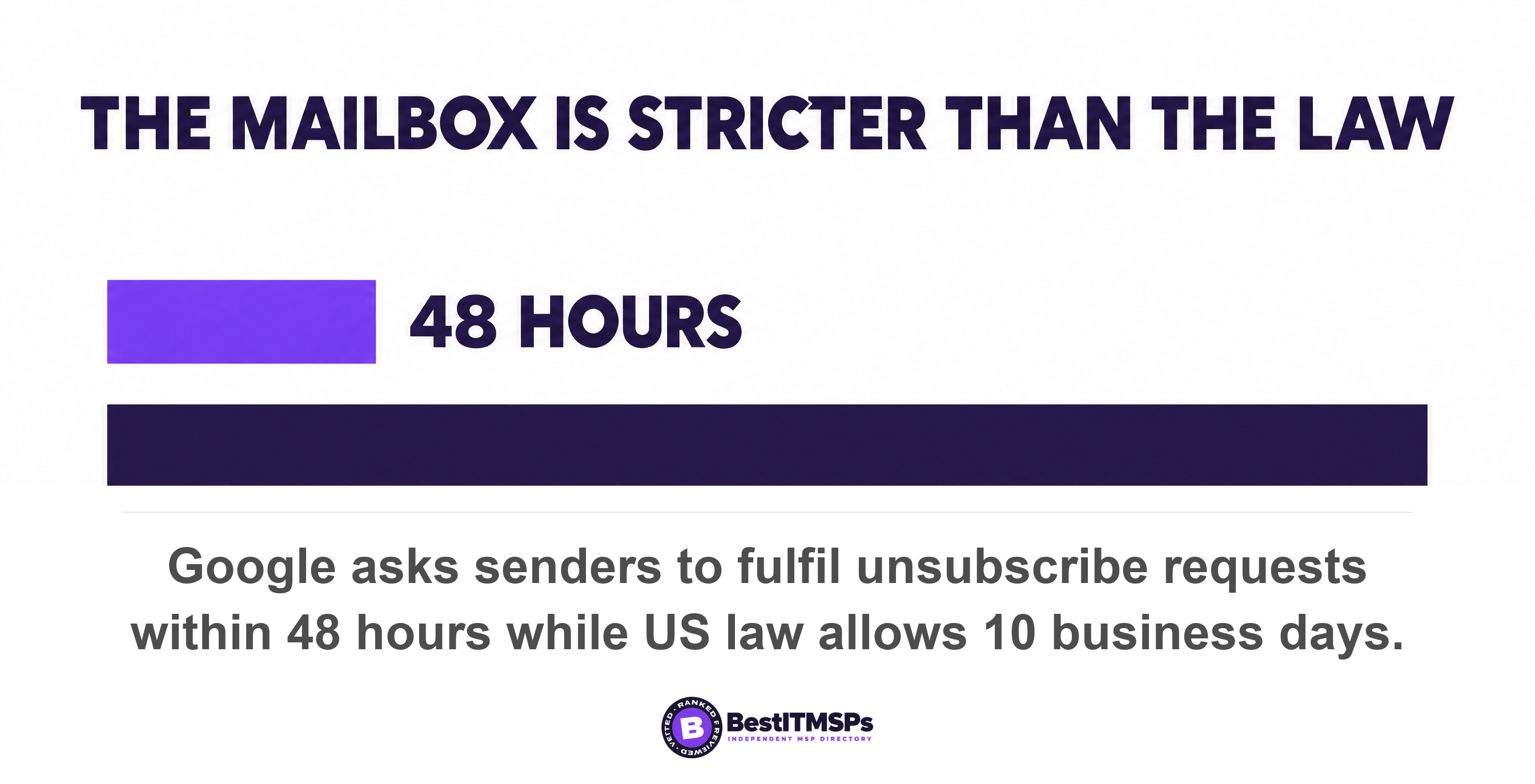
The deadline for honouring a request is the figure most people get wrong, because there are two of them and they sit five times apart. Google asks senders to fulfill unsubscribe requests within 48 hours. Yahoo's wording is honor unsubscribes within 2 days. United States law is far more relaxed. CAN-SPAM bars sending more than 10 business days after the receipt of such request, and requires the opt-out mechanism to remain capable of receiving such messages or communications for no less than 30 days after the original message went out.
Complying with the law is not complying with the mailbox. Ten business days satisfies the Federal Trade Commission and misses Google by a factor of five. If your marketing platform processes opt-outs in a weekly batch, that arrangement is lawful and it is also an email deliverability problem, because the complaint rate it produces is the number both providers actually judge you on.
How to read the bounce that names the rule you broke
To find out which requirement failed, read the enhanced status code in the bounce message, because Google publishes one code per requirement. The code sits inside the delivery failure notice your sending tool received, as a three-part number such as 5.7.27. Ask your IT provider for the raw bounce text rather than a summary of it.
Google's FAQ lists temporary and permanent codes separately, and the pairing tells you how much trouble you are in. A 4.7.x code means the message was rate limited and may still arrive. A 5.7.x code means it was blocked outright. The six pairings below cover every unconditional and bulk requirement in this post.
- 4.7.23 and 5.7.25, reverse DNS. Google says this message was blocked because the sending IP address doesn't have a PTR record.
- 4.7.27 and 5.7.27, SPF. Your email has been rate limited because SPF authentication didn't pass for this message.
- 4.7.29 and 5.7.29, TLS. This message was blocked because it wasn't sent over a TLS connection.
- 4.7.30 and 5.7.30, DKIM. The DKIM signature did not validate, so the message is rate limited and then blocked.
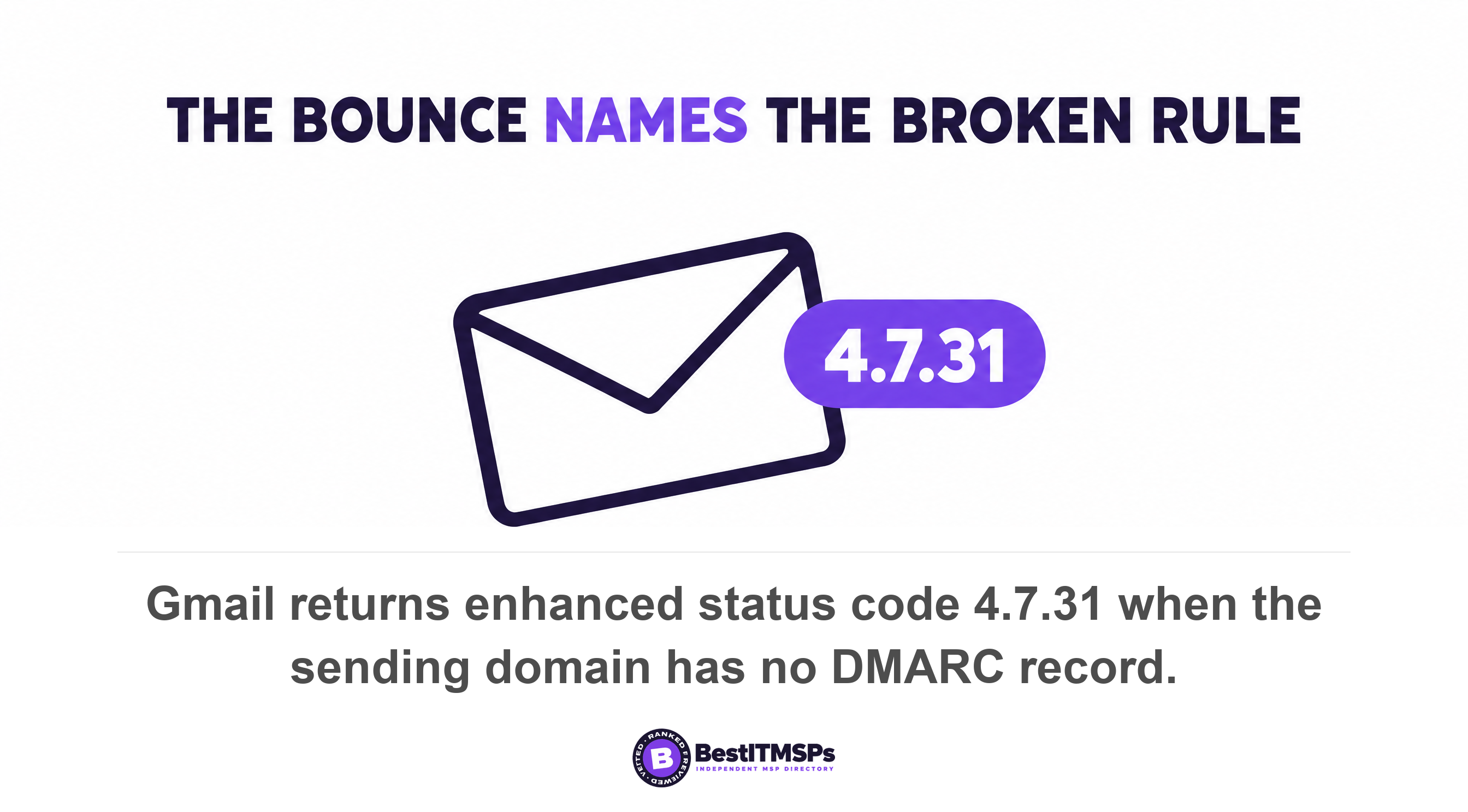
- 4.7.31, no DMARC record. Your email has been rate limited because the sending domain doesn't have a DMARC record.
- 4.7.32, alignment. The visible From header is not aligned with the authenticated SPF or DKIM organizational domain.
Take the code to your provider instead of the symptom. A ticket reading our emails go to spam invites a week of guessing and a recommendation to buy something. A ticket reading we are getting 4.7.31 on mail to Gmail names the missing DNS record, and the fix is one TXT entry.
A provider who can paste your four record values has done the work. A provider who sends a status update has only opened a ticket.
What to put to whoever runs your DNS
To get this done, send seven specific instructions to whoever controls your DNS zone, and ask for the finished record values back as proof. Every item below is a published requirement rather than a preference, and six of the seven are single DNS entries.
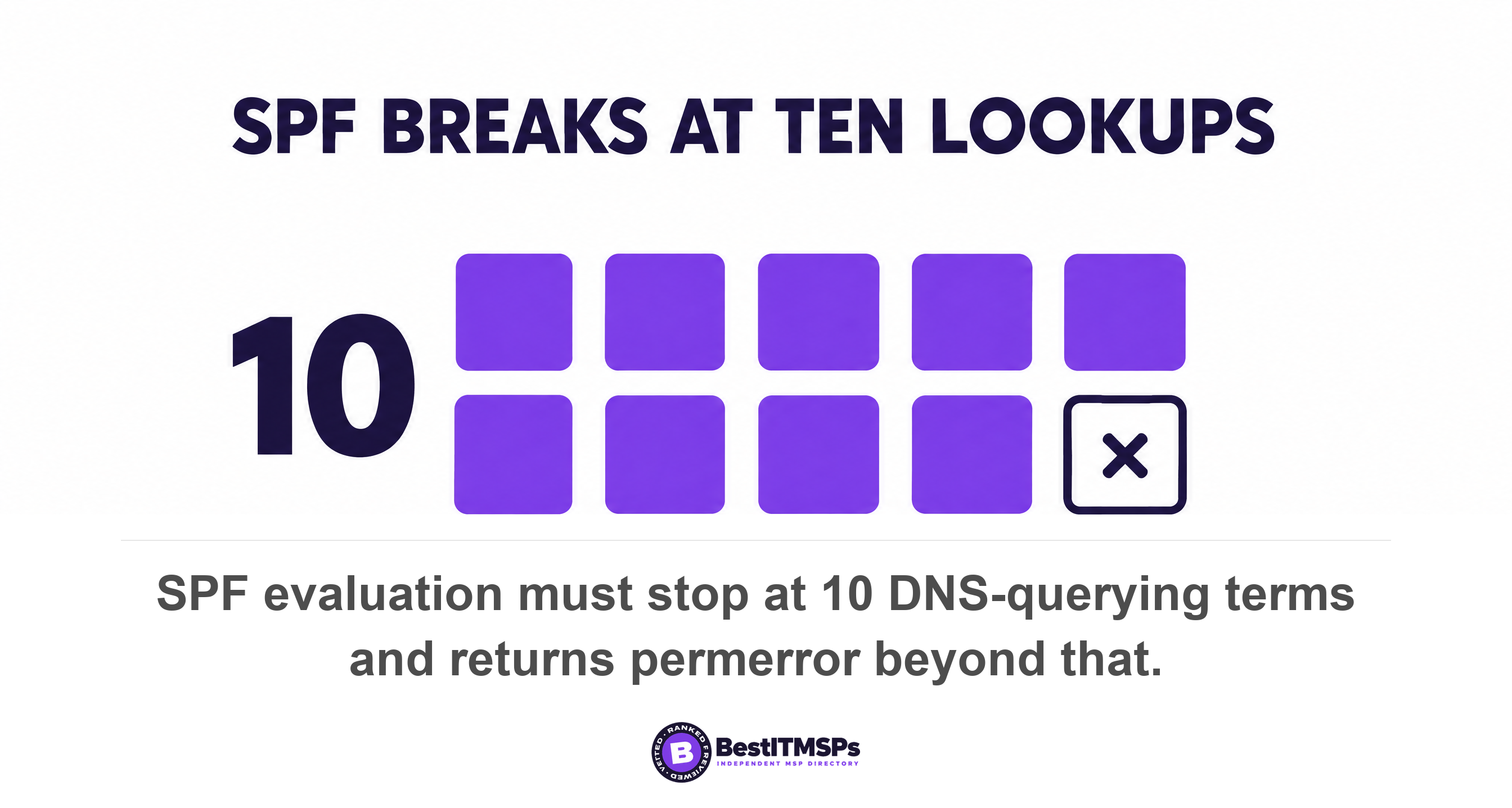
- Publish one SPF record listing every service that sends as our domain, and keep it inside the limit of 10 DNS-querying terms.
- Sign all outbound mail with DKIM, using a key of 1024 bits or longer and 2048 bits where our mail provider supports it.
- Publish a DMARC policy with a working reporting address, since Google requires one from bulk senders and CISA directed federal agencies to reach a policy of reject within a year of October 2017.
- Align the visible From domain with the SPF or DKIM domain, which relaxed alignment satisfies at the organizational-domain level.
- Fix forward and reverse DNS so our sending IP resolves in both directions.
- Confirm TLS is enforced on outbound mail from every sending platform, not only from our mailbox provider.
- Verify our domain in Postmaster Tools so we can monitor the spam complaint rate ourselves rather than hearing about it from a customer.
The SPF limit is the item that bites a growing company, and it fails in a way that looks like nothing at all. RFC 7208 states that SPF implementations MUST limit the total number of those terms to 10 during SPF evaluation and that if this limit is exceeded, the implementation MUST return permerror. It also tells implementations to cap void lookups, DNS answers with no records, at two. Each include statement for a SaaS platform spends one of the ten, and some vendors spend three or four more inside theirs. Add a fifth sending tool and the whole SPF record can stop evaluating, which means every message you send fails SPF on the same afternoon.
One further trap deserves naming. If somebody hands you a DMARC record copied from a vendor sample, check it for a pct tag. RFC 9989, the current DMARC standard published in May 2026, obsoletes RFCs 7489 and 9091 and removes pct entirely in favour of a test-mode tag that defaults to n. Samples carrying the retired tag are still in circulation in vendor documentation. The separate question of who can actually edit these records is its own problem, and Who owns your DNS records covers the free lookup that answers it in about a minute.
Four checks that prove the work was done rather than quoted
Four checks confirm the work happened, and each one produces a document or a screenshot you can keep in a folder. Run them on your current IT provider before you run them on a new one.
- Ask for four record values. The SPF record, the DKIM selector and public key, the DMARC policy, and the PTR record for the sending IP. Four lines of text, pasted into an email.
- Ask which services send as your domain. Count them against the SPF record. Any sender missing from that record is mail failing email authentication today.
- Ask for a Postmaster Tools screenshot. It should show a verified domain and a spam complaint rate. An empty dashboard usually means the mail carries no DKIM signature.
- Ask what happens to an unsubscribe request and how fast. The answer needs to be automatic and under 48 hours, not a person clearing a mailbox on Fridays.
None of this makes your email safe, and no honest provider claims it does. Authentication decides whether a mailbox provider believes a message came from you, which is a narrower job than stopping fraud. The FBI logged 24,768 business email compromise complaints and $3,046,598,558 in losses in 2025, alongside 191,561 phishing and spoofing complaints, so the attack these records push back against is well funded and still working. Read Business email compromise is not phishing for how that fraud actually reaches a finance team.
The reason to clear the bulk sender rules is more immediate than fraud. It is that your own quotes, invoices and reminders arrive, get read, and get paid. Our editorial team read Google's sender guidelines and sender FAQ, Yahoo's Sending Best Practices and FAQ pages, the Outlook.com Postmaster notice and the relevant RFCs on 21 October 2026. These requirements arrived in stages from February 2024 and have been tightened since, so check the date on any page somebody hands you.
FAQ
Do Google's bulk sender rules apply if I send fewer than 5,000 emails a day?
Partly. Six requirements apply at any volume, including SPF or DKIM, reverse DNS, TLS, RFC 5322 formatting, no Gmail From spoofing, and a spam rate below 0.3%. The bulk tier, which adds DMARC, alignment and one-click unsubscribe, starts above 5,000 messages per day to Gmail accounts.
How do I find out whether I send more than 5,000 emails a day to Gmail?
Verify your domain in Google Postmaster Tools and read the traffic dashboard. Google counts messages sent from the same primary domain, so add your invoicing tool, CRM, helpdesk and newsletter platform together. Postmaster Tools warns that data might be missing if the total number of messages for a given day is too low.
Are Google's and Yahoo's bulk sender requirements the same?
The requirements match almost line for line, but the scope does not. Yahoo's FAQ states we will not specify a volume threshold, while Google publishes 5,000 messages inside 24 hours. Build to the bulk tier regardless of size, because you cannot deliberately stay under a line nobody publishes.
Do my invoices and receipts need an unsubscribe link?
No. One-click unsubscribe applies to marketing and subscribed messages, not to transactional email such as invoices, receipts and password resets. Those messages still need authentication. An invoice that fails SPF gets rate limited because SPF authentication didn't pass exactly like a newsletter does.
What happens if my spam complaint rate goes above 0.3 percent?
Delivery degrades and Google stops helping. Since June 2024, bulk senders above 0.3% are ineligible for mitigation, and eligibility returns only once the rate remains below 0.3% for 7 consecutive days. Google calculates the rate daily, so a single bad campaign shows up the next morning.
Best IT MSP is the independent directory of vetted managed IT and cybersecurity providers across the US and Canada. Organic ranking is earned on rating and verified data, and paid placement is always labelled. Take the seven DNS instructions above to three merit-ranked firms in your city, and compare who answers with record values instead of a status update.