Your DMARC record is live and the email still says it is from your CEO
Display name spoofing works because DMARC checks the domain in the From header and nothing else. RFC 9989 lists display name attacks as out of scope. The fix is three controls your provider can name today, which are an external sender warning, an anti-impersonation policy, and dual approval on payments.
- DMARC evaluates one identifier, the domain in your From header. The current standard lists display name attacks among the items it declares out of scope.
- Microsoft's own documentation lists a From line reading Microsoft 365 on a contoso.com address as valid, because the format rules check punctuation rather than truth.
- Anti-impersonation protection is a Defender for Office 365 feature, and Microsoft ships it with no protected senders configured. Paying for the licence is not the same as being covered.
- Google states that its yellow warning banners appear only in Gmail web, so staff reading mail on a phone see the message without the verdict.
- The FBI logged 24,768 business email compromise complaints in 2025 at roughly $123,005 each, against about $1,127 per phishing and spoofing complaint.
What does DMARC actually check when an email arrives?
DMARC checks one identifier, and it is the domain in your From header. RFC 9989, the standard published in May 2026, defines the Author Domain as the domain name of the apparent author as extracted from the RFC5322.From header field. That single string is the whole of what gets evaluated.
Identifier alignment gives the check its force. SPF or DKIM proves that some domain authorised the sending server or signed the message, and DMARC then asks whether that proven domain matches the one in the From header. RFC 9989 calls an exact match strict alignment, where the Author Domain is identical to an Authenticated Identifier. The relaxed default accepts any domain aligned to the same organizational domain.
So a DMARC pass is a narrow statement. The standard says it indicates only that the use of the Author Domain was validated, not that the message is honest, wanted or safe. Your DMARC record did its job. It answered a question about a domain.
That is why the email your bookkeeper forwarded looks impossible. The record is live, the policy is at reject, and the message still arrived carrying your own name at the top. Nothing failed. The name she read was never part of the test.
Why the name your staff read is not the thing DMARC checked
The name your staff read sits in a different part of the same header, and anyone can type anything into it. RFC 5322, the internet message format, builds a From line from two pieces, an optional display name and then the real address in angle brackets. The standard says only that the display name could be displayed to the user of a mail application. Could be. The format does not promise your software shows the address beside it.
Microsoft describes the same field in one line. Its documentation states that the From address is the sender's email address that's displayed in email clients, and defines the display name as an optional phrase that describes the owner of the email address. A phrase. There is no registry of phrases, no check against your staff directory, and no signature over them.
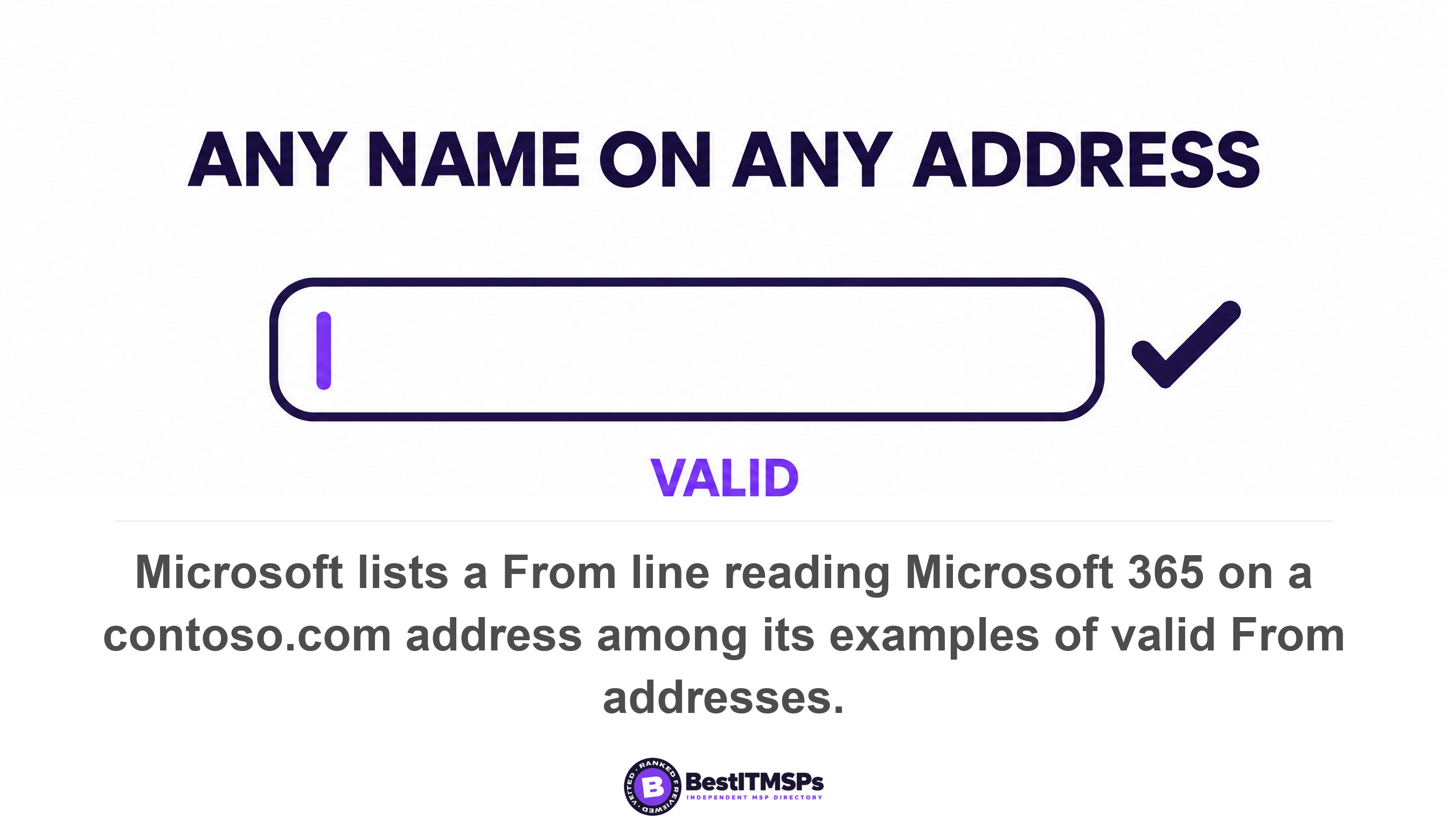
Microsoft's own table of valid addresses makes the point better than any warning could. The page lists the line From: "Microsoft 365" <sender@contoso.com> among its examples of valid From addresses, because the display name is quoted, the address sits in angle brackets, and a space separates them. The format is correct, so the message is accepted. Every address the page rejects is rejected for punctuation, including a display name that contains a comma but is not enclosed in double quotation marks. The rules police syntax. Nothing in them polices truth, which is what makes a deceptive display name so cheap to produce.
RFC 5322 does ask for honesty, and asking is all a format standard can do. It states that the From field SHOULD NOT contain any mailbox that does not belong to the author(s) of the message. That is advice offered to the sender. An attacker is not taking it.
The DMARC standard has a section named after this attack
The standard names this attack, describes it, and rules it out of scope, all in one place. Section 11.4 of RFC 9989 is titled Display Name Attacks. It describes the presentation of false information in the display name portion of the RFC5322.From header field, done intending to fool the end user into believing that the name is used legitimately, then states that such attacks, known as display name attacks, are out of scope for DMARC.
The same boundary appears twice more. The anti-phishing section says DMARC does not address the use of visually similar domain names or abuse of the RFC5322.From human-readable display name. The out-of-scope list in section 2.4 includes both attacks in the display name portions of the RFC5322.From header field and evaluation of anything other than the RFC5322.From header field. Read those two together and the boundary is exact: the standard declines to look anywhere except the address, and says so twice in one list.
DMARC is not failing at display name spoofing. It was never pointed at it.
One appendix is candid about the reason. RFC 9989 records that the main user protection approach is to be concerned with what the user sees when a message is rendered, and then that there is no consistent behavior among MUAs regarding what to do with the content of the Sender field. An MUA is a mail user agent, the program your staff read mail in. The authors drew the boundary anyway, because a protocol cannot standardise what a phone app chooses to display.
One consequence is worth knowing. This attack never appears in your DMARC reports. Aggregate reports describe all mail streams using Author Domains under the Domain Owner's control, so a message from a free webmail account carrying your chief executive's name is not your domain's mail and never reaches your report. A provider monitoring impersonation by reading those reports is watching the wrong screen. How to read a DMARC aggregate report covers what they do show.
Keep the DMARC record as the control that answers domain forgery, and stop treating it as the control that answers impersonation. Those are two separate conversations with your provider. If that record is the only thing anyone has shown you, read what p=none actually permits next.
What the FBI's numbers say about where this fraud lands
Federal complaint data shows the loss per incident, and the gap between fraud shapes is enormous. In its 2025 Internet Crime Report, the FBI's Internet Crime Complaint Center logged 24,768 business email compromise complaints carrying $3,046,598,558 in reported losses, against 191,561 phishing and spoofing complaints carrying $215,843,126.
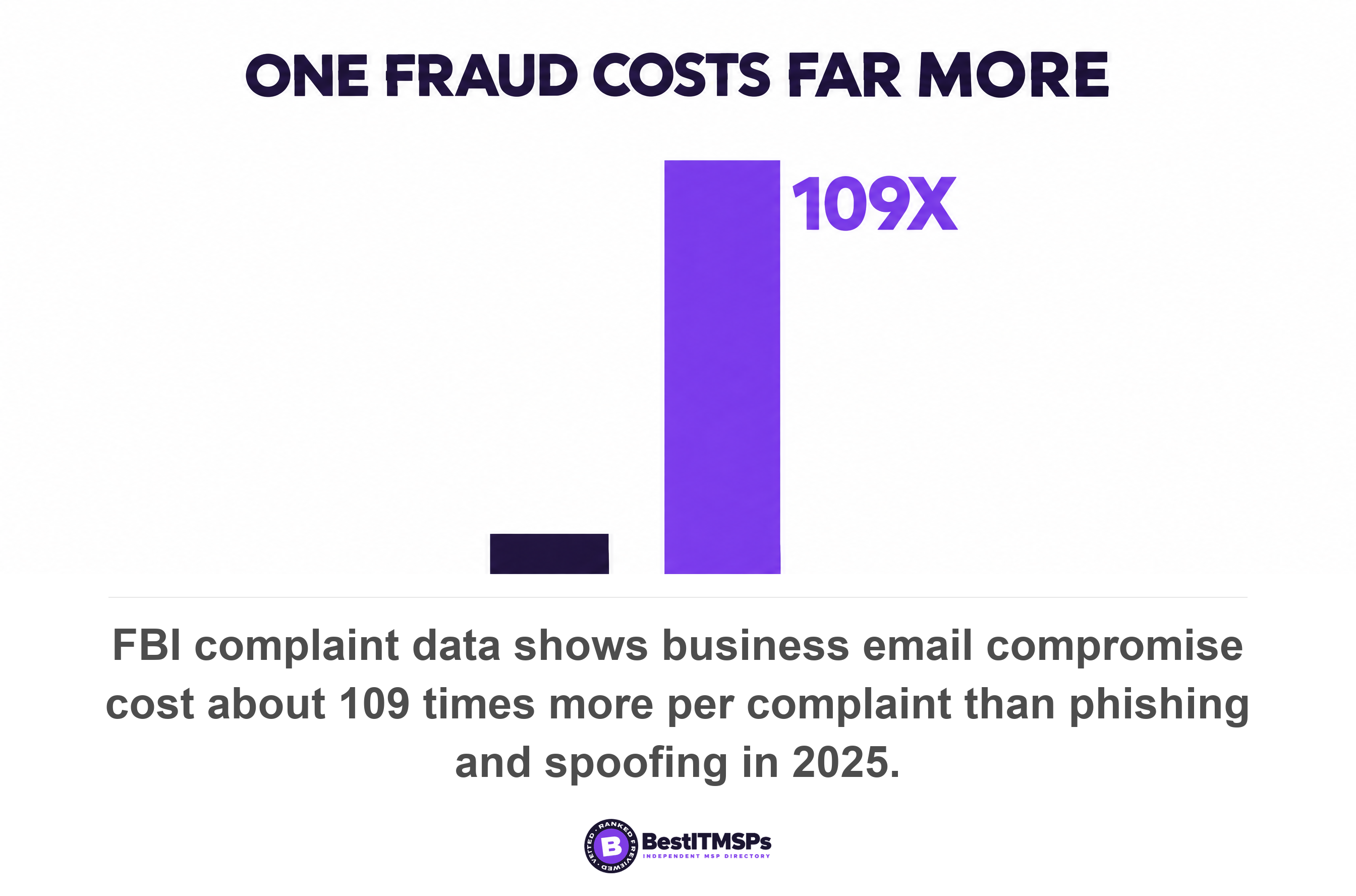
Divide each line by its own complaint count and the shape of the risk appears. Business email compromise cost about $123,005 per complaint. Phishing and spoofing cost about $1,127. That is roughly 109 times more per incident, from four numbers printed in one table. Both figures count only complaints reported to the center during 2025, which makes them a floor rather than a market measure.
The link to the display name is the mechanism rather than the label. A credential-harvesting phish needs you to click something. A fraudulent payment instruction needs you to believe a name, and it asks almost nothing of your email filter, because it carries no attachment and no malicious link for a scanner to score. We covered the finance side in business email compromise and your finance team, and the targeting side in phishing versus spear phishing, so this article stays on the identity half.
Control one, the external sender warning you can switch on this week
To close part of the gap this week, enable the external sender warning your mail platform already includes. One command, Set-ExternalInOutlook with Enabled set to true, adds an External icon in the area of the subject line of messages from external senders, across Outlook, Outlook for Mac, Outlook on the web, and Outlook for iOS and Android.
Two details decide whether it earns its place. Microsoft says that after an admin enables the setting, it can take between 24 and 48 hours for users to see the External icon, so a test the same afternoon proves nothing. The exemption list for trusted partners is capped, because the maximum number of entries is 200, and the total size of all entries can't exceed eight kilobytes.
Google's equivalents work differently, and the difference matters more than the feature. Gmail marks unauthenticated emails with a question mark next to the sender's name, which is an email authentication signal rather than an external-sender one. The banner that explains a verdict is narrower than it looks, because Google states that warning banners appear only in Gmail web, the yellow box being a web-client element. Your bookkeeper reading mail on a phone sees the message and not the warning.
One Gmail warning is on by default, and it points the other way. Google says external recipient warnings are on by default, and they fire when you compose or reply to someone outside your organization rather than when a stranger writes to you. Gmail warns you about who you are writing to, which is not the control you came for.
Control two, the anti-impersonation policy and the licence behind it
Anti-impersonation policy is the control that reads the display name, and on Microsoft it sits behind a paid tier. Microsoft defines the attack precisely. User impersonation is the combination of the user's display name and email address, and its worked example is a real person's name arriving on a different address.
Which part needs a purchase
The tier is stated plainly, twice. Microsoft's comparison table gives spoof settings and the first contact safety tip to all cloud mailboxes, then says the settings for user impersonation protection, domain impersonation protection, mailbox intelligence, impersonation safety tips, and trusted senders and domains are available only in anti-phishing policies in Defender for Office 365. In case the table is missed, the page adds that anti-phishing protection for all cloud mailboxes doesn't include impersonation protection. One control in this article needs a purchase, and this is it.
The free half is still worth switching on. The first contact safety tip reaches all cloud mailboxes with no dependency on spoof intelligence or impersonation protection settings, and it tells a reader you don't often get email from that address. It names the address, which is exactly the fact a display name hides.
Buying the licence does not switch the protection on
This is the part that costs companies money. Microsoft states that by default, no sender email addresses are configured for impersonation protection, either in the default policy or in custom policies. So the honest question for your provider is not whether you hold Defender for Office 365. It is which names sit on the protected-users list, and the answer is a list someone can read out loud. Room is not the constraint, because Microsoft allows a maximum of 350 users for user impersonation protection in each anti-phishing policy and a maximum of 50 custom domains.
One behaviour will surprise whoever configures it. With mailbox intelligence and its impersonation setting both enabled, Microsoft says user impersonation protection doesn't work if the sender and recipient previously communicated via email, because it cuts false positives by trusting an established relationship. Your bookkeeper and your managing director email each other daily, which is precisely the pair a fraudster will impersonate. Ask how that was tested on your own mailboxes rather than in theory.
The Google equivalent is a toggle with an action you choose
Google's version is a setting rather than a tier. The Gmail safety settings include an option to protect against messages where the sender's name is a name in your Google Workspace directory when the email isn't from your company domain or domain aliases, which is display name spoofing described from the receiving end. Both default to the mildest of three actions, labelled Keep email in inbox and show warning. You can quarantine the message instead. A warning a reader can ignore is weaker than a quarantine they never see, and that choice is yours rather than your provider's.
Control three, the process control that reads no headers at all
The third control ignores email entirely, which is why it holds when the other two miss. Verify every change to payment details by voice, on a stored number, with a second named person approving before money moves.
Both platform controls are probabilistic by design, and Microsoft says so about its own. Its documentation notes that impersonation can pass email authentication checks if the attacker created a lookalike domain and published valid DNS records. A lookalike domain is a registered domain that reads like yours at a glance. It authenticates perfectly, because it is authenticating as itself, and your DMARC record governs your domain only.
Payment verification is not an IT purchase, so no provider will propose it. Write it down as two rules.
- Confirm any change to bank details by voice on the stored number, never on a number supplied inside the message.
- Require two named approvers for any payment above a threshold you set, and name a deputy for each.
The attacker's plan depends on one person acting alone on a name they recognised, so two people and one phone call removes it. Dial the number on file, because a voice is no longer proof of a person either, as deepfake voice fraud in finance teams sets out. Gmail's own guidance gives the habit worth drilling into the finance team, which is to check that the email address and the sender name match.
The 60-second test any non-technical reader can run
To see the gap yourself, open the last internal-looking email you received and reveal the actual address behind the name. In Outlook you can hover your cursor over a sender's name or address in the message list to see the address without opening the message. On a phone, tap the sender's name instead. Three things are worth checking on your own mail client.
- Compare the display name with the address it resolves to. A name you know on a domain you do not is the entire attack.
- Look for a question mark on the sender photo, which Outlook adds when it cannot verify a sender. Microsoft notes that when a familiar sender suddenly shows one, that could be a sign the sender is being spoofed.
- Read the via tag if one appears. Outlook shows the actual sender using the underlined via tag when the real sending domain differs from the From address.
Then repeat the test on your phone, because that screen is where the decision gets made. Any control whose output reaches only the web client is one your finance team will not see at the moment it matters. Write down which warning appeared and which address the name resolved to. That visible, dated note is what you carry into the next provider review.
What to ask your IT provider this week
Ask six questions, write the answers down, and put a date beside each one. None of them needs you to understand DNS.
- Read me the names on our impersonation protected-users list, out loud.
- Confirm which licence tier our impersonation protection needs, and whether we pay for that tier today.
- Show me the external sender warning on a test message, delivered to my phone rather than my browser.
- Name the action our employee-name spoofing setting takes, whether that is warn, spam or quarantine.
- State the date each of these settings was last changed, and who changed it.
- Explain what happens to a message from a lookalike domain that passes its own authentication checks.
A strong answer contains a name, a date or a setting value. A weak answer names a product. We have Defender answers none of the six, because Microsoft ships the impersonation list empty. Nor does DMARC is configured, which answers a question about domains while you asked about names. For the delivery side of that record, see the bulk sender rules for a small business.
If nobody can produce the protected-users list inside a minute, nobody has opened that policy since the day it was created. That is a finding rather than a failure, and it is free to fix. Email security best practices covers the rest of the stack.
Why your DMARC record still earns its place
Your DMARC record stays worth every hour spent on it, for two reasons. It blocks mail that forges your exact domain, which your customers have no way to detect. And it is the entry ticket for the only mechanism that puts a verified identity in front of the reader.
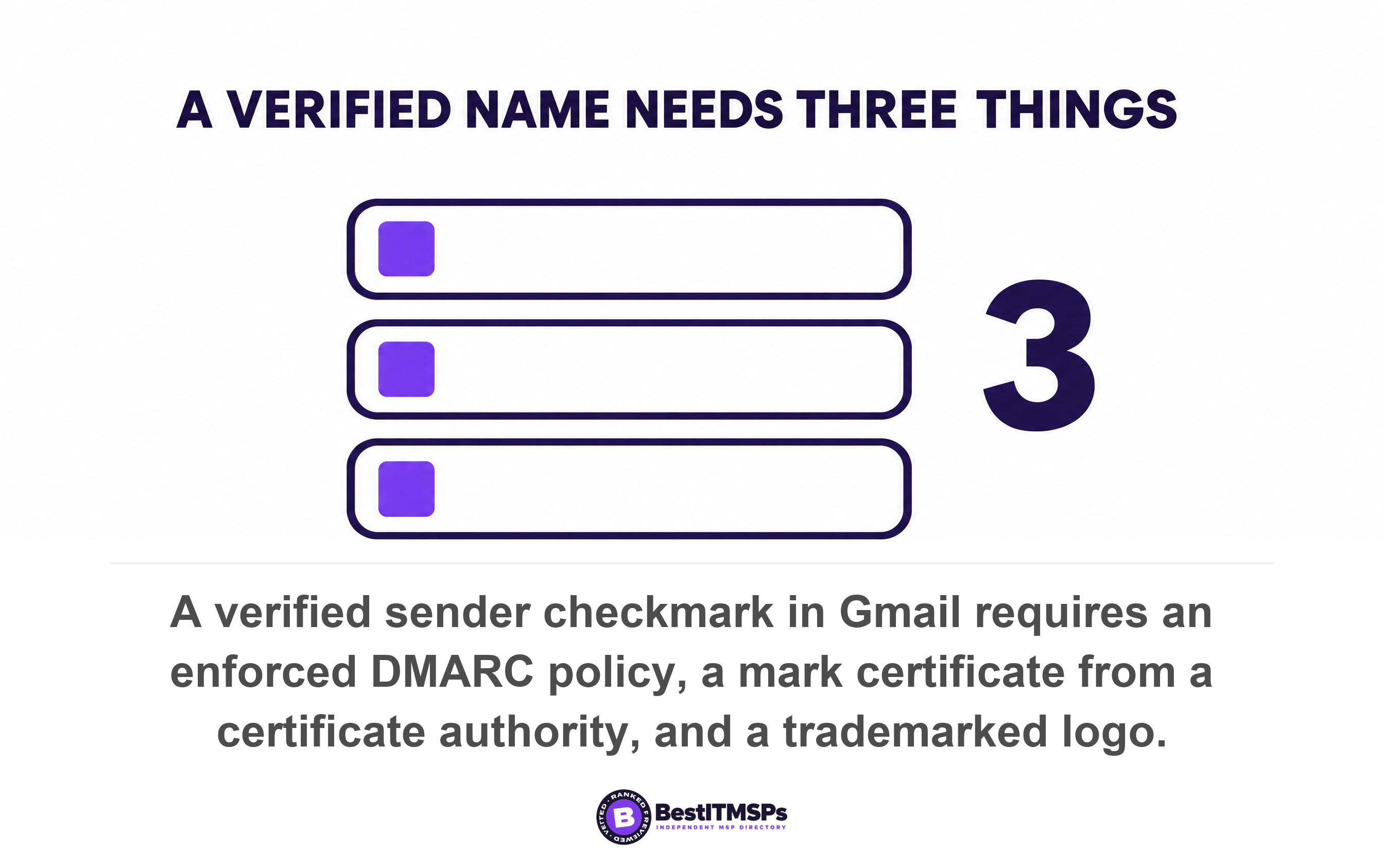
That mechanism is BIMI, and its requirements show what a trustworthy name costs. Google's setup guidance states that the policy option (p) must be set to quarantine or reject, so a record parked at none does not qualify. You then need a VMC or CMC for your domain from a third-party certificate authority, and for the stronger of the two your logo must be trademarked with an intellectual property office that's recognized by VMC issuers. The payoff is specific, because Google says that in Gmail you'll see a checkmark next to senders verified with a VMC.
Read that as a price list rather than a recommendation. For a 30-person firm, a registered trademark and a paid certificate are rarely the next pound to spend. The banner, the policy setting and the payment rule are. The list still tells you what it takes to make a display name mean something.
None of this makes impersonation impossible, and a provider who promises otherwise is selling. It moves the attack from a name your staff trust to a name your platform has already flagged, and it puts a second human between a plausible instruction and your bank account. Ask the six questions, run the test on your own phone, and compare what three vetted providers say about the protected-users list.
FAQ
Does DMARC stop someone putting my CEO's name on an email?
No. DMARC evaluates the domain in the From header and nothing else. RFC 9989 states that such attacks, known as display name attacks, are out of scope for DMARC. A message sent from any mailbox with your chief executive's name typed into the display field passes, because the attacker never touched your domain.
What is display name spoofing?
Display name spoofing is fraud that forges the friendly name a mail client shows instead of the sending domain. RFC 9989 describes it as the presentation of false information in the display name portion of the RFC5322.From header field. Microsoft calls it user impersonation, defined as the combination of the user's display name and email address.
Do I need Defender for Office 365 to block display name impersonation?
Yes, for the policy-based version on Microsoft 365. Microsoft states that impersonation settings are available only in anti-phishing policies in Defender for Office 365. Holding the licence is not enough, because by default, no sender email addresses are configured for impersonation protection. Ask your provider to read you the protected-users list.
How do I turn on an external sender warning in Microsoft 365?
An administrator runs Set-ExternalInOutlook with Enabled set to true, which adds an External icon in the area of the subject line of messages from external senders. Expect a delay, because Microsoft says it can take between 24 and 48 hours for users to see the External icon. The exemption list holds a maximum of 200 entries.
How can I tell whether an email is really from the person it names?
Reveal the address behind the name before you act on the message. In Outlook you can hover your cursor over a sender's name or address in the message list, and on a phone you tap the name. Gmail's guidance is the same habit, which is to check that the email address and the sender name match.
Best IT MSP is the independent directory of vetted managed IT and cybersecurity providers across North America. Organic ranking is earned on rating and verified data, and paid placement is always labelled. Take the six questions above to three merit-ranked firms in your city and compare the answers side by side.