How to read a DMARC aggregate report without being technical
A DMARC aggregate report is a daily XML file from one mail provider. It lists every IP address that sent mail using your domain, how many messages each sent, and whether those messages aligned. Five fields answer the only question that matters. Most failures in a first report are your own mail.
- A DMARC aggregate report is a daily summary from one mail provider, not a security alert. Google and Microsoft each send one a day, covering the previous day.
- Five fields decide everything. The source IP, the message count, the disposition, and the two alignment results for SPF and DKIM.
- Most failures in a first report are your own mail. An invoicing or marketing tool can pass SPF on its own domain and still fail DMARC, because the domains do not align.
- Disposition records what the receiving server did, not whether your mail was safe. At p=none it reads none on every failing row.
- No report covers all your mail. Microsoft puts typical coverage at 70 to 90 percent of volume, and sends nothing at all if your MX record does not point straight at Microsoft 365.
What is a DMARC aggregate report, and what is in it?
A DMARC aggregate report is a daily XML file from one mail provider. It lists every IP address that sent mail using your domain, how many messages each sent, and whether those messages aligned. RFC 9990, the May 2026 standard that defines the format, calls them daily (or more frequent) feedback reports from mail receivers. Google puts it plainly, stating that DMARC reports are usually sent once a day by email.
Each report covers one provider and one day. The reporting period typically encompasses a single UTC day, beginning at 0000UTC, so Monday's file from Google describes Monday's mail at Gmail alone. Microsoft sends its own, and so does every other receiver you asked. Google warns that large organizations might get up to hundreds or even thousands of reports daily.
The file contains no mail you can read. RFC 9990 states that no personal information such as individual mail addresses, IP addresses of individuals, or the content of any messages is included in reports. An aggregate report counts connections, so sharing one with your provider carries no privacy cost.
Three blocks make up every report, and knowing their names makes any dashboard readable.
- report_metadata. Who sent the report and which day it covers. RFC 9990 defines org_name as the name of the Reporting Organization and date_range as the reporting period, written as two Unix timestamps.
- policy_published. The DMARC policy that provider actually saw in your DNS, including p, the subdomain policy sp, and the alignment modes adkim and aspf.
- record. One entry per sending source. This is where the five fields that matter live, and where you will spend your ten minutes.
This article assumes a record already exists. If a scan told you DMARC is not enabled, read what p=none actually permits first, then come back to the reports that policy generates.
Why does nobody read these reports?
Nobody reads them because the raw file was built for software, and the person it lands on is not software. Google says so directly, noting that reports can be difficult to read and interpret in raw format. Microsoft warns that the information in the Aggregate report can be vast and difficult to parse, and that it arrives as an XML email attachment that is likely GZIP compressed.
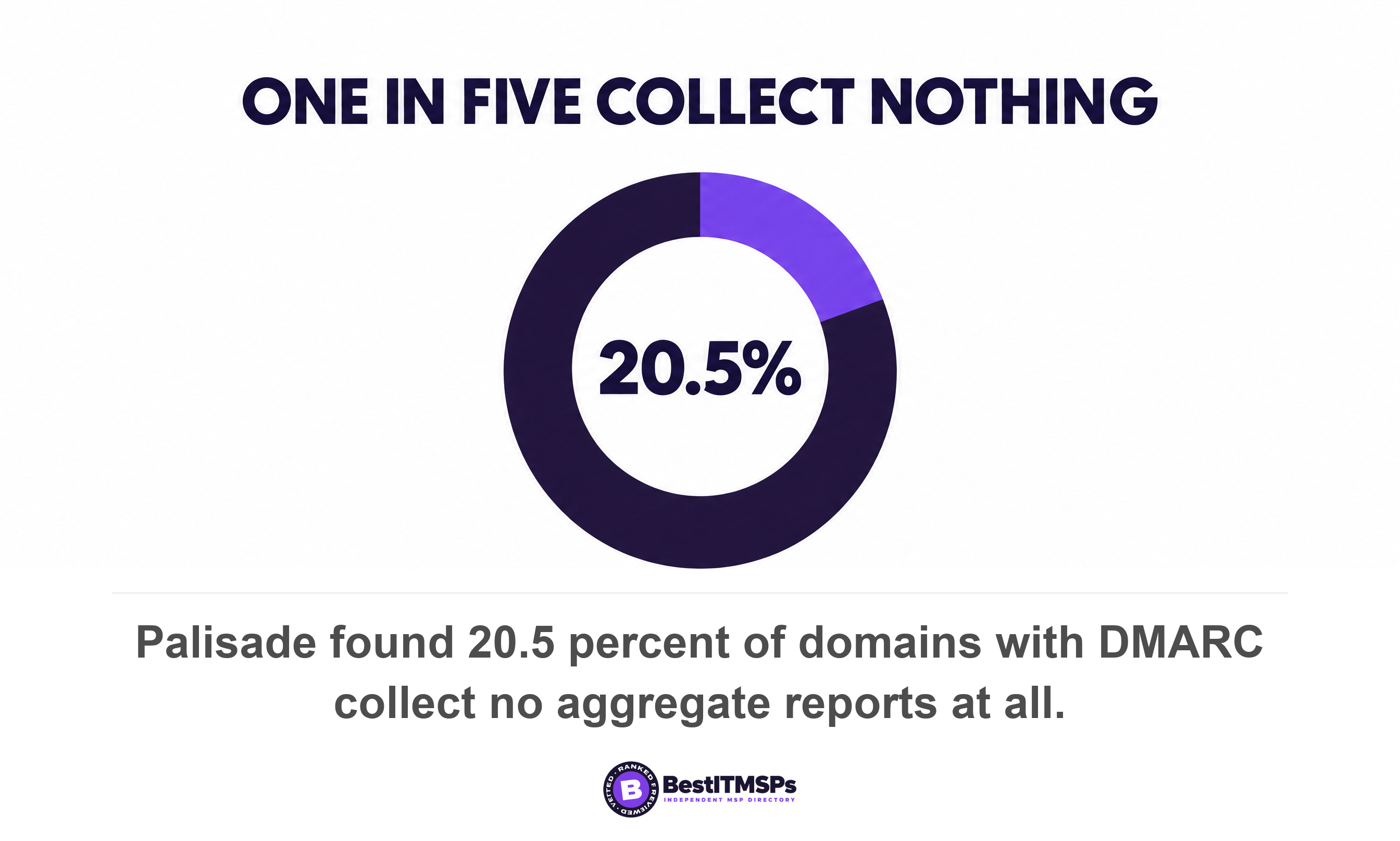
The result is a control somebody bought and nobody operates. Red Sift measured 5,000 US domains between March and June 2026 and found 29.1 percent still at p=none, the policy whose only output is these reports. Its own summary of that state is blunt. The data arrives, nobody acts on it. Palisade scanned the top 100,000 domains in August 2026 and found 20.5 percent of domains with DMARC collect no aggregate reports at all, because the rua tag that asks for them was never set.
A DMARC record with no reporting address is a smoke alarm wired to a bell in an empty building.
You are not meant to read the XML by hand. You are meant to read a processor's summary and know which five fields to check. Google recommends a group or a dedicated mailbox to receive and manage DMARC reports, plus a third-party service once volume climbs. Microsoft points the same way, noting that DMARC reporting services parse XML into dashboards. A report processor does the parsing. The judgment stays yours.
The five fields that matter in a DMARC report
Five fields answer the only question a non-technical owner needs to ask of each row, which is whether that sending source is yours. They are source_ip, count, disposition, and the two alignment results for SPF and DKIM, all defined in RFC 9990.
1. source_ip, the address that sent the mail
source_ip is the connecting IP address of the system that sent that batch of mail. Microsoft's guidance is to use it to identify if this is a legitimate sender or unauthorized. Paste the address into any free IP lookup and you normally get a company name back. It is your own office, Microsoft, your CRM, your payroll platform, or a host in a country you do not trade with.
2. count, how many messages came from it
count is the number of messages for which the policy_evaluated was applied, and it turns a long list into a short one. Microsoft flags a high count from an unknown IP as potential spoofing. One message from an address you cannot place is noise. Forty thousand is a campaign. Rank the rows by message count before you read any of them.
3. disposition, what the receiving server did
disposition is the result of applying the DMARC policy, so it records the receiver's action rather than your safety. RFC 9990's schema allows four values rather than the three people expect. They are none for no action taken, pass for no action while passing DMARC under an enforcing policy, plus quarantine and reject. At p=none the field reads none on every failing row, because you asked receivers for nothing.
4 and 5. the SPF and DKIM alignment results
The spf and dkim fields inside policy_evaluated record the result of the SPF DMARC Identifier Alignment test and the result of the DKIM DMARC Identifier Alignment test. They are alignment results, not authentication results. A message passes DMARC when at least one alignment check succeeds, and fails only when both fail.
Two more fields name the domains involved. header_from is the RFC5322.From domain from the message, the header from address a reader actually sees. envelope_from is the RFC5321.MailFrom domain that the SPF check has been applied to, the invisible return path. When those two disagree, you are looking at an alignment problem and not an attack.
What a pass and a fail actually mean
A pass means two different things in two places of the same report, and mixing them up is the most common misreading there is. The auth_results block records whether SPF or DKIM passed on its own terms. The policy_evaluated block records whether the domain that passed aligns with the domain in the From address.
Microsoft names that gap as the most important insight from aggregate reports. An SPF result of pass beside an alignment result of fail means SPF passed but the domains do not align, and its reading of such a row is that the sender is authorized but is not properly configured for DMARC. In plain terms, your invoicing platform authenticated perfectly, as itself. Nothing was forged. Nothing aligned either.
Alignment runs in two modes, and the default is the forgiving one. RFC 9989 says domains are in relaxed alignment if they have the same Organizational Domain, and in strict alignment only when they are identical, with adkim and aspf both defaulting to relaxed. Microsoft's table makes it concrete. Mail from a contoso.com address signed by bounces.contoso.com passes relaxed alignment and fails strict alignment. RFC 9989 adds that nearly all Domain Owners have found relaxed alignment sufficient.
One field in the policy block has quietly left the standard. Microsoft's sample report still shows a percentage tag, pct, inside policy_published. RFC 9989 removed the percentage tag because implementations applied it inaccurately except at 0 and 100, replacing it with a simple testing flag. Treat any percentage below 100 as a rollout that stopped.
How do you tell a real spoofer from your own marketing tool?
To tell a spoofer from your own tool, compare each source IP against your list of sending systems first, then read the two alignment results. A known sender that fails alignment is a configuration job. An unknown sender that fails everything is usually a forgery, and often needs nothing from you. That inversion surprises most owners, because the scary row is rarely the one with work attached.
Microsoft's pattern table sets out the cases in order. A known IP where SPF authentication passes but SPF alignment fails is a legitimate service using the wrong MAIL FROM domain, fixed by pointing its envelope from at your domain. A known IP where DKIM passes but DKIM alignment fails is a service signing with its own domain, fixed by configuring DKIM signing with yours. An unknown IP sending high volume where everything fails is a potential spoofing campaign, where the recommended action is none because your DMARC policy is protecting recipients.
Read that last verdict carefully, because it assumes enforcement. It holds at quarantine or reject, where receivers act on your instruction to quarantine or reject the mail. At p=none nothing is being blocked, so the identical row is a warning rather than a win, and the right response is a date for the next policy step. The report cannot tell you which case you are in. The policy block at the top of the same file can.
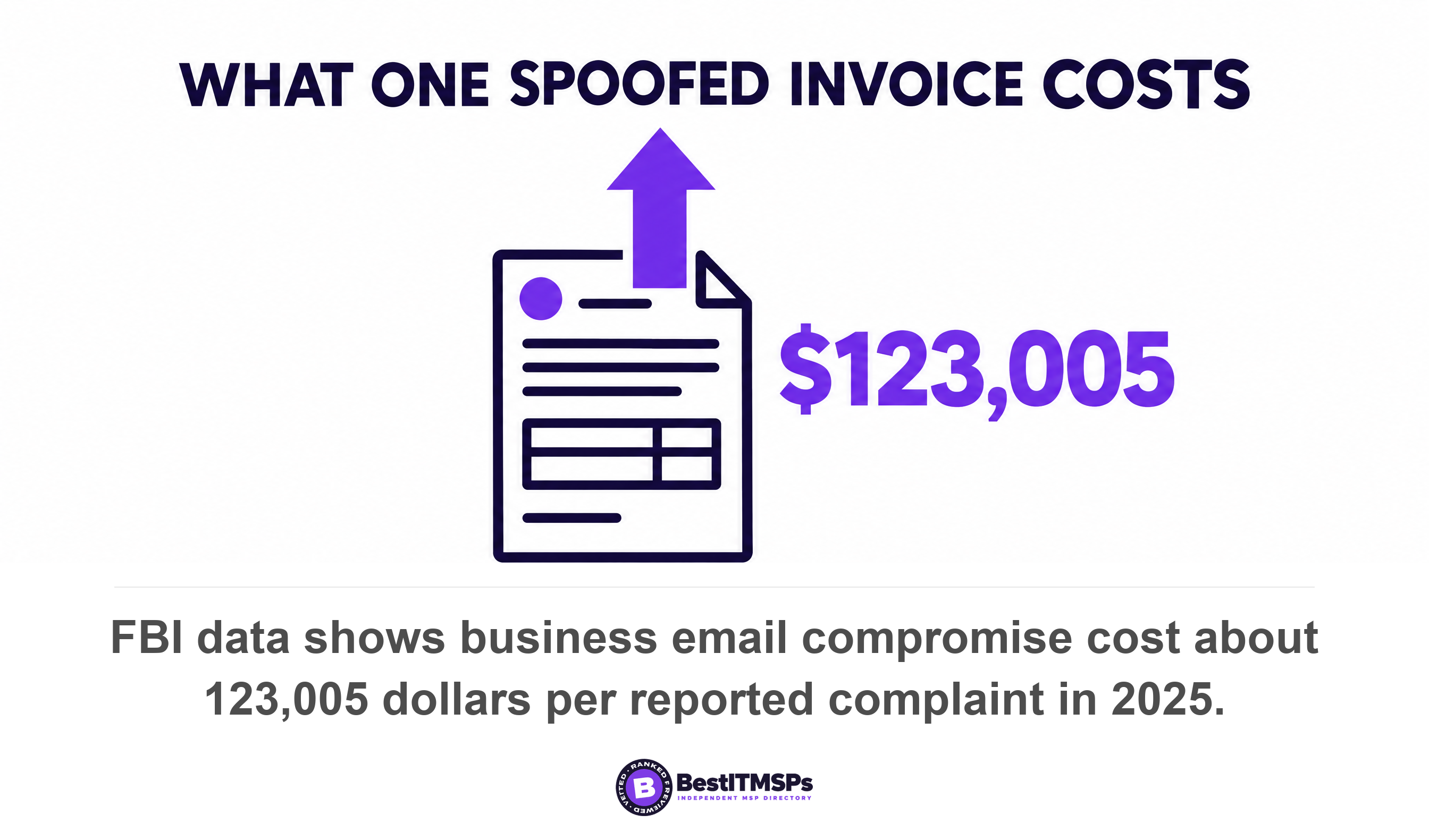
An unknown source at high volume still deserves a name and a note. The FBI's Internet Crime Complaint Center recorded $3,046,598,558 in losses across 24,768 business email compromise complaints in 2025, roughly $123,005 per reported incident. An invoice that spoofs your domain is one of the ways that number is built.
Forwarded mail is the pattern that scares projects into stalling. Microsoft lists forwarded mail from mailing list IPs failing everything as normal for forwarded mail, because forwarding breaks SPF and a change to the body breaks DKIM. A mailing list that forwards your newsletter is not an attacker.
- Match the source IP to a named system you already pay for, such as your tenant, your CRM, your payroll provider or your e-signature tool.
- Read the two alignment results before the raw authentication results, because alignment is the thing DMARC actually judges.
- Rank every row by message count, so one unknown address sending four messages never outranks a known tool failing on eight thousand.
- Separate the fixes from the forgeries, then hand the fix list to whoever owns each tool.
Why is your report missing providers, or missing entirely?
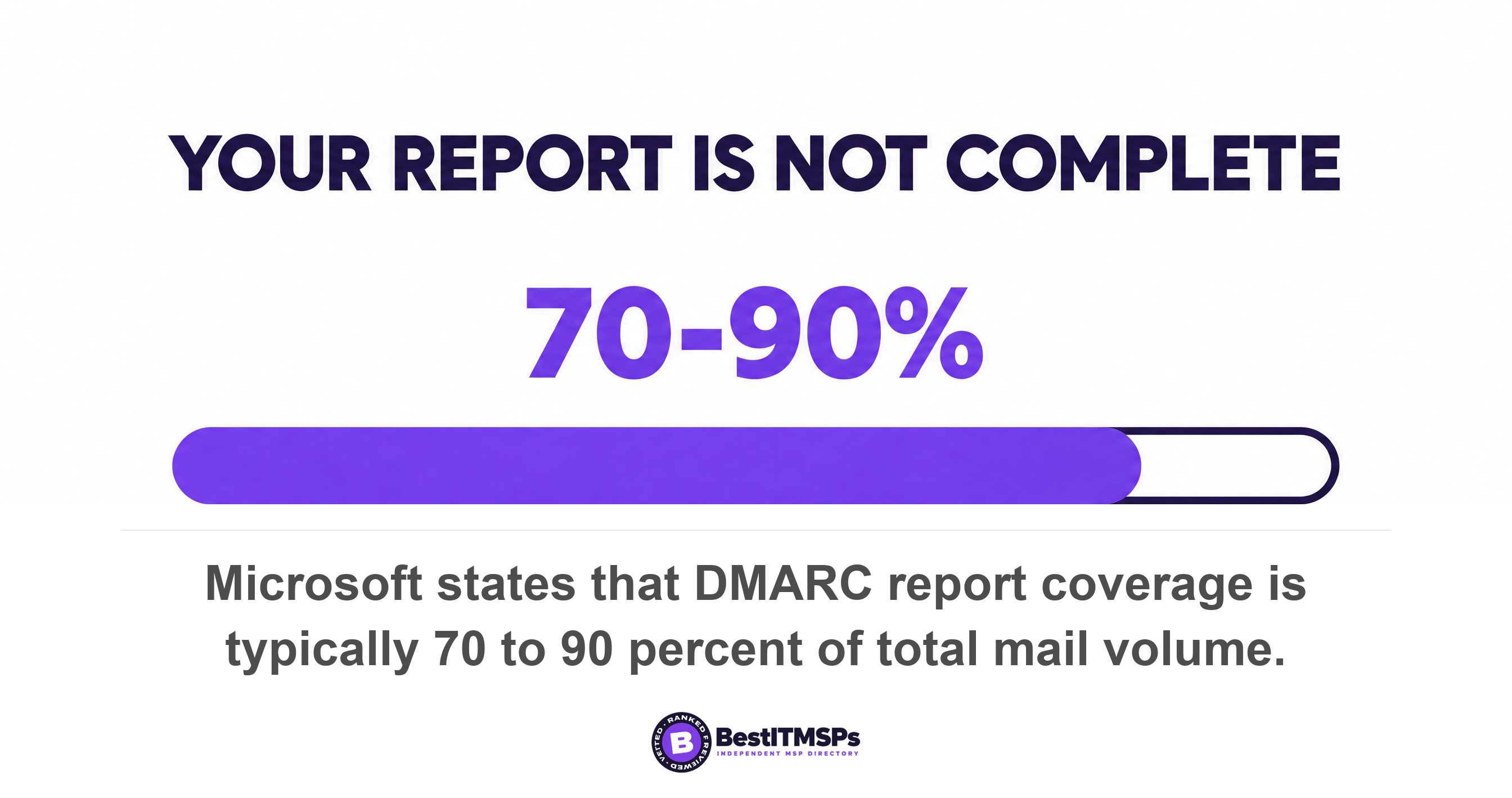
Your report is incomplete by design, and chasing the gap wastes a month. Microsoft sets the expectation itself, stating that not all receivers send reports and coverage is typically 70 to 90 percent of total mail volume. Four specific causes explain the rest, and three of them are configuration rather than bad luck.
- Your MX record points somewhere else. Microsoft sends aggregate reports as long as the MX record for the Microsoft 365 domain points directly to Microsoft 365, and if mail routes through a non-Microsoft service or device first, DMARC Aggregate reports aren't sent. A filtering gateway in front of your tenant silences Microsoft's reporting.
- Your reporting address lives on another domain. When the rua address sits on a different domain, that domain must publish a short authorization record, and without this record, receivers don't deliver DMARC reports to the external address. This is the quiet reason an outsourced setup returns nothing.
- You asked for failure reports instead. The ruf tag requests per-message failure reports, and the big providers ignore it. Gmail doesn't support the ruf tag, and Microsoft 365 doesn't send DMARC Forensic reports even when a valid ruf address exists. An empty ruf mailbox proves nothing.
- Nobody set the rua tag. A record with no rua tag is still valid and still enforced by receivers. It simply reports to no one, which is the state one in five DMARC domains is in.
Those causes also set the rhythm. Microsoft's own best practice is to review aggregate reports weekly during initial deployment and monthly once stable. Monthly is a recurring calendar invite, not a project, and it is the difference between a measurable control and a line item.
What should you ask your IT provider this week?
Ask six questions, write the answers down, and put a date beside each one. None of them needs you to open an XML file or understand DNS, and the whole review fits in ten minutes a month once somebody is producing a summary.
- Show me last month's report summary, with the sending sources listed by message count.
- Name every system that sends mail as our domain, and tell me which ones align today.
- Explain the largest failing source, and whether it is ours or a forgery.
- Confirm the rua tag points at a shared mailbox we control, not a technician's inbox.
- Check whether Microsoft reports to us at all, given where our MX record points.
- Commit to a date to quarantine failing mail, if every legitimate sender now aligns.
A strong answer names a sending source, a count and a date. A weak answer says DMARC is configured, or forwards you the compressed XML attachment as proof that somebody is monitoring it. Microsoft's guidance is to designate specific people to monitor DMARC reports and to use a specific mailbox or Microsoft 365 Group, so the right answer to who reads these is a name rather than a product.
We do not sell IT services, so there is no tool for us to sell you here. The test we would apply is simple. A provider who can name your three biggest sending sources from memory is reading the reports. A provider who emails you the attachment is forwarding them. Read email security best practices next, and business email compromise in finance for the fraud this data exists to expose.
FAQ
What is a DMARC aggregate report?
A DMARC aggregate report is a daily XML file from a mail provider listing every IP address that sent mail using your domain, the message count from each, and whether those messages aligned. RFC 9990 defines the format, and Google sends one a day by email to the address in your rua tag.
How often do DMARC reports arrive?
Once a day from each reporting provider. Microsoft states that the messages containing the Aggregate report are typically sent once per day, covering the previous day's results, and Google does the same. Every receiver you asked can send its own, so large organizations might get hundreds or even thousands of reports daily.
Do DMARC reports contain my employees' email?
No. RFC 9990 states that no personal information such as individual mail addresses, IP addresses of individuals, or the content of any messages is included in reports. An aggregate report counts connections by sending IP address and authentication result. It carries no subject lines, no attachments and no message bodies.
Why does SPF pass but DMARC fail in my report?
Because SPF passed for a different domain than the one in your From address, which is an alignment failure. Microsoft calls a pass on authentication beside a fail on alignment the classic alignment problem. It is usually a marketing or invoicing tool using its own envelope from domain. Fix it by aligning that domain or by signing with DKIM.
What does disposition mean in a DMARC report?
Disposition is the result of applying the DMARC policy, meaning the action the receiving server took with that mail. At p=none it reads none on every row, failures included. Microsoft treats the field as a check that the receiver is honoring your policy, rather than as a verdict on whether your mail was safe.
Best IT MSP is the independent directory of vetted managed IT and cybersecurity providers across the US and Canada. Organic ranking is earned on verified rating and firmographic data, paid placement is always labelled, and we do not sell IT services. Take the six questions above to three merit-ranked providers in your city and compare the answers side by side.