Your Log Retention Is 7 Days. Breaches Stay Hidden Longer.
Compare two numbers. Microsoft Entra ID Free keeps sign-in and audit logs for seven days. Mandiant puts median attacker dwell time at 14 days, and IBM puts the average breach at 247 days to identify and contain. If retention is shorter, the evidence is already deleted.
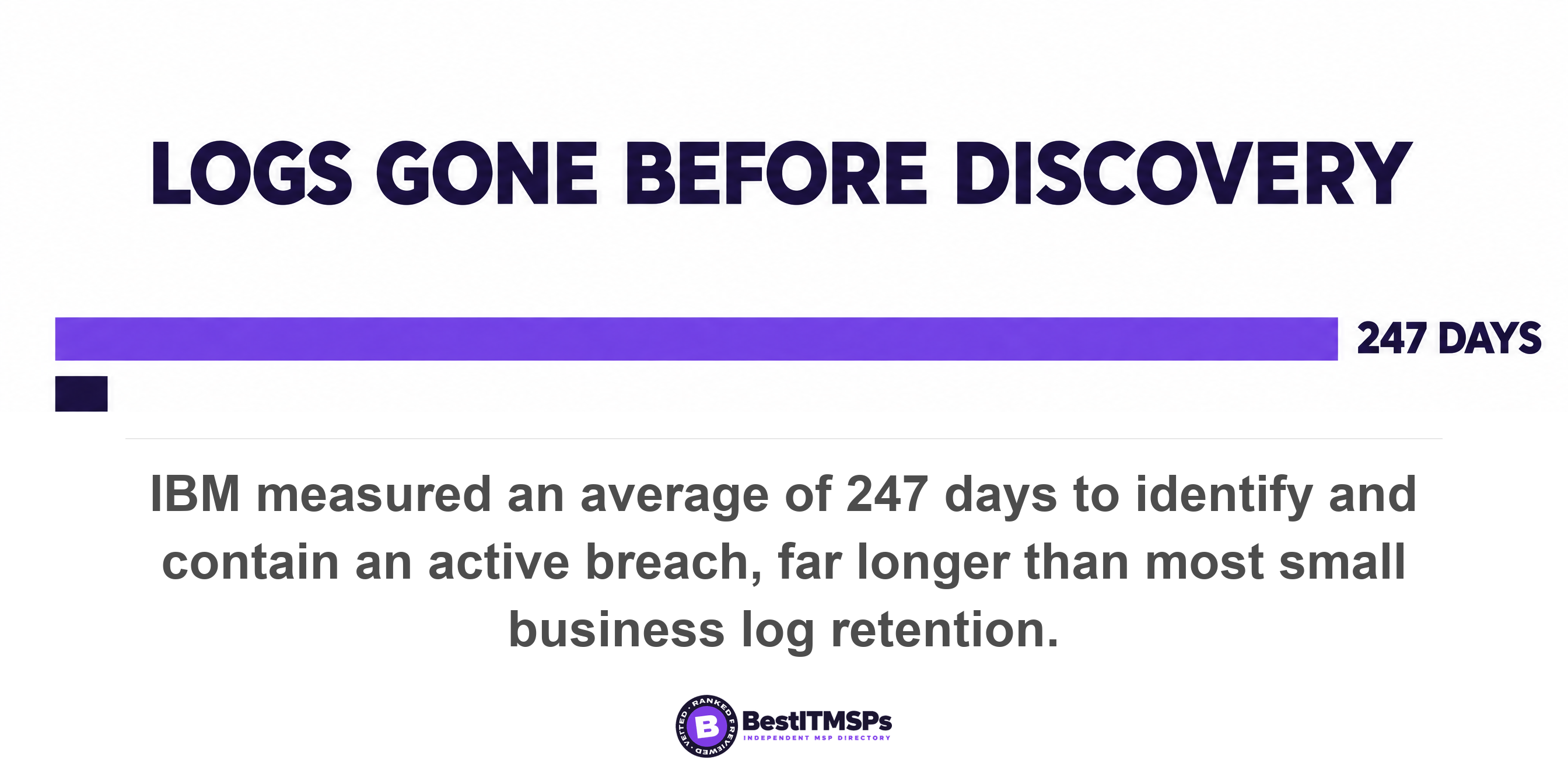
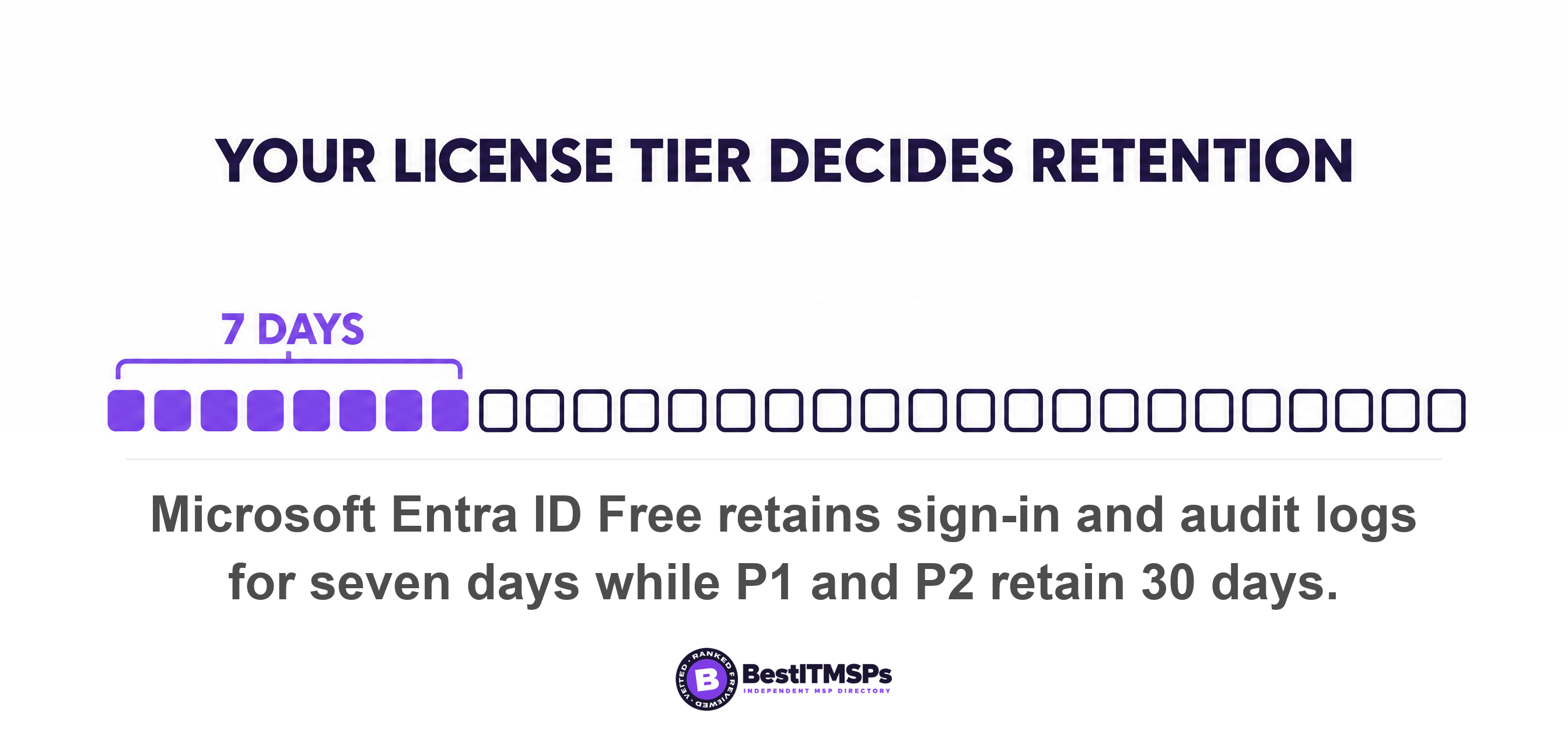
- Microsoft Entra ID Free keeps sign-in and audit logs for seven days. The paid P1 and P2 tiers keep 30 days. Your license tier, not your risk, sets the number.
- Median attacker dwell time is 14 days, and the average breach takes 247 days to identify and contain. Seven days of logs loses both comparisons.
- Log retention changes are not retroactive. Upgrading your license on the day you find a breach recovers nothing that already expired.
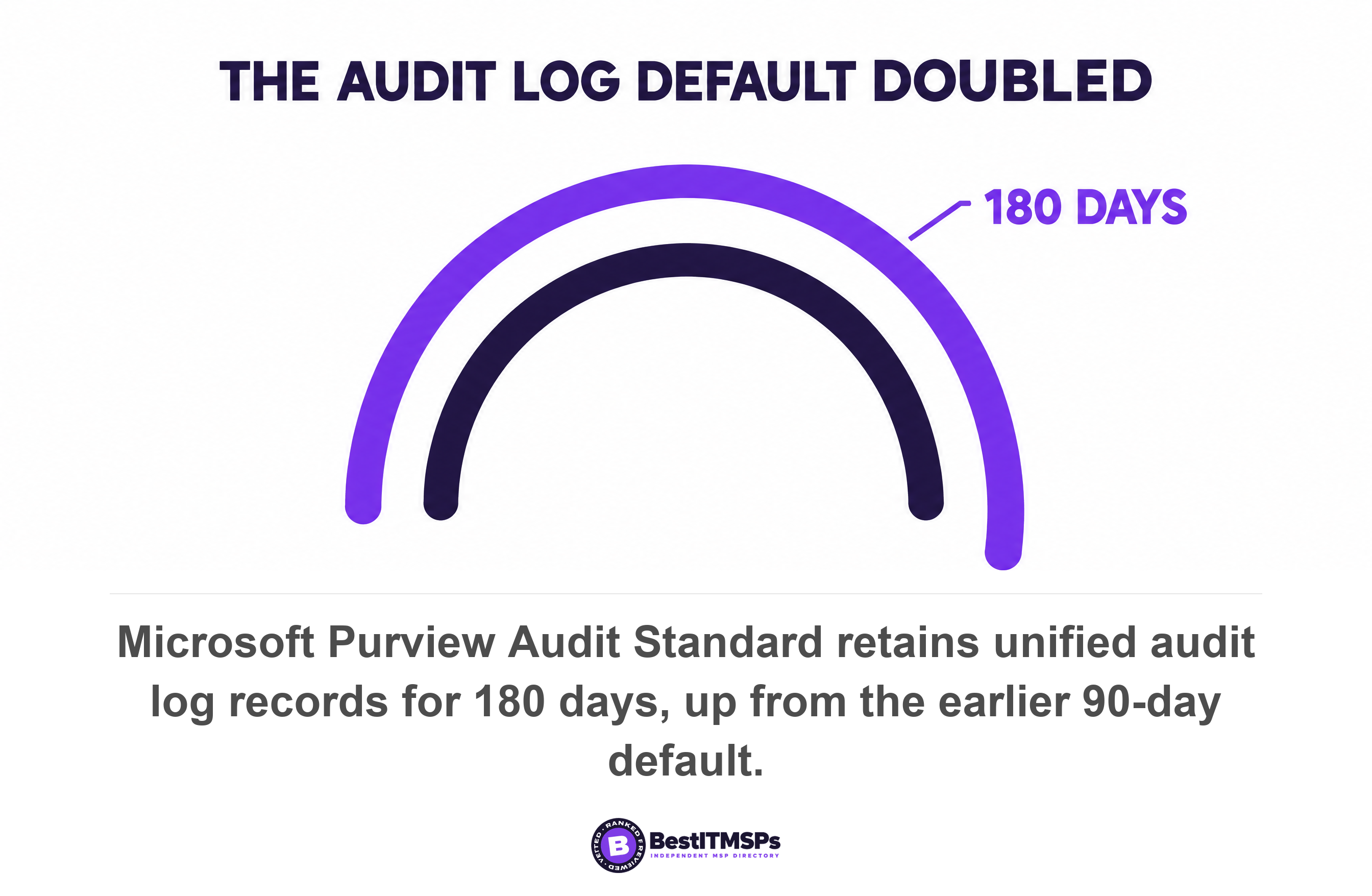
- The Microsoft 365 unified audit log default is 180 days, not 90. A provider still quoting 90 days is three years behind.
- Office 365 audit logs are a free data source in Microsoft Sentinel, and the first 90 days of retention cost nothing. The cost excuse does not cover your most useful logs.
How long does your stack keep logs, and how long does a breach stay hidden?
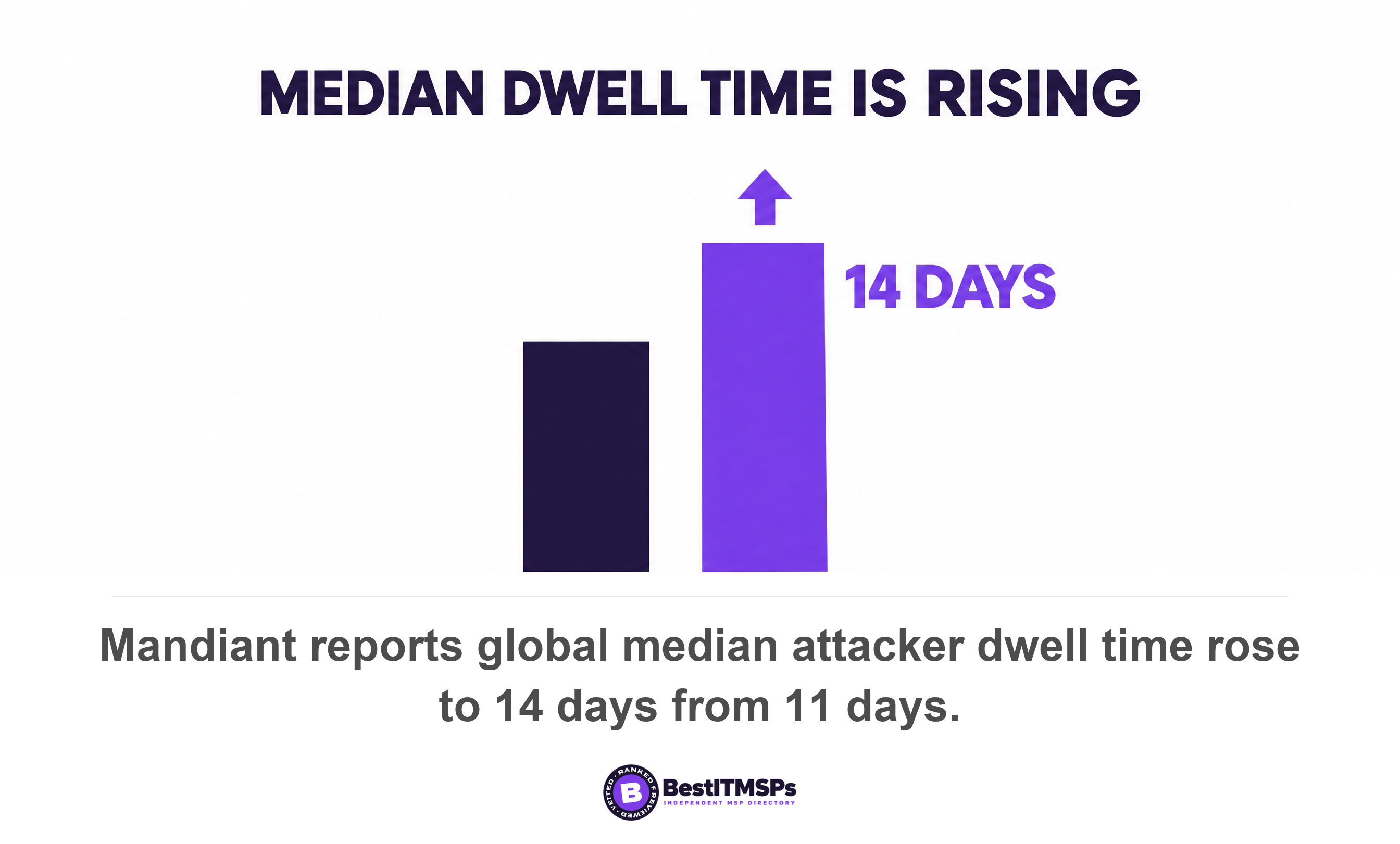
Most small business stacks keep between 7 and 180 days of logs, and a breach commonly stays hidden longer than the short end of that range. Microsoft Entra ID Free retains sign-in logs and audit logs for seven days. Mandiant puts the global median dwell time at 14 days, up from 11 days the year before. IBM puts the average at 247 days to identify and contain an active breach across all industries.
Dwell time is the number of days an attacker sits inside your systems before anyone notices. Log retention is the number of days of evidence you still hold. Subtract one from the other. If the answer is negative, the records that would show which accounts, mailboxes and files the attacker touched are already gone. You do not get to investigate. You get to guess.
That gap has a price. IBM puts the global average cost of a data breach at USD 4.99 million, and a short, cheap incident depends on a fast, complete answer to one question. The question is what did the attacker touch. This post is about the evidence, not about who watches the alerts. For the watching half, read what 24/7 monitoring actually means.
Run the comparison in one minute
To run the comparison, write down three numbers and do one subtraction. The three numbers are listed below.
- Your identity log retention. The days of sign-in log history your identity provider still holds.
- Your email and file log retention. The days of unified audit log history your productivity suite still holds.
- Your detection lag. The days between an attacker arriving and somebody raising the alarm.
Use 14 days as the optimistic detection lag and 247 days as the pessimistic one, because Mandiant and IBM measure the same problem at two different ends. Mandiant's 14-day median comes from more than 500,000 hours of frontline incident investigations in 2025. IBM's 247-day average covers identifying and containing an active breach, which is the full lifecycle rather than the intrusion alone.
Seven days loses both comparisons. One hundred and eighty days clears the optimistic one and loses the pessimistic one. Twelve months clears both. That is the whole analysis, and it takes a minute. Your sign-in logs expire on a schedule set by your license, not by your risk, so the next step is finding out which schedule you are on.
Where to look up your own retention
To look up your own retention, check four places in this order. Each vendor publishes its defaults in public documentation, so you can find the answer without asking your provider's permission.
Microsoft Entra ID sign-in and audit logs
Entra ID retention depends on your license tier, and the free tier is the outlier. Microsoft publishes seven days of audit logs and sign-in logs on Entra ID Free, against 30 days on both P1 and P2. Risky sign-in data stretches further only at the top, at 7 days on Free, 30 days on P1 and 90 days on P2. Entra External ID Basic keeps 7 days. Check which tier you hold before you assume anything, because the gap between Free and paid is more than four times over.
One detail catches buyers out after the worst has happened. Microsoft states that log retention changes are not retroactive, so upgrading from Free leaves you seeing only the data still inside the seven-day window. Buying P2 on the day you find the breach recovers nothing. Expired log data is unrecoverable unless somebody already chose to archive it.
The Microsoft 365 unified audit log
The unified audit log is a separate system from Entra ID and it keeps records far longer. Microsoft Purview Audit (Standard) retains audit records for 180 days, up from the 90-day default that applied to logs generated before 17 October 2023. Audit (Premium) retains Entra ID, Exchange, OneDrive and SharePoint records for one year by default, and everything else for 180 days. If a provider quotes you 90 days for Microsoft 365, the number is three years stale.
Google Workspace audit logs
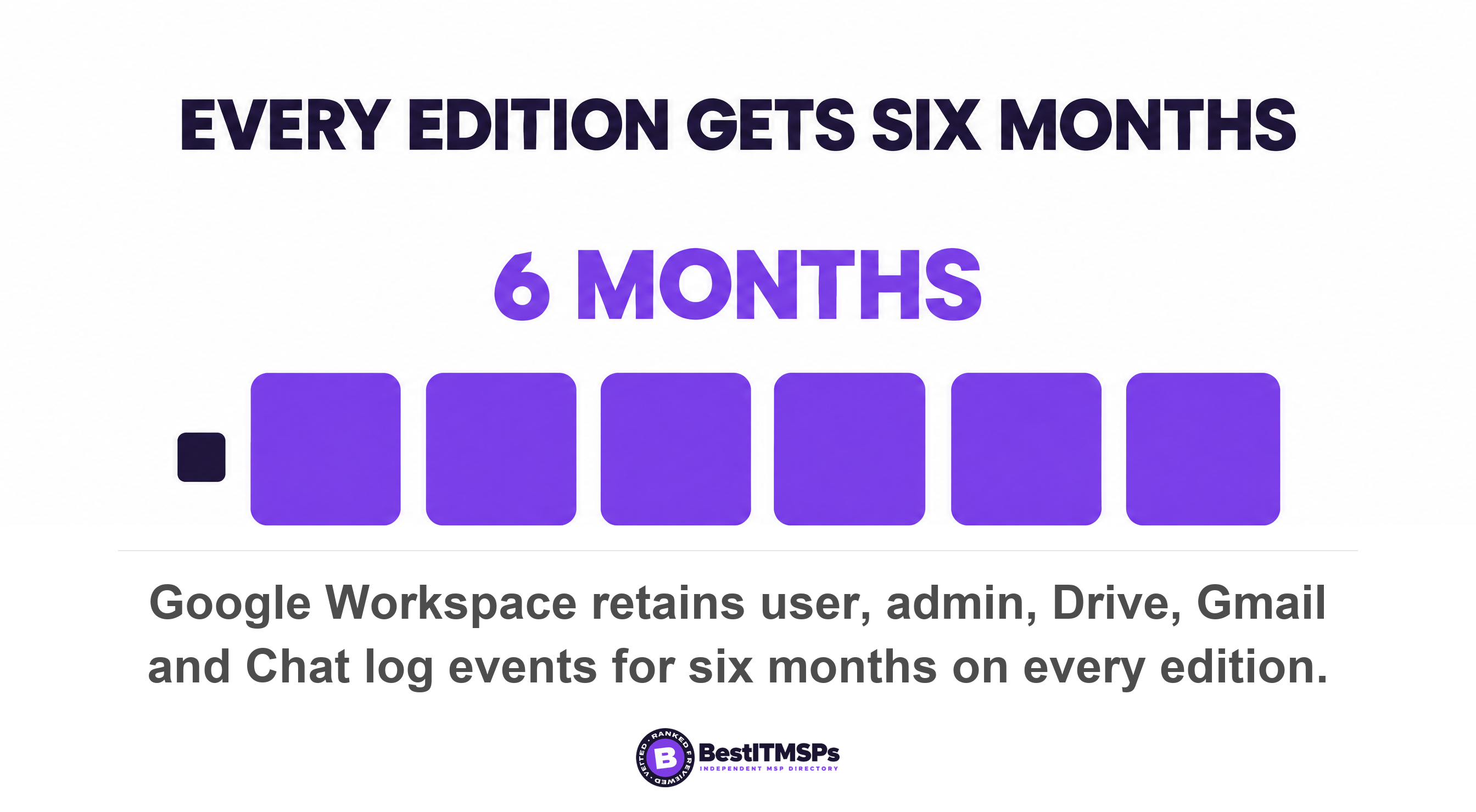
Google Workspace gives every edition six months, with no license tier to check first. Google publishes six months of retention for user, admin, Drive, Gmail and Chat log events. Email log search is the exception at 30 days. Google also states that administrators cannot delete that log data or change how long it is kept, which removes a risk that Microsoft tenants still carry.
Your SIEM, if you have one
A SIEM is the system that collects logs from everywhere and lets a person search them in one place. Ask for the retention setting on the specific table holding your sign-in log, rather than the headline figure in the proposal. Azure Monitor, which sits underneath Microsoft Sentinel, defaults every table to 30 days, with the Usage and AzureActivity tables kept at least 90 days at no charge. One default covers your firewall feed and your identity feed alike, which is rarely what a buyer intends.
Seven days is shorter than it looks
Seven days is shorter than it looks, because the clock you care about starts when the question gets asked, not when the attack starts. Most organizations do not detect an intrusion on day one, and the delay between the event and the investigation spends your retention window before anyone opens a ticket.
Half the time, the news arrives from outside. Mandiant found organizations first detected evidence of malicious activity internally 52 percent of the time in 2025, up from 43 percent in 2024. The rest heard it from a bank, a customer, a ransom note or a federal agency. An outside notification lands days or weeks after the event, so by the time you go looking, a seven-day window has usually closed.
Averages also hide the cases that hurt most. Mandiant puts the median dwell time for cyber espionage and North Korean IT worker cases at 122 days. Verizon measures the exposure from the other side, finding the median time for full resolution of a known exploited vulnerability rose to 43 days from 32 days. An internet-facing system with a known hole stays open for roughly six weeks. Seven days of logs cannot even cover the window that let the attacker in.
Mean time to detect is the metric your provider reports in the monthly pack. Log retention is the metric that decides whether that report can ever be checked. Containment stops the bleeding. The audit log tells you where the blood went. You need both, and only one of them has an expiry date.
Why providers keep retention short, and when the cost excuse holds
Providers keep retention short because log ingestion cost scales with data volume, not because short retention is good practice. The cost argument is genuine for high-volume firewall and network telemetry. It is weak for the identity and email logs that answer most small business questions.
Here is the part almost no buyer gets told. Microsoft lists Office 365 audit logs, including all SharePoint activity, Exchange admin activity and Teams, plus Azure Activity logs, as free data sources in Microsoft Sentinel. Microsoft also retains all data ingested into a Sentinel workspace at no charge for the first 90 days. So three of the log sources an investigation leans on hardest cost nothing to ingest and nothing to keep for a quarter. Raw Entra ID logs are paid, and that is the honest exception rather than the rule.
Storage is tiered too, and the tiers exist so you can keep more for less. Azure Monitor splits retention into analytics retention, which is hot storage you query in real time, and long-term retention, which is cold storage you reach through a search job. Microsoft lets you extend analytics retention to 730 days and total retention to 12 years. Cold storage is slower to search, not unavailable. A provider who calls twelve months unaffordable is usually pricing twelve months of hot storage.
The useful question is not what does retention cost. It is which of my logs are already free, and which table is still capped at 30 days.
Ask your provider to export the retention setting for every table in your workspace. That single file ends the argument in both directions. It shows you where the real money is, and it shows you the free sources nobody switched on.
What good looks like, in writing
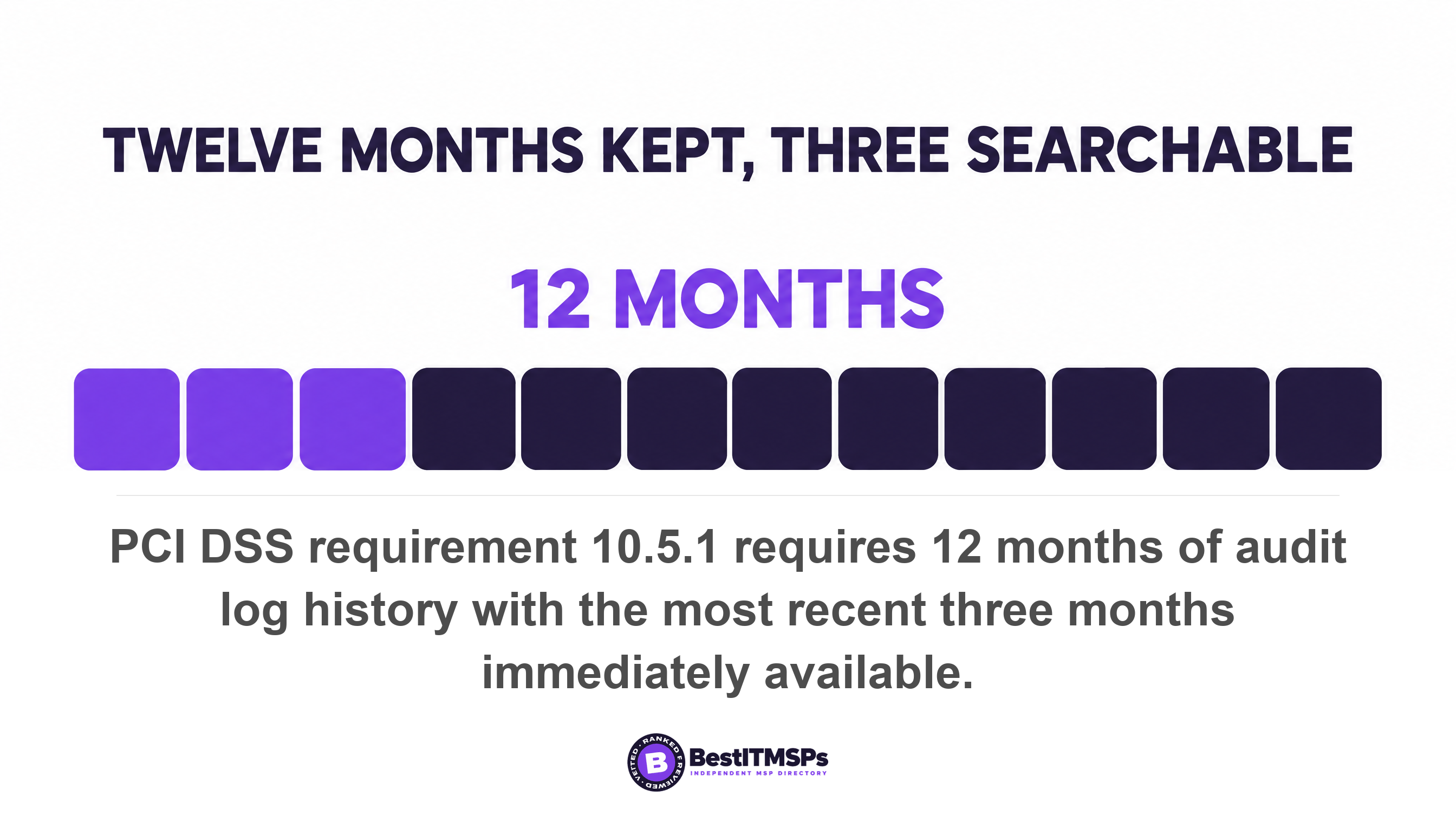
Good looks like twelve months retained, with the most recent three months immediately searchable. That split is not our opinion. PCI DSS requirement 10.5.1 requires organizations to retain audit log history for at least 12 months, with at least the most recent three months immediately available for analysis. The requirement separates immediate access from archived access, which is exactly the distinction a provider's single headline number hides.
CISA names the control but not the number. Cybersecurity Performance Goal 3.Q, Maintain Log Collection and Storage, states that logs are stored for a duration informed by risk or pertinent regulatory guidelines. Read that as permission to pick a defensible number, not permission to accept the default.
Forensic readiness is the plain-English goal. It means the evidence needed to establish incident scope still exists on the day you ask for it. Threat hunting depends on the same thing. A hunter looking for a pattern across the last 90 days cannot hunt inside a 30-day table. If your provider sells threat hunting on top of 30-day retention, the service is bounded by the storage rather than by the skill.
Five terms belong in the contract rather than the proposal deck.
- State retention in days, per log source, instead of one headline number.
- Split that figure into searchable days and archived days.
- Name who can search the archive, and how long a retrieval takes.
- Require an export of the retention setting per table, once a quarter.
- Agree that your logs leave with you, in a readable format, when the contract ends.
Five questions to ask your provider this week
Ask five questions, and insist on numbers rather than product names. Each one takes under a minute to answer if the work has been done.
- How many days of sign-in log history can you search right now, and which license tier sets that limit?
- Pull one user's sign-in record from 60 days ago, on screen, while I watch.
- Which log tables are still capped at 30 days, and what does raising them cost per month?
- Which of my log sources are free to ingest under the licenses I already pay for?
- If we found a breach today, how far back could you establish incident scope?
Question two is the only one that cannot be answered with a sentence. A provider who pulls a 60-day-old sign-in record on a screen share has forensic readiness. A provider who needs a week to answer does not, whatever the contract says. Neither outcome buys perfect security, and no honest provider claims it does. It buys a verifiable answer to the question that decides the cost of an incident.
Take the same five questions to three firms and compare the answers side by side. We rank providers on verified rating and firmographic data and we do not sell IT services, so the comparison stays independent. Read this beside your MSP's detection coverage and incident response in the first 24 hours, which cover what gets spotted and what happens next.
FAQ
How long should my MSP keep security logs?
Twelve months retained, with the most recent three months immediately searchable. That is the floor PCI DSS requirement 10.5.1 sets for audit log history, and it is a fair benchmark even outside card payments. Twelve months clears both the 14-day median dwell time and the 247-day average breach lifecycle.
How long does Microsoft Entra ID keep sign-in logs?
Seven days on the free tier and 30 days on the paid tiers. Microsoft documents seven days of sign-in logs and audit logs on Entra ID Free, against 30 days on P1 and P2. Risky sign-in data runs to 90 days on P2 alone. Your license tier sets the number, not your risk.
Does upgrading my Microsoft license bring back deleted logs?
No. Microsoft states that log retention changes are not retroactive, and after upgrading from Free you still see only the data inside the seven-day window. Log data that already expired is unrecoverable unless it was exported or archived first. Upgrade before an incident, because the upgrade only works forward.
Is 90 days of log retention enough?
Ninety days clears the optimistic detection figure and loses the pessimistic one. Mandiant puts median dwell time at 14 days, so 90 days covers a typical case. IBM puts the average at 247 days to identify and contain a breach, so 90 days leaves a five-month blind spot.
Why does my provider say longer log retention is too expensive?
Because log ingestion cost scales with volume, which is true for firewall feeds and misleading for identity and email. Microsoft lists Office 365 audit logs and Azure Activity logs as free data sources in Microsoft Sentinel, with the first 90 days of retention at no charge. Ask which of your sources are already free.
Best IT MSP is the independent directory of vetted managed IT and cybersecurity providers across North America. Organic ranking is earned on rating and verified data, and paid placement is always labelled. Take the five retention questions to three merit-ranked firms in your city and compare the answers side by side.