Why your invoices land in spam, and whose job it is to fix each cause
Delivery is decided after the receiving system accepts your message, which is why your provider's log says delivered and your customer never saw it. Authentication is a published rule you control. Placement is a private judgement made inside your customer's mail system, using reputation, complaint history and a threshold their own administrator sets.
- A refused message produces a numbered code you can read. A message accepted and filed in a junk folder produces no bounce and no notice at all, so silence is the normal outcome.
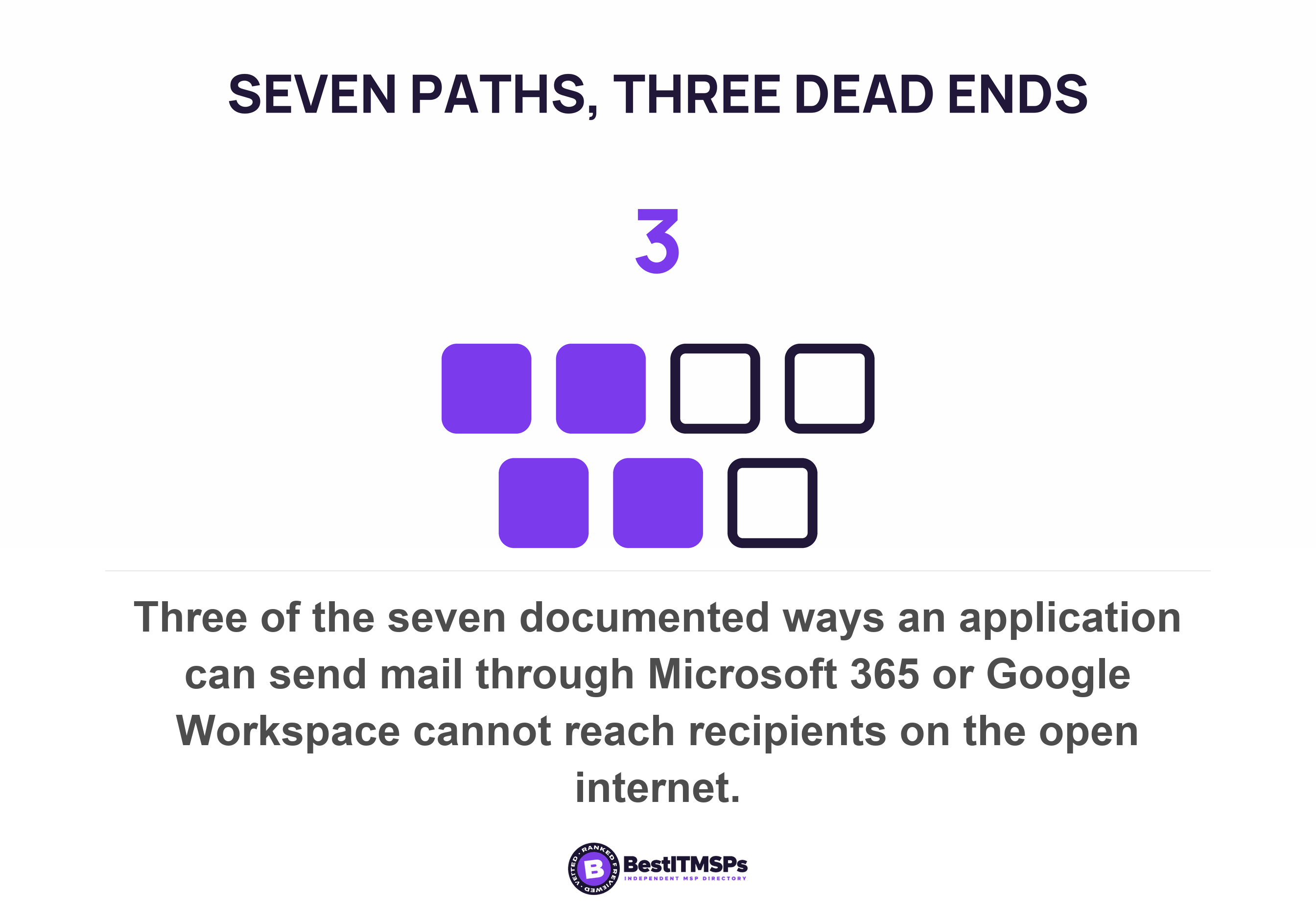
- Microsoft and Google document seven ways an application can hand off a message. Three of the seven cannot reach the open internet, so an invoicing tool wired to one of them fails for every outside customer.
- The test everybody runs proves nothing. Microsoft documents that mail submitted through a mailbox credential bypasses most spam checks when it is sent to people in your own organisation.
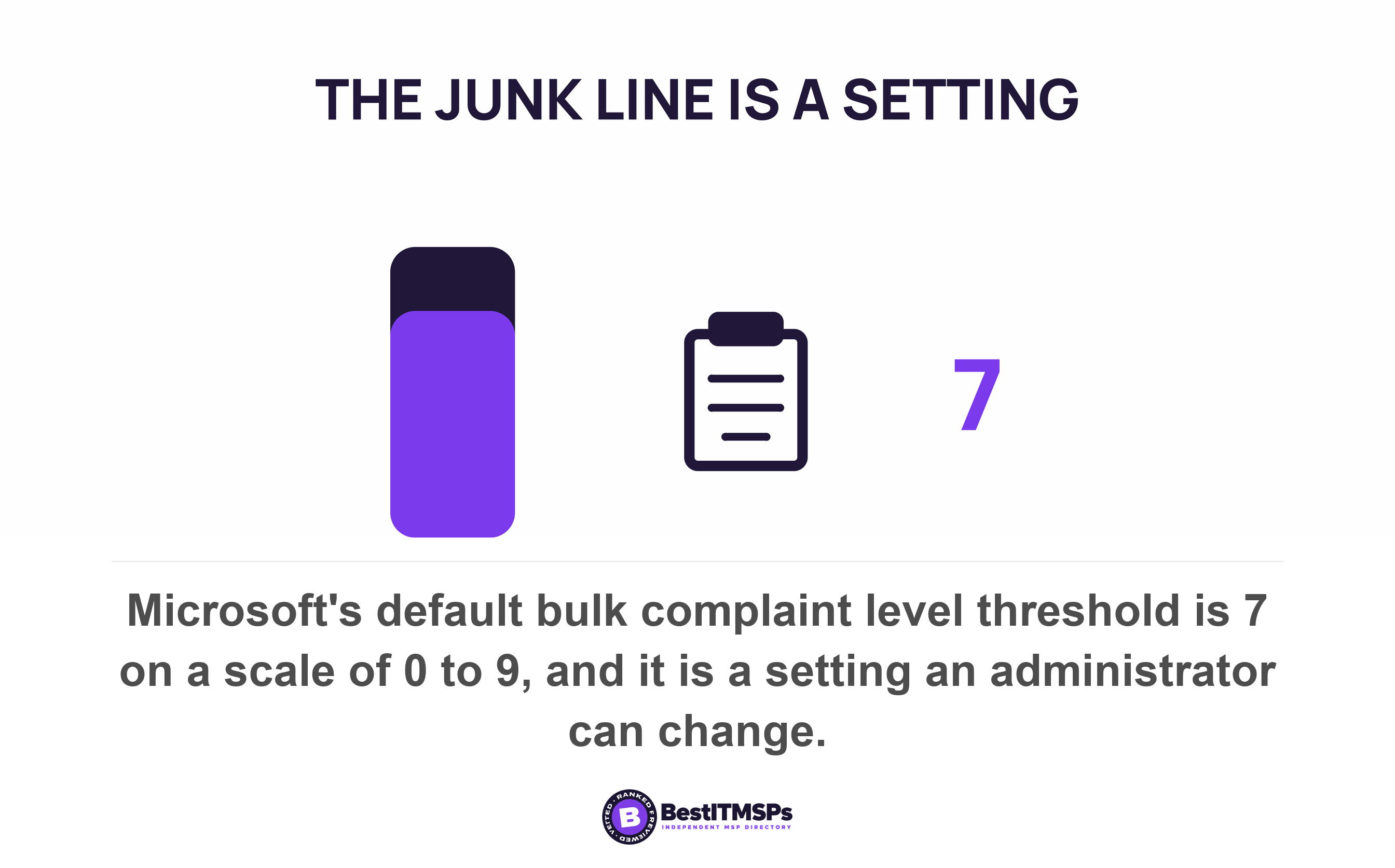
- The threshold that junks a borderline message is a setting in your customer's tenant. Microsoft's default bulk complaint level is 7, its Standard preset is 6 and its Strict preset is 5.
- Forwarding breaks authentication by design, and half of that fix belongs to the receiving organisation rather than to you.
Why do my invoices land in spam when my mail server says they were delivered?
Because acceptance and placement are two separate events. The receiving system accepts your invoice, takes formal responsibility for it, and only then decides privately where to put it. Your own mail server sees the acceptance and nothing after it.
That split is written into the standard email runs on. RFC 5321 describes a success reply at the end of the message as a handoff in which a server MUST accept responsibility for either delivering the message or properly reporting the failure to do so. The promise is custody, not placement. A message can be accepted, scored and dropped into a junk folder without any of that reaching you, because the receiver already kept its side of the bargain.
So the three answers everyone gives are all true at once. Your bookkeeper is right that the invoice was sent. Your customer is right that it never appeared. Your IT provider is right that email is working. Nobody is lying and nobody is answering the question, because the decision happened inside a system none of them can see. Google concedes the point in its own sender guidance, which says some legitimate messages may be marked as spam and that a negative reputation can impact your delivery rate.
This post sets out what a receiver checks, why transactional email sent by software fails differently from mail sent by a person, and who owns each fix. The published sender requirements live next door in Google and Yahoo's bulk sender rules, and the per-domain inventory problem is covered in your provider fixed email authentication on one domain.
What a receiving system checks before it decides where your invoice goes
It checks two kinds of thing, and only one of them is published to you. Rules are testable and binary, such as whether the message is authenticated and arrived over an encrypted connection. Signals are private and cumulative, such as sender reputation, complaint history and sending pattern.
Email authentication is a rule. Placement is a judgement built from signals, and the vendors admit it in their documentation. Microsoft stamps a spam confidence level of -1, or 0 to 9 on inbound mail, then says the value doesn't determine the action taken on the message because spam filtering makes those decisions using categorization and other signals, so the same SCL value can appear on messages with different verdicts. No single number inside Microsoft's own spam filter decides the folder, and the header only tells an administrator afterwards what filtered the message.
Google's language has the same shape. It tells senders to avoid introducing sudden volume spikes if you do not have a history of sending large volumes and warns that over time, user spam reports can lower your domain's reputation. Both are statements about history. Neither is fixed by a DNS record on the afternoon your invoices stop arriving.
The scale explains the caution. Google says its Workspace defences automatically block more than 99.9% of spam, phishing attempts, and malware from reaching your users, a figure Google publishes about its own product. A filter tuned that hard takes some genuine invoices with it, which is why the same vendor sets requirements and declines to promise an outcome. No test returns the answer this will reach the inbox, because the published part and the deciding part are different things.
Your invoices are sent by software, not by a person
An invoice is sent by software, and software has to borrow an identity to send as you. Microsoft's description is blunt. These devices and applications create email messages, but are incapable of sending those messages without help, because they aren't email servers.
How the software borrows that identity was decided when somebody installed it, and that choice decides whether the mail can authenticate as your sending domain at all. Microsoft and Google between them document seven ways to hand a message off, four and three. Microsoft lists client SMTP submission, SMTP relay, Direct Send and High Volume Email. Google lists its SMTP relay service, the Gmail SMTP server and the restricted Gmail SMTP server.
Three of those seven paths cannot reach the open internet. Microsoft's Direct Send can't deliver email to external recipients (for example, recipients with Yahoo! or Gmail addresses), and High Volume Email does not relay to the internet via Microsoft 365 or Office 365. Google's restricted server lets your organization send messages to Gmail or Google Workspace users only. Two of the seven reach your own organisation and nowhere else. An invoicing tool wired to one of them works perfectly in testing and quietly fails for the customers who owe you money.
Which brings us to the test everybody runs. Microsoft documents that client SMTP submission will bypass most spam checks for email sent to people in your organization. Send yourself a test invoice and the filter you were trying to measure was skipped on purpose. The only honest test sends to a mailbox outside your own tenant.
Two more published details catch real setups. SMTP AUTH is disabled for organizations created after January 2020, so the method an older setup guide assumes may simply be off. And a path has a ceiling: client submission allows 10,000 recipients per day. 30 messages per minute, while Google's Gmail SMTP server caps at 2,000 messages per day. A statement run that crosses either line stops partway through, and nobody is watching.
What happens when your customer forwards your invoice
Forwarding breaks authentication, and the standards say so without hedging. Rerouting a message almost always breaks path-based authentication (such as SPF), and modifications almost always break signature-based authentication (such as DKIM).
Microsoft states the same failure as a sequence. When a legitimate service modifies a message in transit, SPF fails because of the new message source (IP address), DKIM fails because of content modification, and DMARC fails because of the SPF and DKIM failures. Microsoft names the outcomes a trusted sealer prevents, which are the ones you get without one: mail delivered to the Junk Email folder, quarantined, or rejected due to email authentication failures.
This is a transactional problem more than a marketing one, because accounts payable is rarely one person at one address. A shared invoices address forwards to a bookkeeper and a director. A security gateway sits in front of the mailbox and rewrites the message on the way through. Your newsletter goes to individuals who forward nothing.
Here is the part that settles whose job it is. The published repair for a forwarded message is the Authenticated Received Chain, and it is configured in the receiving organisation rather than in yours. Microsoft's instruction is for the recipient's administrator to add the forwarding vendor's signing domain as a trusted ARC sealer. Where the intermediary adds no chain at all, Microsoft's own troubleshooting table says ARC can't help. Fix SPF/DKIM at the source. The fix is split down the middle. You make the mail authenticate when it leaves, and your customer's provider decides whether to trust the chain when it arrives.
Do not oversell what that buys. Microsoft is explicit that ARC overrides DMARC authentication failures only, and that it does not bypass spam filtering, bulk email filtering, anti-spam policy actions, mail flow rules or safe and blocked sender lists.
What can you actually see about your own delivery?
You can see refusals and aggregates, and nothing in between. A refused message produces a numbered code. An accepted message filed in a junk folder produces no notice, which is why silence is the normal outcome of a delivery problem.
Microsoft's two outcomes for a non-compliant sender make the asymmetry concrete. Mail into Outlook.com that fails the authentication requirements is first routed to Junk, and later refused outright with 550; 5.7.515 Access denied, sending domain does not meet the required authentication level. One of those two outcomes writes to you. The other does not. Reading the refusal codes themselves is covered in Google and Yahoo's bulk sender rules.
The receivers do publish free feedback routes, and they are the piece of this most businesses never switch on. Microsoft's Smart Network Data Services is a free service that provides high-level insight on how users are rating the email they receive and reveals how many users complained about your email. Its Junk Email Reporting Program is a free service to provide reports on junk email issues reported by Outlook.com users, returns select message headers for emails marked as junk, and starts sending feedback within as little as 72 hours. Google's equivalent is Postmaster Tools.
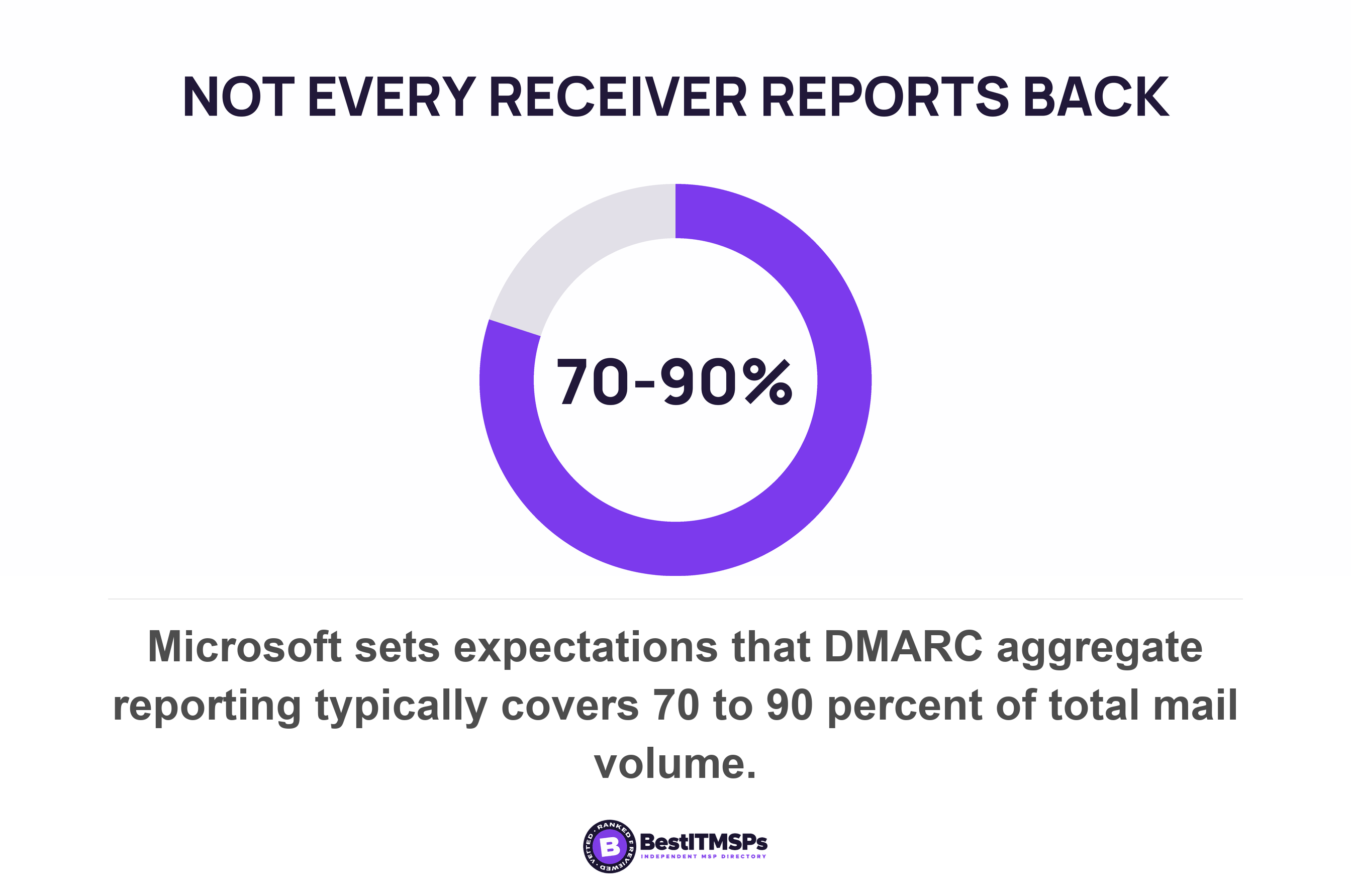
Notice the shape they share. Each one belongs to the receiver, requires you to enrol, and reports in aggregate. A DMARC aggregate report behaves the same way, and is often how a business discovers an invoicing system nobody mentioned. Two published limits matter. Microsoft doesn't send DMARC Forensic reports (also known as DMARC Failure reports), even if a valid ruf=mailto: address exists, and its own guidance sets expectations at not all receivers send reports. Coverage is typically 70-90% of total mail volume. Pulling the sender list out of one is covered in how to read a DMARC aggregate report.
No published mechanism tells you what happened to one particular invoice inside another company's mail system. Microsoft's answer for per-message detail is message trace and message header analysis, and both run inside your tenant rather than your customer's. The workable response is to get the systemic signals right and then confirm a large invoice by phone. That is not a technology answer, and it is the correct one.
The part email authentication cannot fix
Authentication cannot fix complaints, list hygiene or sending pattern, and the threshold those feed into is a setting inside your customer's system rather than a rule published to you.
Microsoft gives inbound mail a bulk complaint level, where a higher BCL value indicates a bulk message is more likely to exhibit undesirable spam-like behavior. The scale is published. Zero means the message isn't from a bulk sender, 1 to 3 means a bulk sender that generates few complaints, and 8 or 9 means a bulk sender that generates a high number of complaints.
Now the configurable part. The threshold is 7 in the default anti-spam policy and new anti-spam policies, 6 in the Standard preset security policy, and 5 in the Strict preset security policy. Mail at or above it is delivered to recipient Junk Email folders under the default and Standard settings, and quarantined under Strict. Three different numbers are live in the field, your customer's administrator picked one, and nobody tells you which. You cannot test against a threshold you cannot read, and a complaint rate you never see is what moves you towards it.
A third destination arrived this year, and it is still arriving. Microsoft says that as of July 2026, all messages identified as bulk that are promotional in nature (regardless of BCL value) automatically receive the Promotions tag, and with bulk moves enabled those messages are delivered to a Promotions folder instead of the inbox. The same page notes the feature is rolling out and should reach every organization by the end of October, so whether your customer's tenant already does this depends on when you ask.
For invoices the consequence is about shared reputation. Reputation attaches to a domain, so complaints earned by a campaign are scored against the name on your billing. Microsoft's advice for email services that aren't under your direct control is to use a subdomain rather than your main email domain, which keeps a campaign's reputation off your invoices. Splitting a domain properly is covered in your provider fixed email authentication on one domain.
One free step belongs to nobody in particular and costs nothing. Google publishes that messages sent from an address in the recipient's contacts are less likely to be marked as spam. Ask every new customer to add your billing address to their contacts during onboarding, in the same message that confirms their payment terms.
Who owns each fix, row by row
Six parts of this problem have six different owners, and only one of them is the IT provider most businesses shout at. The table below is the whole argument of this post.
| What is broken | Who can fix it | What to ask for |
|---|---|---|
| SPF, DKIM and DMARC on the sending domain | Whoever controls your DNS zone, usually your IT provider | The four record values, pasted as plain text |
| How the accounting software submits mail | The software vendor plus whoever configured it | The submission method, the From address and the credential it uses |
| A web form sending straight from the web server | Whoever built or hosts the website | A move onto an authenticated submission path |
| A platform that signs with its own domain | Whoever owns that platform account | A DKIM signature aligned to your domain, or a bounce address on your domain |
| A forwarded invoice failing at the far end | Your customer's IT provider | A trusted ARC sealer for their gateway, or an allow entry |
| Complaints, list hygiene and sending pattern | The business itself | Who presses send, on what list, and how often |
Read the middle column and the pattern is plain. Your provider owns the records and the mail server. The software vendor owns submission. Your web developer owns the form. Your customer's provider owns the receiving end. You own the list. A provider who answers email is working has answered for one row and left five unopened.
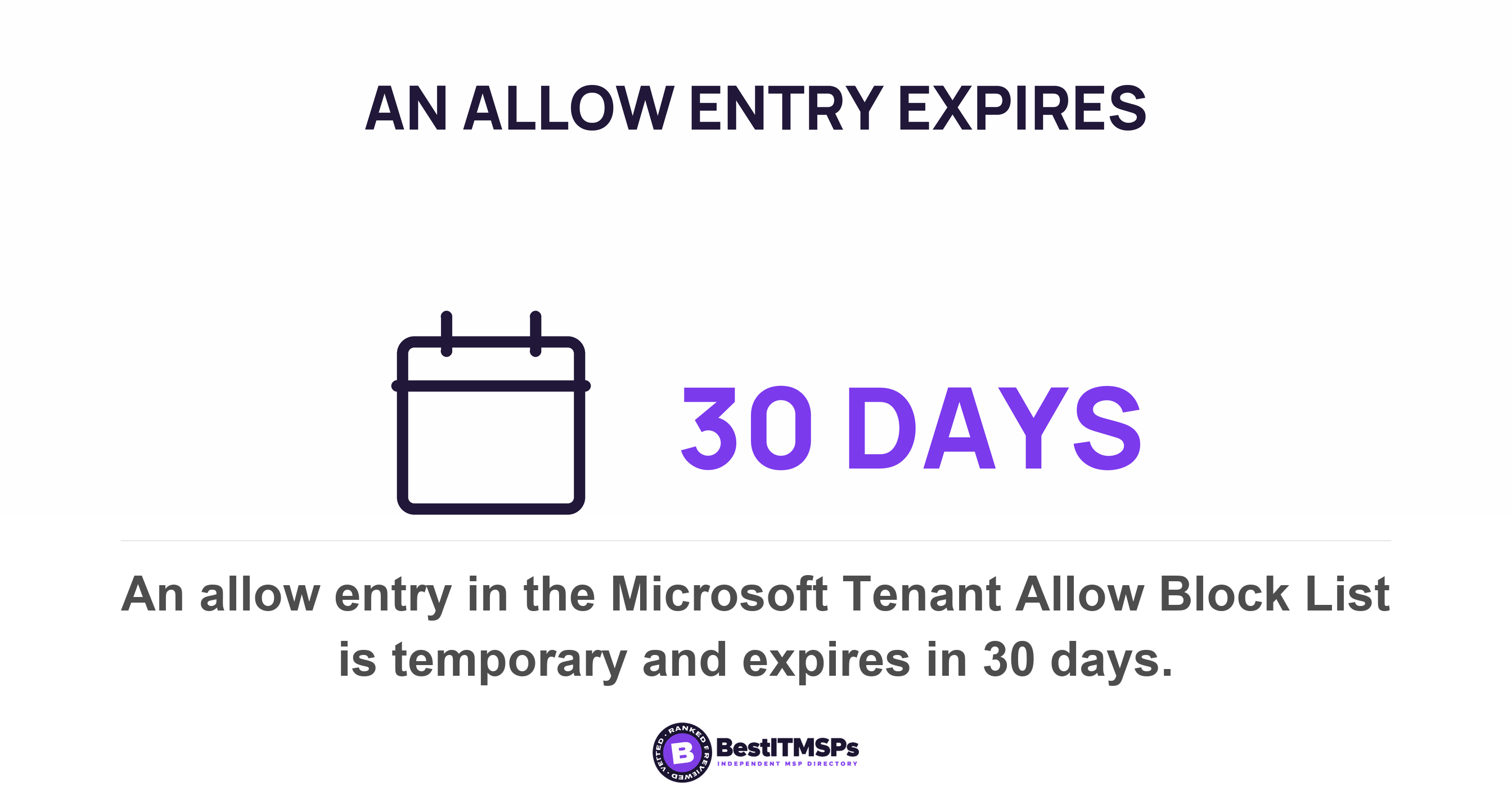
The receiving end deserves pressing, because its fixes expire. Microsoft's options for a legitimately blocked sender are a mail flow rule, an anti-spam policy allow list or submitting the message as a false positive, and an allow entry in the Tenant Allow/Block List is temporary, expires in 30 days. So when a customer says they have added you to an allow list, that is a 30-day arrangement rather than a repair. Use the month to fix the authentication that made it necessary.
A provider who names the owner of every row has done the work. A provider who reports that the server is fine has answered a different question.
What to ask for this week
Ask for five things, and ask for each as a document rather than an assurance. Every item below produces something you can keep in a folder and put to the next provider you interview.
- Request the list of every system that sends mail as your domain, with the submission method written beside each one, including the accounting software and the website.
- Request a test invoice sent to a mailbox outside your own tenant, because an internal test bypasses most spam checks by design.
- Request enrolment in the receivers' free feedback routes, naming Smart Network Data Services, the Junk Email Reporting Program and Google Postmaster Tools.
- Request the DMARC aggregate report address and the name of the person who reads it each month.
- Request a named owner against every row of the table above, including the rows that belong to a software vendor and to you.
None of this makes email certain, and no honest provider says otherwise. A receiving system keeps the final decision, because that decision protects its users rather than your cash flow. What the work buys is narrower and worth having. Your transactional email authenticates as your own domain, your outbound paths can reach an external customer, your reputation is not being spent by somebody else's campaign, and when an invoice goes missing you know which of five people to call. Our editorial team read Microsoft's device and application sending guidance, its DMARC, ARC, spam confidence level and bulk complaint level documentation, the Outlook.com postmaster services page, Google's sender guidelines and printer and app guidance, and RFCs 5321 and 8617 on 22 October 2026.
FAQ
Why do my invoices go to spam when my other emails arrive?
Because the invoice travels a different path. Staff mail leaves a mailbox. An invoice is sent by software that has to borrow an identity. Microsoft's Direct Send method, a common choice for applications, can't deliver email to external recipients (for example, recipients with Yahoo! or Gmail addresses) at all.
Will my email system tell me if an invoice went to spam?
No. A refusal produces a code you can read. A message accepted and filed in a junk folder produces nothing, because the receiver already had to accept responsibility for either delivering the message or properly reporting the failure to do so. Silence is the normal outcome.
Can my customer fix this from their side?
Partly, and the forwarding half only they can fix. Their administrator can trust the forwarding service as a trusted ARC sealer or add an allow entry, though Microsoft notes an allow entry is temporary, expires in 30 days. Authentication still has to be fixed at your end.
Is the spam threshold the same for every customer?
No. Microsoft's bulk complaint level threshold is 7 in the default anti-spam policy and new anti-spam policies, 6 in the Standard preset security policy and 5 in the Strict preset security policy. Your customer's administrator chooses, and the choice is not published to you.
Whose job is it to fix invoices landing in spam?
It is split five ways. Your IT provider owns the DNS records and the mail server. The software vendor owns submission. Your web developer owns the form. Your customer's provider owns the receiving end, including trusted ARC sealers. You own the list and the sending pattern.
Best IT MSP is the independent directory of vetted managed IT and cybersecurity providers across the US and Canada. Organic ranking is earned on rating and verified data, and paid placement is always labelled. Take the ownership table above to three merit-ranked firms in your city, and compare who names an owner for every row.