Guest Wi-Fi: The Network Your Filtering Probably Ignores
Your guest Wi-Fi usually has none of the filtering, logging or device checks your office network has, because it runs on the same access points with a different configuration. On one common Cisco Meraki setup the access point hands guests its own DNS server at 10.128.128.128 and the DHCP options cannot be changed.
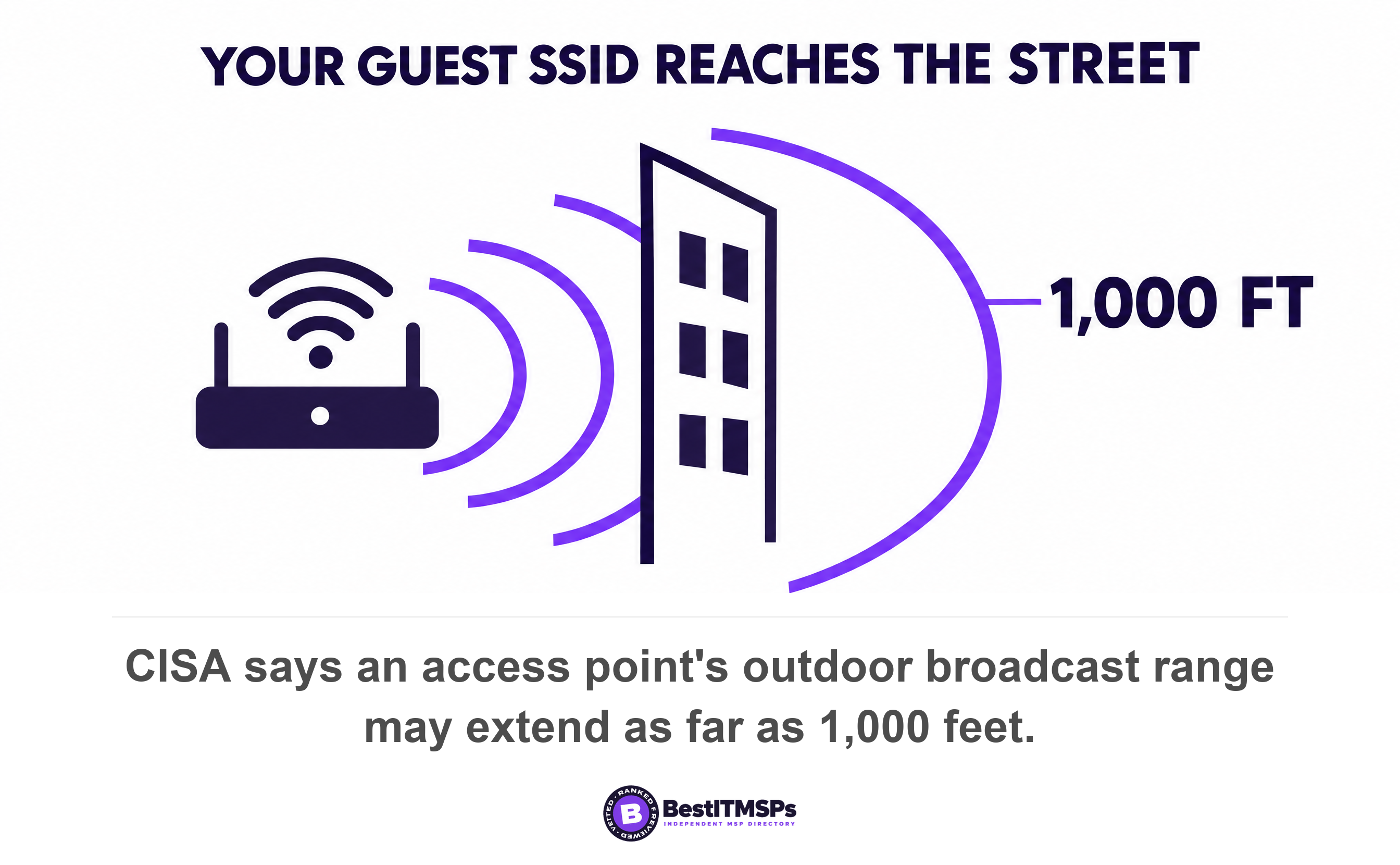
- Your guest SSID runs on the same access points as your office network, and in most small offices it is the one network with no filtering, no logs and no device checks.
- On Cisco Meraki access points in NAT mode the access point hands guests a DNS address of 10.128.128.128, and Meraki documents that the DHCP options cannot be changed.
- Client isolation stops guests seeing each other. It does not stop them reaching your office network, because Meraki routes traffic bound for other VLANs normally.
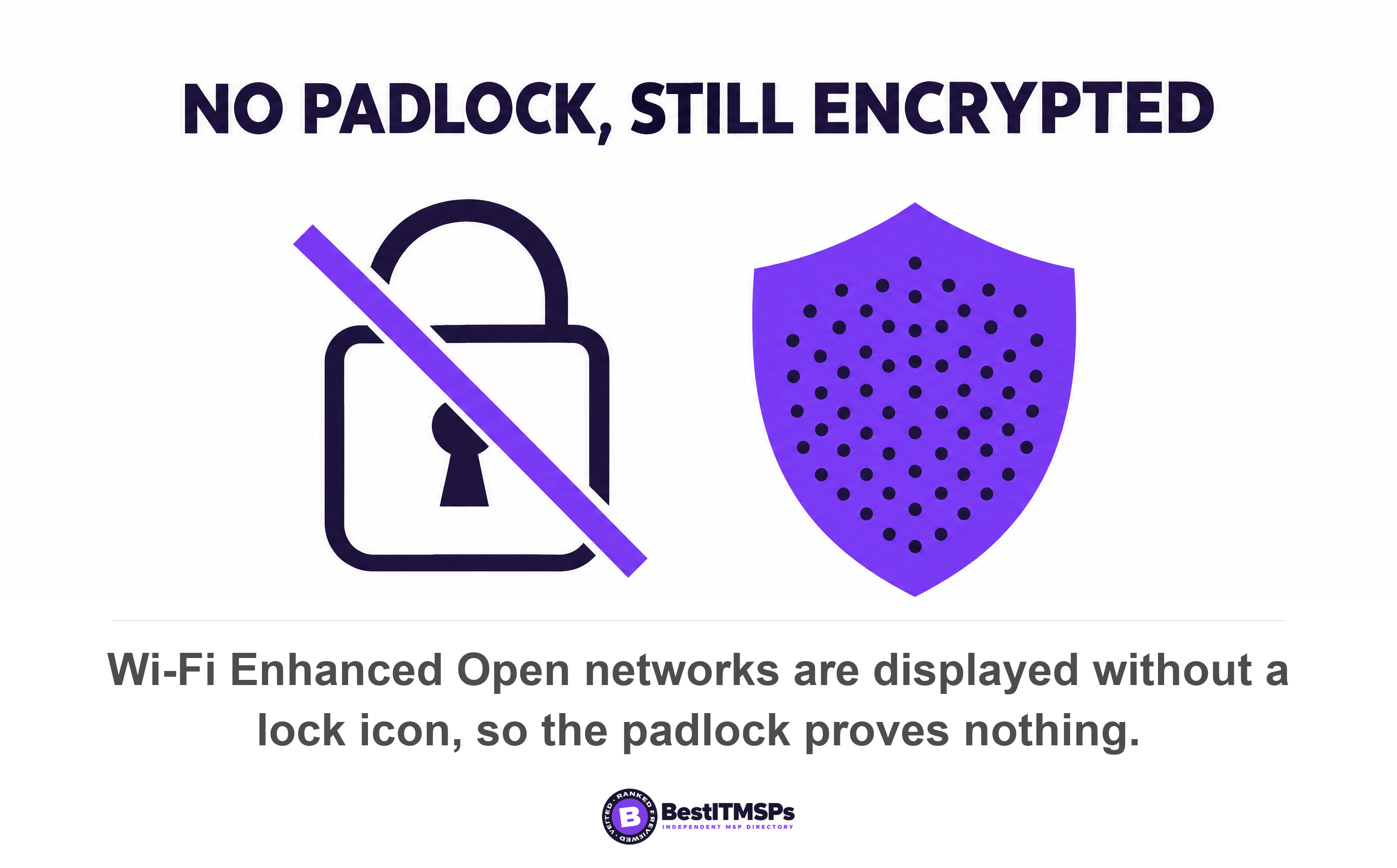
- No password does not mean no encryption. Wi-Fi Enhanced Open encrypts an open network and still shows no padlock, so the icon on your phone proves nothing.
- You can check this in five minutes from a phone. Compare the DNS server, try a site your filter blocks, and try to open your office printer.
Does your guest Wi-Fi have the same filtering as your office network?
Usually not. The guest SSID runs on the same access points as your office network, and in most small offices it carries none of the DNS filtering, content filtering or logging you already pay for. The same access point broadcasts both networks. Only one of them is watched.
That is not a fault. It is a configuration choice somebody made the afternoon the guest network was switched on, and nobody revisited. So the guest SSID becomes the one unfiltered network in the building, used by visitors, contractors and, more often than owners expect, staff phones that drifted onto it because it needs no password.
The radio does not stop at your wall. CISA puts the typical indoor broadcast range of an access point at 150 to 300 feet, and up to 1,000 feet outdoors, so the guest SSID reaches the sidewalk and the suite next door. The same agency warns that attackers who can directly tap into your wireless network may be able to circumvent your network firewall.
One point of clarity. This article is about a guest Wi-Fi network, the wireless SSID visitors join. It is not about guest user accounts in a Microsoft 365 tenant, a different problem that shares the word. For that, read Guest access sprawl: the external accounts still in your Microsoft 365 tenant.
Why a guest SSID drops off your filtered resolver
A guest SSID resolves DNS somewhere else because the network tells every device which DNS server to use, and the guest network often names a different one. Your filtering lives at that resolver, so changing the resolver removes the filter from the path.
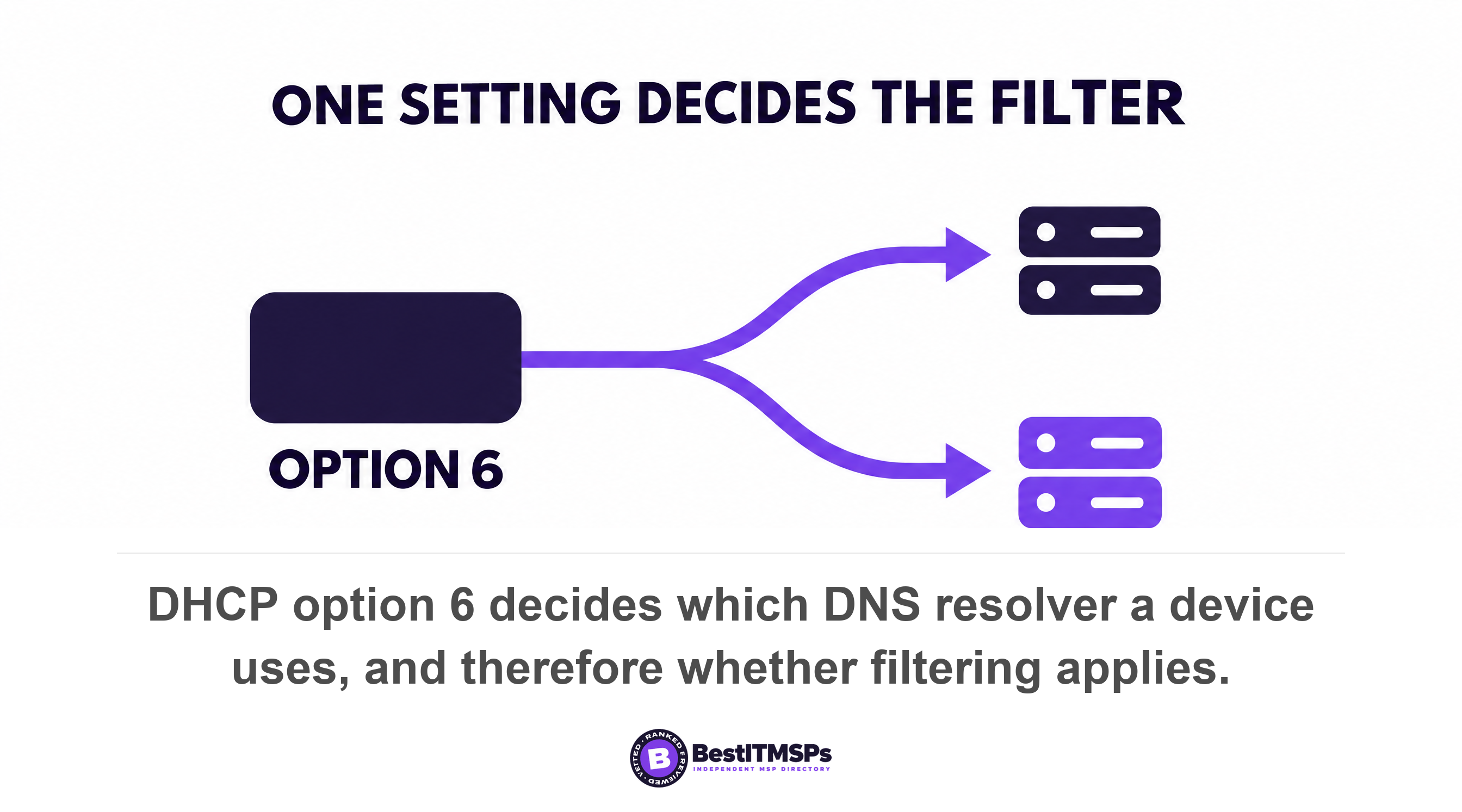
The handover is one setting. RFC 2132 defines option 6, the domain name server option, which specifies a list of DNS name servers available to the client. Whatever address the DHCP server puts in option 6 is where that device sends every lookup. Point it at your filtered resolver and guests are filtered. Point it anywhere else and they are not.
Cisco Meraki documents this on its own access points, which makes it the cleanest published example. In NAT mode the access point runs its own DHCP server and hands clients a gateway address of 10.128.128.128, a DNS address of 10.128.128.128 and a lease time of 24 hours. The same page states that customization of IP address range, gateway address, lease time or other DHCP options is not supported. The access point is the resolver, and you cannot point it at yours.
Meraki is equally explicit in the other direction. Its SSID modes page notes that an administrator cannot enable the SSID's own adult content filtering in bridge mode, because it is disabled by bridge mode using the DNS server(s) advertised by the network's DHCP server. One vendor, two pages, both halves of the trap. Whoever controls option 6 controls the content filtering.
Encrypted DNS is the second way filtering leaves the path, because the NSA notes that clients using their own default DoH resolver will try that resolver first, before the DNS resolver from the DHCP configuration. We cover that in DNS over HTTPS is quietly bypassing your filter.
No password does not mean no encryption, and the padlock proves nothing
An open network with no password can still be encrypted. The mechanism is Wi-Fi Enhanced Open, which the Wi-Fi Alliance describes as providing unauthenticated data encryption to users with no public passphrases to maintain, share, or manage. Wireless encryption and a password are two separate things.
RFC 8110 specifies an extension to IEEE 802.11 to provide for opportunistic, unauthenticated encryption of the wireless medium, published in March 2017. Each device negotiates its own key and the link encrypts without anybody typing anything.
Read the rest of that RFC before you relax. It states that opportunistic encryption does not provide authentication and that OWE is not a replacement for any authentication protocol. It then names the attack that matters in a shared building. OWE is susceptible to an active attack in which an adversary impersonates an access point, after which that adversary can inspect, modify, and forge any data between the client and legitimate access point. CISA calls this an evil twin attack and notes that many public access points are not secured and the traffic they carry is not encrypted.
Here is the part that defeats a visual check. The Wi-Fi Alliance says Enhanced Open networks will continue to be displayed without a 'lock' icon in client devices. An encrypted open network and a wide open one look identical on a phone. The client has to support it too, so the link only encrypts when the visitor's handset speaks OWE. The Alliance states that WPA3 is mandatory for Wi-Fi CERTIFIED devices and says nothing equivalent about Enhanced Open.
Client isolation is not network segmentation
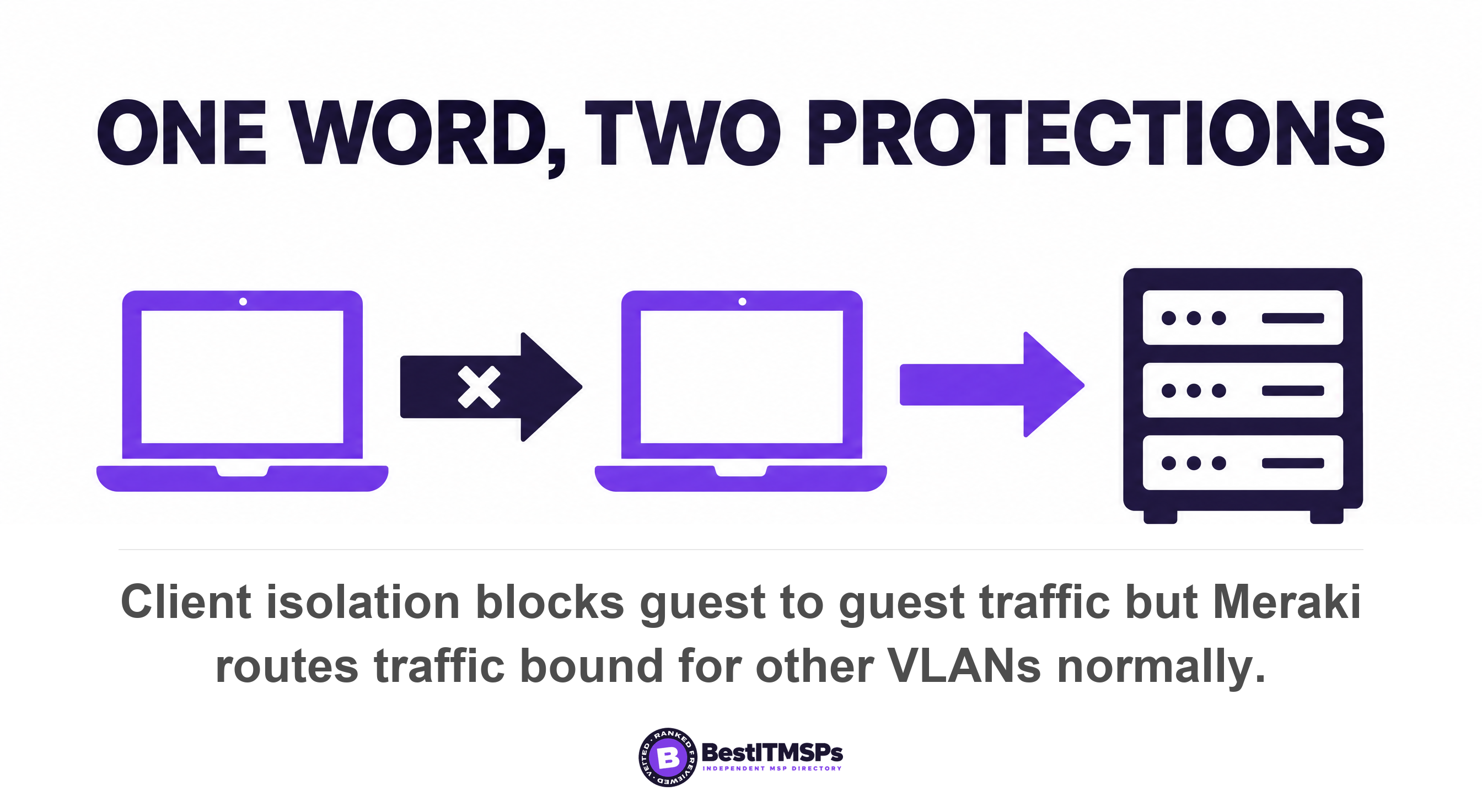
Client isolation stops guests from seeing each other. Network segmentation stops guests from reaching your office network. Vendors use the word isolation for both, and only the second one protects your servers.
Cisco Meraki draws the boundary clearly. Wireless client isolation is a security feature that prevents wireless clients from communicating with one another, and an isolated client will not be able to communicate with any other devices on the same VLAN. Then comes the sentence a buyer needs. Traffic bound for other VLANs will be forwarded and routed normally. Your file server is on another VLAN. The isolated guest still reaches it.
The defaults differ by mode, which is how an office ends up with neither protection. In bridge mode, client isolation is disabled by default and has to be switched on per SSID. In NAT mode you get a named variant rather than the full feature, and Meraki is precise about it: Basic Client Isolation is enabled by default when the SSID is configured for NAT mode and cannot be disabled. That sounds safer until you remember that NAT mode is also where the access point becomes the resolver. The setting that isolates your guests is the setting that unfilters them.
Segmentation is the control with a name in the standards, so use that name when you ask. CISA lists goal 3.I, Implement Logical/Physical Network Segmentation, with the outcome of limiting the impacts of a potential breach and boundaries that contain security breaches by restricting traffic to separate segments. In a small office that means one thing. The guest network sits on its own VLAN, and a firewall rule denies it everything on your side.
Your guest network probably has no logs either
Guest traffic is usually unlogged, so an incident that begins on the guest SSID leaves nothing to investigate. Filtering and logging arrive together in the same product, so a network outside the filter is outside the log.
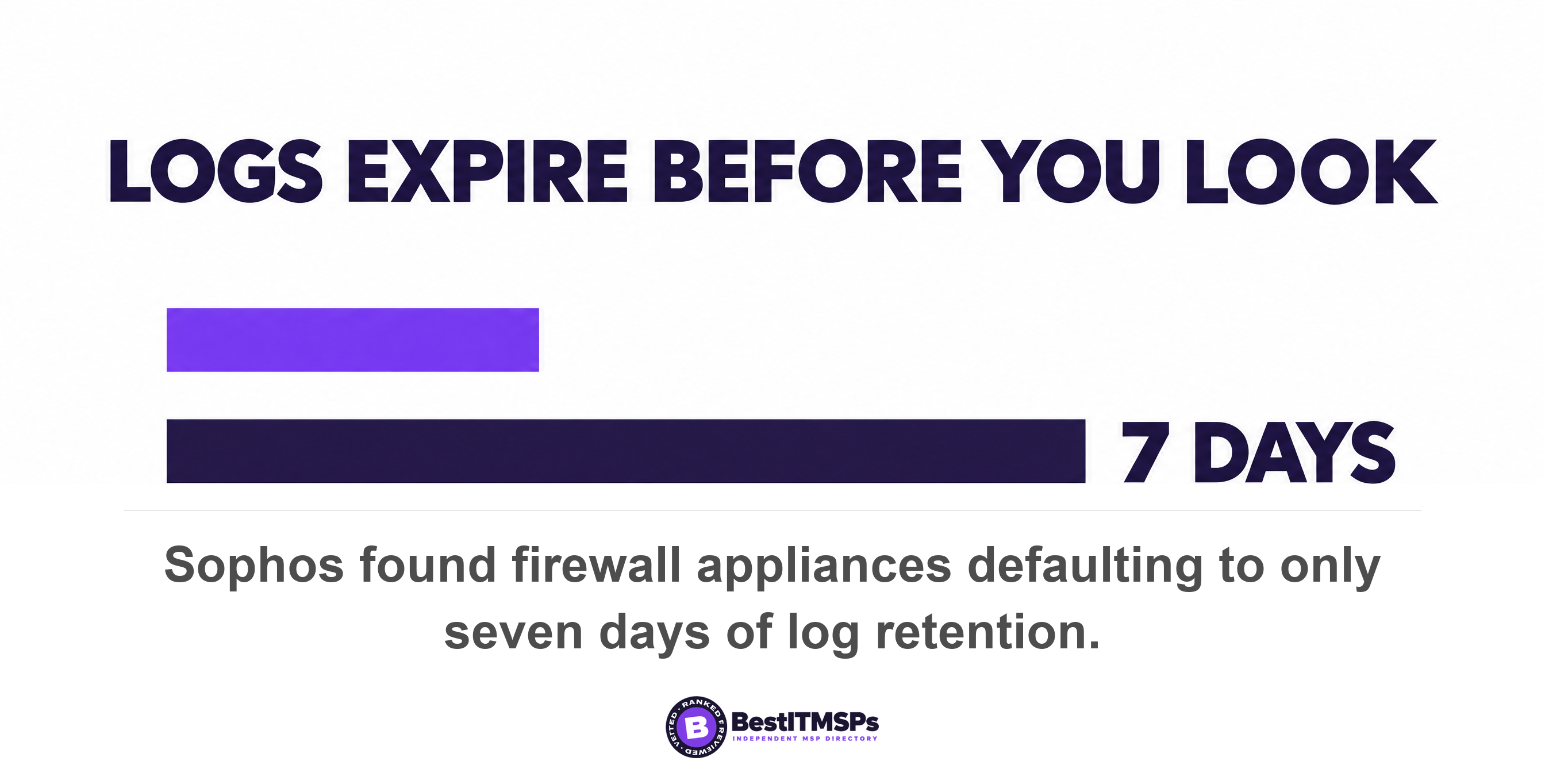
Default log retention is the quiet failure. Sophos reported that cases hampered by missing logs doubled over the previous year, largely driven by firewall appliances where the default was only seven days, and in some cases, 24 hours, across 661 incident response cases handled between November 2024 and October 2025. Over the same cases, median dwell time declined to three days. Three days of attacker activity against 24 hours of log is a losing trade, and on a guest SSID the retention is often zero.
Ask a concrete question. Not do you log the guest network, but send me last month's DNS queries for the guest SSID. A provider who produces them has the guest network inside the same filtering and logging stack as the office. A provider who cannot has shown you the gap. Your provider monitors the office network, so ask who monitors the other one.
What a business that takes card payments should establish about wireless
Start from the network diagram, and get the answer in writing from whoever signs off your assessment. The PCI Security Standards Council's own glossary defines the control in one line, that segmentation isolates system components that store, process, or transmit cardholder data from systems that do not.
We are being careful here deliberately. The payment card standard is published as a PDF rather than a web page, so we will not quote a requirement number at you second-hand, and nor should any blog. What matters is the question it forces. If the guest SSID and the card terminal share an access point, a VLAN and a subnet, an assessor will want to know why. Ask your assessor and your IT provider to mark the guest network on the diagram.
A diagram that does not show the guest SSID is itself the finding. CISA's goal 2.E asks for accurate documentation of current network topology and says network reviews should be performed and tracked on an annual basis. The FTC puts it plainly for every business, that not every computer in your system needs to be able to communicate with every other one. A documented guest VLAN with a deny rule is the end state you are buying.
Why the guidance you would look for barely mentions guest Wi-Fi
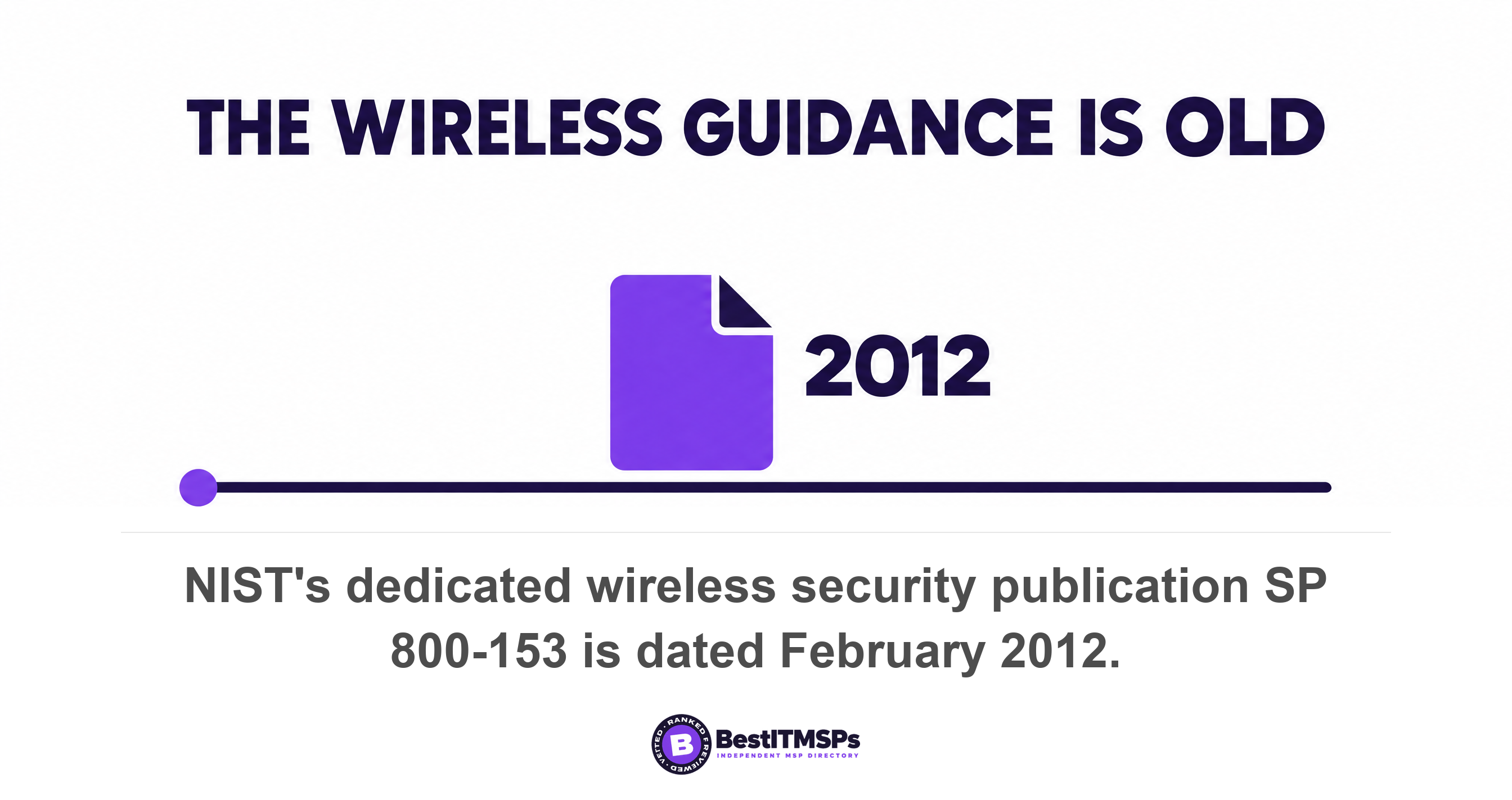
The bodies an owner would consult publish almost nothing current on guest wireless, which is part of why this gap survives. CISA's advice sits in a page dated February 2021 that now carries an archive notice, and it addresses the home router feature that allows you to grant wireless access to guests on a separate wireless channel with a separate password. NIST's dedicated wireless publication, SP 800-153, Guidelines for Securing Wireless Local Area Networks, is dated February 2012, and its small business corner points a reader at three documents on securing network connections, from the Department of Homeland Security, the NSA and the Center for Internet Security, all written for home and small office use. Segmentation has a named control and solid backing. The guest SSID as a distinct thing to filter, log and segment does not, which leaves it to whoever configured your access points.
The five-minute guest Wi-Fi test you can run from a phone
To test your guest Wi-Fi, join it on a phone and run four checks in this order. Each has a clear pass and a clear fail, none needs a technician, and all four let you verify the answer rather than take it on trust.
- Compare the DNS server. Open the Wi-Fi details on the office network and write down the DNS address, then do the same on the guest network. Pass: the same resolver your provider names as your filter. Fail: a public resolver, or an address belonging to the access point itself.
- Try a site your filter blocks. Ask your provider for one domain their filter blocks, then open it on each network. Pass: the same block page both times. Fail: it loads on the guest network.
- Try to open something on the office network. While on the guest SSID, type the web address of your printer, file server or camera recorder into the phone's browser. Pass: nothing loads. Fail: a login page appears, which means client isolation may be working and segmentation is absent.
- Ask for the log. Request last month's DNS or firewall log for the guest SSID alone. Pass: you get it, with a stated retention period. Fail: guest traffic is not logged, or cannot be separated from the rest.
Do not add the padlock icon as a fifth check, for the reason above. It cannot tell an Enhanced Open network from a wide open one. If the third check fails, stop there and call your provider rather than exploring further.
Seven questions to put to your IT provider in writing
Send these seven in one email and keep the reply. Every one has a factual answer, so a vague response is itself the answer.
- Name the DNS resolver the guest SSID uses, and confirm it is the filtered one.
- State which VLAN and subnet the guest network sits on, and which VLANs it can reach.
- Show the firewall rule that denies guest traffic access to the office network.
- Confirm whether client isolation is enabled on the guest SSID, and in which SSID mode.
- Send last month's DNS and firewall logs for the guest SSID, with the retention period.
- Mark the guest network on the current network diagram, dated this month.
- Say whether the guest SSID is open, Enhanced Open or passworded, and which wireless encryption it uses.
None of this makes a guest network risk free, and no honest provider claims otherwise. It makes the guest network visible, filtered, segmented and logged like the rest of the building, which is what you already pay for on the other SSID. If a provider cannot answer seven factual questions about a network they configured, compare them against merit-ranked firms in your city before the renewal lands. Read What is DNS filtering, and do you already have it? and Business WiFi: Access Points and Network Design for the two halves this one sits between.
FAQ
Is guest Wi-Fi safe for a business to run?
A guest network is safe to run when it is segmented, filtered and logged, and risky when it is none of those. The gap is that it shares your access points. Cisco Meraki documents that an isolated guest cannot reach the same VLAN, while traffic bound for other VLANs will be forwarded and routed normally.
Does my guest Wi-Fi need a password to be encrypted?
No. Wi-Fi Enhanced Open encrypts a network that has no password, using the mechanism in RFC 8110, which provides opportunistic and unauthenticated encryption of the wireless link. The same RFC confirms that opportunistic encryption does not provide authentication, so it cannot stop a fake access point.
What is the difference between client isolation and network segmentation?
Client isolation stops devices on one SSID from talking to each other. Network segmentation stops that SSID from reaching your corporate network at all. CISA names the second as goal 3.I, Implement Logical/Physical Network Segmentation. Vendors call both isolation, so ask which VLAN the guest SSID sits on.
Why does my DNS filter not apply to the guest network?
Because the guest network hands out a different resolver. RFC 2132 option 6 specifies the list of DNS name servers available to the client, and on Cisco Meraki access points in NAT mode the access point supplies a DNS address of 10.128.128.128 and will not let an administrator change that option.
How do I know if my guest Wi-Fi is being logged?
Ask for last month's guest DNS or firewall log and the retention period in days. Defaults are short, and Sophos found missing-log cases doubled, largely driven by firewall appliances where the default was only seven days, and in some cases, 24 hours. A provider who cannot separate guest traffic is not watching it.
Best IT MSP is the independent directory of vetted managed IT and cybersecurity providers across North America. Organic ranking is earned on rating and verified data, and paid placement is always labelled. Take the seven questions above to three merit-ranked firms in your city and compare the answers.