Agentic AI with access to your systems: five questions to ask first
Settle five questions before an AI agent touches your systems. Which identity it acts under. What it is permitted to do. What the audit log records. Who approves a sensitive action. How you switch it off. Microsoft's audit log now carries a user type value for an AI agent.
- An agent acts under one of three identities. A delegated permission as a person, its own agent identity, or a credential its author typed in once.
- Microsoft's audit log now carries a user type value of 11 for an AI agent. Older application records leave the user key as an all-zero GUID.
- Scoping an app to specific mailboxes does nothing until you remove the old tenant-wide grant. Microsoft's own example ends with A and Not A means everything.
- The setting that asks a person to approve an action before the agent runs it is set to No by default in Copilot Studio.
- A non-human actor's audit records are kept for a fixed one year, and that period is not configurable. The standard human default is 180 days.
What should you settle before giving an AI agent access to your systems?
Settle five questions before you grant an AI agent access to your systems. Which identity it acts under. What it is permitted to do, and over which records. What the audit log writes down. Who approves a sensitive action before it happens. How you switch it off, and whether you can undo its work. The sales conversation covers what the tool can do. These five cover what it is allowed to do.
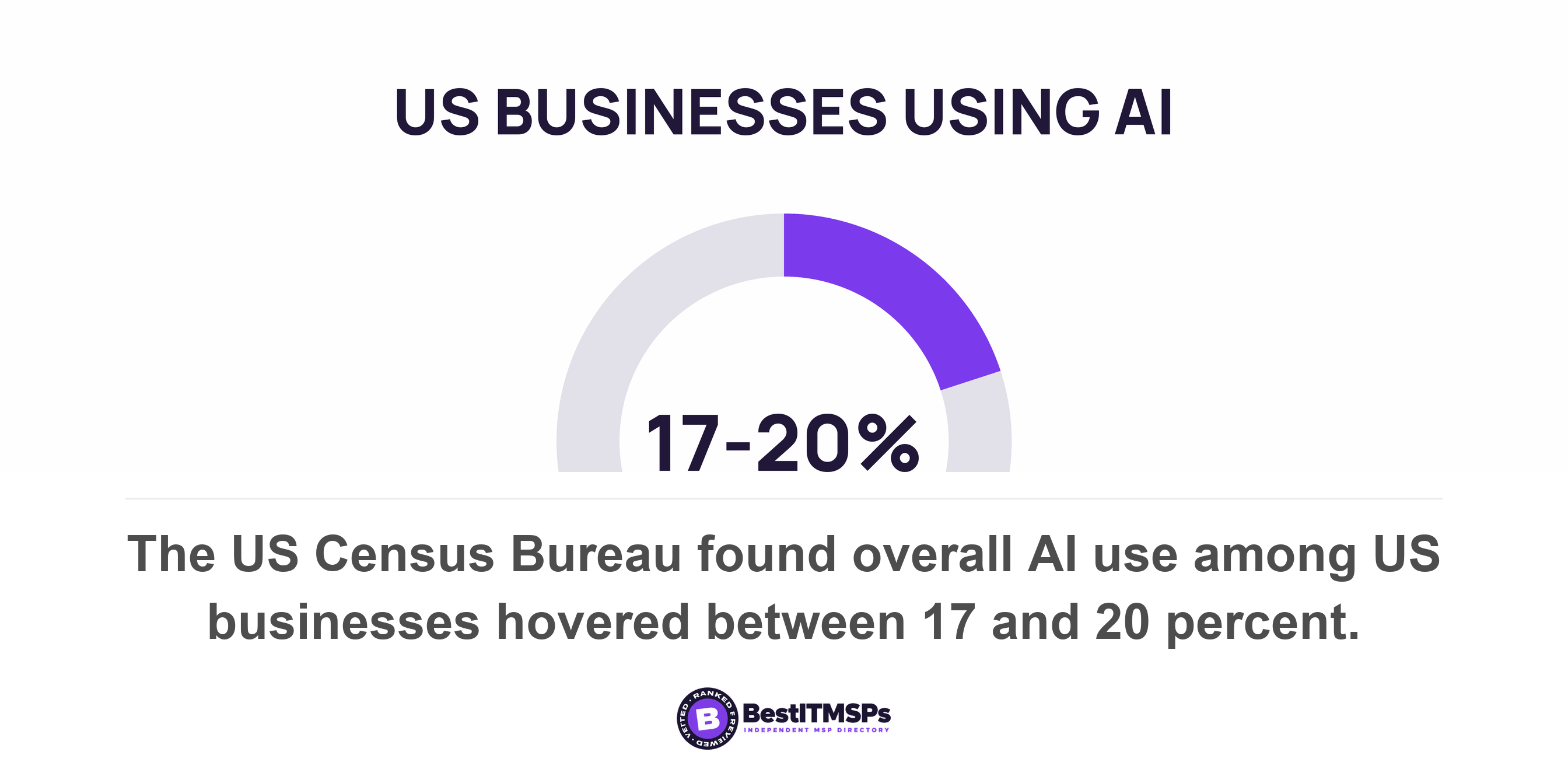
Agentic AI is software that acts rather than answers. Microsoft's own description of an autonomous agent is software that takes action without waiting for a user prompt. The buying wave is early. The US Census Bureau found overall AI usage among US businesses hovered between 17% and 20% between December 2025 and May 2026, and fewer than 20% of firms with four or fewer employees reported using AI. No government survey yet counts the narrower group of tools that take actions. Treat any vendor figure on agent adoption as marketing.
This post is about agency, not reading. Who approved an app, and how to read a permission string, sits in every OAuth app your staff connected to your Microsoft tenant. Whether an assistant inherits one person's file access sits in Copilot sees everything your users can see. The question here starts where those finish. A read inherits permission. A write inherits identity.
How does an AI agent actually get into your systems?
An AI agent gets in one of three documented ways, and which one decides everything after it. It holds a delegated permission and acts as a person. It holds its own identity and acts as itself. Or it runs on a credential somebody typed in once.
Microsoft now issues agents their own accounts. Microsoft Entra Agent ID is now generally available, documented in May 2026. Microsoft describes an agent identity as a special service principal in Microsoft Entra ID that doesn't have credentials on its own. A reusable template called a blueprint holds the keys instead and fetches tokens for it. Two token flows follow from that design. Autonomous agents acquire app tokens on behalf of the agent identity, while interactive agents called with a user token acquire user tokens.
The subject is the person. The actor is the software.
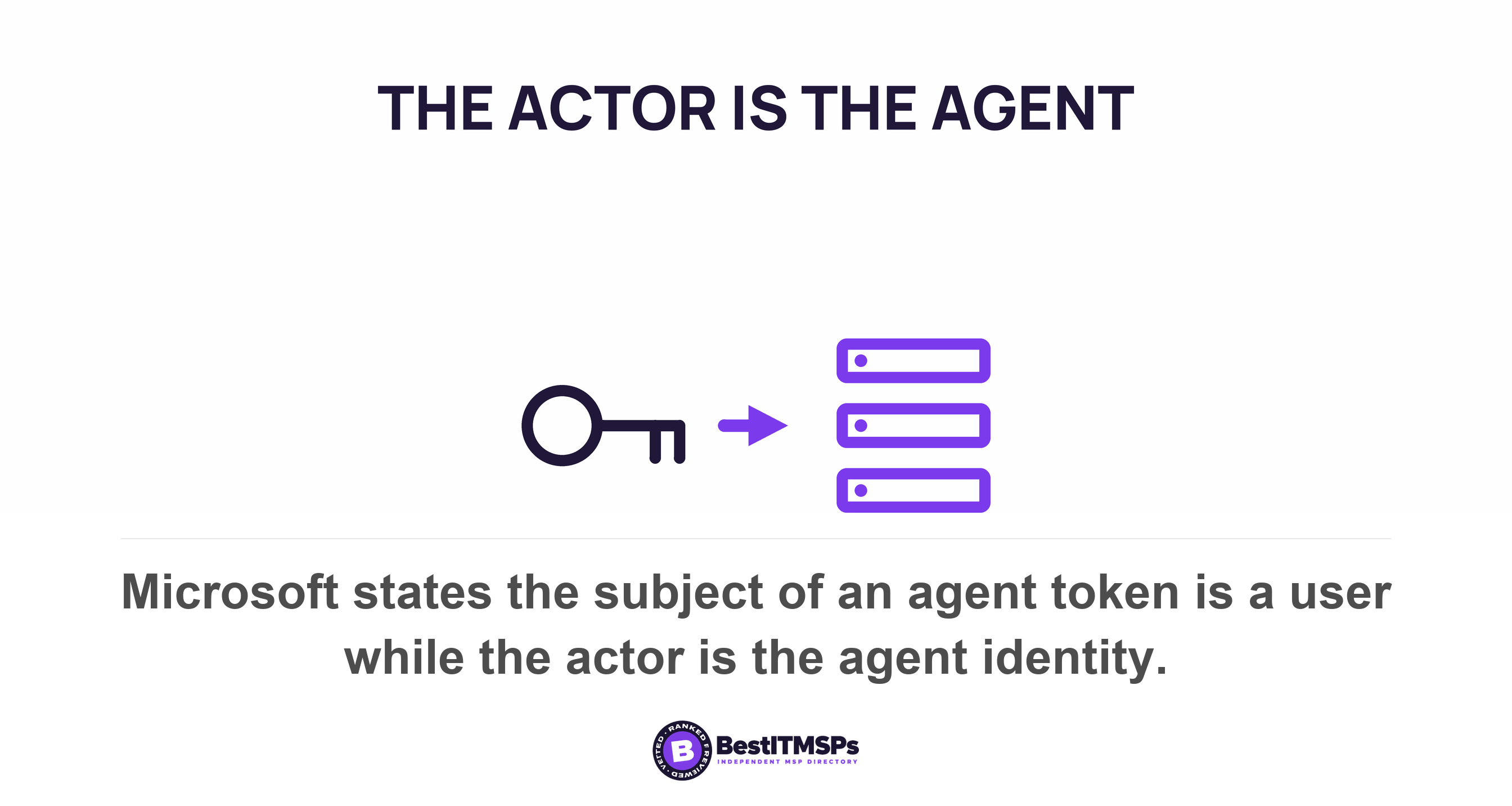
Read the third line of Microsoft's own list, because it is the whole point. When an agent works for a signed-in person, Microsoft writes that the subject of the token is a user, while the actor is the agent identity. Subject and actor are two separate fields. The person remains the subject of the action. The software is the thing that did it. Every question you will later ask about an action depends on a system keeping both halves.
The third route is the one no demo mentions. In Microsoft Copilot Studio, every tool carries an authentication setting, and the documented choice is between the user's (End user) or maker's (Maker-provided) credentials. Pick the maker option and the agent uses the credentials of its author. One person's access then becomes every user's reach. Ask which option your agent uses before anyone connects it to a mailbox.
One more wrinkle matters. Some systems refuse to talk to anything but a user account, so Microsoft lets an agent hold a second one. It calls that a user account in the Microsoft Entra tenant that is decorated as an AI agent. A robot with a staff account appears in your user list looking like a colleague. That is the same problem as a service account nobody owns, arriving under a friendlier name.
Whose name is on the action in the audit log?
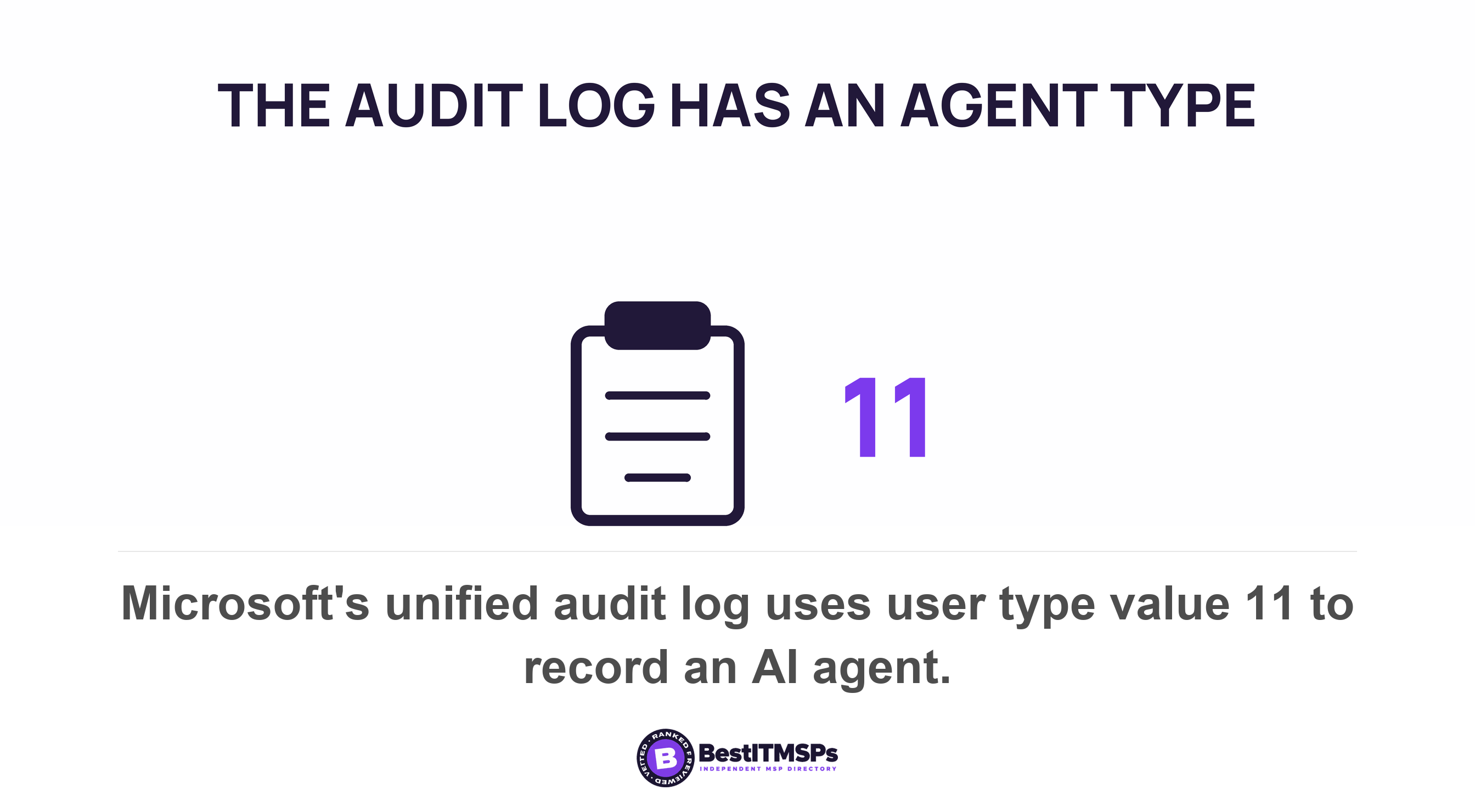
The audit log can name the agent, and Microsoft added a value for exactly that. In the unified audit log, the UserType property records the type of user who performed an operation, and value 11 is Agent, an AI agent. The UserKey beside it holds the Microsoft Entra Object ID of the primary agent. So the record can tell software from staff, where the service writes that value.
The older values are where attribution leaks away. Microsoft lists value 5, Application, as an audit event triggered by a Microsoft Entra application, and value 6 as a service principal whose UserKey is an all-zero GUID. An empty key is not an identity. Microsoft states it plainly, that for scenarios where the primary actor isn't a user, the UserKey is an empty string. An audit trail that cannot separate software from staff answers none of the questions you will ask after an incident.
SharePoint shows the gap most clearly of all. Microsoft documents a user called app@sharepoint and explains that it means an application, instead of a user, presented the authentication to SharePoint to perform an action. That application was granted permission to perform organization-wide actions ... on behalf of a user, admin, or service. A file that moved under that name tells you software did it, and not which person asked for it.
Notice the word primary in Microsoft's description of the agent key. It implies a chain, where one agent calls another and only the first is recorded. So ask what each system logs when the agent acts, then ask to see it. Request one real audit row for an agent action, with the UserType and UserKey columns visible. A provider who has never exported your audit log will not know those columns exist.
A read inherits a person's permission. A write inherits a person's name. Only the second one needs an actor field.
Does any published guidance cover letting software act on its own?
Yes, and six national cyber agencies published it jointly in 2026. Careful adoption of agentic AI services was released on 1 May 2026 by ASD's ACSC, CISA, the NSA, the Canadian Centre for Cyber Security, NCSC-NZ and NCSC-UK. It is guidance, so it commits nobody to anything. What it does is settle which questions are reasonable to put to a vendor, and its sharpest line is the one to read twice: ensure decisions about when human approval is required are determined by system designers or operators, not delegated to the agentic AI system. The agent does not get to decide when it needs permission. If a vendor cannot tell you who set that boundary, nobody did.
Four of its recommendations translate straight into contract terms. Prevent agents from autonomously executing high-impact actions or outputs without prior human approval, which only works if somebody has classified your actions by impact first. Quarantine requests to delete logs or audit records until reviewed and approved by a human, because an agent that can clear its own trail is a different product from one that cannot. Replace static, long-lived secrets with ephemeral credentials that expire when the job is complete, which is the fix for a pasted password. And conduct risk assessments to classify agent actions by potential impact, likelihood and reversibility. Reversibility is the word worth borrowing. Ask which of this agent's actions you cannot undo, and whether those are the ones behind the approval step.
The UK NCSC published its own summary on 15 May 2026, and three lines are worth quoting to a vendor. It says to give agents only the minimum access they need, for the shortest time required, and to never grant an agent unrestricted access to sensitive data or critical systems. Its deployment test is a single sentence. If you cannot understand, monitor or contain an agent's actions, it is not ready for deployment.
Accountability is named as a person, not as a policy. The NCSC frames the work as knowing who owns an agentic system, who approves its access, who monitors its behaviour, who reviews incidents, and ultimately who can stop it, and states it plainly: a system may take an action, but humans remain accountable for the decision to deploy it, the access it was granted, the safeguards around it, and the consequences of its operation. Microsoft turned the same idea into a field. An agent identity can carry a sponsor, which records the human user or group that's accountable for an agent and exists partly for contacting a human in case a security incident happens. Ask for that name.
NIST covers the part vendors skip, which is switching one off. Its AI Risk Management Framework asks that mechanisms are in place and applied, responsibilities are assigned and understood to supersede, disengage, or deactivate AI systems that behave outside their intended use. Read that as a procurement question rather than a framework. Who can stop this agent, from which screen, at two in the morning, without calling the vendor.
What can you actually scope down before it goes live?
Three things scope down, and all three are documented product features rather than good intentions. The mailboxes or sites the agent can reach. Whether a person has to approve an action first. How many tools the agent holds at all. All three sit inside ordinary access control, so your provider already has the skills.
Limit mailbox access, then remove the old grant
Start with mailbox access, because an application permission ignores the limits you already set on people. Microsoft documents RBAC for Applications in Exchange Online as a grant that can be paired with a scope of access (resource scope) to specify which mailboxes an app can access, and says it replaces Application Access Policies. The role names show why it matters. One of them, Application Mail.Send, allows the app to send mail as any user without a signed-in user. Left unscoped, that is every mailbox you own.
Then delete the old permission grant, or the scoping achieves nothing. This is the trap, and Microsoft spells it out in its own FAQ. Where an app keeps a tenant-wide grant in Entra and gains a narrow one in Exchange, the union of an unscoped Mail.Read grant from Microsoft Entra and a resource-scoped Mail.Read grant in Application RBAC results in no effective resource scoping. Its worked example ends with the line A and Not A means everything. So a provider can show you a tidy scope on screen and have changed nothing at all.
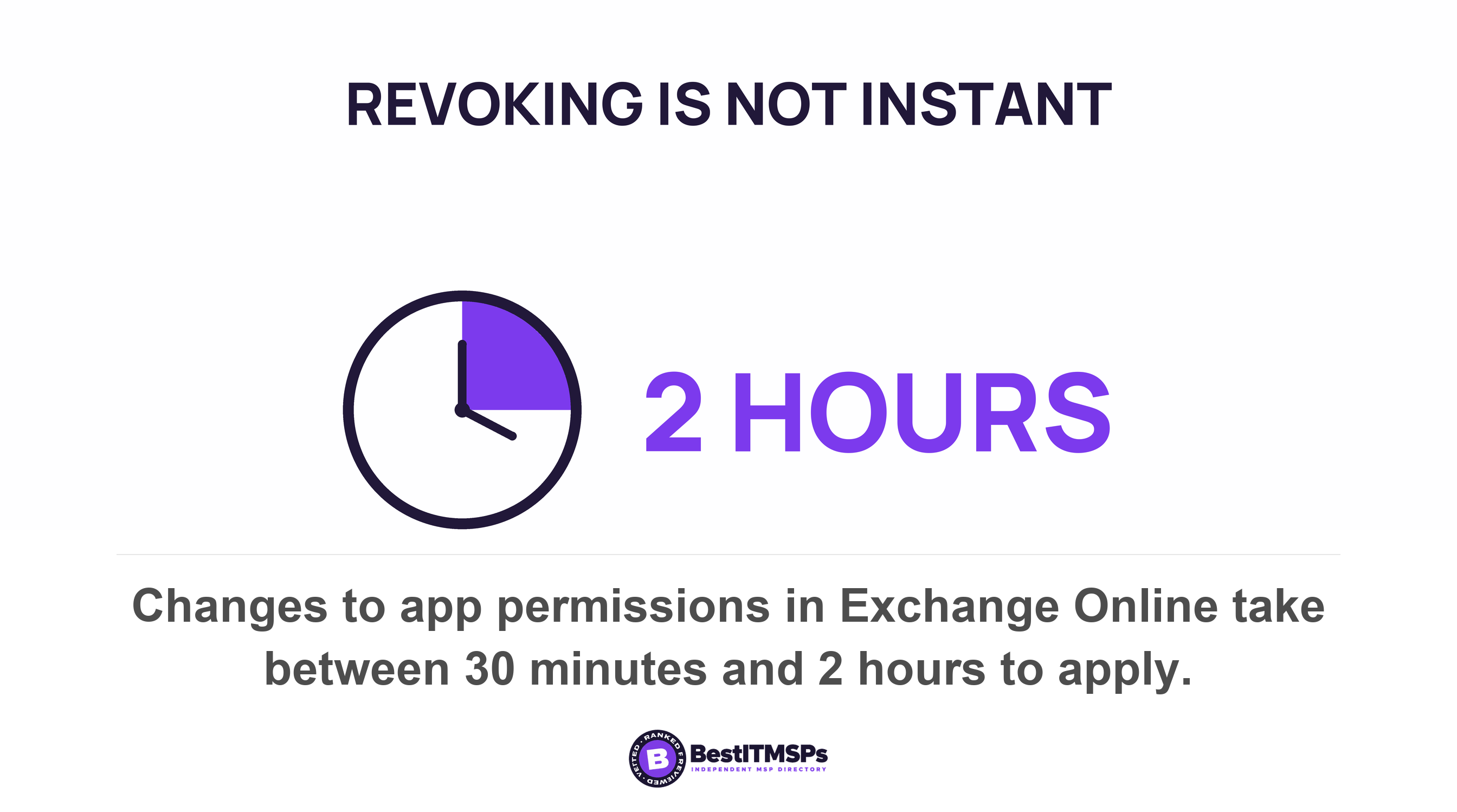
Two practical details close that gap. Microsoft ships a test command, Test-ServicePrincipalAuthorization, which reports InScope will = true or false for one named mailbox, so a scope can be proved instead of described. Ask to watch it run. And changes are not instant, because Microsoft states that changes to app permissions are subject to cache maintenance that varies between 30 minutes and 2 hours.
Turn on human approval, because it ships off
The approval step exists in the product and arrives switched off. In Copilot Studio each tool carries a setting called Ask the end user before running, which asks for confirmation before running the tool in the end user chat experience. Microsoft states that this option is set to No by default. Generative orchestration, which lets the agent decide for itself which tool to use, is active by default instead. Microsoft's own guidance for autonomous agents asks you to configure the agent to request approval or confirmation from a person before executing actions that could be sensitive.
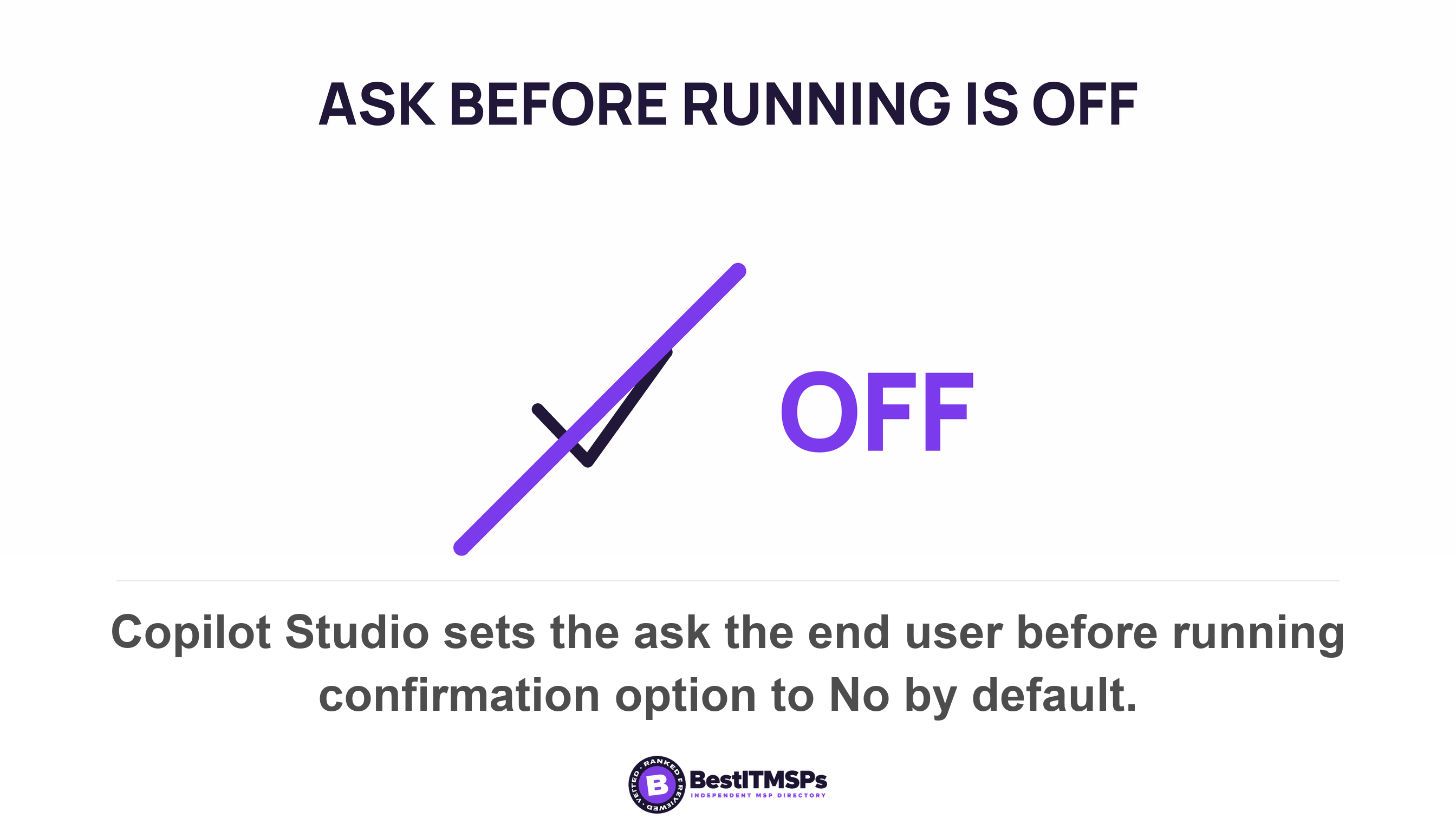
Count the tools as well, because each one is a way to act. Microsoft says the orchestrator supports up to 128 tools per agent and advises you to limit the number of tools in your agent to 25 to 30. Administrators can also restrict which connectors appear at all, using data policies. The same guidance asks for least-privileged access, noting that if the agent only needs to read a database, you should not also give it write access. That is least privilege, and it is the cheapest control on this page.
How do you switch an agent off and find what it already did?
To switch an agent off, delete its identity and revoke its grants, then wait out the cache. Microsoft documents an automated cascade cleanup process and soft-delete functionality for agent identities, and lets an administrator revoke a permission grant for all agents built from one blueprint at once. Conditional access policies apply too, with separate templates for autonomous agents without user context and for agents acting on behalf of users. The permission cache still runs up to two hours behind you.
Orphaned agents are a known problem, and Microsoft shipped plumbing for them. Its lifecycle workflow templates automatically transfer sponsorship when an agent identity sponsor changes roles or leaves the organization, to prevent orphaned agents. Read that feature as a confession. An agent outlives the person who approved it, in exactly the way a service account does, and nobody notices until someone audits the list.
Your log and the agent's log keep different clocks
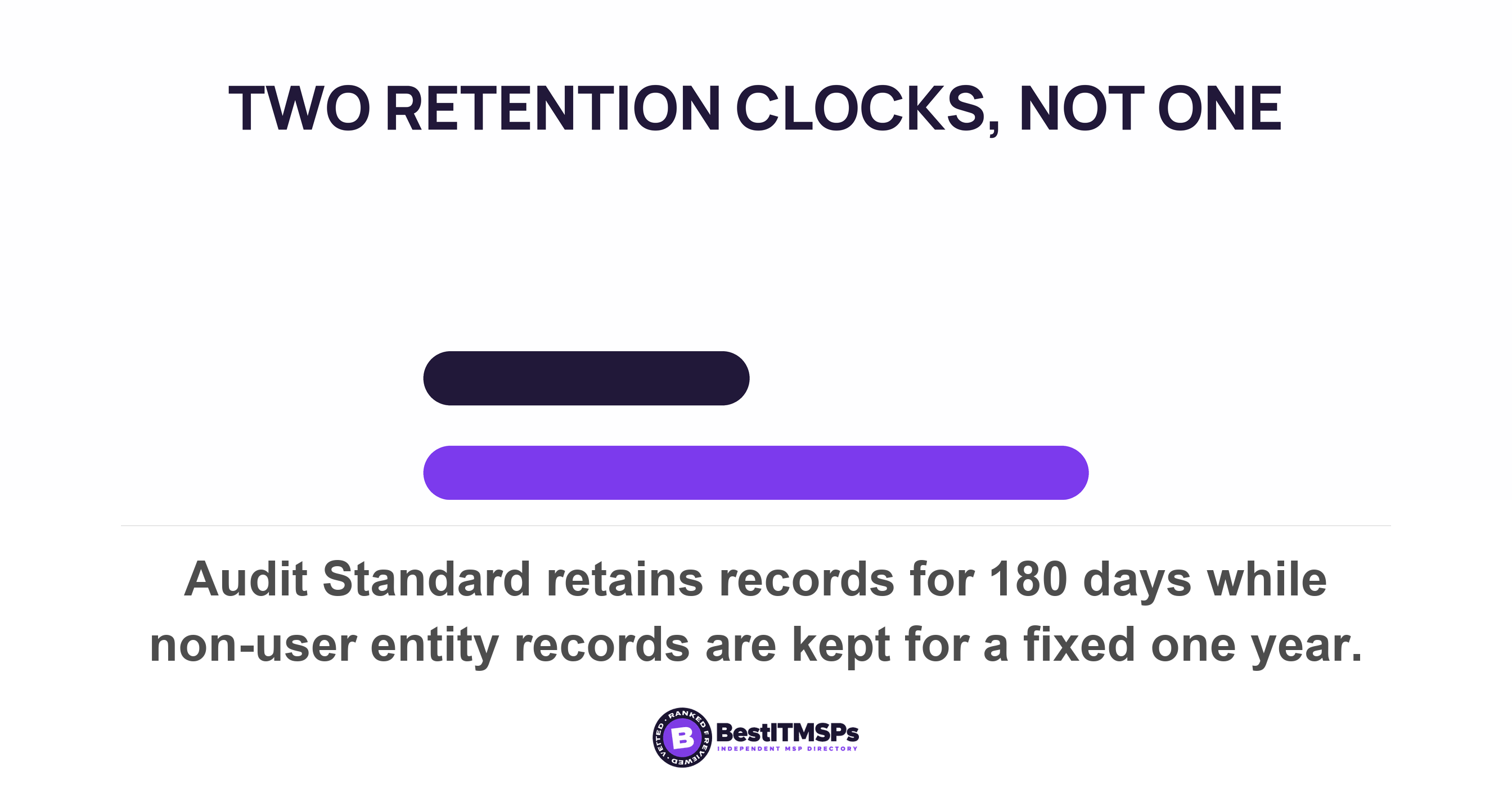
Now the detail that decides whether you can investigate anything later. Microsoft Purview Audit Standard retains records for 180 days. But audit records generated by non-user entities (such as service principal actions, system events, and application activities) are retained for a fixed period of one year, and Microsoft adds that this retention period isn't configurable and custom audit log retention policies don't apply to these records. So a non-human actor's trail outlives your default human one, and you cannot lengthen or shorten it to match.
A log tells you what happened. It does not reverse it. Nothing here is automatically reversible, because no documented feature unsends an email the agent sent or restores a record it overwrote. That is why the approval setting matters more than the logging setting. Microsoft's autonomous-agent guidance still asks you to maintain detailed logs of everything the agent does, such as triggers received, decisions made, and actions taken, and to treat the agent reaching data it normally wouldn't as an immediate alert. Visibility is the second line of defence. Approval is the first.
Five questions to ask before you grant the access
Ask these five in the room and write down the answers. A provider who runs agents answers in field names and default values. A provider who does not answers with the word secure.
- Name the identity the agent acts under, and say whether it is a delegated permission, its own agent identity, or a maker-provided credential.
- Show one real audit row for an agent action, with the UserType and UserKey columns visible on screen.
- List every mailbox and site the agent can reach, and prove it with Test-ServicePrincipalAuthorization rather than describing it.
- Confirm which actions need human approval, given that this option is set to No by default in Copilot Studio.
- State the named sponsor who is accountable, and what happens to the agent the week that person leaves.
None of this makes an agent safe, and no honest provider promises that. It makes the agent named, scoped and auditable, which is the only version you can audit later. The NCSC's own advice is to deploy agentic AI incrementally, starting with tightly bounded pilots and to use agents only for low-risk tasks at the start. Take these five questions to three independent providers in your city and compare the answers side by side. The one who shows you a log row is doing the work.
FAQ
Does an AI agent use my staff member's login?
Sometimes, and the record is meant to show both. Microsoft states that when an agent acts for a signed-in person, the subject of the token is a user, while the actor is the agent identity. An autonomous agent is different, because it acquires app tokens on behalf of the agent identity with no person signed in at all.
Will the audit log show that an AI agent did it, not a person?
It can, since Microsoft added a value for it. The unified audit log records value 11 as Agent, an AI agent, with the agent's Entra object ID beside it. Older records are weaker. A service principal action leaves the UserKey as an all-zero GUID, and SharePoint app activity appears as app@sharepoint instead.
Can I stop an AI agent from reading every mailbox?
Yes. Exchange Online RBAC for Applications pairs a permission with a resource scope to specify which mailboxes an app can access. You must then remove the old tenant-wide grant, because Microsoft warns that the union of an unscoped and a scoped grant results in no effective resource scoping.
Should an AI agent need human approval before it acts?
For anything sensitive, yes, and you have to switch it on. Microsoft's guidance is to request approval or confirmation from a person before executing actions that could be sensitive. In Copilot Studio the per-tool confirmation setting is set to No by default, so an agent approves its own actions until somebody changes it.
How long are an AI agent's actions kept in the audit log?
Longer than your staff's, and you cannot change it. Purview Audit Standard retains records for 180 days, while records from non-user entities such as service principal and application activity are retained for a fixed period of one year. Microsoft states that period isn't configurable.
Best IT MSP is the independent directory of vetted managed IT and cybersecurity providers across North America. Organic ranking is earned on rating and verified data, and paid placement is always labelled. Take these five questions to three merit-ranked firms in your city and compare the answers side by side.