Copilot sees everything your users can see. That is the problem.
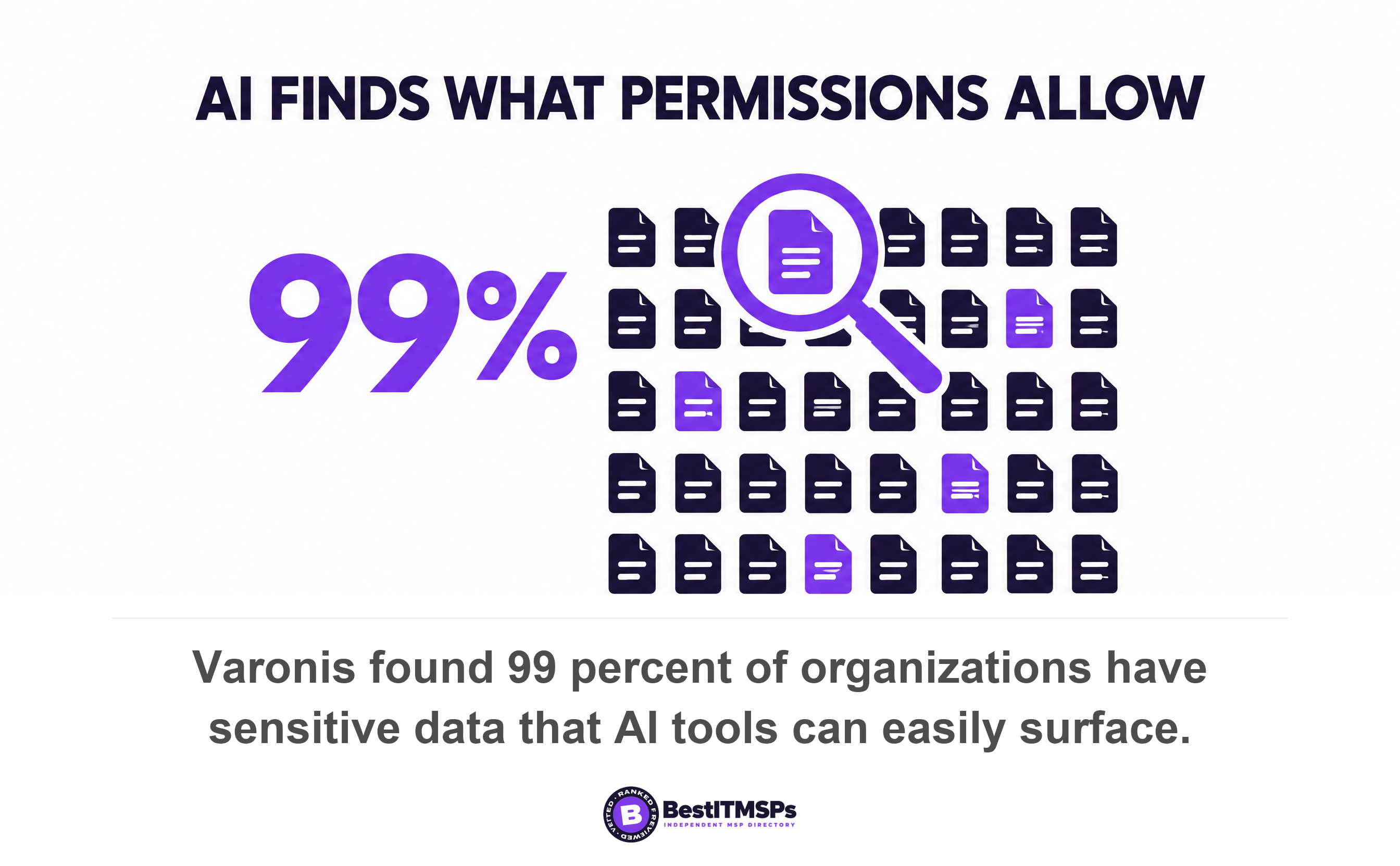
Microsoft 365 Copilot only surfaces files a user already has permission to open. That is the risk. Years of broad sharing stay invisible until a search tool gets good enough to find them. Varonis found 99 percent of organizations have sensitive data that AI can easily surface.
- Copilot creates no new access. It ends security by obscurity, so every finding is a permissions failure that already existed.
- Microsoft states plainly that SharePoint sets sharing settings to the most permissive option by default. Your tenant started overshared.
- Varonis analyzed 1,000 real environments and found 99 percent had sensitive data that AI tools can easily surface, and 66 percent had cloud data open to anonymous users.
- IBM found 92 percent of organizations hit by an AI-related breach lacked proper AI access controls. Only 40 percent apply access controls to AI data at all.
- The permissions work pays for itself whether or not you buy Copilot, because the exposure is on your books today and Copilot only makes it findable.
Does Microsoft 365 Copilot respect your existing permissions?
Yes, exactly, and that is the problem. Microsoft states that Copilot only surfaces organizational data to which individual users have at least view permissions. A license grants nobody a new right. It hands every licensed employee a far better search tool, pointed at doors that were already unlocked.
Microsoft 365 Copilot reaches your content through Microsoft Graph, the index that already holds your email, chats, calendars and files. Microsoft describes the result in one line. Copilot presents only data that each individual can access using the same underlying controls for data access used in other Microsoft 365 services. Read that as reassurance and you stop too early. Read it as a specification and it tells you what Copilot does on day one. It answers questions across every file your staff may open, including the ones nobody remembered they could.
Here is the uncomfortable part. Permissions were never the thing protecting most of that content. Obscurity was. Nobody browsed the shared drive looking for the payroll workbook, because they had no reason to look and no search good enough to find it. Copilot removes both conditions at once. Varonis analyzed 1,000 real IT environments and nearly 10 billion files, and found 99 percent of organizations have exposed sensitive data that can easily be surfaced by AI.
This guide is for the owner or office manager deciding whether to buy licenses. It shows you how to audit ordinary end-user read access, not administrator rights. For the administrator side, read Who at Your MSP Can Log Into Your Systems at 2am?. For staff using tools you never approved, read Shadow AI: How to Write an AI Use Policy.
Why Copilot ends security by obscurity instead of creating exposure
Copilot creates no new exposure. It ends security by obscurity, so anything it turns up is a permissions failure that existed before the purchase order. Microsoft Purview's own documentation says so. Because of the power and speed of AI, generative AI amplifies the problem of oversharing data, surfacing content that is obsolete, over-permissioned, or missing governance controls.
That single sentence should change how you read every Copilot sales conversation. The vendor pitch treats permissions as a prerequisite for the product. The honest reading is the reverse. The exposure sits on your books today, and Copilot is simply the first tool in your business capable of finding it. A departing employee with a laptop, a compromised mailbox, or an auditor with a search box can all reach the same files. They just have not tried.
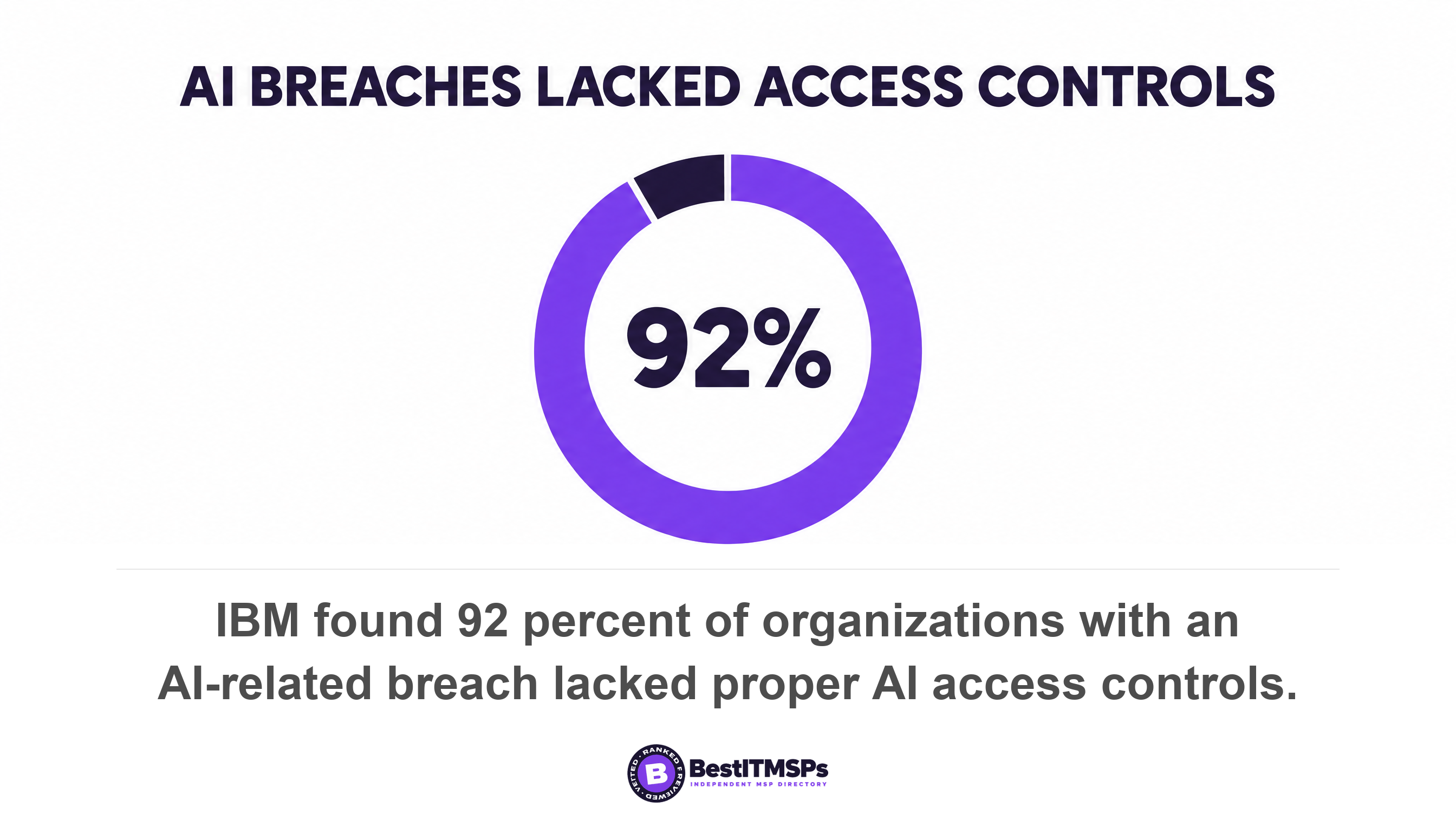
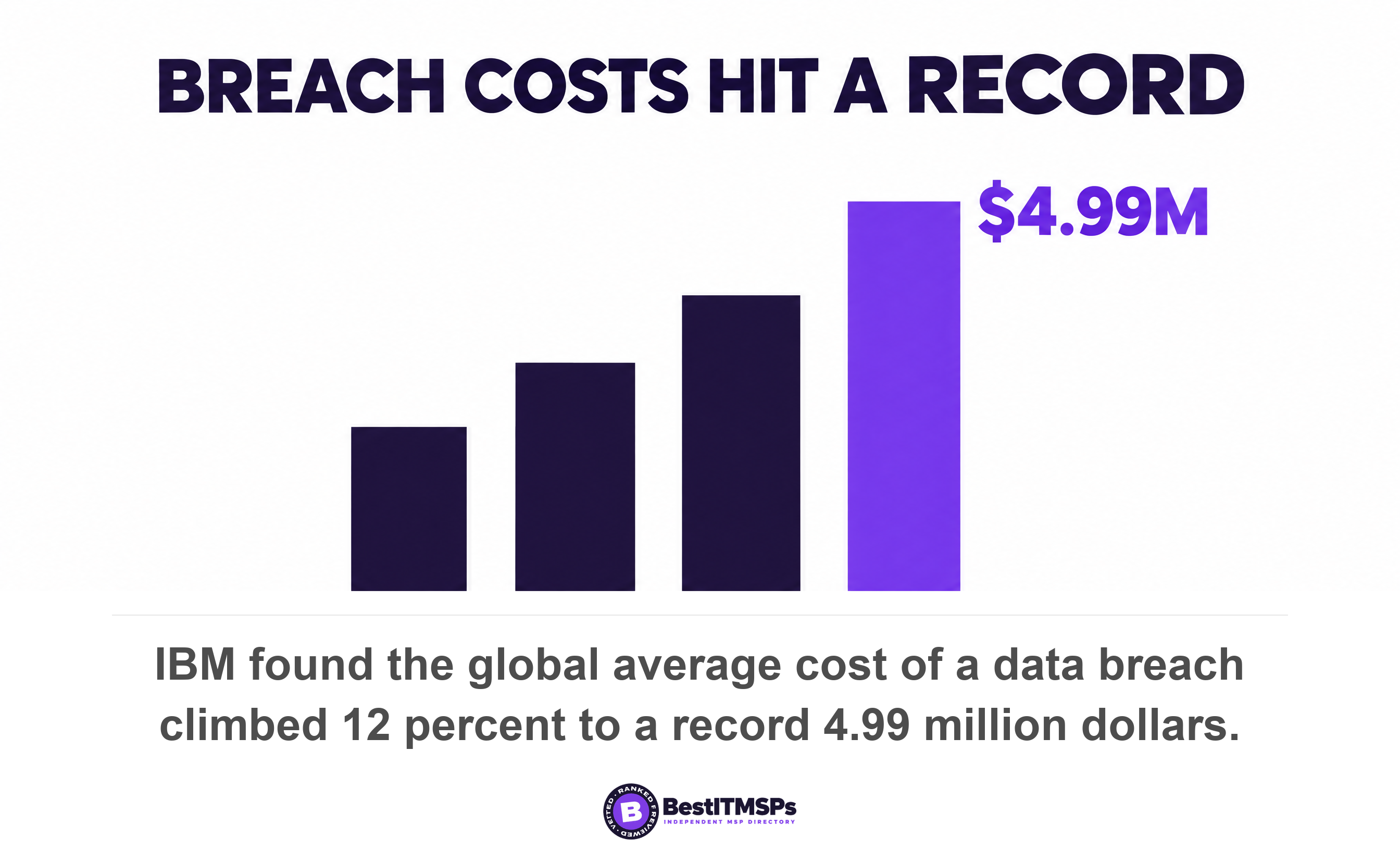
The breach data says most organizations never close that gap. IBM found that of the organizations reporting an AI-related breach, 92 percent lacked proper AI access controls, including role-based access and multi-factor authentication. Across every organization surveyed, only 40 percent applied access controls to AI models and data at all. In the same study the global average breach cost climbed 12 percent to a record 4.99 million dollars.
Copilot does not open a door. It publishes a map of the doors you left open.
Microsoft's own Zero Trust guidance puts the sequence beyond argument. It tells administrators that where protections are missing, take the time to pilot and deploy them before assigning Copilot licenses, and sets the goal of the whole exercise in one sentence. Users shouldn't discover data they aren't supposed to view. Fix sharing first. Buy second. The order matters because the fix takes weeks and the license takes minutes.
How did your tenant get overshared in the first place?
Five ordinary habits overshare a small-business tenant, and not one of them requires a mistake. Each is a reasonable decision made once, then left alone for years while headcount, projects and job titles changed around it.
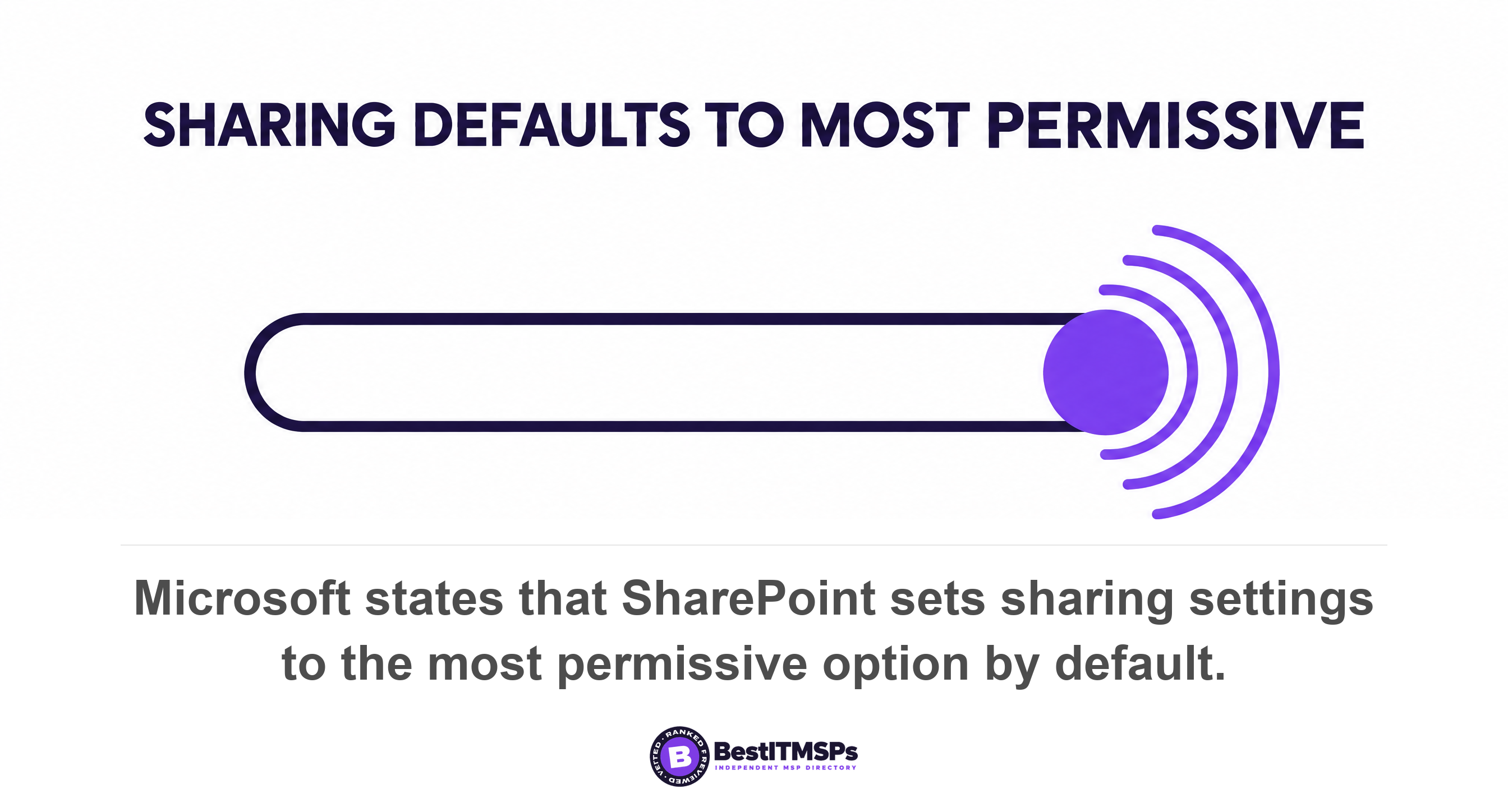
- Defaults. Microsoft states that by default, SharePoint sets sharing settings to the most permissive option. Your tenant started wide open and stayed that way unless somebody narrowed it.
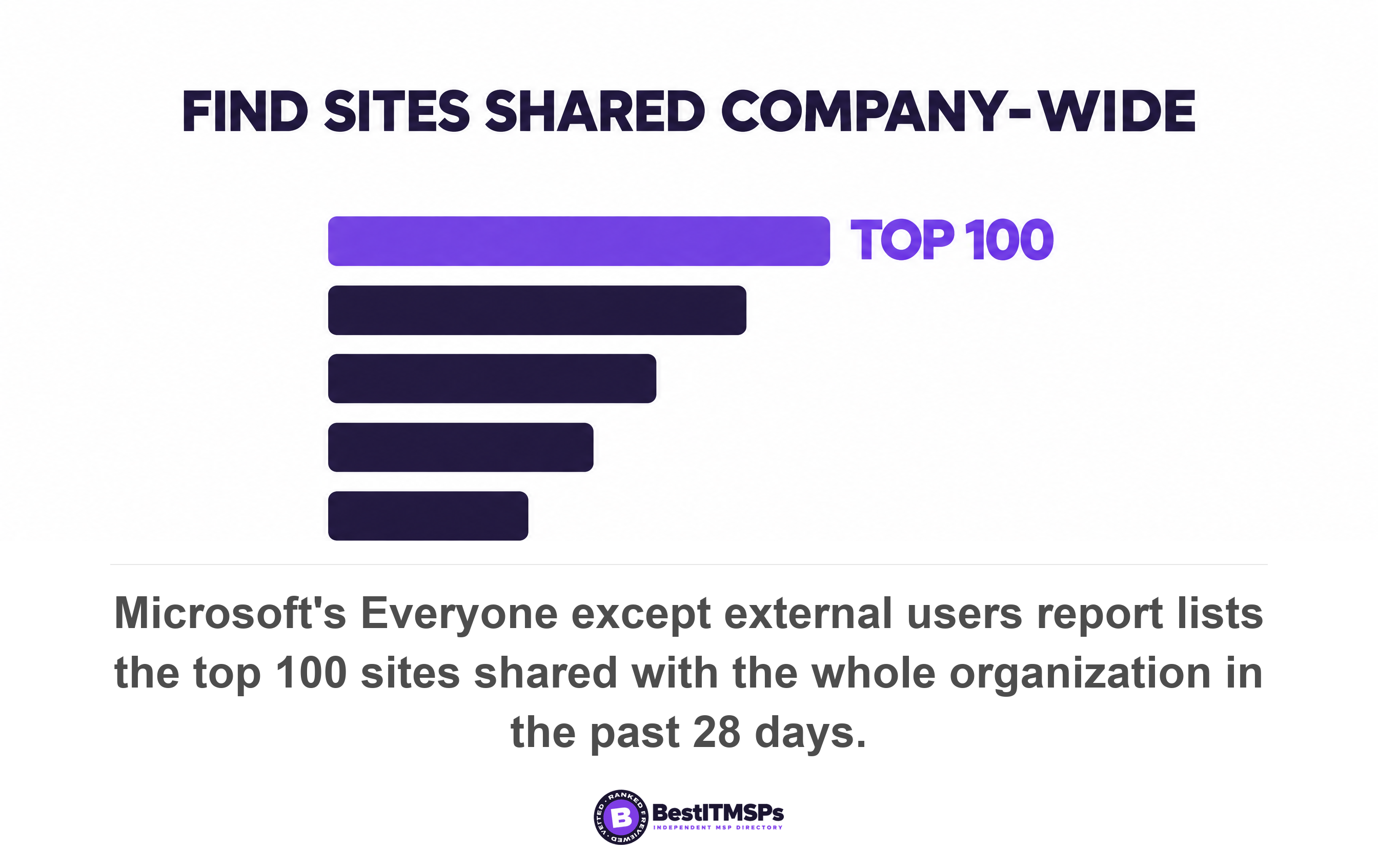
- Company-wide sites. A site shared with Everyone except external users reads as harmless until it holds an offer letter. Microsoft's report on that group lists the top 100 sites where content was shared with your entire organization in the past 28 days.
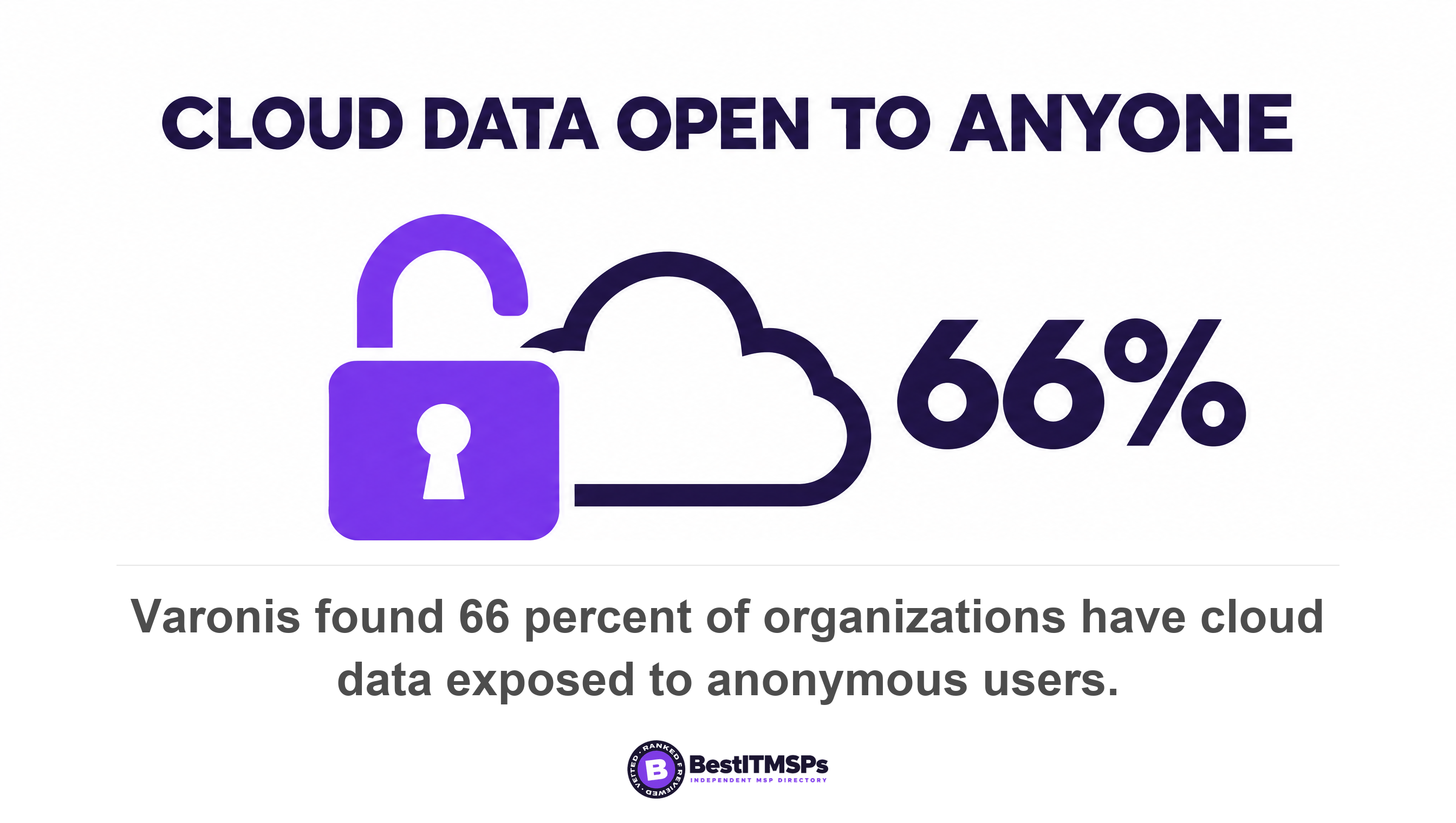
- Sharing links. A link is faster than a permission change, so staff share links. Microsoft's sharing links activity reports rank the sites where users created the most Anyone links, organization-wide links and specific-people links in the last 28 days. Varonis found 66 percent of companies have cloud data exposed to anonymous users.
- Broken inheritance. One folder stops inheriting its parent site's permissions, someone adds a group to fix an access problem, and the exception outlives the project. Microsoft lists broken permission inheritance among the signals that mark a site high risk.
- Stale accounts and dormant sites. Varonis found 88 percent of organizations carry stale accounts that remain enabled after the user's last login. An ownerless site keeps every permission it ever had, and nobody is left to review them.
Labeling is the layer almost nobody has. Varonis found that only about one in ten companies had labeled files, which means most sensitive content is unlabeled and therefore invisible to the controls built to protect it. Sensitivity labels are the switch that lets Microsoft Purview tell a payroll file from a lunch menu, and an unlabeled estate gives it nothing to work with.
For an independent yardstick, use the federal one. CISA's secure configuration baseline for SharePoint Online and OneDrive requires that external sharing be limited to Existing guests or Only people in your organization. It also requires that default file and folder sharing permissions be set to view only and that expiration for Anyone links be set to 30 days or less. Those three settings are free, they take an afternoon, and they are mandatory for US federal civilian agencies. If your provider has not applied them, ask why.
The permissions review to run before you buy Copilot licenses
To review permissions before you buy Copilot, run six reports that already exist inside Microsoft 365, in the order below. None of them changes a single setting, so the review is safe to run during a normal working week.
- Run the SharePoint Content Management Assessment first, which flags overshared content, ownerless sites and inactive sites in one pass. Microsoft says to rerun the assessment every 30 days to track progress.
- Open the site permissions baseline report for a snapshot of permission structure across every SharePoint and OneDrive site.
- Pull the Everyone except external users report and read the top sites line by line. Anything on it is readable by every member of staff.
- Rank the sharing links activity reports by Anyone links, then by organization-wide links, and treat the top five sites as your first repair list.
- Check the Microsoft Purview data risk assessment, which runs weekly for the top 100 SharePoint sites by usage and reports total items, sensitive data found, and the number of links sharing data with anyone. Expect a four-day delay the first time it runs.
- List what one person can reach, using the site permissions for users report, and pick a junior hire rather than a director. That list is the Copilot answer set for that employee.
The three controls that buy you time
Three interim controls reduce risk while the real repair work proceeds, and all three leave access unchanged for people who legitimately need it. Restricted Content Discovery prevents a site's content appearing in Copilot and organization-wide search while leaving site permissions unchanged. Microsoft is explicit that it is temporary and gives organizations time to review and right-size access. One practical caveat applies. For sites holding more than 500,000 items, the change can take more than a week to process, so switch it on before the pilot, not during it.
Restricted Access Control is the harder stop. It limits a site to a named security group, and users outside that group lose access even if they held a permission or a link. Data loss prevention is the third. A Purview policy for Copilot prevents Microsoft 365 Copilot and agents from summarizing content that carries sensitivity labels you select. Finish with hygiene. Microsoft recommends a retention policy that deletes content not accessed for at least three years, because the cheapest file to secure is the one you no longer keep.
One licensing detail is worth knowing before you negotiate. SharePoint Advanced Management, which provides most of the reports above, is included with your Microsoft Copilot license. So the tool that tells you whether you were ready ships with the thing you were not ready for. The workable move is to buy a single license for the administrator, run the assessment, remediate for a month, then license the team. Microsoft's own blueprint is built on the same two pillars, remediating oversharing and setting up guardrails, before meeting regulations.
What to ask your IT provider, and the answers that should worry you
Ask your IT provider four questions before any license lands, and write down the answers. A provider doing this work answers with a number or a date. A provider selling licenses answers with a product name.
Which sites are shared with everyone in the company?
A good answer names the sites and the date of the report. Microsoft's own report does the counting, so there is no excuse for an estimate. A weak answer sounds like permissions are managed by department. That is a description of intent, not a list. Ask for the export, because both the SharePoint and Purview assessments produce one.
How many Anyone links exist, and when do they expire?
A good answer gives a count, a trend and an expiry setting. An anonymous link is readable by whoever holds it, including whoever was forwarded it two jobs ago. A weak answer sounds like we turned external sharing off years ago. Have them prove it on the Sharing policy page while you watch, and compare it against the CISA settings above.
Have you applied least privilege to our SharePoint sites?
A good answer describes site access reviews by site owners, security groups instead of individual grants, and a date for the last review. Least privilege means each person holds just enough access to do the job and no more. A weak answer sounds like everyone needs access to everything in a business this size. That is a choice, and Copilot turns it into a search result.
What will you do in the first month after we buy?
A good answer sequences the work. Assess, restrict the worst sites, label the sensitive ones, then widen the pilot. Microsoft lists Copilot readiness as an explicit output of its assessment, so readiness is a measurable state rather than an opinion. The cost of getting this wrong is not theoretical. Microsoft lists Copilot Business at 21 dollars per user per month, discounted to 18 dollars on annual billing, and Microsoft 365 Business Premium with Copilot at 32 dollars per user per month. Twenty-five people on the discounted add-on is 5,400 dollars a year, which is roughly what the permissions review costs once. Do the cheap thing first.
What Copilot does not change about training, logging and data residency
Copilot changes nothing about model training, prompt logging or data residency, because all three are settled by Microsoft's existing commercial terms. Those three worries are closed, which frees your attention for the permissions question that is still open.
There is no model training opt-out to hunt for. Microsoft states that prompts, responses, and data accessed through Microsoft Graph aren't used to train foundation LLMs, and that stored interaction data is encrypted and excluded from training. Prompt logging runs the other way, in your favor and occasionally against it. Microsoft confirms that prompts and responses are captured in the unified audit log and that user prompts and responses are stored in the user's mailbox, where eDiscovery can search, hold and export them. That gives you an internal audit trail. It also makes every prompt a discoverable record, which is worth telling staff before they type.
Data residency is covered by contract rather than by configuration. Copilot was added as a covered workload in the data residency commitments in Microsoft Product Terms on March 1, 2024. For EU customers it is an EU Data Boundary service, while customers outside the EU may have queries processed in the US, EU, or other regions. Encryption behaves the way you would hope. Where a sensitivity label encrypts a file, the user must hold EXTRACT and VIEW usage rights before Copilot can return the content.
Agents follow the same rule as the assistant, which matters as agentic AI spreads through small businesses. Microsoft notes that data from Graph connectors can be returned in Copilot responses if the user has permission to access that information. So every agent you add inherits the permissions model you already have, good or bad. AI readiness is therefore a tidiness problem rather than a licensing one. Two further documents finish the job, an AI acceptable use policy covering tools you have not bought, which we cover in our shadow AI guide, and a clear view of what Microsoft retains, which we cover in Does Microsoft 365 back up your data?.
None of this makes a tenant perfectly secure, and no honest provider claims it will. It makes your permissions match your intentions, which is the work you owed yourself anyway. Copilot just set the deadline. For the wider picture of how providers are selling AI to small businesses this year, see our 2026 AI in Managed IT report.
FAQ
Can Microsoft 365 Copilot see files I do not have access to?
No. Microsoft states that Copilot only surfaces organizational data to which individual users have at least view permissions. Copilot inherits your existing permissions exactly. The risk is not new access, it is that broad sharing you forgot about becomes easy to find and summarize.
Should we fix SharePoint permissions before buying Copilot?
Yes. Microsoft's Zero Trust guidance tells administrators to pilot and deploy missing protections before assigning Copilot licenses. The permissions work pays for itself either way, because the exposure already exists. Varonis found 99 percent of organizations have sensitive data that AI can easily surface.
How do I find out which files are overshared in Microsoft 365?
Run the reports you already own. The Everyone except external users report lists the top 100 sites shared with your whole organization in the past 28 days, and the Microsoft Purview data risk assessment runs weekly across the top 100 SharePoint sites by usage, counting sensitive items and anonymous links.
Does Microsoft train its AI models on our Copilot prompts?
No. Microsoft states that prompts, responses, and data accessed through Microsoft Graph aren't used to train foundation LLMs. Stored interactions are encrypted. Separately, prompts and responses are captured in the unified audit log and stored in the user's mailbox, so they are searchable by your administrators.
Is Restricted Content Discovery enough to make Copilot safe?
No, it buys time. Microsoft describes it as temporary and says it gives organizations time to review and right-size access while leaving permissions unchanged. The underlying oversharing survives it. For sites with over 500,000 items the change can take more than a week to apply.
Best IT MSP is the independent directory of vetted managed IT and cybersecurity providers across the US and Canada. Organic ranking is earned on rating and verified data, and paid placement is always labelled. Take the four questions above to three merit-ranked firms in your city and compare the answers side by side.