Who approves a patch window, and what happens when nobody does
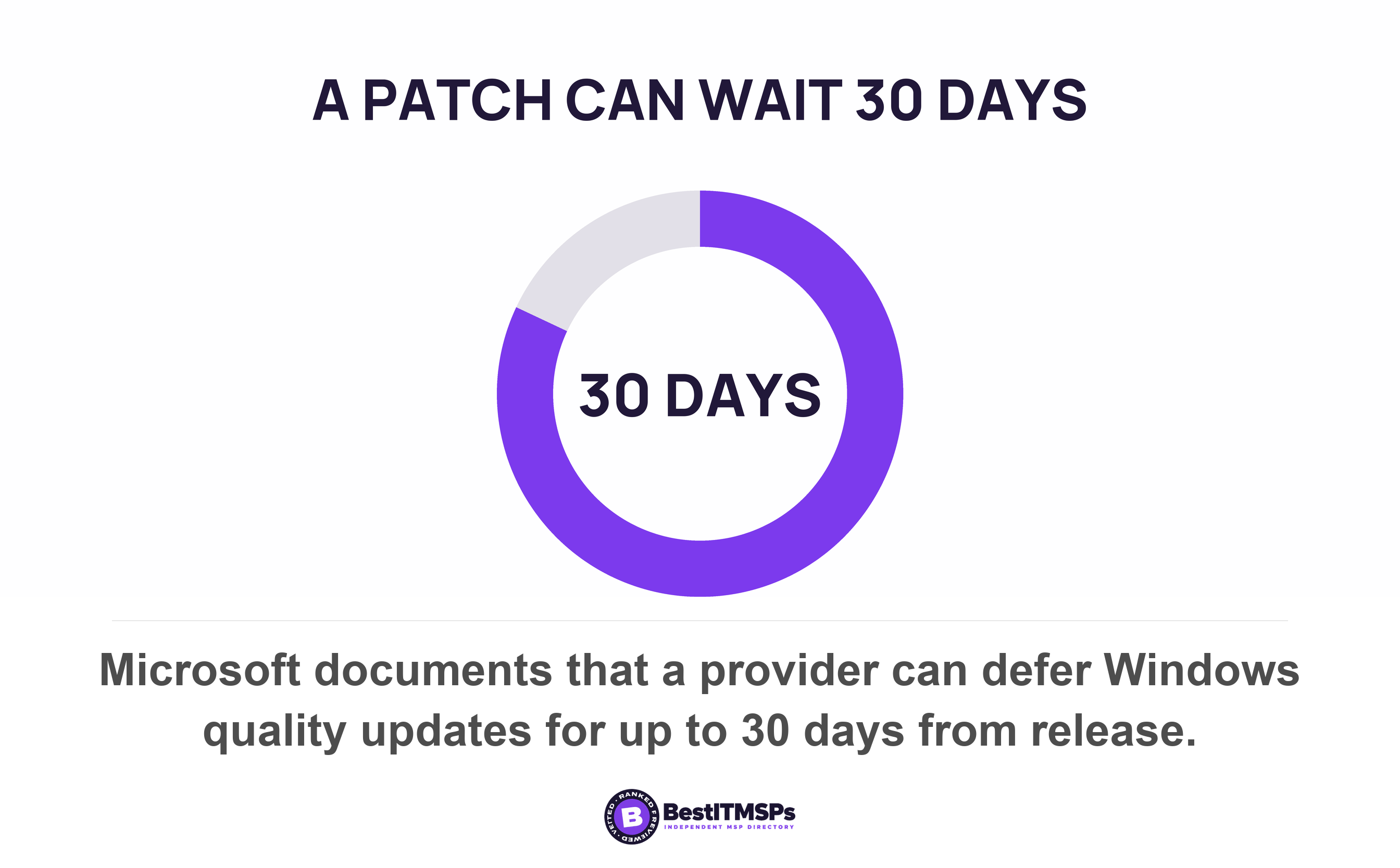
A patch window needs one named business approver, because only the business can accept the downtime or accept the risk of skipping. Most small firms have never named one. Windows lets a provider defer quality updates up to 30 days and pause them for 35 more, so silence becomes a delay nobody chose.
- A patch window is a business decision wearing technical clothes. Only the business can accept downtime, and only the business can accept the risk of not patching.
- No published standard names the approver. NIST defines a group, CISA tells each organization to assign its own roles, and the line stays blank.
- Windows lets a provider defer quality updates by up to 30 days and pause them for a further 35. Neither setting records who agreed.
- A patch installed is not a patch applied. Most Windows security updates take effect only after the device restarts.
- The 15-day deadline people quote came from a CISA directive that has been revoked, and it only ever covered critical flaws on internet-facing federal systems.
Who approves a patch window?
Your business approves a patch window, and no published standard names the person who does it. The approver is whoever can accept downtime on behalf of the business, so in a small firm that is usually the owner, the operations lead or the practice manager. It is not your IT provider, and it is not the technician holding the patch management console.
Published guidance is firm that change approval has to exist and consistently silent on who signs. NIST defines a configuration control board as a group of qualified people with responsibility for the process of regulating and approving changes to hardware, firmware, software and documentation across a system's life. That is a group, not a job title. CISA's current patching directive does the same thing, requiring each agency to assign roles and responsibilities for executing agency actions as required by this Directive without naming one of them.
NIST's own patch management guide says why the blank stays blank. It records a divide between business and mission owners and security and technology management over the value of patching. The UK's national cyber authority goes further and puts the decision at the top of the building, stating that choosing not to update is a senior-level risk decision.
So three things are settled. Change approval is required. The record of it matters. The organization fills in the name. Almost nobody fills it in, and that is where the rest of this guide starts.
Why your provider cannot make this call for you
Your provider cannot make this call because both answers spend something only you own. Patching now costs downtime. Not patching costs risk. A provider can recommend either and carry out either. It can accept neither on your behalf.
That leaves two failure modes, and every provider leans toward one of them. The first patches without asking, so a reboot lands at 11am in the middle of payroll and the next conversation is about trust rather than security. The second waits for an approval that was never assigned to anybody, so the ticket sits, the deferral period rolls over, and a business-critical machine quietly goes months behind.
The second failure wins at scale. Verizon measured a median 43 days to fully remediate a critical vulnerability listed in CISA's Known Exploited Vulnerabilities catalog, up from 32 days the year before, and found only 26 percent of those catalogued vulnerabilities fully remediated, down from 38 percent. Those are flaws confirmed as used in real attacks, sitting on estates that already own patching tools and already pay somebody to run them.
An unnamed approver does not produce no decision. It produces your provider's default, applied every month to every machine, with nothing written down.
That is the real cost of leaving the line blank. You have not avoided a decision. You have delegated it, silently, to whichever failure your provider finds easier to live with, and you have no record of which one that is.
What your provider can actually defer, and for how long
To learn what a deferral really buys, read the settings rather than the promise. Windows gives your provider three separate ways to hold a security update back, and each carries a published maximum.
- Defer quality updates, the monthly security releases, which Microsoft documents as deferrable for a period of up to 30 days from their release. The policy-value table on that same page gives the setting a range of 0 to 35 days, so read both lines before you agree a number.
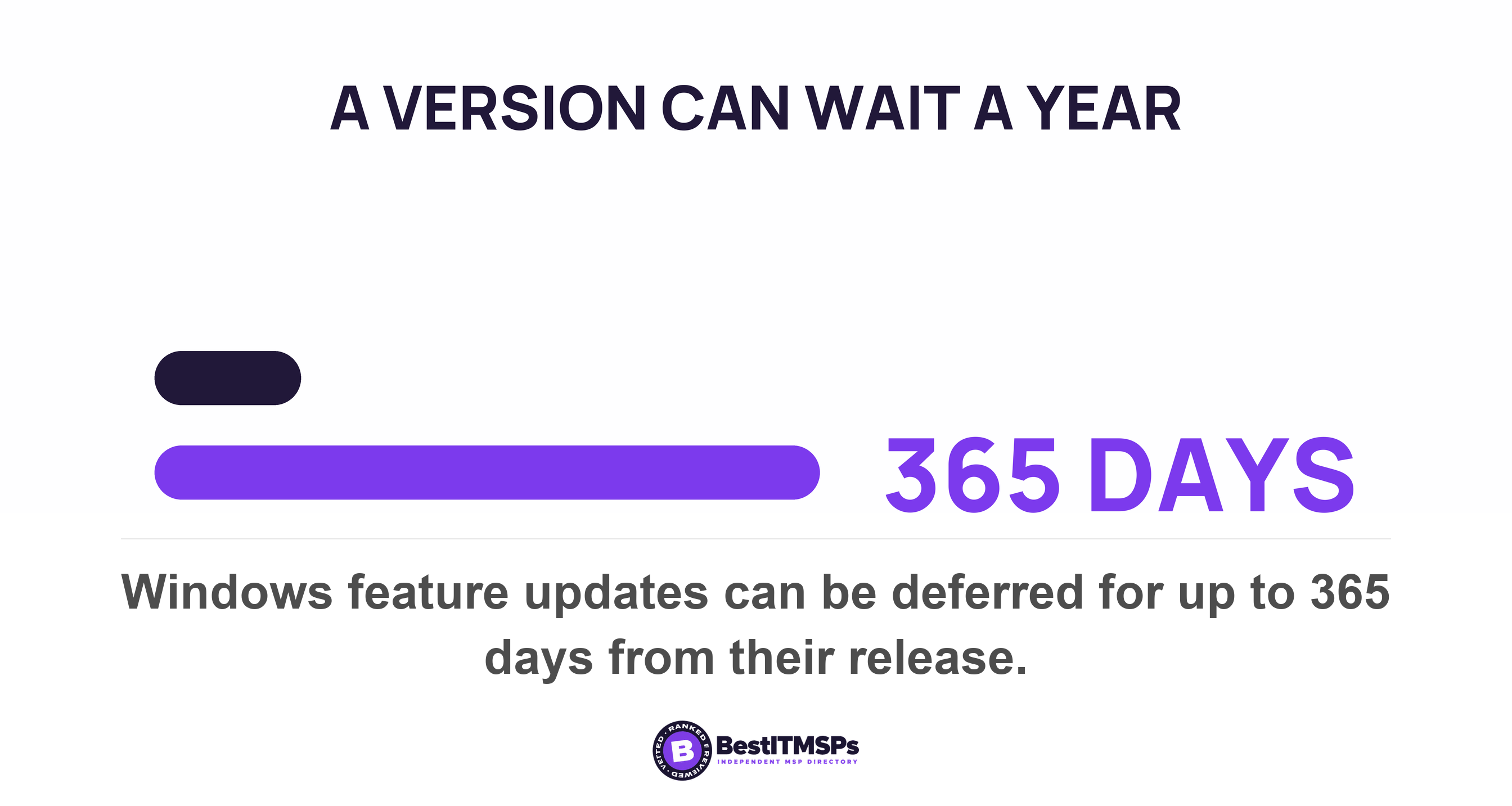
- Defer feature updates, the annual Windows version change, for a period of up to 365 days from their release.
- Pause updates entirely for up to 35 days, after which the pause expires automatically and the device scans Windows Update again.
The pause is the one worth understanding, because it does more than wait. Microsoft records that switching it on clears any active restart notifications, and that pending restarts are canceled, pending update installations are canceled, and any installation running at the time attempts to roll back. A pause does not postpone work already done. It undoes it. A provider who pauses a ring on Friday to avoid a weekend call has rolled back installs that were almost finished.
The maintenance window with a 90-day tail
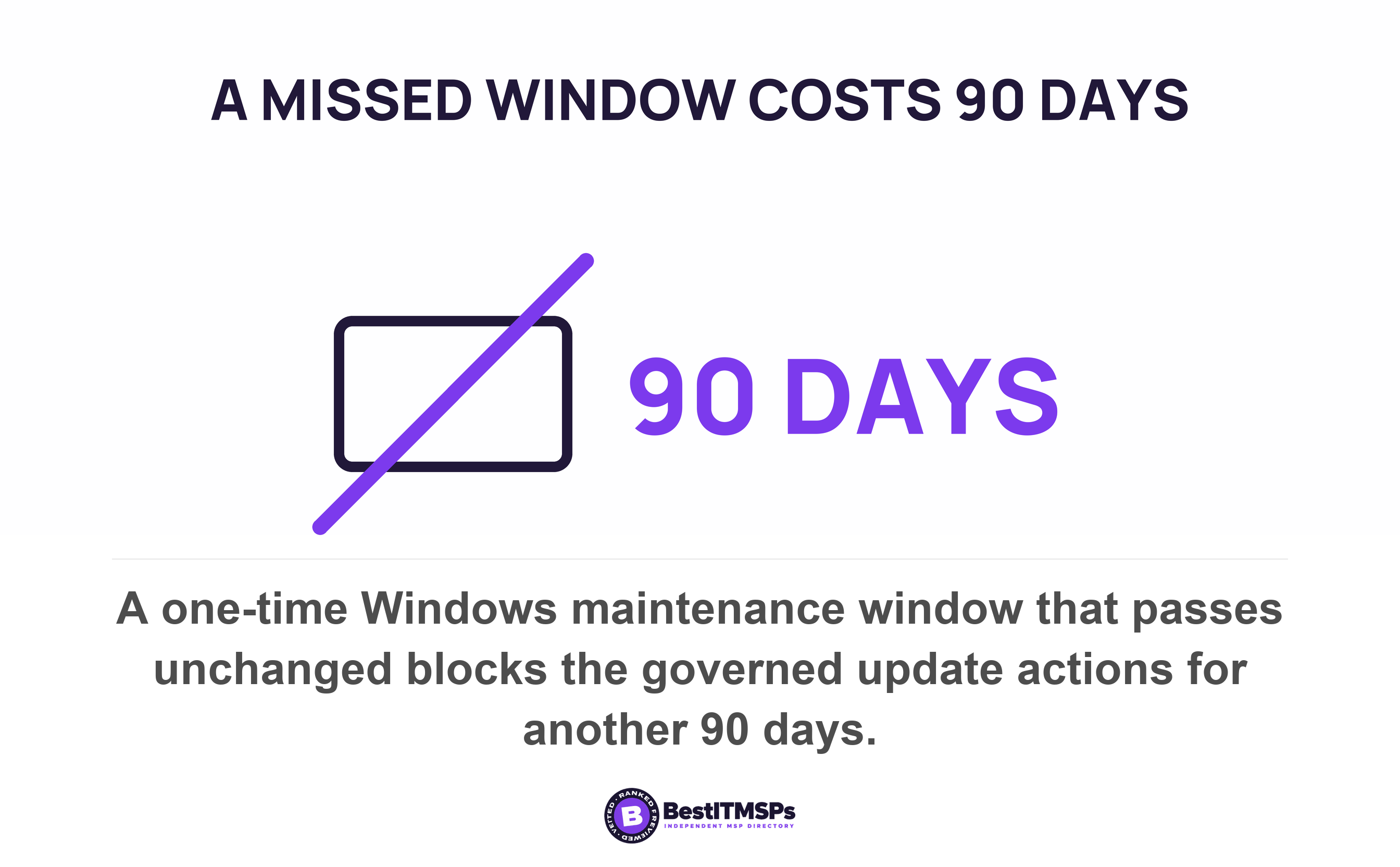
Maintenance windows carry a trap of their own. Microsoft released a maintenance window policy family in January 2026 for Windows 11 version 24H2 and later, aimed at user-less devices such as kiosks and critical-use devices such as medical and manufacturing equipment, and it confines download, install or restart to set hours. A one-time window can be set as far as 90 days in the future, and if that time passes without the policy being changed or erased the device will not perform the governed update actions for another 90 days. Miss one window on an unattended machine and you have bought a second.
None of these settings records who agreed to it. A deferral period is a number in a policy. It is not a documented decision with a name against it, which is why a patch window argument six months later has no evidence on either side.
A patch installed is not a patch applied
A patch installed is not a patch applied, because most Windows security updates take effect only after the device restarts. The reboot closes the hole, not the download, and that single fact is what turns approval into a business question instead of a technical one.
Microsoft's one exception proves the rule. Hotpatch updates install and take effect without requiring you to restart the device, on eight hotpatch months and four baseline months each year, with every baseline month requiring a restart anyway. Eligibility is narrow. A device needs Windows 11 version 24H2 or later, virtualization-based security switched on, Intune management, and one of a named license list that does include Microsoft 365 Business Premium. A device missing any of those is offered the standard cumulative update instead, and Microsoft states plainly that the latest cumulative update requires you to restart the device.
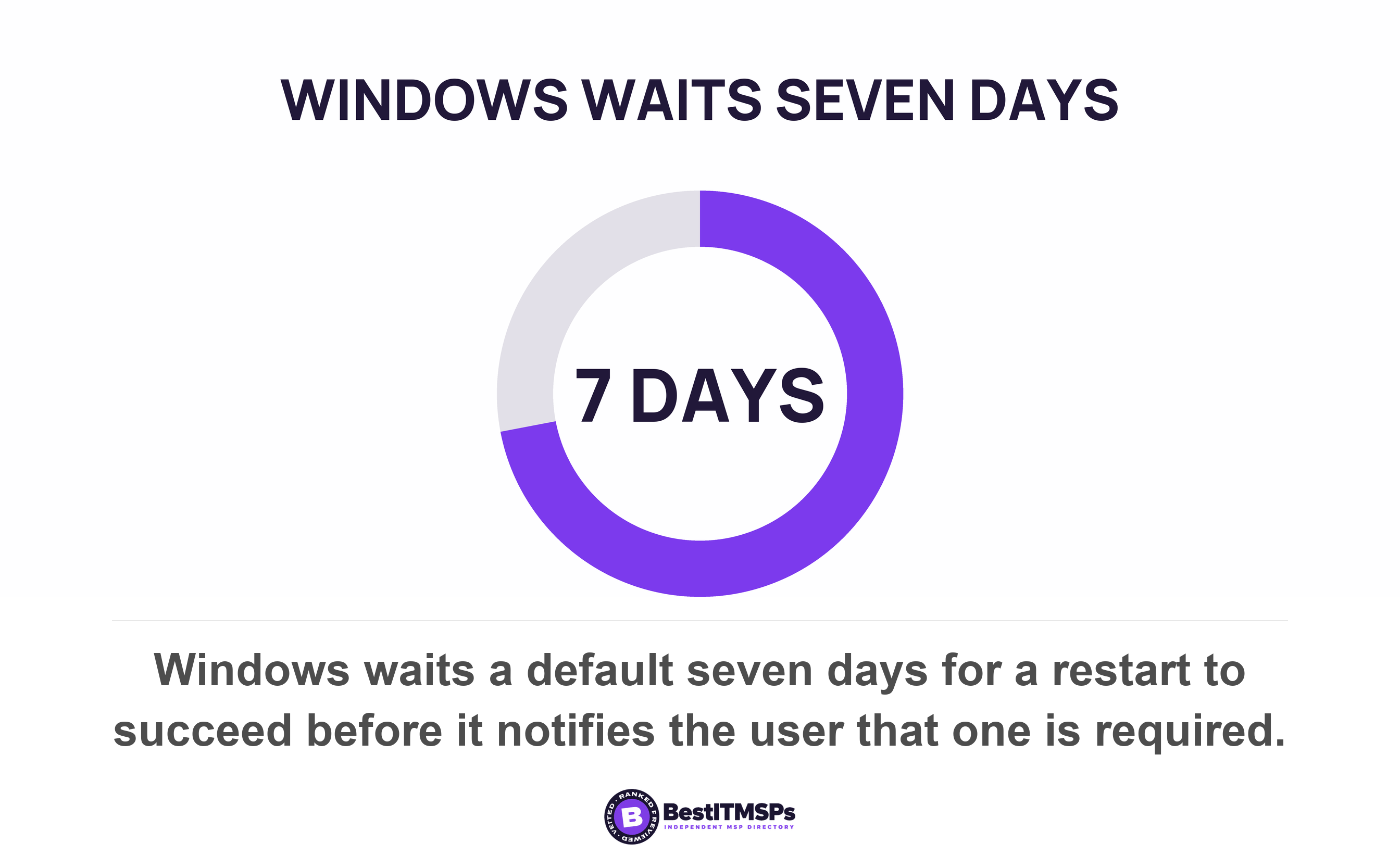
Everything else about a restart is a timing policy. Windows restarts outside active hours, which default to 8 AM to 5 PM on PCs. When that restart does not succeed, Microsoft documents that after a default period of seven days the user sees a notification that a restart is required, and the device moves to a mode where the user has to schedule one.
One checkbox cancels all of it, and Microsoft warns about it in its own documentation. Of the policy that blocks an automatic restart while a user is signed in, Microsoft writes that it can result in no quality update reboots period, given many users never log off. Read that again as a buyer. A provider who sets it to keep your staff happy has, by the vendor's own account, stopped the reboots. The patches install every month. The report looks fine. Nothing takes effect.
The counterweight is a deadline. Microsoft's compliance deadline policies compute an effective deadline as whichever is later of the scan discovery time plus the specified deadline or the restart required time plus the grace period, and once it passes the device is forced to restart regardless of active hours, after a 15 minute warning, retrying every 5 minutes if the restart fails and the device is plugged in. Microsoft's suggested configuration for Windows 10 version 22H2 is a quality update deadline of 0 or 1 days with a 2 day grace period, which is a far shorter leash than most managed agreements ever describe.
Published deadlines, and the class of flaw each one covers
Every published remediation deadline carries a class of vulnerability, and a number quoted without its class is the main reason a patch window argument goes nowhere. Three published regimes are worth knowing, and they attach three different clocks to three different things.
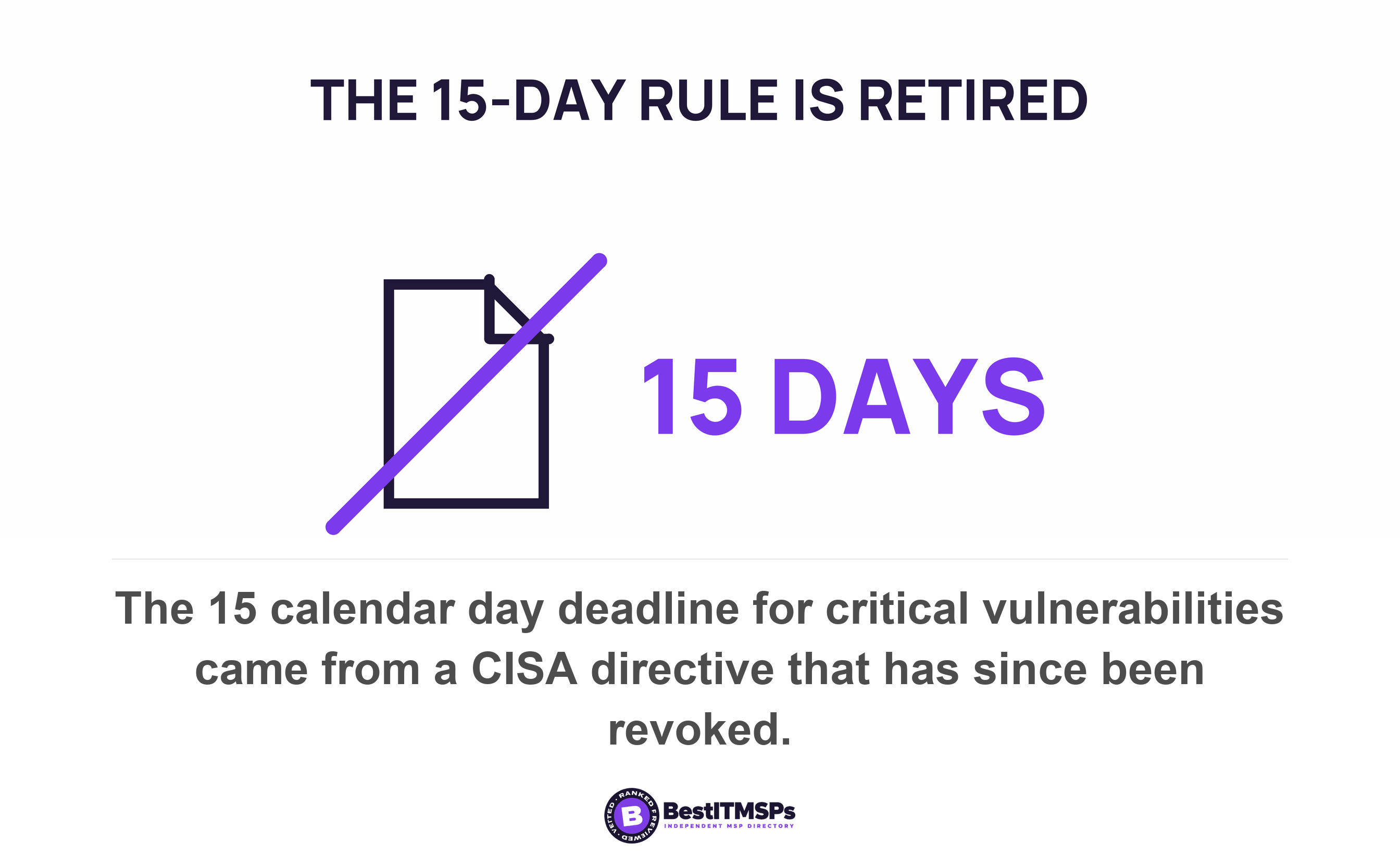
The 15-day figure people quote comes from CISA's directive on internet-accessible systems, which required critical vulnerabilities to be remediated within 15 calendar days of initial detection and high vulnerabilities within 30 calendar days. Two qualifiers decide whether it means anything to you. It covered only federal systems reachable from the public internet, and it has been revoked and superseded. Anyone quoting a flat 15 days in 2026 is quoting a retired rule with a narrow scope.
The directive that replaced it ties the clock to the asset rather than to the score. Its highest tier requires remediation or mitigation within three days, together with a forensic triage of the asset, and its lowest tier says the flaw should be remediated the next time the vulnerable asset receives a scheduled major upgrade or rebuild. The clock starts when CISA adds the flaw to its catalog or when the agency finds it on an asset, whichever happens first. One practical note for anyone checking this themselves. The full deadline table is published as an image rather than as text.
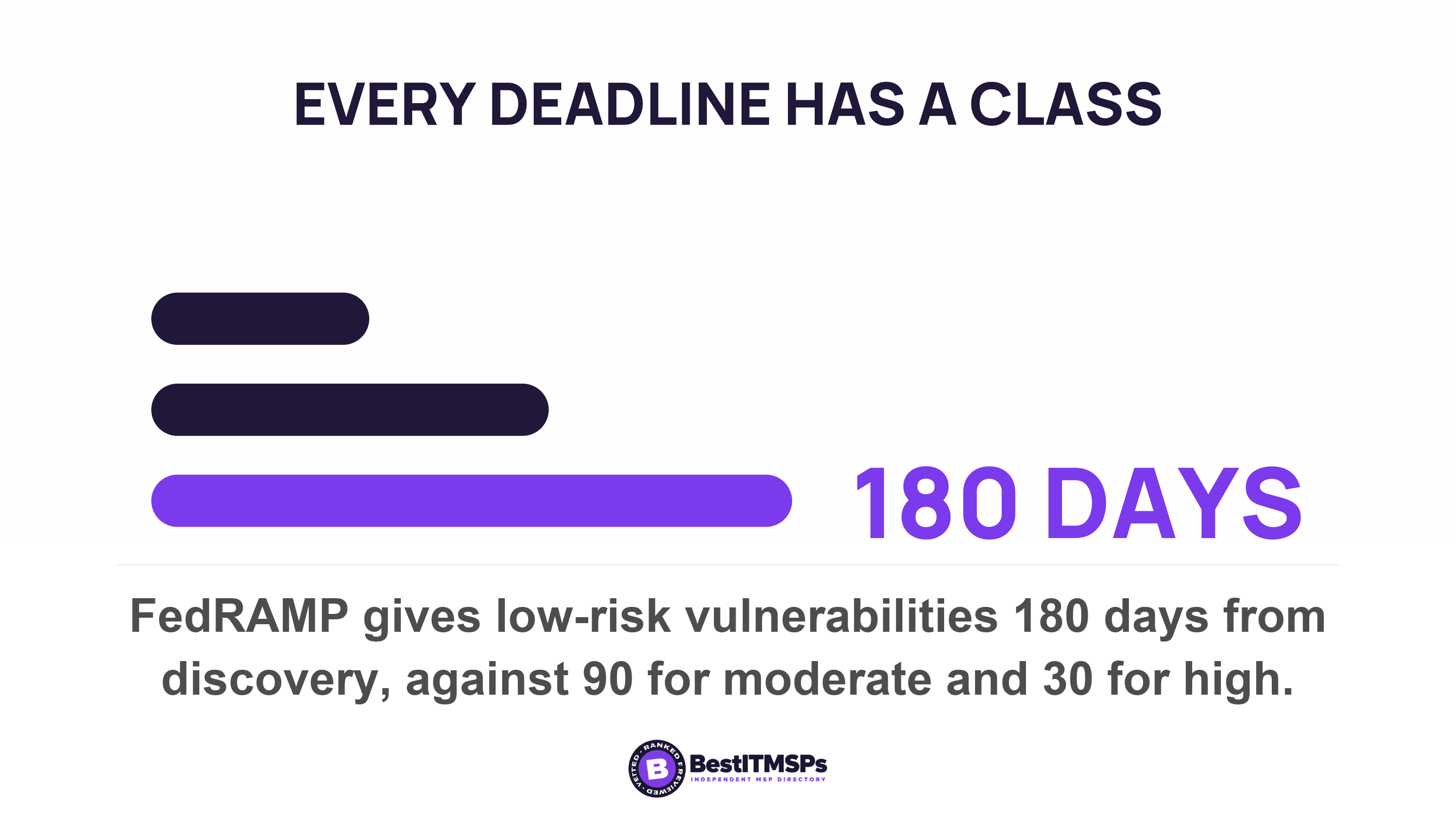
The federal cloud program keeps the older shape, set by risk level and counted from the date of discovery. It requires high-risk vulnerabilities mitigated within 30 days, moderate-risk within 90 days and low-risk within 180 days, and its proposed replacement sets timelines from a combination of impact categorization, potential for impact, internet reachability and likely exploitability. That is the direction every serious regime is moving, and it is the right way to read your own estate.
Your service level agreement should name days by vulnerability severity and by asset class, never a single number. How to read the monthly report that comes back is covered in our guide to your patch compliance rate, and why a severity score is not the same thing as your risk is covered in the CVSS score is not your risk.
Who carries the risk when nobody approves
You carry it, and the guidance says so directly. The UK's national cyber authority states that the organization owns the risks of not updating, and that choosing not to update is a senior-level risk decision to be weighed inside normal risk management rather than settled inside a ticket.
A provider that defers on your behalf without a record has therefore made a risk acceptance in your name. That is not automatically wrong. Not patching is a legitimate choice when it genuinely is a choice, made by somebody accountable, with an expiry date on it. What a sound entry looks like, and what the register holding it should contain, is covered in our guide to the risk exception register.
Two categories sit outside most patch management scopes altogether and need naming in the same conversation. Firmware on switches, firewalls and access points usually carries no patch agent, which we cover in the firmware updates nobody covers. Software past its support date has no fix to approve at all, covered in end-of-life software risk.
Three lines to put in the agreement
Three lines close this gap, and they belong in the agreement rather than the kickoff deck.
- Name the approver and one deputy, both reachable out of hours, both able to accept downtime for the business.
- Set a standing window, written as a day, a start time and a duration, that needs no fresh approval each month.
- Define the escalation path for a patch that cannot wait for the standing window, naming who your provider calls, how long that person has to answer, and who can authorize the restart if nobody does.
Then ask three questions on Tuesday. Which machines are waiting on a restart right now, and for how many days. What the deferral period is currently set to on each update ring. Who approved the last patch that landed outside the standing window. A provider who really operates change approval answers all three from the console in minutes, because the tool already holds every answer.
None of this buys perfect security, and no honest provider offers that. It buys a decision with a name on it, a window your staff can plan around, and a route to escalate the one patch that cannot wait. Leave the line blank and it costs nothing today. It shows up later as an overdue patch on the single machine nobody was ever willing to reboot.
FAQ
Who should approve a patch window in a small business?
The owner or senior manager who can accept downtime, plus one named deputy. No standard names a job title. NIST defines only a group of qualified people with responsibility for the process of regulating and approving changes, and CISA tells each organization to assign roles and responsibilities itself. Put both names in the agreement.
Can my IT provider reboot our servers without asking?
Only if your agreement says so. A reboot is downtime, and downtime is a business cost, so it needs either a standing window or a named approver. Microsoft warns that blocking restarts while users are signed in can result in no quality update reboots period, given many users never log off, so blanket refusal is not a safe default either.
How long can a security update be deferred?
Windows allows quality updates to be deferred for up to 30 days from release, with the policy table on the same page giving a 0 to 35 day range, and feature updates for up to 365 days. A separate pause holds updates up to 35 days before expiring automatically. None of those settings records who agreed to the delay.
Does a patch work before the computer restarts?
Usually not. Most Windows security updates take effect only after a restart. The exception is hotpatch, which Microsoft says installs and takes effect without requiring you to restart the device across eight months of the year, and only on devices meeting a narrow license and hardware eligibility list. Every other update waits for the reboot.
How fast should a critical vulnerability be patched?
Three days is the sharpest published benchmark, and it carries conditions. CISA requires remediation or mitigation within three days together with a forensic triage of the asset for its highest-risk tier. The older flat deadline of 15 calendar days for critical flaws on internet-accessible systems has been revoked. Ask your provider for days by severity.
Best IT MSP is the independent directory of vetted managed IT and cybersecurity providers across the US and Canada. Organic ranking is earned on rating and verified data, paid placement is always labelled, and we do not sell IT services. Take these three lines to three merit-ranked firms in your city and compare the answers side by side.